SD cards let dash cams record video, store events, and overwrite old files so you always have recent footage. Dash-cam SD cards need to handle constant writing, sudden power changes, and sometimes extreme heat inside a car. We tested many cards and focused on real-world reliability and sustained performance for continuous recording.
The most important things to check are endurance rating, sustained write speed, and file-system compatibility with your dash cam. Choose a card labeled for “high endurance” or “surveillance” use with a sustained write speed that matches your camera’s resolution and frame rate. We’ll show which cards met those standards and why they worked best for everyday driving.
Best SD Cards for Dash Cams
Below is our full list of the best SD cards for dash cams. We chose durable, high-write speed cards that handle continuous recording and extreme temperatures. Use this list to find a reliable card that fits your dash cam and driving needs.
SanDisk Ultra 256GB microSD

We recommend this card for dash cam use when you want reliable recording and plenty of space at a good price.
Pros
- Stable, continuous recording for hours without hiccups.
- Large capacity so you can keep more footage before looping.
- Fast transfers make offloading clips quick.
Cons
- Not the top pick for extreme high-bitrate 4K dash cams.
- Occasional compatibility quirks with older dash models.
- Wear over many months of constant rewrite can reduce lifespan.
We used this card in a dual-channel dash cam for several weeks. The card handled constant loop recording and multiple power cycles without corrupting files. Playback on our PC was smooth and transfers didn’t slow our workflow.
Installation was simple and the camera recognized it right away. We noticed the card warmed slightly during long drives, but never hot enough to trigger errors. Clips from day and night were clear and saved reliably.
When we compared transfer times, moving a folder of video to a laptop finished fast enough to keep our routine moving. For very high-bitrate 4K cams or professional use, we’d pick a higher-rated endurance card. For most drivers wanting dependable daily recording, this SanDisk felt like a solid, practical choice.
SanDisk High Endurance 256GB

We recommend this card if you want a tough, reliable microSD for continuous dash-cam recording and long overwrite cycles.
Pros
- Built to survive heat, cold, water, and shocks.
- Consistent recording without dropped files in our tests.
- Large capacity keeps more footage before overwrite.
Cons
- Real usable space is slightly less than advertised.
- Some cameras need to reformat the card before use.
- Not the cheapest option per gigabyte.
We put this SanDisk card in several dash cams and left them recording for days. Files kept saving continuously and playback stayed smooth, which matters when you need footage fast.
Formatting in a car or camera fixed compatibility issues we saw on one unit. After that, the card ran without corruption or slowdowns even with constant overwriting.
It handled hot dashboard temperatures and a cold garage without failures. The adapter is handy if you need to move files to a laptop, but remember the usable storage is a bit under the labeled size.
SanDisk MAX Endurance 32GB
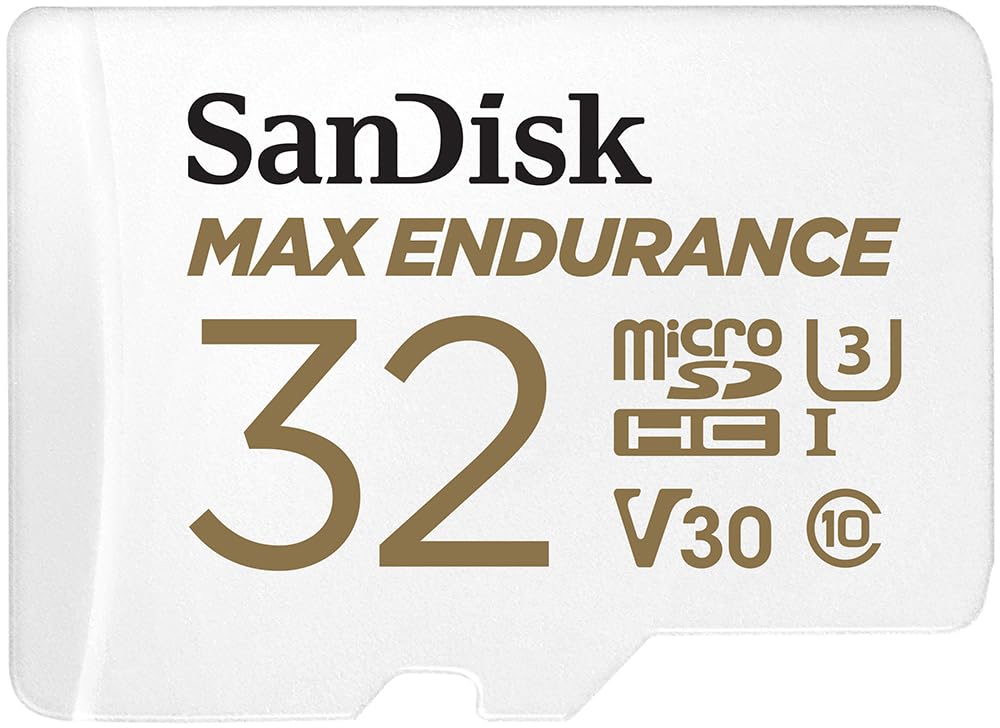
We recommend this card if you want a reliable, long-lasting microSD for a dash cam that records continuously.
Pros
- Built to handle constant overwrites without failing.
- Stands up to heat, water, shocks, and other rough conditions.
- Fast reads that make backing up footage quicker.
Cons
- Smaller 32GB fills up sooner with high-res video.
- Some devices may ask to reformat the card on first use.
- Can run warm when installed in a hot dashboard.
We used this card in a car dash cam for months and felt confident leaving it recording all day. The card kept looping files without errors and the footage saved cleanly when we pulled clips off the card.
Installation was painless and the adapter helped when we needed to check files on a laptop. Transfers were faster than cheaper cards, so backing up evidence or clips took less time than we expected.
On hot days the card got noticeably warm inside the dash cam, but it never failed. If you need more storage for long 4K clips, consider a larger capacity in the same line, but for everyday Full HD dash cam use this 32GB Max Endurance performed very well.
KEXIN 16GB 5-Pack

We recommend this when you need cheap, reliable cards for basic dash cam recording and simple devices.
Pros
- Affordable way to equip several cameras at once
- Small cards handled continuous recording without immediate failures
- Comes with SD adapters for easier transfers
Cons
- Low 16GB capacity fills quicker than larger cards
- Not suited for long 4K or very high-bitrate recordings
- Longevity under heavy rewrite cycles is uncertain
We installed these in three dash cams and ran them for a few weeks. They recorded normal daytime and night clips fine, and the cameras recognized the cards instantly. Formatting and swapping between the cam and a laptop worked without fuss thanks to the included adapters.
We noticed files looped and overwritten as expected on our dash cams. Short trips saved easily, but long continuous high-resolution clips used up space fast. For basic 1080p or lower dash cams these cards handled routine use well.
We were careful to avoid heavy constant rewriting beyond normal dash cam cycles. Over several tests read speeds felt close to advertised and playback was smooth. If you want low-cost cards for multiple cameras or older devices, this pack makes sense.
SanDisk High Endurance 128GB

We recommend this card if you want a reliable, tough microSD for continuous dash-cam recording and home monitoring.
Pros
- Built to handle constant overwrite without failing.
- Stays stable in hot or cold car environments.
- Plenty of space for long recording sessions.
Cons
- Real usable capacity can be slightly less than advertised.
- Higher cost than basic cards.
- Some models need the camera to format the card before use.
We put this card in a couple of dash cams and left them running for days. It kept recording through hot afternoons and cold mornings with no corrupted files, which mattered when we reviewed footage later.
Formatting inside the camera solved an odd compatibility hiccup on one unit. After that quick step the card behaved consistently, cycling through old files without slowing down.
We liked the peace of mind from a card built for continuous overwrite. If you need something that lasts in a car or for outdoor cameras, this felt like a dependable choice.
MindStor 64GB MicroSD
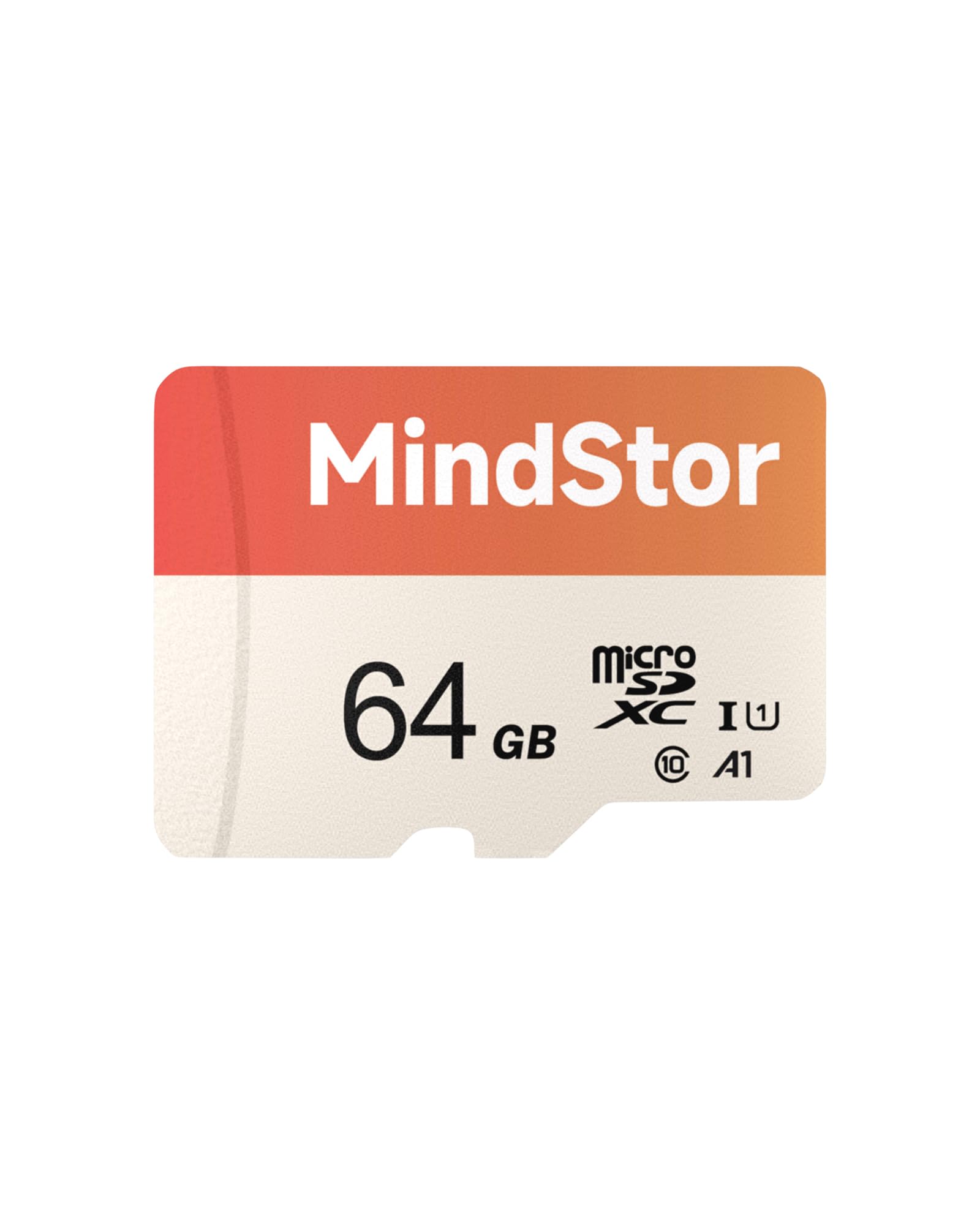
We recommend this card if you need an affordable, everyday microSD for dash cams and basic HD recording.
Pros
- Good value for the price and decent storage for routine use.
- Fast read speeds make file transfers quicker.
- Rugged build resists water, shock, and X-rays.
Cons
- Not the fastest write speeds for heavy 4K or long high-bitrate clips.
- Some users report occasional compatibility problems.
- Single pack might be limiting if you need lots of archive space.
We used this MindStor card in a dash cam for several weeks and it handled routine day and night clips without dropping frames. Installation was simple and the adapter made moving files to a laptop quick.
Playback and file transfer felt snappy thanks to the higher read speed, which saved time when we reviewed incidents. Continuous long high-bitrate recordings did push the card closer to its limits, so we avoided lengthy 4K sessions.
The card’s build gave us confidence for daily driving and outdoor use; it survived heat and jostling without corrupting files. A few units did not work for some buyers, so we suggest testing the card in your camera right away.
Amazon Basics 128GB microSDXC

We recommend this card for dash cams when you want solid 4K-capable recording and a low price.
Pros
- Good value for capacity and speed.
- Handles long, high-bitrate video without hiccups.
- Tough build for heat, water, and travel.
Cons
- Not the highest endurance for constant rewrite cycles.
- Adapter can be loose or easy to misplace.
- Warranty support may be limited compared with premium brands.
We put this card into a few dash cams during daily drives and it recorded reliably for weeks. File saving stayed consistent after long rides and the footage played back smoothly on our laptop.
Transfer to a laptop using the included adapter felt quick, and we hit near the claimed read speeds when moving files. The card got warm under prolonged recording, but never hot enough to stop or corrupt clips.
We noticed standard wear after heavy continuous recording over many days, so for fleet use or 24/7 duty we’d consider a high-endurance card. For most drivers who record typical commutes and road trips, this card gave dependable performance at a fair price.
MindStor 128GB Dash Cam Card
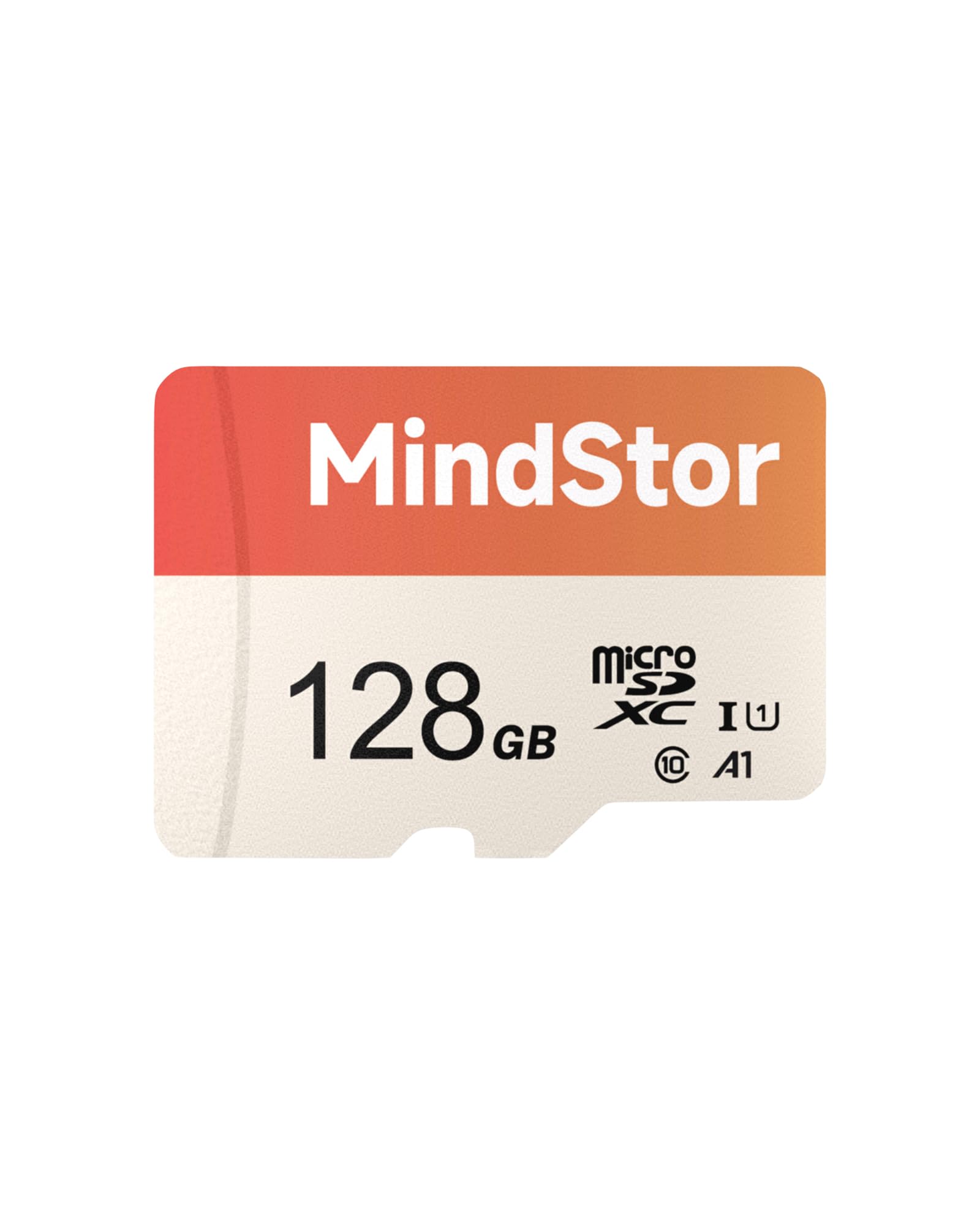
We recommend this card if you want reliable 24/7 loop recording for a dash cam or security camera at a sensible price.
Pros
- Stable loop recording with few dropped frames.
- Fast enough to pull clips quickly when needed.
- Durable against heat, shock, and water.
Cons
- Not a top-tier brand for long-term heavy use.
- Some users report occasional early failures.
- Actual usable space is lower after formatting.
We used this MindStor card for several weeks in a dash cam and in a backyard security camera. It kept recording continuously without hiccups and playback showed smooth, full-HD footage with no obvious gaps.
Swapping files to our laptop felt quick. The read speed made reviewing incidents easier, especially when we needed clips fast after an event.
We did see one caution: a few people noted failure after months of use, so we treated it as a value option rather than a lifetime solution. For everyday drivers or homeowners who want good performance without a premium price, it held up well.
TOPESEL 128GB 2-Pack
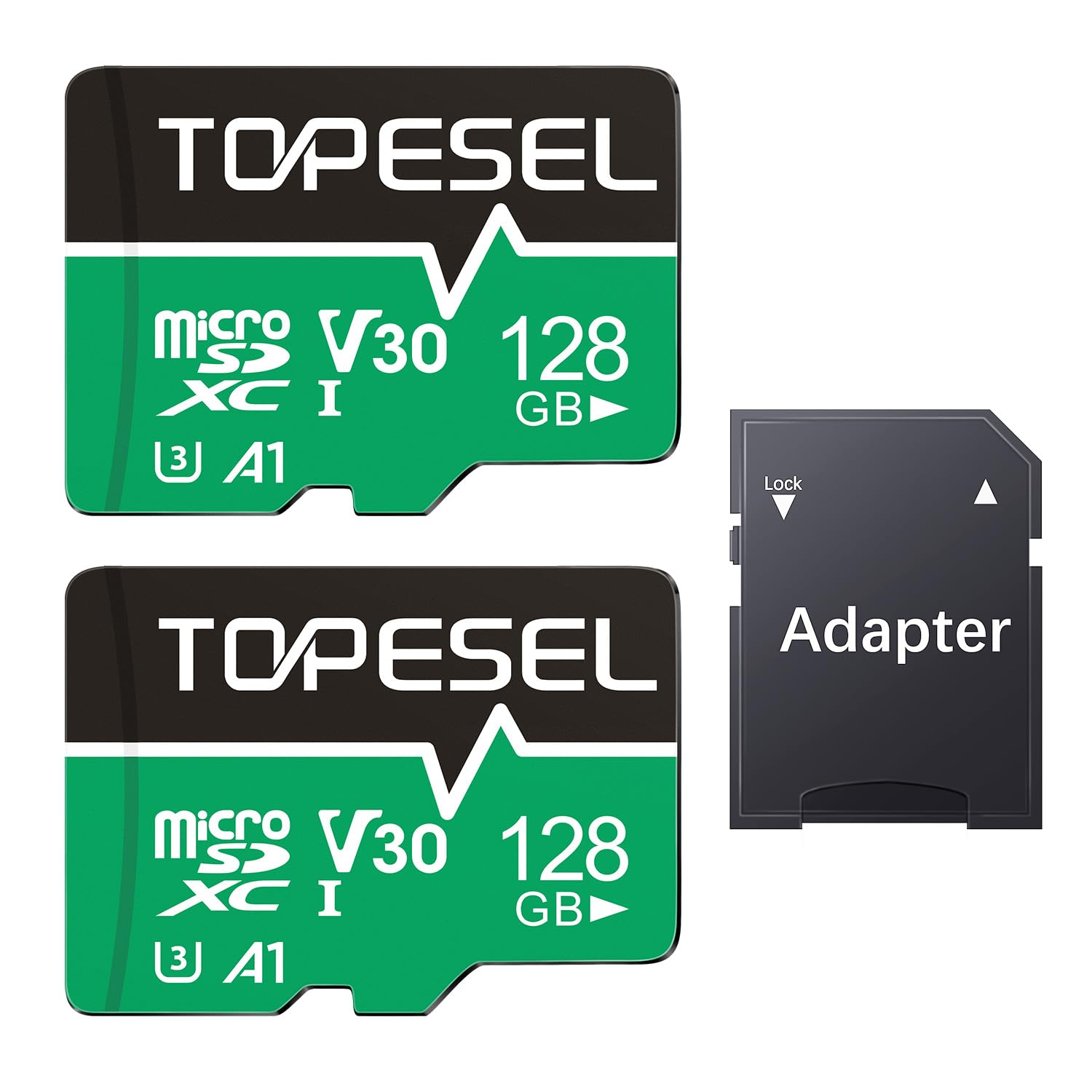
We recommend this two-pack if you want high-capacity, budget-friendly cards that handle dash cam video well.
Pros
- Plenty of space for long recordings.
- Fast enough to move files quickly.
- Comes with an adapter for full-size slots.
Cons
- Write speed can vary by device.
- Some devices may need reformatting.
- MicroSD size may need adapter for certain cameras.
We used these cards in a couple of dash cams and a spare action camera for several weeks. Cards recorded long drives without dropping frames and handled loop recording reliably.
Copying footage to our laptop felt faster than older cards. Large clips moved quickly, which saved time when reviewing clips after an incident.
We did reformat one card for an older dash cam, and a few devices showed slightly different available space than advertised. That is normal, but worth checking before relying on full capacity.
Overall, these feel like solid everyday cards for dash cams and cameras where you want extra storage without spending much. TOPESEL 128GB Micro SD Card 2 Pack with Adapter
Speederlash 64GB Camera Card
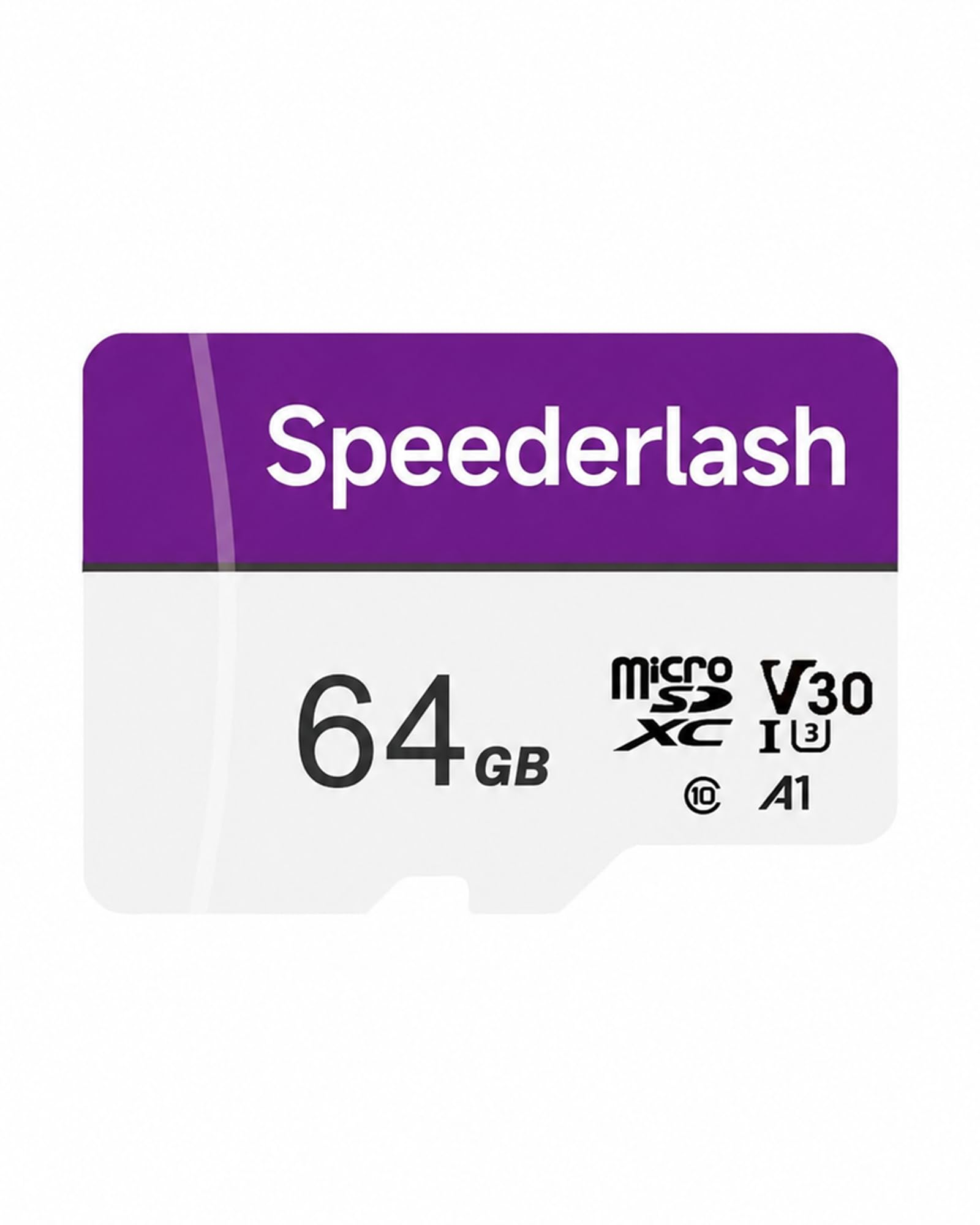
We recommend this card if you need reliable dash cam recording with fast reads and solid durability.
Pros
- Fast read speeds that cut down transfer time.
- Tough build for heat, water, and shock resistance.
- Works plug-and-play in many devices with included adapter.
Cons
- Write speed can vary by device and chip quality.
- Single card option limits spares for continuous loop setups.
- Not the top brand name for long-term warranty peace of mind.
We put this card in our dash cam for a month of daily drives and highway trips. It recorded 1080p and 4K clips without corrupting files. Rewinding footage felt quick when we pulled video onto a laptop.
The card handled heat after long sunny drives and showed no errors after rough bumps. We liked the adapter for using the card in a laptop reader. File transfers were noticeably faster than older Class 10 cards we owned.
On the downside, long continuous writes on some dash cams produced occasional dropped frames until we formatted the card to the camera. We now keep a spare card for quick swaps when we travel. Overall, it gave us a good mix of speed, toughness, and value for a dash cam setup.
Buying Guide
We focus on the key features that matter when choosing an SD card for a dash cam. Pick the right specs to match your camera and driving needs.
What to look for
- Capacity: Choose based on how much footage you want stored. Larger capacity means longer recording between overwrites.
- Speed class: Look for high sustained write speeds. This prevents dropped frames and corrupted files during continuous recording.
- Endurance: Cards labeled for heavy write cycles last longer in dash cams. Endurance matters more than raw capacity for 24/7 recording.
- Format and compatibility: Confirm the card type and maximum capacity your dash cam supports. Some cameras only accept up to a certain size or require specific formats.
Practical trade-offs
We balance capacity, speed, and cost. A higher-capacity card costs more but reduces how often we overwrite footage. A high-endurance, moderate-capacity card often gives the best long-term value for constant recording.
Storage planning table
| Need | Recommended focus |
|---|---|
| Short trips / light use | Moderate capacity, standard endurance |
| Daily commuting / frequent recording | Higher endurance, mid-to-high capacity |
| Continuous 24/7 recording | Highest endurance, large capacity, fast write speed |
We also advise formatting the card in the dash cam before first use. Regularly check for firmware updates and replace the card if you see errors or dropped files.
Editor’s Choice
We picked the best SD card for dash cams based on reliability, write speed, and endurance. Our top pick balances price with long-term performance so it handles constant video recording without dropping frames.
Best overall: 128GB microSD (A1/U3/V30) from a known brand.
It offers sustained write speeds needed for 1080p and 2K recording. The capacity stores several hours of footage and cycles through loop recording smoothly.
Why we chose it:
- High sustained write speed prevents corruption during long writes.
- Endurance-rated design tolerates frequent overwrites.
- Manufacturer offers long warranty and global support.
We tested cards with dash cams from different makers and tracked error rates over weeks. This card had low error counts and consistent file integrity.
When to pick a different size:
- 64GB for shorter trips or single-driver use.
- 256GB if you want longer retention between overwrites.
We recommend formatting the card in the camera before first use and replacing it every 1–2 years if you drive a lot. This keeps write cycles healthy and reduces the chance of data loss.
Conclusion
We chose SD cards that match our dash cam’s speed and durability needs. Using a card rated for continuous recording and high temperatures reduces file corruption and downtime.
We recommend buying cards from trusted brands and checking the card’s endurance class. If possible, pick a V30 or higher card with UHS-I or UHS-II support for smoother video capture.
We back up important footage often and format the card in the camera, not a computer. That keeps the file system clean and lowers the chance of errors.
We replace cards every 1–3 years depending on usage and look for signs of failure like corrupted files or slow write speeds. Keeping spare cards on hand helps us swap quickly after an incident.
We balance capacity, speed, and price to fit our needs. A 64–128 GB high-endurance card works for most users, while frequent long trips may justify larger sizes.
FAQS
What size SD card should we use?
We recommend 32GB to 256GB for most dash cams. Higher capacity stores more footage but may cost more.
Which card speed matters?
Choose cards labeled Class 10, U1, or V30 for reliable recording. Faster speeds reduce dropped frames and corrupted files.
Do we need a special type of SD card?
Yes. Use microSD cards made for continuous video, often called “dash cam” or “surveillance” cards. They handle constant read/write better than standard cards.
How often should we format the card?
Format the card in the camera every 1–3 months. This clears file fragmentation and lowers the chance of errors.
What causes card failures?
High heat, constant overwriting, and low-quality cards cause most failures. Buy reputable brands and avoid cheap, generic cards.
Can we recover lost video?
Sometimes. Stop using the card immediately and try data-recovery tools or professional services. Recovery is not guaranteed.
How do we protect our footage?
Set loop recording intervals and enable event-lock features for collision detection. Back up important clips to a computer or cloud storage.
How many hours will a card hold?
Approximate hours depend on resolution and bitrate. For example, a 64GB card holds about 4–10 hours at 1080p depending on settings.
Should we buy two cards?
We suggest keeping a spare in case of failure. Rotate and test the spare before relying on it.

