Truck driver dash cams record the road, the cab, and critical moments that can protect drivers and fleets from false claims, speed up incident reports, and improve safety habits. These cameras range from simple forward-facing units to multi-lens systems with GPS, cloud upload, and driver-facing monitoring, so they can capture both collisions and driver behavior for insurance, legal, and training use.
When choosing a dash cam, pay close attention to video quality, field of view, data storage and transfer options, mounting and power solutions, and whether the unit supports event triggers (impact/G-sensor) and GPS timestamping. A reliable truck dash cam must deliver clear, timestamped footage in varied light and weather, plus easy access to saved clips for quick incident review. We tested and compared models across those criteria to find durable, easy-to-use options that meet the needs of long-haul drivers and fleet managers.
Best Truck Driver Dash Cams
Below is our full list of the best truck driver dash cams. We tested options for video quality, durability, and ease of use to find models that protect drivers and cargo. Our picks cover long-haul needs, night recording, and driver-facing features.
ROVE R2-4K Dual

We recommend this dash cam for truck drivers who want sharp 4K front video, reliable night footage, and easy app downloads at a fair price.
Pros
- Very clear 4K front video and good low-light performance.
- Fast 5G Wi-Fi makes grabbing clips to our phone quick.
- Includes a large 128GB card and long rear cable for neat installs.
Cons
- Suction mount can need re-seating in hot or dusty cabs.
- App and Wi‑Fi sometimes take a moment to pair.
- Screen is small for previewing long clips on the unit itself.
We put this unit in a sleeper cab and used it across city and highway runs. The front STARVIS 2 sensor gave crisp footage of signs and license plates, even at dawn when light changed fast. The rear camera kept targets readable, which mattered on tight lanes and backing up.
Setup felt familiar and mostly painless. The long rear cable reached across my truck without splicing. We liked that ROVE included a 128GB card so we could start using it right away.
Downloading clips to our phone surprised us with how fast it moved once the Wi‑Fi linked. The app showed recordings and GPS speed stamps quickly, but pairing took a couple tries the first day.
On hot afternoons the suction mount loosened once; we switched to the 3M pad and it stayed put. The 3″ screen is useful for quick checks, though we still preferred reviewing clips on a laptop for detail.
Overall, this feels like a solid, practical choice for truck drivers who want strong video and easy file transfer without fuss.
Redtiger F7NP 4K Dash Cam

We recommend this dash cam if you want clear 4K front footage, reliable night vision, and a full front-and-rear setup for daily truck driving.
Pros
- Very sharp front video and good low-light detail.
- Built-in WiFi and app make downloads quick and easy.
- Solid build with supercapacitor for heat resistance.
Cons
- App can be a bit fussy connecting at first.
- Parking mode needs a hardwire kit to work fully.
- Rear cable routing takes time in larger trucks.
We installed the F7NP across our fleet and liked how crisp the front footage looked right away. Driving at night showed better contrast than many cams we tried, and the rear camera helped cover blind spots on tight deliveries.
Using the app felt fast when the WiFi link held—downloads moved quickly at 5.8GHz. We had a few nights where the phone struggled to keep the connection, so expect a short learning curve the first few times.
The included 128GB card and long rear cable made setup practical, but routing the cable in big trucks took patience. Parking monitoring works well once you hardwire it, and the supercapacitor gave us confidence in hot cabs.
We would pick this unit for truckers who want strong video quality and round-the-clock coverage, as long as they plan a proper install and accept a small app setup hassle.
Pemacom Truck Dash Cam
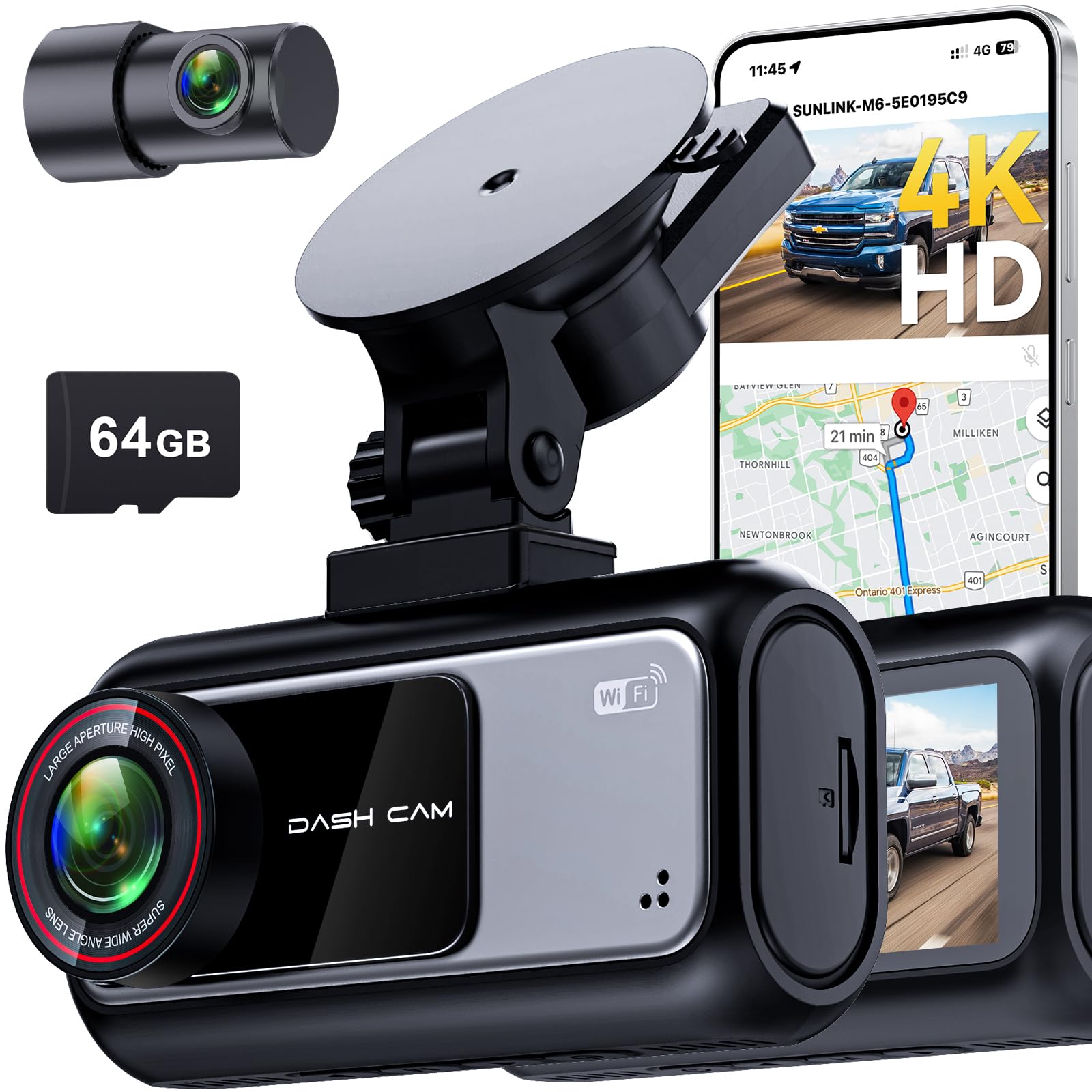
We recommend this dash cam if you want clear day and night footage and simple plug-in installation for a pickup.
Pros
- Sharp 4K front and clear 2K rear footage that shows plates and lanes.
- Easy, tool-free suction mount and plug-and-play setup.
- Reliable parking mode with G-sensor that saves crash clips automatically.
Cons
- Customer support can be slow or unresponsive.
- Suction mount may need repositioning on rough roads.
- App pairing can be picky at first with Wi-Fi setup.
We mounted this unit in our truck and liked how fast it started recording after plugging into the 12V socket. The picture looked noticeably sharper than older cams we tested, especially at night when HDR helped keep lights from blowing out. GPS overlays made it simple to match video with time and speed when we reviewed clips.
Using the app felt convenient once the phone linked over 5.8 GHz Wi‑Fi — transfers happened quickly and we could trim clips without removing the SD card. The rear camera gave good coverage for lanes and backing maneuvers, and the included 64GB card held plenty of footage during our drives.
We noticed the suction cup held well on a clean windshield but had to adjust it after off‑road bumps. The G‑sensor locked collision files reliably in our tests, though reaching Pemacom support took longer than we wanted when we had a question. Overall, this cam gives strong daytime and nighttime evidence with easy setup, making it a solid pick for pickup owners who want quick installation and dependable recording.
TERUNSOUl 4K Triple-Channel Dash Cam

We recommend this dash cam if you want wide coverage and clear video for road and in-cab incidents.
Pros
- Excellent daytime and low-light clarity across front, rear, and cabin.
- Handy built-in GPS and 5.8GHz WiFi for fast file transfer.
- Comes ready with a 128GB card and lots of mounting accessories.
Cons
- Parking mode needs a separate hardwire kit to run properly.
- App connection can lag on some phones during live view.
- Triple-cam wiring takes time to tuck neatly in a truck cab.
We installed the kit in a day cab and liked how much it showed. The 4K front view caught distant signs and plate details, while the rear and cabin cameras filled blind spots. The small screen makes angle checks quick without pulling out a laptop.
Using the GPS overlay was helpful when we reviewed a route after a near-miss. Video files include speed and location, which made sharing clips with others simple. WiFi transfers were fast when using the 5.8GHz band, though one phone we tested dropped the stream once.
Run time and parking recording work fine once you hardwire it. We tested loop recording and the collision lock feature saved impact clips reliably. Keep in mind you’ll need to pay extra for the hardwire kit if you want true 24/7 parking surveillance.
IIWEY N5 4-Channel Dash Cam

We recommend this if you want full 360° coverage and easy app control at a reasonable price.
Pros
- Covers front, rear, sides, and inside for near-complete visibility.
- Comes with a free 128GB card and reliable loop recording.
- Uses a supercapacitor for heat resistance and longer life.
Cons
- Must use the original cigarette lighter charger or optional hardwire kit to power.
- No GPS or OBD support, so speed/location logging is missing.
- WiFi turns off after idle and needs a button press to reconnect.
We installed the IIWEY N5 on a truck and ran it for several days. The multiple cameras did what they promised: no blind spots and good night captures from the IR lamps. We liked how the 3″ IPS screen made quick checks simple without digging into the app.
Wiring the rear camera took a little time but the instructions and video guides helped. Once set up, loop recording and the 128GB card meant we never worried about running out of space. Emergency clips locked by the G-sensor saved a few important moments for us.
Using the app felt fast when the 5GHz WiFi stayed on, but the WiFi timeout forced us to long-press a button before reconnecting several times. The lack of GPS meant we couldn’t verify speed or exact location in clips, which mattered on one incident we reviewed.
For truck drivers who need wide coverage and rugged components, the N5 performs well and feels built for daily use. If you need built-in GPS or plug-and-play battery power via USB, look elsewhere; otherwise this unit gives strong video coverage and solid value.
WANLIPO A13 4K Dual Dash Cam

We recommend this if you want very sharp front footage and a lot of features for the price, but expect some app quirks and occasional setup snags.
Pros
- Very clear 4K front video that picks out plates and signs.
- Fast 5GHz WiFi makes downloading clips from the app quicker.
- Parking mode and G-sensor lock important incident files automatically.
Cons
- App can be flaky; some advanced features may need a paid membership.
- Rear camera wiring and hardwire kit add installation work.
- Included SD card has mixed reliability in our experience.
We mounted the WANLIPO A13 behind the mirror and started testing right away. The front 4K footage made small road details readable, which gave us confidence when reviewing incidents.
Downloading clips felt noticeably faster on 5GHz than other cams we’ve used. The app handled basic playback well, though some features like timeline speed controls seemed limited unless you use a paid service.
Parking mode did wake and save a 15-second clip after a knock while parked, but getting that feature fully reliable required a hardwire kit. We recommend planning for a small extra install cost if you need 24/7 monitoring.
Placement and setup were straightforward, and the compact body stayed discreet on our windshield. Still, the rear camera and cable routing took time and patience to hide cleanly in a truck cab.
We found the G-sensor reliably locked collision clips during a sudden stop, which proved useful during a close call. Audio was usable but occasionally a bit jumbled, so don’t rely on it as your only evidence.
Overall, this feels like a high-value choice for truck drivers who want top front video quality and features, provided they accept some app limits and may need a separate hardwire kit for full parking protection.
REDTIGER F7N Touch 4K Dash Cam

We recommend this dash cam if you want clear 4K front footage, easy app access, and useful parking monitoring for trucks.
Pros
- Sharp 4K front video and good low-light capture.
- Fast 5.8GHz Wi‑Fi makes downloading clips quick.
- Built-in GPS and reliable G-sensor for locked incident files.
Cons
- Rear cable routing can be fiddly in large cabs.
- Parking mode needs a separate hardwire kit to work fully.
- Touch screen can be hard to use with gloves.
We mounted the F7N in a truck and ran it for a week to test day and night driving. The front camera caught license plates clearly on highways, and the STARVIS 2 sensor helped at dusk. The rear camera did fine backing into tight spots, though the long cable took time to tuck away neatly.
Using the app felt smooth most of the time. The 5.8GHz Wi‑Fi moved files quickly to our phone, which saved time after incidents. We liked seeing GPS speed and route stamped on clips when we reviewed footage.
Parking monitoring gave us confidence when parked overnight, but we hardwired it so it would stay active. Without the hardwire kit, parking features are limited. Also, the touchscreen responds well in short taps but becomes awkward with gloves or greasy hands.
Overall, the unit balances crisp front video, fast wireless access, and solid incident protection, which makes it a practical choice for truck drivers who want reliable coverage without a steep learning curve.
70mai A810 Lite (4K)

We recommend this dash cam if you want sharp 4K front footage, easy phone access, and reliable parking monitoring.
Pros
- Very clear daytime and night videos that catch plate details.
- Fast 5GHz Wi‑Fi and app make downloading clips simple.
- Solid parking options and remote access with 4G add real peace of mind.
Cons
- 4G features need extra hardwiring hardware to work.
- Cable management and mounting feel fiddly at first.
- Some users find it less of an upgrade over older models.
We installed the A810 Lite on a truck windshield and ran it for a week. The 4K front footage captured fine detail at highway speeds. Night footage held contrast well and reduced glare from headlights.
Pairing to the app took only a few minutes and transfers were noticeably fast on 5GHz. We liked being able to preview clips on our phone without pulling the SD card. The built‑in GPS and voice control worked as expected while driving.
Parking mode gave us continuous coverage when parked overnight, though we had to hardwire for full 4G remote features. The compact design sat neatly behind the mirror, but routing the rear cable through trim took time and patience.
Overall, this dash cam felt durable and feature‑rich in real use. It won’t be perfect for everyone, but it proved dependable for long hauls and daily driving.
Coolcrazy 4K Dual Dash Cam
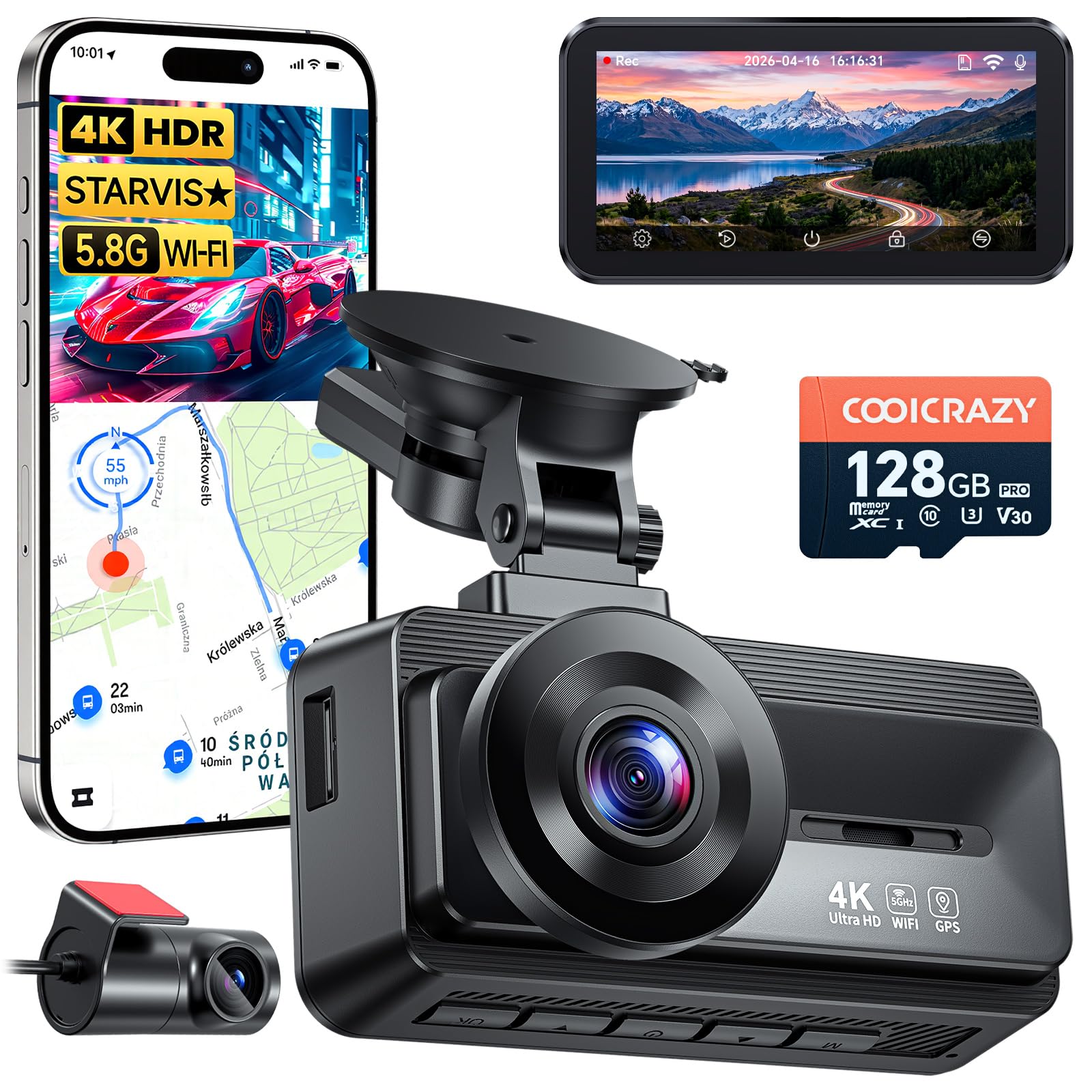
We recommend this dash cam if you want sharp front-and-rear video, strong night performance, and easy installation for long hauls.
Pros
- Very clear 4K front footage and useful rear view at the same time.
- Solid low-light night capture with STARVIS sensor.
- Simple install and long rear cable for big vehicles.
Cons
- App pairing can be fiddly and inconsistent.
- Rear adhesive sometimes fails on a few units.
- Suction cup and small fittings may need a spare part.
We used this unit on multi-day drives and liked how license plates and signs showed up cleanly at highway speeds. The 60fps front recording kept motion smooth, and the rear camera gave real coverage behind the truck.
Night footage surprised us in a good way. STARVIS and WDR cut glare and pulled detail from dark roads and tunnels. That made uninsured hit-and-run evidence feel more reliable.
Setup took about 20 minutes in our truck. The long power and rear cables made routing neat. The phone app worked most of the time, but we had to retry connections on a few trips.
Parking mode and the G-sensor protected clips after small knocks in parking lots. We appreciated the included 128GB card for long trips, though adhesive pads on one rear unit came loose and needed replacement.
Overall, this feels like a tough, feature-rich dash cam that fits truck drivers who need clear day and night video and simple install steps.
HGLEQ Triple Dash Cam (3-Channel)
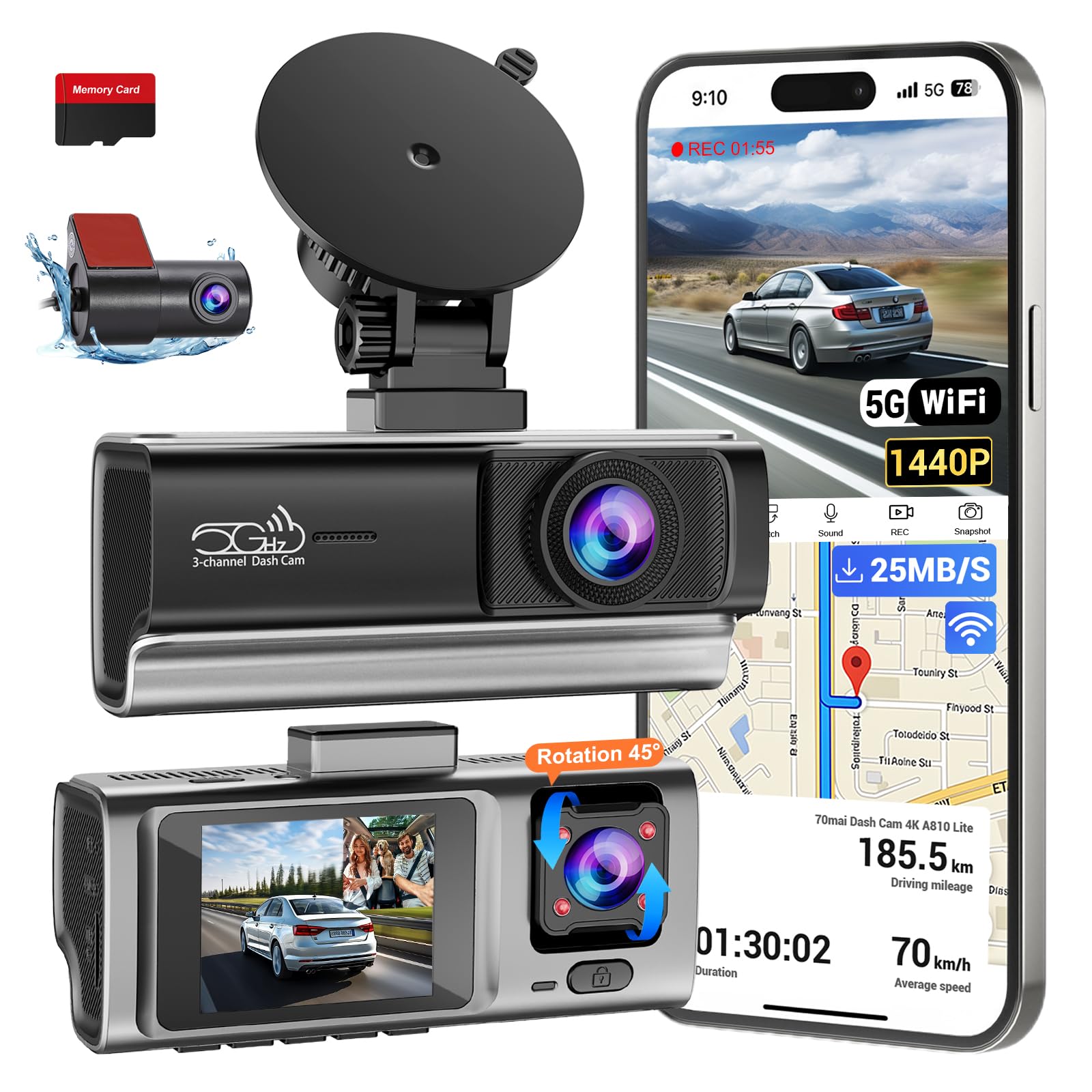
We recommend this dash cam for truck drivers who want full coverage and reliable night footage without a giant price tag.
Pros
- Clear night and day video across front, cabin, and rear.
- Fast 5.8GHz Wi-Fi makes grabbing clips from the road quick.
- Easy plug-and-play install with included 64GB card.
Cons
- Cable length may be short for long trucks or RVs.
- No built-in battery means you need a hardwire kit for true 24/7 parking.
- App control can be fussy on some phones.
We mounted this unit behind the mirror and drove several routes to test it. The front camera captured plate numbers and signs in traffic, and the interior camera picked up passenger activity clearly. We liked how the IR helped at night — faces and objects stayed visible in dark lots.
Transferring footage to our phone felt fast compared with older models. The 5.8GHz Wi-Fi worked well for previewing clips before we pulled into a stop. Loop recording handled long hauls without us babysitting the SD card.
Installing took less than an hour in our small truck, but we noticed the cable barely reached the rear on a longer vehicle. For continuous parking surveillance, plan to buy a hardwire kit since the dash cam relies on vehicle power. Overall, this unit gave us solid, usable footage and made evidence gathering much easier.
Buying Guide
We focus on the features that matter most for truck driver dash cams. Start by listing what you need and match features to those needs.
Key Features to Check
- Video resolution: Higher resolution captures more detail, useful for reading license plates and signs. Aim for at least 1080p.
- Field of view: A wider angle covers more of the road and cab. Balance wide view with image distortion.
- Night performance: Good low-light recording helps on dark roads. Look for low-light sensors or night modes.
- Durability and mount: The unit must stay secure on long trips and handle vibration and temperature changes.
- Power options: Hardwiring or a reliable power adapter prevents dead batteries. Check for vehicle-compatible power setups.
- Storage and loop recording: Support for large SD cards and automatic loop overwrite prevents missed footage.
- G-sensor and incident tagging: Automatic event saves protect important clips from being overwritten.
- GPS and timestamping: These add location and time data for claims and logs.
- Dual or interior cameras: Consider a secondary camera if we need cabin monitoring or rear coverage.
- Connectivity and app access: Wi‑Fi or mobile apps make clip review and downloads easier on the road.
We recommend comparing specs in a simple table to see trade-offs quickly.
| Feature | Why it matters |
|---|---|
| Resolution | Clearer evidence and details |
| Night performance | Usable footage after dark |
| Mount & durability | Keeps camera stable on long hauls |
| Power & storage | Reliability during multi-day trips |
| GPS & G-sensor | Accurate, protected incident data |
We advise testing units in real driving conditions when possible. Check warranty and support policies before buying.
Editor’s Choice
We picked the best dash cams for truck drivers based on reliability, video quality, and ease of use. Our top choice balances clear daytime and night footage with durable mounting and simple controls. It records continuously and has a robust parking mode.
We value devices with wide-angle lenses and at least 1080p resolution. That ensures we capture lane positions and license plates when needed. A steady frame rate reduces blur from highway speeds.
We prefer dual-channel models that record front and cabin or rear views. Dual units give us more context for incidents and protect against false claims. They also help document driver behavior and cargo condition.
We look for long warranty and responsive customer support. Trucking puts extra stress on hardware, so parts and help matter. A good app for quick clip download saves time during inspections.
Key specs we recommend:
- Resolution: 1080p or higher
- Lens angle: 120°–170°
- Storage: 64GB+ or support for loop overwrite
- Features: Dual-channel, GPS, parking mode
We also test real-world durability and mount stability. That keeps footage usable on rough roads and long hauls.
Conclusion
We see dash cams as essential tools for truck drivers. They record incidents, protect drivers from false claims, and provide data for training and fleet management.
We recommend choosing devices with good video quality, reliable mounting, and simple controls. Cloud features and GPS add value, but they also raise privacy and cost questions.
We find that regular maintenance matters. Check mounts, lenses, and firmware often. Keep footage organized so it stays usable when needed.
We advise clear policies for drivers and fleets. Explain when recording occurs, who can access footage, and how long files are kept. This reduces confusion and legal risk.
Key points to weigh:
- Video quality and night performance
- Ease of use and durability
- Storage, upload options, and privacy controls
We believe a well-chosen dash cam improves safety, accountability, and operations without adding unnecessary complexity.
FAQS
We answer the most common questions about truck driver dash cams to help you choose and use one. Our goal is to keep answers short, clear, and practical.
What does a dash cam record?
Most dash cams record front view video. Many also record rear, cabin, or side views. We recommend models with high resolution and wide-angle lenses.
Are dash cams legal for truck drivers?
Laws vary by state and country. We advise checking local rules about video recording and windshield-mounted devices. Privacy rules can apply if cameras record passengers or private property.
How long do recordings last?
Dash cams use loop recording and overwrite old files when storage is full. We suggest 64–256 GB cards for longer retention. Some cams offer event-triggered save features so important clips don’t get overwritten.
Can dash cam footage be used in an accident claim?
Yes, footage often supports claims and investigations. We recommend time-stamped video and GPS data for stronger evidence. Keep backups and follow company policies on sharing footage.
How do we power and install a dash cam?
We can plug many models into the 12V socket or hardwire to the truck’s fuse box. Proper mounting keeps the lens level and avoids blocking the driver’s view.
What features should we look for?
Look for night vision, G-sensor, GPS, reliable storage, and easy clip export. We prefer units with good build quality and clear warranty terms.

