Cordless dash cams let drivers record trips and incidents without running wires through the car. They pair battery power or a removable battery pack with wireless features like Wi-Fi or Bluetooth, so installation is faster and the camera can be moved between vehicles. We focus on how these units balance ease of use, video quality, and reliable power.
The main things to watch when buying are battery life, video resolution and night performance, mounting stability, and how the camera saves videos after a crash. Long battery life and good crash-event recording are the most important features because they determine whether the camera will actually capture and keep crucial footage. We tested and compared models to find options that give clear footage, simple setup, and trustworthy power, so you can pick the right cordless dash cam for your needs.
Best Cordless Dash Cams
Below is our full list of the best cordless dash cams. We tested models for video quality, battery life, and ease of use to find reliable options for everyday driving. Use this guide to pick a dash cam that fits your needs and budget.
ROVE R2-4K Dual

We recommend this if you want sharp day/night video and easy phone downloads for both front and rear coverage.
Pros
- Very clear 4K front video and good night detail.
- Fast 5G Wi‑Fi makes saving clips to our phone quick.
- Comes with a 128GB card and easy mounting options.
Cons
- Suction mount can need a reset after bumps or heat.
- App can be a bit clunky the first few uses.
- Rear cable routing takes time on some cars.
We installed the ROVE and drove several days to test it. The front camera captured crisp details like license plates and signs during daylight. Low‑light shots came out brighter than many cams we’ve tried, thanks to the STARVIS 2 sensor.
Pairing to our phone felt instant once Wi‑Fi connected. Downloading a 1–2 minute clip was fast, and the app shows speed and GPS data on the video when we wanted it. The 3″ IPS screen on the unit makes quick checks simple without opening the app.
Mounting was straightforward using the suction or the sticky pad. The suction held most of the time but did pop loose once in hot sun; the sticky pad stayed put. Tucking the rear extension cable behind trim took a little patience but left a neat finish when done.
Battery safety with a supercapacitor gave us peace of mind in heat. Loop recording and the G‑sensor locked incidents without fuss. We wish the app menus were simpler, but after a few uses the settings became familiar.
Buy it if you want high‑quality front and rear footage, quick phone transfers, and a ready‑to‑use kit that includes a large memory card.
REDTIGER F7N Touch 4K Dash Cam

We recommend this dash cam if you want clear 4K front footage, easy app access, and dependable parking recording after hardwiring.
Pros
- Very sharp front video and good low-light clarity.
- Fast 5.8GHz Wi-Fi for quick phone downloads.
- Built-in GPS and voice control add real convenience.
Cons
- Parking mode needs a hardwire kit to work.
- Suction mount can feel bulky on some windscreens.
- Touchscreen menu sometimes needs patience to navigate.
We installed the unit and ran it through day and night drives. The front camera really captures crisp detail, and the STARVIS 2 sensor helped show license plates in dim light. Setup felt straightforward; hiding the cable took a few extra minutes but the included pry tool helped.
We used the app to grab clips and the 5.8GHz Wi-Fi made file transfer noticeably faster than other cams we’ve tried. GPS data showed accurate routes on playback, and voice commands let us lock clips without taking our hands off the wheel.
We tried parking mode after adding the hardwire kit. Once wired, the dash cam caught hits and saved the clips reliably. The touchscreen and physical buttons both worked, though the menus can feel a bit fussy at first.
Buy link: REDTIGER F7N Touch 4K Dash Cam
REDTIGER F7NP 4K Dash Cam

We recommend this if you want clear front 4K video plus a reliable rear camera and easy phone access to footage.
Pros
- Very sharp daytime and solid night video thanks to STARVIS 2.
- Built-in WiFi and app make downloading clips quick and simple.
- Supercapacitor and included 128GB card reduce setup fuss and heat risk.
Cons
- App can be temperamental on first setup and needs patience.
- Parking mode needs a hardwire kit for true 24/7 monitoring.
- Suction GPS mount is bulky and can block a bit of the view.
We installed the F7NP in our daily driver and used it for a few weeks to test common drives and parking. The front 4K footage captured license plates and fine detail on sunny and dim roads. The rear camera filled blindspots well and gave us useful backup clips in traffic.
Connecting to the 5.8GHz WiFi felt fast when it worked; downloads of short clips were quick and viewing GPS data inside the app was handy. We did have to restart the app once during setup and re-pair the camera, so allow a few extra minutes on first use.
Parking features impressed in theory, but we found that the built-in modes work best when the unit is hardwired for constant power. The supercapacitor eased our worry about heat and battery dead spots during long hot days. Overall, the build felt solid and not cheap when we handled it.
Veement V300 Dash Cam

We recommend this if you want clear daytime and decent night recordings at a low price, but expect occasional app or power setup quirks.
Pros
- Sharp 1296P video that captures useful detail.
- Good low-light performance with a wide 170° view.
- No internal lithium battery reduces heat risk.
Cons
- App connection can be flaky on some phones.
- Requires continuous USB-C power and a separate SD card.
- Some units have had power or accessory issues.
We installed the V300 on our windshield and ran it for a few weeks. Video looked crisp during daytime drives and the wide angle caught lanes and crossings without much distortion.
Night footage showed more detail than many entry cams we tried. Street signs and license plates were readable at normal speeds when lighting was fair.
Connecting to the VeeCar app worked most of the time, but one of our phones had trouble with playback. Expect a little fiddling to get reliable Wi‑Fi access and downloads.
Mounting and setup felt straightforward. The small, discreet housing kept the view clear and didn’t block our line of sight.
We liked that Veement avoided an internal lithium cell. That design gave us peace of mind for long parking sessions, but you must run a constant USB-C feed and buy a microSD card separately.
Overall, the V300 performs well for daily use if you accept minor app and power hassles; it’s a practical pick for budget-conscious drivers who want better-than-basic clarity.
70mai M310 Plus 4K
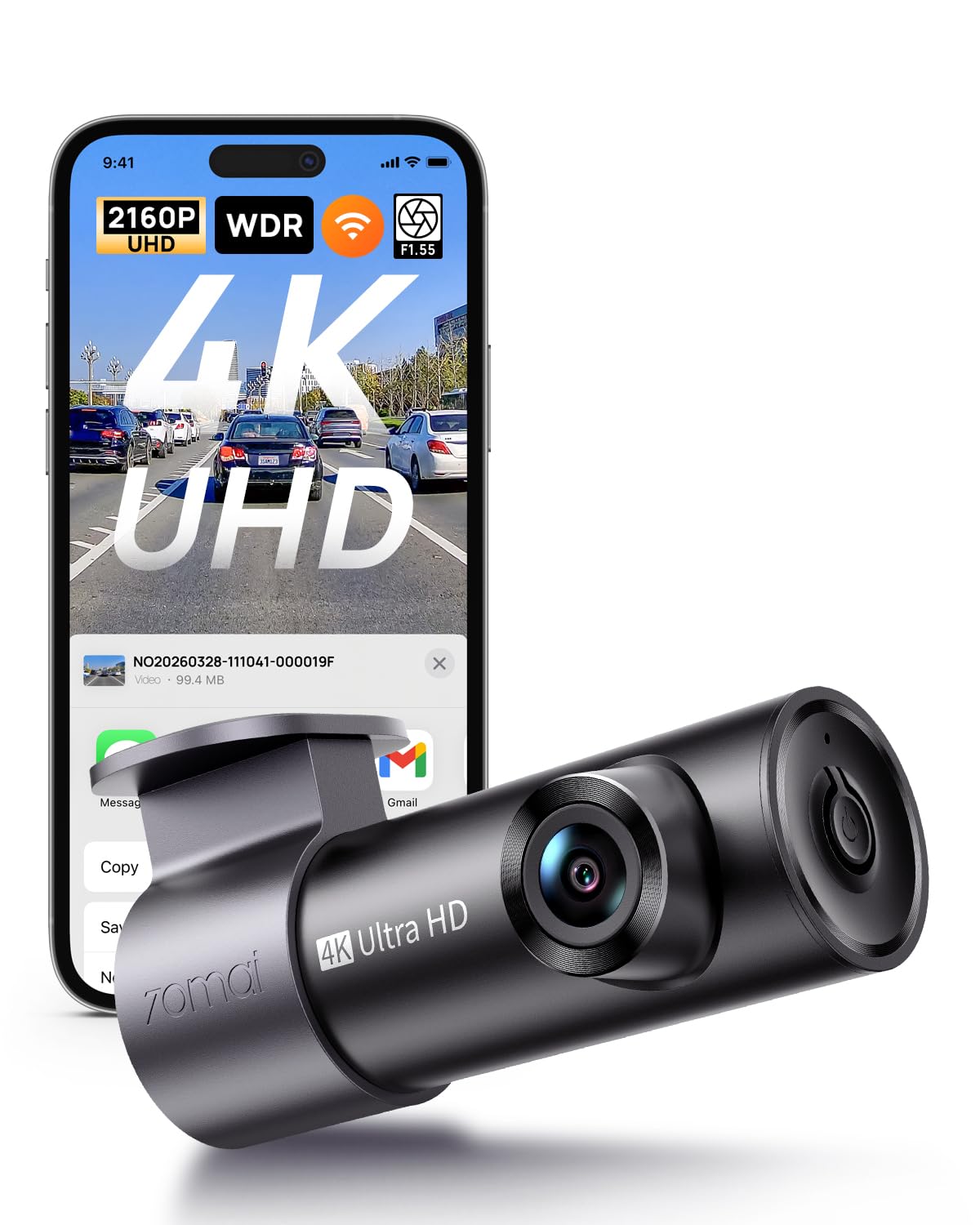
We recommend this camera if you want high-resolution daytime and decent night footage in a compact, easy-to-install package.
Pros
- Very sharp 4K daytime video that picked up plate details at highway speed.
- Small, low-profile design that hides behind the rearview mirror.
- App and voice control make grabbing clips quick and simple.
Cons
- Wi‑Fi pairing can be fussy on some phones and required a reboot for us.
- Parking mode needs a hardwire kit (not included) to work reliably.
- Some users report occasional firmware or app connection issues.
We mounted this unit in minutes and liked how small it sits on the windshield. The 4K footage looked noticeably clearer than older 1080p cams when we reviewed clips on a laptop. Daytime license plates and street signs came through without squinting.
Night driving held up better than we expected thanks to the wide aperture and noise reduction. Dark roads showed usable detail, though it wasn’t always perfect in very low light or glare-heavy scenes. We tested sudden-brake events and the G-sensor locked clips as promised.
Using the app, we streamed live view and saved a few clips to our phone. The app handled basic tasks well, but pairing took extra tries on one phone. Overall, this felt like a well-made, practical dash cam for drivers who want high-res footage without a big, visible camera.
70mai A810 Lite 4K

We recommend this dash cam if you want sharp 4K front footage, useful remote access, and reliable day/night recording.
Pros
- Very clear daytime and nighttime video with HDR and large aperture
- Fast 5GHz Wi‑Fi and app controls make viewing and downloading easy
- Solid parking features and reliable build feel
Cons
- 4G remote features need extra hardwire kit to work
- Cable management and adhesive can be fiddly during install
- Some users report mixed upgrade expectations versus prior models
We installed this unit in our car and found the video detail impressive right away. License plates and road signs came through clearly on regular drives without fiddling with settings.
The app and fast Wi‑Fi made pulling clips to our phone quick, which we liked for sharing footage. We also used voice commands and GPS playback; both worked as expected and helped keep things hands‑free.
Night driving surprised us in a good way. HDR and the large aperture reduced headlight glare and kept dark areas readable, though extreme low light still shows limits like any small sensor.
Parking mode gave us peace of mind during long stops. The G‑sensor locked impact clips automatically, but to get full 4G remote monitoring you’ll need the separate hardwire kit the company sells.
Overall, we felt the A810 Lite fits drivers who want high-resolution front footage and smart features without a bulky install. The small downsides are manageable if you plan the wiring and know the 4G add‑on is not included.
Vantrue N4S 3-Channel Dash Cam

We recommend this if you want wide 3-camera coverage and reliable night footage for rideshare or family driving.
Pros
- Excellent low-light clarity and readable plates at night.
- True 3-channel view (front, cabin, rear) so nothing around the car is blind.
- Easy, clean install with magnetic mount and long rear cable.
Cons
- Can run hot in warm weather and may need cooling breaks.
- Large unit and extra cabling need careful hiding for a tidy dash.
- App and Wi‑Fi work but can feel slow compared with transfers via the card.
We put the N4S in our daily driver and used it on city runs and long highway trips. The front camera captures crisp detail and PlatePix really helped when we checked license plates after dark. The cabin and rear feeds filled blind spots we had with older single‑lens cams.
Installation was straightforward. The magnetic GPS mount clicks on fast and the static cling stickers hold the rear cam well. We ran the 20ft rear cable along the trim and ended with a neat, nearly hidden wire path once we used the included clips.
On long, sunny drives the unit got noticeably warm. It kept recording, but we noticed occasional heat warnings mentioned by other users. For daily parking monitoring and overnight protection, the N4S felt solid and recorded events reliably when motion or impact occurred.
Using the app to pull video on the road worked for quick checks, especially over 5GHz Wi‑Fi. For bulk downloads we still prefer removing the microSD card since transfers felt faster and more stable that way.
Overall, our time with the Vantrue N4S showed it as a strong all‑around 3‑channel system: great night vision, flexible camera placement, and thoughtful parking features, but plan for heat management and careful cable routing.
FAIMEE F6 4K Dual Dash Cam
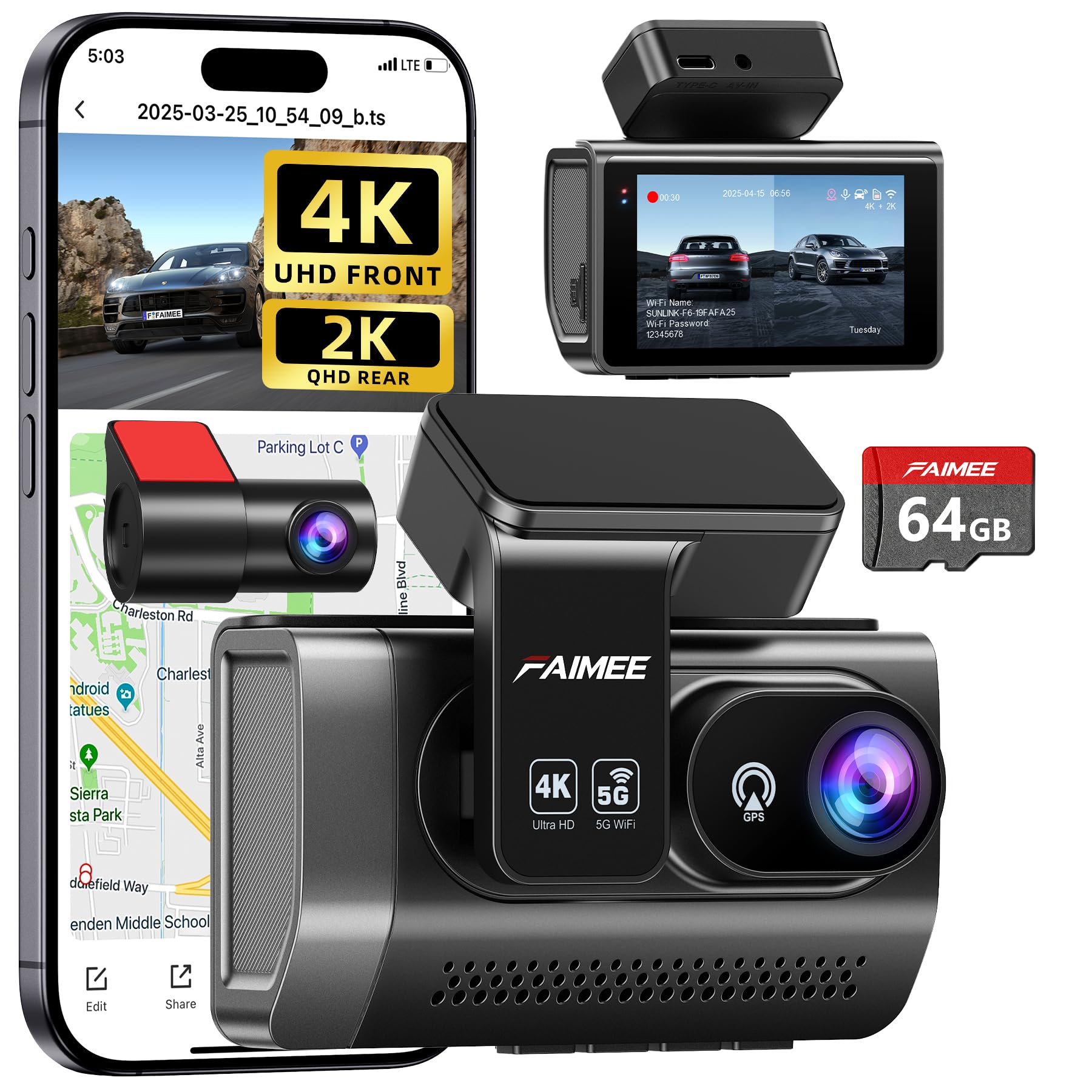
We recommend this if you want very sharp front footage, easy setup, and solid night performance.
Pros
- Clear 4K front and useful 2K rear video for catching details.
- Easy install and a neat, low-profile look behind the mirror.
- Built-in GPS and stable dual-band Wi‑Fi for quick app downloads.
Cons
- Rear camera cable routing takes time and care.
- 24/7 parking needs a hardwire kit sold separately.
- Screen and menu can feel a bit small for some users.
We used the FAIMEE F6 on a week of city and highway driving. The front camera captured readable plates and signs in daylight, and night shots stayed usable thanks to WDR and the wide aperture. Pulling clips to our phone over 5.8GHz Wi‑Fi worked faster than many other models we’ve tried.
Installing felt straightforward. The stick-on mount held tight and the included 64GB card got us recording right away. Running the rear cable under trim required patience, so plan for a short installation session or pro help if you’re not comfortable routing wires.
In parked mode the low-frame time-lapse seems to save power but remember the unit won’t watch 24/7 without hardwiring. We liked the GPS track logs for verifying trips and the G-sensor reliably locked incident clips when we tested sudden stops.
Overall, this dash cam gives strong day and night video and useful features for the price; just budget a bit more time for a tidy rear install and a hardwire kit if you want full parking protection.
M CARKUMI 360°View 4-Channel Dash Cam
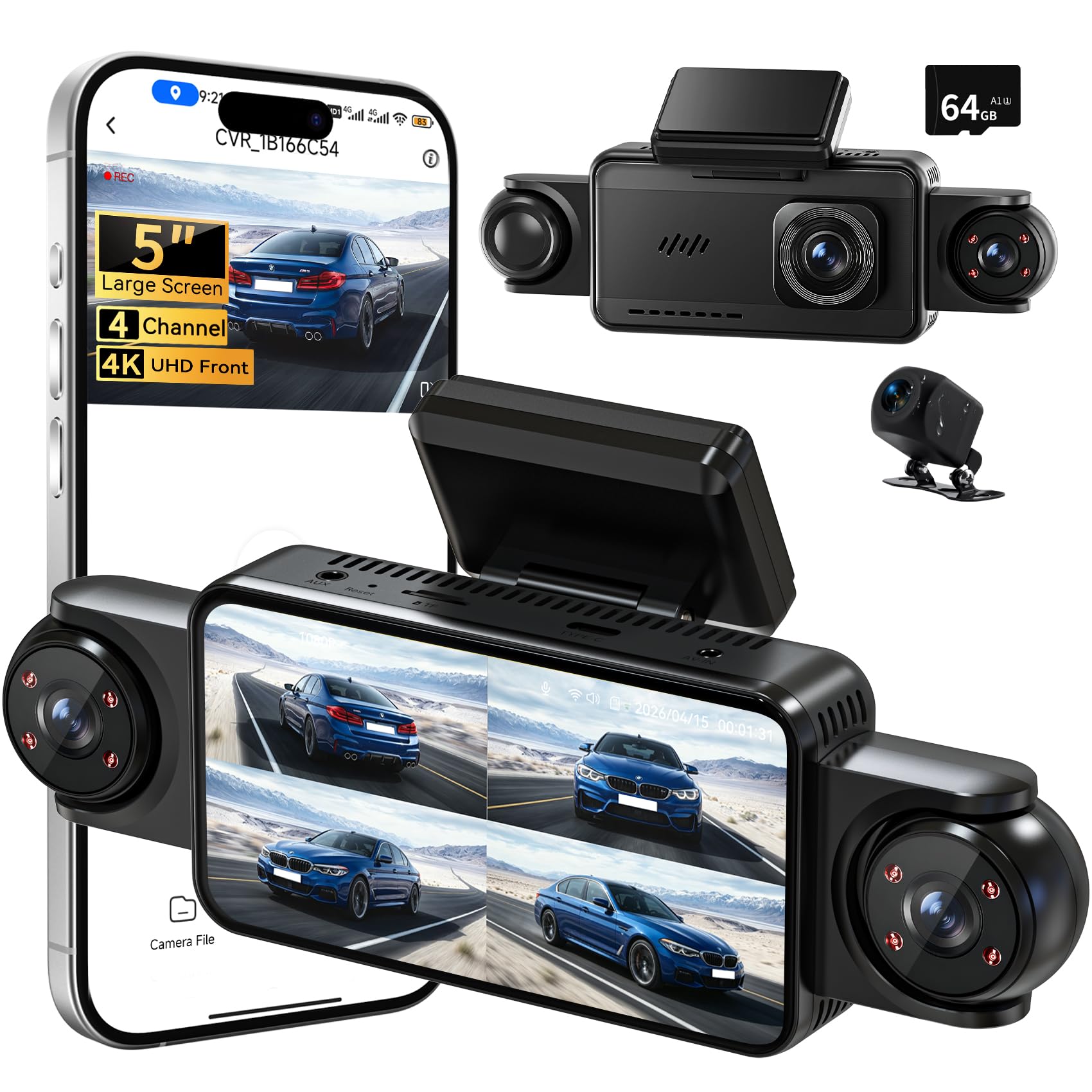
We recommend this if you want full 360° coverage and clear day/night footage for peace of mind on the road.
Pros
- True four-camera coverage catches front, rear, sides, and interior views.
- Big 5″ screen makes live view and playback easy without pulling out a phone.
- Solid night vision and reliable loop recording for continuous protection.
Cons
- Parking mode and some safety features need hardwiring to work fully.
- Four cameras mean more cables and a longer install than single-unit dash cams.
- App controls work but can feel laggy when transferring large 4K clips.
We installed the kit in our SUV and ran it through city driving and a long highway trip. The cameras line up cleanly and the large screen made angle checks quick. Adjusting the three external lenses gave us control when parking tight or merging lanes.
We tested daytime plate capture and night runs. The front 4K footage showed road signs and plates clearly, and the IR night view caught details on dark roads. Side and cabin views filled the usual blind spots, which helped during lane changes and when checking for bicyclists.
Using the app to download clips worked for short clips, but full 4K files took time to transfer. Loop recording and the included 64GB card kept things simple during multi-day trips. If you want full 24-hour parking detection, plan for a pro hardwire install so the G-sensor and parking mode trigger when the car is off.
Overall, we found the M CARKUMI system to be a practical upgrade for drivers who want near-complete coverage without multiple separate devices. Its size keeps the windshield clear, and the playback options make reviewing incidents straightforward.
VNV S‑V200 4K+2.5K Dash Cam
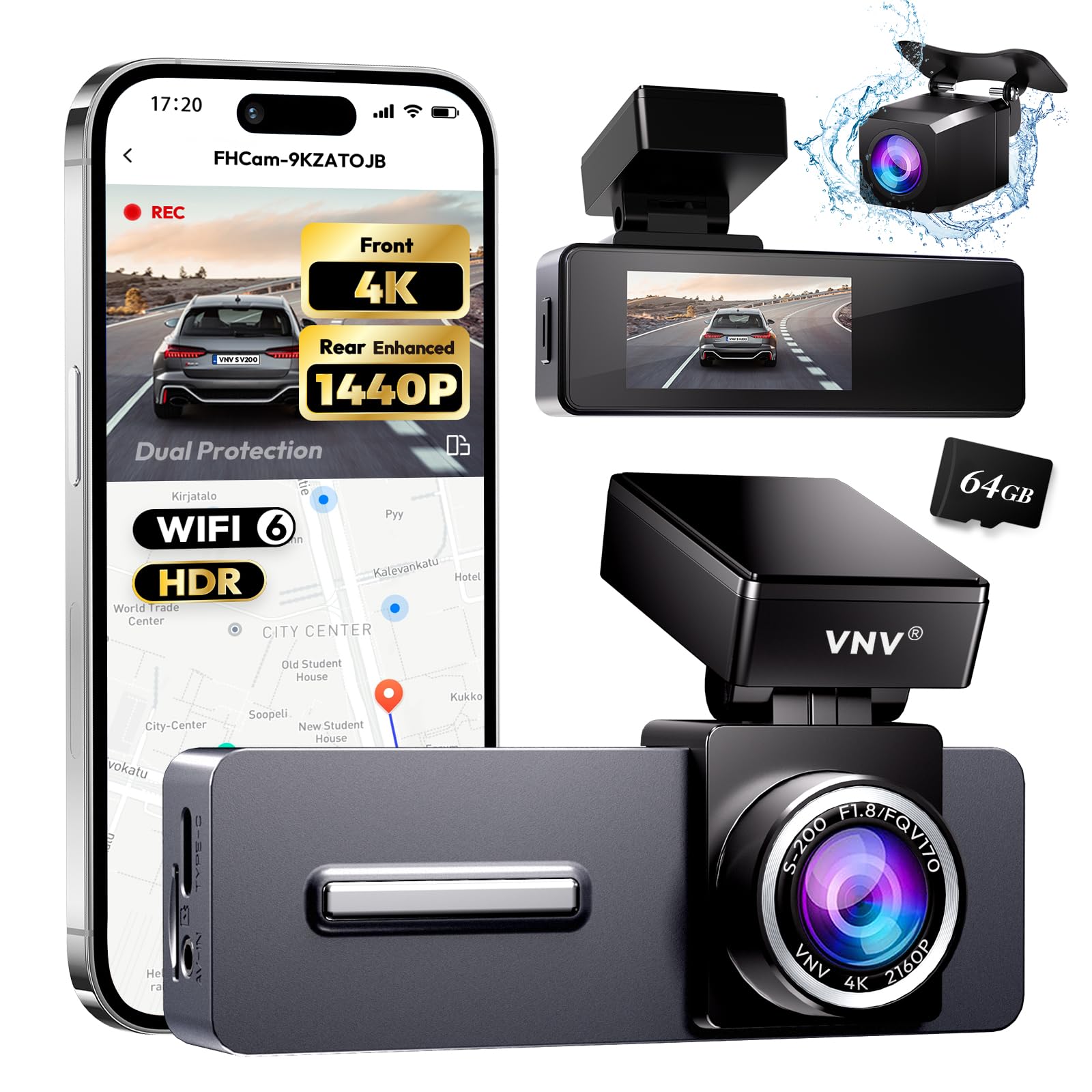
We recommend this dash cam if you want clear front and rear footage with easy app access and solid night performance.
Pros
- Very sharp front and rear video that captures plates and signs.
- Good low‑light recording thanks to a bright lens.
- Includes 64GB card and long charger for quick install.
Cons
- Some app features require extra paid upgrade.
- Parking mode needs a hardwire kit to run 24/7.
- Wi‑Fi pairing can be finicky on first try.
We installed the VNV in our car and used it for daily drives and a weekend trip. The 4K front footage really shows detail at distance, and the rear camera picked up license plates better than our old unit. Setup was fast because the long power cable reached the cigarette port without trouble.
Night recordings looked noticeably clearer than typical 1080p cams. Street signs and nearby headlights stayed readable and not blown out. The compact, low profile body stayed out of our sightline and felt stable on the windshield.
The app made reviewing clips simple, but a few useful features sit behind a small fee. We also tested parking mode; it worked well while connected to constant power, but you must hardwire the unit for true 24/7 monitoring. Overall, the VNV gave us reliable footage and easy installation for the price.
Buying Guide
We look for camera quality first. Choose at least 1080p resolution and a wide field of view so the footage shows lanes and signs clearly. Check low-light performance if we drive at night.
We check power and battery options next. Prefer true cordless models with internal batteries or cigarette-lighter adapters. Confirm run time on battery alone and whether the camera supports parking mode while parked.
We examine mounting and placement. A compact, stable mount reduces vibration and keeps the lens aligned. Make sure the mount allows easy removal and does not block your view.
We inspect storage and file handling. Look for loop recording and automatic overwrite so we never run out of space. Confirm the max memory card size and whether files are easy to transfer to a phone or computer.
We weigh smart features and safety aids. GPS, G-sensor incident detection, and Wi‑Fi for live view are helpful but optional. We prioritize features that improve evidence quality and usability over gimmicks.
We compare warranties and firmware support. Prefer devices with clear warranty terms and regular firmware updates. That helps us keep the device secure and working well.
Feature checklist (quick reference):
| Feature | Why it matters |
|---|---|
| Resolution (1080p+) | Clear evidence of incidents |
| Field of view | Wider coverage of road |
| Battery life | True cordless use |
| Parking mode | Recording when parked |
| Loop recording | No manual file deletion |
| GPS & G-sensor | Time, location, impact tagging |
| Wi‑Fi / App | Easy file access |
| Warranty / Updates | Long-term reliability |
Editor’s Choice
We select the cordless dash cam that balances video quality, battery life, and ease of use. Our pick records clear 1440p or better video, handles night driving, and uses a reliable battery or supercapacitor for short-term parking mode.
We value simple setup and strong wireless features. The top choice pairs with a user-friendly app, fast Wi‑Fi transfer, and steady GPS logging. Mounting and cable-free operation feel tidy and modern.
We also weigh safety features like collision detection and loop recording. The best model saves events automatically and protects files from overwriting. It should let us review incidents quickly on the phone or a computer.
Key specs at a glance:
- Video: 1440p or 4K preferred
- Power: built-in battery or capacitor (for safe shutdown)
- Connectivity: Wi‑Fi, app support, and optional GPS
- Storage: microSD support (64–256 GB recommended)
We tested performance across day and night, plus parking scenarios. Our pick performed consistently with clear detail and reliable event capture.
Conclusion
We find cordless dash cams offer clear benefits for many drivers. They give flexible placement, simple setup, and often fewer wires in the cabin. This makes installation easier and reduces clutter.
We value battery life and recording quality when choosing a model. Some units last only a few hours, while others provide longer run times or auxiliary power options. We recommend checking runtime specs and real-world reviews.
We appreciate smart features like parking mode, GPS, and cloud access. These add safety and convenience but can increase cost. We suggest prioritizing the features that matter most to our driving habits.
We advise balancing cost against reliability and support. A mid-range dash cam from a known brand often gives the best mix of durability and useful features. Warranties and clear update policies matter.
Key quick checks:
- Battery life and power options
- Video resolution and night performance
- Mounting flexibility and ease of use
- Software, app quality, and firmware updates
We recommend testing any new unit in traffic conditions we normally face. Doing so helps confirm performance and ensures the camera records when we need it most.
FAQS
What is a cordless dash cam?
We use battery power or internal cells instead of a direct car wiring. This makes installation simpler and lets us move the camera between vehicles.
How long does the battery last?
Battery life varies by model and recording settings. Typical runtimes range from 1 to 8 hours; parking modes often use motion-triggered bursts to save power.
Do cordless dash cams record while parked?
Many models offer parking mode with motion or impact detection. We should check each model’s battery and storage limits for true 24/7 coverage.
How do we store recorded video?
Most devices use microSD cards; some offer cloud backup via Wi‑Fi or cellular. We recommend using a high-endurance microSD card for reliability.
Are cordless dash cams legal?
Laws differ by region. We must ensure the camera does not block the driver’s view and complies with local recording rules.
How is video quality?
Quality depends on sensor and lens specs. We can expect 1080p on basic units and up to 4K on premium models, plus night‑vision features for low light.
How do we prevent theft of the camera?
Choose models with hidden mounts or quick‑release designs. We can also remove the device when leaving the car.
What maintenance is needed?
We should update firmware, check the battery health, and format the microSD card periodically. These steps keep the camera reliable.

