Dash cams record what happens on the road so drivers have clear evidence after an accident, theft, or strange event. A 3-channel dash cam records front, rear, and inside the cabin at the same time, giving a fuller view of incidents involving other vehicles, passengers, or drivers. These systems can help protect you in disputes, monitor rideshare trips, and capture unexpected moments without guessing which camera caught what.
Choosing the right 3-channel dash cam means checking video quality, night performance, and how the cameras mount and connect. Storage capacity, loop recording, parking mode, and ease of retrieving footage also matter because they affect how useful recordings are when you need them. We tested several 3-channel systems to find which ones reliably record clear video in day and night driving and make playback and storage simple.
Best 3-Channel Dash Cams
Below is our list of the best 3-channel dash cams for coverage of the front, cabin, and rear views. We tested models for video quality, ease of use, and reliability to help you pick the right one for your needs.
REDTIGER F17 3-Channel

We recommend this if you want solid 4K front footage plus inside and rear views for full coverage at a fair price.
Pros
- Very clear daytime and usable night video from the STARVIS 2 front sensor.
- True three-camera coverage (front, cabin, rear) that reduces blind spots.
- Fast 5GHz Wi-Fi and built-in GPS make grabbing clips and location data quick.
Cons
- App Wi‑Fi needs a direct camera connection, which can be a bit clunky.
- Interior adhesive mount can be hard to reposition once set.
- Full parking features require a hardwire kit (sold separately).
We installed the F17 in our family car and drove it for several weeks. The front 4K footage captured small details like license plates at distance. The cabin camera helped settle a minor passenger dispute over who left a mess.
We tested night driving on dim roads and found the STARVIS 2 sensor keeps images usable, though very dark scenes lose some fine detail. The rear camera and IR lights did a good job in parking lot lighting.
Pairing the camera with the app felt fast on 5GHz, but you must connect directly to the dash cam’s Wi‑Fi each time. That worked for quick clip pulls, but it isn’t as seamless as cloud sync.
Hardwiring enabled parking mode and collision recording, which gave us peace of mind while parked. Installation took time because of the long rear cable, but the included cable clips and tools made routing neat.
Overall, we think the REDTIGER F17 gives wide coverage and dependable footage for drivers who want a three-camera setup without spending a lot.
TERUNSOUl 4K 3-Channel Dash Cam

We recommend this 3-channel dash cam if you want near-360° coverage and clear daytime and low-light footage for family or work drives.
Pros
- Very wide coverage with front, rear, and cabin views.
- Sharp daytime and solid night detail thanks to 4K front and HDR.
- Built-in GPS and easy Wi-Fi access for quick video saves.
Cons
- Parking mode needs a separate hardwire kit.
- App can be a bit fussy when switching Wi‑Fi bands.
- Setup takes time to route and hide the cables neatly.
We installed this unit in our car and liked how much it sees. The front 4K footage grabbed fine license-plate detail in daylight, while the cabin and rear angles filled in blind spots we normally miss.
We tested night driving on familiar roads and found the starlight-grade lens and HDR improved low-light clarity. It did not make the image perfect, but important shapes and signs stayed readable when other cameras blurred.
We used the app to pull clips and liked the faster downloads on 5.8GHz, though pairing sometimes dropped to 2.4GHz and required reconnecting. The GPS-embedded videos made reviewing routes simple and felt useful for any incident review.
We appreciated the included 128GB card and tidy hardware kit; the cable clips and long rear cable helped us hide wiring under trim. Expect to spend 30–60 minutes routing cables for a clean install rather than a quick plug-and-play.
We would buy this for its coverage and image quality if you need more than a simple front camera and are willing to hardwire for continuous parking surveillance.
70mai T800E 3‑Channel Dash Cam

We recommend this if you want full coverage (front, inside, rear) with strong night performance and easy setup.
Pros
- Clear 3‑camera coverage so you capture every angle.
- Reliable night shots and switchable IR for the interior.
- Easy plug‑and‑play install and included 64GB card.
Cons
- App transfers need patience on some phones.
- Interior cable routing takes time to hide.
- No built‑in 4G for remote live viewing.
We used this unit for several weeks and found the 4K front footage picked up plate numbers and road signs clearly. The interior camera was handy for rideshare trips, and toggling IR helped cut glare from cabin lights at night.
Installation felt straightforward. The adhesive mount held firm and the included wiring tools made routing the rear camera simple, although we spent extra minutes tucking cables along trim for a clean look.
Parking mode and the G‑sensor worked as expected during a minor hit at a parking lot; the file locked automatically and saved the event. GPS logging gave useful route and speed data when we checked trips later.
Wi‑Fi 6 made phone transfers faster than older dash cams on our newer phone, but older phones still lagged when downloading large 4K files. We recommend using the microSD on a computer for long clips.
Overall, we found the T800E a solid choice for drivers who want three‑angle recording and good low‑light performance without paying premium install fees.
Vantrue N4S 3-Channel

We recommend this if you want full front, cabin, and rear coverage with strong night performance and easy, tidy installation.
Pros
- Great low-light and plate detail from STARVIS 2 and PlatePix.
- True 3-channel coverage that removed blind spots we usually worry about.
- Magnetic mount and hidden wiring made installation quick and neat.
Cons
- The unit can run warm in long drives or hot weather.
- App and Wi‑Fi transfers work well but can be a bit fiddly at first.
- Large file sizes unless you use lower bitrate parking modes.
We put the N4S in our car for a few weeks and used it on city runs, night shifts, and long highway drives. The front camera captured crisp daytime footage and kept readable plates at night more often than the cams we swapped it with. Inside shots were clear enough to see faces and movements while the rear view cut down our blind spots.
Parking mode felt reliable. Motion-triggered clips and the G-sensor locked crash events in a way that saved us from reformatting worries. We switched to low-bitrate parking modes on long trips to stretch the card space and kept important clips at normal quality.
Installation was the easiest part. The magnetic GPS mount held steady and we routed cables out of sight without tools. Pairing over 5GHz Wi‑Fi let us pull clips to our phones quickly, though the first connection took patience until the app settled.
Overall, the N4S gave us confident coverage for rideshare work and family driving, with strong night clarity and flexible parking options; just watch for heat on long, sunny runs and plan storage settings if you record a lot.
TERUNSOUl 3-Channel 4K Dash Cam
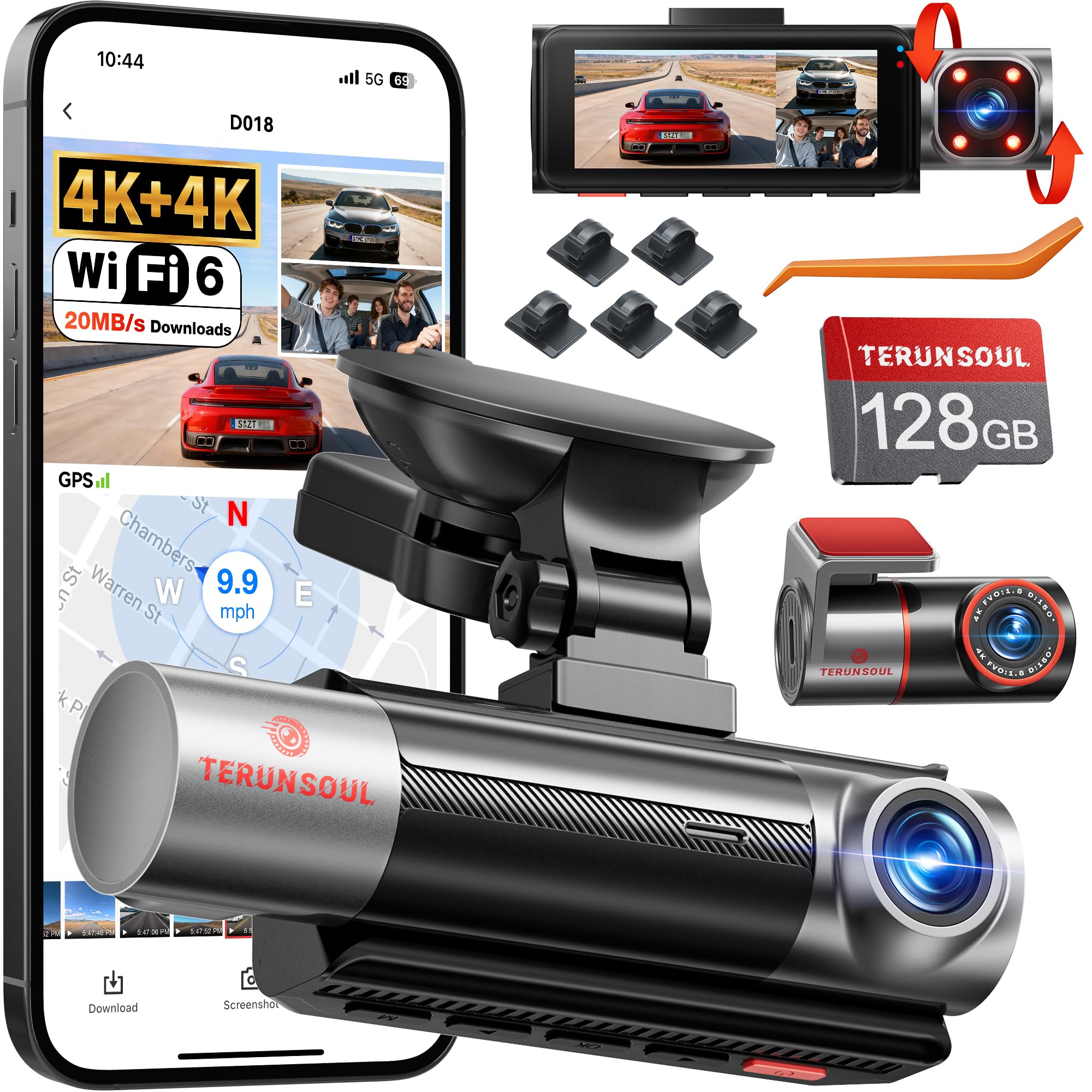
We recommend this if you want sharp front and rear 4K video plus an inside view for rideshare or family drives.
Pros
- Very clear daytime and nighttime video from front and rear.
- Includes 128GB card so you can start recording right away.
- App and GPS make it easy to pull clips and see location data.
Cons
- Unit is fairly large and can be noticeable on the dash.
- Menu and papers felt scattered; setup took extra time.
- Buttons are on the bottom and can be awkward to press once mounted.
We fitted this dash cam in two cars and drove it for a week. The front and rear 4K footage looked sharp and caught readable plates at close range. The cabin camera did a solid job at night thanks to the IR lights.
We used the app to view live footage and download clips. The Wi‑Fi held steady and GPS tagging gave us clear route and speed logs. Having a preinstalled 128GB card saved time during the first install.
We noticed the device is bigger than some dash cams and its button placement made in-car adjustments clumsier. Wiring the rear cam was straightforward with the long extension cable, but reading several small guides slowed us down a bit. Overall, the video quality and features justify the tradeoffs for anyone who wants thorough three-channel coverage.
Vantrue N4 Pro S
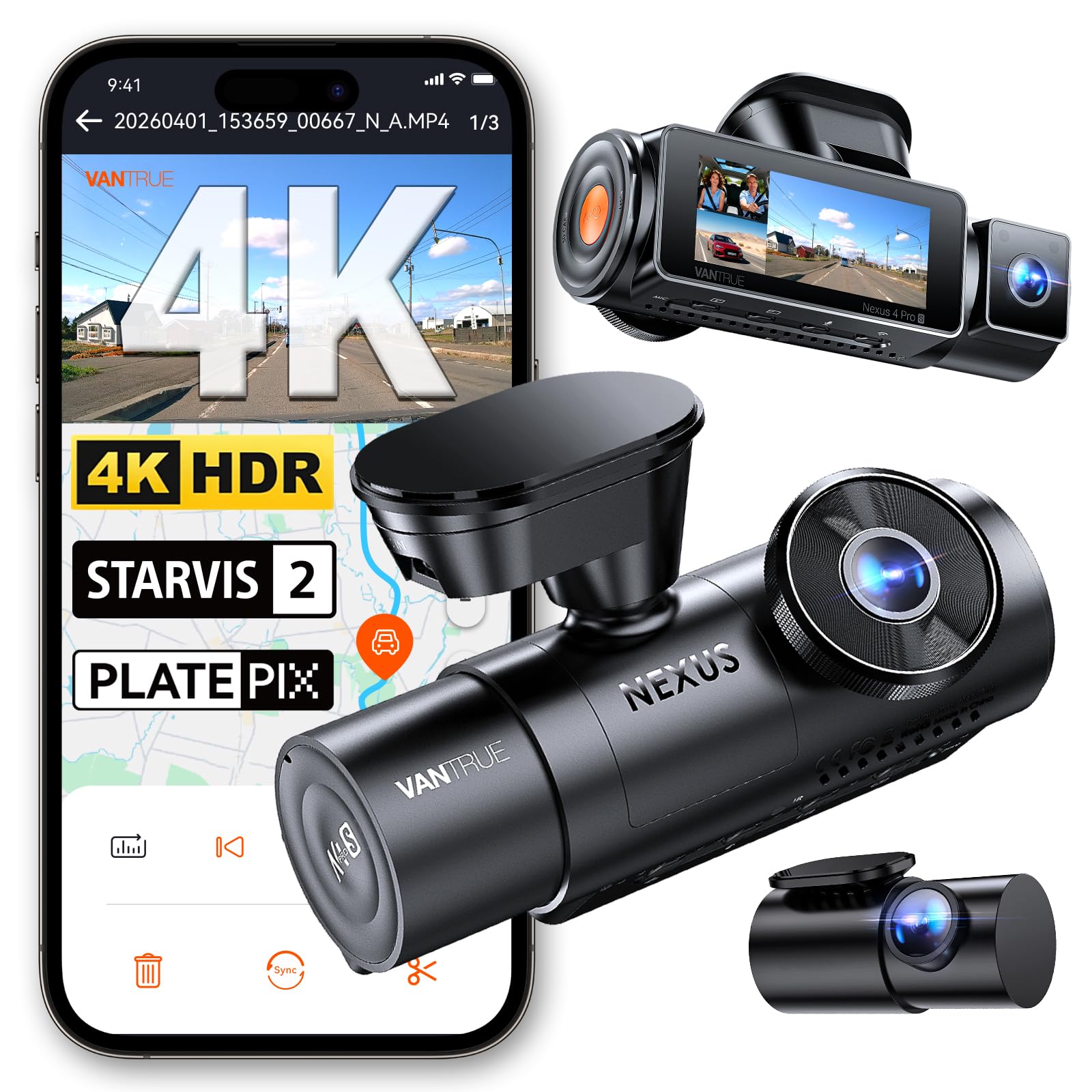
We recommend this if you want complete front, rear, and interior coverage with strong night performance and reliable parking recording.
Pros
- Very clear daytime and night video thanks to Triple STARVIS 2 sensors.
- True three-camera setup gives full blind-spot and interior monitoring.
- Solid build and stable app/Wi‑Fi for quick clip downloads.
Cons
- Setup can be fiddly without a clear paper manual.
- Full triple recording uses more power and can run hotter.
- You need to buy a hardwire kit and SD card separately for 24/7 use.
We fitted the N4 Pro S in our car and drove city streets and on the highway. The front 4K image looks sharp and the interior view captured faces clearly at night. The rear camera mounts and the long 20 ft cable made routing easy even in a larger vehicle.
We tested parking mode after hardwiring the unit. Buffered recording did grab impact events and showed about 10 seconds before the trigger, which gave useful context in a parking lot scrape. It did run warmer during long, sunny sessions, so we kept it on the lower-power dual-channel mode for long trips.
We used the app to pull clips over 5GHz Wi‑Fi — downloads were fast and GPS tags made it simple to confirm location and speed. Installation took longer than expected because the printed guide lacked detail, but once configured the system felt dependable and professional.
Eivikga A8 Pro 3-Channel Dash Cam
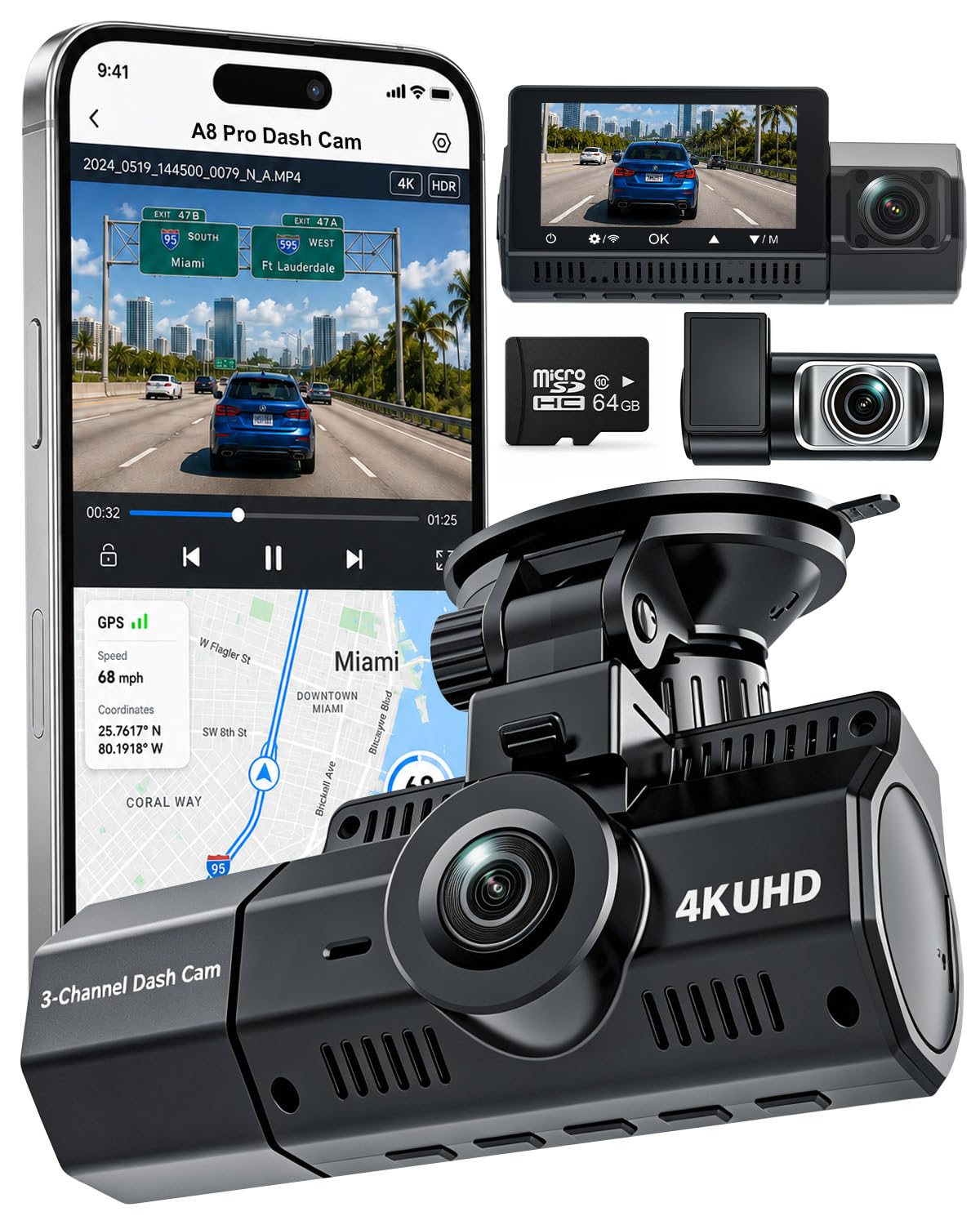
We recommend this camera if you want clear front, cabin, and rear coverage without spending a fortune.
Pros
- Very sharp front footage that captures signs and plates.
- Useful night performance with STARVIS 2 sensor.
- Includes a 64GB card and easy app access via 5GHz WiFi.
Cons
- Wiring the three cameras takes extra time and care.
- Some features need a hardwire kit sold separately.
- Small screen makes live review cramped in the car.
We installed this unit in our daily driver and drove city streets and highways for a week. The 4K front video showed clear details at distance, and the cabin and rear cameras filled in context during stops. We liked how the files synced to the app over 5GHz WiFi for quick checks.
Night drives surprised us in a good way. The STARVIS 2 sensor and f/1.6 lens reduced glare and kept license plates readable in low light. We did notice the rear and cabin angles can pick up reflections from tinted windows in certain lighting.
Parking mode and the G-sensor worked when we tested bumps in the lot, but continuous 24H hardwiring requires buying the hardwire kit. Overall, this felt like a solid three-channel setup that balances quality and price for rideshare, family cars, and regular commuters.
FAIMEE F9 3-Channel Dash Cam
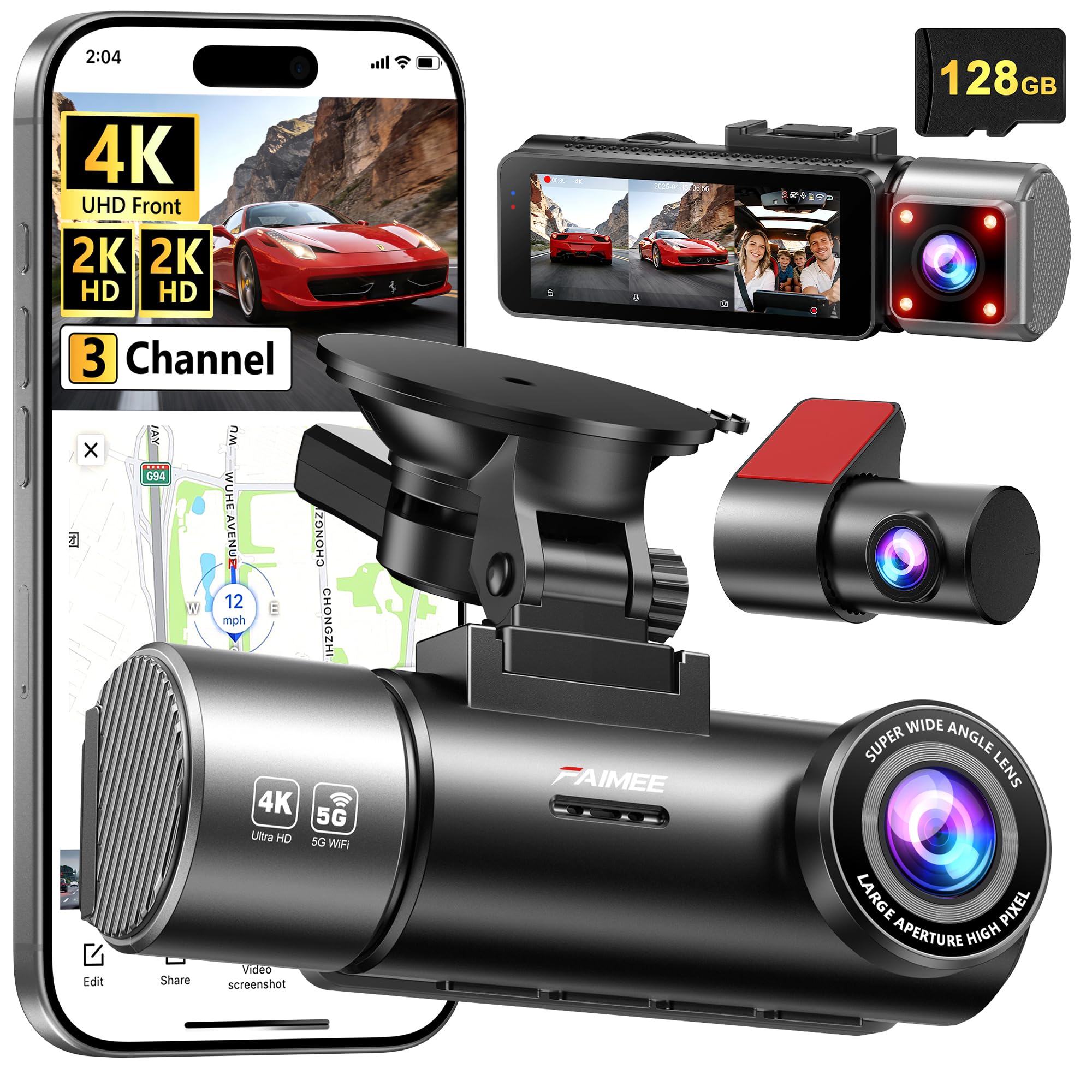
We recommend this camera when you want clear 4K front footage plus reliable interior and rear coverage for peace of mind.
Pros
- Extremely sharp front video and useful interior view.
- Easy app access and built-in GPS for quick location checks.
- Comes ready to record with a 128GB card and simple mounting.
Cons
- Parking mode needs a hardwire kit to work fully.
- Unit and cables add clutter on the dash if you want a clean look.
- Some setup choices in the app feel a bit fiddly at first.
We installed the F9 on our daily car and ran a mix of city and highway drives. The front 4K footage captures detail we could read in daylight, and the interior camera gave good coverage for passengers. The rear camera filled blind spots well on tight urban streets.
Night recordings held up better than we expected. License plates and signs stayed readable at dusk thanks to the wide aperture and WDR. In very dark side streets the image softened, but overall low-light performance felt solid for routine use.
Connecting to the FAIMEE app was quick and the GPS track logs made it easy to confirm routes. Loop recording and collision locking worked during testing, but we missed a true 24/7 setup without buying the hardwire kit. Installation was straightforward, though hiding the cable took extra time.
We appreciated the included 128GB card so the unit started recording out of the box. Customer support options and the 18-month warranty gave us extra confidence after setup. If you want crisp front footage, interior monitoring, and a simple app workflow, this unit performs well.
OMBAR T1 3‑Channel Dash Cam
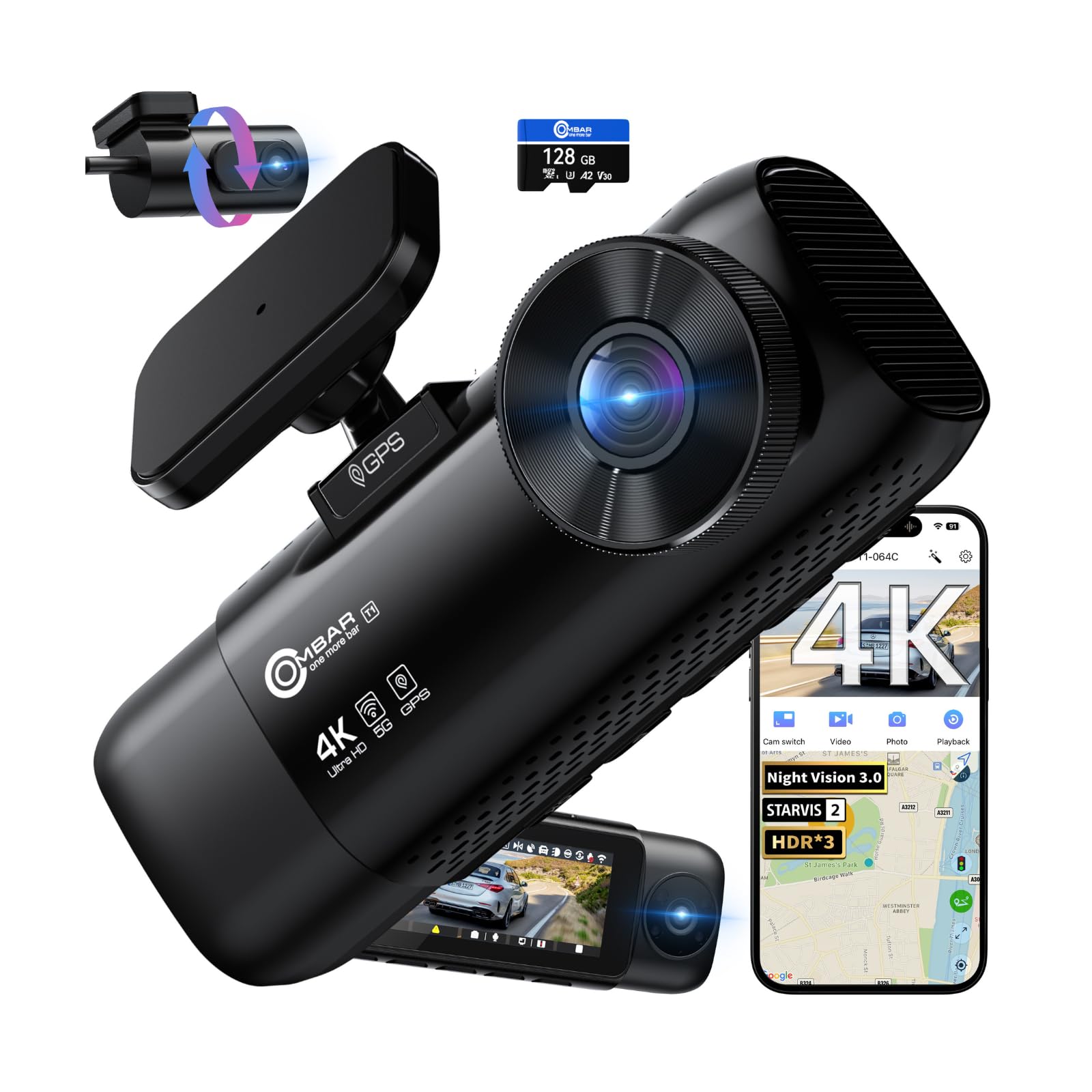
We recommend this if you want wide coverage and strong low‑light color footage for family cars or rideshare use.
Pros
- Clear, color night footage that makes plates and faces easier to see.
- Full coverage with front, rear, and cabin cameras for fewer blind spots.
- Fast Wi‑Fi and easy app access to grab clips on the go.
Cons
- Firmware updates can be risky and have caused freezes for some users.
- Requires the original power cable and optional hardwire kit to use parking mode reliably.
- App and setup can feel fiddly the first time you install it.
We took this out on mixed city and highway drives and liked the image quality right away. The front 4K footage shows a lot of detail, and the cabin and rear cameras fill in blind spots. Night captures stayed in color under streetlight and moonlight, which helped us read plates more often than expected.
Installation went smoothly using the provided cables and mounts, and the included 128GB card meant we were recording from the start. The RoadRec app made it simple to view clips, but the app can lag when downloading larger files over Wi‑Fi. GPS stamps and route playback worked as expected during our test drives.
We tested parking mode after adding the optional hardwire kit and found motion events recorded reliably. Still, we’d warn buyers to stick with the original charger and cable; using random phone chargers caused power hiccups during our setup tests. Firmware updates improved features for us, but one update did hang on another unit we tried, so back up settings before updating.
Overall, this feels like a professional, all‑around solution that gave us confidence on long trips and rideshare runs, as long as you follow the wiring advice and handle updates carefully.
VIOFO A229 Pro 3CH

We recommend this if you want detailed 4K front footage plus solid interior and rear coverage for family trips or rideshare driving.
Pros
- Excellent low-light detail from STARVIS 2 sensors.
- True 3-channel coverage (front, cabin, rear) for full monitoring.
- Useful features like 5GHz Wi‑Fi, GPS logging, and IR cabin night vision.
Cons
- Setup needs careful wiring and original cables for reliable power.
- Overheat shutdown can stop recording in very hot cars.
- Hardwire kit for full parking mode is sold separately.
We installed this in our car and ran it for several weeks. The 4K front footage made license plates and road signs easy to read on daytime drives. Interior night shots looked surprisingly clear thanks to the IR LEDs.
Connecting the cabin and rear cameras took time but the provided cables fit well once routed behind trim. We used the VIOFO app over 5GHz Wi‑Fi to change settings and quickly preview clips on our phone.
On hot afternoons the unit warned and shut off to protect itself, which kept us from worrying about burning components but did interrupt recording during one long park period. Overall the video quality and feature set felt worth the extra attention during installation.
Buy link: VIOFO A229 Pro 3CH
Buying Guide
We look for three main things when choosing a 3 channel dash cam: video quality, reliability, and ease of use. Good video helps identify details from front, rear, and cabin cameras. Reliability means stable recording, durable build, and consistent power handling.
We check resolution and frame rate first. Aim for at least 1080p on all channels or higher for the front camera. Higher frame rates (30–60 fps) improve motion clarity.
We consider low-light performance and wide dynamic range. Night and shadowed scenes must remain readable. Sensors and image processing matter more than marketing labels.
We test mounting and field of view. Adjustable mounts and correct angles reduce blind spots. Wide-angle lenses cover more but can distort edges.
We evaluate power options and parking mode. Hardwiring or dedicated adapters allow 24/7 recording. Look for battery protection, G-sensor event files, and timed or motion-triggered parking modes.
We review storage and file management. Use high-endurance microSD cards and watch for loop recording and automatic overwrite. Check how the device handles large files and file corruption.
We inspect connectivity and usability. Wi-Fi or app access helps with downloads and settings. A clear screen and intuitive menu speed up setup and daily use.
We compare warranty, firmware updates, and support. Regular firmware updates fix bugs and add features. Reasonable warranty terms protect our investment.
We weigh price against long-term value. Balance features we need with durability and support. Prioritize core safety and recording functions over extra bells.
Editor’s Choice
We pick the FalconView 3C as our Editor’s Choice for its balanced mix of video quality, reliability, and ease of use. It records front, rear, and cabin views in 4K + 2K + 1080p, so we capture clear detail where it matters most.
The unit boots fast and starts recording automatically. We like the simple menu and the stable mount that keeps footage steady on rough roads.
Key features we value:
- Resolution: Front 4K, rear 2K, cabin 1080p
- Night performance: Improved low-light sensors
- Storage: Dual-slot support up to 512 GB
- Connectivity: Wi‑Fi and GPS built-in
The FalconView keeps files organized with automatic event tagging and loop recording. We can lock footage from collisions without sorting through clips.
Installation is straightforward for DIYers and pros alike. The camera fits neatly behind most rearview mirrors and the cabin lens tucks under the headliner.
We found the app reliable for viewing clips and updating firmware. Battery drain is low thanks to efficient parking mode, which records motion and impact while the car is off.
Conclusion
We find 3-channel dash cams offer strong coverage for many drivers. They record front, rear, and cabin views at once, which helps with evidence, insurance claims, and passenger safety. Installation takes a bit more time, but the wider view pays off.
We prefer units with good low-light performance and reliable parking modes. These features capture incidents at night and when the car is parked. Battery or hardwire options matter depending on how long we need protection.
We recommend models with cloud or Wi‑Fi features for easy footage access. Storage management and overwriting options keep recordings organized. A clear app and simple controls save time and frustration.
We balance cost against build quality and warranty. Higher-end models often give better sensors and longer lifespans. Midrange cameras can still meet most needs if they include essential features.
We suggest checking legal rules where we drive about recording passengers and audio. Respecting privacy and following local laws keeps us out of trouble. When chosen and installed correctly, a 3-channel dash cam can improve safety and peace of mind.
FAQS
What is a 3 channel dash cam?
We use three cameras to record the front, rear, and inside of the vehicle. This gives more coverage than single- or dual-channel systems.
Do they use more power?
Yes, they draw more power than single-channel units, but most models include low-power parking modes. We recommend hardwiring for stable power and to access parking features.
Can a 3 channel system record while parked?
Many models can record while parked using motion or impact detection. We should check if the unit supports buffered recording to capture events before a trigger.
How much storage do we need?
Storage depends on resolution and bitrate. As a rule, 64–256 GB microSD cards work well; we prefer cards rated for continuous video (A1/A2 or high-endurance).
Is installation hard?
Installation ranges from simple to complex. Plug-and-play models use a cigarette adapter. Hardwiring requires routing cables and tapping vehicle power.
Will insurance accept 3 channel footage?
Most insurers accept dash cam footage as evidence. We should keep original files and note timestamps and GPS data if available.
What features matter most?
We look for image quality (night vision), reliable parking mode, GPS, timestamping, and easy file retrieval. Battery backup is useful but short-lived in most units.
How long do recordings last?
Recordings loop by overwriting oldest files. Individual clip length varies; common settings are 1–5 minutes per file.

