Dash cams record your drive so you have proof after accidents, vandalism, or odd events on the road. They range from tiny, cheap models that plug into a cigarette lighter to hardwired units with multiple cameras and GPS. We focus on inexpensive dash cams that still capture clear video, loop-record reliably, and store footage without fuss.
When choosing a budget dash cam, the most important factors are video quality, night performance, and ease of use. Good daytime and nighttime video, reliable loop recording, and simple file retrieval matter more than extra bells like Wi‑Fi or fancy apps. We tested several low‑cost models to find ones that balance those basics with straightforward setup and dependable performance, so you can pick a camera that protects you without breaking the bank.
Best Inexpensive Dash Cams
Below is our full list of the best inexpensive dash cams. We tested and compared models that offer clear video, reliable parking mode, and easy setup so you can find good value without extra features you don’t need.
iZEEKER 2.5K Dash Cam
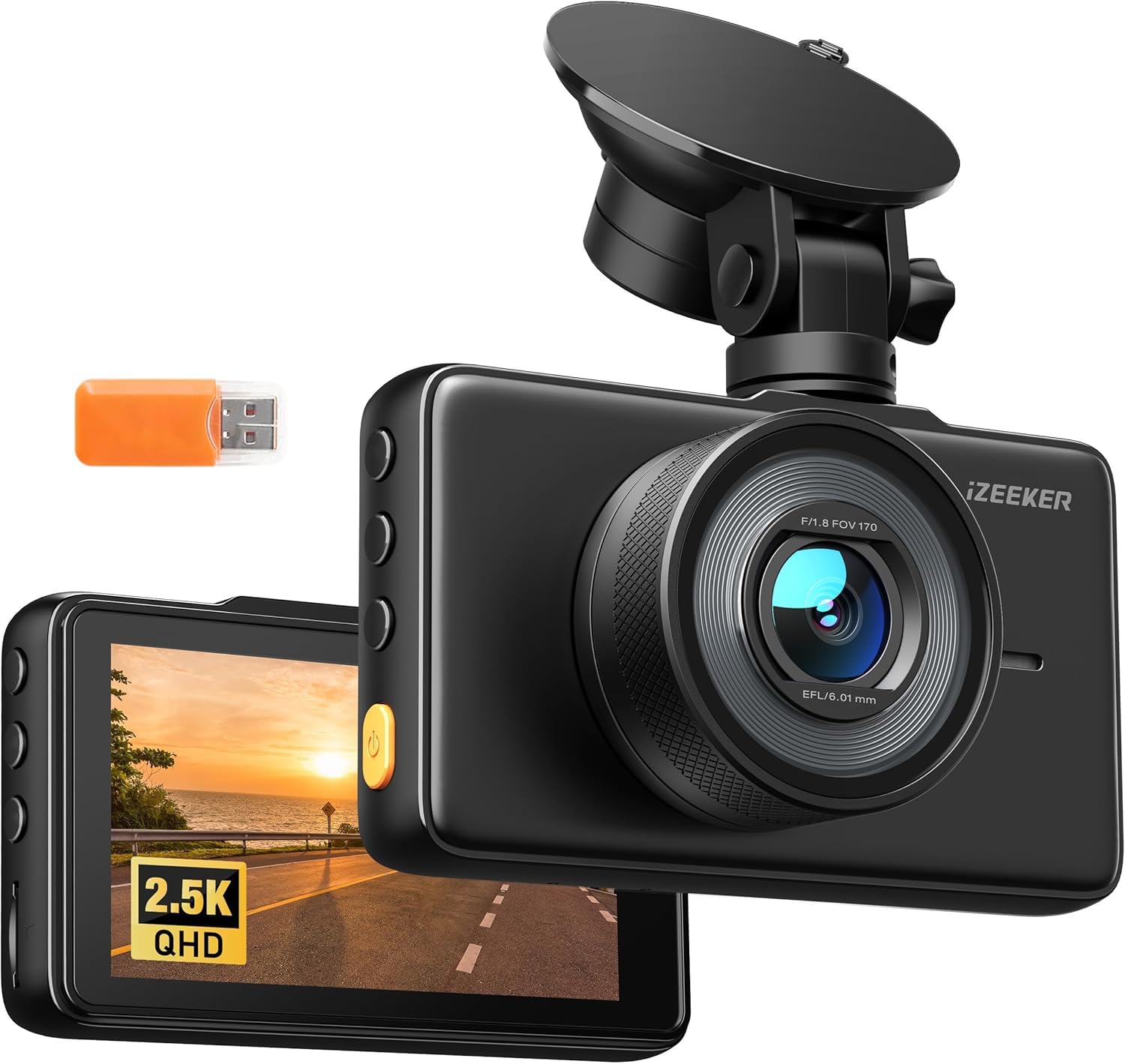
We recommend this if you want a cheap, easy-to-use front dash cam that records sharp daytime video and handles basic parking events.
Pros
- Clear 2.5K daytime video and wide 170° view.
- Quick setup and a handy 3″ screen for instant playback.
- Auto loop and G-sensor lock useful for simple evidence capture.
Cons
- Occasional file errors reported by users and us when reviewing clips.
- No SD card included, so you must buy one separately.
- Parking mode needs a hardwire kit for true 24/7 monitoring.
We unboxed and set this up in about ten minutes. The suction mount stuck well to the windshield and the small unit did not block our view. The touch screen made menu changes faster than using a phone app.
Driving around town, the 2.5K footage looked noticeably sharper than older 1080p cams. Lane details and license plates at close range were clearer in daylight. Night footage was usable but softer; headlights and bright signs can wash out small details.
We tested the G-sensor by braking hard and the camera saved the clip as expected. Loop recording kept the card from filling up, but we did see a couple of playback errors while checking footage — that matched other users’ reports. Keep backups if the video might be critical.
If you want a basic, no-frills front camera that records well and shows footage instantly, this is a solid budget pick. Buy a good microSD card and consider a hardwire kit if you need constant parking surveillance.
Buy the iZEEKER 2.5K Dash Cam on Amazon
Veement V300 Dash Cam

We recommend this if you want a cheap, easy-to-use dash cam that records clear daytime and decent nighttime video.
Pros
- Good video clarity for the price
- Small, discreet design that fits behind the mirror
- App makes it easy to view and download clips
Cons
- App pairing can be finicky on some phones
- No internal battery — needs constant USB-C power
- Occasional reports of power or connection issues
We installed the V300 on our windshield and ran it for a few weeks. The setup was straightforward and the unit stayed tucked out of the way. Daytime footage looked sharp and captured license plates at moderate distances.
Night driving surprised us: the sensor and wide aperture improved low-light detail more than we expected for this price. The 170° view covers lanes well, though distant fine detail can blur at times.
Using the VeeCar app felt handy for quick clips, but connecting took a couple of tries on one of our phones. We found a reliable USB-C power cable fixed most disconnects, and we liked that the camera avoids a built-in lithium cell for safety.
If you need a budget camera that records solid evidence and hides easily, this worked for us — just plan to buy a good microSD card and keep a spare power cable.
Wkreuoar Dual Dash Cam
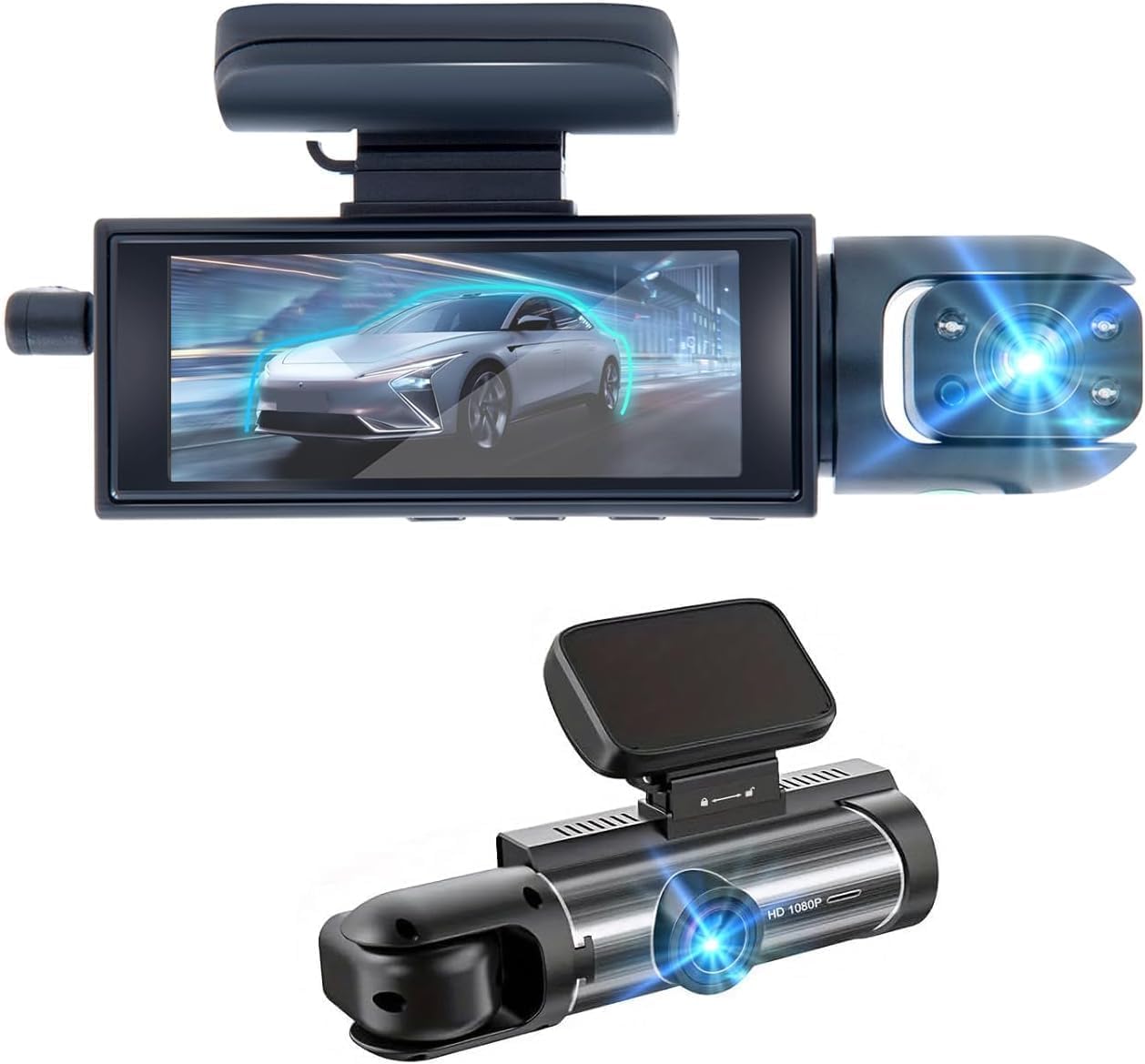
We recommend this if you want an inexpensive dual camera that records the road and cabin clearly for rideshare or family use.
Pros
- Records front and inside at 1080p with useful night clarity
- Easy plug-and-play setup, quick to mount and start
- G-sensor locks crash clips so important footage stays safe
Cons
- Mount adhesive can be weak and may not hold well
- Needs continuous power; no internal battery
- Some units fail after short use for a few buyers
We used this cam for several drives and liked how it captured both the road and passengers without fuss. Night footage showed readable plates on nearby cars and the interior camera picked up faces in low light. Setup took less than five minutes using the included car charger.
The mount is compact and almost invisible behind the rearview mirror, but we had one unit that fell off after a short time. The included adhesive feels thin, so we recommend extra tape or a stronger adhesive pad if you plan to leave it long-term.
Loop recording and the G-sensor worked as advertised during a sudden brake test; the clip stayed protected and easy to find. The unit must stay plugged in, so add a hardwire kit for true 24-hour parking monitoring if you need that feature.
We felt the overall value is good when it works, especially for rideshare drivers who need dual-channel evidence quickly. Buy a high-quality microSD card and consider extra mounting supplies to avoid common issues.
MetricSquare Dual Dash Cam
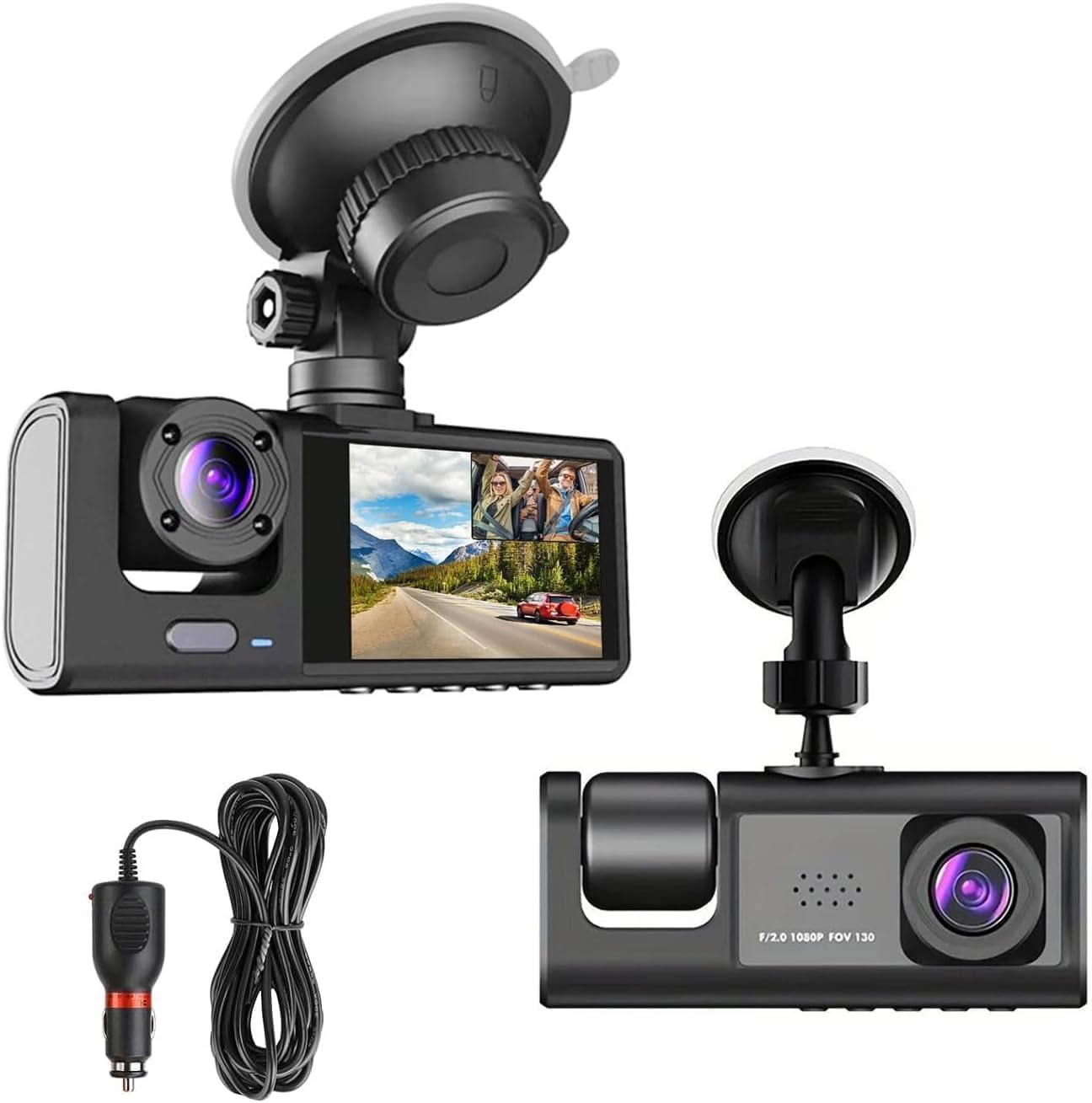
We recommend this if you want a low-cost, plug-and-play dash cam that records both front and cabin views and locks crash clips automatically.
Pros
- Records front and inside views at 1080p so we can see events clearly.
- G-sensor locks important clips so footage isn’t lost after a crash.
- Simple install — suction mount and cigarette-lighter power make setup quick.
Cons
- Needs you to buy a microSD card separately to record.
- Suction mount can loosen if the windshield isn’t clean or very hot.
- Night vision is basic; low-light detail is limited compared to higher-end cams.
We mounted this unit in one of our cars in under five minutes. The small screen and compact body did not block our view, and the included power cable reached our lighter socket without extra adapters.
When driving, the front image looked sharp in daytime and the interior camera caught clear audio and movement. The G-sensor reacted to sudden shakes and saved those files so we didn’t worry about losing a key clip during loop recording.
We tested dusk and night recordings and saw that the camera still picked up shapes and motion, though small details can blur in low light. The device felt sturdy and the menu was simple to use, but we wished the mount gripped better on a dusty windshield.
If you want a cheap, easy-to-use dual dash cam that protects you with locked crash files and records inside the car, this unit does the job without fuss.
Meiqils Dual Dash Cam
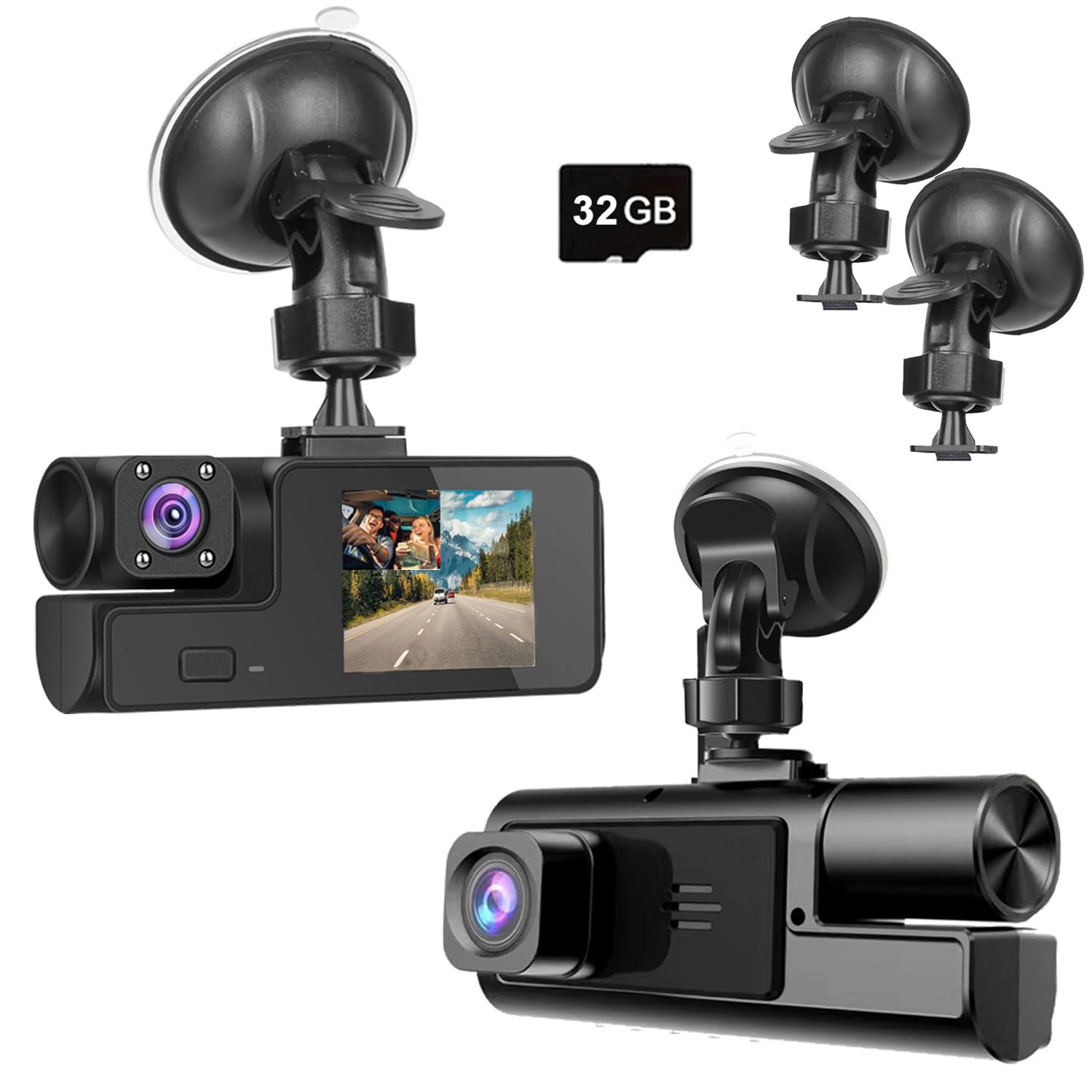
We would buy this if you want a cheap dual‑view dash cam that records front and cabin video, but expect build and mount issues.
Pros
- Good daytime footage for the price.
- Records both front and inside views at once.
- Simple plug‑in setup; starts when the car starts.
Cons
- Mount and joint feel fragile and can break.
- Night and fine‑detail clarity are hit or miss.
- Some units fail early or have fit problems.
We used this on short trips and noticed the forward camera captures clear daytime video. Reviewing clips was easy and the dual view helped show driver and road when needed.
The suction mount gave us headaches. The small plastic joint felt weak and one user‑level push can crack it. We taped a backup to keep it steady.
Night recording works okay at close range, but license plates and distant lights can blur. If you need crisp evidence in low light, this may not meet your standard.
Installation was quick: clean windshield, stick mount, plug into the lighter. The G‑sensor locked collision clips automatically, which gave us peace of mind during rough drives.
Overall, this is a budget pick for basic coverage or ride‑share drivers who want two views without spending much; just plan for possible hardware or quality tradeoffs.
Galphi Q2 4K Dash Cam
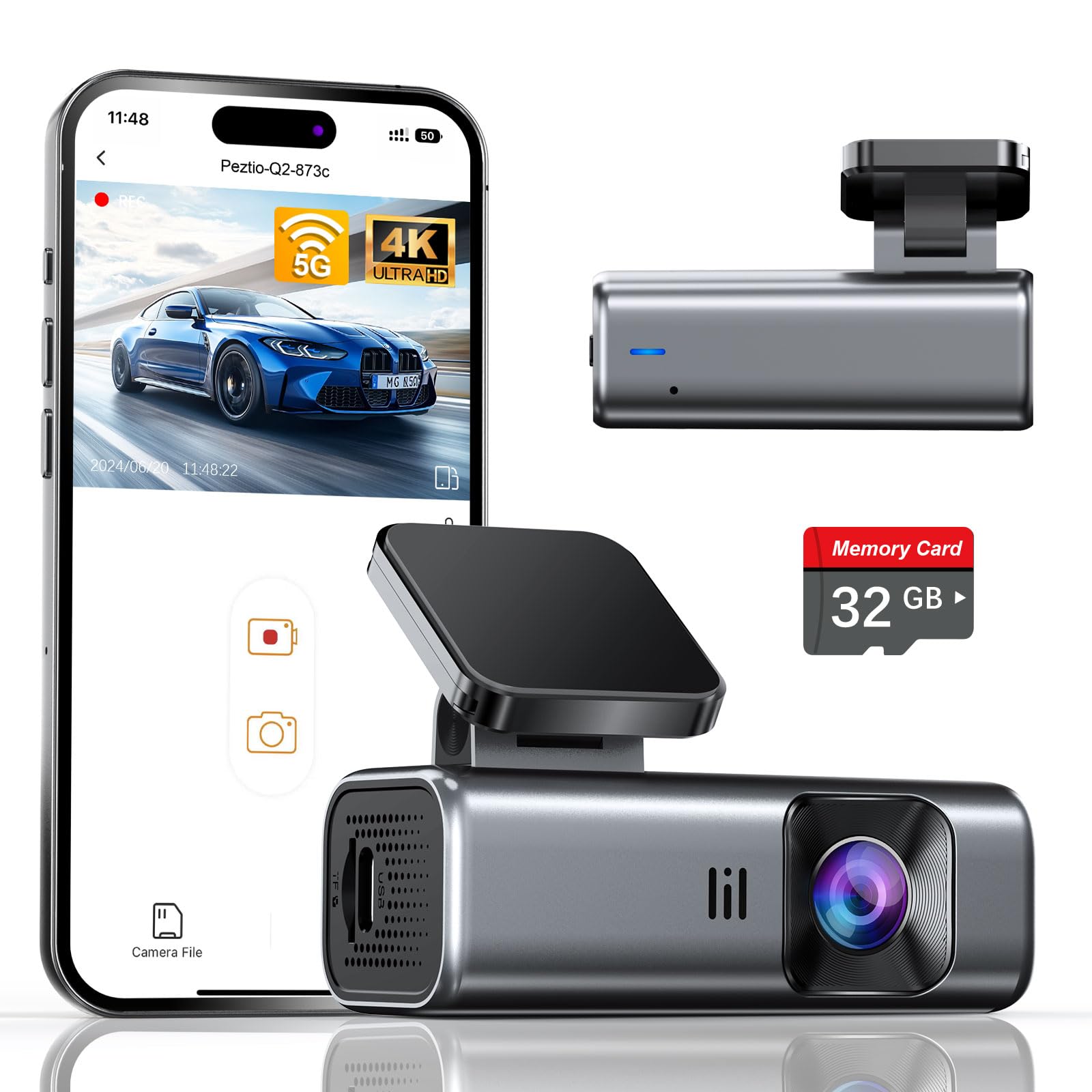
We recommend this if you want a cheap, easy-to-install 4K dash cam that includes a ready-to-use memory card.
Pros
- Sharp 4K daytime and good night clarity.
- Compact, low-profile design that stays out of sight.
- Fast 5GHz Wi‑Fi for quicker phone downloads.
Cons
- No built-in screen, so setup uses the app.
- Included card is 32GB (not huge) for long trips.
- Parking mode needs a hardwire kit sold separately.
We fitted this little unit to a windshield and liked how small it stayed out of view. Setup took minutes with the adhesive pad and the app — once connected, downloads moved noticeably faster on 5GHz than older dash cams we’ve used.
Video looked crisp in daylight and held up well at night thanks to the wide aperture and WDR. We could read nearby plates and signs more often than with cheaper 1080p cameras, though long drives will fill the 32GB card faster than larger cards.
Using it without a screen means we relied on the phone app for framing and playback. That reduced distraction while driving, but we missed quick on-device review. The parking mode worked when hardwired, recording time-lapse to save power, which is handy if you want round‑the‑clock coverage.
Overall, this is a solid budget pick for drivers who want clear footage and a discreet mount without spending much. Try the Galphi Q2 if you prefer small gear, fast Wi‑Fi, and plug‑and‑play use with a preinstalled card.
AZDOME M01 Pro

We recommend this if you want a cheap dual front-and-rear dash cam that records reliably and is easy to install.
Pros
- Clear daytime and decent low-light video from front and rear.
- Simple install and the included 64GB card gets you started.
- Helpful safety alerts like ADAS and G-sensor locking.
Cons
- Rear cable and mount can be short and picky about angle.
- Some units need a firmware or replacement when problems appear.
- Night license-plate detail can be limited unless close.
We fitted this in our car and used it for a few weeks. Setup was straightforward: stick the mounts, tuck the cables, and plug into the cigarette lighter. The 3″ screen and menus felt familiar and easy to use.
Driving around town, the front 1080p gave crisp footage and the wide angle captured lanes well. The rear camera filled in blind spots, though its mount required a little fiddling to get the view we wanted.
Night trips showed the limits. The camera handles low light better than most budget units, but plate detail at a distance was sometimes soft. For most incidents and insurance needs, the footage should be fine.
We liked the ADAS alerts and parking/24H features for peace of mind on longer drives or when parked. The free 64GB card is a useful bonus, but make sure to format it first like the instructions say.
A few of our units needed support or a swap, and a small number of users report a short rear cable or odd orientation. Still, for the price, this one balances features and real-world performance well.
Editor’s Choice
After comparing the features, video quality, ease of installation, and overall value, our Editor’s Choice is the Galphi Q2 4K Dash Cam.
It delivers excellent 4K video quality, fast 5GHz Wi-Fi connectivity, and a compact design at a budget-friendly price. The included 32GB microSD card means you can start recording immediately without buying extra accessories. Although it doesn’t have a built-in display, the mobile app is easy to use and provides quick access to recordings.
If you need the best balance of affordability, image quality, and everyday reliability, the Galphi Q2 4K Dash Cam is our top recommendation. For drivers who prefer a dual-camera setup, the AZDOME M01 Pro is another excellent value with front and rear recording plus a free 64GB memory card.
Conclusion
Finding a reliable dash cam doesn’t have to be expensive. Many affordable models now offer sharp video quality, dependable loop recording, G-sensor protection, parking mode support, and easy installation without costing hundreds of dollars.
The right choice depends on your driving needs. A basic front-facing camera is ideal for daily commuters, while dual-camera systems provide extra protection for rideshare drivers and families. Before purchasing, consider video resolution, night vision performance, storage compatibility, and whether you plan to hardwire the camera for parking surveillance.
Any of the inexpensive dash cams featured in this guide can provide valuable evidence during accidents or unexpected road incidents. By choosing a model that fits your budget and driving habits, you can enjoy greater peace of mind every time you get behind the wheel.
FAQs
Are inexpensive dash cams worth buying?
Yes. Many budget dash cams provide reliable video recording, loop recording, and G-sensor protection. While they may lack premium features like cloud storage or advanced driver assistance, they offer excellent value for everyday driving.
What video resolution should I choose?
A minimum of 1080p Full HD is recommended. If your budget allows, a 2.5K or 4K dash cam provides better detail, making license plates and road signs easier to identify.
Do budget dash cams record at night?
Most modern inexpensive dash cams include night vision or Wide Dynamic Range (WDR) technology. However, higher-priced models generally produce clearer footage in very low-light conditions.
Do I need a microSD card?
Yes. Most dash cams require a compatible microSD card for storing recordings. Some models include a memory card, while others require you to purchase one separately.
Can I use parking mode without hardwiring the camera?
Some dash cams offer limited parking protection using an internal battery or capacitor, but continuous 24/7 parking mode typically requires a hardwire kit connected to your vehicle’s fuse box.
How long does a dash cam keep recordings?
The recording duration depends on the size of the microSD card and the selected video resolution. Once the card is full, loop recording automatically overwrites the oldest unlocked footage.
Should I choose a front-only or dual dash cam?
A front-only dash cam is sufficient for most drivers and costs less. A dual dash cam records both the front and rear or cabin, providing more complete evidence in the event of an accident.
How do I install an inexpensive dash cam?
Most budget dash cams use a suction cup or adhesive mount. Simply attach the camera to the windshield, connect it to the vehicle’s power outlet, route the cable neatly along the headliner, and insert a compatible microSD card before use.

