Small dash cams offer a compact way to record driving events without cluttering the windshield. They fit discreetly behind the rearview mirror, capture footage of accidents or road hazards, and often include features like loop recording, motion detection, and basic night vision. We focus on models that balance size with clear video quality so you get reliable evidence without a bulky device.
When choosing a small dash cam, the most important factors are video resolution, field of view, and reliable mounting and power options. High resolution (at least 1080p) and a wide but not distorted field of view ensure you capture license plates and faces clearly. We tested a range of tiny cameras for video clarity, ease of setup, and day‑to‑day reliability to find the ones that perform best for everyday drivers.
Best Small Dash Cams
Below is our full list of the best small dash cams for clear daytime and nighttime recordings. We focused on compact size, video quality, and ease of use to help you pick the right camera for everyday driving.
Garmin Mini 3

We recommend this if you want a tiny, easy-to-hide dash cam that records clear 1080p video and cuts windshield glare.
Pros
- Very small and discreet on the windshield.
- Good daytime and low-light clarity thanks to polarizer and HDR.
- Voice control and automatic incident saves make it simple to use.
Cons
- App and Wi‑Fi features feel slow and can be frustrating.
- Some advanced cloud features require a paid Vault subscription.
- No display on the camera means you need a phone to view clips.
We liked how unobtrusive the Garmin Mini 3 is. It hides behind the mirror and barely changes sightlines, so it won’t draw attention or block your view while driving.
Recording quality impressed us for a camera this size. Daytime details and night highlights came through clearly, and the built-in polarizer cut windshield glare better than we expected.
Setting it up took a few minutes, though the app was not snappy. Downloading or viewing longer clips over Wi‑Fi felt slow, so we often removed the card for quick transfers.
Voice commands worked well for saving clips while driving, which keeps hands on the wheel. Still, live view and parking alerts only shine if you pay for the Vault and keep the car on Wi‑Fi and constant power.
Overall, the Mini 3 is great for drivers who want a low-profile, reliable recorder without a screen; just be ready to manage some app and subscription quirks.
KAWA Tiny 2K Dash Cam
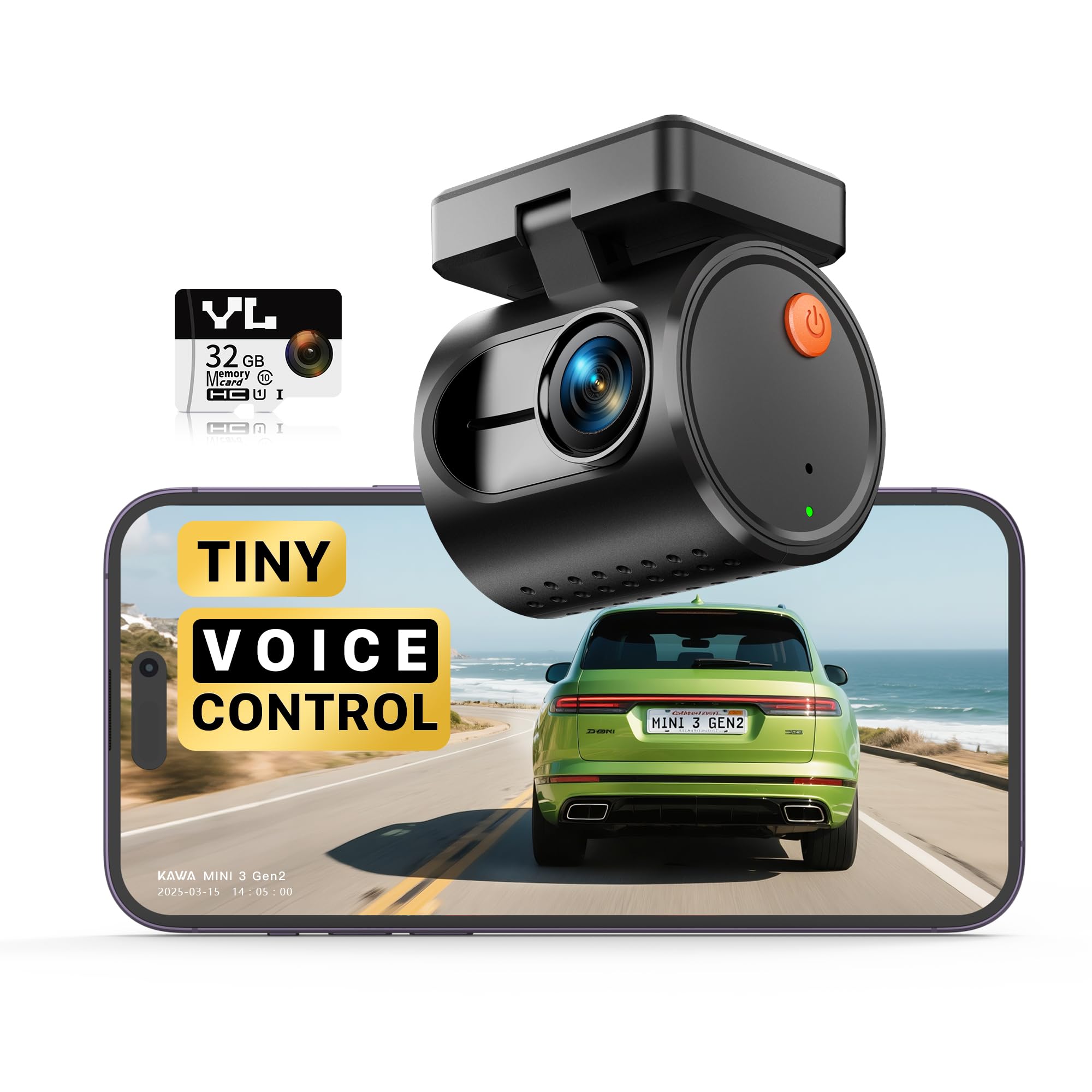
We recommend this if you want a tiny, affordable dash cam that records clear 2K video and stays out of sight.
Pros
- Small, hidden design that doesn’t block the view
- Good daytime and night video for the price
- Easy Wi‑Fi setup and useful voice commands
Cons
- Parking mode needs a hardwire kit sold separately
- Limited advanced settings compared with pricier models
- Wires and mount can look a bit fiddly during install
We put this KAWA cam behind our rearview mirror and it felt nearly invisible. The mount held steady and it blended in better than many larger cams we tried.
Video clarity surprised us for the price, especially in daylight. Night footage showed more grain but still captured license plates when the light was decent.
Voice control worked well for quick tasks like locking a clip or taking a photo while driving. The app made downloading clips easy over Wi‑Fi, though moving settings felt slower than some higher‑end apps.
Parking monitoring is available but requires buying a hardwire kit if you want full 24-hour protection. For casual drivers who want a compact, reliable camera without a big price tag, this was a solid pick.
VIOFO A119M Pro
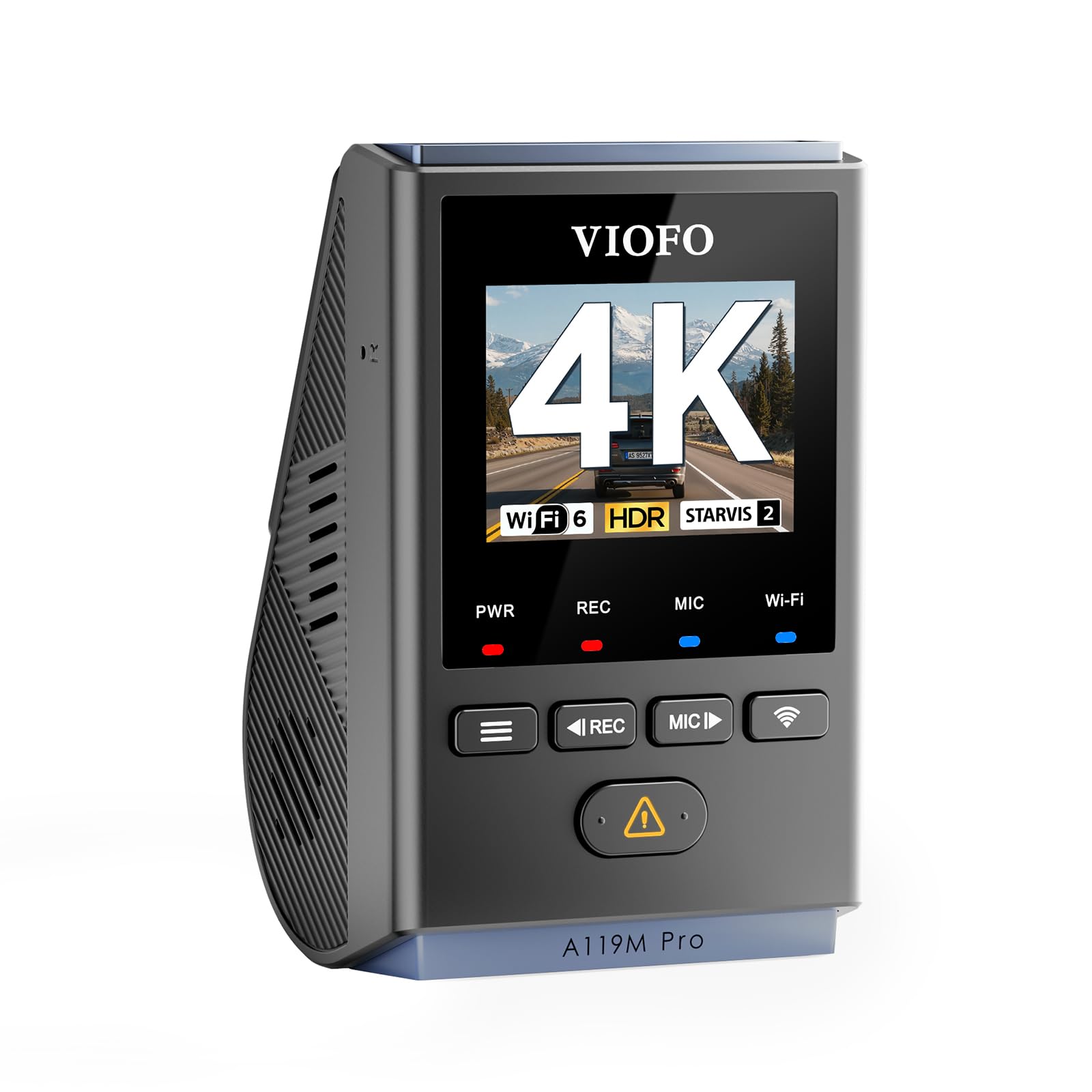
We recommend this if you want a tiny 4K dash cam that records clear footage day and night and feels reliable in real use.
Pros
- Sharp 4K video that catches plate numbers and signs.
- Compact, hides well behind the rearview mirror.
- CPL filter cuts windshield glare noticeably.
Cons
- App pairing took a couple of tries and felt fiddly.
- No microSD or hardwire kit included; extra purchase required.
- Voice alerts can be a bit chatty at first.
We installed the A119M Pro and liked how little space it took on the windshield. The image clarity surprised us — even in low light the STARVIS 2 sensor kept details readable without heavy noise.
Using the CPL filter made reflections drop a lot during midday drives. The supercapacitor gave us peace of mind for hot days and sudden power loss; the unit felt solid and stayed cool.
Transferring clips over Wi‑Fi 6 was fast when the app connected, but pairing needed patience. Parking modes worked well once we added a hardwire kit, and the pre‑event buffer saved a few near‑miss clips we otherwise would have missed.
Garmin Mini 3
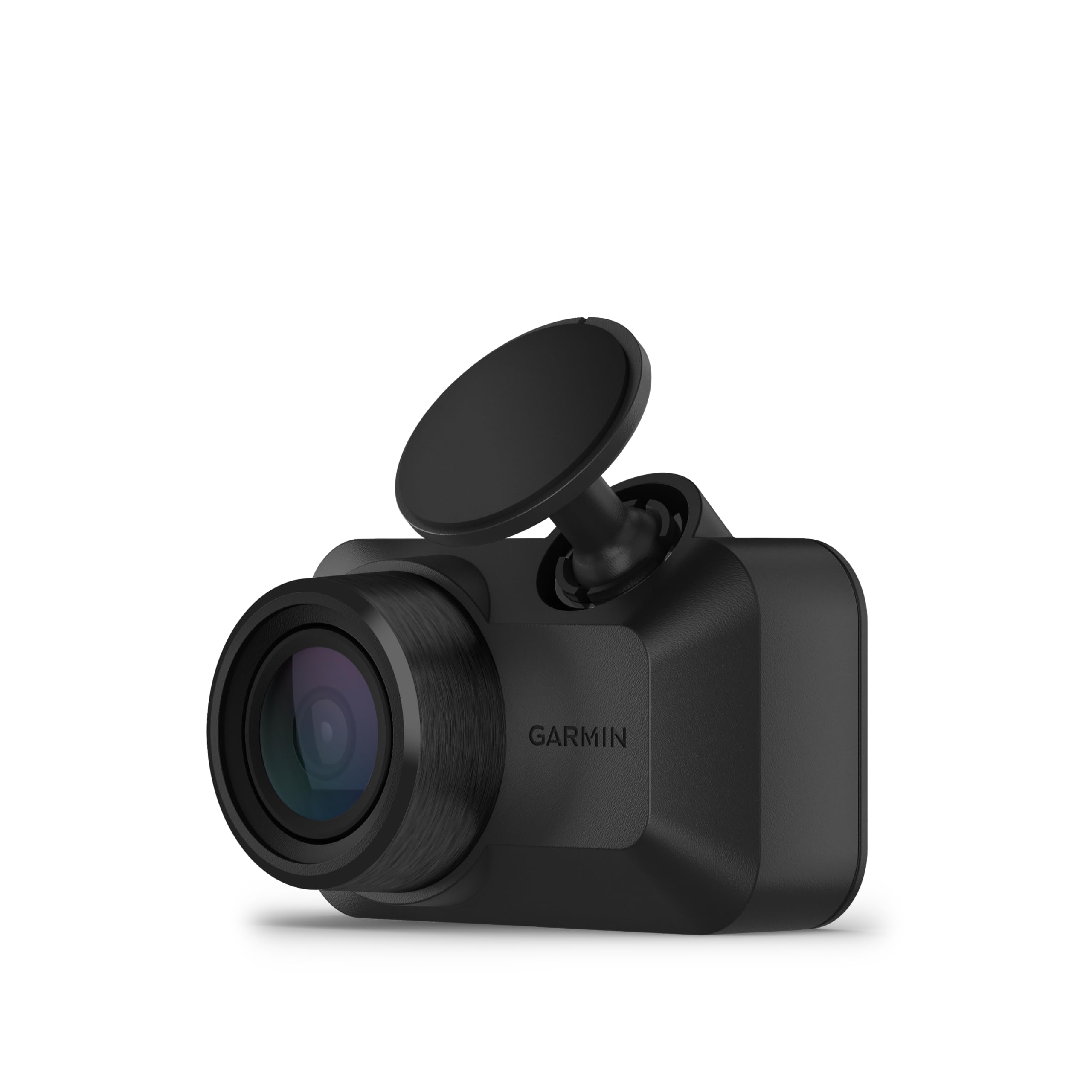
We recommend this if you want a tiny, easy-to-hide dash cam that records clear daytime video and stays out of the way.
Pros
- Very small footprint — barely noticeable on the windshield
- Good daytime clarity with reduced windshield glare
- Simple voice commands and quick install
Cons
- Hard to view or transfer clips without sitting in the car
- No cabin-facing or dual-camera option
- Some app features and parking alerts need subscriptions or constant power
We fitted this to a few cars and liked how discreet it is. It tucks behind the rearview mirror and doesn’t block sightlines. The build felt solid in hot cars.
Driving around town showed crisp 1080p footage in daylight. The polarizing lens cut glare well, so license plates and signs stood out more than on other tiny cams we’ve used.
We tested the voice controls and basic save commands; they work, but the app can be awkward. Pulling video over Wi‑Fi sometimes required us to sit in the vehicle and wait for downloads.
If you need coverage while parked, plan for constant power and the paid Vault plan for full features. For a no-fuss front camera that stays hidden, this performs well; expect some limits when reviewing or managing clips remotely.
ROVE R2-4K Dual

We recommend this if you want very clear day and night footage from both front and rear cameras and easy phone downloads.
Pros
- Excellent low-light clarity from the Sony STARVIS 2 sensor.
- Dual-channel 4K front + 1080p rear captures both directions.
- Fast 5GHz WiFi makes grabbing clips to your phone quick.
Cons
- Large file sizes mean you’ll need big cards or frequent offloads.
- Rear cable routing can be fiddly in some cars.
- 3″ screen is small for detailed menu work.
We installed the R2-4K in a week of city and highway driving and liked the picture right away. Daytime video was sharp and wide, so you can see lane changes and signs without digital fuzz. Night driving improved noticeably compared with older dash cams we’ve tested; low-light detail held up around streetlights.
The wifi feature saved time when we wanted clips for an insurance claim. Connecting the app and downloading a 4K clip felt fast and reliable on 5GHz. The included 128GB card and the free GPS player helped us match video to route and speed when reviewing footage on a laptop.
Setup went smoothly but took patience hiding the rear cable behind trim on one vehicle. We also noticed file management becomes important: 4K front files add up fast, so plan to back up or swap cards. Overall, this unit felt solid, gave great night vision, and moved footage to our phones faster than most dash cams we’ve used.
REDTIGER F4 Pro
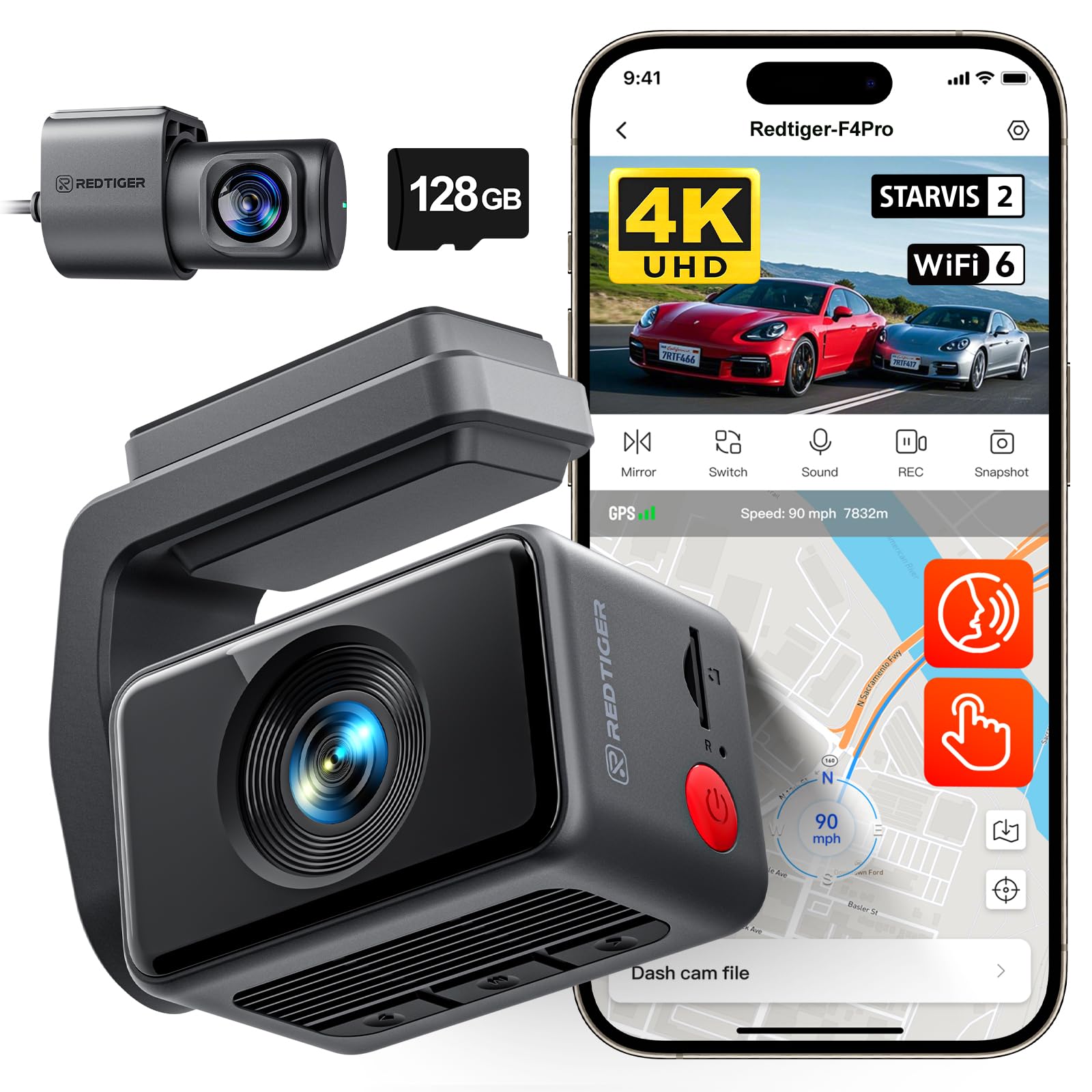
We think this is a strong pick if you want a compact, high-res front and rear dash cam with good night clarity.
Pros
- Sharp 4K front video and clear night shots.
- Easy install and tidy cable routing.
- Fast Wi-Fi transfers and useful GPS.
Cons
- Small touch screen can feel cramped.
- Parking mode needs a hardwire kit.
- Menu buttons are easy to press by mistake.
We installed the F4 Pro on two cars and ran it for a few weeks. The picture quality impressed us right away — daytime footage looks detailed and night shots pick out license plates when it matters. The rear camera gives good coverage without adding a lot of bulk.
Setting it up felt straightforward. The adhesive mount sits low on the windshield and the included wiring made hiding cables behind panels simple. We liked the long rear cable and the 128GB card included, which saved us a step.
Using the unit day-to-day was mostly smooth. The touch screen and voice commands let us change settings without hunting through menus, though the 2.2″ screen is small for quick playback. Wi‑Fi file transfers were noticeably faster than older models, and the built‑in GPS logs speed and route cleanly.
Parking monitoring worked well in tests but requires buying a hardwire kit for true 24/7 protection. We also bumped the side buttons a few times while adjusting the mount, so be careful during setup. Overall, this unit felt like a real upgrade for the price and lived up to its night‑vision claims.
Galphi Q2 4K Dash Cam
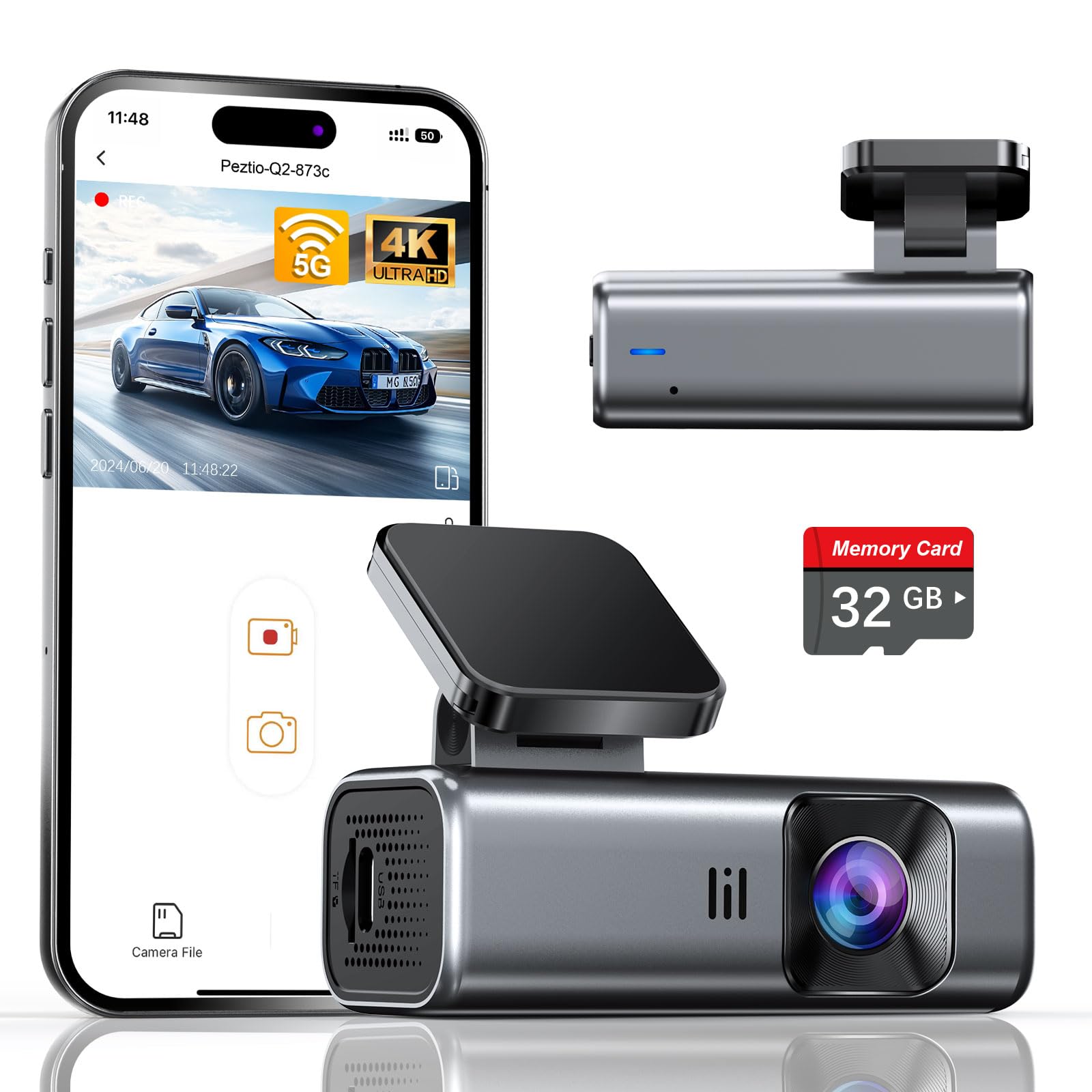
We think this is a smart buy for drivers who want a tiny, no-screen 4K cam that records clear day and night footage right out of the box.
Pros
- Sharp 4K video and good low-light handling.
- Compact, low-profile design that stays out of sight.
- 5GHz Wi‑Fi makes downloads faster than typical dash cams.
Cons
- No built-in screen means you need the app to check clips.
- Included card is 32GB, so long trips may need a bigger card.
- Parking mode needs a hardwire kit for full 24-hour use.
We installed this on our windshield in under ten minutes. The adhesive mount held firm and the small size barely changed our view out the front.
Recording quality impressed us right away. Daytime footage picked up license plates and signs, and night clips were usable thanks to the wide aperture and WDR balance.
Using the app over 5GHz Wi‑Fi sped up transfers, which saved time when we grabbed clips after drives. Still, the lack of a display means you must rely on your phone for playback and setup.
For parking recording, we tested time-lapse mode and it does save battery, but to get true 24-hour coverage you have to hardwire it into your car. The built-in G-sensor did lock a few incident clips during our sudden stops.
Overall, the Q2 feels well made and discreet. It’s a good option for drivers who want high-resolution footage without a bulky camera on the dash.
Vantrue E1 Pro 4K Mini

We recommend this if you want a tiny, high-res dash cam that captures clear plates day and night, but plan for a hardwire kit for full parking protection.
Pros
- Excellent 4K daytime and improved night plate clarity.
- Very small, hides behind the rearview mirror.
- Quick magnetic mount and reliable app connection.
Cons
- Parking mode needs a separate hardwire kit to run properly.
- App can be picky about phone Wi‑Fi while connected.
- Battery replaced by super capacitor; not a full battery backup.
We used the E1 Pro for several weeks around town and on highway trips. The footage looks sharp at 4K and license plates often read easily, even at moderate night speeds. Mounting is almost effortless — the camera is tiny and stays out of sight.
The app is handy for quick clips and GPS playback, and the 5G Wi‑Fi transfers files fast when it works. Voice commands and the CPL filter cut down glare in bright sun, which made daytime footage cleaner on long drives.
Parking mode gave us useful clips of nearby motion during tests, but we had to buy a hardwire kit to keep it reliable overnight. The super capacitor handles heat well, but remember it won’t power the camera like a full internal battery during long off‑car events.
70mai M310

We recommend this small dash cam when you want clear daytime and decent night footage without spending a lot.
Pros
- Sharp 1296P video that makes plates readable at close range.
- Compact, low-profile design that hides well behind the rearview mirror.
- Reliable app control and easy Wi-Fi transfers.
Cons
- Parking mode needs a separate hardwire kit to work properly.
- No built-in screen, so setup and playback need the phone app.
- Some users report app pairing or firmware hiccups.
We installed the M310 on our windshield and drove a mix of city and highway miles. The camera barely sticks out and didn’t block our view. Filming at 1296P captured lane details and nearby plates clearly during daylight.
Night shots came out better than many basic cams we’ve tried. WDR and noise reduction helped balance headlights and dark areas, though tiny details at long distance could blur in low light.
Using the app to change settings and download clips worked most of the time, but pairing took a minute at first. To keep parking monitoring and time-lapse active, we hardwired the unit; that extra kit is sold separately and adds installation time.
Overall, the M310 feels like a practical, budget-friendly option that delivers useful video quality and a discreet fit for daily driving.
VIOFO VS1 Mini
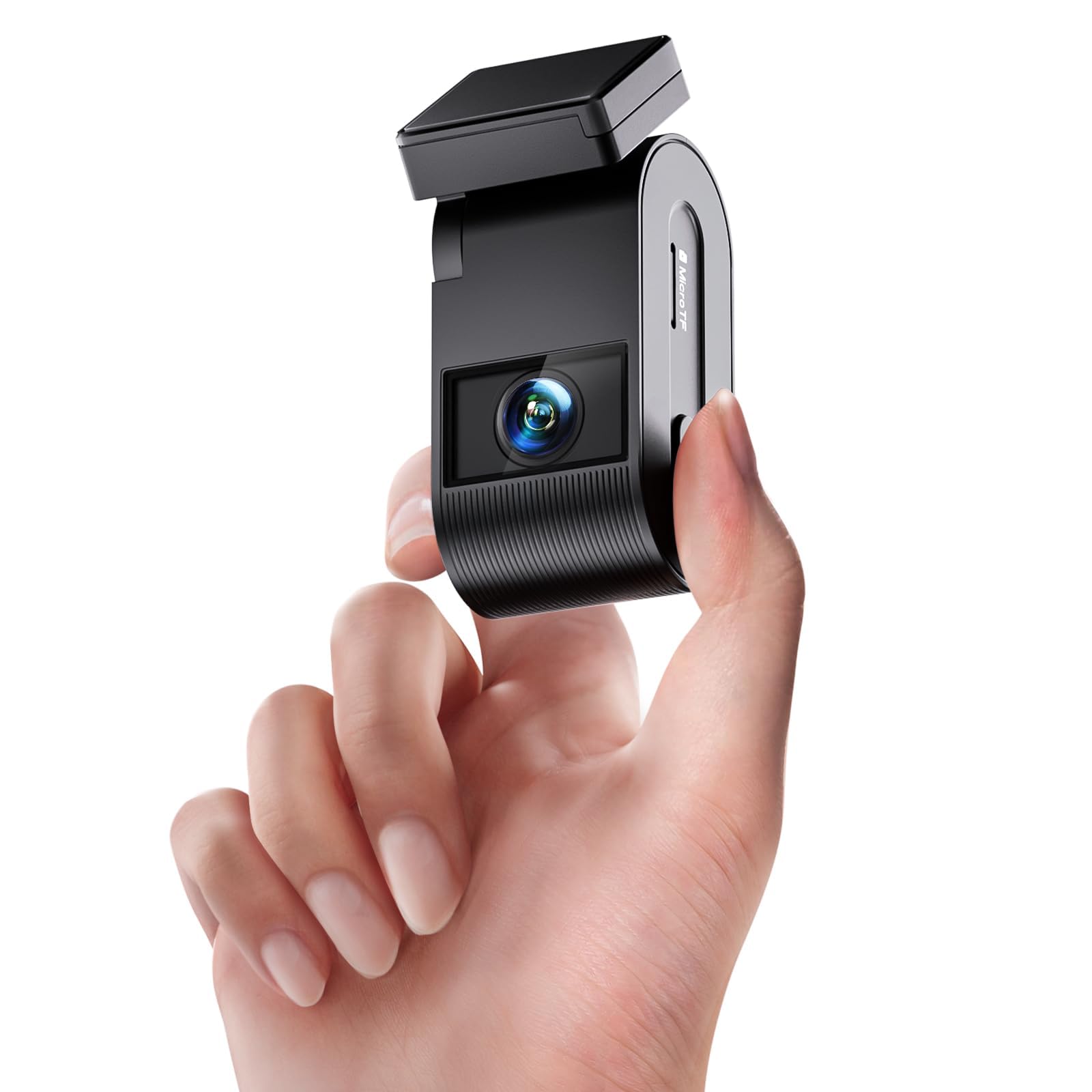
We recommend this if you want a tiny, low-profile dash cam that records clear 2K video day and night.
Pros
- Very small and easy to hide behind the mirror.
- Good low-light detail thanks to STARVIS 2 sensor.
- Wireless phone access and GPS make playback simple.
Cons
- No built-in screen — you must use the app to change settings.
- Wi‑Fi setup can be fiddly on first use.
- Sticky mount may need replacing in hot climates.
We installed the VS1 behind the rearview mirror and it felt like it disappeared. Driving around town, the camera captured sharp footage of road signs and license plates in daylight. The 140° view covers lanes well without a bulky housing getting in the way.
Night drives impressed us more than we expected. The STARVIS 2 sensor and HDR kept headlights from washing out nearby details and the footage stayed usable on darker streets. We noticed clearer images than many tiny cams we’ve used before.
Pairing to our phone took a couple tries, but once on the 5 GHz Wi‑Fi it streamed live video and saved clips fast. The app holds all controls, so lacking a screen means fewer distractions but more time in the app. Voice commands worked for simple tasks while driving.
Parking mode and loop recording ran reliably during our test. The included 32GB card got us started immediately, though we would swap to a larger, high-end card for long trips. Overall, the VS1 gives strong image quality in a discreet package, with small setup quirks to keep in mind.
Buying Guide
We focus on the features that matter most when choosing a small dash cam. Size and mounting matter because we want a camera that stays out of sight but records clearly.
We look for video quality first. Aim for at least 1080p resolution and good low-light performance. Higher frame rates help with smooth playback of fast events.
We check field of view and angle. A wider view captures more of the road, but too wide can distort images. Balance coverage with clarity of license plates and faces.
We consider power and recording modes. Continuous loop recording with overwrite is essential. Parking mode and motion detection add protection when the car is parked.
We pay attention to storage and file handling. Support for microSD cards and auto file locking for incidents are helpful. Look for reliable file systems and easy file export.
We value build and mounting options. A secure mount that resists vibration keeps footage steady. Compact, discreet designs reduce distraction and theft risk.
We weigh connectivity and usability. Wi-Fi or app access makes downloads easier. A clear screen and simple menus help with setup and daily use.
We evaluate reliability and support. Durable hardware and clear warranty terms matter. Easy firmware updates and good customer support reduce future problems.
| Feature | What to look for |
|---|---|
| Video Quality | 1080p+, good low-light |
| Field of View | Wide but not too distorted |
| Power Modes | Loop recording, parking mode |
| Storage | microSD support, file locking |
| Mounting | Stable, compact, discreet |
| Connectivity | Wi‑Fi/app, easy exports |
Editor’s Choice
We pick the Garmin Dash Cam Mini 2 as our Editor’s Choice. It blends compact size with reliable video quality and easy setup, which fits most drivers’ needs.
We like its tiny form factor because it stays out of sight and out of the way. The 1080p recording gives clear footage for day and night driving without bulky hardware.
Its automatic incident detection and loop recording work reliably. We find the mobile app simple to use for viewing and saving clips on the go.
Key features we value:
- Size: Very small, mounts behind rearview mirror.
- Video: 1080p at 30 fps for clear evidence.
- Ease of use: Plug-and-play with an intuitive app.
- Reliability: Consistent recording and auto-save on events.
We tested mounting, angle, and app workflow. Setup took minutes and the camera stayed secure on varied roads.
Price is reasonable for the feature set. We consider it a strong choice when you want a discreet, dependable dash cam without advanced bells and whistles.
Conclusion
We picked small dash cams that balance size, video quality, and ease of use. Compact models can give clear daytime and acceptable nighttime footage without crowding the windshield.
We weighed features like resolution, mounting, parking mode, and app support. Higher resolution and good low-light performance help capture important details, while simple controls make daily use easier.
We recommend considering your budget and priorities first. If you drive in busy areas, prioritize motion detection and reliable loop recording. For long trips, look for strong battery or hardwire options.
We list quick buying tips to help choose:
- Resolution: 1080p minimum; 2K+ if you need more detail.
- Field of view: 120–160° for balanced coverage.
- Parking features: Motion or impact detection if you park in public spots.
- Ease of use: Simple mounting and a dependable app matter.
We think a small dash cam offers practical protection and peace of mind. Choose one that fits your needs, install it properly, and test it so it works when you need it.
FAQS
What size dash cam should we choose?
We pick a compact model that fits behind the rearview mirror. Small units (about 2–3 inches) hide easily and still record good video.
Do small dash cams record high quality video?
Yes. Many small dash cams record 1080p or 1440p. Higher resolution gives clearer license plates and details, but check low-light performance too.
How do we mount and power a small dash cam?
Most use adhesive or a suction mount and plug into the 12V socket or hardwire to the fuse box. Hardwiring gives a cleaner look and can enable parking mode.
What is parking mode and do small dash cams have it?
Parking mode records motion or impact when the car is off. Some small dash cams include this feature, but it may require hardwiring or a separate battery pack.
How long does footage last and how is it stored?
Dash cams loop-record and overwrite old files. Video saves to a microSD card; we recommend 32–128 GB cards. Choose high-endurance cards for long-term use.
Are small dash cams legal?
Laws differ by location. We suggest mounting the camera so it doesn’t block the driver’s view and checking local rules on recording audio or public footage.
How do we retrieve and review clips?
Many cams use Wi‑Fi or an app for quick viewing. You can also remove the microSD card and play clips on a computer.

