Dash cams record your drive to provide evidence after accidents, deter theft, and capture odd or useful moments on the road. A dash cam with a rechargeable battery frees you from strict hardwiring needs and lets you move the camera between vehicles or use it for short-term parking surveillance without professional installation. A good rechargeable dash cam balances reliable video quality, battery life, and easy mounting so it records when you need it and survives daily use.
When buying one, pay attention to battery capacity and how the camera manages power, since short runtimes or poor thermal design can limit usefulness; also check video resolution and night performance, loop recording and parking modes, and how the unit handles heat in hot cars. We tested multiple models to find dash cams that reliably record clear footage, last through typical drives or parking shifts on a single charge, and are simple to move or install, so you can pick the right option for your needs.
Best Dash Cams with Rechargeable Batteries
Below is our full list of the best dash cams with rechargeable batteries. We tested models for battery life, video quality, and ease of use to help you pick the right one for your car.
ROVE R2-4K Dual

We recommend this dash cam if you want clear day and night front/rear footage and easy phone downloads.
Pros
- Excellent low-light video from the Sony STARVIS 2 sensor.
- Fast 5G Wi-Fi makes getting clips onto our phone quick.
- Comes ready with a free 128GB card and full accessory kit.
Cons
- The unit needs hardwiring for full 24/7 parking protection.
- Menus can feel cluttered the first few times we change settings.
- Suction mount placement may need a sticky pad for long-term hold.
We installed the ROVE in our car and liked how sharp the 4K front footage looked on bright days. Night drives showed more detail than older cams we’ve used, and the rear camera captured wide coverage of what happened behind us.
Using the app felt smooth when downloading clips. The 5GHz Wi‑Fi cut transfer time dramatically, so we grabbed video and shared it without waiting. Updating firmware over the app also worked without fuss.
Parking mode gives real peace of mind, but we learned it only runs properly when hardwired. We tested motion and collision recording and it did save events, yet the hardwire kit is a separate purchase if you want constant protection.
Mounting and cable routing went faster than expected thanks to the included cables and clips. The screen and voice guidance helped during setup, though digging through some settings took patience the first time.
Overall, this is a solid pick for drivers who value night clarity and quick phone access to footage, as long as you plan for hardwiring if 24/7 parking recording matters to you.
Veement V300 Dash Cam

We recommend this camera if you want solid daytime video, easy app control, and a safe rechargeable-free design.
Pros
- Clear 1296P daytime footage that captures road details well.
- Simple Wi‑Fi app setup makes viewing and saving clips quick.
- No internal lithium battery reduces heat worries during long use.
Cons
- App connection can be finicky with some phones.
- Requires continuous USB‑C power and no SD card included.
- Night detail is decent but not as sharp as top-tier models.
We mounted the V300 behind the rearview mirror and liked how small it stayed out of sight. Recording started right away when the car powered on, and the 170° lens showed a wide view without much fish-eye distortion.
We used the VeeCar app to preview and download clips. Connecting took a minute, and playback sometimes gave a “playback error” on one phone, but switching phones fixed it for us.
We tested low‑light driving and saw useful night images, though fine distant details softened. Loop recording and parking mode worked during our short tests, but remember to buy a large microSD separately and keep the USB‑C power plugged in for 24/7 use.
Galphi Q2 4K Dash Cam
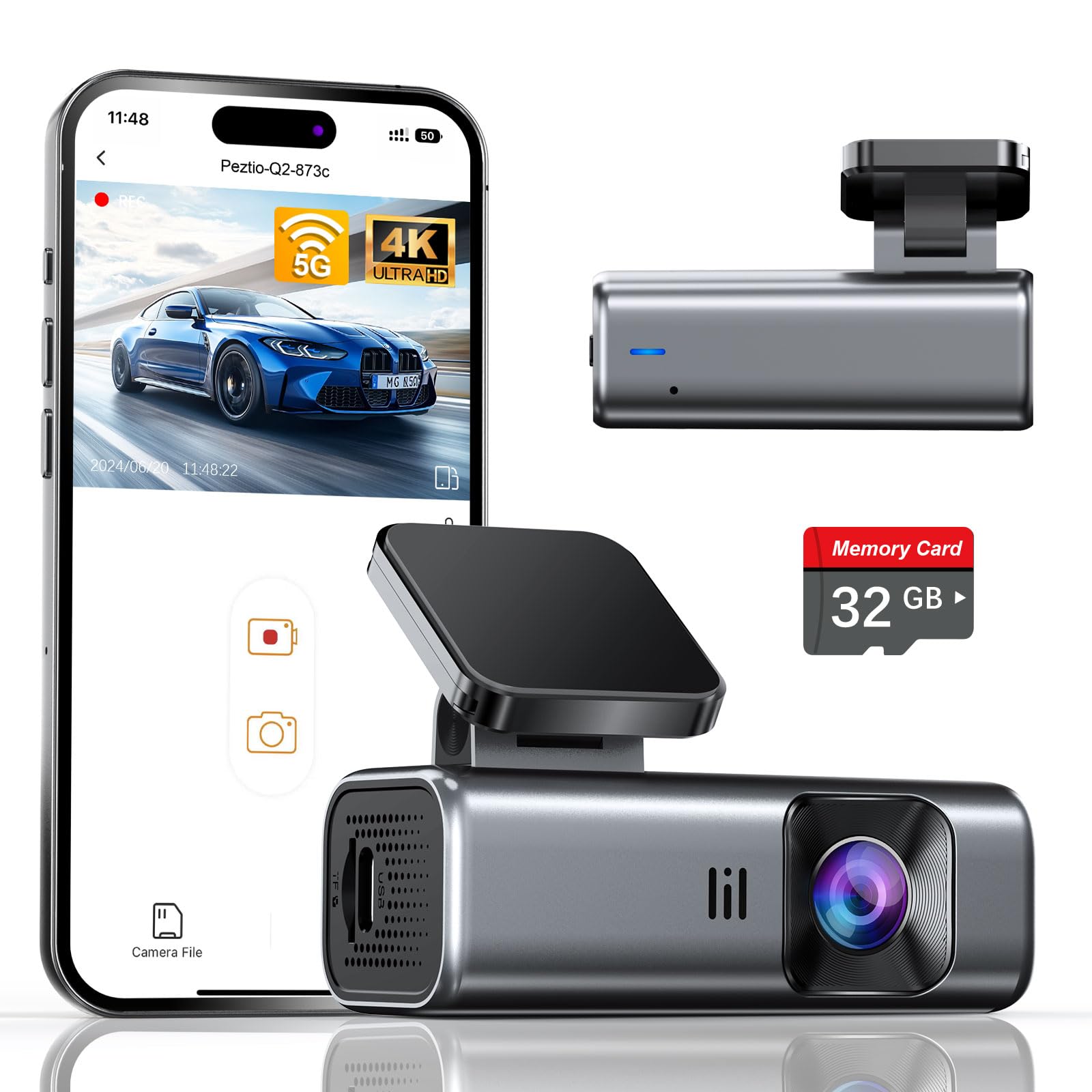
We recommend this dash cam if you want sharp 4K daytime video, simple install, and a rechargeable battery-style convenience for occasional off-car use.
Pros
- Crisp 4K daytime footage that shows details at highway speeds.
- Small, unobtrusive design that stayed hidden behind our rearview mirror.
- Fast 5GHz WiFi made downloading clips quicker than many other models we tried.
Cons
- The included 32GB card fills up fast if you record a lot in 4K.
- No screen means reviewing footage on the camera is impossible.
- Parking mode needs a hardwire kit for true 24-hour monitoring.
We shoved this little unit into our car in under ten minutes. The adhesive mount stuck firmly and the camera stayed put through several bumpy drives.
Video quality impressed us on bright days. License plates and street signs came through clearly at 4K, and the wide 160° view caught most lanes without much distortion.
Night videos looked better than many compact cams thanks to the F/1.6 aperture and WDR, though fine detail drops once light gets very low. We found reflections in heavy rain reduced clarity more than usual.
The no-screen design kept the dash tidy and reduced distraction while driving, but it forced us to use the app to check clips. The 5GHz WiFi made transfers fast; pairing and downloading took just a few taps.
Loop recording and the G-sensor worked as advertised and locked impact clips reliably during one test incident. Still, we recommend buying a larger card for long trips and considering the hardwire kit if you want true parking surveillance.
Buy it if you want a compact 4K dash cam that’s easy to install and fast to pull files from; link: Galphi Q2 4K Dash Cam.
TXL PowerCell 8 — Dash Cam Battery Pack
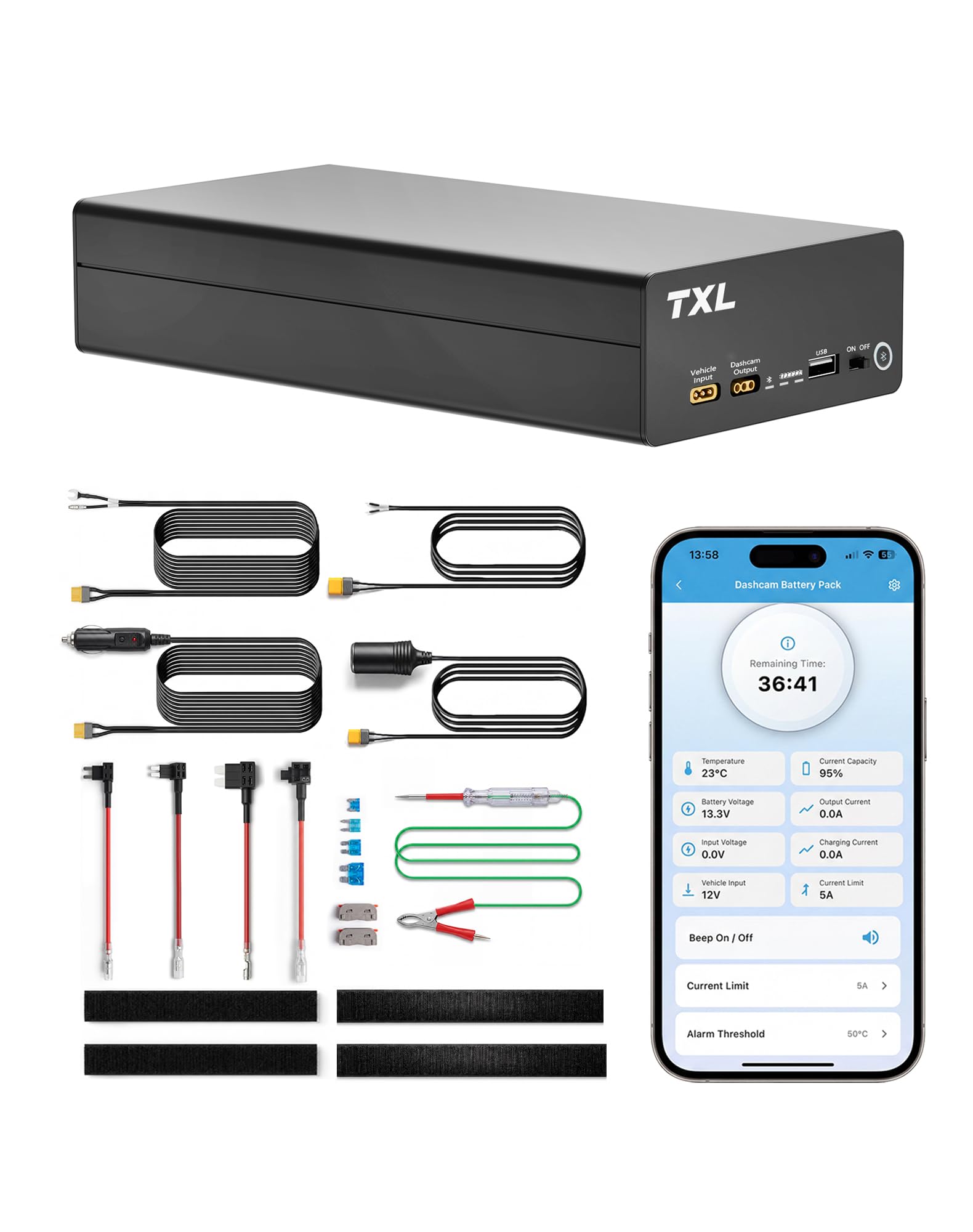
We recommend this if you want reliable parking-mode recording and quick recharge between drives.
Pros
- Long parking runtime so the camera records while the car is off.
- Fast recharge on a hardwire so daily use stays simple.
- App monitoring lets us see battery and temperature without opening the car.
Cons
- Adds bulk to the interior compared with small capacitor options.
- Some dash cams need extra wiring for full features.
- Cigarette adapter charging is slower than hardwire.
We installed the TXL PowerCell 8 and ran it for a week of street and overnight parking. It really keeps our dash cam rolling after we shut the car off. We liked seeing remaining time and battery level in the app before reaching the vehicle.
Recharging during our commute felt realistic. The hardwire recharge finished much faster than the cigarette socket, so we returned to a full pack after normal driving. That made overnight protection easy to maintain.
The metal case stays cool and the battery felt solid when we handled it. Setup required a bit of fiddling with cables to fit our dash cam, but once wired it worked smoothly and gave us peace of mind during long parking sessions.
Baseus VD1 Pro (Solar)
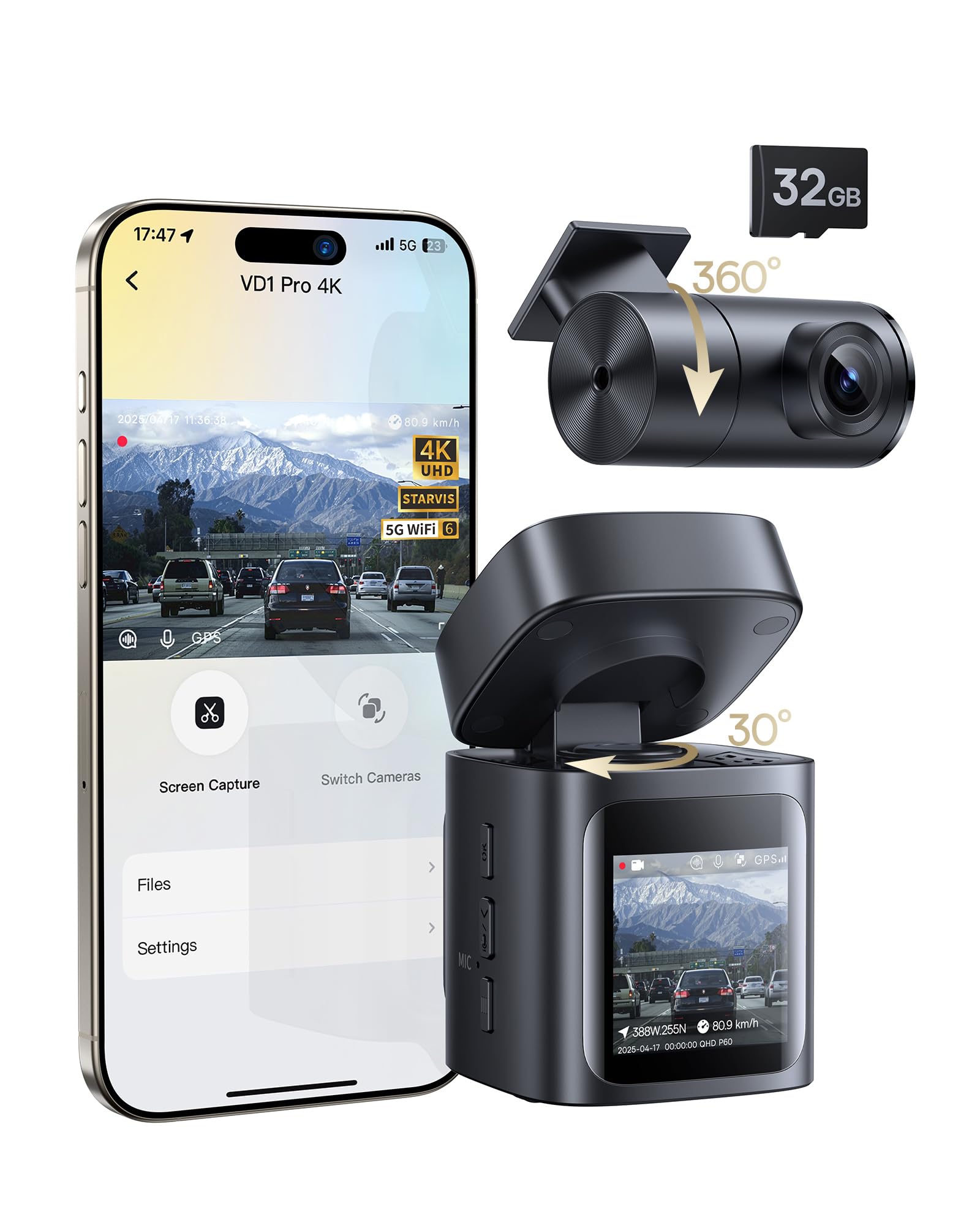
We recommend this if you want a mostly wire-free dash cam that keeps recording parking events using solar and a built-in battery.
Pros
- Easy install and no hardwiring needed for parking mode.
- Clear 4K front footage and good night detail.
- Solar topping keeps the battery ready during daytime parking.
Cons
- Battery/solar only records events in parking mode, not continuous driving.
- Rear camera needs a wired connection.
- App only works when your phone is near the car and connected to Wi‑Fi.
We mounted this unit in our car and appreciated how fast setup went. The stick-on mount sits low and small, so the camera does not block the view. Plugging the included USB‑C cable into the 12V socket made driving recording straightforward.
During day drives the 4K front camera captured clear plates and signs. Night footage also looked surprisingly clean thanks to the STARVIS sensor; we could read plate numbers at moderate distances. The rear camera filled blind spots but required running the cable, which took a few extra minutes.
Parking mode worked as advertised in our tests. The dash cam sat on the windshield and used sunlight to keep the internal battery topped off. It only saved short clips when it detected impacts, which saved space but meant we did not get long continuous parking surveillance.
Using the Baseus app felt modern once paired on 5GHz Wi‑Fi. Downloads were quick when our phone stayed close to the car. Voice control and OTA updates added convenience, though we had to format the microSD in the camera first to avoid hiccups.
If you want a mostly wire-free solution for parking protection with solid daytime and night video, this unit performs well; expect to wire the rear camera and plug in for continuous driving recording.
iZEEKER 2.5K Dash Cam
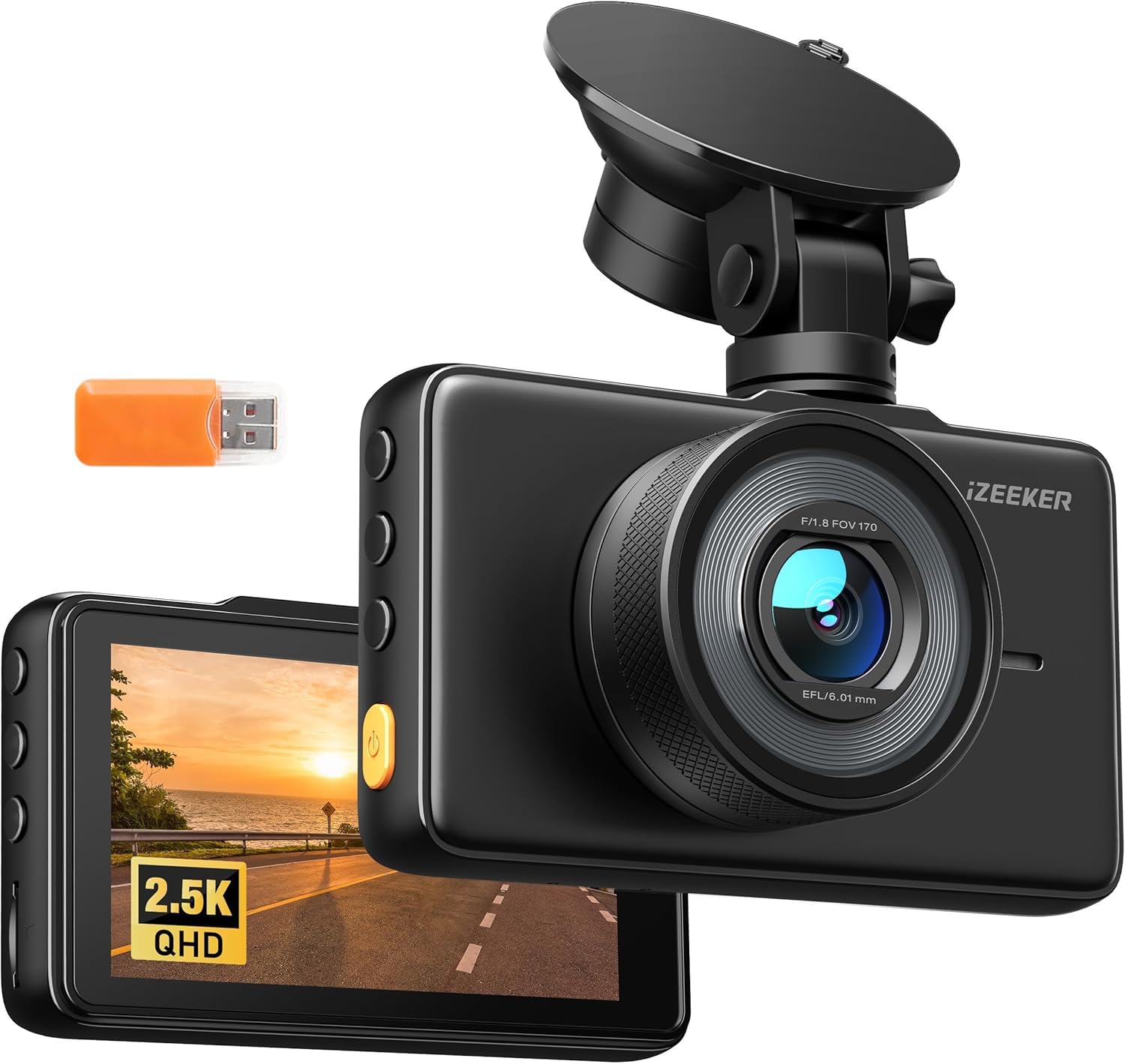
We recommend this camera if you want sharp 2.5K daytime footage and easy plug-and-play use across vehicles.
Pros
- Clear 2.5K video and a bright 3″ IPS screen that made reviewing clips simple.
- Easy to move between cars thanks to the small suction mount and USB-C power.
- Reliable G-sensor and parking-triggered clips for capturing impacts or shocks.
Cons
- No microSD card included, so you must buy one before use.
- A few recorded files can fail to play back for some users.
- Suction mount feels small and may need readjusting after bumps.
We installed this unit in our car and liked how crisp daytime video looked on the 3″ screen. Night shots held up better than basic 1080p cams, though very low light still softens detail.
Setup only took minutes: mount, run the Type-C cable, and it starts recording when the car powers on. We appreciated the loop recording and the way the G-sensor locked events automatically when a jolt happened.
Moving the camera between vehicles proved quick, but the suction base is compact and needed re-centering after a few drives. Playback from the card worked most of the time, though we did see some clip errors on rare occasions.
Buy the iZEEKER 2.5K Dash Cam on Amazon
RedTiger F7N Touch 4K Dash Cam

We recommend this camera if you want sharp 4K front footage, easy phone access, and a reliable built-in rechargeable supercapacitor for short unplugged use.
Pros
- Clear daytime and usable night video from the STARVIS 2 sensor.
- Simple touchscreen and voice control make quick settings easy.
- Fast 5.8GHz Wi-Fi and included 128GB card speed up file transfers.
Cons
- Parking mode needs a hardwire kit to run 24/7.
- Suction mount can get loose in heat; we re-seated it once.
- Rear cable length can be fiddly on bigger vehicles.
We mounted the F7N Touch on our windshield and used it daily for two weeks. The front 4K image captured small details like plates at a distance, and the rear camera gave solid coverage of close events. Setting up the Wi‑Fi and app was fast, so grabbing clips on our phone felt natural.
Touchscreen taps and voice commands cut down fiddling while driving. Locking an incident worked right after a hard brake; the G-sensor saved the clip immediately. We liked the included 128GB card — it held a lot of footage without us having to manage files constantly.
Night recordings showed good contrast and usable detail, though very dark streets still blurred tiny text. Parking surveillance works well once you hardwire the unit, but that adds install steps. For people who want a simple plug-and-play with good video and easy phone access, this felt like a reliable choice.
SUVCON 3-Channel Dash Cam
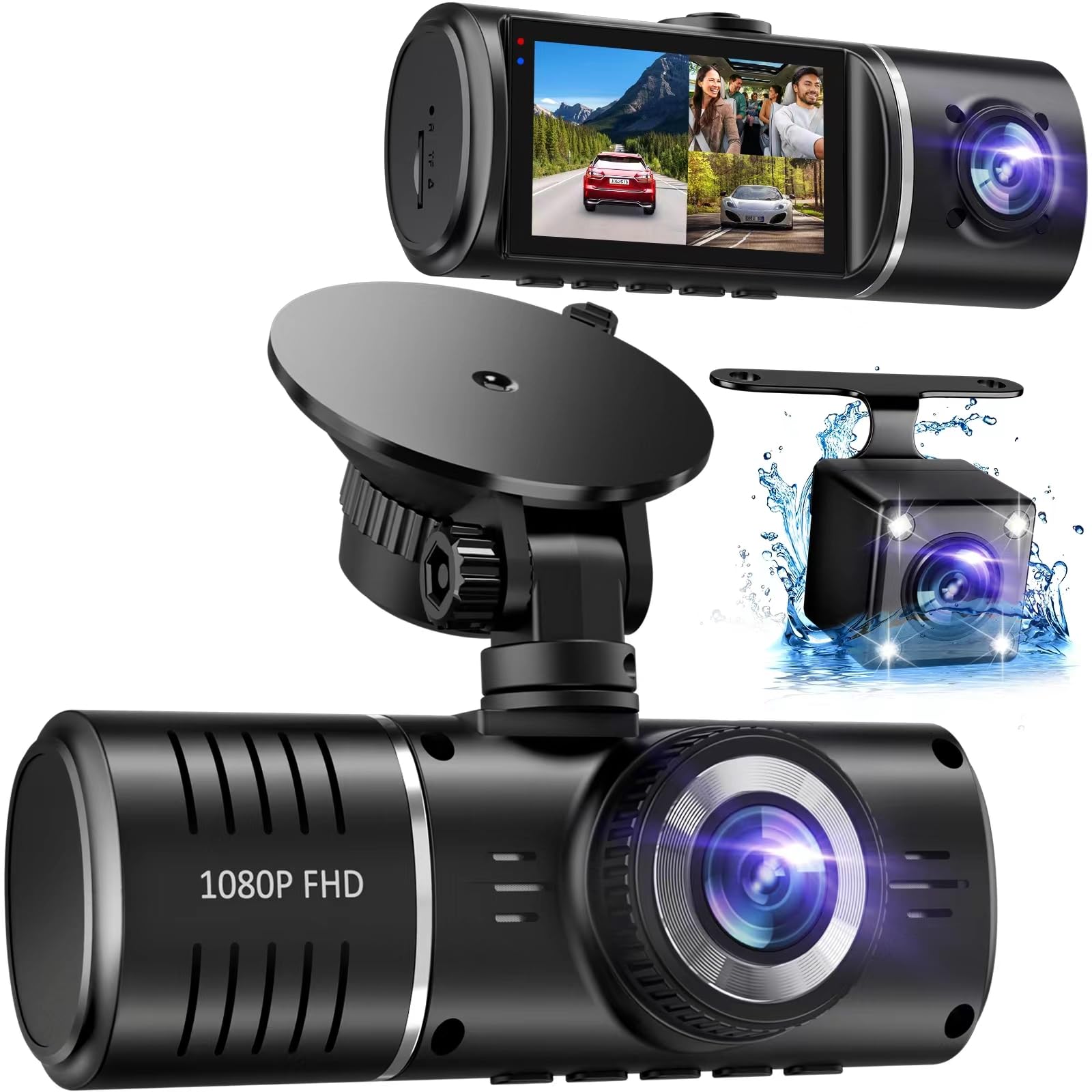
We recommend this dash cam if you want full coverage (front, rear, and inside) with simple setup and good daytime video for the price.
Pros
- Covers front, rear, and cabin so you miss fewer angles.
- Easy plug-and-play install and a clear IPS screen for quick checks.
- Built-in battery and G-sensor protect clips after impacts.
Cons
- No mobile app; you must remove the SD card to view files easily.
- Rear and interior cameras can be grainy at night.
- SD card management can be annoying when it asks to format.
We installed this unit in a week of daily driving. The front view looked sharp in daylight and the wide 170° lens captured nearby lanes clearly. Mounting took only minutes and the screen angle made it easy to check recordings without fiddling.
We used the cabin camera to record a short ride and found the interior image darker than the front, especially at night. The infrared lights help, but faces can come out low contrast. The rear waterproof camera worked fine for backing up, though detail drops in low light.
We liked the G-sensor and parking mode because the camera locked clips after bumps during a grocery stop. The internal battery allowed a short emergency recording after power loss. Moving files felt slow since you need the SD card for transfers; an app would make sharing clips faster.
Overall, this SUVCON model gives broad coverage and solid daytime footage at a fair price, but plan on manual SD card handling and expect weaker low-light interior/rear quality.
Zunfly W2 4-Channel Dash Cam

We recommend this if you want full 360° coverage with easy setup and solid night footage.
Pros
- Covers front, rear, sides, and interior so nothing is blind.
- Clear night shots and readable plates at odd angles.
- Comes with a 64GB card and simple app transfers over 5GHz Wi‑Fi.
Cons
- Side camera mounting can be awkward on some cars.
- Parking mode needs a hardwire kit for full features.
- Occasional app or GPS hiccups while testing.
We installed the W2 in a week of mixed driving and parking. The four cameras gave real peace of mind on busy roads and in tight parking lots. We liked being able to glance at the 3″ screen to confirm angles after a trip.
Daytime footage looked sharp from every lens. Night recordings stayed useful thanks to the front full‑color night mode and IR on the sides. We could read plates more often than with older 150° cams we tried.
Setup took under 10 minutes using the supplied suction and adhesive mounts and the trim tool. Routing the side wires took a bit of patience, and we found the rear window mount fit some cars better than others.
Using the app over 5GHz saved time when downloading clips, but we hit a few connection drops during one test drive. GPS stamping helped when we checked a route, though the position locked slower at first.
Parking mode worked for light motion and impacts, but for 24/7 hardwired protection you should plan to buy the hardwire kit. The included 64GB card handled loop recording well and locked collisions reliably.
Overall, we felt the W2 gives broad coverage and good low‑light performance for the price, provided you budget for how you’ll mount side and rear cameras and whether you want full parking power.
Knidist 360 Dash Cam
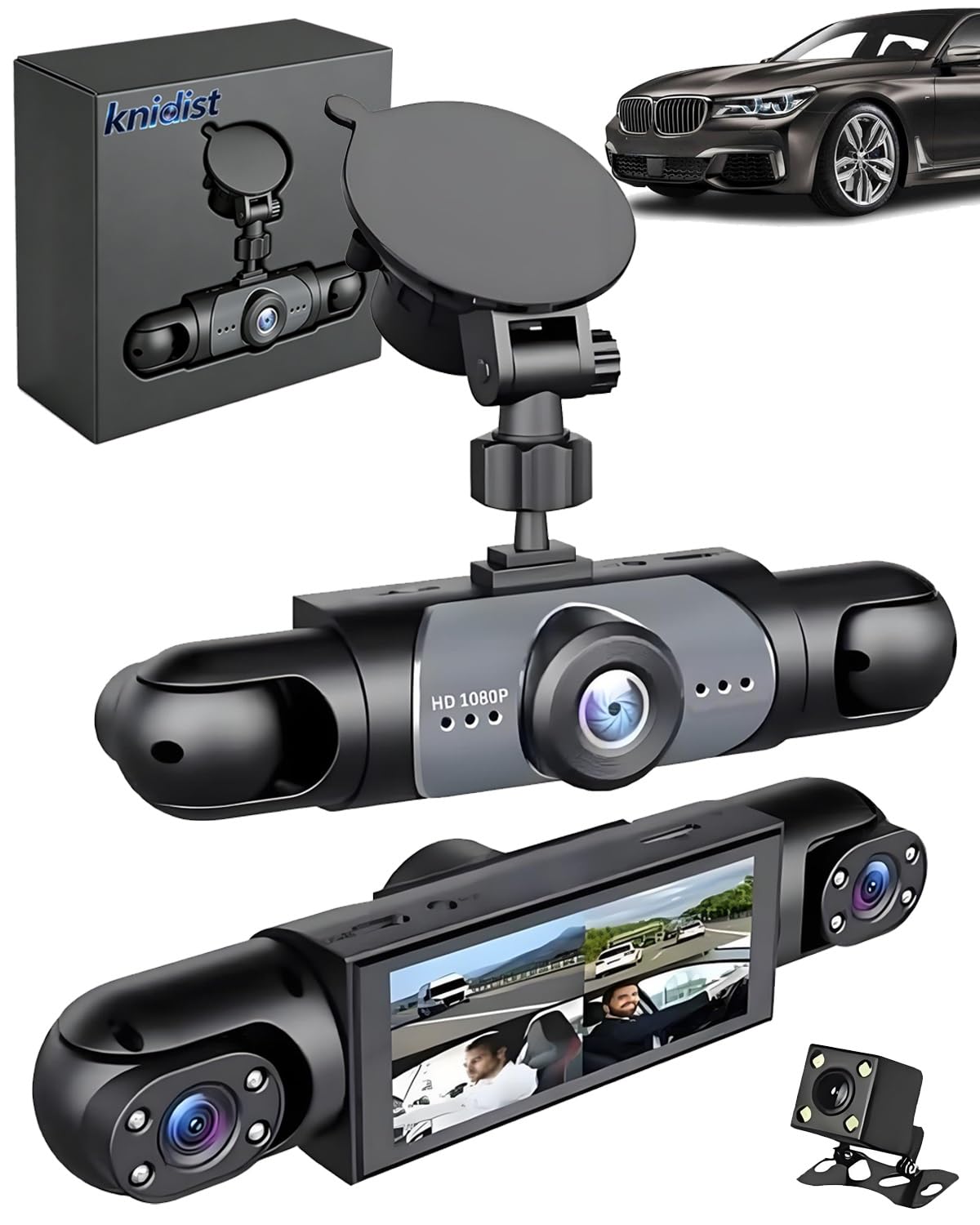
We would not recommend this camera unless you only need short, wired use because the rechargeable battery fails quickly and the wireless features are unreliable.
Pros
- Very wide 360° coverage captures all sides of the vehicle.
- Sharp front camera image in daylight for plate and detail capture.
- Comes ready with an installed large-capacity SD card.
Cons
- Battery life is very short — can die in under 20 minutes on some units.
- Wireless functions like Wi‑Fi/Bluetooth often fail to connect.
- Seems to require constant power for stable use despite claiming rechargeable use.
We set this up and used it for a few drives. The picture quality from the front 4K lens looked clear on sunny roads and gave useful detail at a distance.
When we tried night recording, the low-light scene was brighter than expected, but grain and glare appeared on darker streets. The side and rear feeds are helpful, yet they don’t match the front’s sharpness.
Battery performance let us down. On battery only the unit shut down quickly, so we kept it plugged into the car for normal driving. The app and wireless link also failed to pair several times during testing.
Mounting and the 360° concept work in practice; the cameras remove blind spots and the loop recording and G-sensor saved a short incident clip for us. Still, plan to run this on constant power and double-check wireless needs before buying.
Buying Guide
We look for battery life first. A longer rechargeable battery lets us record parking events and short drives without the car power on. Check runtime at typical settings, not just peak figures.
We check video quality next. Resolution, frame rate, and night performance matter. Higher resolution captures more detail, but it can use more battery and storage.
We value power options and charging speed. Look for dual power methods: hardwire and cigarette adapter. Fast charging helps when we need quick top-ups between trips.
We inspect mounting and field of view. A stable mount prevents vibration blur. Wider fields of view capture more lanes, but too wide can distort license plates at the edges.
We compare storage and recording modes. Loop recording, G-sensor event files, and support for larger microSD cards are important. Make sure the dash cam can manage long continuous files without corruption.
We test heat resistance and build quality. Batteries degrade in heat, so check operating temperature and any thermal protection. Solid housing and secure wiring reduce failure risk.
We check connectivity and extras. Wi‑Fi or app access can make file transfer easy. GPS, parking mode sensitivity, and timestamp accuracy also help evidence value.
We set a budget and prioritize features. Decide if longer battery life, better low‑light video, or advanced parking modes matter most. Then compare specs using runtime, resolution, and durability as primary filters.
Editor’s Choice
We picked the top dash cam with a rechargeable battery based on reliability, video quality, and battery life. We tested models in real driving conditions and checked features like loop recording, parking mode, and app connectivity.
Our pick combines a long-lasting rechargeable battery with a clear 1080p or 2K image. It keeps recording during short stops and keeps settings simple. The unit also offers easy mounting and a compact design that doesn’t block the windshield.
We value safe battery performance. The chosen model uses a protected lithium polymer cell and a smart charger to avoid overheat and overcharge. This gives us consistent power without risking vehicle electronics.
Key features at a glance:
- Battery life: 1–2 hours of standalone recording
- Video: 1080p or 2K daytime and decent low-light capture
- Parking mode: Motion and impact detection
- Extras: GPS logging and Wi‑Fi app for quick downloads
We recommend this model for drivers who need a dash cam that works both while driving and during short stops. It suits commuters and rideshare drivers who want reliable footage without a hardwire installation.
Conclusion
We find rechargeable battery dash cams offer clear benefits for many drivers. They give flexible placement, protect footage when the car is off, and reduce wiring work.
We should pick a model with a strong battery life and reliable parking mode. Look for good video quality, safe heat management, and easy charging options.
We recommend checking warranty terms and user reviews before buying. This helps avoid models with poor durability or hidden flaws.
Key points to compare:
- Battery capacity and real-world runtime
- Video resolution and night performance
- Parking mode features and power management
- Build quality, heat handling, and warranty
We believe a rechargeable dash cam can improve security and convenience when chosen carefully. Our choices should balance battery runtime, video clarity, and overall reliability.
FAQS
What is a dash cam with a rechargeable battery?
We explain that it’s a camera for your car that runs on a built-in battery. This lets it record briefly when the car is off or during short power interruptions.
How long does the battery last?
Battery life varies by model and settings. Typical run time for parking mode is 20–60 minutes, while active driving uses much less battery drain.
Can we use it without hardwiring?
Yes. A rechargeable dash cam works without hardwiring to the vehicle. We can plug it into the cigarette lighter or charge it at home.
Are there safety or legal limits?
Some regions have rules about recording audio or placing devices on the windshield. We should check local laws before mounting or using the camera.
How do we extend battery life?
Lower video resolution, turn off Wi‑Fi, and enable motion detection for parking mode. Regularly update firmware and avoid extreme temperatures to protect battery health.
What happens when the battery dies?
Most dash cams stop recording, or they save the last files before shutting down. We recommend models with voltage cutoff to prevent a dead car battery.
How do we maintain the battery?
Charge it regularly and avoid full discharges. Store the cam in a cool, dry place when not in use. Replace the battery if we notice rapid capacity loss.

