Determining the right car stereo size ensures a seamless fit and optimal performance. This guide walks you through measuring your dash, understanding DIN standards, and choosing the perfect stereo for your vehicle.
Key Takeaways
- Know your DIN size: Most cars use single (1 DIN) or double (2 DIN) DIN sizes—measure your current stereo or dash opening to confirm.
- Measure accurately: Use a tape measure to check the height, width, and depth of your stereo slot for precise compatibility.
- Check your vehicle manual: The owner’s manual often lists the factory stereo size and mounting type.
- Consider aftermarket kits: If your car has a non-standard opening, use a dash kit to adapt a new stereo.
- Account for depth clearance: Ensure there’s enough space behind the dash for the stereo and wiring harness.
- Test fit before final install: Temporarily place the new stereo to confirm it fits without forcing.
- Upgrade wisely: A correctly sized stereo improves sound quality, functionality, and resale value.
How to Determine Car Stereo Size for Perfect Fit
Upgrading your car stereo can transform your driving experience—better sound, modern features like Bluetooth and Apple CarPlay, and a sleek new look. But before you buy that shiny new unit, there’s one critical step: determining the correct car stereo size. Installing a stereo that doesn’t fit properly can lead to frustration, damage to your dashboard, or even safety issues. The good news? Figuring out the right size is easier than you think.
In this guide, you’ll learn exactly how to determine your car stereo size, whether you’re replacing a factory unit or upgrading to an aftermarket system. We’ll cover everything from understanding DIN standards to measuring your dash and choosing the right accessories. By the end, you’ll be ready to shop with confidence and install your new stereo like a pro.
Step 1: Understand What DIN Size Means
Before you start measuring, it’s important to know what “DIN size” means. DIN stands for *Deutsches Institut für Normung*, the German Institute for Standardization. In car audio, DIN refers to the standardized dimensions for head units (car stereos).
There are two main DIN sizes:
Single DIN (1 DIN)
This is the most common size, measuring approximately 7 inches (178 mm) wide by 2 inches (50 mm) tall. Most older cars and many modern compact vehicles use single DIN stereos. If your current stereo is about the size of a standard smartphone laid flat, it’s likely a single DIN unit.
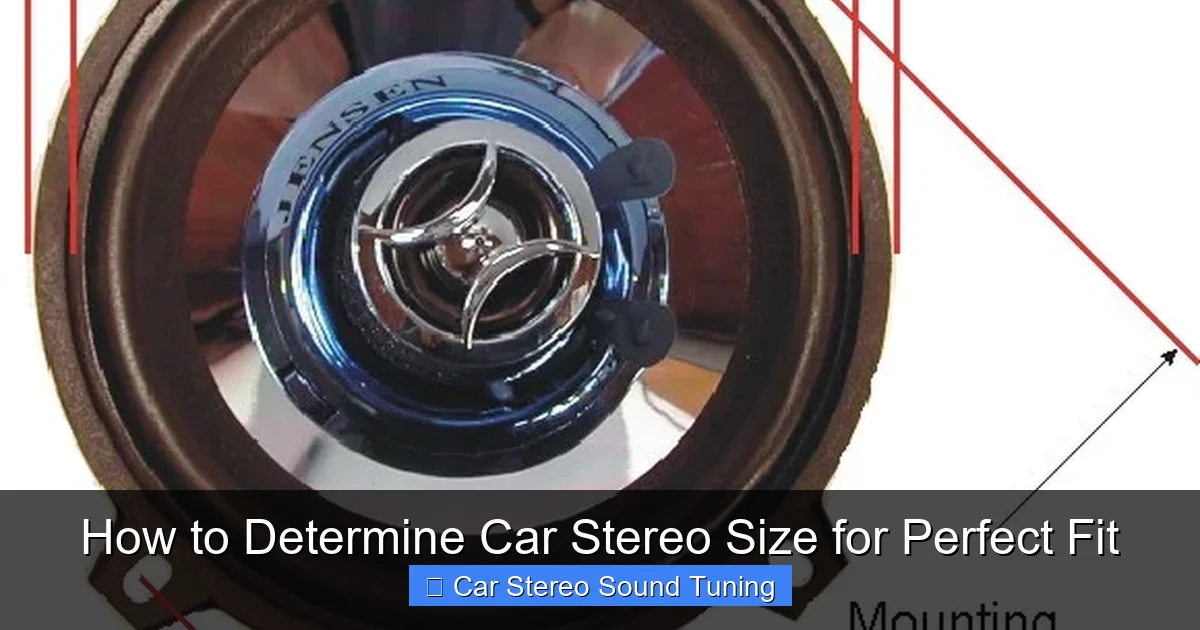
Visual guide about How to Determine Car Stereo Size for Perfect Fit
Image source: amulettejewelry.com
Double DIN (2 DIN)
Double DIN units are twice as tall as single DIN, measuring 7 inches wide by 4 inches (100 mm) tall. These are popular in newer vehicles and allow for larger touchscreens, navigation systems, and more controls. If your stereo has a large display that takes up most of the dash space, it’s probably a double DIN.
Some vehicles use non-standard sizes, especially luxury or imported models. In those cases, you’ll need to measure manually or consult your vehicle’s specifications.
Step 2: Check Your Vehicle’s Owner’s Manual
One of the easiest ways to determine your car stereo size is to check the owner’s manual. Most manufacturers include information about the factory audio system, including the DIN size and mounting type.
Look for the Audio or Entertainment Section
Flip to the section that covers your car’s audio system. It may list the stereo dimensions or mention whether it’s a single or double DIN unit. Some manuals even include diagrams of the dashboard layout.
Search Online if You Don’t Have the Manual
If you’ve lost your manual, don’t worry. You can usually find a digital copy on the manufacturer’s website by entering your vehicle’s make, model, and year. Alternatively, search for “[your car model] stereo size” to find forums or guides with this info.
This step saves time and reduces the risk of measurement errors. It’s always a good starting point.
Step 3: Measure Your Current Stereo or Dash Opening
If you can’t find the info in the manual, or you’re unsure, it’s time to measure. This is the most reliable method to determine your car stereo size.
Gather Your Tools
You’ll need a flexible tape measure or a ruler. A digital caliper can also help for precise measurements, especially for depth.
Measure the Height and Width
Carefully measure the opening in your dashboard where the stereo sits. Measure the height from the top to the bottom of the opening, and the width from left to right. Be sure to measure the actual slot, not the stereo faceplate, which may be larger.
For example:
– If the height is around 2 inches (50 mm) and width is 7 inches (178 mm), it’s a single DIN.
– If the height is about 4 inches (100 mm) and width is 7 inches, it’s a double DIN.
Check the Depth
Depth is often overlooked but just as important. Measure from the front of the dash to the back of the stereo slot. Most single DIN stereos are around 6–7 inches deep, while double DIN units can be 6–8 inches or more. If your dash is shallow, you may need a shallow-mount stereo to avoid interference with the steering column or other components.
Take Multiple Measurements
Measure at different points to ensure consistency. Dash openings aren’t always perfectly square, so averaging your measurements can help.
Step 4: Identify Your Mounting Type
Even if your stereo fits the DIN size, the way it’s mounted matters. There are two main types:
ISO Mounting (Standard)
Most cars use ISO mounting, where the stereo is secured with brackets and screws. This is the most common and easiest to work with.
Proprietary or Custom Mounting
Some vehicles, especially European or luxury models, use custom mounting systems. In these cases, the stereo may snap into place or use unique brackets. You’ll likely need a dash kit to install an aftermarket stereo.
To check your mounting type, look at how the current stereo is attached. If it’s held in with visible screws on the sides, it’s probably ISO. If it seems to snap in or has no visible screws, it may be proprietary.
Step 5: Use a Dash Kit for Non-Standard Openings
If your car doesn’t have a standard DIN opening, don’t worry—you can still upgrade. A dash kit (also called a mounting kit) adapts your dashboard to fit a new stereo.
What Is a Dash Kit?
A dash kit includes brackets, faceplates, and hardware to securely install an aftermarket stereo in a non-standard opening. It ensures a clean, factory-like fit.
How to Choose the Right Dash Kit
Dash kits are vehicle-specific. When shopping, enter your car’s make, model, and year to find compatible kits. Popular brands like Metra, Scosche, and PAC offer kits for thousands of vehicles.
For example, if you have a 2015 Honda Civic with a factory touchscreen, you’ll need a double DIN dash kit to replace it with an aftermarket unit. The kit will include a new bezel and brackets to fill the gap and secure the stereo.
Step 6: Consider Depth and Clearance Issues
Even if the stereo fits the opening, it might not fit behind the dash. This is where depth clearance comes in.
Check for Obstacles
Look behind the stereo slot for things like the steering column, HVAC controls, or wiring harnesses. If the new stereo is too deep, it could press against these components, causing damage or malfunction.
Use a Flashlight and Mirror
If you can’t see clearly, use a flashlight and a small mirror to inspect the space. Some stereos come with a depth specification—compare it to your measurements.
Choose a Shallow-Mount Stereo if Needed
If space is tight, look for a “shallow-mount” or “low-profile” stereo. These are designed to fit in tight spaces and are often labeled as such in product descriptions.
Step 7: Test Fit Before Final Installation
Before you commit to the installation, do a test fit.
Temporarily Insert the Stereo
Slide the new stereo into the dash without connecting any wires. Make sure it fits snugly and doesn’t wobble. The faceplate should sit flush with the dashboard.
Check for Interference
Turn the steering wheel and adjust the seat to ensure the stereo doesn’t interfere with your driving. Also, check that buttons and knobs are accessible.
If it doesn’t fit, don’t force it. You may need a different size or a dash kit.
Troubleshooting Common Issues
Stereo Doesn’t Fit the Opening
If the stereo is too big or too small, double-check your measurements. You may have measured the faceplate instead of the slot. If it’s still not fitting, you likely need a dash kit or a different stereo size.
Wiring Doesn’t Match
Even if the stereo fits, the wiring harness might not match your car. Use a wiring harness adapter to connect the new stereo to your vehicle’s wiring. These are inexpensive and widely available.
No Sound After Installation
If the stereo powers on but there’s no sound, check the antenna connection and speaker wires. Also, ensure the stereo is set to the correct input source.
Conclusion
Determining your car stereo size doesn’t have to be complicated. By understanding DIN standards, measuring your dash, and checking your vehicle’s specifications, you can find a stereo that fits perfectly and enhances your driving experience. Whether you’re upgrading to a single DIN unit with better sound or a double DIN touchscreen with navigation, taking the time to get the size right ensures a smooth installation and long-term satisfaction.
Remember: measure twice, buy once. With the right size stereo and a few basic tools, you’ll be enjoying your favorite tunes in no time.
🎥 Related Video: DO's & DON'Ts – Picking a Car Audio Radio Head Unit
📺 CarAudioFabrication
When choosing a car audio head unit (aka stereo or radio) in 2020 what are some “Do’s” and some “Don’ts” to make sure we …

