Checking for engine misfires with an OBD2 scanner is a straightforward way to diagnose common engine issues. This guide will walk you through the process step-by-step, helping you identify misfire codes and understand what they mean, so you can address engine problems quickly and efficiently.
Quick Answers to Common Questions
How do I find the OBD2 port on my car?
Look under the dashboard near the steering column. It’s a 16-pin trapezoid-shaped connector. Your vehicle manual can also help locate it.
Can all OBD2 scanners detect misfire codes?
Most basic OBD2 scanners can read misfire codes, but advanced models offer live data and detailed diagnostics for better analysis.
What should I do if the scanner shows multiple misfire codes?
This may indicate a larger issue like fuel system problems or engine compression issues. Further inspection or professional help might be needed.
Is it safe to drive with a misfire detected?
Driving with a misfire can cause engine damage and increased emissions. It’s best to diagnose and fix the issue promptly.
How often should I use an OBD2 scanner?
Regular scanning every few months or when the check engine light comes on helps catch issues early before they worsen.
How to Check Misfire with OBD2 Scanner for Easy Engine Diagnosis
If your car engine feels rough or the check engine light turns on, a misfire might be the culprit. Luckily, with an OBD2 scanner, you can quickly identify and diagnose misfires without expensive tools or mechanic visits. In this guide, you’ll learn how to check misfire with an OBD2 scanner step-by-step, understand the codes, and take the right next steps to fix your engine.
What is an Engine Misfire?
An engine misfire happens when one or more cylinders fail to ignite the fuel-air mixture properly. This leads to uneven engine running, loss of power, increased emissions, and sometimes damage if left unchecked. Common causes include faulty spark plugs, ignition coils, fuel injectors, or vacuum leaks.
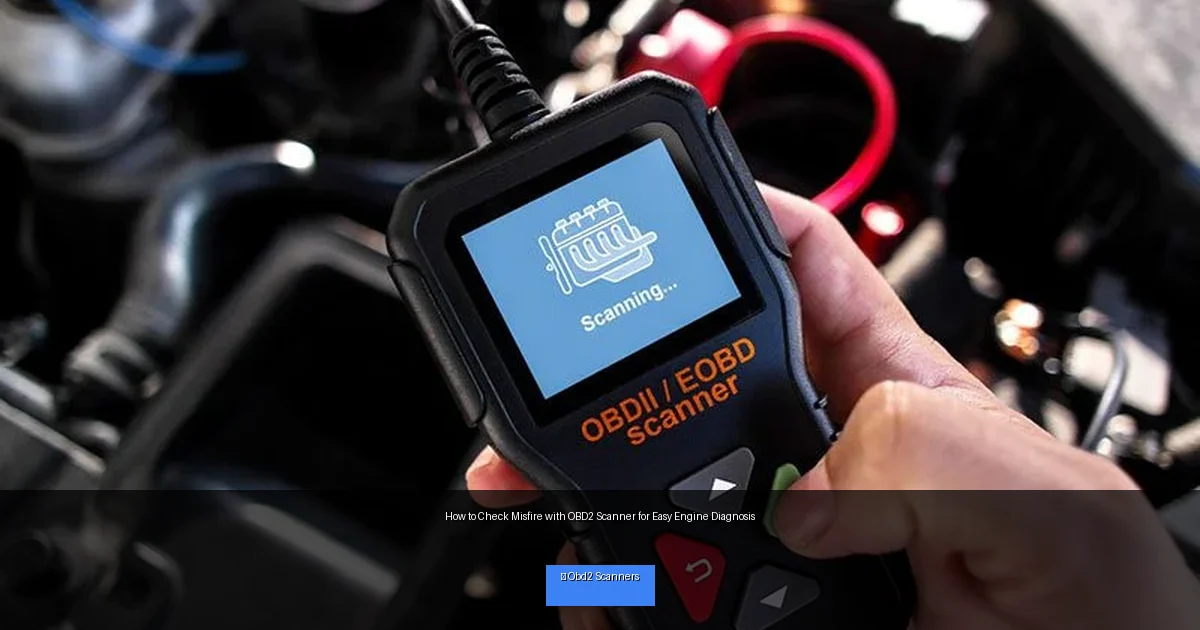
Visual guide about How to Check Misfire with OBD2 Scanner for Easy Engine Diagnosis
Image source: autopartswd.com
Why Use an OBD2 Scanner to Check Misfire?
Modern cars come with On-Board Diagnostics (OBD2) systems that monitor engine performance. When a misfire occurs, the system stores a trouble code. Using an OBD2 scanner, you can read these codes instantly. This saves time and helps you understand what’s wrong before repairing.
Step 1: Gather Your Tools and Prepare
Get an OBD2 Scanner
Choose a reliable OBD2 scanner. Many affordable options are available online or at auto parts stores. Basic code readers are enough to detect misfire codes, but advanced scanners provide live data and freeze frame info.
Locate Your Vehicle’s OBD2 Port
The OBD2 port is usually under the dashboard near the steering column. It’s a 16-pin connector shaped like a trapezoid. If you have trouble finding it, check your car manual or look online for your model’s location.
Make Sure Your Engine is Off
Before plugging in the scanner, turn off your vehicle. This is safer and ensures the scanner initializes properly.
Step 2: Connect and Turn on the Scanner
Plug the Scanner into the OBD2 Port
Insert the scanner’s connector into the OBD2 port firmly. You should feel it click into place.
Turn on the Vehicle
Turn the ignition key to the “ON” position without starting the engine, or start the engine if your scanner requires it. The scanner will power up and begin communication with your car’s computer.
Step 3: Scan for Trouble Codes
Navigate Your Scanner Menu
Use the scanner’s buttons to select “Read Codes” or “Scan.” The exact wording depends on your device.
Wait for the Codes to Appear
The scanner will communicate with your car and display stored codes. These codes include misfire codes if any misfires have been detected.
Step 4: Identify Misfire Codes
Look for Codes Starting with P0300
Misfire-related codes start with “P0300.” Here’s what common codes mean:
- P0300: Random/Multiple Cylinder Misfire Detected
- P0301: Cylinder 1 Misfire Detected
- P0302: Cylinder 2 Misfire Detected
- P0303: Cylinder 3 Misfire Detected
- P0304: Cylinder 4 Misfire Detected
Note the Codes and Their Frequencies
Some scanners show how often a fault was detected or freeze frame data. This info helps you understand if the misfire is occasional or persistent.
Step 5: Interpret the Results
Once you have the misfire codes, you can start diagnosing the cause. A random misfire (P0300) suggests a system-wide problem like fuel quality or vacuum leaks. Cylinder-specific codes point to localized issues like bad spark plugs or ignition coils on that cylinder.
Step 6: Take Corrective Actions
Check Spark Plugs and Ignition Coils
Inspect and replace worn spark plugs or faulty ignition coils on the affected cylinders. This is often the cause of misfires.
Examine Fuel Injectors
Dirty or clogged fuel injectors can cause misfires. Cleaning or replacing injectors may be necessary.
Inspect Vacuum Leaks and Sensors
Vacuum leaks or faulty sensors like the mass airflow sensor can cause random misfires. Check hoses and sensor connections.
Reset Codes and Test Drive
After repairs, use the scanner to clear the codes and take the car for a test drive. If the misfire doesn’t return, you’ve fixed the problem.
Troubleshooting Common Issues
- Scanner Won’t Connect: Ensure the ignition is ON and the scanner is compatible with your vehicle.
- No Codes Found but Symptoms Persist: Some misfires may not trigger codes immediately; check live data or consult a mechanic.
- Multiple Misfire Codes: Could indicate a broader issue like fuel delivery or engine compression problems.
Practical Tips for Using an OBD2 Scanner
- Always use a scanner with clear instructions and keep your vehicle manual handy.
- Check for software updates on your scanner for better compatibility.
- Note down all codes and symptoms before repairing to track progress.
- Wear gloves and work in a well-ventilated area when inspecting engine parts.
- Consult online forums or mechanic advice if you’re unsure about specific codes.
Conclusion
Checking misfire with an OBD2 scanner is a simple and effective way to diagnose engine problems at home. By following this guide, you can quickly read misfire codes, understand what they mean, and take the right steps toward repairs. Regular use of an OBD2 scanner not only saves money but also helps keep your engine running smoothly and efficiently. So grab your scanner, follow these steps, and take control of your engine’s health today!
🎥 Related Video: Finding A Misfire Without A Code. #automotive #misfire #diagnosis
📺 KonaBlueSVT
Full 5.4 video – https://youtu.be/Ar27i8FytK8?si=TnKu6ObP2L6Bt6j7.

