Dash cams record what happens on the road so drivers can document accidents, parking incidents, and odd events. Loop recording is a common feature that lets the camera overwrite old footage when the memory card fills, so you never run out of space. A good loop-recording dash cam balances video quality, reliable overwrite behavior, and easy file protection for incidents.
When choosing a dash cam with loop recording, pay attention to video resolution and frame rate, how the device protects important clips from being erased, power and parking modes, and whether the unit has GPS or Wi-Fi for easy playback. We tested a range of models to find dash cams that record continuously without gaps, protect critical footage automatically, and make reviewing clips simple.
Best Dash Cams with Loop Recording
Below is our full list of the best dash cams with loop recording. We tested options that save footage in short loops, overwrite old files automatically, and keep important clips safe during incidents. Our picks focus on reliability, video quality, and ease of use.
ROVE R2-4K Dual

We recommend this dash cam if you want sharp front 4K video, reliable night footage, and easy phone downloads.
Pros
- Very clear daytime and night video from the front Sony STARVIS 2 sensor.
- Fast 5G Wi-Fi makes grabbing clips on a phone quick.
- Comes with a 128GB card and useful parking mode options.
Cons
- Rear camera quality and cable routing need careful setup.
- App can feel slow to navigate for first-time users.
- Full parking mode needs a separate hardwire kit.
We installed the ROVE R2-4K Dual and drove with it for a week. The front camera captured crisp, detailed footage that showed license plates and street signs clearly. Night shots looked much brighter than other cameras we tried.
We paired the unit to our phone and the 5GHz Wi‑Fi really sped up downloads. Pulling a clip to share took seconds rather than minutes. The touchscreen on the 3″ IPS display is responsive enough for quick checks.
Mounting the rear camera took some time to hide the cable neatly. The rear image is decent but not as sharp as the front. Using the included 128GB card, loop recording worked without gaps and emergency locking saved collisions as expected.
Parking mode gives useful peace of mind, but we had to buy a hardwire kit to use it properly. The device stayed cool during long drives thanks to the supercapacitor, and voice prompts helped during setup.
Overall, we liked the ROVE for daily driving and road trips. Its image quality and mobile workflow make it a strong pick if you want easy access to clear evidence when it matters.
REDTIGER F7N Touch

We recommend this if you want a reliable dual-channel dash cam with loop recording and good night video at a fair price.
Pros
- Clear 4K front and usable 1080p rear footage.
- Loop recording with G-sensor locks important clips automatically.
- Fast 5.8GHz WiFi makes file transfer quick on our phone.
Cons
- Touchscreen can be sensitive and takes patience to learn.
- Parking mode needs a hardwire kit to work fully.
- Suction mount sits a bit large on smaller windshields.
We mounted the F7N and used it daily for a few weeks. The 4K front video picked up license plates and lane details clearly in daylight. Night clips were surprisingly clean thanks to the STARVIS 2 sensor and WDR.
Pairing the camera with our phone worked fast over the 5.8GHz WiFi and the app downloaded clips quickly. Voice commands helped when we needed to lock a clip without touching the screen, which felt safer on the road.
Loop recording erased our worry about full cards. When we hit the brakes hard, the G-sensor locked the clip and kept it from being overwritten. We tested parking mode after adding a hardwire kit and it recorded bumps while parked, but the feature won’t run without that extra wiring.
Installation was straightforward if you follow a guide. The rear cable is long and hides neatly, though the suction mount may block a small part of the view on compact cars. Customer support responded promptly when we had a setup question.
Overall, the REDTIGER F7N Touch delivers solid day and night video, hassle-free loop recording, and fast WiFi transfers—just plan for a hardwire kit if you need true parking surveillance.
REDTIGER F7N Touch — view on Amazon
Galphi Q2 4K Dash Cam
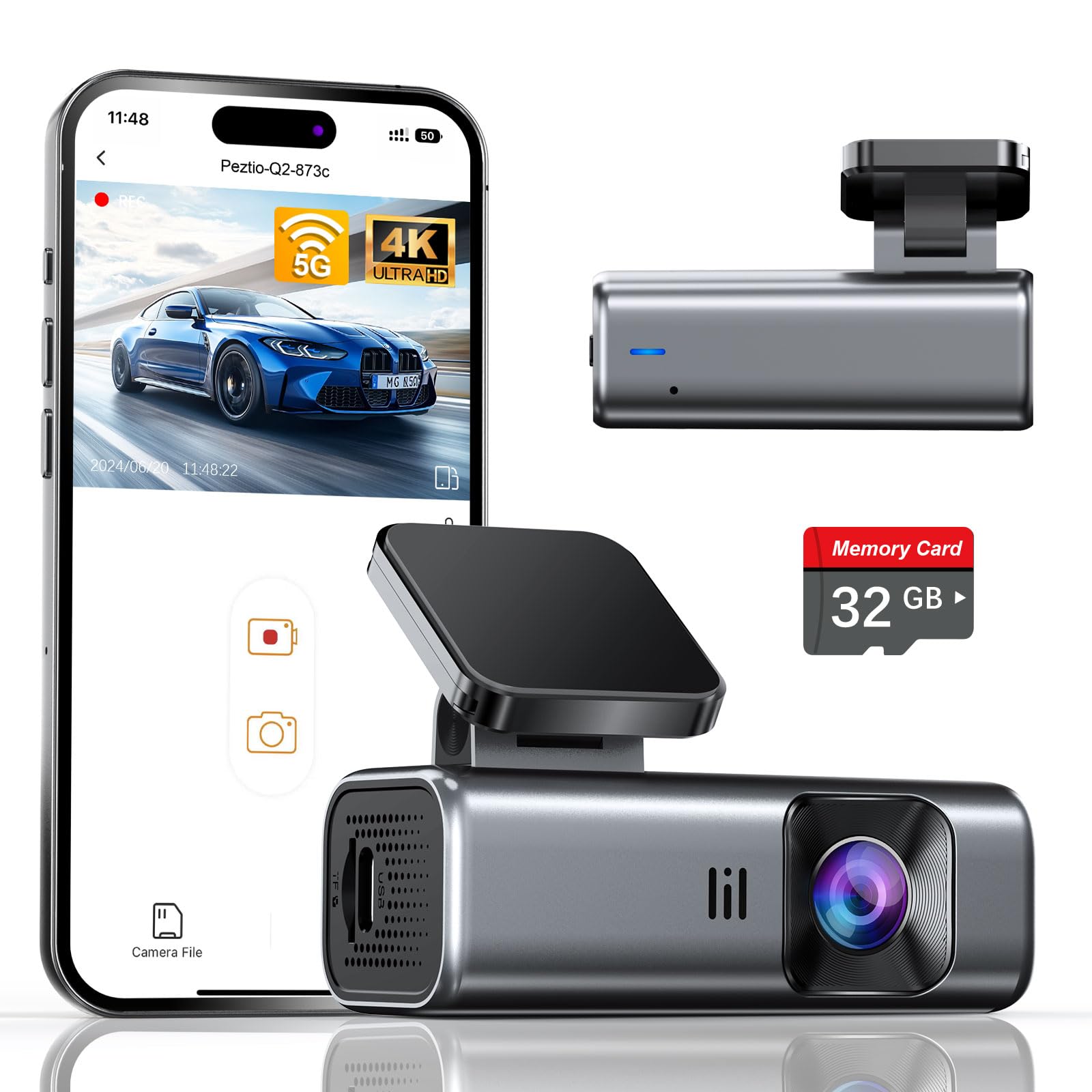
We recommend this camera if you want crisp 4K footage, reliable loop recording, and easy day-to-day use without spending extra on a memory card.
Pros
- Very clear 4K video and good night visibility.
- Includes a 32GB card so it works right out of the box.
- Small, low-profile design that is simple to install.
Cons
- No screen means you must use the app to check footage.
- 32GB is small for long trips; you may want a larger card.
- Parking mode needs a hardwire kit (sold separately).
We used the Galphi Q2 on daily drives and a few longer trips. Video quality impressed us immediately — lane details and license plates came through sharply in daytime, and night shots stayed usable thanks to the wide aperture and WDR processing.
Mounting took only minutes. The slim body stayed out of our sightline and the adhesive held firm, while the included cable clips helped hide the wiring neatly along the windshield and trim.
Connecting over 5GHz WiFi made downloads faster than other dash cams we’ve tested. We saved clips to our phone easily, though you must use the app because the camera itself has no display.
Loop recording worked exactly as it should: older files got overwritten automatically while the G-sensor locked accident clips to prevent loss. That gave us confidence that important footage would stay safe without manual intervention.
For parked cars, the time-lapse parking mode is a useful low-power option. Plan to hardwire the unit if you want full 24-hour monitoring, since the built-in power cable is meant for normal driving use.
Overall, this dash cam felt like a balanced pick for daily drivers, rideshare users, and families who want strong video without a bulky device. If you expect long multi-day recording, upgrade the card to a higher capacity for more peace of mind.
Affver A4 4K Dual Dash Cam
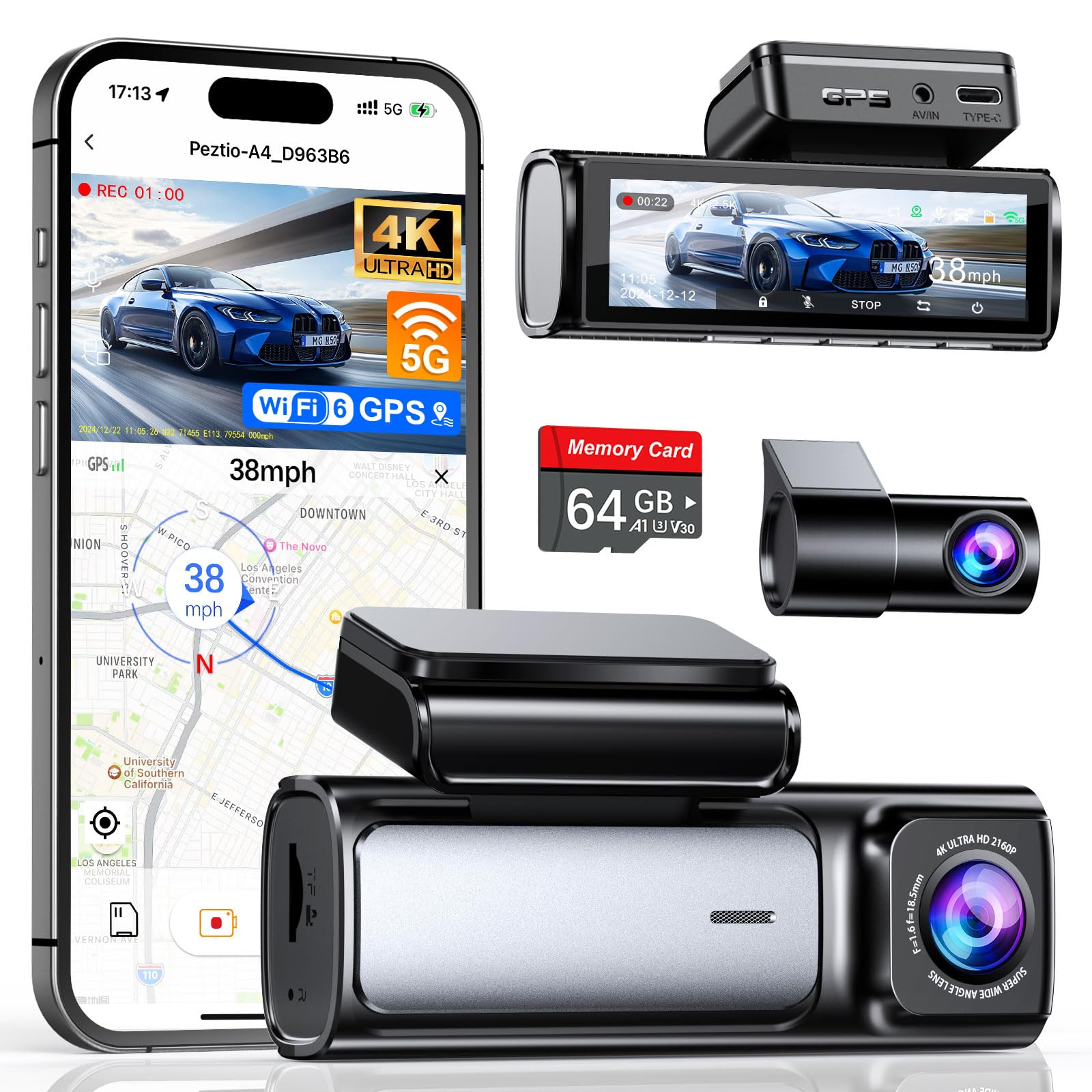
We recommend this dash cam for buyers who want clear front and rear footage, fast Wi‑Fi transfers, and reliable loop recording for everyday driving.
Pros
- Very sharp front 4K and improved rear 2.5K video.
- Fast 5GHz Wi‑Fi 6 makes downloading clips quick and easy.
- Includes 64GB card and easy loop recording so you don’t fuss with storage.
Cons
- App can be a bit glitchy at times.
- Rear camera cable routing can be tight in some vehicles.
- Parking mode needs a hardwire kit (sold separately) to work fully.
We installed the A4 in our daily driver and liked how clean it looked on the windshield. The low‑profile body didn’t block sightlines and the 3.59″ screen made menu changes simple without being distracting.
Recording quality impressed us on both day and night drives. The front 4K captures small details like license plates at distance, while the upgraded rear 2.5K shows surprising clarity for a compact unit.
Transferring clips felt noticeably faster than older models when we used the phone app over 5GHz Wi‑Fi 6. Still, we ran into the occasional app hiccup that forced a reconnect, so expect a few extra taps.
Loop recording worked exactly as promised during long drives—old files got overwritten automatically and the G‑sensor protected impact clips we tested. That feature alone saved us time managing footage.
If you need 24‑hour parking surveillance, plan to buy the Type‑C hardwire kit; we tried parking mode without it and only low‑power options ran briefly. Installation was straightforward, but some car interiors require patient cable tucking for the rear camera.
Overall, we found the Affver A4 a solid value for people who want high‑resolution front and rear footage and easy loop recording without complicated setup.
70mai A810 Lite 4K

We recommend this dash cam if you want high-resolution front footage, reliable loop recording, and easy app access for remote viewing.
Pros
- Very clear 4K front video and useful rear coverage.
- Loop recording and parking modes give continuous protection.
- Fast 5GHz Wi-Fi and app make file transfer easy.
Cons
- Occasional app quirks and setup steps can frustrate first-time users.
- 4G features need an extra hardwire kit and extra cost.
- Night performance improves scenes but can still struggle in very dark conditions.
We mounted the A810 Lite behind the rearview mirror and started driving the same day. The 4K front footage picked up license plates and signs better than older cams we’ve tried. The rear camera filled blind spots without getting in the way.
Loop recording worked exactly as advertised during long drives. The camera overwrote old files smoothly, so we never ran out of storage. Parking mode kicked on after we hardwired it, and the G-sensor locked clips when we hit bumps in the lot.
Using the app to pull video felt fast thanks to the 5GHz Wi‑Fi; transfers beat older dash cam Wi‑Fi speeds we tested. Remote 4G access and live view are handy for checking the car when parked far away, but they require buying the recommended hardwire kit and setup takes extra steps.
Installation was straightforward for us, with compact hardware that sat neatly behind the mirror. Cable routing needed patience, and the adhesive felt strong but fiddly. Overall, the unit felt solid and built to last, matching other 70mai devices we’ve used over the years.
Editors’ Choice
Our Editors’ Choice goes to the ROVE R2-4K Dual because it delivers the best overall balance of video quality, reliable loop recording, ease of use, and long-term value. Its Sony STARVIS 2 sensor captures exceptionally clear 4K footage in both daylight and low-light conditions, while the included 128GB memory card and dependable loop recording ensure continuous recording without constant maintenance.
The fast 5GHz Wi-Fi makes transferring videos to your smartphone quick and convenient, and emergency file locking helps protect important footage from being overwritten. Whether you’re a daily commuter, rideshare driver, or frequent road trip traveler, the ROVE R2-4K Dual offers the features most drivers need at a competitive price, making it our top recommendation.
Conclusion
Choosing the best dash cam with loop recording depends on your budget, desired video quality, and the features that matter most to your driving habits. A reliable loop recording system ensures your camera keeps recording without running out of storage, while features like G-sensor protection, parking mode, Wi-Fi connectivity, and GPS add extra convenience and security.
Among all the models we reviewed, the ROVE R2-4K Dual stands out as the best overall option thanks to its excellent 4K recording, dependable loop recording, fast wireless transfers, and included memory card. If you’re looking for a dependable dash cam that continuously protects you on every drive, any of the options in this guide can provide excellent value based on your specific needs.
FAQs
What is loop recording on a dash cam?
Loop recording is a feature that automatically overwrites the oldest unlocked video files when the memory card becomes full. This allows the dash cam to record continuously without requiring you to manually delete footage.
Does loop recording delete accident footage?
No. Most modern dash cams use a G-sensor to detect sudden impacts and automatically lock important recordings, preventing them from being overwritten during loop recording.
What memory card is best for loop recording?
A high-endurance microSD card designed for continuous video recording is the best choice. Cards with capacities of 64GB, 128GB, or 256GB are ideal for most 2K and 4K dash cams.
Can I turn off loop recording?
Yes. Many dash cams allow you to disable loop recording through the settings menu, although continuous recording with loop recording enabled is generally recommended.
How long does a dash cam keep recordings?
The recording duration depends on the memory card size, video resolution, and bitrate. A larger card can store many more hours of footage before older unlocked files begin to be overwritten.
Is loop recording necessary for a dash cam?
Yes. Loop recording is considered one of the most important dash cam features because it allows continuous recording without running out of storage space while preserving important incident footage automatically.

