Want louder, clearer sound from your car stereo? This guide walks you through simple upgrades and tuning tricks to maximize volume without distortion. From adjusting settings to installing better gear, you’ll enjoy richer audio on every drive.
Key Takeaways
- Upgrade your speakers: Factory speakers often limit volume and clarity—replacing them with high-sensitivity models boosts loudness and sound quality.
- Add a quality amplifier: Amps provide clean power to your speakers, allowing them to play louder with less distortion.
- Tune your EQ settings: Adjust bass, treble, and balance to optimize volume and prevent clipping or muddiness.
- Use high-quality audio files: Low-bitrate music compresses sound—stream or play high-resolution files for fuller, louder playback.
- Seal speaker enclosures: Loose or rattling panels reduce efficiency—secure them to improve sound projection.
- Check wiring and connections: Poor wiring causes power loss—ensure tight, corrosion-free connections for maximum output.
- Avoid maxing out volume: Cranking volume to 100% causes distortion—aim for 75–80% and let your amp do the work.
How to Make Car Stereo Louder for Better Sound Quality
If your car stereo sounds weak, tinny, or just not loud enough—even at full volume—you’re not alone. Many factory audio systems are designed for cost-efficiency, not performance. But the good news? You don’t need a full audio overhaul to get louder, richer sound. With a few smart upgrades and tuning adjustments, you can significantly boost your car stereo’s volume and clarity.
In this guide, we’ll walk you through practical, step-by-step methods to make your car stereo louder—without blowing your budget or damaging your equipment. Whether you’re a weekend driver or a daily commuter, these tips will help you enjoy every beat, lyric, and bass drop with power and precision.
Step 1: Upgrade Your Speakers
Factory speakers are often the weakest link in your car’s audio system. They’re usually made from low-quality materials and designed to handle minimal power. Replacing them is one of the most effective ways to increase volume and improve sound quality.
Choose High-Sensitivity Speakers
Look for speakers with a high sensitivity rating—measured in decibels (dB). A rating of 90 dB or higher means the speaker produces more sound with less power. For example, a 92 dB speaker will sound noticeably louder than an 86 dB model, even when powered by the same head unit.
Match Speaker Size and Type
Make sure your new speakers fit your car’s mounting locations. Common sizes include 6.5-inch coaxial speakers for doors and 6×9-inch models for rear decks. Component speakers (with separate tweeters and woofers) offer better sound separation and clarity, especially for music lovers.
Install Properly
Use speaker adapters if needed, and secure speakers tightly to prevent vibrations. Poor installation can cause rattling and reduce sound quality. Consider adding sound-deadening material behind the speakers to minimize panel resonance.
Step 2: Add a Car Amplifier
Your car’s head unit (radio) only provides limited power—usually 15–20 watts per channel. That’s not enough to drive speakers to their full potential. An amplifier gives your system the power it needs to play louder and cleaner.
Choose the Right Amp
Match the amplifier’s power output (in RMS watts) to your speakers’ recommended range. For example, if your speakers handle 50 watts RMS, choose a 4-channel amp that delivers 50–75 watts per channel. Overpowering can damage speakers; underpowering causes distortion.
Install the Amplifier Safely
Mount the amp in a well-ventilated area, away from heat and moisture. Run a dedicated power wire from the battery with an inline fuse, and use quality RCA cables to connect it to your head unit. Ground the amp securely to the car’s chassis.
Use a Line Output Converter (If Needed)
If your head unit doesn’t have RCA preamp outputs, use a line output converter to connect it to the amp. This ensures a clean signal without interference.
Step 3: Tune Your Equalizer (EQ) Settings
Even with great gear, poor EQ settings can make your system sound flat or distorted. Proper tuning balances frequencies and maximizes perceived loudness.
Adjust Bass and Treble
Start with all EQ bands at zero (flat). Gradually increase bass (60–250 Hz) for fuller sound, but avoid over-boosting—it can cause distortion. Boost treble (2–10 kHz) slightly for clarity, especially if your car is noisy.
Use the Loudness Setting Wisely
Many stereos have a “Loudness” button that boosts bass and treble at low volumes. It’s helpful for highway driving, but turn it off at higher volumes to prevent muddiness.
Balance and Fade Controls
Ensure sound is evenly distributed. Adjust the balance (left/right) and fade (front/rear) so all speakers contribute equally. This creates a fuller, louder soundstage.
Step 4: Use High-Quality Audio Sources
No amount of hardware can fix low-quality audio files. Streaming at low bitrates (like 128 kbps) compresses sound, reducing dynamic range and volume potential.
Stream at High Bitrates
Use services like Spotify (320 kbps), Apple Music, or Tidal for better sound. Avoid free streaming tiers that limit quality.
Play Lossless Files
If you use USB or SD cards, store music in FLAC, ALAC, or high-bitrate MP3 (320 kbps). These formats preserve more detail and allow your system to perform at its best.
Avoid Bluetooth Compression
Bluetooth can compress audio, especially on older codecs. Use aptX or AAC-compatible devices for better wireless quality, or plug in via USB when possible.
Step 5: Improve Speaker Enclosure and Sealing
Speakers work best in a sealed, rigid environment. Loose panels, gaps, or poor mounting can cause sound loss and distortion.
Check Door Panels
Open your doors and inspect speaker mounts. Tighten screws and replace worn gaskets. Use foam or rubber seals to close gaps between the speaker and door panel.
Add Sound Deadening Material
Apply butyl-based sound deadener (like Dynamat or Noico) to door panels and trunk areas. This reduces vibrations, improves bass response, and makes sound louder and clearer.
Seal the Trunk and Rear Deck
If you have rear speakers, ensure the trunk lid seals tightly. Gaps allow sound to escape, reducing perceived volume. Use weatherstripping if needed.
Step 6: Check and Upgrade Wiring
Thin or corroded wiring restricts power flow, limiting volume and causing signal loss.
Inspect Speaker Wires
Look for frayed wires, loose connections, or corrosion at terminals. Replace damaged wires with 16- or 14-gauge speaker wire for better conductivity.
Upgrade Power and Ground Wires
If you’ve added an amp, ensure the power wire from the battery is thick enough (8-gauge for most 4-channel amps). Use a dedicated ground wire connected to bare metal on the chassis.
Use Quality RCA Cables
Cheap RCA cables can introduce noise. Choose shielded cables with gold-plated connectors for a clean signal.
Step 7: Avoid Distortion and Protect Your Gear
Louder isn’t always better—if it’s distorted, it can damage speakers and ruin the listening experience.
Don’t Max Out the Volume
Cranking your head unit to 100% causes clipping (distorted, square-wave signals). Keep volume at 75–80% and let your amp provide clean power.
Watch for Distortion
If sound becomes harsh or fuzzy, lower the volume or reduce bass boost. Distortion is a sign your system is being overdriven.
Use a Bass Boost Sparingly
Some stereos and amps have a bass boost feature. Use it lightly—excessive boost can overwhelm speakers and drain your battery.
Troubleshooting Common Issues
Problem: Sound is loud but distorted
This usually means clipping. Lower the volume on your head unit and increase gain on your amp instead. Check EQ settings—too much bass or treble can cause distortion.
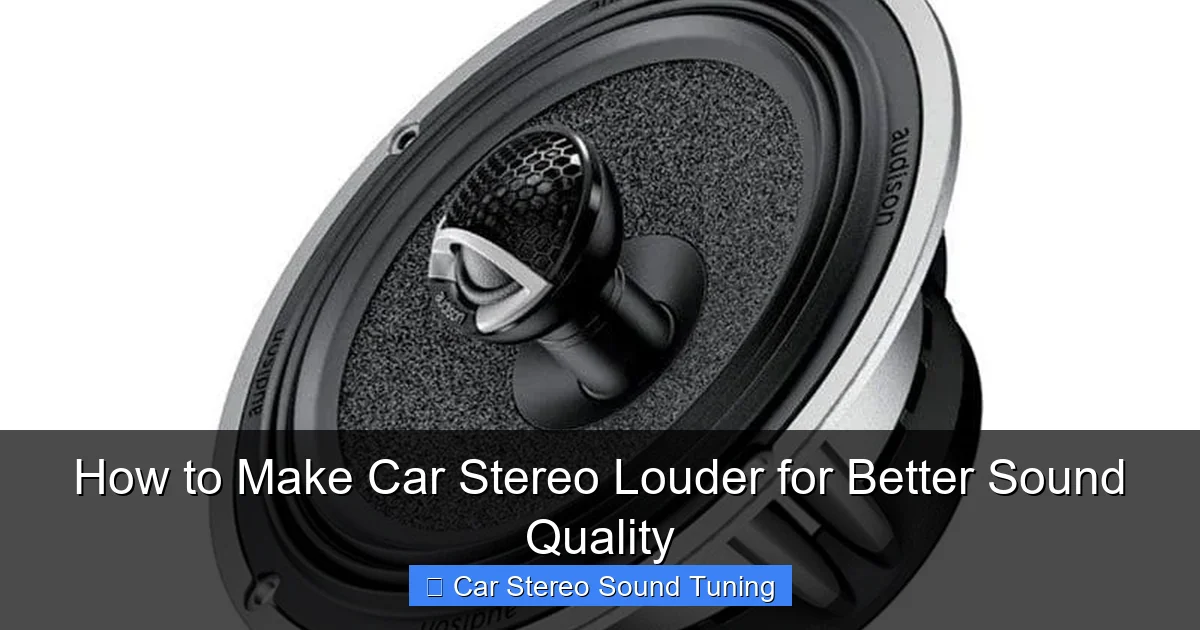
Visual guide about How to Make Car Stereo Louder for Better Sound Quality
Image source: bestcaraudio.com
Problem: No increase in volume after upgrades
Ensure your amp is properly powered and grounded. Verify that speaker wires are connected correctly (positive to positive, negative to negative). Test with a different audio source.
Problem: Speakers rattle or buzz
Loose mounting or poor sealing is likely the cause. Re-secure speakers and add sound deadening material. Check for loose panels or trim pieces.
Problem: Amp overheats or shuts off
This indicates poor ventilation, incorrect impedance load, or insufficient power wiring. Ensure the amp is mounted in a cool area and the power wire is the correct gauge.
Conclusion
Making your car stereo louder doesn’t require a professional installation or a huge budget. By upgrading speakers, adding an amplifier, tuning your EQ, and using high-quality audio sources, you can dramatically improve volume and sound quality. Small details—like sealing enclosures and checking wiring—make a big difference.
Remember, the goal isn’t just volume—it’s clear, powerful, distortion-free sound that enhances every drive. Start with one or two upgrades, test the results, and build from there. With these tips, you’ll turn your car into a mobile concert hall.
🎥 Related Video: How to increase volume to maximum on Android radio
📺 Online tech support

