Dash cams record video of the road and events around your car to help with accidents, insurance claims, and security. They range from simple single-front cameras to multi-camera systems with parking mode, GPS, and cloud features. We focus on models that capture clear footage day and night, store video reliably, and give easy access to clips when you need them.
The biggest things to watch for are video quality, reliability of footage storage, and how the camera behaves when you’re parked. Higher resolution and good low-light performance make it easier to see license plates and faces. We tested and compared dash cams for image clarity, ease of use, parking protection, and dependable file saving to find the models that protect drivers without extra hassle.
Best Dash Cams 2026
Below is our full list of the best dash cams for 2026. We tested options for video quality, reliability, and ease of use to help you find the right camera for daily driving, road trips, or fleet use.
ROVE R2-4K Dual

We recommend this camera if you want sharp 4K front footage, reliable night capture, and easy phone downloads.
Pros
- Excellent daytime and low-light video from the Sony STARVIS 2 sensor.
- Fast 5G Wi‑Fi makes grabbing clips on our phone quick and painless.
- Comes with a 128GB card and useful parking modes for added security.
Cons
- Rear camera setup and routing the long cable takes time.
- Some menu and voice prompts felt a bit wordy while driving.
- True 4K files are large and need storage management.
We mounted the ROVE on our windshield and noticed the front image looked crisp right away. Daylight shots captured clear road signs and plate details. Night driving stayed usable; the sensor handled street glare better than other cameras we’ve tested.
Using the phone app felt fast. We streamed clips and downloaded a few full drives in under a minute. The 5G Wi‑Fi really cuts the wait time when you want to save or share an incident.
Installing the rear cam took patience. Tucking the extension cable along the headliner and trim took about 20–30 minutes. Once in place, the rear angle covered lanes behind us without much blind spot.
Parking mode gave us confidence in busy lots. The unit saved event clips and announced incidents on next startup, which was helpful. Keep in mind a hardwire kit is needed for full 24/7 protection.
Overall, we found the R2-4K Dual blends strong image quality with smart features and fast wireless transfers, but plan extra time for a clean dual-cam install.
Redtiger F7NP 4K Dash Cam

We recommend this if you want clear 4K front footage, a reliable parking mode, and an easy app for quick video checks.
Pros
- Sharp 4K front video that captures small details.
- Parking mode and G-sensor protect parked car footage.
- Fast 5.8GHz WiFi makes downloading clips quick.
Cons
- Rear camera is 1080p, not 4K.
- Hardwire kit needed for full 24/7 parking use.
- App can be a bit finicky with some phones.
We installed the F7NP in our daily driver and used it for both city and highway driving. The front image is noticeably crisp; we could read license plates at a distance and the night balance looks natural. The rear camera did its job but didn’t match the front’s clarity.
Using the Redtiger app felt convenient for quick checks after short drives. Downloads were fast on our phone over 5.8GHz WiFi, though one of our testers had occasional connection hiccups that required reopening the app. GPS data and route playback helped confirm times and speeds when we reviewed clips.
Parking mode gave us peace of mind during long errands and overnight parking. We hardwired the unit for continuous power and it reliably saved collision clips with the G-sensor. The supercapacitor also eased worries about heat and battery swell in hot weather.
Mounting was straightforward and the unit sits low behind the rearview mirror without blocking view. Cable routing took a bit of patience but the included clips and long rear cable made the job doable. The free 128GB card meant we had plenty of recording time from the start.
Overall, we found the F7NP solid for drivers who want strong daytime and night front footage, easy app access, and parking protection—just plan to add a hardwire kit for full-time monitoring and expect the rear cam to be a step down from the 4K front.
REDTIGER F7N Touch 4K Dash Cam

We recommend this if you want clear 4K front footage, easy app access, and reliable parking monitoring for the price.
Pros
- Sharp 4K front video with good low-light clarity
- Fast 5.8GHz WiFi makes phone transfers quick
- Easy to lock crash clips automatically with G-sensor
Cons
- Rear camera is lower resolution than the front
- Parking mode needs a hardwire kit to work properly
- Touchscreen can be finicky in bright sun
We mounted the F7N Touch in our car for a week and liked how crisp the front camera looked. Driving at night showed real detail on plates and signs. The wide 170° view caught lane edges and side traffic without much fish-eye distortion.
Using the app felt smooth. The 5.8GHz WiFi let us grab clips fast and the GPS trace saved our route cleanly. Voice commands and the touchscreen made basic tasks hands-free, though the screen glare sometimes made taps miss.
We tested the parking features with a hardwire kit and the time-lapse helped spot minor bumps in the lot. Installation was straightforward with the suction mount and cable tools in the box. Overall, this unit gives strong everyday performance at a fair price.
70mai A800SE 4K Dash Cam
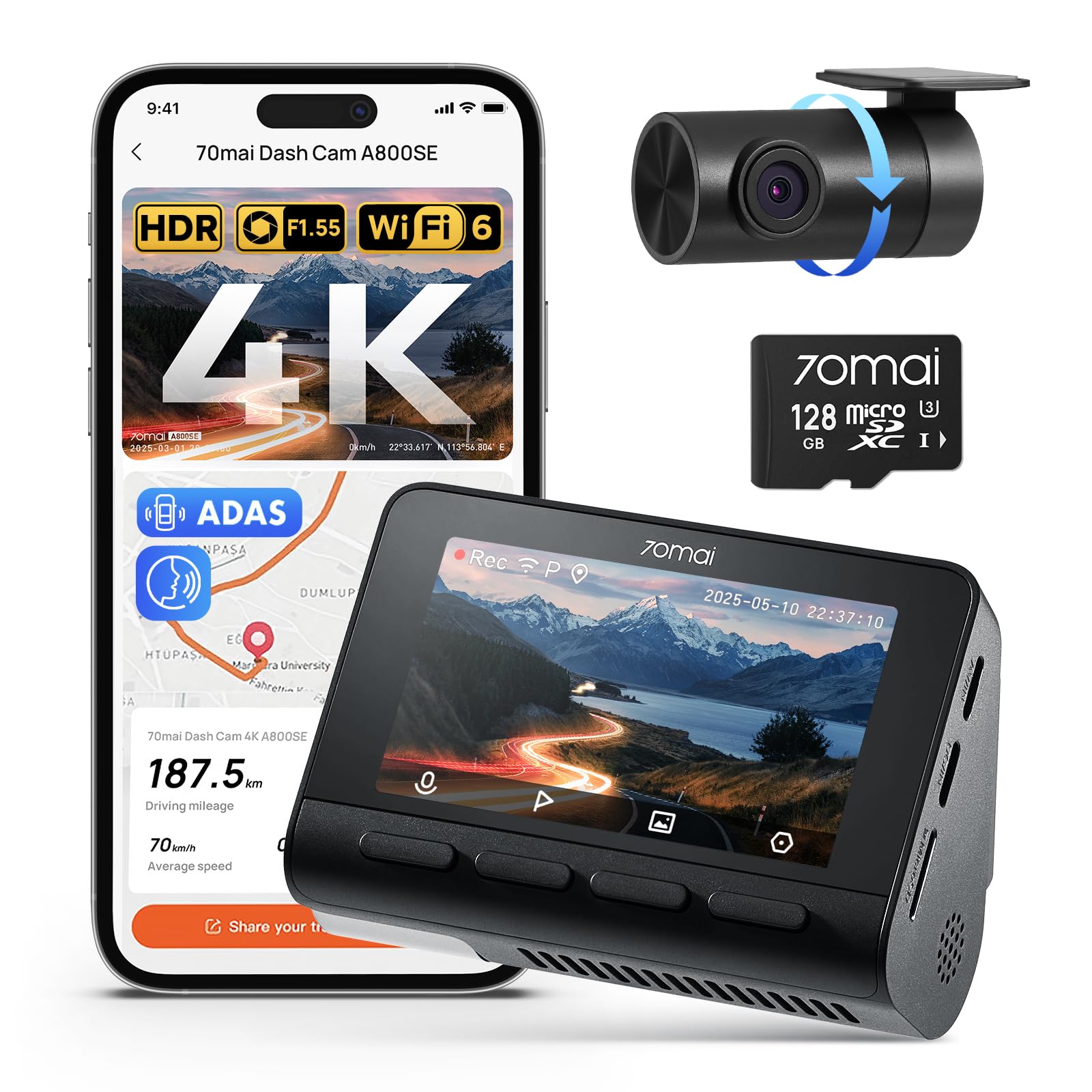
We recommend this if you want very clear day/night video and easy phone access to recordings.
Pros
- Sharp 4K front footage that captures plates and signs.
- Very good night clarity thanks to large aperture and HDR.
- Fast Wi‑Fi and simple app control for quick downloads.
Cons
- Rear camera cable routing takes time to hide neatly.
- App setup can be fiddly the first time.
- Some users report rare hardware or service issues.
We installed the A800SE on two cars and rode with it for several weeks. The front camera grabs small details on the road, and the rear lens gives useful extra coverage when backed up to a wall or in traffic. Video plays back cleanly on our phones without removing the card.
Night clips impressed us most. Low‑light scenes stayed bright and readable, and tunnels or glare didn’t wash out details the way older cams do. We still found a few frame drops on very bumpy roads, but those were uncommon.
Setting the system up took a bit of patience. Tucking the rear cable under trim needed time, and pairing the app required a couple retries. Once running, the parking monitor and ADAS alerts felt helpful, and the included 128GB card meant we could start recording right away.
BOTSLAB G300 Plus 4K
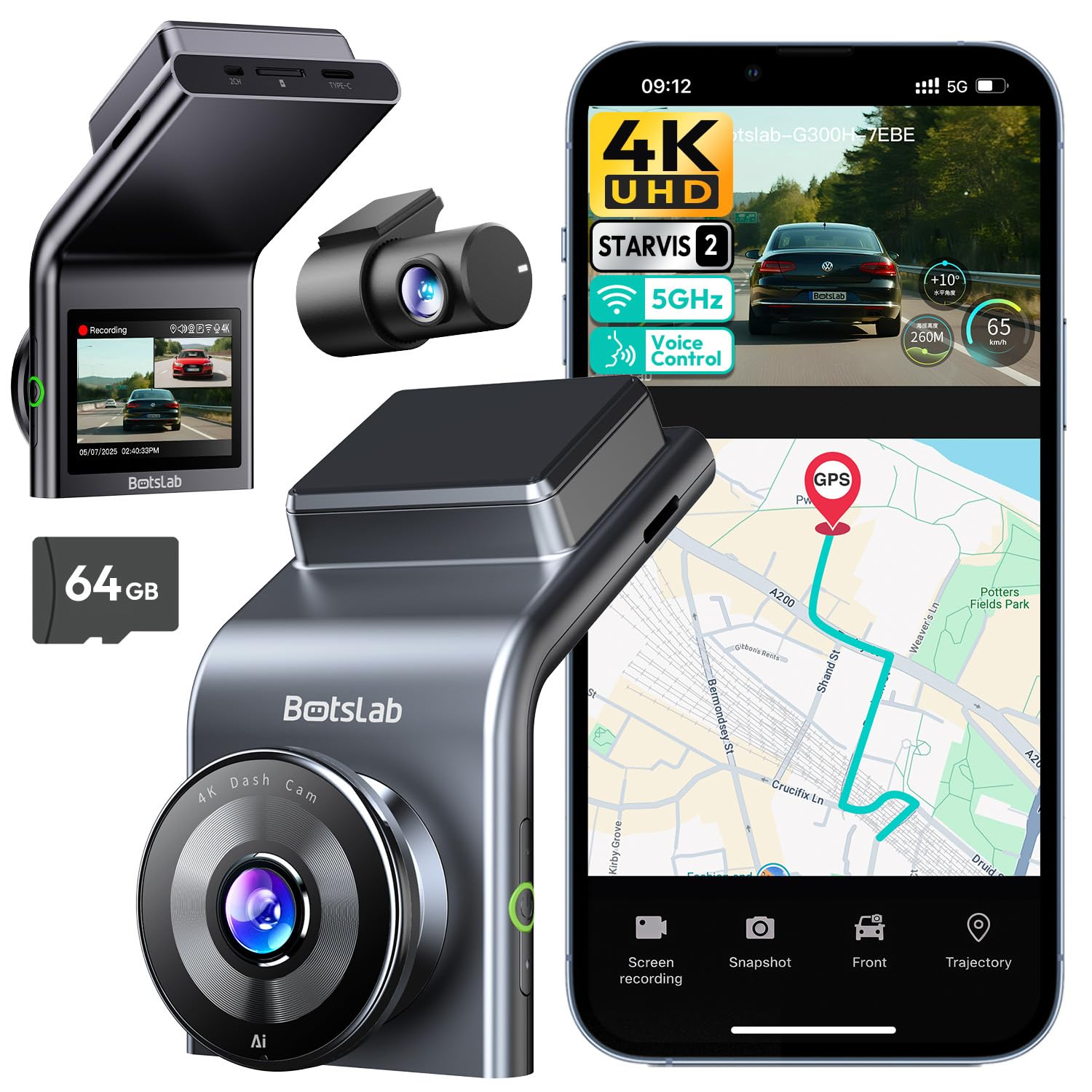
We recommend this if you want sharp 4K front video, reliable night recording, and easy setup for most cars.
Pros
- Excellent daytime detail and clear night footage.
- Wide front and rear coverage reduces blind spots.
- Simple install and handy voice control.
Cons
- App and Wi‑Fi can be a bit slow to connect.
- Occasional inconsistent clips during parking mode.
- A polarizing filter may help reduce glare on bright days.
We put the G300 Plus in our car and drove around town and on the highway. The front 4K footage captured license plates and signs crisply during the day. Night recordings held up better than many cameras in this price range thanks to the STARVIS 2 sensor.
Mounting took under 30 minutes. The unit fits low on the windshield and the peel‑and‑stick wiring made hiding cables straightforward. Voice commands worked well for basic tasks, though the app connection sometimes took an extra moment to sync over 5GHz Wi‑Fi.
During a week of mixed driving we liked how the wide 170° front and 150° rear lenses caught lanes and side activity we would otherwise miss. Parking mode recorded events, but we saw a few missed segments that suggest checking clips after an incident. Overall, the camera felt solid and gave us confidence that it would record useful evidence if needed.
Buy link: BOTSLAB G300 PLUS 4K Dash Cam Front and Rear
TERUNSOUl 4K Triple‑Channel Dash Cam

We recommend this if you want wide coverage and clear daytime and low‑light video without spending a lot.
Pros
- Excellent video across front, rear, and cabin views.
- Easy install with tidy cable options and included tools.
- Built‑in GPS and fast Wi‑Fi make sharing clips simple.
Cons
- Parking mode needs a separate hardwire kit.
- App can be fiddly at first for larger file transfers.
- Unit sits visibly on the windshield for some vehicles.
We used this in town and on a highway trip and liked the all‑around footage. The front 4K image captured license plates during the day, and the cabin and rear cameras showed wide angles that covered blind spots.
Setup felt real-world friendly. The kit included clips, adhesive, and a long rear cable so we hid wires cleanly. The 3.16″ screen helped aim the cameras during install.
Night driving surprised us in a good way. Starlight optics and HDR kept dash reflections down and preserved street signs. When an impact was simulated, the unit locked footage automatically like we expected.
Connecting over 5.8GHz Wi‑Fi sped up downloads, though big 4K files still take time. We used the GPS player to check routes and timestamps; it helped when we wanted exact location data.
Overall, the TERUNSOUl unit felt like a solid, practical choice for families and rideshare drivers who want thorough coverage without paying premium brand prices.
Vantrue N4 Pro S 4K 3-Channel
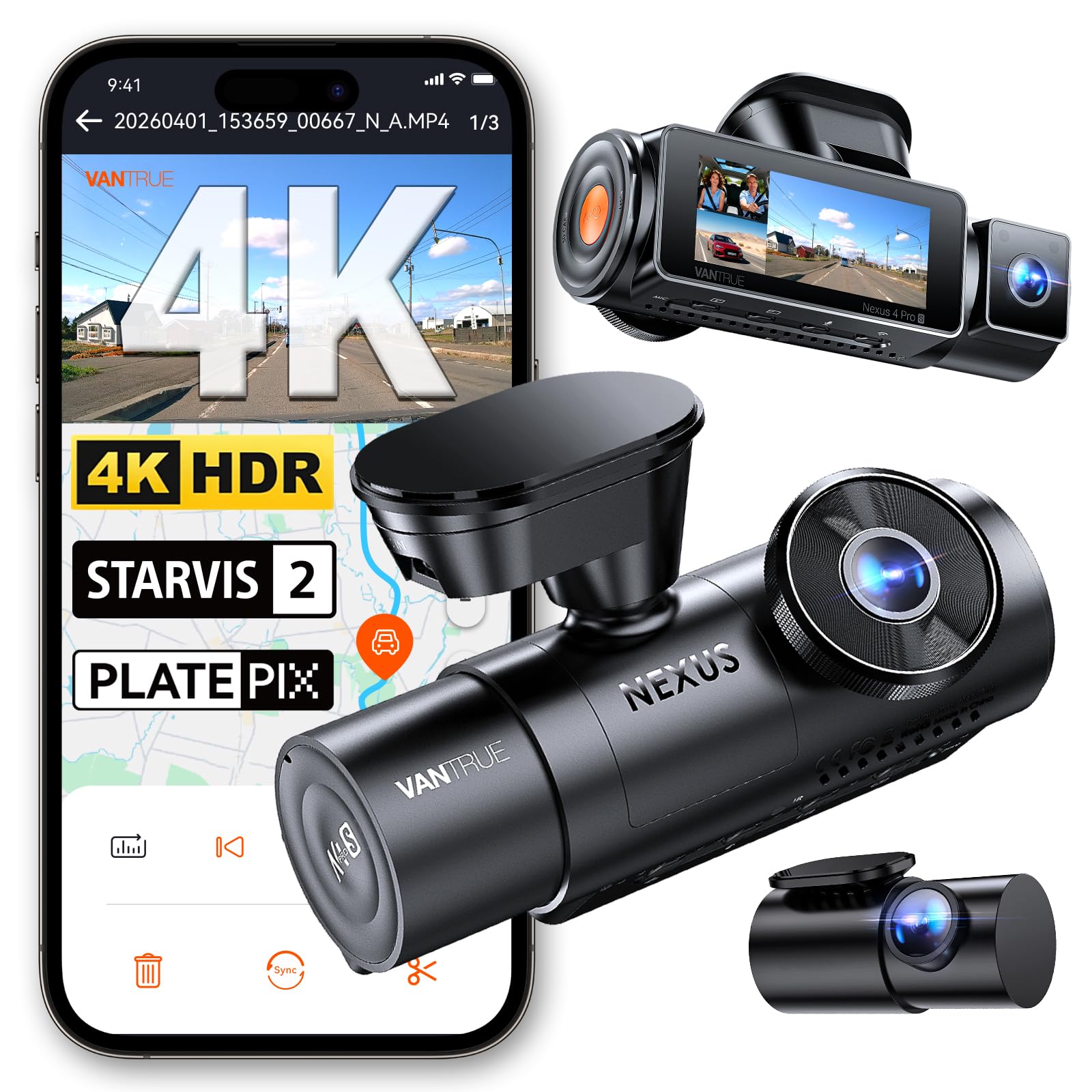
We recommend this if you want full 3-camera coverage with strong night performance and reliable parking protection.
Pros
- Excellent night clarity and readable plates at low speeds.
- True three-channel coverage (front, rear, interior) for complete views.
- Stable build, supercapacitor, and 24/7 buffered parking for peace of mind.
Cons
- Setup can be fiddly, and the paper guide is not very helpful.
- Hardwire kit required for full parking mode (sold separately).
- App and Wi‑Fi work well but can be a little clunky at first.
We installed the N4 Pro S and put it through city and highway drives. The 4K front video is sharp and the interior and rear feeds fill in blind spots. We liked how the screen shows all angles clearly when we inspected footage later.
Night recording impressed us. License plates came out readable in many low‑light situations thanks to the STARVIS 2 sensors and HDR. On dim streets we could still make out key details at moderate speeds.
Parking mode caught a bump while parked and saved footage from seconds before impact. We had to hardwire for full-time parking, which cost extra time, but the buffered capture worked as promised once connected.
The unit feels solid in the car and the included 20ft rear cable routed easily in our SUV. Wi‑Fi transfers were fast on 5GHz, though the app took a minute to pair. Voice commands were handy for quick snaps while parked.
Overall, we found the Vantrue N4 Pro S reliable and feature-rich for drivers who want 3-channel recording and strong night vision without fussing over fragile SD cards.
Vantrue N4S 3‑Channel Dash Cam

We recommend this if you want full 3‑camera coverage and strong night recording for rideshare or family use.
Pros
- Excellent night clarity and plate detail.
- True front, cabin, and rear coverage with flexible rear rotation.
- Stable, tool‑free install and quick Wi‑Fi transfers.
Cons
- Can run hot in warmer weather.
- App and Wi‑Fi can be finicky at times.
- Larger unit and wiring take effort to tuck away.
We installed the N4S in our car and drove it around town and on a highway. The three cameras gave real peace of mind: the front image showed clear lane detail, the cabin view captured faces well, and the rear lens covered traffic when we changed lanes.
Night performance impressed us. STARVIS 2 and PlatePix sharpened license plates more than we expected on dim streets and in tunnels. HDR helped keep headlights from washing out nearby details.
Parking mode felt thoughtful. Motion and impact triggers saved short clips before and after events, which was useful after a hit‑and‑run scare in a lot. We did notice it heats up on long sunny drives and has shut down for a few users in warm weather.
Setup was mostly painless thanks to the magnetic GPS mount and long rear cable. Hiding the cables took time, and the Wi‑Fi pairing sometimes needed a couple tries to connect before downloads worked smoothly.
Overall, this is a solid choice if you need 360° coverage and good low‑light footage, but plan for a careful install and watch operating temperature on hot days.
FAIMEE F9 3-Channel Dash Cam
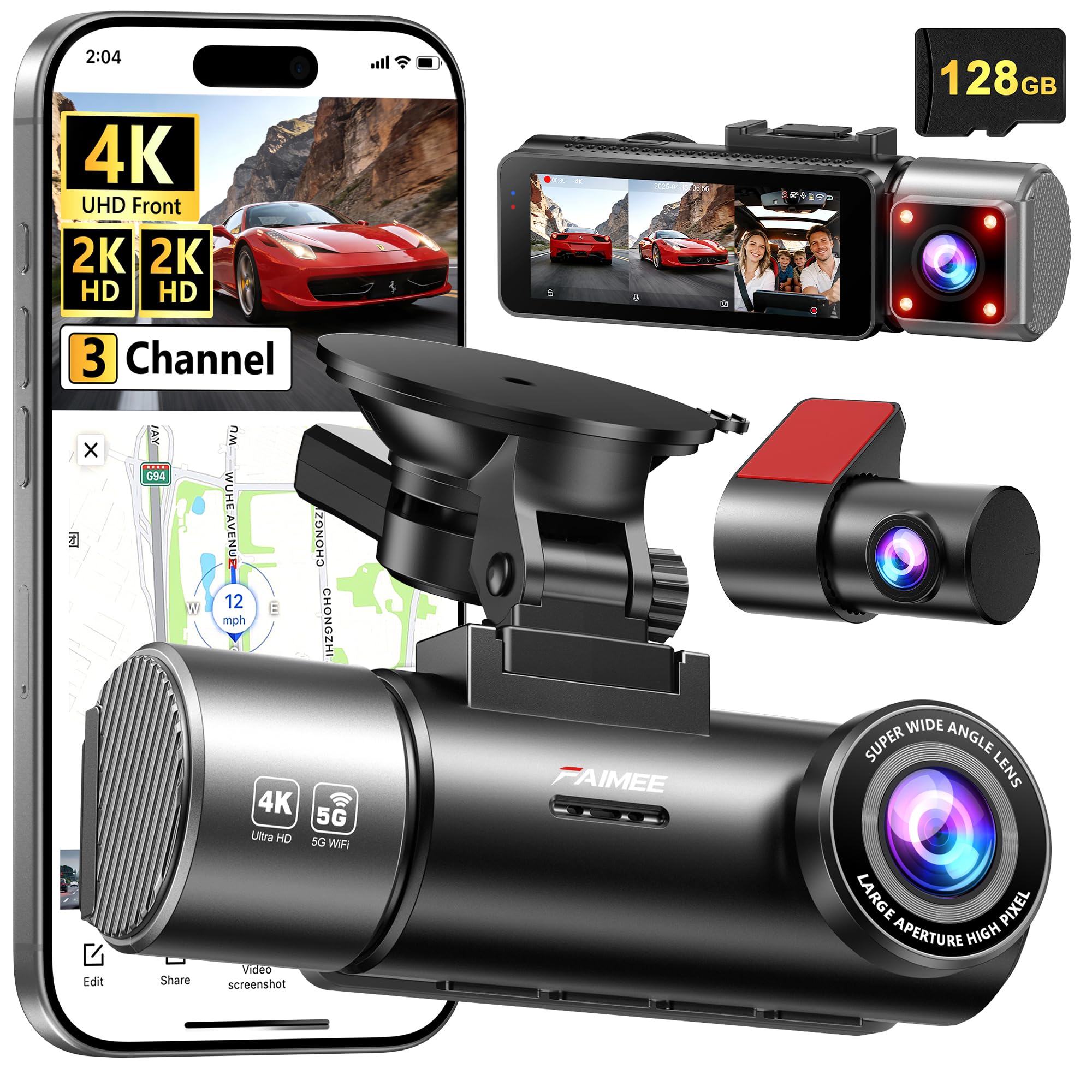
We recommend this if you want wide coverage and clear video day or night at a reasonable price.
Pros
- Very sharp front and cabin video, even after dark.
- Includes a 128GB card and records continuously with parking mode.
- Built-in GPS and easy app access for quick clips.
Cons
- App menus take a little time to learn.
- Hardwiring kit for full parking mode is not included.
- Suction mount can feel bulky on smaller windscreens.
We put the F9 in our car for a week and used it on city and highway drives. The front 4K footage showed license plates and signs clearly, and the cabin camera caught faces without distortion. Night clips stayed useful thanks to the wide aperture and WDR.
Setup was straightforward; the package had the card and a full set of mounts, so we were recording in minutes. Connecting to the FAIMEE app worked on both Wi‑Fi bands and allowed fast playback and downloads to our phone. We did have to dig through settings once to get the time stamps and GPS enabled the way we wanted.
Parking mode recorded events in time-lapse when we tested with a simulated bump, and the G-sensor locked the clip automatically. For full 24/7 monitoring you should plan to buy a hardwiring kit or a power pack. Overall, the F9 felt like a durable, well-rounded option for drivers who need three-camera coverage and clear footage without a big price jump.
70mai A810 Lite

We recommend this if you want sharp 4K front footage, easy phone access, and solid parking security for daily driving and travel.
Pros
- Very clear daytime and night video that shows plates and signs.
- Fast 5GHz Wi‑Fi and app make grabbing clips quick.
- Reliable parking mode and supercapacitor for hot or cold cars.
Cons
- Rear camera cable routing takes patience and can look messy.
- 4G features need an extra kit and extra cost.
- App can be picky about connections at first.
We installed the A810 Lite behind our mirror in minutes and liked how discreet it sits. Driving around town it captured fine details without glare, and highway signs stayed readable.
Night shots surprised us. HDR plus the wide aperture cut headlight bloom, so dark scenes kept useful detail. We noticed the rear cam was good but not as crisp as the front in low light.
Transferring clips to our phones was fast over 5GHz Wi‑Fi, which saved time on long trips. Parking mode worked as advertised after we hardwired it; motion events recorded and locked properly. Routing the rear cable through trim needed care, and the optional 4G kit adds cost if you want remote live view.
Buying Guide
We start by deciding how you will use the dash cam. Think about daily commuting, road trips, or parking surveillance. That helps narrow down features and price.
We look for video quality first. Aim for at least 1080p resolution and good low-light performance. Frame rate matters for smooth footage, so choose 30–60 fps depending on your needs.
We check field of view and mounting style. A wider field of view records more lanes but can distort edges. Windshield mounts are common; hardwire kits give continuous power for parking mode.
We consider storage and recording options. Most cameras use microSD cards; pick a size that matches your recording time. Loop recording and automatic overwrite prevent full-card issues.
We evaluate additional features. GPS adds speed and location data. Wi-Fi or Bluetooth makes file transfer easier. Impact detection and parking mode help record incidents while parked.
We weigh reliability and ease of use. Simple menus, clear indicators, and reliable loop recording reduce hassle. Look for models with durable build and good heat tolerance for hot climates.
We compare costs and warranties. Higher price often buys better sensors and support. Check warranty length and what it covers to avoid surprises.
We prioritize privacy and data handling. Choose devices that let us control cloud uploads and manage recordings locally. That keeps our footage private and accessible when we need it.
Editor’s Choice
We pick the Garmin Dash Cam 68W as our top choice for 2026. It balances video clarity, reliable features, and easy use for everyday drivers.
The 4K recording gives sharp daytime images and good license-plate detail. Night performance is strong for its class, though dedicated night cams are slightly better.
We like the compact design and simple mounting. It stays out of sight and avoids blocking the windshield.
Key features we value:
- Video: 4K front, 1440p wide-angle option
- Safety: built-in GPS, voice control, driver alerts
- Storage: loop recording with optional cloud backup
Setup is straightforward. The app pairs quickly and lets us review clips on our phone.
Battery draw is low when hardwired to a fused accessory. That keeps parking mode active without draining the car battery.
If you want a dash cam that records good footage, works reliably, and is easy to use, this model fits those needs.
Conclusion
We chose cameras that balance video quality, reliability, and ease of use. Our picks cover basic models for casual drivers and feature-rich units for people who want cloud, ADAS, or multi-channel setups.
We recommend prioritizing resolution and night performance first. Then look at mounting style, parking mode, and storage limits to match your needs.
For budget shoppers, a solid 1080p single-channel dash cam gives clear evidence in most situations. For those who drive at night or want full coverage, 4K or dual-channel systems offer better detail and more angles.
We tested for ease of installation and daily use. Models with simple apps and automatic incident saving reduce hassle and keep footage safe.
If you want one quick list, consider:
- Best budget: reliable 1080p, compact, loop recording.
- Best value: 2K or 4K with good low-light and parking mode.
- Best for fleets: robust build, GPS, cloud upload.
We stand by our approach: pick what fits your driving habits and budget. Update firmware regularly and test your setup after install to ensure recordings start when you need them.
FAQS
What should we look for in a dash cam?
We focus on video quality, reliability, and ease of use. Night vision, wide field of view, and good mounting matter most.
Do higher megapixels mean better video?
Not always. Sensor size and image processing affect clarity more than megapixels alone. We look at real-world footage tests.
How much storage do we need?
Most users do fine with 32–128 GB. Loop recording will overwrite old files, so larger cards keep more footage. We recommend a high-endurance microSD card.
Can dash cams record while the car is off?
Many models offer parking mode to record impacts or motion when parked. This may need a hardwire kit or internal battery.
Will a dash cam affect our car warranty?
Installing a dash cam usually does not void warranties. We advise professional installation for hardwiring to avoid electrical issues.
Are front-and-rear setups worth it?
Yes, they capture more of an incident and reduce blind spots. Dual-channel systems add cost but improve evidence quality.
How do we handle footage for insurance or police?
Keep the original file and note date/time. Share copies with your insurer or law enforcement as requested. We avoid editing original video.
How long do dash cams last?
With normal use, a good dash cam can last 3–7 years. Heat and constant recording can reduce lifespan, so we recommend models rated for high temperatures.

