Dash cams record what happens on the road so you have clear evidence after a crash, traffic stop, or hit-and-run. They range from tiny single-lens units that plug into your cigarette lighter to multi-camera systems with parking mode and cloud features. We focus on affordable models that give reliable video and useful features without high price tags.
The main things to watch for are video quality, mounting and field of view, loop recording and storage, and ease of use. Good daytime and nighttime video, a stable mount, and simple storage options are the most important factors for getting reliable footage when you need it. We tested and compared budget-friendly dash cams so we can point out the ones that give the best value and performance.
Best Affordable Dash Cams
Below is our list of the best affordable dash cams we recommend. We tested features like video clarity, ease of use, and reliability to help you find a good value. Our picks balance price and performance so you get solid protection without overspending.
70mai M310

We recommend this if you want a clear, no-frills dash cam that records good daytime and night video without costing much.
Pros
- Sharp 1296p video that catches license plates at normal speeds.
- Small, low-profile design that hides well behind the rearview mirror.
- Easy app control and simple setup for everyday use.
Cons
- No built-in screen, so setup and playback need the app.
- Parking mode requires a separate hardwire kit to work fully.
- Some users report occasional app connection or reliability annoyances.
We used the M310 for several weeks and found the daytime video very clear. It picked up road signs and nearby license plates without much fuss, which gives us confidence it will work in most routine incidents.
Night recordings looked better than expected. The WDR and noise reduction helped keep details visible in low light, though distant objects were still softer than close ones.
Setting it up took just a few minutes and the small body stayed out of sight. We had to use the phone app for most settings and clip checks, which worked but felt less handy than a camera with a screen.
Parking features are useful but only after you buy the hardwire kit. We tested time-lapse while parked and it recorded long spans efficiently, though enabling that required extra wiring.
Overall, this camera does what most drivers need at a fair price. If you want a discreet, decent-quality dash cam and don’t need built-in display or included hardwire, this one fits well.
FAIMEE F6 Dash Cam (4K+2K)
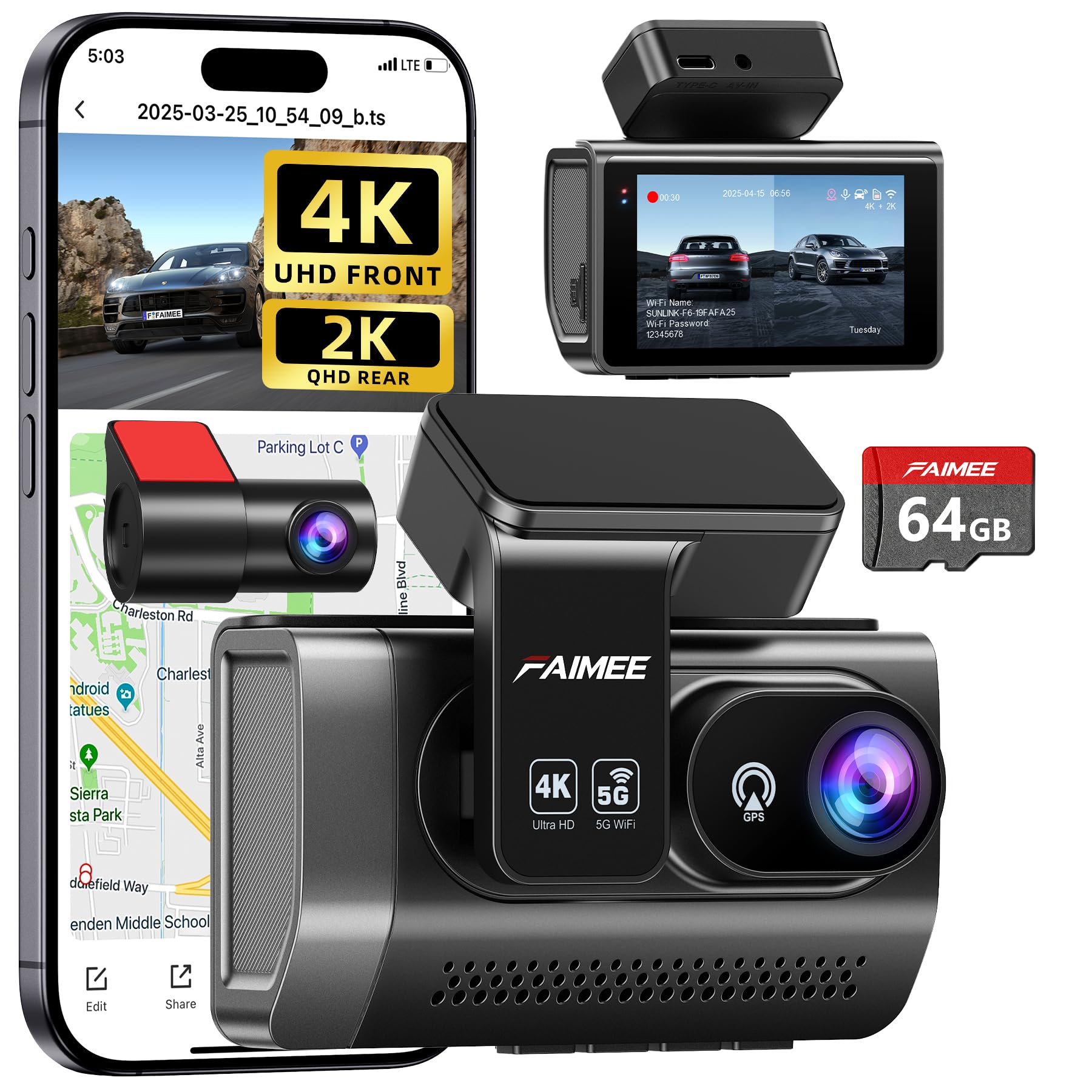
We think this is a strong buy for drivers who want sharp front/rear footage and reliable parking protection without a high price.
Pros
- Very clear day and night video from the front and rear.
- Built-in GPS and stable dual-band Wi-Fi make downloads and location tracking easy.
- Comes with a 64GB card and records continuously with impact locking.
Cons
- You’ll need a hardwiring kit for true 24/7 parking monitoring.
- Menu and app settings can take a few tries to learn.
- Stick-on mount may need occasional re-seating over time.
We tested the F6 on a few weeklong drives and got impressively sharp footage, especially up front. The 4K front video picked up road signs and license plates better than most budget cams we’ve tried. Low-light clips looked balanced thanks to WDR, though very dark scenes still lose some detail.
Installation felt quick. The compact screen sits mostly behind the mirror and didn’t block our view. Dual-band Wi‑Fi made live-viewing and downloads smoother than single-band models, and the GPS data logged speed and routes reliably when we checked the map in the app.
Parking mode worked as advertised once hardwired; running it from a cigarette adapter limited the 24/7 function. The G-sensor locked collision clips correctly during our curb taps. Overall, the FAIMEE F6 offers strong value for the price if you want robust recording and features without a premium cost.
SUVCON 3-Channel Dash Cam
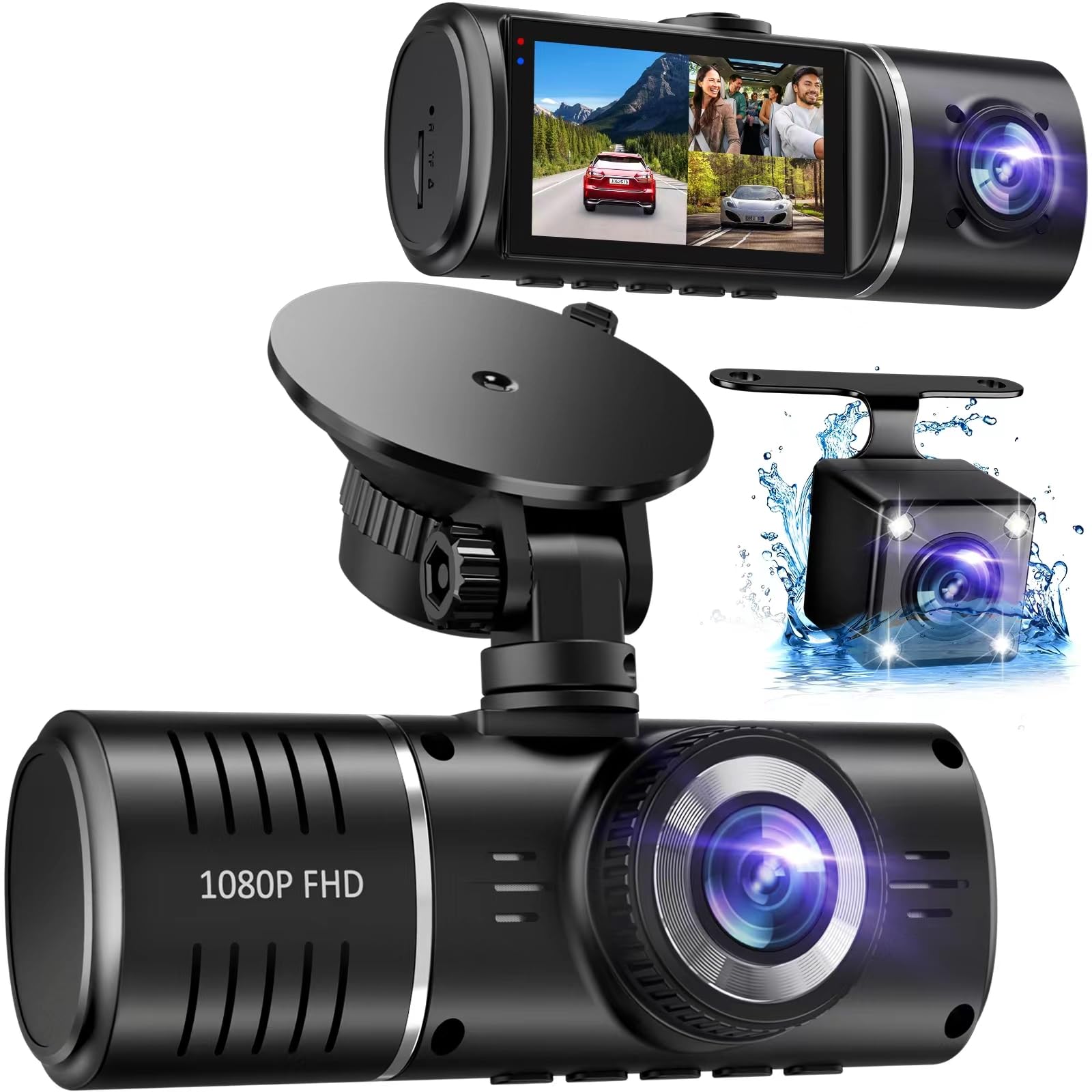
We recommend this dash cam if you want wide coverage and solid night footage at a low price, but skip it if you need app access or perfect adhesive mounts.
Pros
- Covers front, cabin, and rear with little blind spots.
- Clear night recording thanks to HDR and IR lights.
- Simple plug-and-play setup that we installed quickly.
Cons
- No Wi-Fi app — you must remove the card to view clips.
- Rear and cabin images can be lower quality than the front.
- Adhesive mount may fail on some windshields.
We mounted this unit in minutes and felt good about the view it gives. The front 170° lens captures a broad lane of traffic and the IPS screen shows the angle clearly while we adjusted it.
Indoor and low-light clips looked usable thanks to the infrared cabin lights and HDR processing. Moving cars at a distance blurred license plates, so this won’t replace a high-end model for long-range detail.
Recording during parking events worked as promised when the G-sensor triggered emergency saves after a bump. We had to format the card once when loop recording hiccuped, which interrupted automatic recording until we reset it.
Taking files off the camera means popping the microSD into a reader. That is simple but slower than an app transfer. Overall, this dash cam gives good value for drivers who want three-camera coverage without a big budget.
Galphi Q2 4K Dash Cam

We recommend this camera if you want high-res recordings and fast Wi‑Fi at a budget price.
Pros
- Sharp 4K video that picks up plates and signs.
- Fast 5GHz Wi‑Fi makes downloads quick.
- Compact, low-profile design that stays out of the way.
Cons
- No built-in screen, so you need your phone to review clips.
- Parking mode needs a hardwire kit (not included).
- App setup took a few tries to get stable for us.
We mounted the tiny Galphi Q2 and found it blends into the windshield. The adhesive pads held firm and the camera didn’t block our view. Installation felt simple, and the instructions were clear enough for a first-timer.
Driving with it on, daytime footage looked crisp and detailed. We could read license plates and street signs at normal speeds. Night recordings were better than expected; the wide aperture and WDR helped keep scenes visible after dark.
Transferring clips to our phone via the 5GHz Wi‑Fi saved time compared with other budget cams. Occasionally the app lost connection, but reconnecting was quick. For parked-car recording you must hardwire it, which adds cost and work if you want 24-hour monitoring.
Overall, the Galphi Q2 gave us 4K clarity and fast wireless transfers at an affordable price, though you should plan for phone-based playback and possible wiring for parking mode.
Veement V300 Dash Cam

We recommend this camera if you want good night video and easy app control at a low price.
Pros
- Clear 1296P footage that shows road details.
- Strong night vision and wide 170° view.
- Simple app control and reliable loop recording.
Cons
- Wifi app can be flaky on some phones.
- No internal battery — needs constant USB-C power.
- Occasional adapter or cable issues reported.
We put the V300 in our car for a week and used it on daytime and evening drives. The image looked sharp and captured license plates at a moderate distance. Setup was quick and the small size stayed out of sight.
At night the starlight sensor and wide lens helped keep details visible on dark streets. We noticed less grain than older budget cams. The wide angle caught more of the road, which reduced blind spots in the recorded video.
Connecting to the VeeCar app worked most of the time, though a few phones had trouble with playback. The camera needs constant power, so plan for a good USB-C plug. Overall, this is a solid low-cost option if you want clear footage without extra frills.
iZEEKER 2.5K Dash Cam
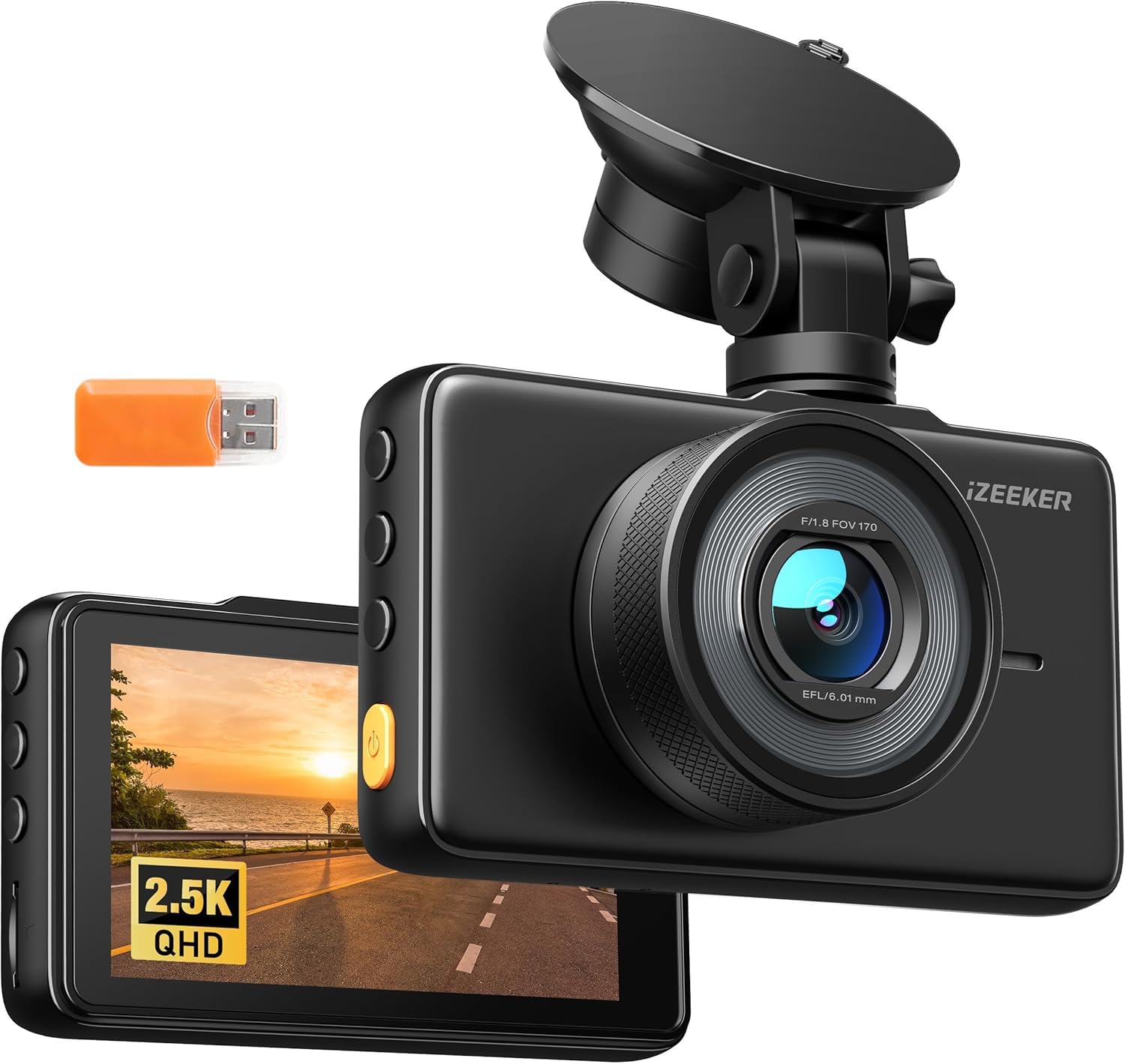
We recommend this if you want a simple, high-resolution front dash cam that records well day and night without extra apps.
Pros
- Sharp 2.5K video and wide 170° view.
- Built-in 3″ screen makes setup and playback easy.
- Easy install and works across multiple vehicles.
Cons
- No microSD card included.
- Occasional file errors on playback reported.
- Suction mount can feel small on some windscreens.
We installed the unit ourselves and liked the clear footage around town and on the highway. The screen helped us angle the camera quickly, and playback on the device was fast when files worked.
Night video was usable and showed more detail than 1080p cams we tried before. The wide lens captured side lanes well, which gave us confidence on busy roads.
During long trips we saw a few corrupted clips when reviewing footage on our computer. Swapping cards and formatting in the camera cut down on errors, but you should expect to buy a microSD and test recordings after install.
Overall, this dash cam gives strong value for the price if you want good resolution, easy setup, and basic parking monitoring without cloud features.
Buy the iZEEKER 2.5K Dash Cam on Amazon
Pelsee P1 Duo 4K

We recommend this if you want a budget front-and-rear setup that records clear 4K front footage and is easy to use.
Pros
- Sharp daytime and night video from the front camera
- Includes rear camera and 64GB card for quick setup
- App and voice control make quick clips and settings easy
Cons
- Small 1.5″ screen is cramped for live viewing
- Parking mode needs a hardwire kit to work reliably
- App can be a little slow when transferring large files
We installed the Pelsee P1 Duo in one afternoon and drove about 200 miles to test it. The 4K front footage shows fine detail like plates and signs, and night shots were clearer than we expected. The rear camera gave useful coverage, though it isn’t as sharp as the front.
Using the app felt natural for reviewing clips and downloading videos to our phone. Voice commands worked for basic tasks but sometimes missed when there was road noise. Loop recording and the included 64GB card kept things simple during long drives.
Mounting the tiny dash cam was quick and the cables reached across a mid-size SUV without drama. We’d add the hardwire kit if we wanted true 24-hour monitoring. Overall, this feels like a sensible, affordable system for most drivers who want reliable video without a big price tag.
Galphi M2 3-Channel Dash Cam
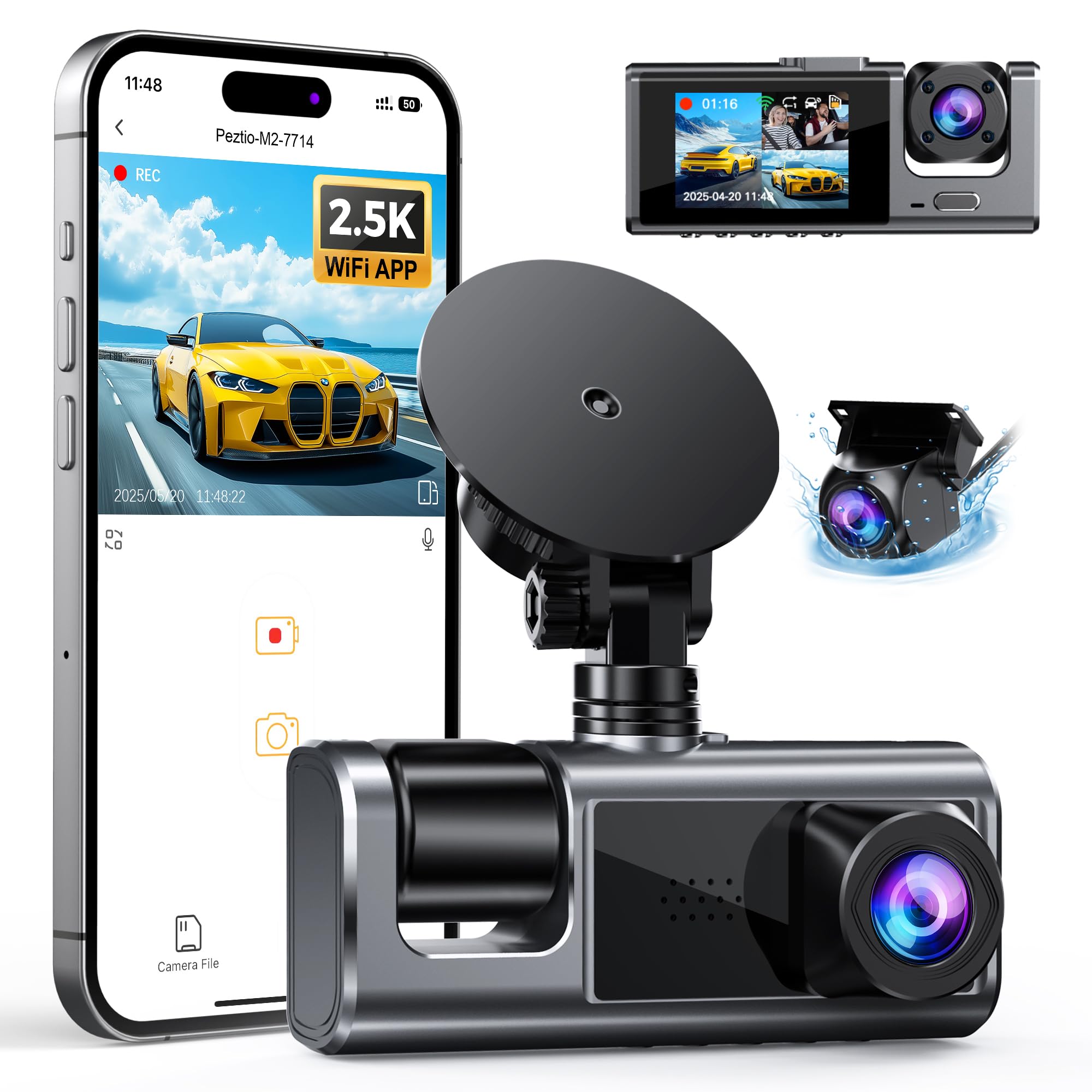
We recommend this if you want wide coverage and good night video at a low price, but buy an SD card separately.
Pros
- Clear front video and useful interior view for ride-share or family trips.
- App control makes pulling clips and settings quick without a PC.
- Low-profile design sits out of the way and gives a tidy install.
Cons
- SD card no longer included, so add to your cost.
- Can heat up in strong sun and may shut off for protection.
- Parking mode needs a hardwire kit sold separately to work well.
We mounted the M2 in our own car and liked how the 2.5K front footage picked out license plates and signs on busy streets. The inside camera helped us check passenger activity without blocking our view. Setup felt like a simple DIY job and the three cameras let us cover blind spots.
Using the phone app saved us time when we needed to grab a clip right after a minor fender-bender. Live view and downloads worked over Wi-Fi, though large files took a few tries when signal dipped. We noticed the unit gets warm when parked in sun; it sometimes powers down to protect itself.
Plan to buy a high-quality SD card and the hardwire kit if you want full 24-hour parking protection. For the price, the M2 gives broad coverage and clear night shots, but expect a couple of extra purchases for the best experience.
BAEASU J07 3-Channel Dash Cam
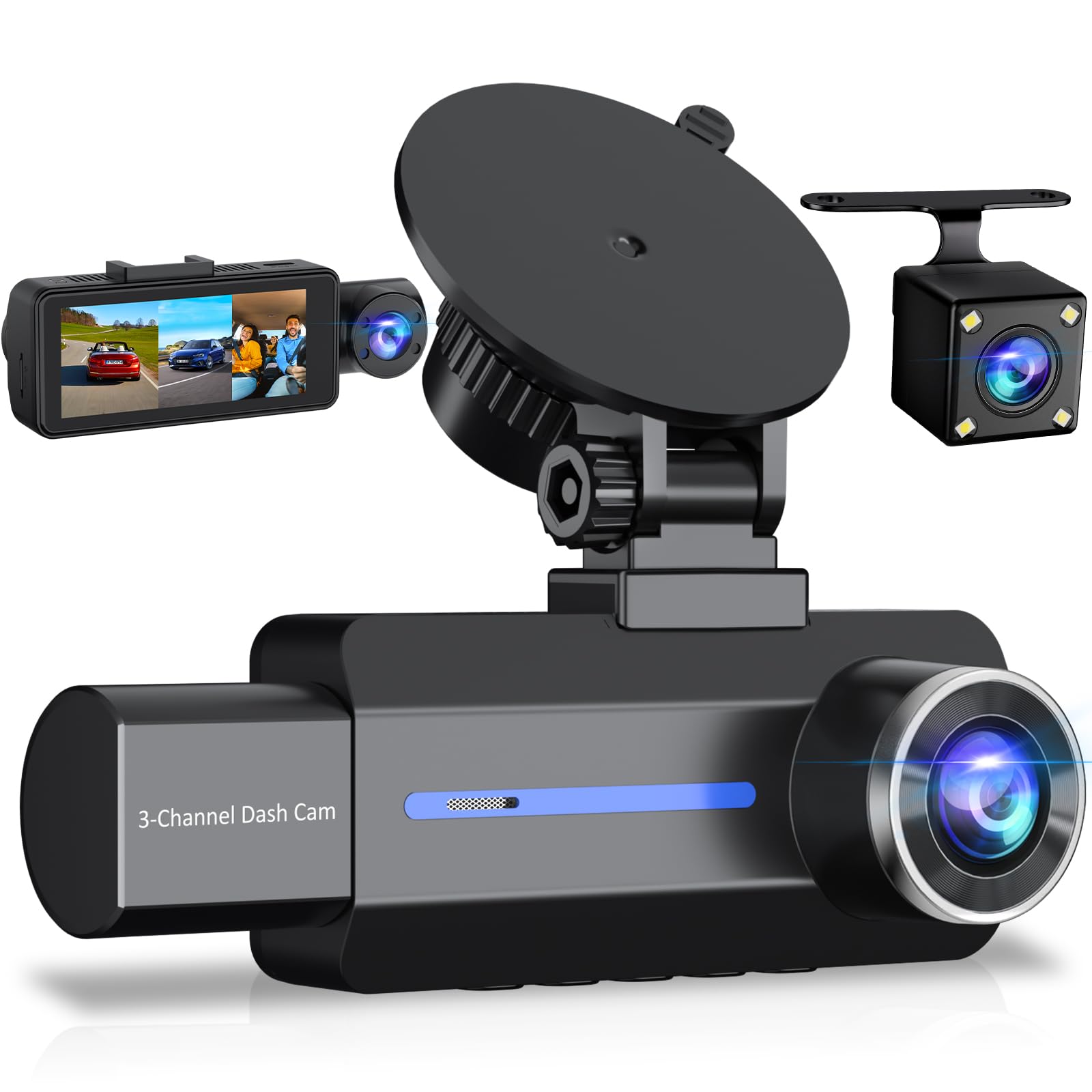
We recommend this camera if you want strong daytime video, simple setup, and an all-in-one front/rear/inside package at a low price.
Pros
- Sharp 2.5K front footage that catches plate details in daylight.
- Easy to mount and includes rear camera and a 32GB card for quick start.
- Good night cabin view thanks to four IR lights.
Cons
- Parking mode needs a hardwire kit (sold separately) to work reliably.
- Some units have short life or warranty hassles reported by users.
- No mobile app — you must remove the card to view clips on a computer.
We tested this on short trips and daily drives. The image during the day looks clear and steady. We could read signs and plates when lighting was good.
Night road footage was usable but not as crisp as daytime. Inside the car, the IR lights picked up faces and cabin details well when it got dark.
Installation felt straightforward with the suction mount and included cables. Tucking the wires took a few minutes and the rear camera connected without fuss.
We noticed the parking mode promise requires extra wiring to the car’s ACC for true 24/7 monitoring. The internal battery only keeps recording for a short time after power loss.
When we copied files to a computer the video quality matched what we saw on the road. Keep a higher-quality microSD on hand since some users said the included card can struggle.
ROVE R2-4K Dual

We recommend this dash cam if you want clear front and rear video, simple app downloads, and solid night performance at a reasonable price.
Pros
- Sharp 4K front footage and useful rear view in everyday driving.
- Fast 5G Wi‑Fi makes grabbing clips on our phone quick and easy.
- Good low‑light capture thanks to the Sony STARVIS 2 sensor.
Cons
- Big unit and visible on some windshields.
- Full 24/7 parking mode needs a hardwire kit sold separately.
- App can feel a bit clunky when changing advanced settings.
We mounted the ROVE and drove in city and highway traffic for a week. The front video looked crisp and captured lane details well. Night shots held more color and clarity than many budget cams we’ve tried.
Using the app felt convenient for quick downloads. We could pull clips to our phone in seconds over 5GHz Wi‑Fi and share them. Tinkering with settings took longer than expected, but the basics worked fine.
Parking mode worked reliably for motion and collision detection while parked, though we had to buy the hardwire kit to keep it running all day. The unit’s size made it more noticeable on the windshield than smaller cams, but the screen and controls are easy to use when parked.
Overall, this feels like a practical choice for drivers who want strong image quality and fast wireless transfers without paying top dollar.
Buying Guide
We focus on features that matter for daily use and value. Start with video quality and field of view; clear footage helps identify details like plates and signs.
We look for reliable night performance and wide dynamic range. This keeps images useful in low light and high contrast scenes.
We check recording modes: loop recording, emergency lock, and parking mode. Loop saves space, emergency lock protects clips, and parking mode records incidents while parked.
We value ease of use. A simple menu, clear mount, and easy playback matter more than extra bells and whistles.
We weigh storage and power options. Choose a dash cam that supports large microSD cards and has stable power options like a hardwire kit or long cigarette charger.
We expect good build quality and heat resistance for summer conditions. A compact design reduces glare and keeps the camera out of the way.
We consider additional features only if they help daily use. GPS can log speed and location, and Wi‑Fi or app access makes file transfer easier. Avoid paying extra for features we won’t use.
| Feature | Why it matters |
|---|---|
| Resolution (1080p+) | Clearer evidence in crashes |
| Night performance | Useful for low-light incidents |
| Loop recording | Continuous footage without manual delete |
| Emergency lock | Prevents important clips from being overwritten |
| Parking mode | Records while vehicle is parked |
| Power options | Stable recording without drains |
We recommend testing setup and playback before regular use. Make sure the mount and view angle capture the road without blocking sightlines.
Editor’s Choice
We pick the VioTec A3 as our Editor’s Choice for best affordable dash cam. It balances video quality, ease of use, and price without extra bells that add cost.
The camera records 1080p at 60 fps and has a 150° lens, so it captures clear footage of lanes and nearby vehicles. Night performance is solid for its class, and the built-in parking mode gives extra protection when parked.
Setup is simple. The mount uses a swivel ball, so we align the view in seconds. Wi‑Fi and a companion app let us download clips to a phone without removing the card.
Key specs at a glance:
- Resolution: 1080p60
- Field of view: 150°
- Storage: microSD up to 256 GB
- Extras: Parking mode, Wi‑Fi, loop recording
We like that replacement parts and firmware updates are available from the manufacturer. That reduces long-term cost and keeps the unit working well.
If budget and day-to-day reliability matter most, this model offers clear evidence capture and simple operation. It gives the features we need without raising the price.
Conclusion
We found several dash cams that balance price and performance. Each model we picked gives good video quality, reliable parking modes, and easy setup without a high cost.
We recommend focusing on three things when choosing: video resolution, night performance, and mounting style. These features affect how well the camera records incidents and how easy it is to use day to day.
We prefer models with loop recording and auto-lock for incidents. These features save space and protect important clips automatically.
Quick checklist:
- Resolution: 1080p is the sweet spot for affordability and clarity.
- Night view: Look for good low-light performance or HDR.
- Power options: Hardwire kits help for parking mode.
We expect most drivers will be satisfied by a mid-range model that includes these core features. If you need extra functions, we point out options with GPS, Wi‑Fi, or dual cameras, but they add cost.
We encourage testing any dash cam for a few days to confirm angles and settings. Adjust everything so the plate and lanes are clear, then lock your preferred settings.
FAQS
What should we look for in an affordable dash cam?
We focus on video quality, reliable loop recording, and easy installation. Good low-light performance and a wide viewing angle matter too.
Do cheaper dash cams record reliably?
Yes, many budget models record well for daily use. We recommend models with good reviews and stable firmware.
How do we save important clips?
Most dash cams have an emergency button or automatic G-sensor detection to lock files. We also suggest using a high-endurance microSD card and backing up key clips to a computer.
Will a dash cam drain my car battery?
Continuous parking mode can use battery power. We advise models with low-voltage cutoffs or a hardwire kit with battery protection.
Can we use a dash cam for insurance claims?
Yes, recorded footage can support our claim, but check local laws and insurer requirements. Timestamp and GPS data can strengthen evidence.
How much storage do we need?
A 32–128 GB card works for most users. Higher resolution and longer parking recording need larger cards.
Is Wi‑Fi or GPS necessary?
Wi‑Fi makes downloading clips easier. GPS adds location and speed stamps. We recommend both if within budget.
How do we maintain a dash cam?
Keep firmware updated and format the card monthly. Clean the lens and ensure the mount stays secure.

