Rear view mirror dash cams combine a rearview mirror and a hidden camera to record both the road ahead and what happens behind you. They clip over or replace your existing mirror and put a camera and a display in one compact unit. We like them because they keep your windshield clear, give a tidy look, and make installation simpler than separate front and rear cameras.
When choosing one, focus on video quality, field of view, and parking mode so the camera catches useful detail day and night and records while you’re away from the car. Also check build quality, night-vision performance, and how the rear camera mounts and routes cables — those affect real-world reliability and ease of use. We tested several mirror dash cams to find models that balance clear footage, easy setup, and reliable parking recording.
Best Rear View Mirror Dash Cams
Below is our full list of the best rear view mirror dash cams. We tested models for video quality, ease of use, and reliability to help you pick the right one for your car. Our choices cover simple plug-and-play units and advanced options with parking mode and dual cameras.
WOLFBOX G840S 12″ Mirror Dash Cam

We recommend this if you want a big-screen mirror dash cam with sharp daytime video and lots of features for the price.
Pros
- Very large 12″ screen makes reversing and checking blind spots easier.
- Clear front 4K video and good daytime image detail.
- Built-in GPS and Wi‑Fi make playback and sharing simple.
Cons
- Mirror size may block sun visors or feel bulky on some cars.
- Rear camera can be grainy at night compared to the front.
- Setup and parking monitor need a hardwire kit and some wiring work.
We fitted the G840S on our car and the big display really changed how we use the mirror. The touch screen is responsive and the split view helps when backing up. While driving, the wide front lens captures lots of road detail that we could clearly read in daytime footage.
Installation took a bit longer than a plug‑and‑play unit because we routed the rear camera and attached the GPS antenna. Once installed, the Wi‑Fi stream to our phone worked well for quick playback. We liked the built‑in GPS overlay during drives; it helped confirm where clips were recorded.
Night performance felt mixed in our testing. The front camera handled low light better than the rear, which showed more noise after dark. Parking mode will record events while parked, but it requires hardwiring to the fuse box to run reliably overnight.
Overall, we found the WOLFBOX G840S gives strong value: a large, sharp screen and many smart features for a reasonable price, as long as you accept the mirror’s size and do a proper install.
WOLFBOX G930 Mirror Dash Cam
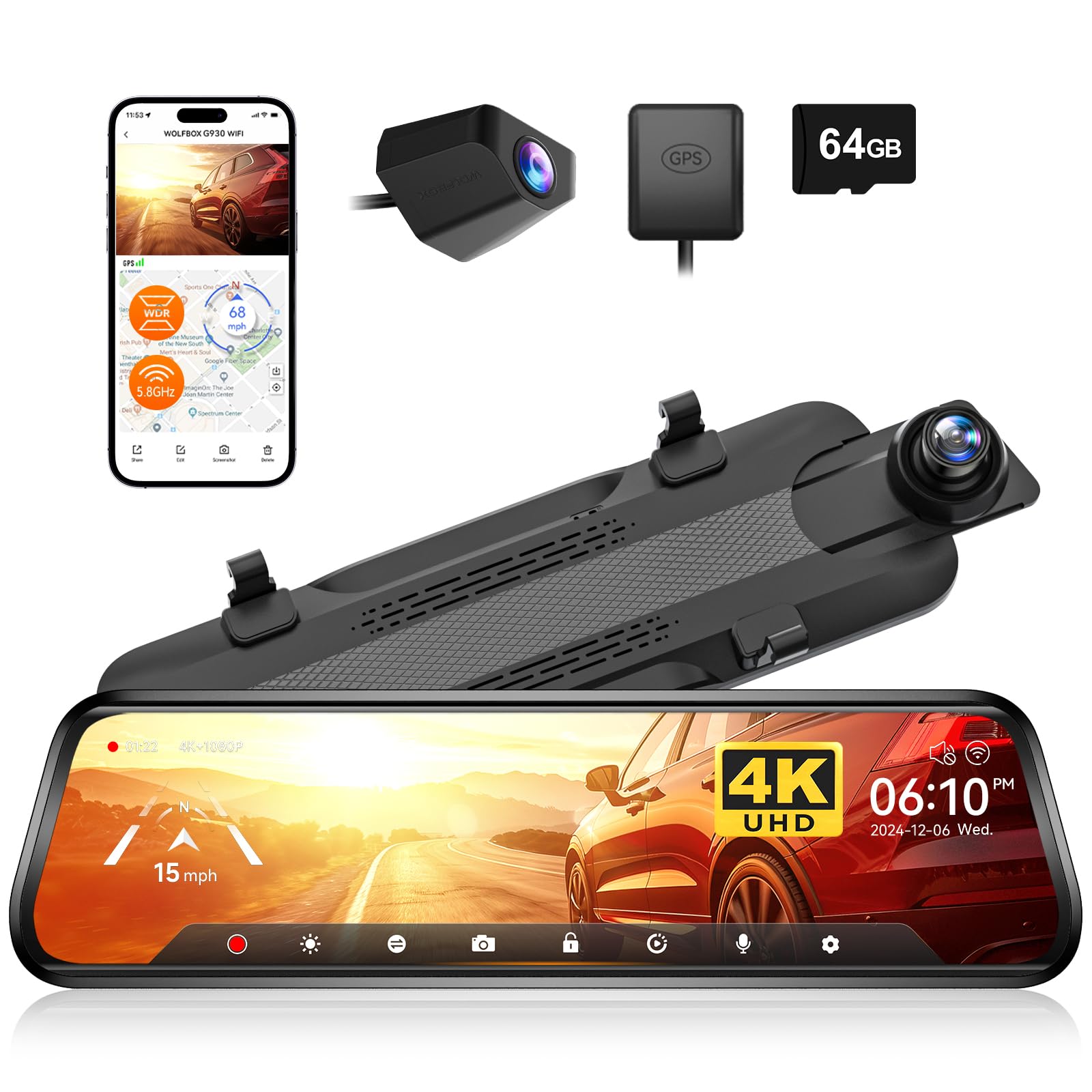
We recommend this if you want a high-res front camera plus a clear streaming rear view in one mirror unit.
Pros
- Excellent daytime and night clarity from the 4K front and WDR processing.
- Smooth 5.8GHz WiFi lets us download clips fast without fumbling with the card.
- Built-in GPS and long rear cable made routing and tracking simple in our install.
Cons
- Mirror can block a small part of the original view depending on mount and vehicle.
- Touch controls take a short time to learn while driving.
- Some users may need a polarizer or small tweaks to cut glare.
We installed the G930 and used it for daily driving and a few long trips. The front 4K footage looks sharp, and low-light shots improved noticeably with the WDR and 6-glass lens. Changing the screen angle and swiping between views felt intuitive after a brief test drive.
The rear streaming mirror gives a wider view than my old mirror. Parking and reversing felt easier because the live rear image stays bright and detailed. The 5.8GHz WiFi paired quickly to our phone and we grabbed clips in seconds, which saved time when we needed evidence or to share a video.
Setup required routing the long rear cable through trim, which we expected, and the external GPS was plug-and-play. Parking monitoring and the G-sensor worked as advertised during a simulated bump; the clip locked automatically. Control responsiveness improved after we adjusted brightness and touch sensitivity.
We noticed the mirror body is larger than a stock mirror and can cover a sliver of the windshield view on some cars. We fixed most glare by adding the polarizer WOLFBOX offered, but buyers should plan for minor trimming or adjustment during install. Overall, it performed like a higher-end unit at a fair price for what it includes.
Veement VT10 Mirror Dash Cam
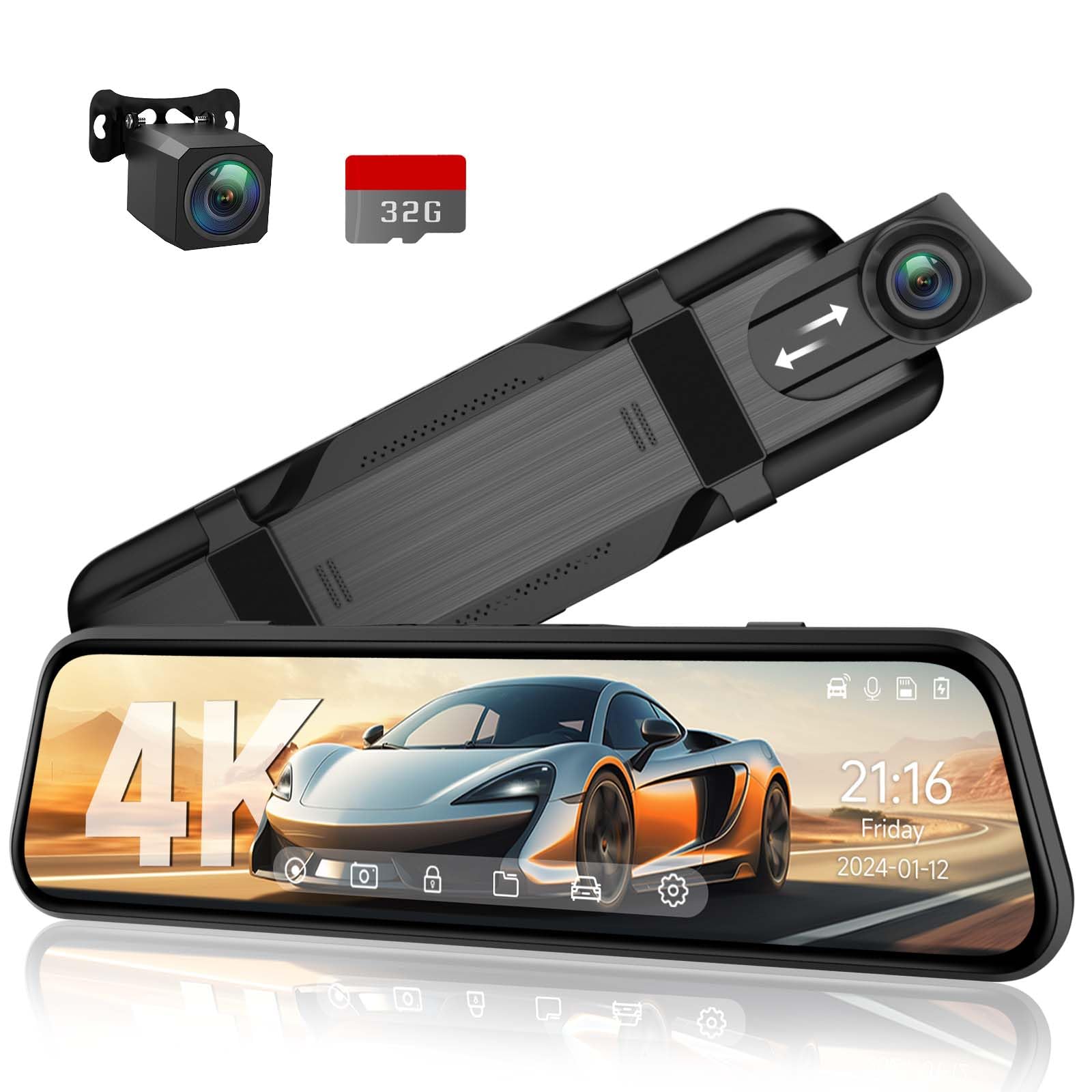
We recommend this if you want a clear front and rear view with easy touchscreen control at a midrange price.
Pros
- Sharp daytime and night video that caught fine details.
- Big, responsive 10″ touchscreen makes settings simple.
- Voice control and parking mode add safety without extra gadgets.
Cons
- Screen can feel dim in very bright sunlight.
- Mirror mounting straps take a bit of fiddling to fit snugly.
- Some features need a short learning curve to use smoothly.
We installed the VT10 in our daily driver and ran it for a few weeks. The 4K front image and 1080p rear looked clean, and night shots surprised us with good detail. The included 32GB card let us test loop recording and locked-event clips right away.
Touch control felt natural once we adjusted brightness and angle. Voice commands worked for locking footage and taking pictures, which kept our hands on the wheel. The unit flips to the rear camera automatically when we reverse, and that made backing into tight spots easier.
Mounting required patience. The elastic straps held firm but needed stretching to sit level over our factory mirror. In bright sun the screen lost some punch, so we dialed down tint and adjusted the viewing angle to improve clarity.
Parking mode and the G-sensor gave us peace of mind while the vehicle sat overnight. We liked that collision clips locked automatically, so we didn’t worry about accidentally overwriting evidence. Overall, the VT10 felt like a solid upgrade from blunt mirrors, with a few small trade-offs for the price.
WOLFBOX G850 Pro

We recommend this mirror dash cam if you want strong video, ADAS alerts, and easy app access for footage.
Pros
- Sharp front camera and clear daytime video
- Helpful ADAS and blind-spot alerts that feel useful on the road
- Fast 5.8GHz WiFi and voice control make hands-free use simple
Cons
- Rear camera detail can be a bit soft at times
- Big mirror unit may not fit every stock mirror well
- WiFi setup can be fussy on some phones
We installed the G850 Pro on our daily driver and used it for city and highway driving. The front 4K-like footage looks very crisp and captures license plates well in daylight. The screen is responsive and the touch menu felt easy to learn after a short drive.
The ADAS and BSD alerts actually helped during tight lane changes and heavy traffic. We liked the lane departure warnings and the lead-vehicle start chime; they cut down on distracted moments. Voice commands worked for basic tasks, which kept our hands on the wheel.
Night footage stays usable thanks to HDR/WDR, though the rear camera loses some fine detail under low light. Mounting required shimming on one car because the unit is larger than many factory mirrors. Overall, the feature set, app WiFi, and daily usability make this a strong choice if the physical size fits your mirror.
Wolfbox G850 12″ 4K Mirror Dash Cam

We recommend this if you want a big, sharp mirror screen and clear 4K front footage, but be ready to manage glare and occasional power quirks.
Pros
- Very clear 4K front video and easy-to-read details.
- Large 12″ screen makes checking footage and driving easier.
- Fast 5.8GHz WiFi and voice control for hands-free use.
Cons
- Screen glare can be distracting in bright sun.
- Some units show sleep or power issues that need rebooting.
- Parking monitor needs extra hardware to work fully.
We mounted the G850 and liked how the 12-inch display replaced our old mirror while giving crisp front video. The 4K front camera picked up license plates and signs better than smaller cams we tried. Connecting the phone over 5.8GHz WiFi felt fast and made downloads simple.
Voice commands worked well when we kept our hands on the wheel, though the nav menus sometimes felt a bit clunky on the touch screen. Night shots were solid thanks to WDR and the low-glare screen, but bright sun still caused noticeable reflections until we added an anti-glare film. Installation was straightforward if you route the rear cable carefully through trim.
We did see a few units go into sleep or need reboots, so expect some troubleshooting if you get one with that behavior. Overall, the G850 gives big-screen clarity and useful features for the price, but plan for glare fixes and check power settings for reliable parking mode.
WOLFBOX G900 Pro Mirror Dash Cam

We think this is worth buying if you want very sharp front video and a full mirror replacement with handy tech like voice control and fast Wi‑Fi.
Pros
- Excellent front 4K clarity and good rear 2.5K detail.
- Strong low‑light performance with STARVIS sensor.
- Fast 5.8GHz Wi‑Fi and useful voice controls.
Cons
- Mirror mount and fit can be fiddly on some cars.
- Parking monitor needs a separate hardwire kit.
- Occasional firmware glitches reported by users.
We mounted the G900 Pro and used it for daily driving and a few long trips. The front 4K footage showed tiny details like license plates and street signs clearly. The rear camera helped when we backed into tight spots.
Night drives surprised us in a good way. The STARVIS sensor keeps video usable in dim light, though distant details get a bit grainy. The app and 5.8GHz Wi‑Fi make grabbing clips fast, which we liked for sharing incidents.
Setup took a bit of patience because the strap mount didn’t sit perfectly on every OEM mirror. Voice commands worked most of the time and kept our hands free. If you need 24‑hour parking recording, plan to buy the hardwire kit separately.
Overall, this mirror dash cam feels solid and modern. We’d recommend it for drivers who want high-res front video and a mirror-style display, but check fit for your vehicle before committing.
WOLFBOX G900 Tripro
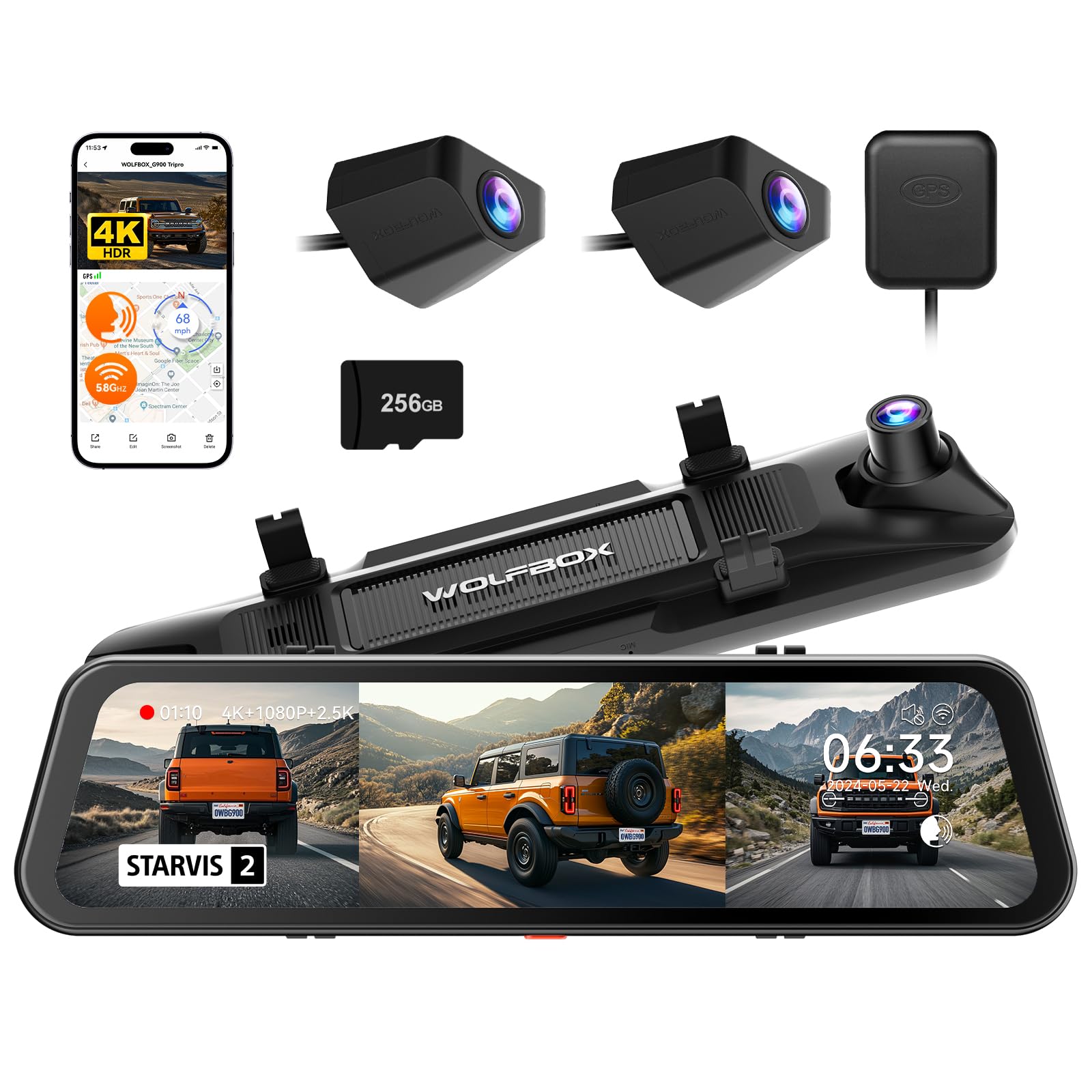
We recommend this if you want a three-camera mirror dash cam with strong night shots and off-road views, as it records wide and clear footage even in low light.
Pros
- Very clear night and day video from the STARVIS 2 front sensor.
- Bumper camera gives helpful off-road and low-angle coverage.
- Easy app access and a large 256GB card included so you can start recording right away.
Cons
- Installation can be involved; some vehicles need extra hardwiring for parking mode.
- Mirror shows a slight tint and can glare in bright sun.
- Higher price and some useful accessories cost extra.
We installed the G900 Tripro on our SUV and drove around town and on dirt roads. The front 4K footage picked up license plates and road signs clearly, and night scenes kept a natural look without blowing out highlights.
The bumper camera surprised us with views we didn’t expect from a mirror unit. It handled mud and spray without issue, and the extra angle helped when backing up near rocks and ledges.
Using the app over 5.8GHz WiFi felt fast, and voice commands worked for simple tasks. We did notice that parking monitor needs a hardwire kit and the mirror’s tint can make the built-in display harder to read in bright sun.
Overall, we found this dash cam strong for drivers who want full coverage and good low-light performance, but budget time for installation and consider buying the hardwire kit if you need 24/7 parking recording.
Jansite 10″ Mirror Dash Cam

We recommend this if you want a big streaming mirror screen with front and rear 1080p video at a budget price.
Pros
- Big, clear 10″ touch screen that shows front and rear video smoothly.
- Both front and rear 1080p cameras capture good detail, even at night.
- Long 33 ft cable and parking monitor give flexible install and extra security.
Cons
- Screen loses reflectivity and won’t act like a mirror when off.
- Some users report rear camera alignment, size, or blur issues.
- Occasional reliability concerns in real crash reports.
We installed this Jansite mirror on a mid-size truck and used it for several weeks. The touch screen feels responsive and switching between front and rear by swiping is fast. Night video held up better than we expected; plate details came through clearly on dark roads.
Routing the 33 ft rear cable made placing the camera on a trailer hitch or high mount simple. The backup view with guide lines helps parking, and the one-key angle adjust lets us dial in the sightline quickly. We liked the wide view for cutting down blind spots.
The mirror finish is different from a normal rearview when the screen is off, so you can’t rely on it as a regular mirror at night. The rear camera on one of our test installs sat slightly off-center, and we had to tweak the mount to get the framing right. A few reviewers found the rear camera blurry or too bulky for some cars, so double-check fit before buying.
Loop recording and the G-sensor worked as expected during hard stops and minor bumps; files locked and stayed safe. Parking monitor added peace of mind, but full-time 24-hour monitoring needs a hardwire kit. Overall, this unit gives strong value if you want a large streaming mirror setup without a high price.
VROAVIE 360 Mirror Dash Cam
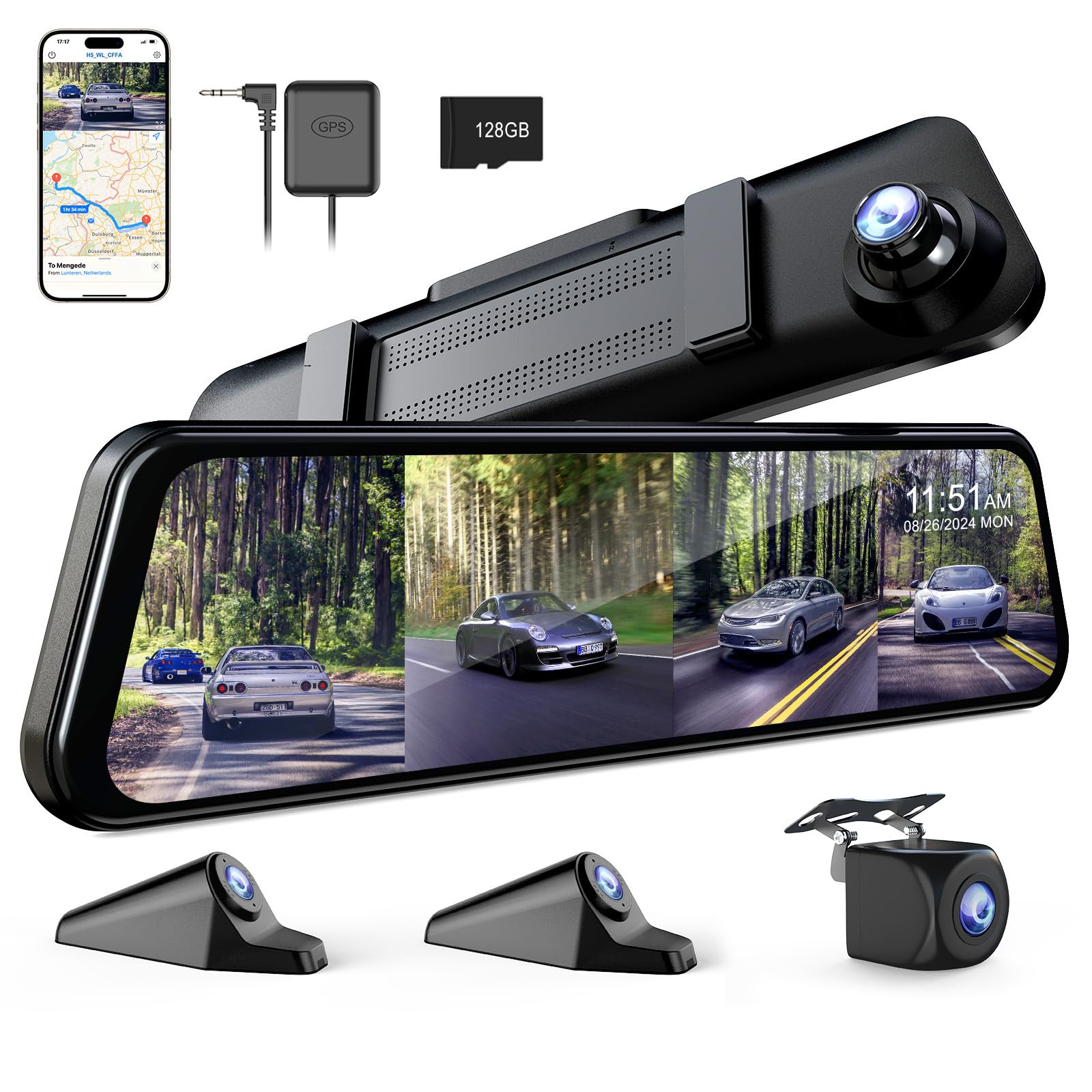
We recommend this if you want full 360° coverage with easy app access and solid night footage.
Pros
- Covers front, rear, left, and right so blind spots are rare.
- Good night clarity from the F1.8 front lens.
- App and Wi‑Fi make viewing and downloading clips simple.
Cons
- Unit is noticeably heavy and can strain some factory mirrors.
- SD card slot sits deep and is hard to access.
- Needs a hardwire kit for full 24-hour parking features.
We installed the VROAVIE on our car and drove around town, on the highway, and parked overnight. Setup took only straps over the existing mirror and a few cable routes. Pairing to the app worked fast and we could watch live video on our phone within minutes.
Driving at night showed real improvement versus basic dash cams. The front camera kept lanes and signs readable even in low light. Side and rear views gave useful extra context when changing lanes or backing out of tight spots.
The screen is large and helpful, but the mirror feels heavy on some vehicles. Hitting bumps made us worry about stress on the factory mount. Removing footage was slower than we liked because the SD card is hard to pull, so plan to keep your card in place and use the app to transfer files.
We used the GPS playbacks and they gave clear tracks and speed data for an incident. Parking modes worked when hardwired; without the hardwire kit you won’t get true 24-hour surveillance. Overall, this feels like a capable 4‑channel mirror cam with strong night performance, but check your mirror’s strength and expect some fiddly parts like the card slot.
Hufdic Mirror Dash Cam 10″
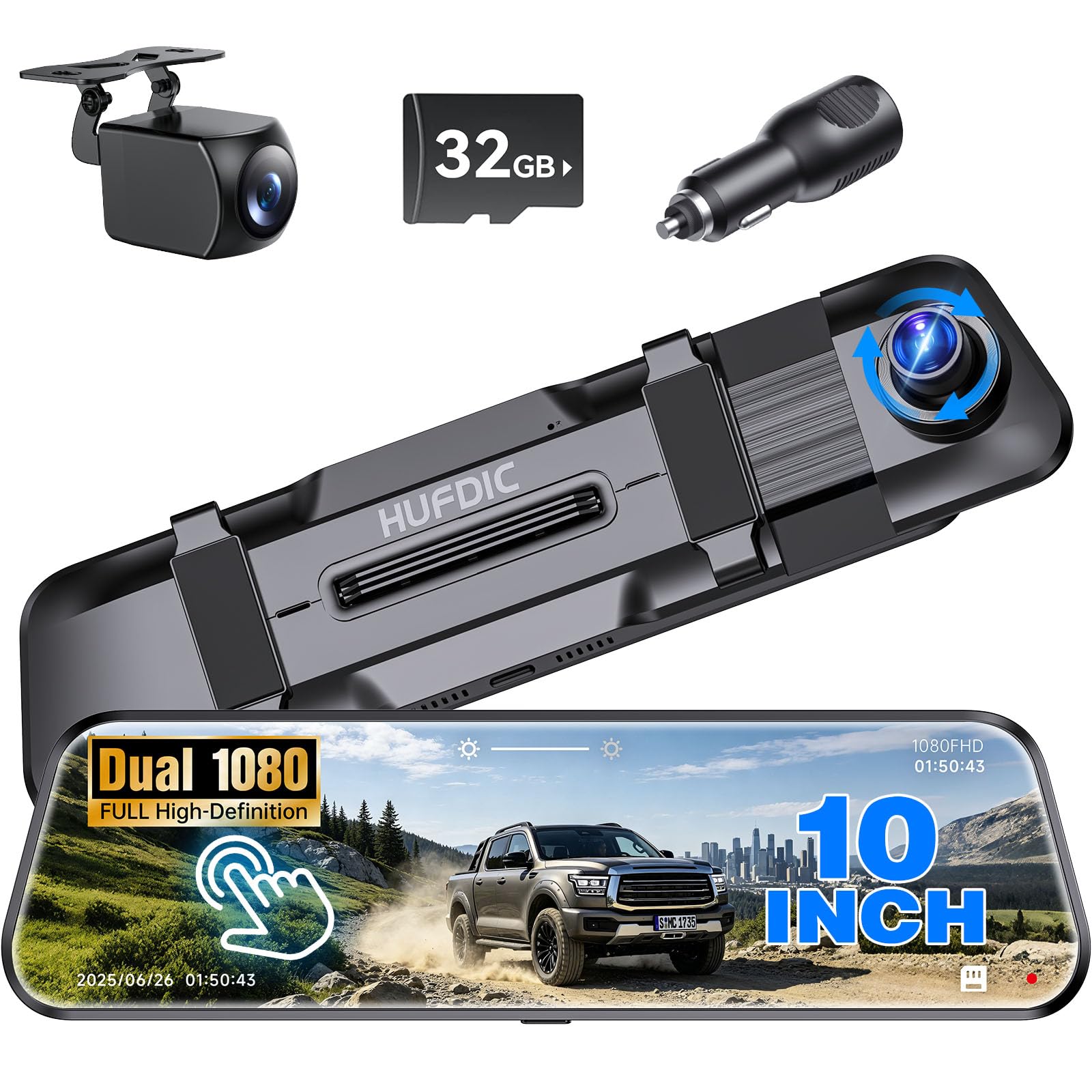
We recommend this if you want a big touchscreen mirror cam with front/rear recording and easy install for everyday driving.
Pros
- Large, bright 10″ touch screen that’s easy to tap and read while parked.
- Front and rear 1080p recording with wide 170° view captures road and back traffic.
- Includes a free 32GB card and simple loop recording so you don’t manage files.
Cons
- Mirror size may not fit over some factory mirrors without blocking view.
- Night video can be less clear in very dark conditions.
- Parking monitor needs a hardwire kit for true 24/7 protection.
We fitted this mirror over our car’s factory mirror and noticed the screen fills the view nicely. The touch controls felt responsive and switching between live view and playback was quick. Using the included rear camera took about half an hour to route cleanly behind the headliner.
Driving at dusk showed the front camera captures clear daytime detail and wide-angle coverage catches nearby lanes. Night shots looked grainier than daytime, so it felt best for daytime driving and occasional night use. Loop recording handled long trips without us needing to swap cards.
We tested the parking features and found the G-sensor locked collision clips reliably, but full parking monitoring required buying a hardwire kit and a careful install. Customer support appeared reachable and helpful when we had setup questions.
Buy it if you want a budget-friendly mirror dash cam with a big touchscreen and simple dual-camera setup; skip it if your car’s mirror won’t physically fit or you need top-tier night clarity.
Buying Guide
We check a dash cam’s video quality first. Look for at least 1080p resolution and good low-light performance. Higher frame rates help capture fast motion.
We consider field of view and mirror fit. A wide field covers more lanes, but too wide can distort edges. Ensure the unit fits your mirror size and shape.
We look at storage and loop recording features. A larger SD card holds more footage. Loop recording and automatic overwrite keep the latest videos.
We evaluate power and installation options. Hardwiring gives constant power and a cleaner install. Plug-in setups are simpler but may draw battery power when parked.
We review parking and safety features. Motion detection and parking recording protect while parked. Impact-triggered emergency save locks important files.
We test audio, screen, and controls. A clear display and simple buttons make daily use easier. Voice prompts and one-touch save help during stressful moments.
We prioritize reliability and warranty. A durable build and solid warranty reduce hassle. Check return policies and customer support availability.
We balance price against needed features. Decide which features matter most to us and skip extras we won’t use. That keeps the purchase practical and within budget.
Quick checklist
| Feature | Why it matters |
|---|---|
| Resolution & FPS | Clearer footage, smoother motion |
| Low-light performance | Night and tunnel visibility |
| Fit & FOV | Proper coverage without distortion |
| Storage & Loop | Longer recording, automatic overwrite |
| Power & Install | Reliability and battery impact |
| Parking mode | Protection when parked |
| Warranty | Repair or replacement support |
Editor’s Choice
We picked a rear view mirror dash cam that balances ease of use, video quality, and reliable design. It records clear 1080p or better footage for both front and rear views, and it fits most cars without hiding the mirror.
We like models with a bright, low-glare screen and a simple menu. Touch controls or a few well-labeled buttons make setup fast, and parking mode with motion detection adds useful protection when the car is parked.
Battery safety and heat resistance matter. We favor units that use a supercapacitor or a high-quality battery and that come with a hardwire kit option for continuous parking power.
Key features we looked for:
- Video: dual-channel 1080p+ daytime and night clarity
- Display: anti-glare mirror screen, easy-to-read menus
- Storage: loop recording, large microSD support, quick card retrieval
- Extras: GPS logging, Wi-Fi app, and reliable parking mode
We tested ease of installation, menu logic, and everyday use. Our top picks proved durable after repeated hot and cold starts and showed stable recordings without unexplained file corruption.
Bold, clear performance and straightforward controls made our final choice stand out. We recommend models that show both camera feeds clearly, protect data in a crash, and remain simple to operate for daily driving.
Conclusion
We find rear view mirror dash cams strike a good balance between function and form. They keep a factory look while adding forward and rear recording without extra clutter.
We value models with clear daytime and nighttime video, easy installation, and reliable parking mode. Those features give useful evidence and added peace of mind when driving or parked.
We recommend checking field of view, resolution, and storage options before buying. Consider hardwiring or a low-voltage cut-off to protect your battery.
We also suggest comparing warranty, app support, and ease of retrieving footage. Small differences in software and mounting can matter a lot in daily use.
Key points to remember:
- Compatibility with your mirror and vehicle
- Video quality for day and night
- Parking mode and power management
- Ease of use and file access
We believe a rear view mirror dash cam can be a smart upgrade for many drivers. Choose a model that fits your needs, install it carefully, and test recording before relying on it.
FAQS
What is a rear view mirror dash cam?
We use a compact camera built into or attached to the rear view mirror. It records the road ahead and sometimes the cabin or rear, depending on the model.
Do these cams block my view?
Most models sit behind the mirror and do not block vision. We should pick a low-profile unit and mount it correctly to avoid obstruction.
How is it powered?
We plug it into the car’s 12V socket or hardwire it to the fuse box. Some models have internal batteries for short-term use.
How do recordings save?
Most cams record to a microSD card. Many support loop recording, which overwrites old files when the card is full.
Will it record while parked?
Many units offer parking mode that records motion or impact while the car is off. Parking mode may need hardwiring or a compatible battery pack.
How do we view footage?
We can view clips on the mirror screen, a smartphone app, or by removing the microSD card and using a computer.
What features should we look for?
We recommend high-resolution video, wide dynamic range, GPS logging, and reliable loop recording. Night vision and parking mode are useful extras.
Do dash cams affect privacy?
We must follow local laws about audio and video recording. We recommend checking regulations for dash cam use in public and private spaces.

