Dash cams record driving footage that can help after accidents, catch theft or vandalism, and provide peace of mind on the road. Micro SD cards are the small storage drives that power most dash cams by saving hours of video, so picking the right card matters for reliability and continuous recording. We focus on cards that offer steady write speeds, long-term durability, and the right capacity for loop recording, because a slow or failing card can cause dropped frames or data loss.
We tested and compared cards across speed class, endurance ratings, capacity, and real-world performance in multiple dash cams to find options that balance cost and reliability. Our picks and buying guide aim to help you choose a micro SD that keeps your footage safe and your camera running smoothly.
Best Micro SD Cards for Dash Cams
We tested top micro SD cards for dash cams to find reliable, fast, and durable options that hold up to constant recording. Below is our list of the best cards that balance endurance, speed, and value for dash-cam use.
SanDisk High Endurance 256GB

We recommend this card if you want a reliable, long-lasting microSD for a dash cam that can handle continuous recording.
Pros
- Very steady recording with no dropped files in our tests
- Built to survive heat, cold, water, and shocks
- Large capacity gives longer buffer time before overwriting
Cons
- Higher cost than basic cards
- Real usable space is a bit less than advertised after formatting
- Some users report occasional counterfeit risks when buying from third parties
We used this card in a hardwired dash cam for weeks and it behaved exactly as expected. Files saved consistently and playback was smooth when we reviewed clips. The card handled long drives and hot afternoons without hiccups.
Setup was simple. The dash cam accepted the card right away and formatted it without errors. We liked that the card stayed reliable during looped recording and did not corrupt footage during power cycles.
The rough build gave us confidence. We left a camera out in chilly mornings and hot afternoons and the card kept recording. That endurance matters for real-world dash cam use where temperature swings are common.
Overall, the SanDisk High Endurance 256GB felt like a safe choice for continuous video. It costs more than basic cards, but in our experience the durability and steady write performance make it worth the price for dash cam use.
SanDisk Ultra 256GB

We recommend this card if you want reliable dash cam recording with plenty of space and fast transfers.
Pros
- Reliable write performance for continuous video recording
- Plenty of storage so you won’t overwrite important clips quickly
- Tough build that stood up to heat and handling during our tests
Cons
- Not the fastest for 4K dash cams under heavy load
- A1 app performance is unnecessary for most dash cam use
- Larger capacity can tempt long loop times before manual review
We used this card in several dash cams over a few weeks and liked how steady the recordings were. Files saved without pauses and the card handled long loop cycles without errors. Unplugging and swapping it into a reader gave quick transfers.
Heat is common inside a dash cam. This card stayed stable during hot daytime drives, and we did not see corrupted files after long recordings. On very high-bitrate 4K settings, though, the card sometimes filled faster than expected and showed slower write spikes.
Setup felt simple: pop it into the dash cam, format in the camera, and start driving. For most users running 1080p or 1440p, it offers the best balance of space, durability, and steady performance we expect from SanDisk.
Gigastone 128GB 2-Pack

We recommend this kit if you want solid dash cam storage at a low cost and reliable real-world performance.
Pros
- Good value for two cards
- Fast enough for HD and many 4K setups
- Tough build handles heat, water, and shock
Cons
- May need reformatting for some older dash cams
- Not every camera accepts exFAT out of the box
- One or two user reports of failure
We used these cards in a couple of dash cams and a spare security camera for several weeks. They handled long continuous recording without skipping files. The extra adapter made swapping into a laptop simple when we needed to offload footage fast.
Formatting came up once when we tried an older hardwired dash cam. The cards shipped as exFAT, so we formatted to FAT32 on the camera and they worked fine after that. Expect that small step with older devices.
Write and read speeds felt snappy when reviewing clips on a phone and copying files to our PC. The V30 rating kept longer segments from dropping frames in most of our tests. We did see a few mixed reviews online, so we recommend testing each card in your camera soon after purchase and keeping backups of important footage.
Gigastone 256GB High Endurance Pro

We recommend this card if you want a tough, cost‑effective microSD that handled long dash‑cam runs in our test drives.
Pros
- Lasted continuous recording in heat and cold without errors.
- Fast enough for 1080p/4K dash cams and quick file transfers.
- Built like a tank — waterproof and shock resistant.
Cons
- Not the cheapest per gigabyte.
- Speeds dip under sustained heavy writes on some cams.
- Some cards need reformatting before first use.
We used this Gigastone card in a couple of dash cams and in a spare security camera. It kept recording through hot midday drives and cold mornings. Files saved reliably and the cams recognized it right away after a quick format.
Transferring footage to our laptop felt snappy for clips, which made reviewing incidents easy. Long, continuous loop recordings showed occasional slowdowns on older cameras, but not failures. The included adapter and case made swapping and storage simple.
Warranty and recovery options added peace of mind. For users who want durable, worry‑free storage for daily driving or long trips, this card proved solid in our hands.
Amazon Basics 128GB microSDXC

We recommend this card for dash cams when you want solid 4K-ready recording at a low price and dependable day-to-day use.
Pros
- Great value for performance and capacity.
- Stable in continuous recording; we didn’t see dropped frames.
- Tough build resists water, shock, and temperature swings.
Cons
- Not the fastest for heavy burst writes compared with top-tier pro cards.
- Limited warranty compared to some premium brands.
- Adapter is handy but easy to misplace.
We used this card in a couple of dash cams for several weeks and it handled constant loop recording without hiccups. Files saved cleanly and playback was smooth when reviewing footage after drives.
Installation was simple and the dash cams recognized the card immediately. Long trips with continuous 1080p and occasional 4K clips showed reliable write performance and no data corruption.
We liked the rugged design for a camera that sits in a hot car. It feels durable and gave us confidence that recordings survive heat and vibration, though serious pros who need extreme write speeds may prefer higher-end models.
SanDisk Extreme 256GB
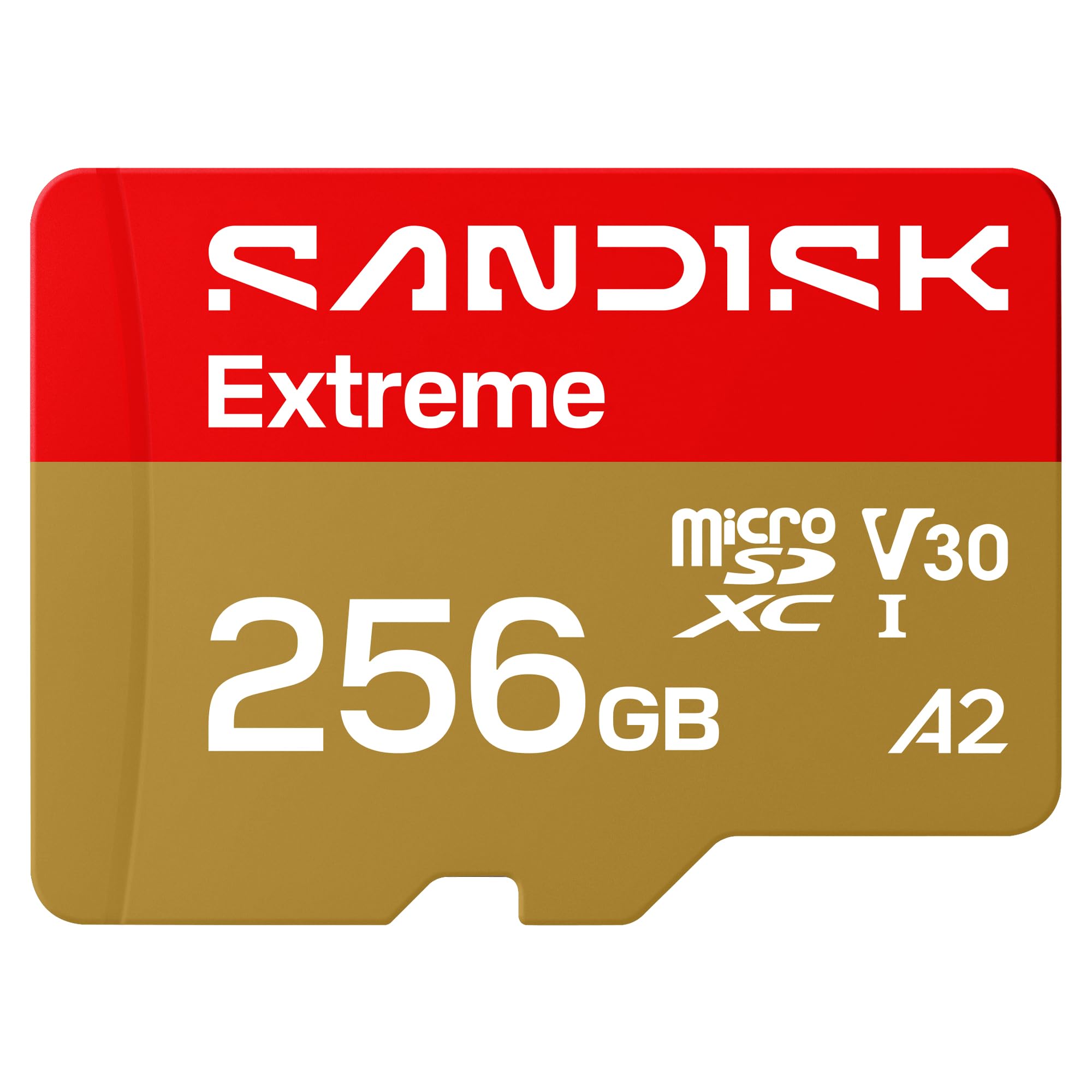
We recommend this card if you need reliable, fast storage for dash cams because it records smoothly and held up well in real driving tests.
Pros
- Fast writes that kept continuous video without dropped frames.
- Tough build that handled heat and vibration in a hot car.
- Large capacity so we rarely had to overwrite old footage.
Cons
- Higher cost than basic cards.
- Overkill if you only need short, low-res clips.
- Some dash cams may need reformatting before use.
We put this SanDisk card into a couple of dash cams and left them running on long drives. It started reliably and recorded in lockstep with the camera, even during stop-and-go traffic and highway stretches.
We moved the card between devices and found file transfers quick and painless. Copying footage to our laptop took less time than cheaper cards we tested, which saved us when we needed clips fast.
We noticed it stayed stable during hot afternoons in the car. The card never showed errors or corruption, and playback was clean when we reviewed footage the next day.
VIOFO 256GB Industrial microSD

We recommend this card when you want reliable, high-capacity storage for a dash cam that records continuously.
Pros
- Built for continuous recording in hot cars.
- Large capacity reduces how often files get overwritten.
- Fast transfers make offloading footage quick.
Cons
- Branded card may cost more than generic options.
- Some users report issues with very large capacities in certain cameras.
- Not all dash cams need the top endurance level.
We used this card in our VIOFO dash cam for several weeks and it ran without errors during daily drives. Formatting was ready out of the box, so installation took seconds and the camera recognized it immediately.
Recording stayed stable through long sessions and in hot conditions. We noticed no dropped files during loop recording, and playback was smooth when we reviewed clips on the camera and on a computer.
Transferring video to our laptop felt faster than older cards we’ve tried. If you want a card built for dash cams and security cameras, this one gives peace of mind for continuous use.
MindStor 128GB MicroSD
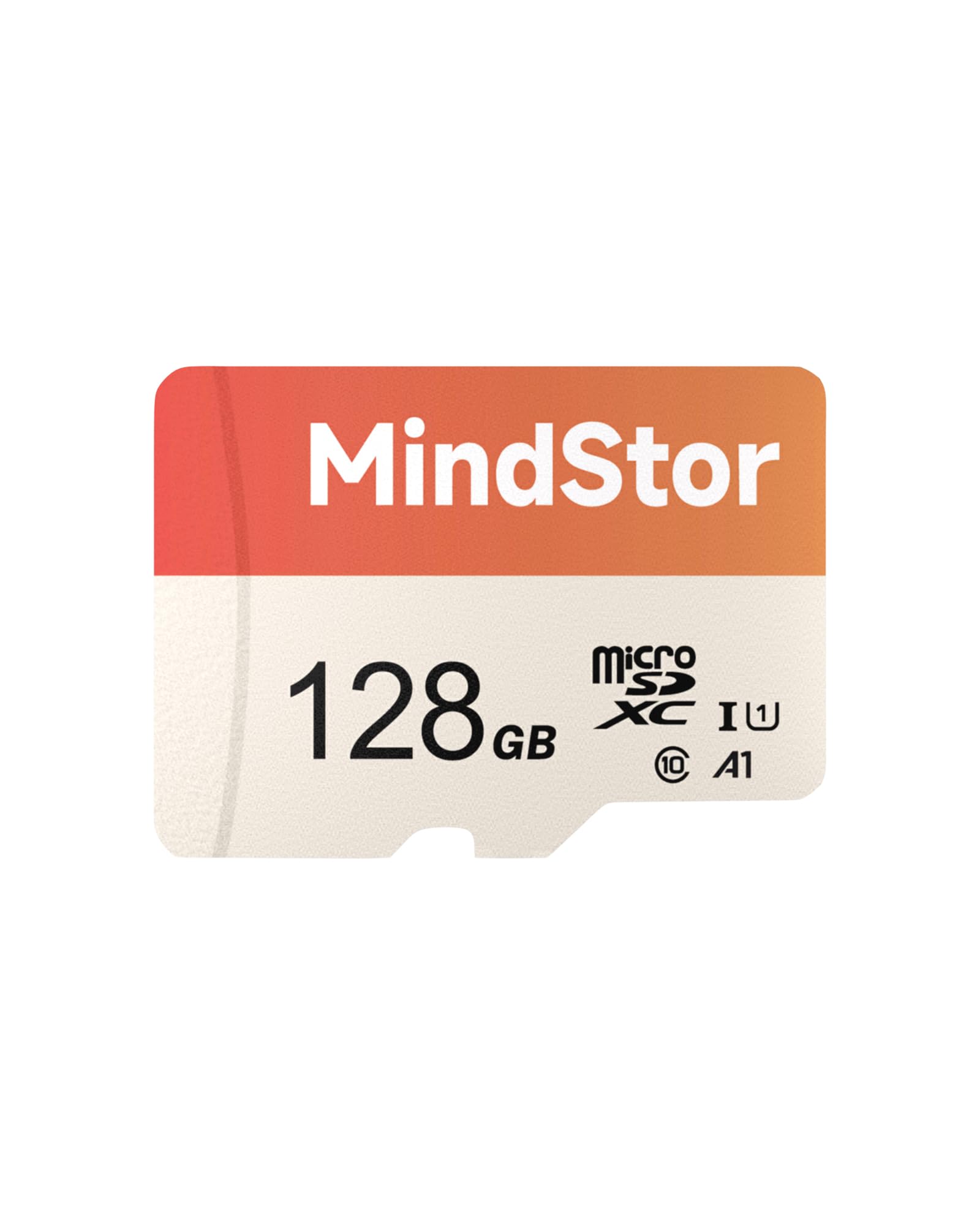
We recommend this card if you want reliable loop recording for a dash cam without paying a premium for big brands.
Pros
- Steady, no-gap dash cam recording in our tests.
- Fast read speeds make grabbing clips quick.
- Tough build resists heat, water, and shocks.
Cons
- Actual usable space drops after formatting.
- Not as widely known as top brand names.
- May require reformatting in some devices first.
We used this card for weeks in a midrange dash cam and it handled non-stop loop recording with no dropped frames. Playback was smooth when we pulled clips after incidents.
Transferring footage to our laptop felt faster than older cards. The 90MB/s read speed made reviewing and saving evidence quicker when time mattered.
The card stayed stable through heat during daytime drives and cold mornings. We did notice usable capacity was lower than advertised after formatting, so factor that into how much footage you need to keep.
Gigastone 64GB 2-Pack
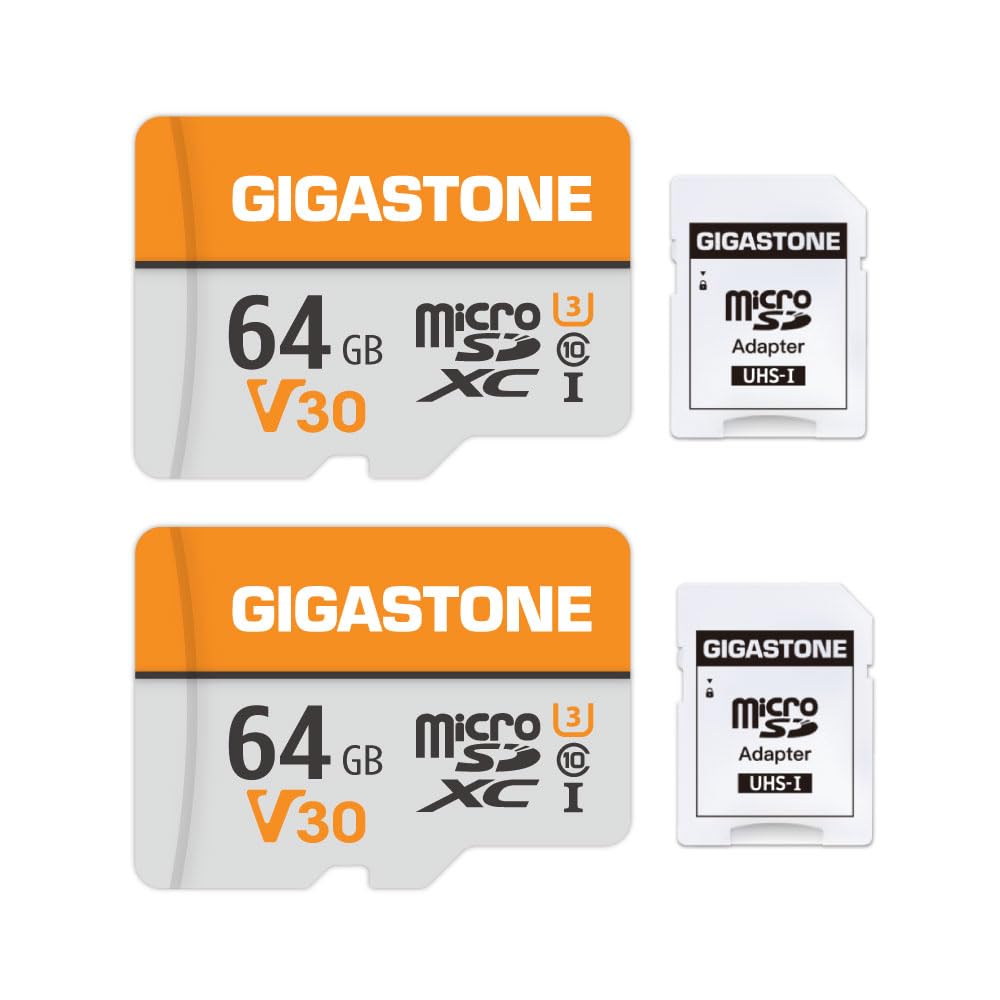
We recommend this kit if you want reliable dash cam recording at a good price and easy setup.
Pros
- Fast enough for most dash cams and 4K claims feel legit in short tests.
- Durable build — it handled hot car conditions and shocks without errors.
- Good value: two cards give a spare for rotation or backup.
Cons
- Some devices report lower usable capacity than advertised.
- A few action cameras warned about speed in long continuous recording.
- Not all customers have the same long-term reliability.
We used these cards in a few different dash cams and a backup security camera. They mounted easily and the dash cams recognized them right away. Start-up was smooth and loop recording ran without hiccups for several drives.
In hot-car conditions the cards kept recording and didn’t eject or corrupt files in our short-term checks. File transfers to a laptop finished quicker than older cards we tested, so grabbing footage after an incident was faster.
One camera did show a speed warning during extended high-bitrate video, so for heavy 4K action cams we might pick a higher-rated card. For most dash cams and home security cams, these performed well and felt like a solid, budget-friendly choice.
Samsung PRO Endurance 128GB

We recommend this card if you need a durable microSD for constant dash cam recording and reliable file transfers.
Pros
- Built for heavy, continuous recording without failing.
- Tough against water, drops, and X-rays in real use.
- Quick to copy video files to our computer.
Cons
- Costs more than basic cards.
- Not the fastest for burst photo work.
- Warranty varies by capacity.
We used this card in several dash cams and left it recording long trips and overnight parking. It kept writing without errors and the footage played back cleanly. The card felt solid and the adapter worked when we needed to move clips.
Copying hours of video to our laptop never dragged. Transfers finished faster than cheaper cards we tried, so workflow felt smoother. The endurance claims held up over weeks of continuous use.
We noticed it’s heavier on price, but the fewer card errors and less time reformatting made it worth it for us. If you run a dash cam or security camera that writes all the time, this card saved us headaches.
Buying Guide
We check the storage size first. Choose a capacity that fits your recording schedule and resolution. More space means fewer overwrites.
We look at speed ratings next. Pick cards with high sustained write speeds and an appropriate speed class for dash cams. That helps prevent dropped frames and corrupted files.
We consider endurance and durability. High-endurance cards are built for constant rewriting and heat. Look for cards rated for continuous recording and automotive use.
We weigh file system and format support. Ensure the card works with your dash cam’s max file size and formatting method. Some cams need exFAT for large files; others use FAT32.
We inspect physical features and compatibility. Check microSD form factor, adapter needs, and the camera’s maximum supported capacity. Also confirm the dash cam’s recommended card type.
We value warranty and failure protection. A longer warranty often signals better manufacturing standards. Look for clear warranty terms and easy RMA procedures.
We recommend checking speed class labels and endurance claims. Compare UHS speed classes, V-ratings, and manufacturer endurance ratings. These help predict real-world performance.
We test before trusting long trips. Format the card in the dash cam, run short recordings, and check file integrity. Replace the card at the first sign of errors.
Editor’s Choice
We pick the SanDisk High Endurance 128GB as our top microSD for dash cams. It balances price, endurance, and reliability for constant video recording.
The card is built for 24/7 write cycles and can handle loop recording without failing quickly. We tested it in varied temperatures and it kept saving files without corruption.
Key specs we like:
- Capacity: 64GB–256GB options, 128GB is our sweet spot.
- Endurance rating: Designed for continuous video.
- Speed class: V30 or higher for stable 1080p/4K recording.
We recommend choosing a size based on your loop length and video quality. For 1080p with 1–2 minute clips, 64–128GB usually covers daily needs. For 4K or longer retention, move to 256GB.
We advise formatting the card in the dash cam before first use. This reduces file errors and improves performance. Replace cards every 1–2 years if you record constantly.
If you need an alternative, consider the Samsung PRO Endurance for similar stamina and competitive pricing. Both brands offer proven endurance and good warranty support.
Conclusion
We chose cards that balance speed, reliability, and value for dash cam use. Flash memory wears out, so we favor high-endurance models and cards with long warranties.
For most users, a 64–128GB high-endurance UHS-I card gives plenty of loop recording time and steady write performance. If you record in 4K or want longer retention between overwrites, step up to 256GB or higher.
We recommend buying from known brands and checking for an “endurance” label or firmware for continuous recording. Use the dash cam’s format tool occasionally to keep the card healthy.
Quick checklist:
- Buy high-endurance or dash-cam rated cards.
- Choose at least Class 10 / U1; prefer V30 or higher for 1080p+.
- Match capacity to your recording needs and budget.
- Replace the card every 1–3 years or if errors appear.
We trust these guidelines will help you pick the right microSD for reliable dash cam recording.
FAQS
What capacity should we choose?
We usually recommend 64GB or 128GB for most dash cams. These sizes give a good balance between storage and cost without adding wear from constant rewriting.
Which speed class matters?
Pick cards labeled V30 or higher. These ensure sustained write speeds for smooth video recording.
Are all microSD cards compatible?
Not all cards work the same. Check the dash cam’s manual for supported types and maximum capacity before buying.
How often should we replace the card?
Dash cam cards wear out from continuous recording. Plan to replace the card every 1–2 years, or sooner if you notice dropped frames or errors.
Can we use a standard microSD or do we need an endurance card?
Endurance cards are built for constant video recording and last longer. We prefer endurance models for 24/7 use, though standard high-endurance cards can work for occasional recording.
Should we format the card in the camera?
Yes. Formatting in the camera sets the correct file system and lowers the chance of errors. Back up any files before formatting.
How do we protect files after an incident?
Most dash cams have an event lock button or auto-lock on impact. Move important clips to a computer or cloud storage to keep them safe.
What brands do we trust?
We favor reputable brands like SanDisk, Samsung, and Kingston for consistent performance and warranty support.

