AI-powered dash cams help drivers record road events while offering smart features like driver assistance, cloud backup, and automatic incident detection. They combine a camera with software that can tag collisions, spot lane departures, and save video clips to the cloud or a memory card. For daily drivers and fleet managers, these devices can make evidence collection, insurance claims, and safety monitoring faster and less stressful.
Choosing the right AI dash cam means balancing video quality, AI accuracy, storage options, and ease of use. You should pay attention to resolution and night performance, how reliably the AI detects and labels events, whether the device supports cloud or local storage, and how it mounts and powers in your vehicle. We tested several models to find dash cams that record clear video, correctly identify incidents, and make it simple to access saved footage, so you can pick one that fits your driving needs and budget.
Best AI-Powered Dash Cams
Below is our full list of the best AI-powered dash cams. We tested features like object detection, collision alerts, and video quality to find reliable picks for everyday drivers. Our choices focus on accuracy, ease of use, and value.
Type S T200 AI Dash Cam
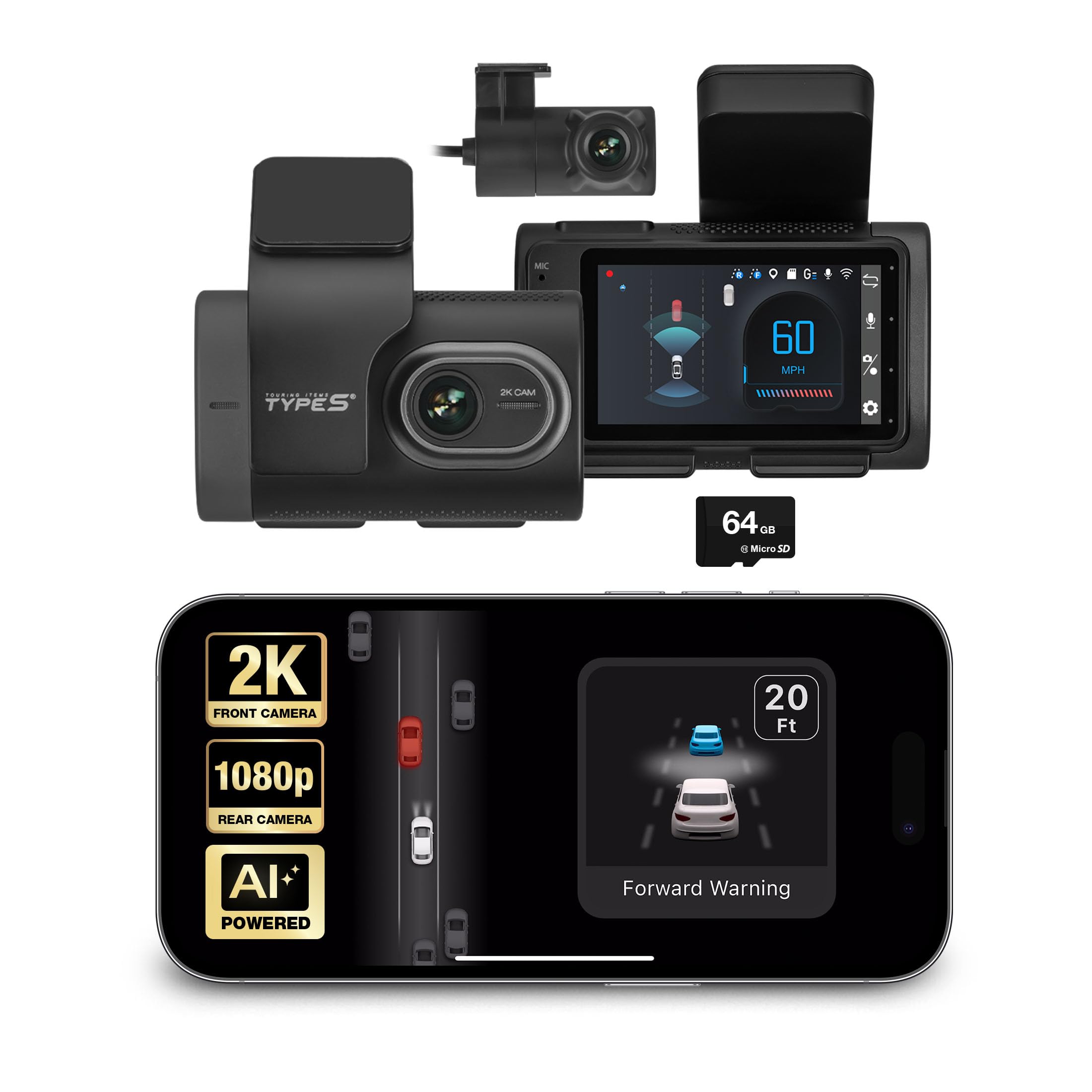
We recommend this if you want added lane, collision, and pedestrian alerts plus front-and-rear video at a reasonable price.
Pros
- Good AI alerts that improve awareness on busy roads.
- Clear front 2K video and usable rear camera footage.
- Easy wireless access to clips via the app.
Cons
- Alerts are helpful but not perfect every time.
- App and setup sometimes feel fiddly at first.
- Needs hardwiring for reliable 24/7 parking mode.
We installed the T200 on our windshield and used it for several drives. The picture quality up front impressed us — details at intersections were easy to read. The rear camera gave useful backup evidence even in low light.
The lane departure and collision warnings worked most of the time and caught moments we might have missed. Blind-spot and pedestrian alerts added a real sense of safety during city driving, though we noticed a few false or missed prompts on complex roads.
Using the app to pull clips over Wi-Fi saved us time compared with removing a microSD card. Parking surveillance worked when hardwired, but we had to set it up carefully to avoid draining the car battery.
Overall, we felt the Type S T200 gives modern safety features to older cars without built-in ADAS. It won’t replace factory systems, but it adds a solid, affordable layer of protection for daily driving.
ROVE R2-4K Dual

We recommend this if you want sharp day/night footage, fast phone downloads, and reliable front-and-rear coverage.
Pros
- Excellent low-light clarity from the Sony STARVIS 2 sensor.
- Fast 5G Wi‑Fi makes saving clips to our phone quick.
- Includes 128GB card and useful parking mode options.
Cons
- Rear-cam cable routing takes time and patience.
- Some voice prompts are a bit loud and repetitive.
- Full parking features need a hardwire kit that is not included.
We installed the ROVE in our car and liked how clear daytime video looked right away. The front 4K footage captured road signs and license plates without fuss. Night driving showed more detail than many dash cams we’ve used, and HDR helped with bright headlights.
Using the app felt smooth. Downloads finished fast on 5GHz, and we could grab clips for insurance or sharing in minutes. The GPS overlay with speed and route made playback more useful when we reviewed drives on a laptop.
Cable management took the most effort. Feeding the rear cable under trim required steady hands and time. Parking mode worked well when wired, but we had to buy a hardwire kit to use the 24/7 features the way we wanted.
Overall, the ROVE R2-4K Dual feels solid and feature-rich for the price, especially if you value night clarity and quick file transfer.
HUPEJOS V8PLUS 4-Channel AI Dash Cam
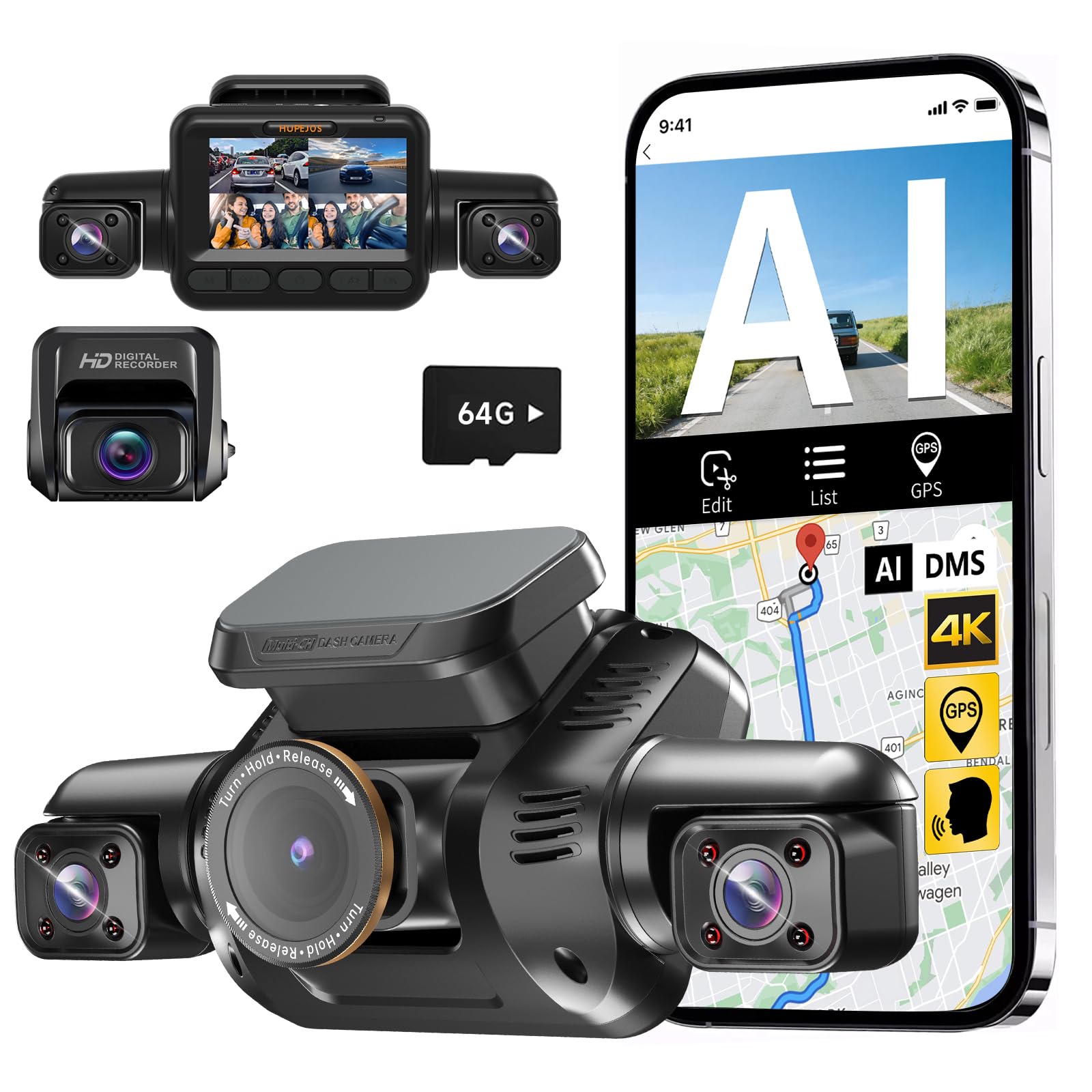
We recommend this if you want full 360° coverage and driver monitoring in one unit for rideshare or family use.
Pros
- Covers front, rear, and both sides so we rarely missed incidents.
- Driver Monitoring System helps spot distraction and drowsiness.
- Night vision and CPL filter improved plate and interior detail in low light.
Cons
- App and Wi‑Fi can be flaky at times when trying to view live video.
- Setup and wiring take patience if you hardwire for parking mode.
- Frame rate felt low during fast action, so very quick events can look choppy.
We installed the HUPEJOS V8PLUS on our windshield and ran the rear cable through trim. The multi-camera view gave a real sense of no blind spots. Switching between 4K front mode and the balanced multi-angle mode was straightforward and useful when we wanted more front detail.
We used the DMS feature on long drives. The alerts for yawning and phone use were noticeable but not intrusive. It helped us stay aware on long trips, though the system needs the car to reach a certain speed to activate reliably.
Recording quality at night surprised us for a budget multi-channel unit. The IR lamps and CPL cut reflections well. Still, the app connection dropped a few times and the live view only worked within close Wi‑Fi range, which was annoying when we wanted quick clips on our phone.
Battery and parking setup required buying the separate hardwire kit to get true 24‑hour monitoring. After wiring, the G‑sensor locked collision clips as promised and saved us time searching footage. Overall, this feels like a solid all-in-one system for drivers who need broad coverage and safety alerts.
Type S T400 4K Dash Cam
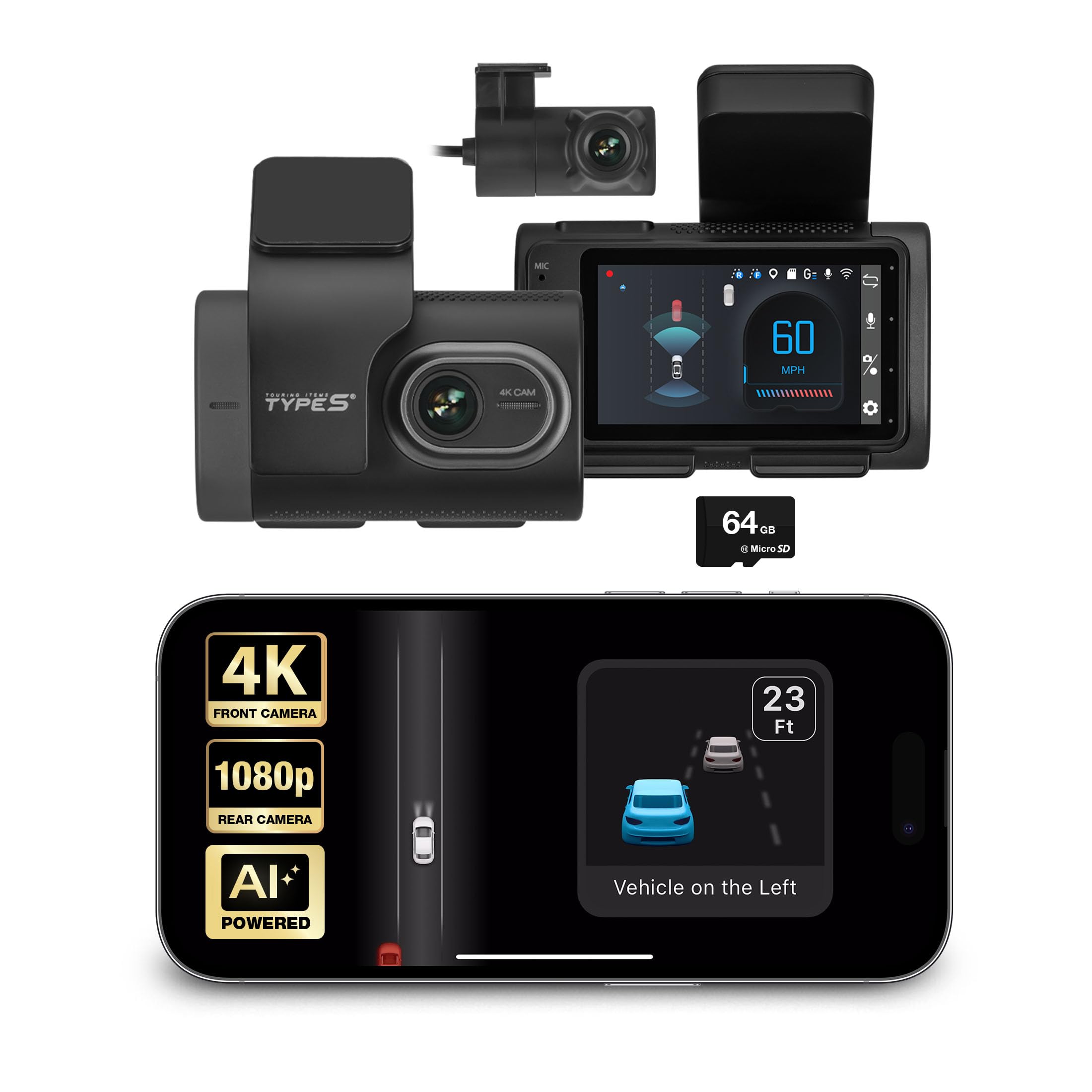
We would buy this if you want full front-and-rear 4K coverage with useful parking recording, but expect mixed ADAS accuracy.
Pros
- Clear 4K front video and easy phone access via the app.
- Solid parking surveillance that wakes and saves impact clips.
- Helpful reminders like stop-and-go and blind-spot alerts in everyday driving.
Cons
- AI warnings can be unreliable and give false or missed alerts.
- App and settings take time to learn and tune for your car.
- Occasional power or shutdown quirks reported by users.
We installed the T400 and liked how sharp the front camera looks on the phone and the dash screen. Pulling clips over Wi‑Fi made sharing quick, and the parking mode caught a small bump while we were away.
We noticed the driver-assist alerts were hit-or-miss. Lane and collision warnings worked sometimes but not consistently, so we kept them as a backup rather than a replacement for attention.
Wiring the rear camera took patience, and the unit rebooted once during setup. After adjusting sensitivity in the app, the stop-and-go reminder and blind-spot alerts became more useful for daily traffic.
Type S T402 4K Dual View
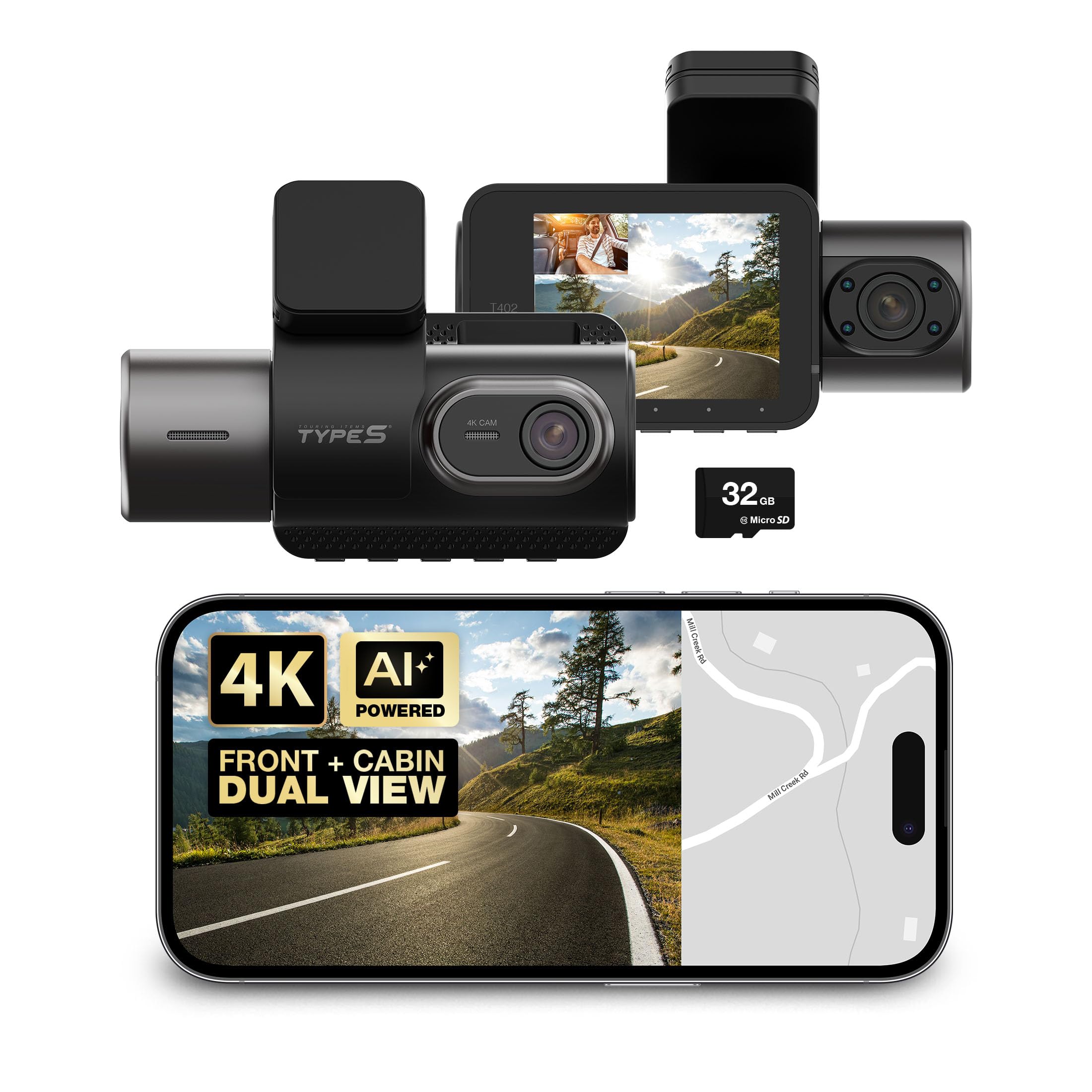
We recommend this dash cam if you want clear front and cabin video plus AI alerts that actually learn from your driving.
Pros
- Very sharp 4K front footage and usable 1080p interior video.
- AI alerts for collisions, lanes, pedestrians, and stop-and-go traffic.
- Easy wireless access to clips and simple installation.
Cons
- Adaptive AI can send false alerts until it learns your habits.
- Interior camera angle may need fiddling to avoid blind spots.
- Touchscreen is small and can feel cramped for settings.
We used the T402 for several weeks on city and highway trips. The 4K front recording made license plates and signs easy to read in daylight. Night performance was good on the front and surprisingly clear inside thanks to infrared.
The AI alerts helped on busy commutes by warning us when traffic moved or a lane drifted. At first the system over-alerted on tight streets, but it improved after a few drives as the adaptive AI adjusted to our style.
Installation was straightforward and the unit held firmly with the preinstalled mount. Connecting to the app over Wi‑Fi let us pull clips without removing the SD card, which saved time after a minor parking incident.
We liked having GPS logged with the footage; it made reviewing routes quicker. If you want a reliable dual-channel setup with evolving AI assistance, this unit is worth trying.
Neideso N900 4K 4-Channel Dash Cam
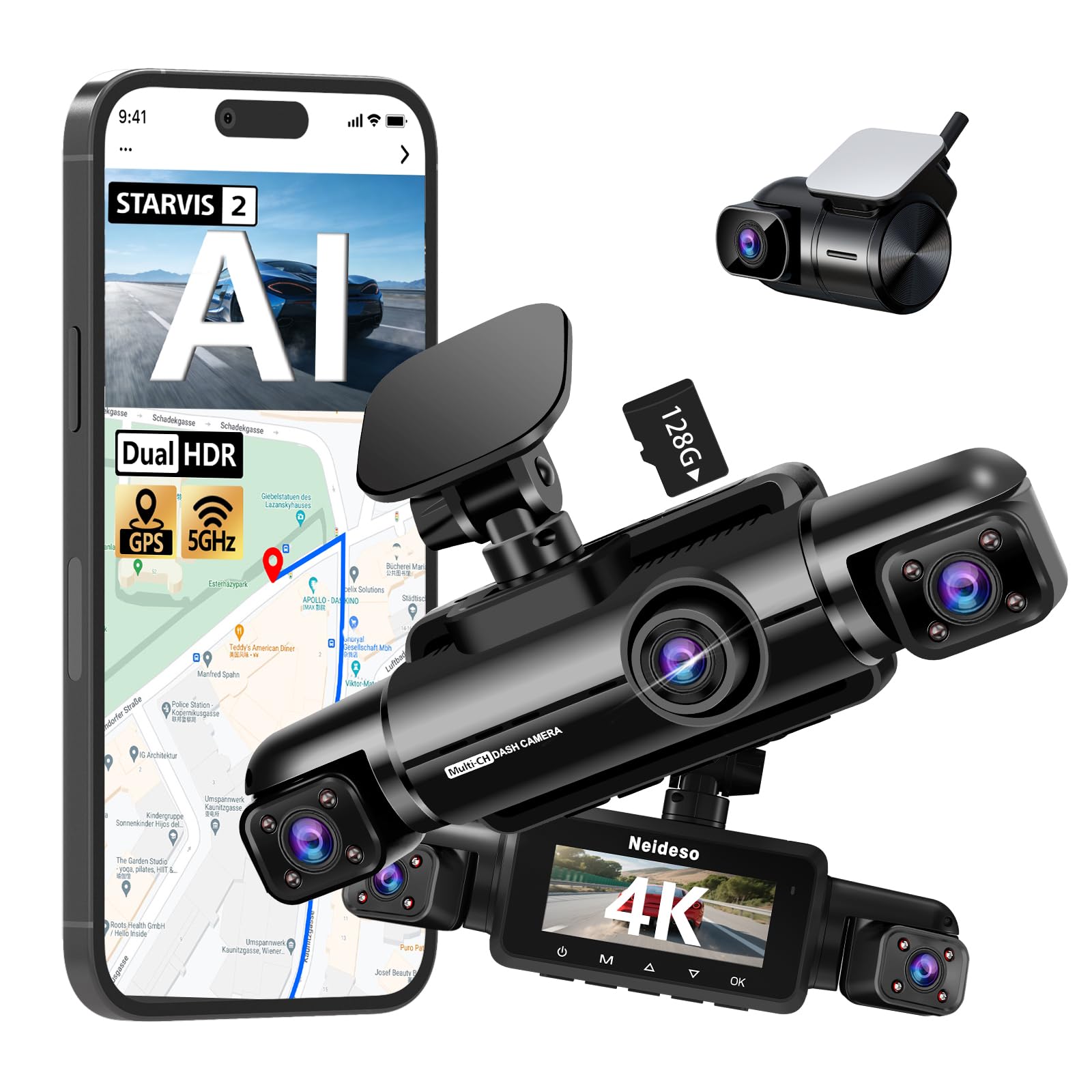
We recommend this if you want full 360° coverage and strong night video, but be ready to manage heat and power needs.
Pros
- Excellent low-light front footage and clear license-plate detail.
- True four-channel view gives complete coverage around the car.
- AI driver monitoring helps catch drowsy or distracted driving.
Cons
- Unit runs hot and may draw battery power when idle.
- Parking mode needs a separate hardwire kit to work reliably.
- Rear or side cameras can fail; customer support may be needed.
We installed the N900 on our car and tested it across day and night drives. The front STARVIS 2 sensor really improved night detail, and HDR balanced bright headlights and dark shadows well.
Setting up the four cameras felt like a real upgrade. The cables and mounts made aiming easy. We liked seeing four feeds in the app and the 5GHz Wi-Fi moved clips fast when we downloaded footage.
The AI driver monitor alerted us when our driver looked away or seemed tired, which felt useful on long trips. Voice control and one-touch lock worked as advertised and made hands-free operation simple.
Heat proved to be the main issue during long summer drives. The body got warm and we noticed some battery drain when the car sat unused, so hardwiring is worth considering for 24-hour parking use.
When a rear camera failed on one unit, support sent a replacement quickly. That experience suggests the company stands behind the product, but parts can still be unreliable for some users.
Overall, we found the N900 to be a powerful, feature-rich 4K system for someone who wants full coverage and strong night performance, as long as they account for power and heat management.
70mai A810S 4K Dash Cam
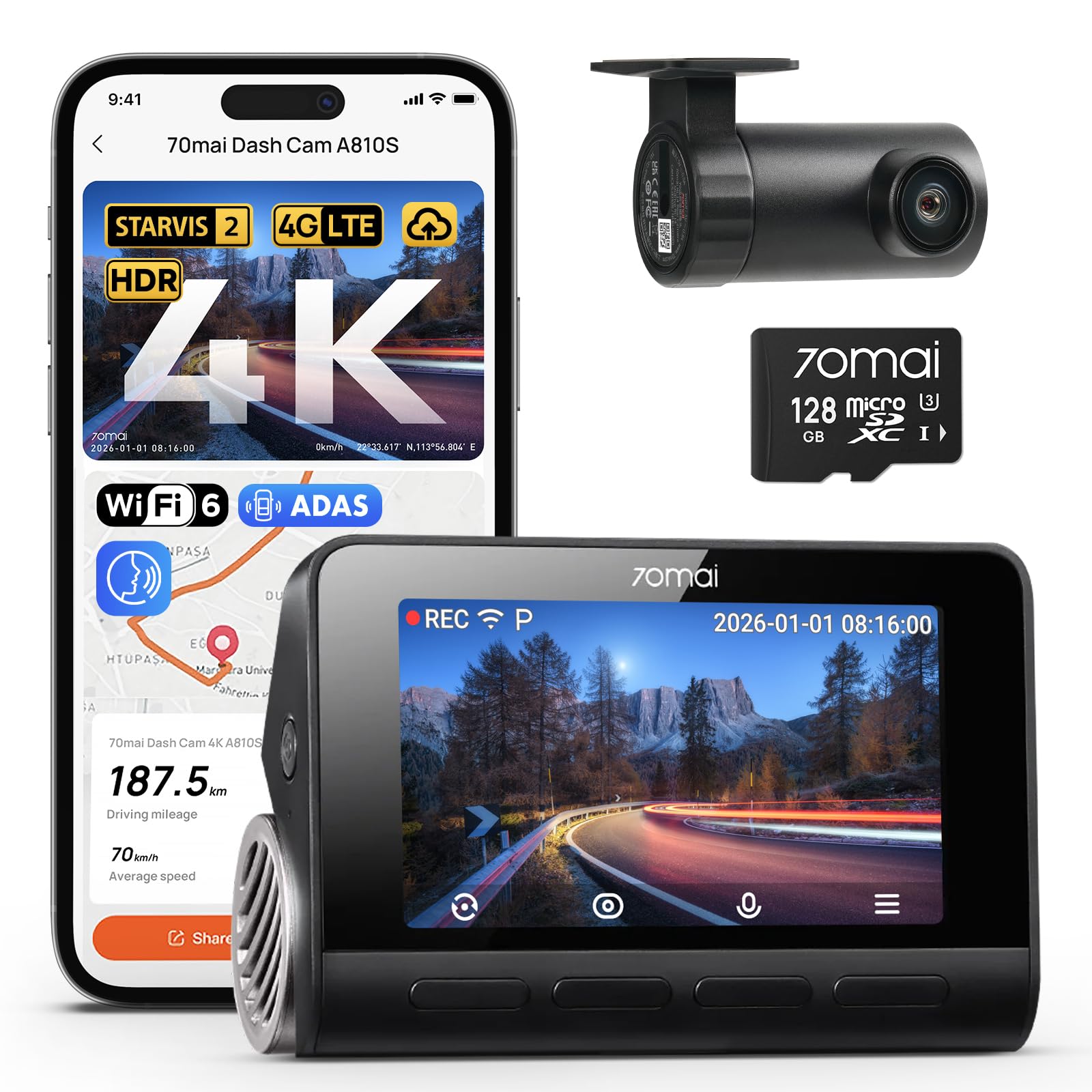
We recommend this if you want sharp 4K front footage, strong night performance, and smart parking features for everyday driving.
Pros
- Very clear 4K daytime and good low-light color at night.
- AI parking alerts and collision detection that actually caught events.
- Easy install and fast Wi‑Fi transfers with the app.
Cons
- Rear camera setup can be fiddly and needed a tweak to get angle right.
- Some advanced features require optional 4G hardwire and extra setup.
- App notifications sometimes come a bit late.
We installed the A810S in two cars and used it for daily drives and a weekend road trip. The front Sony STARVIS 2 sensor really shows detail—license plates and signs were readable at normal speeds. The night footage kept color and contrast better than older cams we’ve tried.
Parking mode saved us once: the AI flagged a hit-and-run in a parking lot and the locked clip was easy to find. Setting up 24/7 surveillance took a little time because we hardwired one car, but the motion detection felt more accurate than basic motion sensors we’ve used before.
We noticed the rear camera needed repositioning to avoid glare and get the best view. The app and Wi‑Fi 6 transfers sped up downloads, though push alerts sometimes lagged after events. Overall, this dash cam felt solid, gave us reliable evidence when needed, and handled night driving far better than cheaper models.
70mai T800E 3-Channel Dash Cam

We recommend this if you want full coverage (front, rear, inside) with crisp 4K front footage and reliable parking protection.
Pros
- Very clear 4K front video, even at night.
- True three-camera setup captures cabin and rear angles.
- Stable parking monitoring and solid app transfers via Wi‑Fi 6.
Cons
- Interior IR can be noisy in some lighting.
- Setup can take extra time if you hardwire for 24/7 power.
- App menus felt a bit clunky at first.
We installed the T800E in our daily driver and used it for both city and highway trips. The front camera pulled sharp details like plate numbers and road signs, and night HDR cut down glare well. The inside cam with switchable IR helped on late shifts, though sometimes the IR added grain when cabin light was low.
Running three channels at once does use space and setup time, especially when routing the rear cable. We hardwired for parking mode and appreciated the G-sensor locking footage after a bump. The super capacitor gave us confidence in hot weather and during short idle periods.
Using the 70mai app over Wi‑Fi 6 sped file transfers and voice commands worked for quick photo or lock commands while driving. Overall, we found it dependable and feature-rich for rideshare and family use, with only minor quirks in setup and interior low-light tuning.
Neideso N900Ultra 5-Channel Dash Cam
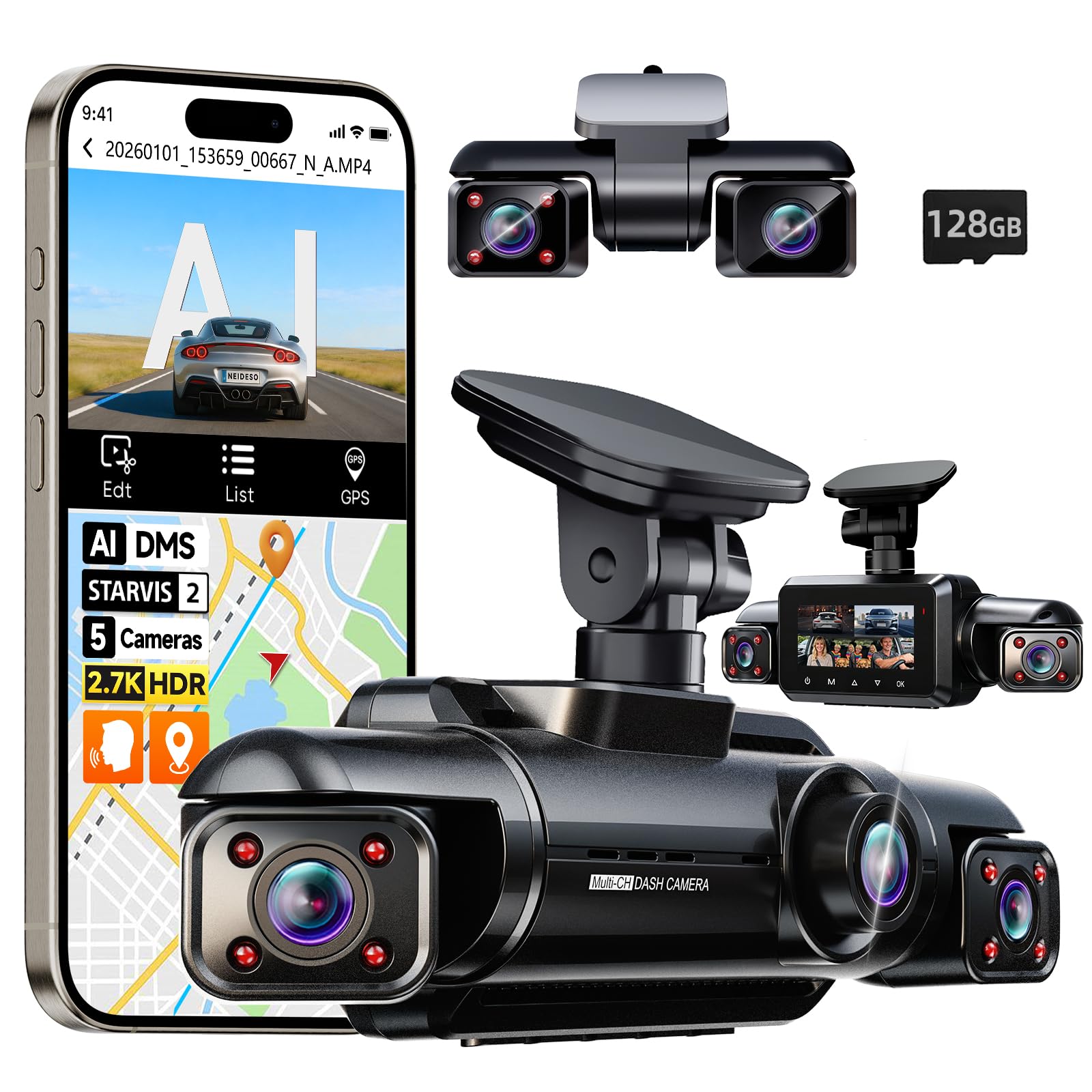
We recommend this if you want full 360° coverage and strong night video for rideshare or family use.
Pros
- True 360° recording captures sides, rear, and cabin at once.
- Clear low-light video with STARVIS 2 sensor and HDR.
- Useful AI driver alerts and easy wireless transfer with 5GHz WiFi.
Cons
- Full parking mode needs a separate hardwire kit.
- Installation and cable routing took more time than simpler dash cams.
- The suction/sticky mount can need repositioning on rough roads.
We used the N900Ultra on several drives and liked how it caught side impacts and passenger activity without guessing. Setting the cameras to cover the left and right made a big difference when lane events happened.
Night footage looked sharper than our older dash cam. License plates and street signs were readable more often, and the HDR helped balance headlights and dark areas.
The AI driver monitoring pinged us for long yawns and phone use, which helped keep attention on long trips. Alerts are customizable, and we turned some off when they got too chatty.
App transfers over 5GHz WiFi felt fast. Downloading clips to our phone was simple, but pairing the cameras with the app took a couple tries until we read the quick guide.
For parking mode you must buy the hardwire kit, which we added later. Without it the low-power time-lapse worked, but true 24-hour monitoring required the wired kit.
Overall, we found the N900Ultra solid for drivers who want wide coverage and strong night performance, as long as they accept a bit more setup work than a basic dash cam.
Galphi Q2 4K Dash Cam
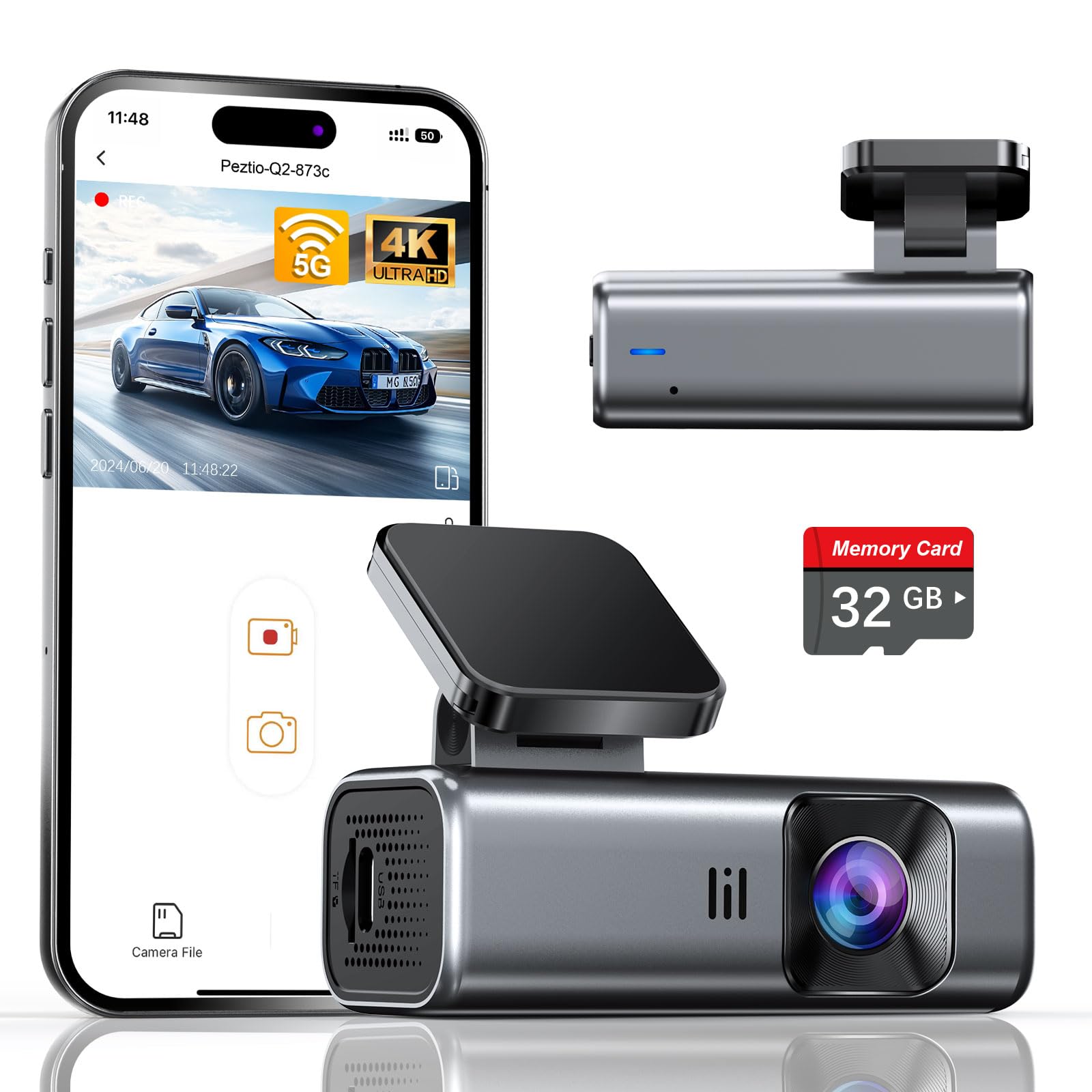
We recommend this camera if you want sharp 4K video, easy setup, and built-in 5GHz Wi‑Fi for faster phone downloads.
Pros
- Clear 4K daytime and strong low‑light video.
- Compact, low‑distraction design that installs quickly.
- 5GHz Wi‑Fi speeds up transfers and app playback.
Cons
- Comes with 32GB card only — you may need more space.
- No screen means setup and playback rely on the app.
- Parking mode needs a hardwire kit to run 24/7.
We installed the Galphi Q2 in minutes and liked that it barely blocks the windshield. The adhesive mount is slim and the camera feels solid. We moved the long power cord discreetly along trim pieces and started recording right away because the 32GB card is already inside.
Driving around town, the footage looked crisp. Daytime details like license plates and signs were easy to read. Night driving also impressed us more than we expected; the wide aperture and WDR helped keep scenes visible in low light.
Using the app over 5GHz Wi‑Fi cut download time a lot compared with older dash cams we’ve used. We did find the lack of a built‑in screen meant we had to use the phone app to frame shots and review clips, which is fine if you prefer a tidy, low‑distraction setup.
If you want continuous parking recording, plan to buy the hardwire kit; the time‑lapse parking mode is a good low‑power option but it won’t run full motion without wiring. For most drivers who value high-resolution evidence and easy Wi‑Fi transfers, this model is a practical buy.
Buying Guide
We start by deciding what matters most for our daily use. Think about video quality, AI features, and ease of installation.
We check camera resolution and night performance first. Higher resolution captures more detail, but also needs more storage.
We value reliable AI features like object detection, driver alerts, and parking mode. Ensure the AI runs on the device (onboard) or via a secure cloud service. Onboard processing reduces latency and privacy risk.
We look at storage, power, and recording modes. Prefer models with loop recording, emergency lock, and expandable storage. Verify power options for hardwiring or battery backup.
We compare field of view and mounting style next. Wider view captures more lanes but can distort edges. Choose a mount that fits our windshield and doesn’t block vision.
We weigh connectivity and app support. Wi‑Fi or Bluetooth makes file transfer easy. Confirm the app is stable and updates firmware securely.
We consider build quality and warranty. A solid casing and heat tolerance matter for hot climates. Check warranty length and support channels.
We assess price versus long‑term value. Cheaper units may lack key safety AI and durable power options. Balance upfront cost with features we will actually use.
We create a short checklist:
- Video resolution & night performance
- Onboard AI vs cloud AI
- Power options & parking mode
- Storage type and capacity
- Field of view & mount fit
- Connectivity & app reliability
- Build quality & warranty
Editor’s Choice
We picked the top AI powered dash cam that balances video quality, AI features, and ease of use. It records crisp 4K daytime footage and reliable 1080p at night, so you get clear evidence when you need it.
The device uses on-device AI for real-time alerts. It warns about collisions, lane departures, and pedestrians without sending raw video to the cloud.
We liked the companion app for quick review and export. You can tag clips, download evidence, and share files in seconds.
Key specs at a glance:
- Video: 4K front, 1080p rear
- AI features: Collision, lane, pedestrian detection
- Storage: MicroSD up to 256 GB
- Connectivity: Wi‑Fi, GPS, optional cloud backup
Installation is straightforward and fits most cars. The unit mounts discreetly behind the rearview mirror and runs on parking mode with low-power draw.
We recommend this model for drivers who want accurate alerts and easy evidence management. It keeps data local by default and offers optional cloud uploads for those who want them.
Conclusion
We see AI-powered dash cams as practical tools that improve safety and convenience on the road. They record incidents automatically, help with insurance claims, and can alert drivers to hazards in real time.
We should weigh features against cost and privacy. Not every model needs advanced driver-assist functions; sometimes reliable video and good storage are enough.
We recommend checking three things before buying:
- Video quality and night performance
- Data handling and privacy controls
- Mounting, power options, and ease of use
We believe regulations and camera software will keep evolving. That means future devices will likely become more accurate and privacy-friendly.
If we choose a model carefully, an AI dash cam can be a useful addition to our vehicle without adding unnecessary complexity.
FAQS
What is an AI-powered dash cam?
We describe it as a camera that uses artificial intelligence to detect events like collisions, lane departures, and pedestrians. It records video and can send alerts or store clips automatically.
How does it help with safety?
We get real-time warnings for hazards and distracted driving. The AI can flag risky behavior and give evidence after an incident.
Do these dash cams need internet?
Some features like live alerts and cloud upload need a connection. Basic recording and local storage work offline.
How is privacy handled?
We look for models with strong encryption and clear data policies. Many let you control what is uploaded and how long clips are kept.
What about power and storage?
Most use a hardwire or cigarette adapter and include loop recording. We suggest models with expandable memory or cloud backup.
Will it work in bad weather or at night?
Performance varies. We check for HDR, night vision, and wide dynamic range to improve low-light and high-contrast scenes.
Can it reduce insurance costs?
Some insurers offer discounts if footage is usable and the device meets their requirements. We recommend confirming with your provider.
How do we choose one?
We compare AI accuracy, video quality, mounting flexibility, privacy controls, and price. Prioritize features that match your driving needs.

