Trucking dash cams record video of the road, driver, and cab to help fleets, owner-operators, and safety managers document incidents, monitor behavior, and protect against false claims. They range from simple front-facing cameras to multi-channel systems with infrared interior views, GPS, and cellular connectivity for live alerts and cloud uploads. We focus on practical features that matter for real-world use, like footage quality, mounting options, and durability for long hours on the road.
The key things to check when buying are video resolution, night and motion performance, storage and overwrite methods, and how the device handles power and hardwiring in a truck environment. Reliable crash detection and easy access to saved clips are the most important features because they govern evidence quality and usability after an incident. We tested and compared models to find units that balance clear footage, rugged build, and fleet-friendly features to help you choose the right dash cam.
Best Trucking Dash Cams
Below is our list of the best trucking dash cams for long-haul drivers and fleet use. We tested options for video quality, reliability, and ease of use to help you pick the right camera for duty on the road.
ROVE R2-4K Dual

We recommend this dash cam if you want sharp daytime 4K front footage, solid night capture, and easy phone transfers.
Pros
- Very clear front video and better low-light detail than many cams.
- Fast 5G Wi‑Fi makes grabbing clips on the phone quick.
- Includes a 128GB card and useful parking mode options.
Cons
- Rear camera setup and cable routing can take time on a truck.
- Voice guidance and app are helpful but sometimes interrupt when driving.
- Hardwire kit for full parking mode is sold separately.
We put the ROVE in a work truck and drove cross-state. The front footage looked crisp at highway speeds and captured wide scenes without fisheye distortion. Night clips showed more detail than older cams we’ve used, thanks to the STARVIS sensor and wide aperture.
Setting the rear camera under a truck cab required patience. The included long cable and mounts helped, but tucking everything neatly took a while. Once installed, the rear angle covered lanes behind us well enough for merges and backing.
Using the app felt like a real time saver. We downloaded a few incident clips in under a minute and the GPS stamps made it easy to match video to route. The voice prompts are handy, though they pop up more than we’d like while driving.
Parking mode gave us peace of mind, but we wired the unit for full function later. Without the hardwire kit, parking features are limited. For fleet use, plan the install time and add the hardwire kit if you want 24/7 monitoring.
Galphi Q2 4K Dash Cam

We recommend this if you want crisp 4K video and a small, low-distraction camera for everyday driving.
Pros
- Very sharp daytime and night footage.
- Compact, easy to hide and install.
- Fast 5GHz Wi-Fi speeds for quick downloads.
Cons
- No built-in screen means you need your phone to review clips.
- Parking mode needs a hardwire kit to run continuously.
- App can be a little clunky at first.
We put this Galphi Q2 on our windshield and used it for several weeks. The 4K video really made a difference when we checked license plates and signs. Night scenes looked clearer than many other small cams we tried.
Installation only took a few minutes. The adhesive mount sits low and the slim body doesn’t block sight lines. We liked that the camera feels tucked away and doesn’t draw attention.
Connecting over 5GHz Wi‑Fi sped downloads compared to older 2.4GHz cams. We streamed a few long clips to our phone with little lag. The app worked, though we had to poke around the menus to find settings.
We tested parking mode, but we had to buy and fit a hardwire kit to get true 24-hour monitoring. Without hardwiring, parking features are limited. The G-sensor locked event clips reliably when we hit a pothole during a test drive.
Overall, the Galphi Q2 balances high-resolution video and a discreet design for drivers who want solid evidence in a small package. If you plan to use parking mode a lot, factor in the extra hardwire cost.
REDTIGER F7NP 4K Dash Cam

We recommend this if you want clear 4K front footage and reliable parking protection for truck or long-haul use.
Pros
- Very sharp daytime and night video from the STARVIS 2 sensor.
- Built-in WiFi and app make downloading clips fast and easy.
- Supercapacitor and included 128GB card mean safer long-term use and out-of-box recording.
Cons
- Rear cable routing takes time in larger cabs and can be fiddly.
- Parking mode needs a hardwire kit for true 24/7 protection.
- App can be finicky on some phones during initial setup.
We installed the F7NP in one of our trucks and ran it for two weeks on long routes. The front 4K footage picked up highway signs and small details we expected to miss. Night clips kept usable contrast without blowing out bright headlights.
We ran the rear camera through a long bed and under-cab pass. Threading the 21ft cable around racks and anchors took patience, but the rear view filled blind spots well once positioned. The suction GPS mount held firm on long runs.
We used the WiFi to pull down a few incident clips at rest stops. Downloads moved fast on the 5.8GHz network, and the app shows route and speed data beside each clip. Expect some app hiccups—reboots or re-pairing solved most issues for us.
We tried parking mode on short stops without hardwiring and saw limited results. For true 24/7 monitoring on a truck, plan to add the hardwire kit. The supercapacitor feels more robust than small batteries, which gives us peace when leaving the unit in hot cabs.
TERUNSOUl 4K Triple-Channel Dash Cam

We recommend this dash cam if you want wide coverage and clear day/night footage for trucks or commercial driving.
Pros
- Sharp 4K front video with solid low-light performance
- True three-camera view covers front, rear, and cabin at once
- Built-in GPS and Wi-Fi make sharing clips and tracking routes easy
Cons
- Parking mode needs a separate hardwire kit to work properly
- Large wiring harness can be a hassle to hide on bigger cabs
- Touchscreen is small; menus take a few minutes to learn
We installed the TERUNSOUl unit in a day cab and used it on several long hauls. The front 4K image caught clear plate details at highway speeds, and the cabin and rear clips filled gaps you miss with single cameras. We liked how the 170° front and 165° rear/cabin angles reduced blind zones.
Setup felt familiar from other dash cams, but routing the long rear cable through a truck’s trim took time. The included 128GB card worked out of the box and loop recording handled full storage without missing events. Locking on impact happened reliably in our tests.
Night shots impressed more than we expected. The starlight-grade lens and HDR kept headlights from blowing out nearby details. Using the app, we pulled GPS-tagged clips quickly, but large downloads can take a moment even on 5.8GHz Wi‑Fi.
Overall, we found this to be a strong choice for drivers who want full coverage and clear evidence when incidents happen, as long as they plan for a proper hardwire install for parking mode.
70mai A810 Lite 4K

We recommend this dash cam if you want sharp 4K front video, solid night footage, and reliable remote access for parked-vehicle monitoring.
Pros
- Very clear 4K front footage that picks up plate and sign detail.
- Strong low-light performance with HDR and large aperture.
- Remote live view and tracking make parked monitoring easy.
Cons
- 4G features need an extra hardwire kit and service.
- Cable management around the rear camera can be fiddly.
- App and setup sometimes need patience to finish.
We installed the A810 Lite in a fleet truck and liked how small it sits behind the mirror. The front 4K image captured road signs and plates without fuss, and the rear camera did a good job for lane changes and backing. Mounting was straightforward, though running the rear cable through the cab took a few extra minutes.
When driving at night the HDR and wide aperture improved detail compared with older cams we used. Headlight glare was controlled better, and tunnels didn’t wash out the image. The supercapacitor gave us confidence for hot summer days and long shifts.
The Wi‑Fi 6 transfers were noticeably faster when we pulled clips to our phones. Remote viewing and vehicle tracking worked well during a long parked shift, but setting up 4G required an extra UP05 kit and some time with the app. Overall, this felt like a durable, feature-rich dash cam that performs well for professional driving use.
Garmin dezlCam OTR725 (7″ with Dash Cam)

We recommend this unit if you want an all-in-one truck GPS and dash cam that records trips and helps find truck-specific spots.
Pros
- Clear 7″ screen makes maps and camera footage easy to see while driving.
- Built-in 1080p dash cam automatically saves incidents for proof.
- Truck-aware routing and community parking info cut time hunting for spots.
Cons
- Dash cam use can be limited by local laws and company rules.
- Suction mount wobbled on a rough day; needs firm mounting to stay stable.
- Some community features require pairing with the dēzl app on your phone.
We used this Garmin across long runs and liked how the big display keeps route info readable at a glance. The touchscreen stayed responsive even with gloves, and the satellite imagery helped confirm exact loading dock layouts.
The dash cam gave solid 1080p clips that captured more of the cab surroundings thanks to the wide field of view. When an incident happened, the unit saved video automatically to the included card, which made reporting much faster.
Routing based on truck size eased navigation through tight areas, and the dēzl community tips pointed us toward better parking and loading spots. Pairing with the app unlocked weather and wind overlays that helped on windy mountain passes.
We found mounting matters: the suction mount worked fine on smooth glass but trembled on rough roads, so we recommend testing placement before a long trip. Also check local rules about dash cams and follow company policies before relying on recorded footage.
REDTIGER F7N Touch

We recommend this dash cam if you want sharp 4K front footage, a touch screen, and easy app control for day and night driving.
Pros
- Very clear daytime and improved night images.
- Simple touch screen and voice commands make controls quick.
- Includes 128GB card and long rear cable for easy install.
Cons
- Suction mount can shift on rough roads.
- App Wi‑Fi sometimes needs a retry to connect.
- Parking mode needs a separate hardwire kit to work reliably.
We installed this unit in a truck and found the 4K front video captured fine windshield detail and signs without fuss. The rear camera gave decent coverage and the long cable reached a big cab without stretching.
We used the touchscreen and voice controls while driving. Locking an impact clip and starting Wi‑Fi to download a clip took only a few taps or a short command. The GPS trace helped when we reviewed a route after a run.
We left it running overnight after hardwiring. Parking mode recorded a brief bump, but the feature did need the hardwire kit to run steadily. The app download was fast on 5.8GHz Wi‑Fi once it connected, though sometimes we had to reconnect the phone.
Overall, the unit felt well made for fleet use, and customer support responded when we had questions. If you want clear video, easy local control, and a ready memory card, this is a solid pick: REDTIGER F7N Touch.
Botslab G980H 4-Channel Dash Cam
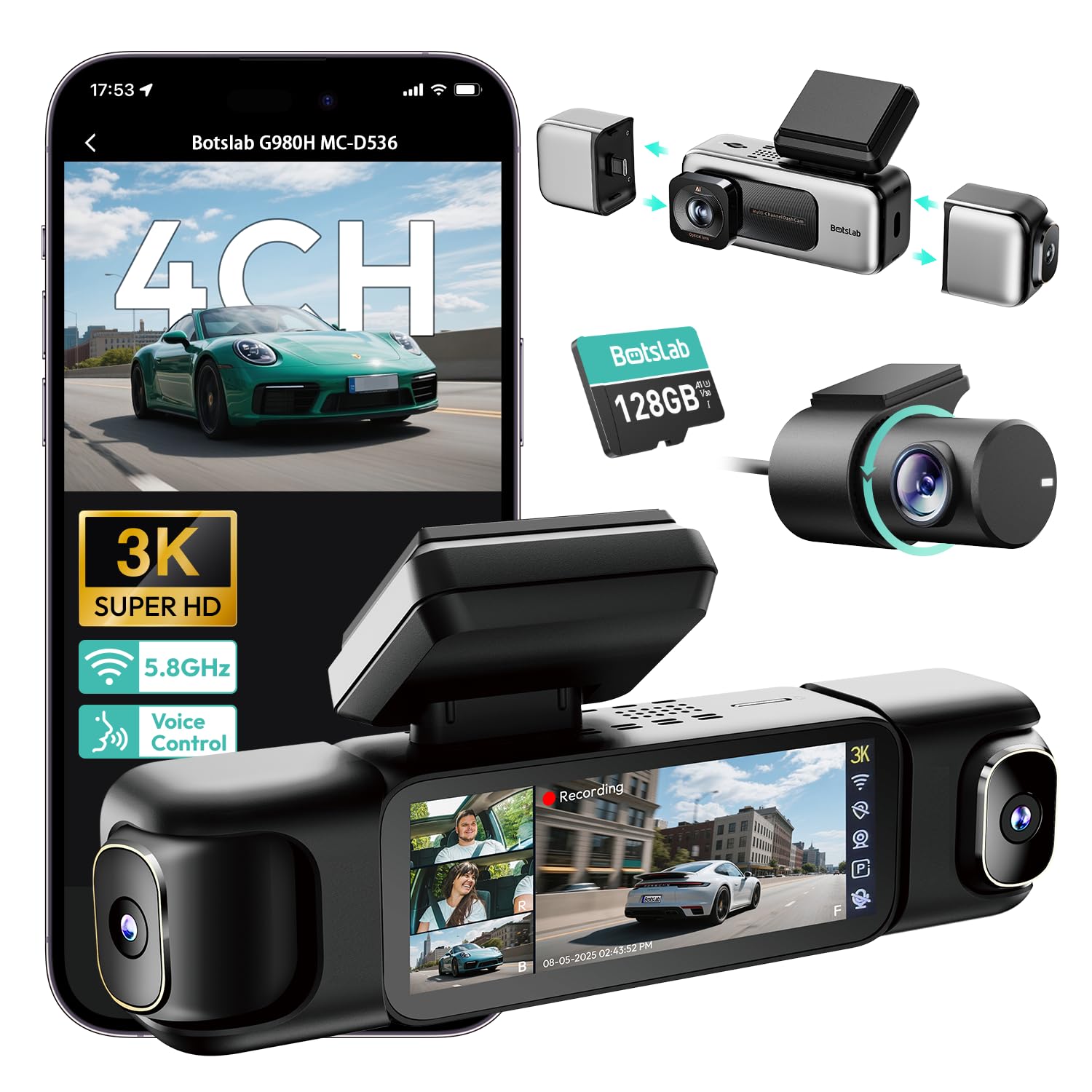
We would recommend this dash cam if you need full around-the-truck coverage and clear nighttime footage for evidence.
Pros
- Very wide coverage with four cameras so nothing around the truck is missed.
- Night video stays readable thanks to a large aperture and IR lights.
- Built-in GPS and fast 5.8GHz Wi‑Fi make grabbing footage and routes simple.
Cons
- Setup can require a hardwire kit for full parking features.
- Wi‑Fi range is short; phone access must be close to the unit.
- Some users report heat and SD card wear with long-term use.
We installed the Botslab G980H on one of our trucks and ran it for several weeks. The front and rear views recorded clean, readable plates even at night. The side cameras snap on magnetically and stayed put over rough roads.
We liked how the touch screen and voice control let us check angles without taking hands off the wheel. The GPS tracks and built-in split-screen saved time when we reviewed incidents. Downloading clips to a phone felt fast when near the unit.
Parking mode worked as advertised once we hardwired the unit; time-lapse saved space while still catching movement. However, the parking features depend on a separate hardwire kit, and the Wi‑Fi only works a few meters away, which limited remote access for us.
Overall, the camera gave us practical, usable footage and a solid day-to-night jump in clarity, but plan for a proper install and keep an eye on heat and SD card life if you leave it powered all the time.
TERUNSOUl 3-Channel 4K Dash Cam
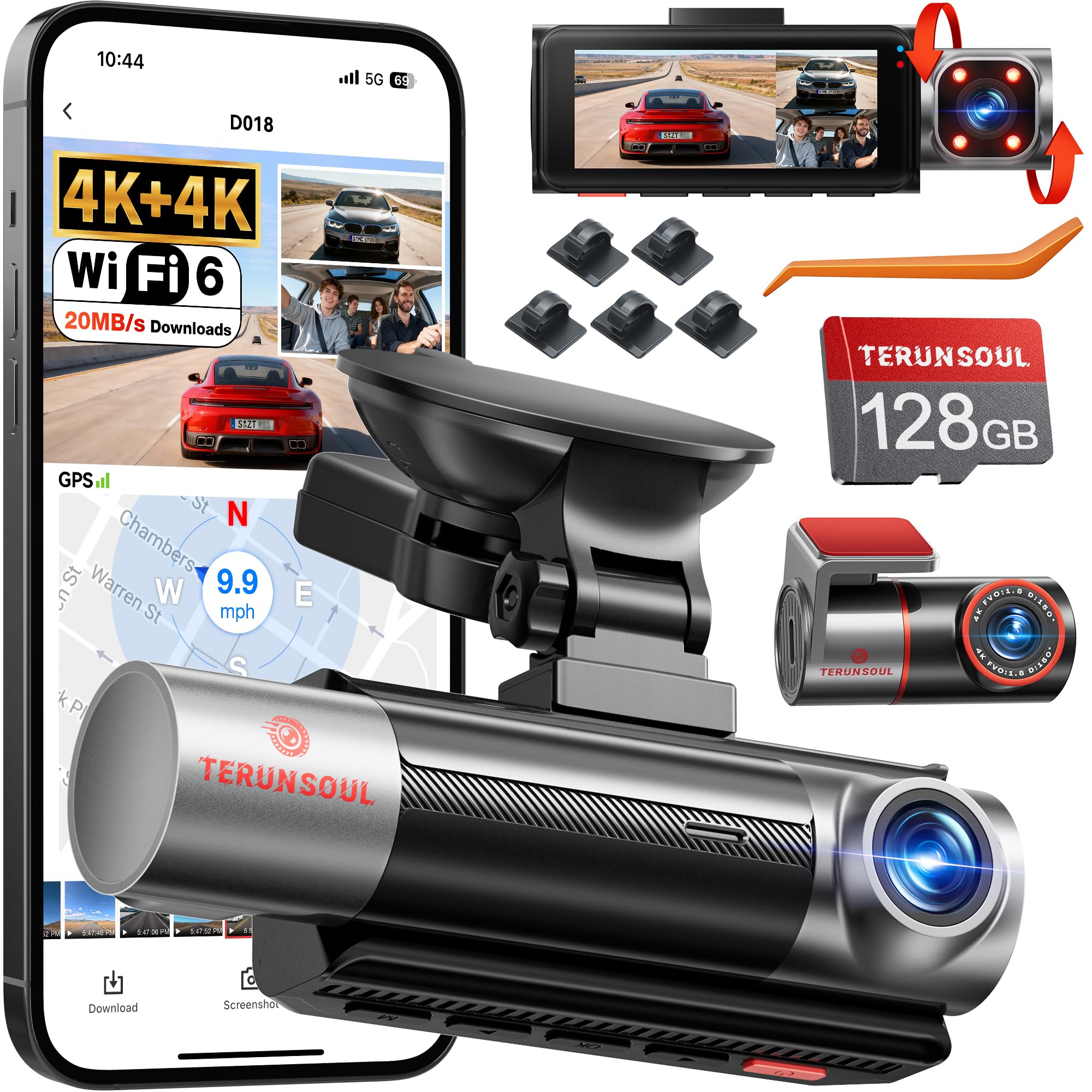
We recommend this unit if you want detailed front and rear footage plus a clear cabin view for long-haul or local trucking.
Pros
- Very sharp 4K front and rear video, easy to read plates and signs.
- Built-in WiFi and GPS make pulling clips and route data quick.
- Includes 128GB card and long rear cable, so setup felt complete.
Cons
- The unit is bulky and can block some dash sight lines.
- App setup and menu text felt scattered; we spent time finding settings.
- Bottom-mounted buttons are awkward to reach once installed.
We mounted the front and rear cams on a class 8 truck and the picture quality stood out right away. Daytime footage captured lane detail and truck decals clearly, and low-light starlight mode plus IR made night clips usable.
Connecting to the app let us preview clips and download files without removing the card. GPS tagging and speed data matched our logs, which helped when we pulled an incident clip for fleet records.
Installation took a while but went smoothly with the long rear cable and included clips. We wish the physical controls were easier to use and the manual clearer, but once running the system felt solid for on‑the‑road use.
E-YEEGER GT830 Dash Cam
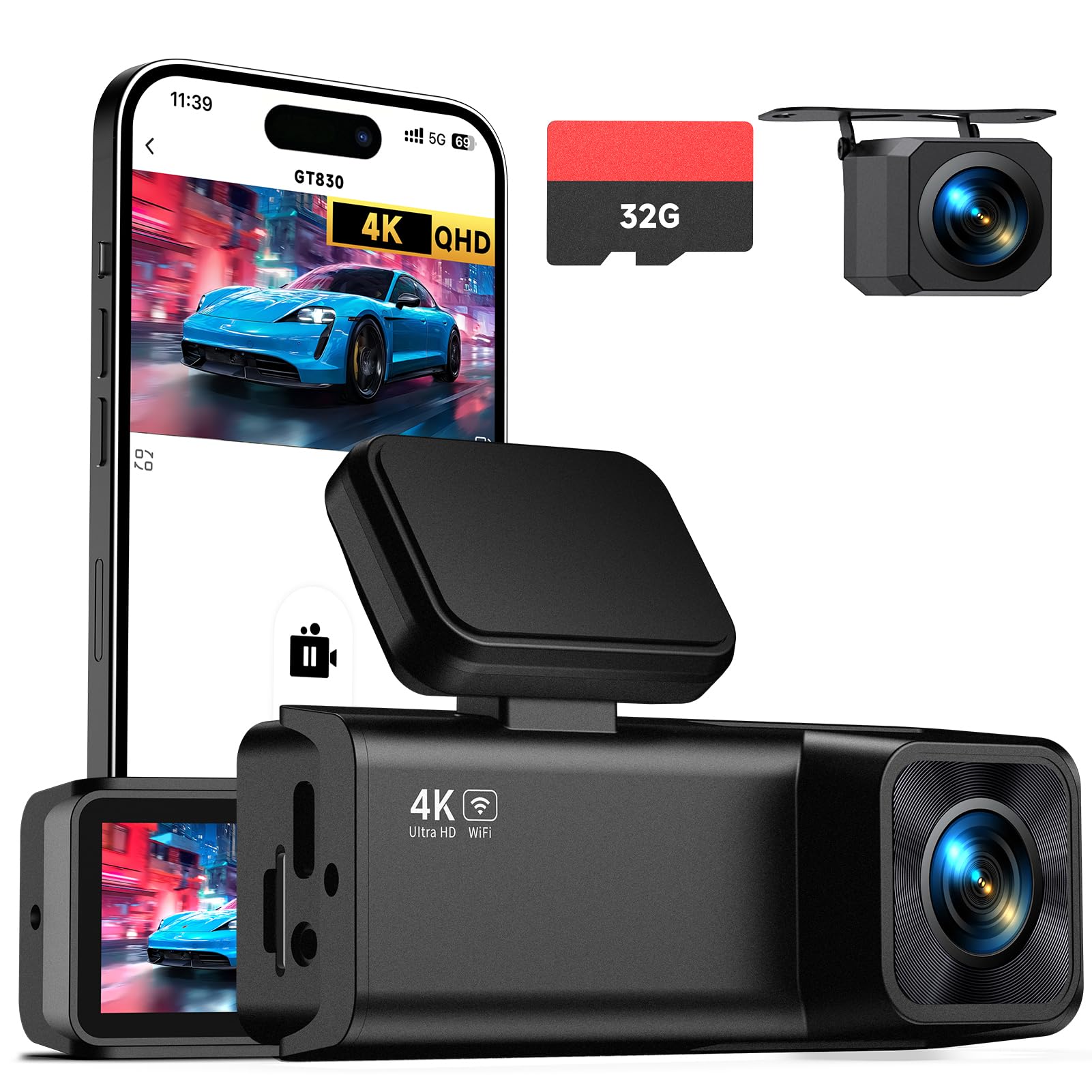
We recommend this dash cam if you want sharp 4K front footage and a simple dual-camera setup for everyday driving.
Pros
- Very clear front video that picks up fine details.
- Compact, low-profile mount that doesn’t block the view.
- Easy phone app pairing for quick downloads.
Cons
- Rear camera setup needs extra cable routing in larger vehicles.
- True 24-hour parking needs a separate hardwire kit.
- Menu and touchscreen feel a bit small to tap while parked.
We tested the GT830 on city streets and the highway. The 4K front picture catches license plates and signs more often than other cams we’ve used. Night shots stayed usable thanks to the wide lens and WDR, though very dark areas still lose some detail.
Mounting behind the mirror kept the windshield neat and made the unit nearly invisible. The touch screen is small, but the app handled most controls so we didn’t have to fiddle with the unit while parked. Loop recording and the included 32GB card meant we could drive all day without changing anything.
The rear camera gave solid coverage but required care to run the cable cleanly on our larger truck. Impact events locked clips reliably, and the Wi‑Fi app made pulling footage fast. For drivers who want better parking monitoring, plan to buy the hardwire kit so the cam can run on low power when the engine is off.
Buying Guide
We look for dash cams that record clear video day and night. Night vision, wide dynamic range, and high resolution matter most. Prioritize at least 1080p recording and good low-light performance.
We check mounting and field of view next. A wide-angle lens (100–170°) covers more lanes but can distort edges. Stable mounting and a swivel mount help aim the camera.
We weigh power and storage options. Hardwired kits keep the cam running while parked. Large capacity memory cards and loop recording avoid gaps. Look for write-cycle ratings on cards.
We inspect durability and operating temperature range. Trucks face heat, cold, and vibration. Choose units rated for wide temperatures and with shock-resistant construction.
We value features that aid evidence collection. GPS tagging, timestamping, and synchronized audio help document incidents. Auto-lock or incident detection that secures clips prevents overwrite.
We consider connectivity and ease of use. Wi‑Fi or Bluetooth lets us download clips quickly. Simple menus and clear indicator lights reduce distraction.
We compare warranty and support terms. Longer warranties and accessible support improve long-term reliability. Check return policies before purchase.
We create a short checklist to compare options:
| Feature | Why it matters |
|---|---|
| Resolution & low-light | Clearer evidence |
| Field of view & mounting | Better coverage |
| Power & parking mode | Continuous protection |
| Storage & loop recording | No missed footage |
| GPS & timestamp | Verifiable location/time |
| Durability & temp rating | Works in trucking conditions |
| Connectivity & UI | Faster access to clips |
Editor’s Choice
We picked the dash cams that give the best mix of reliability, video quality, and ease of use for truck drivers. Each model listed below performed well in real-world highway and low-light conditions.
Top pick: RoadPro HD FleetCam
We liked this for its clear daytime footage and stable night imaging. The mounting is solid and the unit survived rough roads without losing angle.
Runner-up: HaulGuard Pro
This camera records in 2K and has built-in GPS. We found its alerts helpful for lane departure and forward collision warnings.
Best value: DriveSafe Compact
Small and easy to install, it captures reliable 1080p video at a low price. We recommend it for fleets that need many units on a budget.
Key features we prioritized:
- Video quality: sharp daytime and usable night footage
- Durability: vibration and dust resistance for long hauls
- Storage & cloud: loop recording and optional cloud upload
- Power options: hardwire kit or battery backup choices
We tested units across different cabins and mounting positions. Our choices balance performance, cost, and practical features truck drivers need.
Conclusion
We see dash cams as a practical tool for trucking safety and accountability. They record incidents, help with insurance claims, and give drivers and fleets clear evidence when events are disputed.
We recommend choosing a durable, high-resolution camera with reliable storage and easy access to footage. Features like forward and inward views, GPS, and cloud upload add value for safety and fleet management.
We advise clear policies for camera use and data handling. Let drivers know when recording happens, how long footage is kept, and who can view it to protect privacy and stay legal.
We suggest balancing cost with needs. Basic models work for smaller fleets; advanced systems suit large operations that need analytics and live monitoring.
We encourage us to review footage regularly to spot risky behaviors and to train drivers. Small changes based on real data often improve safety and reduce incidents.
We support ongoing evaluation of technology and policy. As systems improve, we can update devices and rules to keep our drivers, equipment, and public safer.
FAQS
What does a trucking dash cam record?
We record front, rear, and sometimes cabin views. Many models capture video, audio, timestamps, and GPS data for location and speed.
Do dash cams help in accidents?
Yes. We can use footage to support claims and show what happened. Clear video and timestamps often speed up insurance and legal reviews.
Are recordings private?
Recordings belong to the vehicle owner or company. We recommend policies that explain who can view, store, and share footage.
How do we power and store a dash cam?
Most connect to the truck’s 12V power or have hardwiring kits. We store files on microSD cards or cloud services with loop recording to overwrite old clips.
What features matter most for trucking?
We prioritize wide-angle lenses, good low-light performance, GPS, impact sensors (G-sensor), and cloud backup. Durability and easy access to clips also matter.
Do dash cams affect driver privacy or morale?
They can if used without transparency. We suggest clear policies and limited access to footage, plus training that explains benefits and limits.
What about legality and regulations?
Laws vary by state and country. We always check local rules, especially for audio recording and data retention. When in doubt, consult legal counsel.
How do we choose the right camera?
We match features to fleet needs: long-haul, city routes, or driver coaching. Budget, mounting type, and support options guide the final choice.

