Wireless dash cams record your drives without messy wiring and give both front and rear views of the road. They capture accidents, record traffic stops, and can protect you from insurance fraud. We focus on models that use Wi‑Fi to let you view, download, and manage footage from your phone without unplugging the unit.
The most important thing to check is video quality and storage options—clear footage from both cameras and reliable ways to save clips (SD card size, loop recording, and cloud backup) make the camera useful after an incident. Other factors to watch are night performance, mount stability, parking mode, and ease of app use. We tested multiple wireless front-and-rear dash cams to find the ones that offer clear dual-channel video, stable mounts, and simple phone access.
Best Wireless Dash Cams — Front and Rear
We tested and compared wireless front-and-rear dash cams for video quality, ease of installation, and reliability. Below is our list of the best options to help you pick a system that fits your needs and budget.
ROVE R2-4K Dual

We recommend this if you want sharp day and night video, easy app downloads, and a reliable dual-channel setup.
Pros
- Very clear 4K front footage and bright low-light capture.
- Fast 5G Wi-Fi makes downloading clips to a phone quick.
- Comes ready with a 128GB card and useful mounting accessories.
Cons
- Rear camera cable can be tight to route in some cars.
- Many features mean a slightly steep initial setup.
- Full parking mode needs a separate hardwire kit.
We installed the ROVE and tested it around town and on a long highway trip. The front camera caught small details like road signs and license plates during the day. Night recordings stayed bright and usable thanks to the STARVIS 2 sensor; we could read street names and see headlights without heavy glare.
Using the app felt modern and fast. Downloads completed in seconds for short clips, so sharing evidence or a quick video was painless. The GPS info and speed stamp added helpful context when reviewing footage on a computer.
Mounting went smoothly with the included suction and sticky mounts, but tucking the rear cable under trim required patience in our sedan. The parking mode offers good options, yet we needed the hardwire kit for true 24/7 protection. Overall, the unit felt solid and built for long use.
TERUNSOUl 4K Dual + Cabin Dash Cam

We recommend this unit if you want wide coverage and clear daytime video without spending a lot.
Pros
- Very sharp front video and useful cabin view.
- Easy to install and tuck wires away.
- Built-in GPS and fast Wi-Fi for quick downloads.
Cons
- Parking mode needs a separate hardwire kit.
- App can be slow at times connecting.
- Camera unit sits visibly on the windshield for some cars.
We used this dash cam for a few weeks and liked the clarity from the 4K front lens. Daytime details were crisp and the cabin camera picked up faces and interior events clearly. The rear camera filled in blind spots so we felt more covered during city driving.
Setup felt familiar and straightforward. The parts package had everything to run cables neatly, and the included 128GB card gave us plenty of recording time. Mounting and hiding the wires took longer than the rest of the job, but the instructions helped.
Night footage looked better than many budget cams thanks to the wide aperture and HDR. Low-light scenes were usable, though very dark areas still lost some detail. The GPS embedding and collision-lock feature gave us confidence that important clips would be saved correctly.
Using the app made it simple to preview and pull clips without removing the card, but the 5.8GHz connection sometimes dropped and required reconnecting. We recommend testing the app with your phone before relying on it for urgent downloads.
Overall, this TERUNSOUl model feels like a reliable three-channel solution for families and drivers who want broad coverage and solid video quality without a high price tag.
AZDOME M660 4-Channel 360° Dash Cam
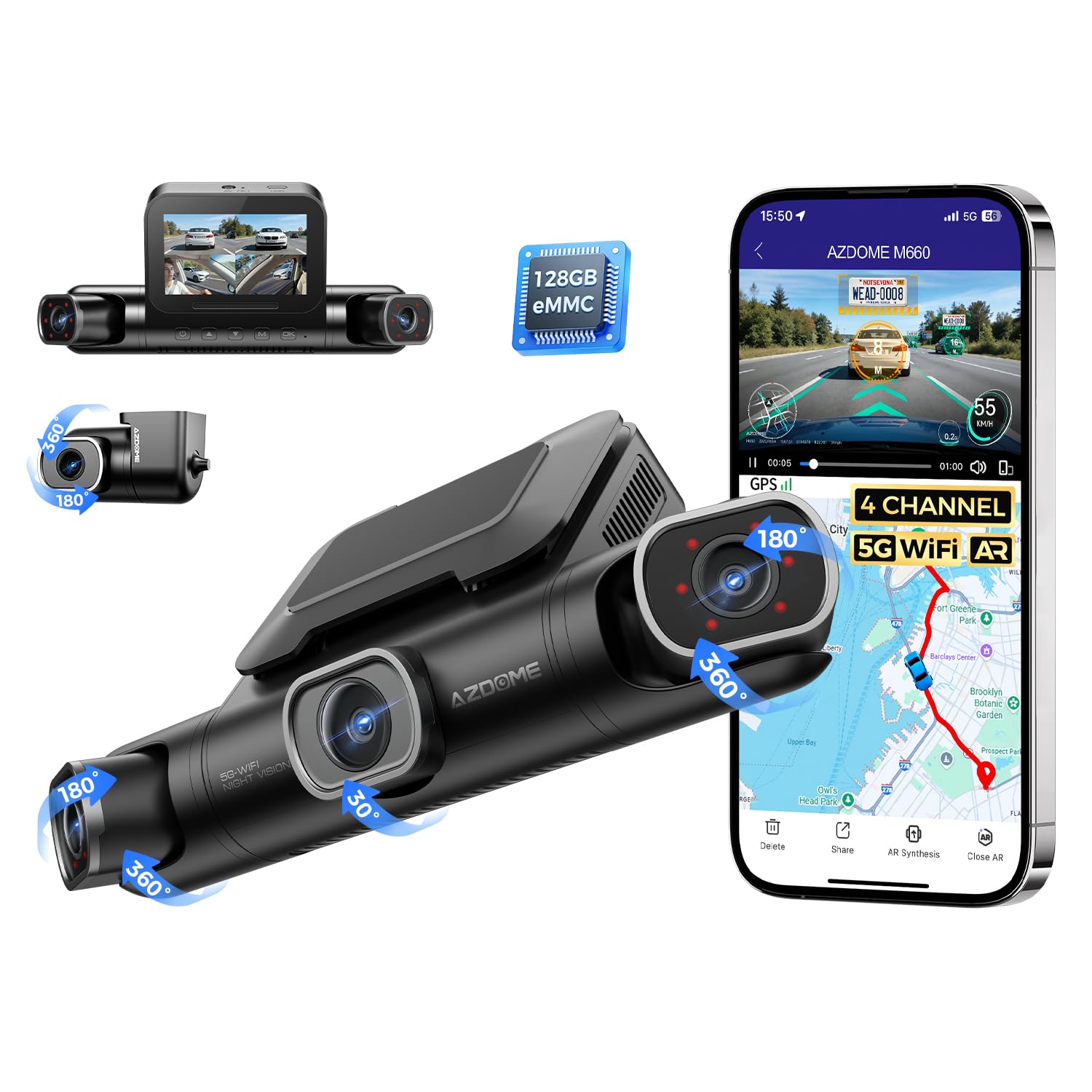
We recommend this if you want true 360° coverage with easy app access and built-in storage for most drivers.
Pros
- Full coverage from four adjustable lenses.
- Fast 5GHz Wi‑Fi for quick video transfers nearby.
- Built-in 128GB storage reduces fuss with cards.
Cons
- Wi‑Fi only works at short range and no remote access.
- Storage is fixed at 128GB, so no expandable option.
- Some plastic parts feel flimsy on heavy use.
We installed the M660 in our car and liked how simple the setup felt. The cameras mount cleanly and each lens pivots so we could aim them where we wanted. The touchscreen and app made angle checks quick.
Driving around town proved the coverage really works — we caught side and rear details that a single dash cam would miss. Night shots inside the cabin improved with the IR LEDs, and the front 2K footage looked sharp enough for license plates at a distance.
Transferring clips felt fast when we held the phone close to the unit on 5GHz Wi‑Fi. That local transfer speed saved time after a long trip, but the connection drops quickly if you step away. We also noticed the housing feels light; it held up to normal use but looked like it might not survive rough handling.
Overall, the M660 gives wide, reliable coverage and a tidy, all‑in‑one setup for drivers who want full recording without swapping cards. If you need remote cloud access or expandable storage, look elsewhere; otherwise this unit works well for daily driving and parking security.
BlackVue DR770X II
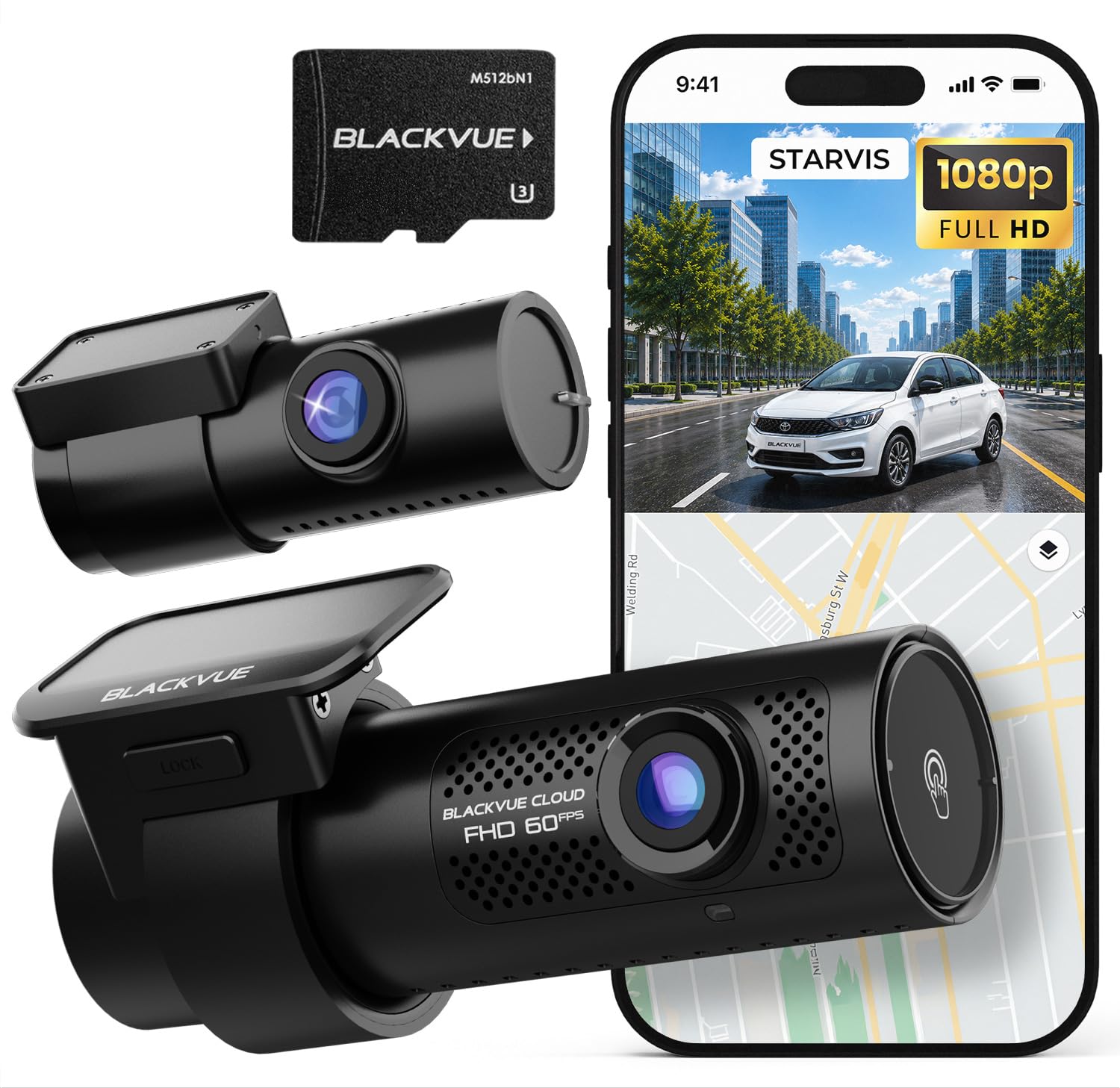
We recommend this if you want reliable dual 1080p front and rear recording with good low-light performance and cloud access.
Pros
- Clear daytime and improved night video from STARVIS sensors.
- Solid parking mode with event protection and safety capacitor.
- Easy playback on phone via Wi‑Fi and BlackVue Cloud.
Cons
- Wi‑Fi can be flaky on some units, making setup slower.
- Cloud features may need extra modules or data.
- Hardwiring or battery kit needed for full 24/7 parking use.
We installed the DR770X II in our own car to test everyday driving and overnight parking. The front video looks sharp and the rear fills in blind spots. Low-light shots showed more detail than older models we’ve used.
Connecting to the app worked most of the time, letting us pull clips without removing the card. A few times the Wi‑Fi was slow or dropped, so we relied on the microSD for full access. Cloud live view and alerts are handy when they connect.
Setup felt familiar if you’ve used BlackVue before — the USB‑C power cable and hardwire lead made routing tidy. We ran the hardwire for parking mode and got useful motion-trigger clips overnight. If you need always-on monitoring without hardwiring, add a backup battery.
Overall, the DR770X II gives consistent dual-channel coverage and useful smart features, but expect to spend a little time on setup and possibly add accessories for full cloud and parking functionality.
Cobra SC 250R (Front & Rear)

We recommend this if you want very sharp front footage, easy remote viewing, and useful alert features for everyday driving.
Pros
- Very clear 4K front video that captures license plates and fine detail.
- Live remote view and parking monitoring give real security when parked.
- Helpful driver alerts and community notifications for speed traps and cameras.
Cons
- Rear camera wiring and placement can be fiddly to install neatly.
- App pairing and some features take time to learn and set up.
- Night interior detail is limited even with IR; not as sharp as daytime.
We installed the SC 250R on our windshield and tested it on city streets and highways. The front 4K image is noticeably sharper than many cams we’ve used. Reading plates and seeing small road details felt reliable.
Using the Drive Smarter app, we checked a live feed while away from the car. The parking live view worked well with a hardwire setup, though initial Wi‑Fi pairing needed patience. We liked being able to pull clips remotely when we wanted to review an event.
The rear accessory camera gives useful coverage behind the car but needs careful routing so the cable doesn’t snag. In low light the infrared helps, yet interior faces lack the crispness daytime footage shows. Driver alerts and incident report tools saved us time when sharing clips after minor incidents.
Overall, this unit felt like a premium dash cam we would buy again for clear front recording and remote monitoring, as long as we planned time for a tidy install and app setup.
Baseus VD1 Pro Solar Dash Cam
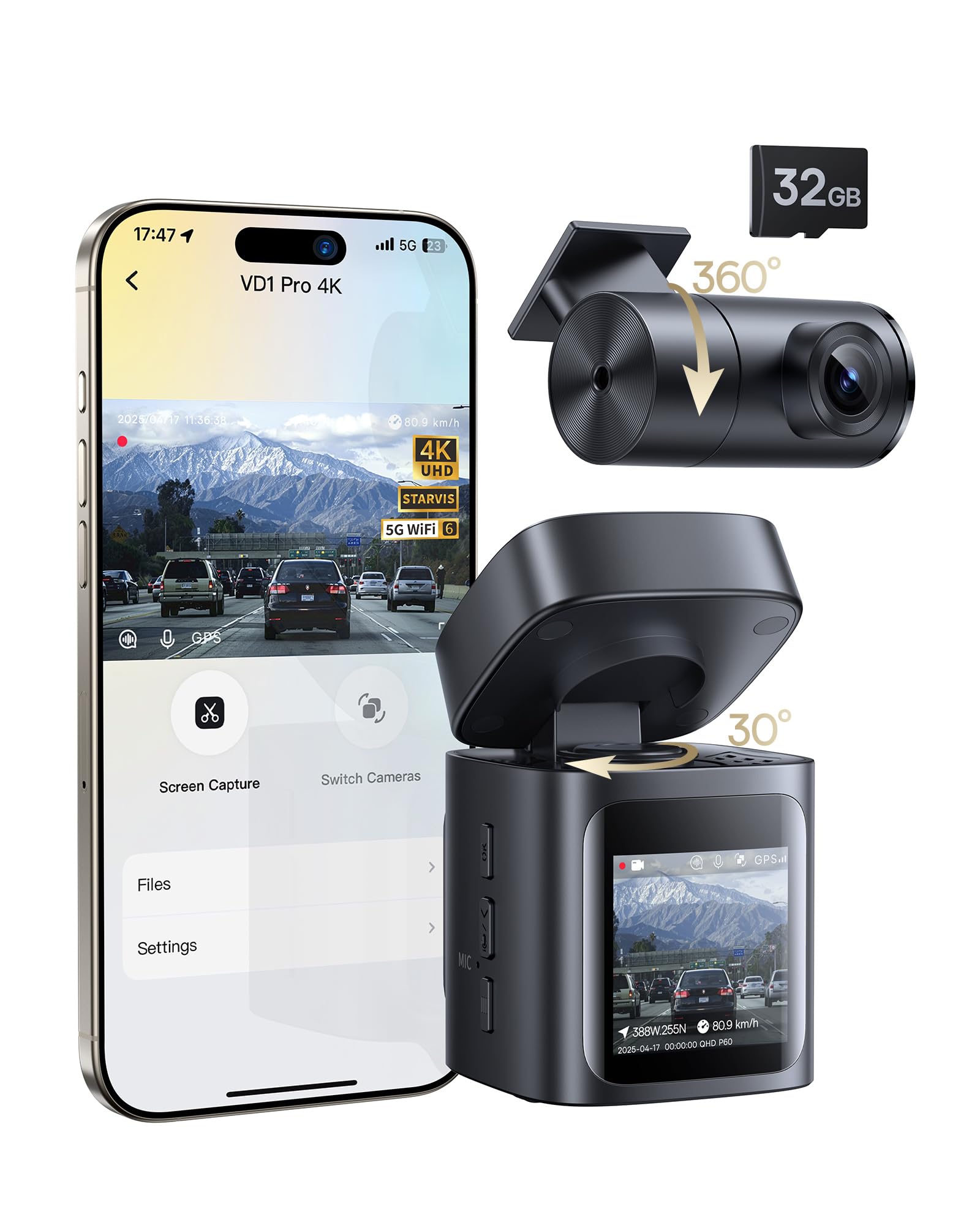
We recommend this if you want a mostly wireless front-and-rear setup with solid night footage and easy installation.
Pros
- Solar + battery parking mode gives event recording without hardwiring.
- Sharp 4K front video and good low-light detail.
- Fast 5GHz Wi‑Fi and a usable app for quick downloads.
Cons
- Continuous driving recording needs the car’s power outlet plugged in.
- Rear camera still uses a wired connection to the front unit.
- App viewing only works when your phone is near the car and on Wi‑Fi.
We installed the VD1 Pro on our windshield in minutes and liked how tidy it looked. The mount and body felt sturdy and the unit stayed put through a week of drives. Setting up the app took a few taps and the English voice controls helped while on the move.
Recording quality impressed us, especially at night. The 4K front footage captured license plates and street signs clearly in many situations. The rear camera’s 1080p video matched daytime needs, though it can show less detail than the front in low light.
Parking mode worked as promised: after a day in the sun the dash cam stayed in low-power standby and it recorded short clips only when it sensed impacts. That saved battery and avoided nonstop recordings, but remember this won’t replace a hardwired continuous parking system if you want nonstop logs.
We liked the 5GHz Wi‑Fi downloads; moving clips to our phone felt faster than older models. Still, you must be near the car to preview or transfer files. Also keep in mind the rear camera cable runs to the front, so expect one visible wire inside the cabin.
Overall, this felt like a practical, modern dash cam for drivers who want high-quality front video and simple solar-backed parking protection without permanent wiring.
Carpuride W903 (9.3″)

We would buy this if you want a wireless CarPlay/Android Auto screen with front and rear dash cam that mostly works and is budget friendly.
Pros
- Easy wireless CarPlay/Android Auto pairing and a big, clear touchscreen.
- Good daytime and low-light front camera footage; flexible camera angles.
- Simple install with suction mount and included rear camera.
Cons
- Rear camera quality and reliability can be hit-or-miss.
- Bluetooth and phone disconnects can happen, especially on some Android versions.
- Support and firmware updates are sometimes slow or needed to fix bugs.
We set this on our dash and used it for a week of errands and deliveries. The 9.3″ IPS screen makes maps and alerts easy to see without squinting. Touch response felt smooth and wireless mirroring worked for navigation and music.
The front 4K camera captured clear video at night and during the day. We adjusted the angle several times to get a good view of the road and even flipped it to monitor the backseat for kids. Loop recording and the included 64GB card kept footage cycling without us babysitting storage.
Pairing to the car speakers via Bluetooth worked, but we saw the unit drop connection a few times on an Android 16 phone until we updated the phone app and device firmware. The backup camera sometimes lagged or showed lower detail, so we trusted it for general guidance but not for tight parking spots.
Installation took us about 15–30 minutes using the suction bracket. The sensor dimming in tunnels helped reduce glare at night. Firmware updates improved stability, so check for the latest software before relying on long drives.
Overall, we think this is a solid value if you want wireless CarPlay/Android Auto plus dual cam recording without replacing your stereo. If you need flawless backup camera performance or rock-solid Android Auto on every phone, look for higher-end options.
REDTIGER F7NP 4K Front & Rear

We recommend this if you want sharp 4K front footage, reliable night video, and easy phone downloads for everyday driving and parking protection.
Pros
- Very clear 4K front video and usable 1080p rear footage.
- Fast 5.8GHz WiFi makes downloading clips quick on the spot.
- Supercapacitor and included memory card reduce setup fuss.
Cons
- Rear cable can be long and a bit fiddly to tuck away.
- Full parking features need a hardwire kit to work optimally.
- App sometimes takes a moment to connect in busy areas.
We installed the F7NP in two of our cars and found setup mostly straightforward. The suction mount with GPS felt solid and the parts in the box made the job easier than expected.
Driving around town, the front camera caught clear license plates and road signs day and night. The STARVIS 2 sensor and WDR helped balance bright headlights and dark streets, so footage stayed useful when we reviewed incidents.
We used the rear camera on a recent trip and it recorded well, though routing the 21ft cable took patience in tight trim. Once hidden, the rear view worked reliably and matched the front for timing when we checked recordings together.
Connecting our phones over the 5.8GHz WiFi let us preview and save clips fast. That feature saved time after a minor parking scrape; we downloaded the clip in minutes and shared it with our insurer.
Parking mode gave us peace of mind, but we noticed that to get true 24/7 monitoring we needed the hardwire kit. The G-sensor locked collision clips automatically, which proved handy after a hit-and-run where the locked clip became key evidence.
Overall, this unit felt built to last and performed like higher-end models in day-to-day use. We appreciated the supercapacitor for heat resistance and the included 128GB card so we could start recording right away.
REDTIGER F7N Touch 4K

We recommend this unit if you want sharp 4K front footage, easy phone control, and reliable parking recording when hardwired.
Pros
- Very clear daytime and night video from the front STARVIS 2 sensor.
- Fast 5.8GHz Wi‑Fi lets us pull clips to our phone quickly.
- Built‑in GPS and G‑sensor lock important incident files automatically.
Cons
- Parking mode needs a separate hardwire kit to work.
- Touchscreen menus feel a bit cramped on the 3.18″ display.
- Rear camera cable routing takes time on larger vehicles.
We installed the F7N Touch in two cars and found the front image impressively sharp. Night shots showed more detail than many cams we’ve used, and the wide 170° view captured lane positions clearly.
Connecting the app felt straightforward. The 5.8GHz Wi‑Fi moved files much faster than older dash cams, so downloading clips took under a minute for short videos.
Voice commands worked okay for basic tasks, though we still used the touchscreen for precise settings. The suction mount stayed firm, and hiding the long rear cable took some patience but gave a clean result.
When we tested collision locking, the G‑sensor saved the clip right away. For parked monitoring, plan to buy the hardwire kit; otherwise you won’t get true 24‑hour surveillance.
Overall, this REDTIGER model gave us reliable recordings and simple phone access, making it a solid pick for drivers who want high‑quality video without a steep price.
FAIMEE F6 4K+2K Dual Dash Cam
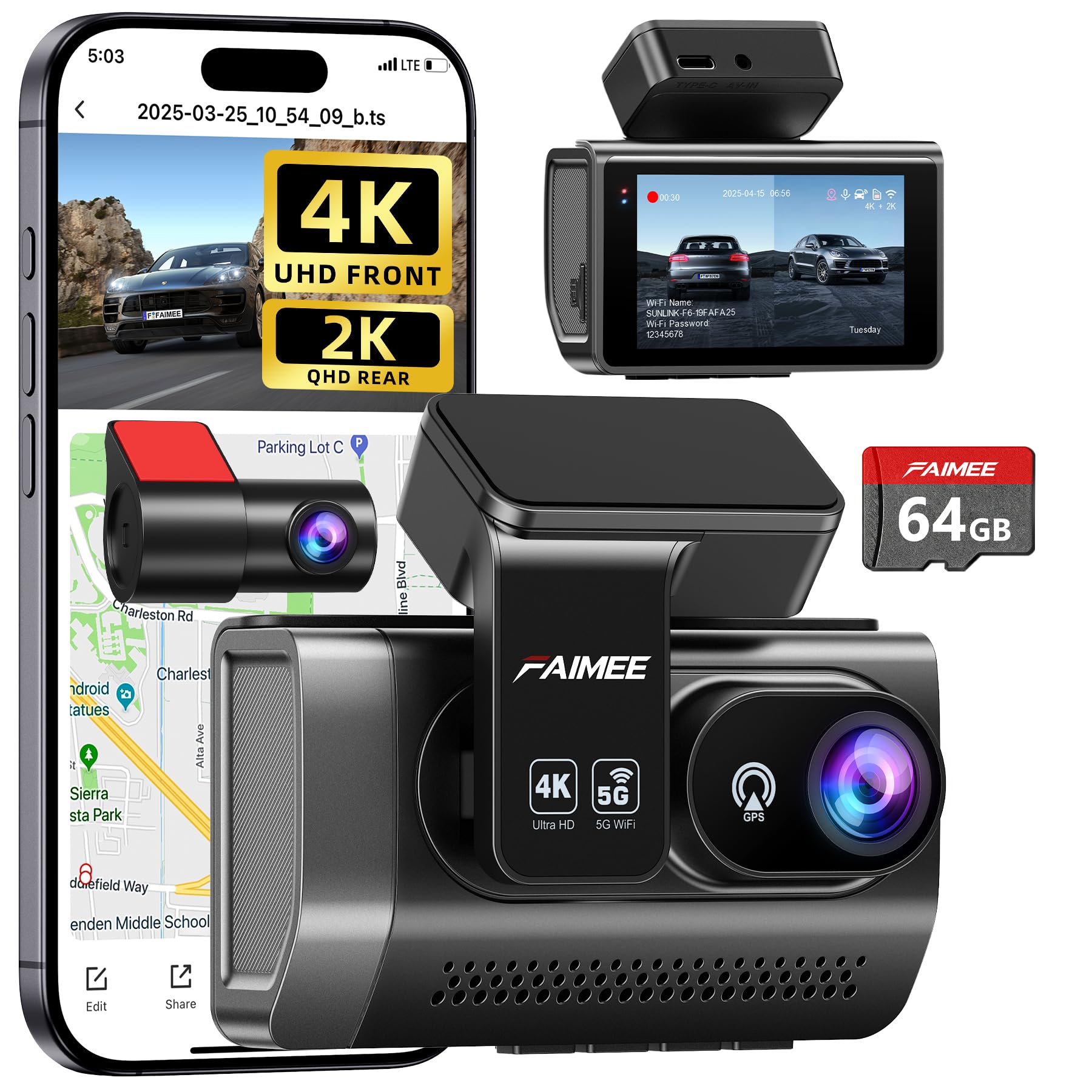
We would buy this for clear day/night video and reliable parking protection because it captures detailed 4K front and solid 2K rear footage while running 24/7 when hardwired.
Pros
- Very sharp front and rear video, even at night.
- Built-in GPS and dual‑band Wi‑Fi make downloads and tracking easy.
- 64GB card included and loop recording work without fuss.
Cons
- Parking mode needs a hardwire kit to run constantly.
- Stick-on mount can get loose over time in heat.
- App setup took us a few tries to get stable on 5.8GHz.
We installed the FAIMEE F6 behind the mirror and tested it on city streets and highways. The front 4K image showed lots of detail in daylight. Night footage stayed balanced thanks to WDR, though distant license plates were sometimes hard to read.
The rear 2K camera covered lanes well and cut down blind spots. We liked the GPS route data for trips and incidents. Wi‑Fi transfers were fast on 5.8GHz once the app linked, but the connection required patience during the first setup.
Parking monitoring felt useful when we left the car overnight. Time‑lapse mode saved power and still caught impacts that triggered the G‑sensor. Keep in mind you’ll need a hardwiring kit for true 24/7 operation and the adhesive mount may need checking in hot climates.
Overall, we found the F6 reliable for daily driving and trip recording, with clear video and useful features that feel like real upgrades over basic models.
Buying Guide
We look for clear video quality first. Choose at least 1080p for both front and rear cameras, and consider 1440p or 4K if you want sharper detail for license plates.
We check night performance next. Look for low-light sensors and wide dynamic range (WDR). These help capture details in shadows and bright headlights.
We prefer a reliable wireless connection. Wi‑Fi or Bluetooth should let us view and download clips on our phone without pulling the card. Check range and ease of pairing.
We value storage and recording modes. Ensure loop recording, automatic overwrite, and a high-capacity microSD card that the unit supports. Look for parking mode that records motion or impact while parked.
We examine power and installation options. Hardwiring gives continuous power and parking mode. A cigarette lighter plug is easier but may cut power when parked.
We consider mounting and field of view. A wide field of view (100–170°) covers more lanes but can distort edges. Low-profile mounts reduce wind noise and theft risk.
We assess extra features and build quality. GPS, timestamping, and cloud backup can help with evidence. Heat-resistant design and reliable seals protect electronics.
We compare warranty and support. Longer warranties and responsive support matter if we need repairs or firmware updates.
Editor’s Choice
We picked a top wireless dash cam kit that balances video quality, ease of use, and reliable rear coverage. It records clear 1080p or 1440p footage front and rear, and the wireless link makes installation simpler without long cables.
We value a strong app and steady Wi‑Fi connection. The chosen model lets us view and download clips from our phone quickly, and it supports loop recording and automatic incident lock. Battery or capacitor options vary; we prefer capacitor units for heat resistance.
Key features we liked:
- Front/Rear 2‑channel recording
- Wireless rear connection (no extra wiring)
- Mobile app with live view and downloads
- Parking mode with motion detection
We tested performance in daytime and low‑light. The camera shows good license plate detail in daylight and acceptable night footage for identifying vehicles. Rear camera alignment is easy and stays stable on typical roads.
We also checked build and mounting. The unit uses a compact camera and a low‑profile mount that keeps your windshield clear. Firmware updates are straightforward through the app, which helps keep features up to date.
Conclusion
We find wireless front-and-rear dash cams offer clear benefits for drivers who want easy installation and full coverage. They free us from long wires and let us place cameras where they record best.
We value video quality, battery life, and reliable wireless links most. Better sensors and codecs give clearer footage, while good battery or hardwiring keeps recording steady.
We should pick a model that fits our car and habits. Some units prioritize features like parking mode or app playback, while others focus on price and simplicity.
We advise checking these points before buying:
- Compatibility with our vehicle and phone.
- Recording quality (1080p or higher is preferable).
- Power options (battery, hardwire, or cigarette adapter).
- Storage and overwrite behavior.
We recommend testing the system after installation. Confirm wireless range, daytime and night video, and motion or impact detection work as expected.
We expect wireless dual cams to keep improving with better battery life and newer wireless standards. For now, they give most drivers a practical way to protect themselves and capture important road events.
FAQS
What does “wireless” mean for front and rear dash cams?
We mean the cameras send video without a physical cable between them. The front and rear units usually connect by Wi‑Fi or a small radio link. Power still often comes from the vehicle wiring or a battery pack.
Will wireless affect video quality?
Wireless links can handle high quality, but range and interference matter. We recommend models with strong antennas and tested transmission ranges.
How do we set up the system?
Most units pair automatically when powered on. We follow the manufacturer steps: mount, power, pair, and test the link before driving.
Can we view footage on our phone?
Yes. Many models use an app for live view, download, and settings. We should keep the app updated and use a secure Wi‑Fi password.
Is the rear camera weatherproof?
Most rear units are weatherproof for external mounting. We check the IP rating; IP67 or higher is best for rain and dust.
How is footage stored?
Storage can be on microSD cards or cloud services. We prefer larger, high‑endurance cards and regular backups.
Does wireless add latency?
A small delay can occur, but it rarely affects recording. We avoid critical uses where split‑second sync is required.

