Wondering if a new car stereo will fit your ride? This guide walks you through every step—from measuring your dash to checking wiring and compatibility—so you can upgrade with confidence. No more guesswork, just a perfect fit.
How to Know If Car Stereo Will Fit Your Vehicle Perfectly
Upgrading your car stereo can transform your driving experience—crisp sound, smartphone integration, and modern features like Apple CarPlay and Android Auto. But before you buy that shiny new head unit, you need to answer one crucial question: Will it actually fit?
The good news? With a few simple steps, you can confidently determine whether a car stereo will fit your vehicle perfectly. This guide will walk you through everything you need to know—from measuring your dashboard to understanding wiring and mounting requirements. No technical degree required—just a tape measure, a little patience, and this step-by-step plan.
Step 1: Understand DIN Sizes
The first thing to know is the DIN size of your current stereo. DIN stands for “Deutsches Institut für Normung,” the German organization that standardized car stereo dimensions. Most cars use one of two standard sizes:
Single DIN
This is the most common size, measuring approximately 7 inches wide by 2 inches tall (180mm x 50mm). If your current stereo is about the size of a small tablet laid on its side, it’s likely single DIN.
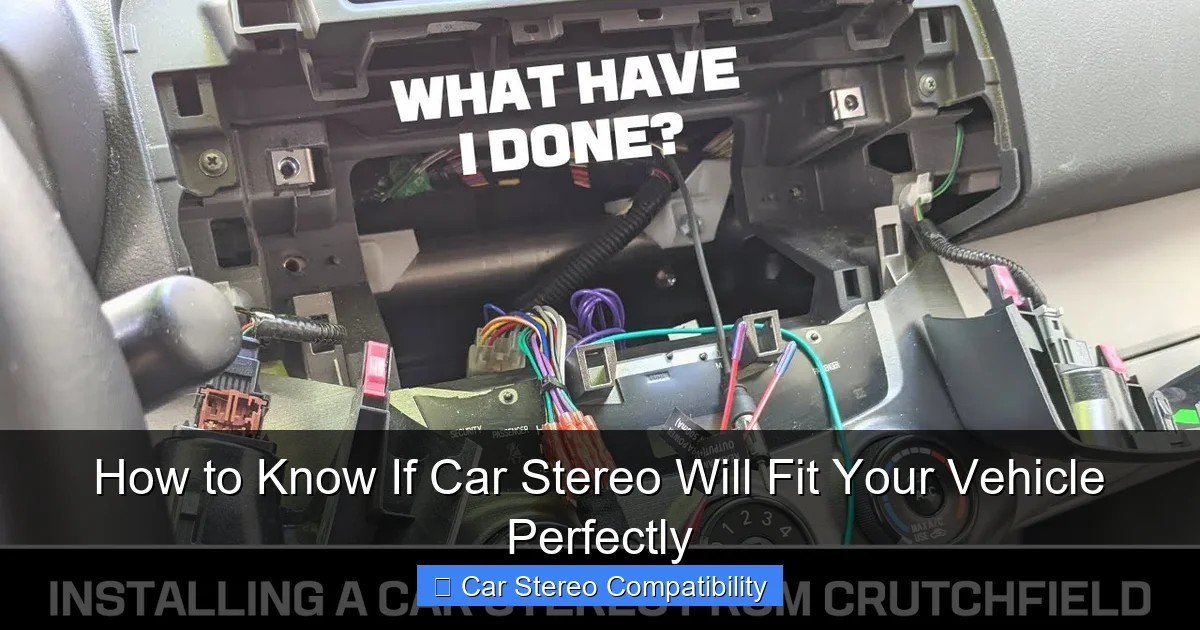
Visual guide about How to Know If Car Stereo Will Fit Your Vehicle Perfectly
Image source: i.ytimg.com
Double DIN
Double DIN units are twice as tall—about 4 inches (100mm)—but the same width. These are ideal for larger touchscreens and multimedia systems. If your factory radio has a big screen or controls that take up more vertical space, it’s probably double DIN.
Tip: Some vehicles, especially older or compact models, may use non-standard sizes. Always double-check your measurements rather than assuming.
Step 2: Measure Your Dash Opening
Even if you know your DIN size, it’s smart to physically measure the opening in your dashboard. Manufacturing tolerances and aftermarket modifications can affect fit.
How to Measure
- Use a flexible tape measure or ruler.
- Measure the width from the left to right edges of the stereo slot.
- Measure the height from the top to bottom of the opening.
- Record both numbers in millimeters for accuracy.
For example, a standard single DIN opening should be around 180mm wide and 50mm tall. If your opening is slightly smaller or larger, note the difference—some stereos come with adjustable brackets or require a mounting kit.
Check for Obstructions
Look inside the dash opening. Are there screws, brackets, or trim pieces blocking the space? These might need to be removed or modified. Also, check for climate control vents, buttons, or displays directly above or below the stereo—these can limit vertical space for double DIN units.
Step 3: Measure Depth Behind the Dash
Depth is often overlooked but just as important. A stereo that’s too deep can hit wiring, the firewall, or other components behind the dashboard.
How to Check Depth
- Remove your current stereo (if possible) or use a flashlight and tape measure to peer into the cavity.
- Measure from the front face of the dash to the first obstacle (like a wire harness or metal bracket).
- Compare this to the depth specification of the new stereo (found in the product manual or online).
Example: If your dash has 120mm of clearance and the new stereo is 130mm deep, it won’t fit without modification. Some stereos have removable faceplates or angled backs to save space—check the specs carefully.
Step 4: Check Wiring Compatibility
Even if the stereo fits physically, it won’t work without proper electrical connections. Modern cars have complex wiring systems, so cutting wires is not recommended.
Use a Wiring Harness Adapter
A wiring harness adapter connects your car’s factory wiring to the new stereo without splicing. It’s plug-and-play and reversible—perfect for DIYers.
To find the right harness:
- Search for “[Your Car Make, Model, Year] stereo wiring harness.”
- Match the connector type (e.g., Metra, Scosche, or PAC).
- Ensure it supports features like steering wheel controls or amplifier integration if needed.
Check for Additional Needs
Some stereos require extra connections:
- Antenna adapter: Needed if your car uses a proprietary antenna plug.
- Steering wheel control interface: Lets you keep factory buttons working with the new stereo.
- Amplifier bypass: Required if your car has a factory amp that needs to be bypassed.
Pro Tip: Take a photo of your current stereo’s wiring before disconnecting it. This helps during reinstallation or troubleshooting.
Step 5: Determine If You Need a Mounting Kit
A mounting kit (also called a dash kit or installation kit) secures the new stereo and fills gaps for a clean, factory-like appearance.
When You Need One
- Your car has a non-standard dash opening.
- The new stereo doesn’t include mounting brackets.
- You’re installing a double DIN unit in a single DIN space (requires a conversion kit).
Types of Mounting Kits
- ISO brackets: Standard metal frames that hold the stereo in place.
- Trim rings: Plastic bezels that cover gaps around the stereo.
- Conversion kits: Allow double DIN stereos to fit in single DIN openings (common in older cars).
Most reputable stereo retailers (like Crutchfield, Best Buy, or Amazon) will recommend the correct kit when you enter your vehicle details.
Step 6: Use Online Fitment Tools
Don’t rely on guesswork. Use online resources to verify compatibility.
How to Use Fitment Guides
- Visit retailer websites (e.g., Crutchfield, Sonic Electronix).
- Enter your car’s make, model, year, and trim.
- The site will show only stereos confirmed to fit your vehicle.
- It will also recommend necessary harnesses, kits, and accessories.
These tools cross-reference thousands of vehicle configurations and are regularly updated. They’re one of the easiest ways to avoid compatibility issues.
Check Manufacturer Specs
If you’re buying directly from a brand (like Pioneer, Sony, or Kenwood), check their website for a “Fitment” or “Compatibility” section. Many include vehicle-specific installation guides.
Step 7: Test Before Final Installation
Once everything is connected, don’t screw the stereo in just yet.
Power It On
- Reconnect the car battery (if disconnected).
- Turn on the ignition and test the stereo.
- Check sound output, Bluetooth pairing, USB connectivity, and any other features.
If something doesn’t work, double-check connections. A loose wire or incorrect harness can cause silent speakers or non-responsive buttons.
Adjust Settings
Set the time, radio presets, and audio balance. Make sure the display is visible and controls are accessible. If the stereo feels cramped or the screen is hard to see, you may need a different model or mounting angle.
Troubleshooting Common Fit Issues
Even with careful planning, problems can arise. Here’s how to handle them:
Stereo Doesn’t Fit in the Opening
Solution: Confirm DIN size and measure again. If it’s slightly too big, check if the stereo has removable side brackets. If it’s much larger, you may need a different model or a custom dash modification (not recommended for beginners).
Wires Are Too Short
Solution: Use extension harnesses or reposition the stereo slightly. Avoid stretching wires—this can damage connectors.
No Sound After Installation
Solution: Check the wiring harness for correct pin alignment. Ensure the antenna is connected and the fuse isn’t blown. Test with a different audio source (like a phone) to rule out input issues.
Steering Wheel Controls Don’t Work
Solution: You likely need a steering wheel control interface module. These translate button signals to the new stereo and are vehicle-specific.
Final Tips for a Perfect Fit
- Buy from reputable sellers: They often include fitment guarantees and free support.
- Watch installation videos: YouTube has step-by-step guides for nearly every car model.
- Take your time: Rushing can lead to mistakes. Plan the install for a weekend when you’re not in a hurry.
- Keep the old stereo: In case you sell the car or want to revert to factory settings.
Conclusion
Knowing if a car stereo will fit your vehicle doesn’t have to be complicated. By understanding DIN sizes, measuring your dash, checking depth and wiring, and using the right tools and kits, you can upgrade with confidence. A perfect fit means better sound, safer driving, and a cleaner look—no gaps, no rattles, no frustration.
Take the time to do it right, and you’ll enjoy your new stereo for years to come. Whether you’re adding Bluetooth, a touchscreen, or just better sound quality, the right preparation ensures a smooth installation and a result you’ll love every time you turn the key.

