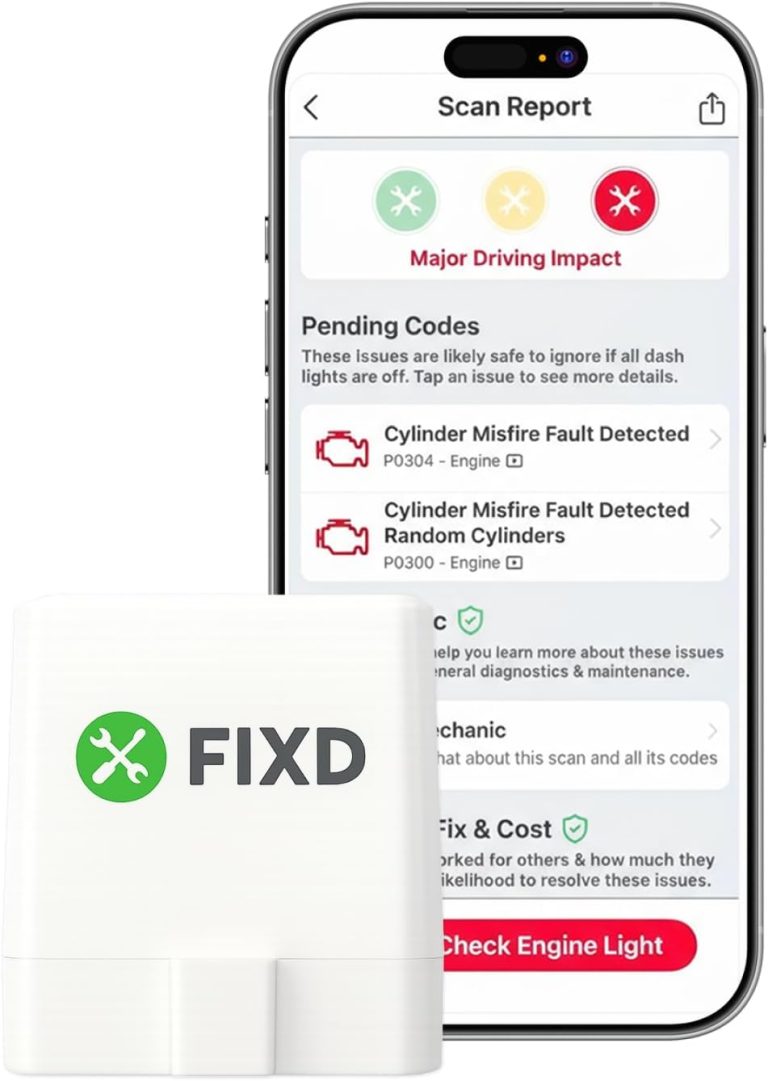
How to Check Fuel Injectors with OBD2 Scanner for Accurate Diagnosis

In this guide, you will learn how to check fuel injectors with an OBD2 scanner to accurately diagnose injector problems. Using the scanner, you can quickly spot issues like misfires or injector faults, helping you save time and money on repairs. This step-by-step guide simplifies the process for all skill levels.
Quick Answers to Common Questions
How do I locate the OBD2 port in my car?
The OBD2 port is usually under the dashboard near the steering column. Look below the driver’s side dash or near the center console.
Can any OBD2 scanner check fuel injectors?
Basic scanners read trouble codes, but advanced scanners with live data and cylinder tests provide a more complete fuel injector diagnosis.
What if my scanner shows no codes but I suspect injector issues?
Use live data features to monitor fuel trims and injector pulse widths, or try a cylinder balance test for deeper analysis.
Should I disconnect the battery before scanning?
No need to disconnect the battery just to scan. However, disconnect it if you plan to inspect or replace injectors or wiring.
How often should I check my fuel injectors?
Perform a diagnostic scan every 6-12 months or when you notice engine performance problems to catch issues early.
How to Check Fuel Injectors with OBD2 Scanner for Accurate Diagnosis
If your vehicle is running rough, stalling, or showing poor fuel economy, the fuel injectors could be the culprit. Fuel injectors are vital for delivering the right amount of fuel into the engine cylinders. When they malfunction, your engine’s performance suffers. Fortunately, you can use an OBD2 scanner to quickly check if your fuel injectors are working correctly.
In this guide, you’ll learn how to use an OBD2 scanner to diagnose fuel injector issues. We will cover the basics of fuel injectors, how an OBD2 scanner helps, step-by-step instructions, how to interpret trouble codes, troubleshooting tips, and safety precautions. Let’s get started on making your engine run smoothly again!
Understanding Fuel Injectors and Their Importance
Fuel injectors are small electronic valves that spray fuel into the engine’s combustion chamber. They must deliver fuel precisely and at the right time to optimize engine efficiency and reduce emissions. Worn or clogged injectors can cause rough idling, engine misfires, increased fuel consumption, and even damage to engine components.
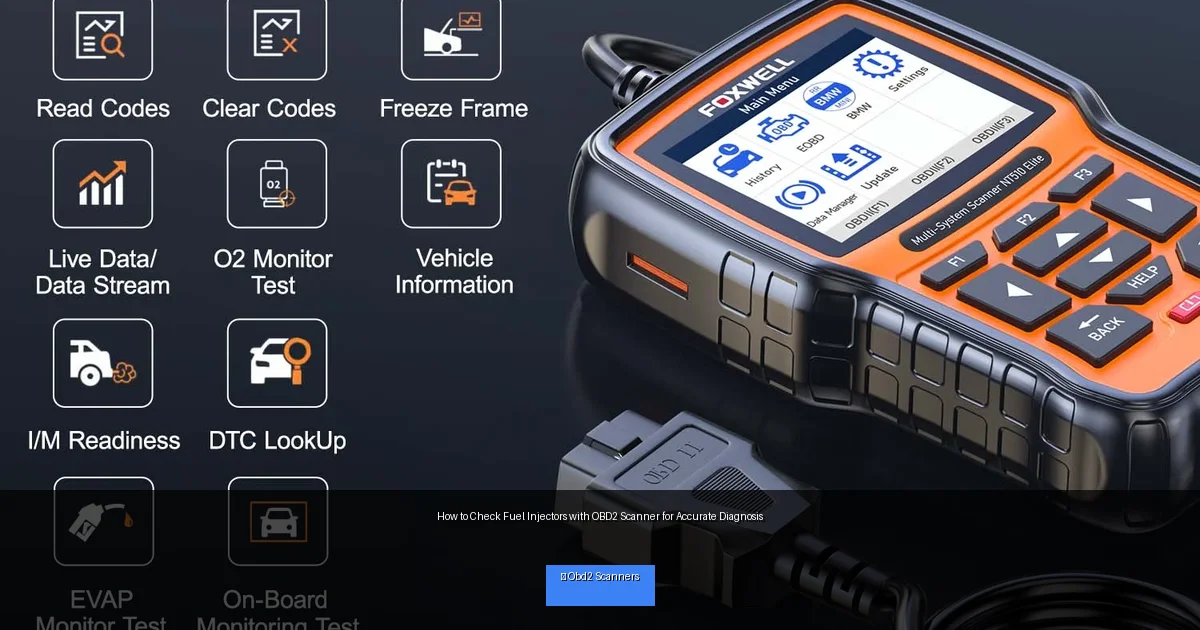
Visual guide about How to Check Fuel Injectors with OBD2 Scanner for Accurate Diagnosis
Image source: cdn.shopify.com
Because fuel injectors work electronically, a vehicle’s onboard computer continuously monitors their performance. When something goes wrong, it stores error codes that you can read with an OBD2 scanner.
What Is an OBD2 Scanner and How Does It Help?
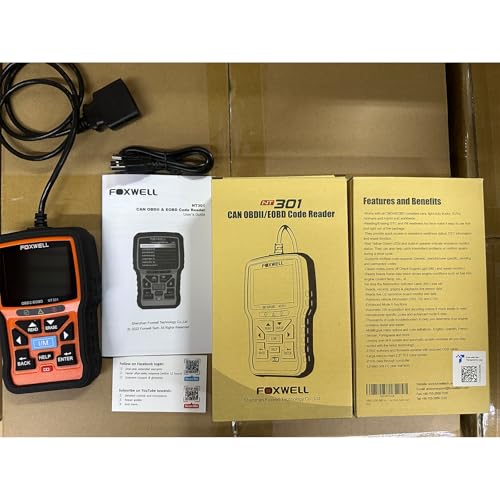
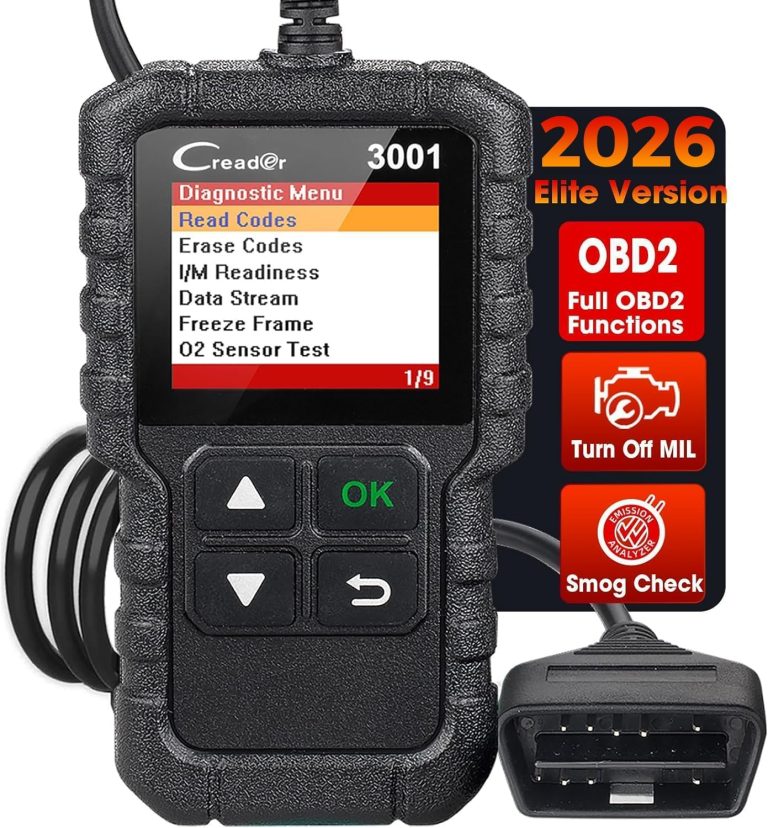
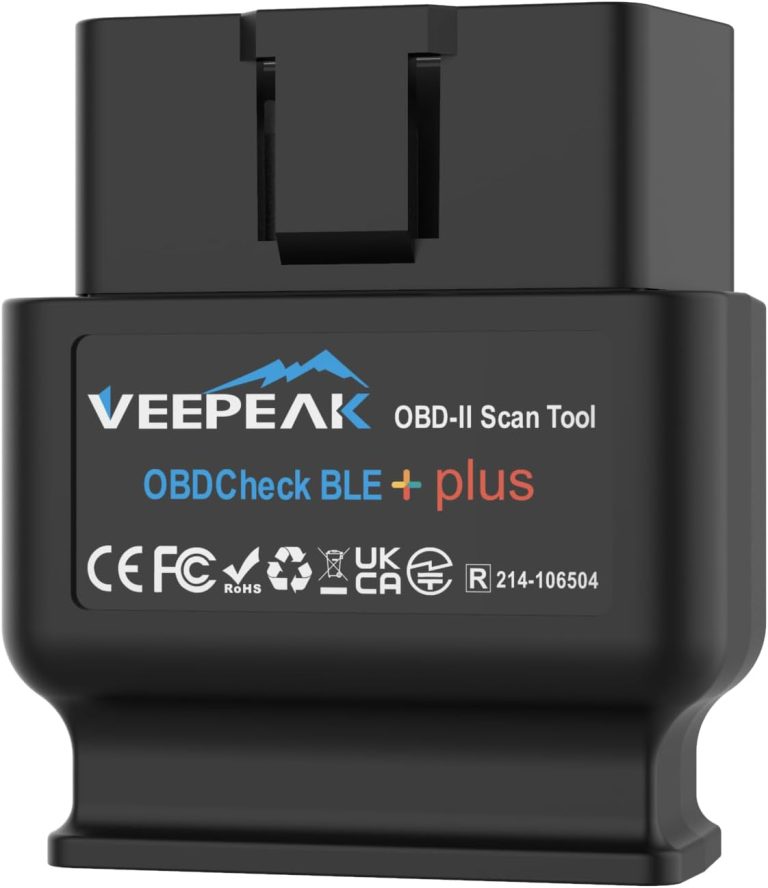
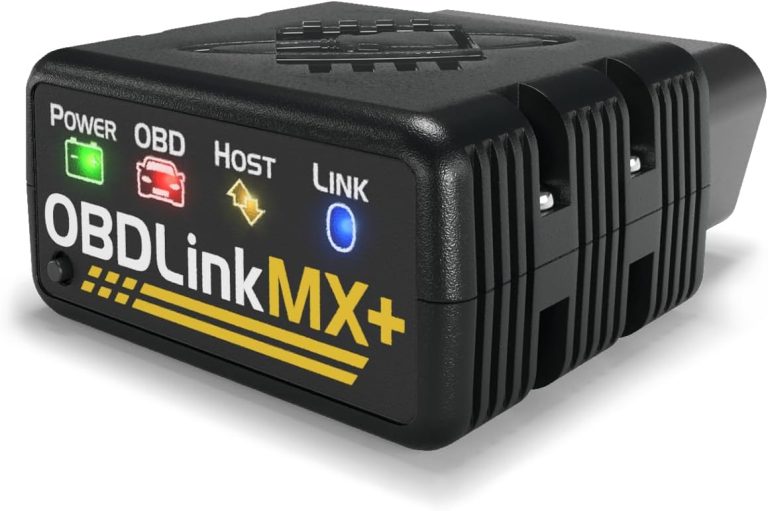
An OBD2 scanner is a handy diagnostic tool that connects to your vehicle’s OBD2 port. It reads data from your car’s computer system and shows trouble codes if any components are malfunctioning. For fuel injectors, these codes can indicate misfires or injector circuit problems.
Besides reading codes, advanced OBD2 scanners allow you to view live data such as fuel trim, injector pulse width, and engine RPM. This information helps you understand how the injectors perform in real time.
Step-by-Step Guide to Checking Fuel Injectors with OBD2 Scanner
Step 1: Prepare Your Vehicle and Scanner
- Park your vehicle on a flat surface and turn off the engine.
- Locate your vehicle’s OBD2 port, usually under the dashboard near the steering column.
- Make sure your OBD2 scanner is fully charged or connected to power.
Step 2: Connect the OBD2 Scanner
- Plug the scanner’s connector into the OBD2 port securely.
- Turn on your vehicle’s ignition without starting the engine (key in “ON” position).
- Power on the scanner; it should communicate with your vehicle’s computer.
Step 3: Retrieve Diagnostic Trouble Codes (DTCs)
- Navigate the scanner menu to select the option to read trouble codes.
- Look specifically for misfire codes (P0300 to P0312) or injector circuit codes (e.g., P0200 series).
- Write down or save any codes you find for reference.
Step 4: Interpret the Trouble Codes
- P0200: Injector circuit malfunction detected.
- P0201 – P0208: Injector circuit malfunction for cylinders 1 through 8.
- P0300: Random/multiple cylinder misfire detected.
- P0301 – P0312: Misfire detected in specific cylinders.
These codes indicate where the fuel injector or its circuit may have issues.
Step 5: Use Live Data to Check Injector Performance
Many OBD2 scanners allow you to view live data streams:
- Look for injector pulse width — the time the injector stays open to spray fuel.
- Check fuel trims (short-term and long-term). Large deviations can indicate injector problems.
- Compare pulse widths across cylinders; uneven values may show a faulty injector.
Step 6: Perform a Cylinder Balance Test (if supported)
Some advanced scanners offer a cylinder balance test that disables injectors one at a time to see how the engine responds. This helps isolate a bad injector without removing parts.
Step 7: Confirm Findings with Physical Inspection
- If the scanner points to a suspect injector, inspect it physically for leaks, clogs, or electrical issues.
- Check wiring harness and connectors for damage or corrosion.
- Consider professional cleaning or replacement if needed.
Practical Tips and Examples
- Example: If your scanner shows P0303 (cylinder 3 misfire) along with a P0203 (injector circuit malfunction for cylinder 3), focus your inspection on injector #3.
- Always clear codes after repairs and re-scan the system to confirm the issue is resolved.
- Regularly scan your vehicle to catch injector issues early before they cause performance problems.
Troubleshooting Common Issues
Scanner Not Connecting to Vehicle
Ensure the ignition is in the correct position. Check the OBD2 port for debris or damage. Try another scanner to rule out tool malfunction.
No Codes but Engine Runs Rough
Some injector issues do not trigger codes immediately. Use live data and cylinder balance tests to detect subtle injector problems.
Codes Persist After Repair
Clear the codes with your scanner and take the vehicle for a short drive. Sometimes the computer needs to re-test systems before clearing persistent codes.
Safety Precautions When Checking Fuel Injectors
- Work in a well-ventilated area to avoid inhaling fuel vapors.
- Keep fire extinguishers nearby when working with fuel systems.
- Disconnect the battery if you plan to inspect wiring or remove injectors.
- Follow manufacturer instructions of your OBD2 scanner carefully.
Conclusion
Checking fuel injectors with an OBD2 scanner is a smart, cost-effective way to diagnose engine problems. By following this guide, you can identify injector faults quickly and accurately. Using trouble codes, live data, and tests available on your scanner helps you pinpoint issues and take appropriate action. Remember, regular diagnostics keep your vehicle running efficiently and prevent expensive repairs down the road. Grab your OBD2 scanner, follow these steps, and keep your engine firing on all cylinders!
🎥 Related Video: 3 WAYS TO CHECK AND TEST FOR BAD FUEL INJECTORS
📺 Top 5 Auto Repairs
In this video I demonstrate how to check and test for bad fuel injectors. I show how to conduct a power balance test, test with a …