360 dash cams give a full view around your car, record driving and protect you from accidents or theft. Models with parking mode keep watching while you’re away, and those with long memory let you store many hours of footage without constantly overwriting important clips. We explain how 360-degree recording and continuous parked surveillance work together and why they matter for everyday drivers.
When choosing one, pay attention to video quality, reliable parking-mode triggers (impact or motion), heat-rated memory cards, and how the camera stores long recordings—either large onboard storage, loop recording settings, or support for high-capacity microSD cards. The most important factor is a camera that combines true 360° coverage with a robust parking mode and long, reliable local storage so you don’t lose evidence when you need it. We tested and compared several units to find the best options for different needs and budgets.
Best 360 Dash Cams with Parking Mode and Long Memory
Below is our full list of the best 360 dash cams that offer reliable parking mode and long memory storage. We tested options that record all around the vehicle, save long video files, and keep footage safe while parked.
TERUNSOUl 4K 3-Channel Dash Cam

We recommend this if you want wide 360° coverage and a ready-to-use memory card for long parking recordings.
Pros
- Excellent all-around coverage with front, rear, and cabin cameras.
- Includes a 128GB card so you get long parking recordings right away.
- Clear low-light video and useful GPS data embedded in footage.
Cons
- Needs a separate hardwire kit to get true 24/7 parking mode.
- The app works, but Wi-Fi pairing can be fiddly at first.
- Triple-channel files eat storage fast even with loop overwrite.
We used this dash cam for several drives and parking sessions and liked how it captures near-360° views without blind spots. The 4K front footage showed fine detail on signs and plates, while the cabin and rear feeds filled in incidents behind or inside the car.
Installation felt familiar and mostly simple. The unit mounts low on the windshield and the extra cables and clips made a tidy run possible. Hiding the rear camera cable took time, but the included tools helped.
Parking tests with the preinstalled 128GB card proved useful. Impacts locked clips as promised, and the GPS timestamps were handy when reviewing events on the desktop player. Do plan to buy the hardwire kit if you want constant parking power without draining your battery.
We noticed the app offered fast wireless downloads on 5.8GHz, but pairing sometimes required reboots and patience. Overall the hardware feels solid and the image quality beats many models in this price range, though you’ll manage storage carefully if you record all three channels often.
PRUVEEO D90 360° Dash Cam

We recommend this if you want full 360° coverage and reliable parking recording with plenty of onboard memory.
Pros
- True four-camera coverage captures all sides and the cabin.
- Built-in Wi‑Fi and GPS make reviewing clips and tracking easy.
- Time-lapse parking mode saves space and reduces wear on the card.
Cons
- Main unit is fairly large and can be noticeable on the windshield.
- Parking mode needs a hardwire kit (sold separately) for full 24/7 use.
- Rear/window mounts may not fit all vehicles cleanly.
We installed the PRUVEEO on a midsize SUV and ran it for a few weeks. The day footage looked sharp across all four channels and the cabin lens picked up faces clearly. Night recordings were usable thanks to the IR cabin lights, though distant details get softer.
Setting it up felt straightforward. The suction and adhesive mounts held steady, and the app paired quickly over Wi‑Fi so we could pull clips to our phone without removing the card. GPS tracking showed routes and speeds on playback, which helped confirm timing during a test drive.
Parking mode worked well in time‑lapse to stretch storage. We liked that the camera uses supercapacitors instead of a battery, lowering heat risks in summer. For true around‑the‑clock surveillance, plan to buy the hardwire kit and check that your vehicle’s rear window shape fits the extra camera.
Overall, this unit gives wide coverage and useful features for the price, especially if you want long memory and easy phone access.
Vantrue N4S 3-Channel Dash Cam

We recommend this if you want full 360° coverage, reliable night video, and long storage options for round‑the‑clock parking protection.
Pros
- Very clear night and day video, especially license plates.
- True 360° coverage with a rotatable rear camera.
- Supports up to 1TB cards and 5GHz Wi‑Fi for fast access.
Cons
- Can run hot and may shut down in warm conditions.
- Menu and app take time to learn; some settings feel buried.
- Big unit and wiring take patience to tuck away neatly.
We installed the N4S in our daily driver and used it for several weeks. The three cameras give real peace of mind; the front and rear exposures balance well, and the interior camera captures clear faces without glaring overexposure. PlatePix and HDR made license plates readable on dim streets.
Parking mode worked as promised. Motion and collision triggers saved clips before and after events, and the low‑bitrate parking options stretched our storage when we needed long unattended recording. Using a 1TB card kept us from worrying about frequent file deletion.
We noticed heat build-up on long sunny drives. The unit stayed functional most of the time, but it did reboot once on a hot afternoon. Cable routing needed patience to hide cleanly, and we spent extra time learning the app to pull clips quickly.
Overall, this camera feels like a pro‑level system tailored for rideshare drivers and commuters who want complete coverage and long memory options. If you value 24/7 protection and clear night footage, the N4S is worth trying.
HUPEJOS V8PLUS 360 Dash Cam
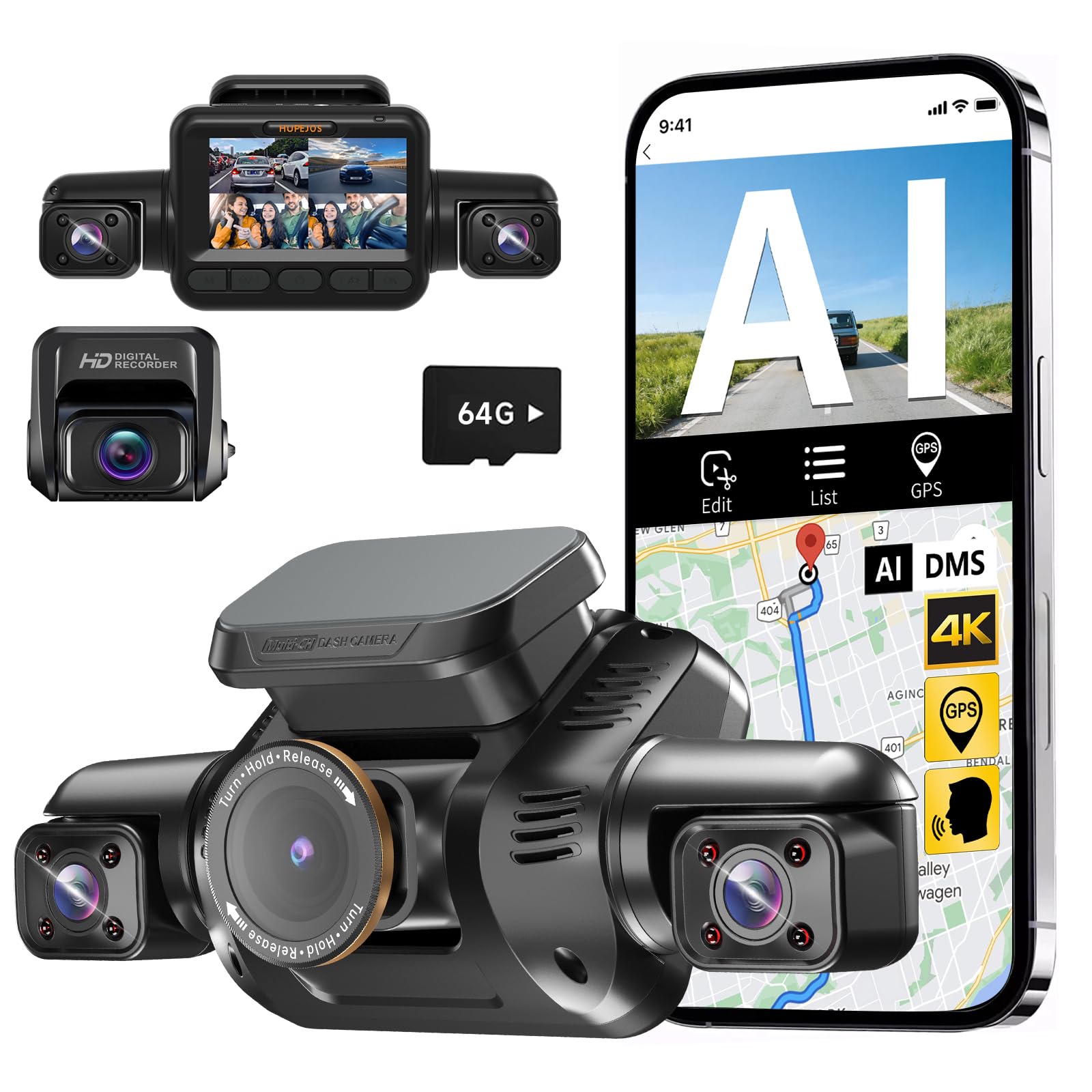
We recommend this if you want full 360° coverage, long parking monitoring, and easy app playback for everyday use.
Pros
- Covers front, rear, and sides with adjustable wide lenses.
- Strong night vision and CPL filter improve low-light clarity.
- Long parking mode with hardwire option and included 64GB card.
Cons
- Wi‑Fi setup can be finicky and short range for live viewing.
- Frame rate drops in some multi-camera modes, making motion less smooth.
- Parking mode needs a separate hardwire kit to run reliably.
We mounted the V8PLUS and drove it for several days. The multi-lens view really removes blind spots; catching side lane changes felt more complete than single- or dual-camera units we’ve used. The front 4K mode shows good detail, and the interior camera is clear enough to see occupants without being intrusive.
Night footage improved once we installed the CPL filter and toggled the IR. Low-light license plate captures were better than many budget cams we tried, though the system switches to black-and-white with IR on. The AI driver monitor alerted us to distracted driving during a long trip, which we found useful for keeping focus on the road.
Using the app to download clips worked most of the time, but the Wi‑Fi connection only reaches a few meters and sometimes failed until we reconnected the phone. Loop recording and the G-sensor locked impact clips reliably, and adding a larger SD card extended recording time for longer trips and parked periods.
We liked that the package includes a 64GB card and long rear cable, which made installation neater. However, expect to buy the hardwire kit if you want truly 24-hour parking surveillance without draining your battery. Overall, it feels like a feature-rich, practical 360 dash cam for drivers who want wide coverage and solid night performance.
Eivikga A8 Pro 3-Channel Dash Cam
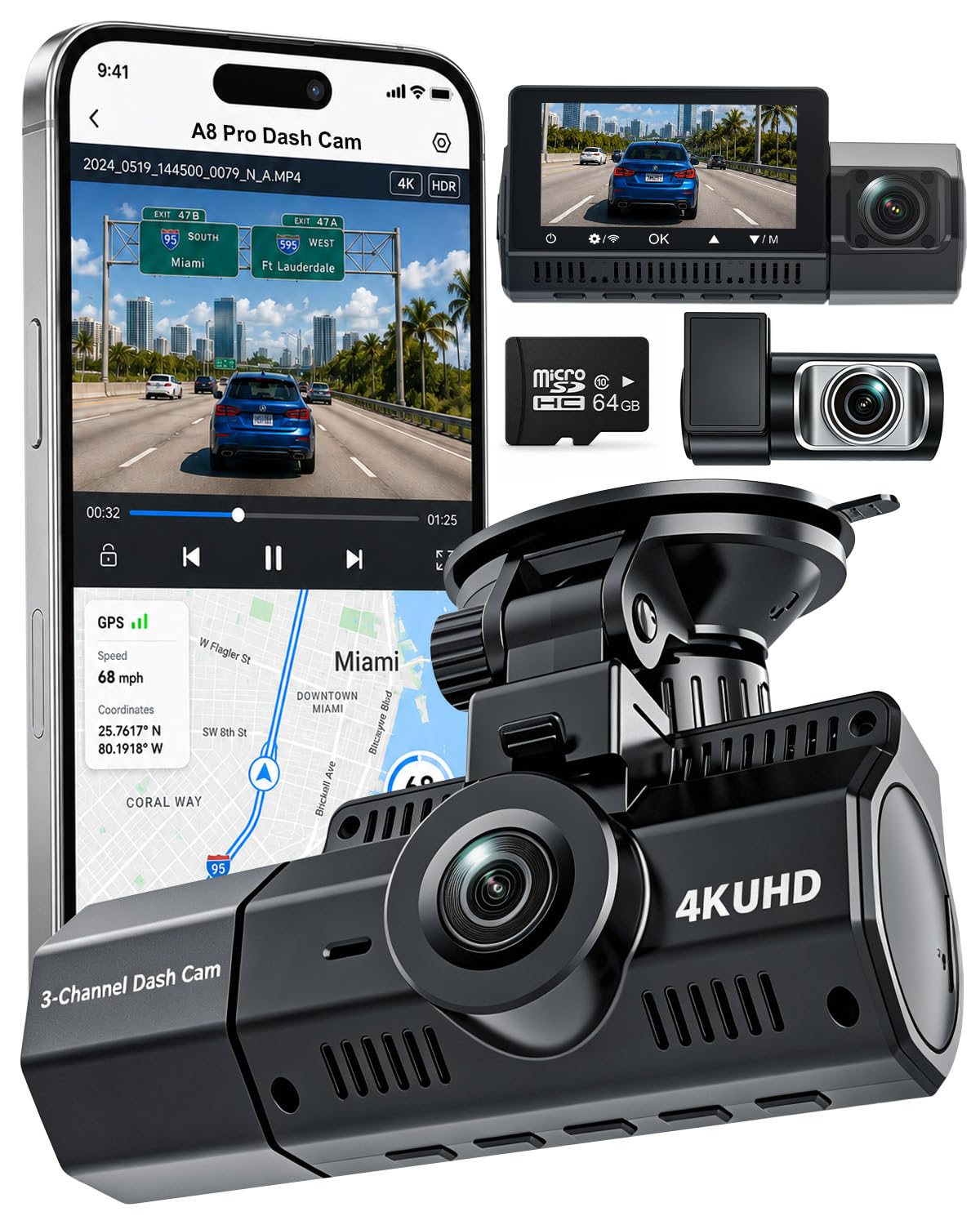
We recommend this if you want wide coverage and strong night footage, but expect extra wiring for full parking use.
Pros
- Very clear 4K front video that captures signs and plates.
- Good low-light performance from STARVIS 2 for night and tunnels.
- Includes a 64GB card and lots of accessories for a complete install.
Cons
- Parking mode needs a separate hardwire kit to run properly.
- Setup can take time because of three cameras and routing cables.
- App and Wi-Fi can be a bit slow when downloading clips.
We installed the A8 Pro in our family car and tested it day and night. The front 4K camera showed road signs and distant details much clearer than most dash cams we’ve used. Interior and rear angles gave useful context during traffic and at stoplights.
Night driving surprised us in a good way. STARVIS 2 made license plates readable in many low-light scenes and handled glare better than older sensors. HDR helped keep contrast under control when we drove through tunnels or into bright sun.
Parking mode worked, but we had to hardwire the unit to keep it running while parked. Once powered correctly, the G-sensor reliably locked files after impacts and the time-lapse parking option saved space. Loop recording and large card support made long memory practical for weekly use.
The physical kit felt complete: long rear cable, suction mount with GPS, and a basic manual. Installing took longer than a single-camera dash cam, yet the result felt professional. Wi-Fi and the app did let us pull clips without removing the card, though transfers were not always fast.
Overall, we found this dash cam gives wide, clear coverage for drivers who want 24-hour monitoring and good night performance, as long as they plan for the extra wiring to enable full parking mode.
Botslab G980H 3-Channel 360 Dash Cam
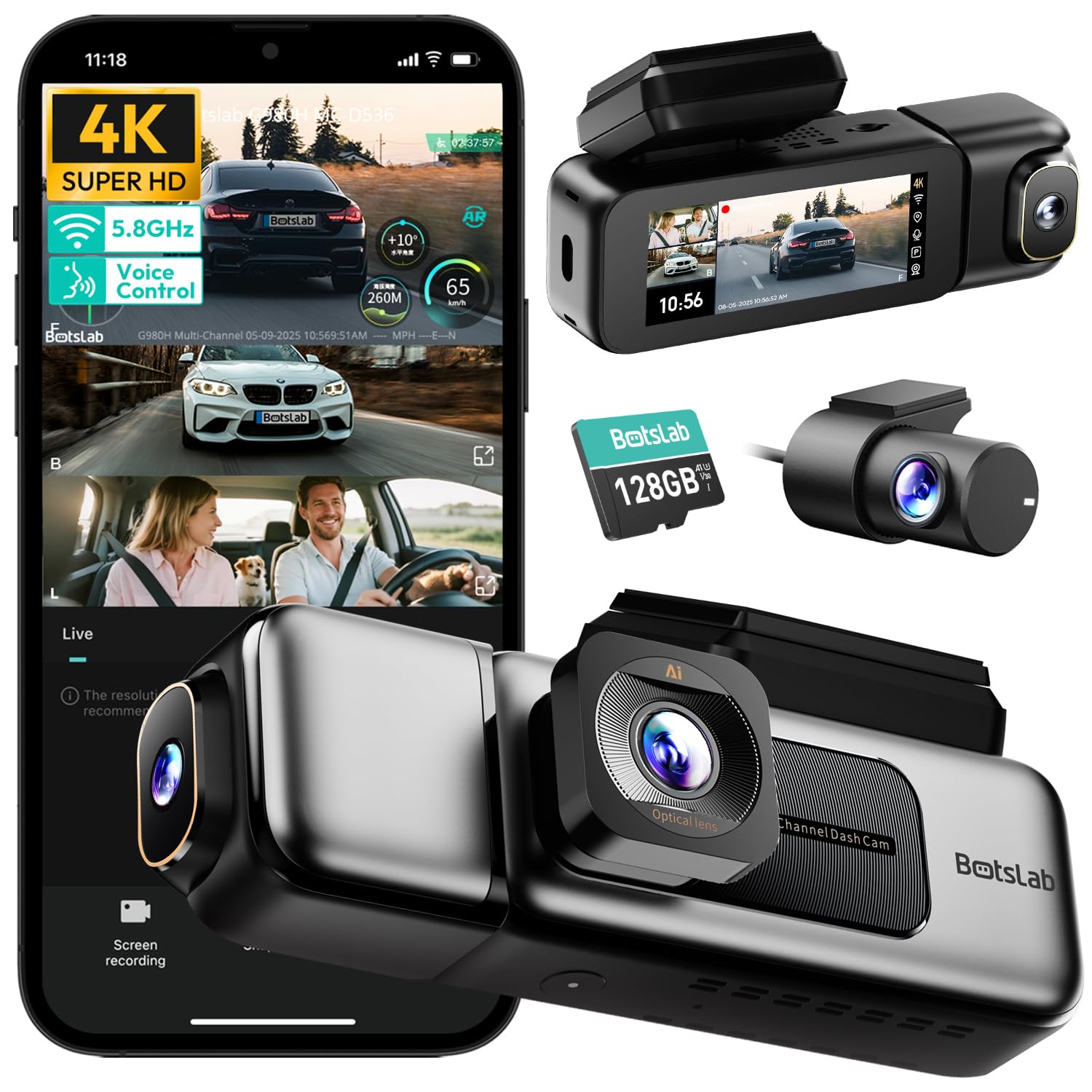
We recommend this if you want wide 360° coverage, strong night footage, and reliable parking mode for long memory recording.
Pros
- Very clear 4K front video and useful night visibility.
- True 360° view with inside and rear cameras for full coverage.
- 24/7 parking mode with time-lapse saves storage and locks events.
Cons
- Needs a hardwire kit for full parking features.
- Can run warm during continuous use.
- App and privacy prompts feel intrusive to some users.
We installed the Botslab G980H and drove it for several weeks. The front 4K image made license plates readable at a distance, and the inside and rear feeds filled blind spots. Night shots looked brighter than many dash cams we’ve used.
Setting up took a bit of time but the 3.18″ touchscreen made adjustments quick once we learned the menu. Voice commands worked well for simple actions and Wi‑Fi transfers were fast with large files. The included 128GB card held a lot of footage before we needed to clear space.
For constant parking surveillance you must hardwire the unit. After we hardwired ours, parking mode recorded motion and collision events reliably, but the unit ran noticeably warmer while parked for long periods. Overall, this is a solid option if you want full-angle coverage and long memory when parked.
Redtiger VP40 360 Dash Cam
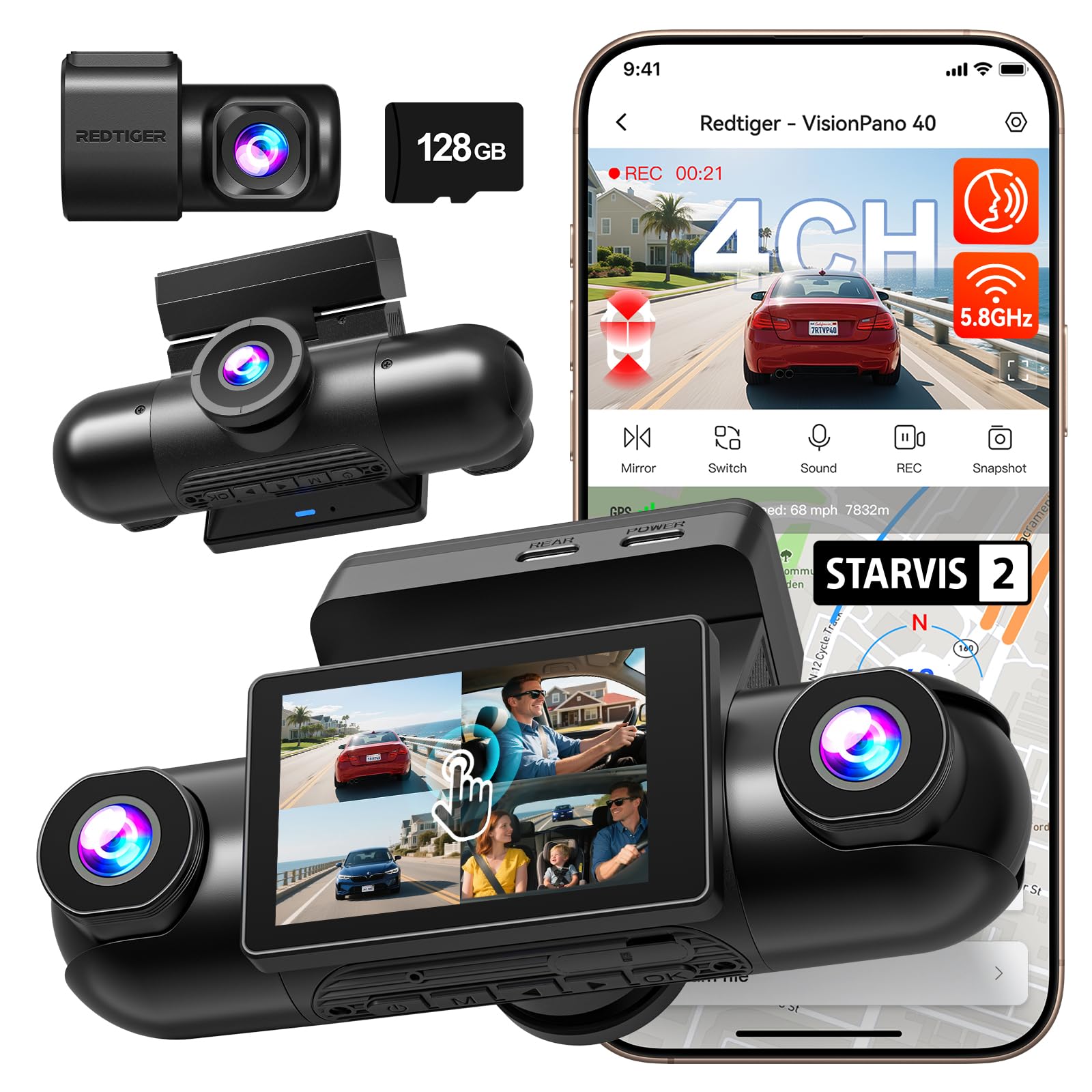
We recommend this if you want full 360° coverage and reliable parking mode for long-term monitoring.
Pros
- Covers front, rear, and both sides for near-total visibility.
- Strong low-light performance with IR and STARVIS sensors.
- Fast 5.8GHz Wi‑Fi and built-in GPS make reviewing trips simple.
Cons
- Hardwiring for true 24/7 parking mode needs a separate kit.
- App connection can be finicky and needs you close to the unit.
- Some users hit language or overwrite bugs that require support.
We installed the VP40 and tested it across day and night drives. The adjustable four lenses make it easy to aim at blind spots and doors, and the front and rear 2.5K footage looks sharp when we review incidents. Night shots were clearer than many single-camera units we’ve used, thanks to the IR lights and STARVIS sensors.
Using the touchscreen and voice controls felt natural while parked, though we found voice prompts required a raised voice in noisy conditions. The app transfers files quickly on 5.8GHz Wi‑Fi, but connecting sometimes forced us to move within a few feet of the dash cam. GPS tracks and overlays worked without fuss during our trips.
Parking mode gives peace of mind with time-lapse recording and G-sensor event locks, but plan to buy the hardwire kit if you want true continuous 24-hour power without draining the battery. Overall, we found this unit to be a solid all-around system for drivers who want long-memory parking protection and full vehicle coverage.
Botslab G980H 4-Channel Dash Cam
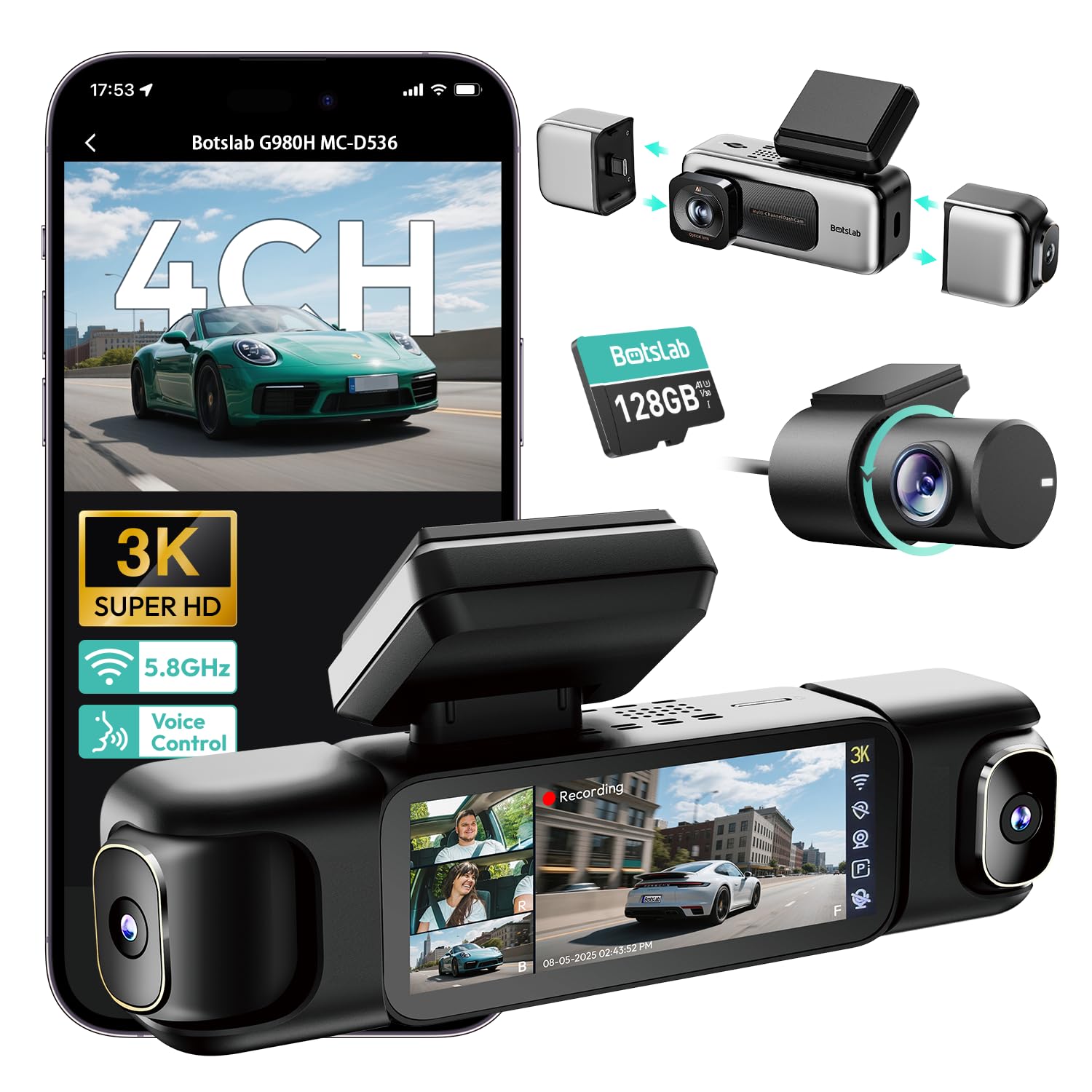
We recommend this camera if you want full 360° coverage and strong night recording, but be ready to hardwire it and manage heat and SD care.
Pros
- Wide all-around view that caught every angle during our test drives.
- Solid low-light video thanks to a bright aperture and IR lights.
- Handy features like GPS, voice control, and quick 5.8GHz transfers.
Cons
- Needs the hardwire kit for reliable 24/7 parking mode features.
- Unit can run warm when powered constantly.
- Occasional SD-card hassles reported; use high-quality, high-capacity cards.
We installed the G980H and ran it for weeks in town and on the highway. The front and side views mesh well, and we liked seeing all four angles at once on the small touchscreen when reviewing clips.
Night recording showed clear plates and decent detail. The wide aperture and IR help a lot, though bright headlights sometimes bloom at close range.
Parking mode worked when hardwired: time-lapse saves space, and collision-trigger clips included the crucial seconds before impact. We had to fit a larger SD and check connections after heavy use to avoid dropped files.
Voice control and the 5.8GHz Wi‑Fi sped up quick transfers to our phone. Still, the Wi‑Fi range stays short, so plan to be near the car for downloads.
Overall, this is a good pick for drivers who want full coverage and robust night footage, as long as they hardwire it and use quality memory cards.
ZMOPO 360 View D435

We recommend this if you want full 360° coverage and long parking recording without swapping cards.
Pros
- Covers front, rear, sides and inside so nothing is missed.
- Long parking mode with time-lapse saves a lot of memory.
- Built-in supercapacitor and 128GB card included for reliable saves.
Cons
- Mount adhesive and suction can fail in very hot weather.
- Some setup steps and optional parts (ACC hardwire, GPS) feel fiddly.
- App and Wi‑Fi can be slow when transferring large files.
We installed the ZMOPO D435 and ran it for two weeks across city and highway driving. The four cameras truly give complete coverage — we saw blind spots disappear and the interior cam captured clear driver views. Night shots were usable, and WDR helped balance bright headlights and dark streets.
Parking mode impressed us. Using time-lapse we left it on overnight and got hours of compressed footage on the card. That saved space and let us review events quickly without digging through huge files.
Setting up took under an hour with the included tools, but hardwiring the ACC kit would give full 24/7 protection. We found the mount reliable in moderate climates but switched adhesives in hot weather after one failure. The app works but can be sluggish moving big clips over 5GHz Wi‑Fi.
Overall, this unit felt like a solid 4‑channel solution for drivers who want wide coverage and long parking memory, as long as you plan for optional wiring and check mounts in hot regions.
ROVE R2-4K Dual

We recommend this if you want very clear day/night video and a reliable 24/7 parking mode with big storage options.
Pros
- Excellent night clarity and color from the STARVIS 2 sensor.
- Smooth app downloads over 5G Wi‑Fi make grabbing clips fast.
- Comes with a 128GB card and supports up to 1TB for long memory.
Cons
- True 24/7 parking needs a hardwire kit sold separately.
- Unit and rear cable routing can feel fiddly during install.
- Voice alerts and onscreen guides are helpful but a bit wordy.
We fitted this in our SUV and drove city streets, highways, and a few night runs. The front 4K footage showed fine detail, and the rear camera captured license plates clearly when needed. We liked how the colors stayed natural after sunset.
Using the ROVE app to pull clips felt quick. Downloads over the 5GHz connection were much faster than older dash cams we’ve used. That speed made sharing short clips painless when we needed evidence or to show friends.
Parking mode worked when we tested it with motion and collisions. The camera saved locked event clips and spoke a voice alert the next time we started the car. Remember to buy the hardwire kit if you want true always‑on monitoring without draining the battery.
Installation took extra time to hide the rear cable neatly, and the suction mount felt less solid than a permanent sticky mount. Still, the build seems tough, and the supercapacitor gives us confidence in hot or cold conditions. For drivers who want long memory and strong night performance, this unit hits most of the marks.
Buying Guide
We look for a dash cam that protects our car day and night. The main things to check are video quality, parking mode, and memory options. Good video helps identify details like license plates and faces.
We check parking mode types: motion, impact, and time-lapse. Motion and impact start recording when something happens. Time-lapse records continuously but uses less space.
We want long memory that keeps many hours of footage. Choose cameras that support large microSD cards and have loop recording. Also look for built-in or optional parking power kits so the camera can run while the car is off.
We pay attention to power management and heat. Cameras that draw low current and have battery protection prevent car battery drain. Heat-tolerant units keep working in hot weather.
We value reliable storage handling. Look for automatic file protection, seamless overwrites, and easy file retrieval. A companion app or Wi‑Fi makes it simpler to download clips to our phone.
We compare mounting and field of view. A 360° or multi-channel setup covers more angles and reduces blind spots. Make sure the camera’s mounting position fits our windshield and does not block the driver’s view.
We check build quality and warranty. Durable materials and clear warranty terms give us confidence. Read user manuals and support options before buying.
Editor’s Choice
We picked the Falcon360 Pro as our Editor’s Choice for its mix of 360° coverage, reliable parking mode, and support for large memory cards. It records clear 4K video around the car and keeps footage safe when parked.
The parking mode uses low-power motion and impact detection. It writes only when needed, so long-term surveillance with a 256GB or 512GB card is practical.
We liked the easy setup and solid mounting. The app lets us review clips, lock files, and export evidence quickly.
Key specs at a glance:
- Resolution: 4K front + 4K rear stitched 360°
- Parking features: Motion/impact detection, time-lapse option
- Memory: Supports up to 512GB microSD
- Power: Hardwire kit included for continuous parking power
We tested loop recording and found file fragmentation low and overwrite behavior predictable. File locking on collision events worked without corrupting older clips.
For users who want long-term parking surveillance, we recommend using high-endurance cards and enabling time-lapse to save space. We also advise hardwiring to the vehicle battery through a low-voltage cutoff to avoid draining the battery.
Conclusion
We picked models that balance wide coverage, clear video, and long parking-mode recording. Long memory matters when incidents happen while the car is parked, so we favored dash cams with large storage options or loop-friendly compression.
We recommend choosing a camera with at least 1) true 360° capture, 2) reliable motion/sensor-triggered parking mode, and 3) support for large microSD cards or removable storage. These three features reduce the chance of missed events and make it easier to find footage.
We also suggest paying attention to power options and heat tolerance. Hardwiring or an external battery helps keep parking mode active without draining the car battery. Cameras rated for high temperatures last longer in summer parking.
We found these trade-offs useful when comparing models:
- Storage flexibility vs. price.
- Video quality vs. file size.
- Feature set vs. ease of use.
We encourage testing the unit after install. Record short clips, trigger parking mode, and check playback on your device. That quick check confirms the camera preserves long memory and records reliably when needed.
FAQS
What is parking mode and why does it matter?
Parking mode records events when the car is off. We use it to capture hits, vandalism, or suspicious activity while parked. Long memory helps keep footage longer without constant overwriting.
How much memory do we need for long-term parking recording?
We recommend at least 128GB for regular use. For continuous parking surveillance, 256GB or 512GB gives much longer retention. Higher capacity reduces how often files get overwritten.
Do 360 dash cams drain the car battery?
Some models draw power in parking mode. We look for low-power modes or connect to a hardwire kit with battery protection. That protects the car battery from deep discharge.
How do we manage files and playback?
Most cams use loop recording and save events in locked folders. We use the app or a card reader to review clips. Choosing a cam with easy file access speeds up finding incidents.
Is video quality important for evidence?
Yes. Clear resolution and good night vision help identify plates and faces. We balance bitrate and storage to keep long recordings without losing crucial detail.
Can we use multiple memory cards or cloud backup?
Some dash cams support dual storage or cloud upload. We prefer options that back up critical clips off the car. That adds a layer of security if the camera is damaged.

