Is your car stereo suddenly silent? This guide walks you through simple, effective steps to fix car stereo no sound issues—from checking fuses to testing speakers. Get your music back on the road quickly and confidently.
How to Fix Car Stereo No Sound Fast and Easy
You’re cruising down the highway, ready to blast your favorite playlist—but your car stereo has gone completely silent. No sound from the radio, no Bluetooth music, not even a crackle. Don’t panic! A car stereo with no sound is a common issue, and in most cases, it’s fixable with a few simple steps.
In this guide, you’ll learn how to fix car stereo no sound quickly and easily—no mechanic required. Whether you’re a DIY beginner or just in a hurry, we’ll walk you through practical, step-by-step solutions. From checking basic settings to inspecting hardware, you’ll have your audio back up and running in no time.
Step 1: Check the Basics First
Before diving into complex troubleshooting, start with the simplest fixes. Many “no sound” issues are caused by user settings or minor oversights.
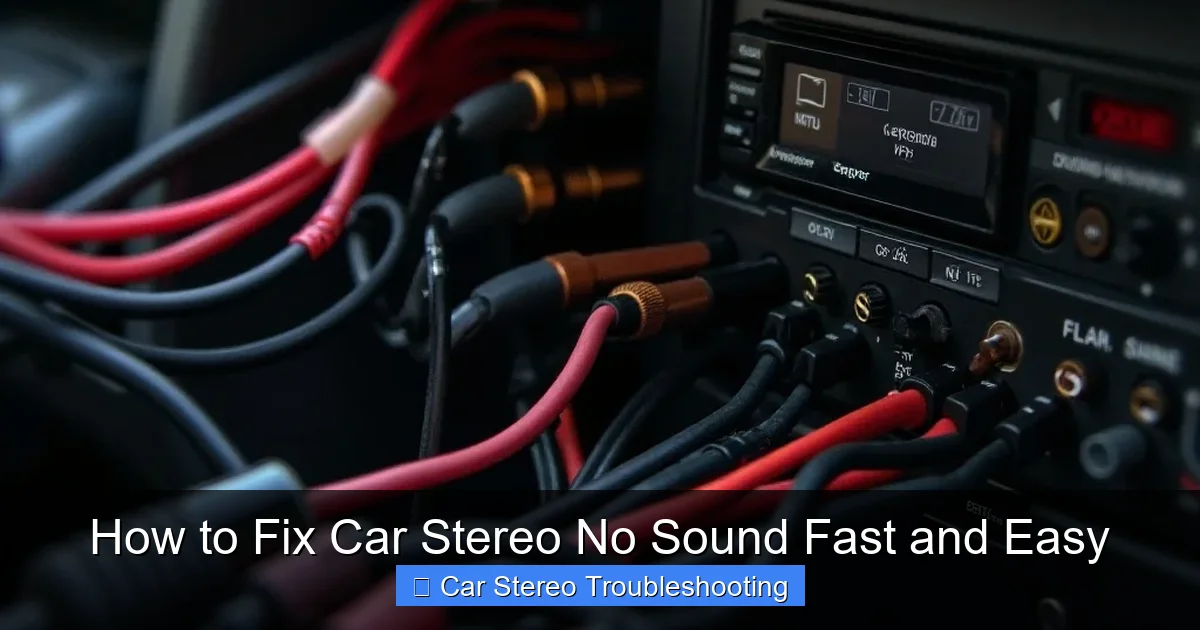
Visual guide about How to Fix Car Stereo No Sound Fast and Easy
Image source: techtidyup.com
Make Sure the Volume Is Up
It sounds obvious, but sometimes the volume is turned all the way down—or worse, the stereo is on mute. Check the volume knob or touchscreen controls. Look for a mute icon (usually a speaker with a line through it) and tap it to disable mute mode.
Verify the Audio Source
Switch between different audio sources: radio, Bluetooth, AUX, USB, or CD. If one source works but others don’t, the problem may be with the input device (like a faulty phone connection) rather than the stereo itself.
Check for a “Demo Mode” or Locked System
Some aftermarket stereos enter demo mode when not properly installed or powered. Others may lock due to security features. Consult your stereo’s manual to see if a reset or code is needed to unlock audio.
Step 2: Inspect the Fuse
A blown fuse is one of the most common reasons for car stereo no sound. The fuse protects your stereo from power surges, and if it fails, the unit won’t receive power—even if the display turns on.
Locate the Fuse Box
Most car stereos are powered through a fuse in the vehicle’s main fuse box, usually under the dashboard or in the engine compartment. Check your owner’s manual for the exact location and fuse number labeled “radio” or “audio.”
Remove and Inspect the Fuse
Use a fuse puller (or tweezers) to carefully remove the fuse. Hold it up to the light—if the metal strip inside is broken or blackened, it’s blown. You can also use a multimeter to test continuity.
Replace the Fuse
Replace it with a new fuse of the same amperage (e.g., 10A or 15A). Never use a higher-rated fuse—it could damage your stereo or wiring. After replacing, turn on the stereo to see if sound returns.
Step 3: Test the Speakers
If the stereo powers on but still produces no sound, the issue might be with the speakers or their connections.
Listen for Any Sound
Turn the volume up and listen closely. Do you hear a faint hiss, pop, or crackle? That means the stereo is sending a signal, but the speakers may be damaged or disconnected.
Check Speaker Wires
Turn off the car and remove the speaker grilles (if possible). Inspect the wires connecting the speakers to the stereo or amplifier. Look for loose connections, frayed wires, or corrosion. Reconnect or repair as needed.
Test Each Speaker Individually
If only one speaker isn’t working, the problem is likely isolated to that speaker or its wiring. Swap the left and right speaker wires at the stereo to see if the sound shifts sides—this helps identify a faulty speaker.
Step 4: Reset the Car Stereo
Modern car stereos run on software, and like any electronic device, they can freeze or glitch. A reset often restores normal function.
Soft Reset (Power Cycle)
Turn off the car, remove the keys, and wait 5–10 minutes. This allows the stereo’s capacitors to discharge. Turn the car back on and test the audio.
Hard Reset (Factory Reset)
If a soft reset doesn’t work, perform a factory reset. This will erase saved stations and settings but can fix deeper software issues. Check your stereo’s manual for the reset procedure—usually involving holding down specific buttons while powering on.
Step 5: Check the Antenna and Radio Signal
If you only have no sound from the radio (but Bluetooth or AUX works), the issue might be signal-related.
Inspect the Antenna Connection
Make sure the antenna cable is securely plugged into the back of the stereo. A loose or damaged antenna can result in weak or no radio signal.
Test in Different Locations
Drive to an area with strong radio signals. If the radio works there, the problem may be local interference or a weak antenna.
Step 6: Examine the Amplifier (If Applicable)
Many cars use an external amplifier to boost audio power. If your stereo has no sound and you have an amp, it could be the culprit.
Check Amp Power and Remote Wire
Ensure the amplifier is receiving power. Look for a red (power) and yellow (constant power) wire connected properly. Also, check the blue “remote” wire—it tells the amp to turn on when the stereo is active.
Look for Protection Mode
If the amp overheats or detects a short, it may shut down. Let it cool, then restart. If it keeps cutting out, there may be a wiring issue or faulty speaker.
Step 7: Inspect Wiring and Ground Connections
Poor wiring or a bad ground connection can prevent sound from reaching your speakers.
Check the Ground Wire
The ground wire (usually black) should be securely attached to a clean, unpainted metal part of the car’s chassis. Rust or loose connections can break the circuit.
Verify All Wiring Harness Connections
Unplug and reconnect the stereo’s wiring harness at the back. Make sure all pins are clean and not bent. A loose connection here can cause complete audio loss.
Troubleshooting Common Scenarios
No Sound from One Speaker
This usually points to a wiring issue or a blown speaker. Test the speaker with a 9V battery—if it makes a pop, it’s likely working. If not, replace it.
Sound Cuts In and Out
Intermittent sound suggests a loose connection, failing amplifier, or overheating component. Check all wires and ensure the amp has proper ventilation.
Stereo Powers On But No Audio from Any Source
This often indicates a blown fuse, bad ground, or internal stereo failure. Try the fuse and ground checks first.
When to Call a Professional
You’ve tried all the steps above, but your car stereo still has no sound. It might be time to visit a car audio specialist. They can run advanced diagnostics, test internal components, and determine if the stereo needs repair or replacement.
Signs you need professional help:
- The stereo display is blank or flickering
- You smell burning or see smoke
- Multiple electrical components (lights, windows) are malfunctioning
- You’re uncomfortable handling wiring or electronics
Conclusion
Dealing with car stereo no sound can be frustrating, but in most cases, it’s a quick fix. Start with the basics—volume, mute, and source settings—then move on to checking fuses, speakers, and wiring. A simple reset or fuse replacement often does the trick.
By following this guide, you’ll save time and money by avoiding unnecessary trips to the mechanic. And the next time your stereo goes silent, you’ll know exactly what to do. Stay safe, stay tuned, and enjoy the ride—with your favorite soundtrack blasting once again.

