
Turn your outdated car stereo into a wireless audio powerhouse without replacing it. This guide shows you easy, budget-friendly ways to add Bluetooth using adapters, FM transmitters, or auxiliary inputs—no tech skills needed.
Introduction: Give Your Old Car Stereo a Modern Upgrade
If you’re driving an older car, you might think you’re stuck with outdated tech—especially when it comes to playing music from your phone. But here’s the good news: you don’t need to replace your entire car stereo to enjoy Bluetooth connectivity. With a few simple, affordable tools, you can transform your old system into a wireless audio hub that streams music, takes calls, and even supports voice assistants.
In this guide, we’ll walk you through the easiest and most effective ways to make your old car stereo Bluetooth-compatible. Whether your car has an auxiliary (AUX) port, a CD changer input, or just an FM radio, there’s a solution that fits. You’ll learn about different types of adapters, how to install them, and tips to get the best sound quality—all without spending hundreds on a new head unit.
Why Upgrade to Bluetooth?
Bluetooth isn’t just about playing music from your phone. It adds convenience, safety, and modern functionality to your drives. Imagine answering calls hands-free, streaming your favorite podcasts, or skipping songs without fumbling with cables. Plus, many newer phones don’t even have headphone jacks anymore—so wireless is the way to go.
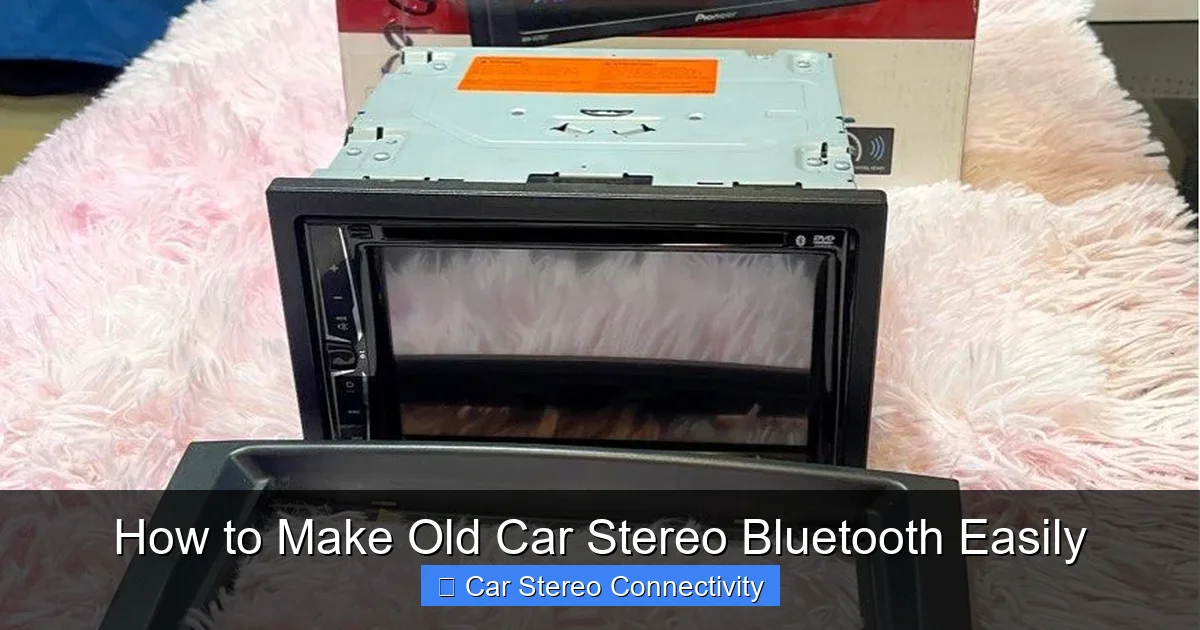
Visual guide about How to Make Old Car Stereo Bluetooth Easily
Image source: media.karousell.com
Instead of dropping $200–$500 on a new stereo with built-in Bluetooth, you can achieve the same result for under $30. It’s a smart, budget-friendly upgrade that keeps your car’s original look while adding 21st-century features.
Step 1: Check Your Car Stereo’s Input Options
Before buying any device, take a moment to inspect your current stereo. Look for available ports or inputs that can accept an external audio source. The most common options include:
- AUX (3.5mm) port: Usually labeled “AUX IN” and found on the front or side of the stereo.
- CD changer or satellite radio input: Some older stereos have proprietary ports for add-on devices.
- FM radio: Every car has this—it’s how FM transmitters work.
- USB port: Rare on older models, but if present, it might support audio input.
Knowing what you have will help you choose the right Bluetooth adapter. For example, if you have an AUX port, you’re in luck—that’s the easiest path to wireless audio.
Pro Tip: Test the AUX Port
If you’re unsure whether your AUX port works, plug in headphones or a phone with a cable. Play music and see if sound comes through the car speakers. This confirms the port is functional and ready for a Bluetooth adapter.
Step 2: Choose the Right Bluetooth Adapter
There are three main types of Bluetooth adapters for car stereos. Each has pros and cons, so pick the one that matches your stereo and needs.
Option 1: AUX-to-Bluetooth Adapter (Best Sound Quality)
This is the most popular and reliable method. The adapter plugs into your car’s AUX port and pairs with your phone via Bluetooth. It usually includes a built-in microphone for hands-free calls and may have playback controls.
How it works: Plug the adapter into the AUX port, turn on your car, and pair your phone. The adapter draws power from the AUX port or a separate USB cable (often plugged into the car’s 12V outlet).
Example: The Anker SoundSync Drive or UGREEN Bluetooth 5.0 Adapter are top-rated choices. They’re compact, easy to use, and deliver clear audio with minimal lag.
Pros: Excellent sound quality, stable connection, supports calls and music.
Cons: Requires an AUX port and power source (USB or 12V).
Option 2: FM Bluetooth Transmitter (For Cars Without AUX)
If your car lacks an AUX port, an FM transmitter is your best bet. This device plugs into the 12V cigarette lighter, pairs with your phone, and broadcasts audio over a specific FM frequency. You then tune your car radio to that frequency to hear the sound.
How it works: Plug in the transmitter, set it to an unused FM station (like 88.1 or 107.9), and tune your radio to the same frequency. Pair your phone, and you’re ready to stream.
Example: The Nulaxy KM18 or VicTsing Bluetooth FM Transmitter offer dual USB ports, hands-free calling, and LCD displays for easy frequency selection.
Pros: Works with any car that has an FM radio, no AUX needed, often includes phone charging.
Cons: Sound quality depends on local FM interference, may have static in areas with strong radio signals.
Option 3: Cassette Adapter with Bluetooth (For Older Cars)
If your car has a cassette player (yes, they still exist!), you can use a cassette-style Bluetooth adapter. It looks like a cassette tape, inserts into the player, and transmits audio wirelessly.
How it works: Insert the adapter, pair your phone, and press play. The adapter converts Bluetooth audio into a signal the cassette player reads.
Example: The Jensen CAR2BT is a popular model that supports music and calls.
Pros: Simple to use, no wires, works with cassette decks.
Cons: Limited availability, sound quality not as good as AUX, may wear out cassette mechanisms over time.
Step 3: Install and Pair Your Bluetooth Adapter
Once you’ve chosen your adapter, installation is quick and straightforward. Here’s how to do it step by step.
For AUX-to-Bluetooth Adapters:
- Plug the adapter into the AUX port on your stereo.
- Connect the USB cable to the adapter and plug it into your car’s 12V outlet or USB port for power.
- Turn on your car ignition (you don’t need to start the engine).
- Press the power button on the adapter (if it has one). A light should blink, indicating it’s in pairing mode.
- On your phone, go to Settings > Bluetooth and search for new devices.
- Select the adapter’s name (e.g., “SoundSync Drive” or “BT Car Kit”).
- Once paired, play music from your phone. The sound should come through your car speakers.
For FM Transmitters:
- Plug the transmitter into the 12V outlet.
- Use the transmitter’s buttons to select an unused FM frequency (avoid stations with strong signals).
- Tune your car radio to the same frequency.
- Put the transmitter in pairing mode (usually by holding the power button).
- Pair your phone via Bluetooth.
- Play music and adjust volume on both your phone and car stereo for best sound.
For Cassette Adapters:
- Insert the adapter into the cassette player.
- Turn on your car and stereo.
- Put the adapter in pairing mode (check the manual).
- Pair your phone via Bluetooth.
- Press play on your phone—audio should play through the cassette mechanism.
Step 4: Optimize Sound Quality and Performance
Even with the right adapter, you might face minor issues like low volume, static, or connection drops. Here’s how to fix them:
- Adjust volume levels: Set your phone volume to 75–80% and use the car stereo volume for fine-tuning. This prevents distortion.
- Reduce FM interference: If using an FM transmitter, try different frequencies. Avoid crowded bands near major radio stations.
- Keep the adapter charged: Some adapters lose power if the car is off for long periods. Plug in a phone charger if needed.
- Update your phone’s Bluetooth: Ensure your phone’s software is up to date for better compatibility.
- Reposition the adapter: Keep it away from metal objects or other electronics that might cause interference.
Troubleshooting Common Issues
Even the best setups can run into problems. Here’s how to solve the most common ones:
No Sound After Pairing
Make sure the adapter is powered and the correct input is selected on your stereo (e.g., AUX or FM). Also, check that your phone’s media volume is turned up.
Static or Poor Audio Quality (FM Transmitters)
This is usually due to interference. Try switching to a different FM frequency or moving the transmitter away from the radio antenna.
Adapter Disconnects Frequently
Low battery or weak signal can cause drops. Ensure the adapter is fully charged and your phone is within 3 feet. Avoid placing your phone in the glove box or trunk.
Echo During Calls
Adjust the microphone placement or lower the car stereo volume. Some adapters let you mute the car speakers during calls for clearer voice audio.
Conclusion: Enjoy Wireless Freedom Without the Cost
Upgrading your old car stereo to support Bluetooth doesn’t have to be complicated or expensive. With the right adapter—whether it’s an AUX-to-Bluetooth dongle, FM transmitter, or cassette converter—you can enjoy modern wireless convenience in just minutes. No tools, no rewiring, and no need to replace your beloved stereo.
By following this guide, you’ve learned how to assess your car’s inputs, choose the best Bluetooth solution, install it correctly, and troubleshoot common issues. Now you can stream music, take calls, and enjoy a smarter, safer driving experience—all while keeping your car’s original character intact.
So go ahead, pair your phone, and hit the road with your favorite playlist. Your old stereo just got a whole lot newer.