Dash cams record the road ahead and behind, giving drivers video evidence of accidents, theft, and strange incidents. They can also capture scenic drives and help monitor teen drivers. At Walmart you can find a range of dash cams from simple single-lens models to dual-channel systems with parking mode, GPS, and night vision, which makes it easy to pick a camera that fits your needs and budget.
When choosing a dash cam, the most important things to check are video quality, mounting style, recording modes (loop, impact-triggered, parking), and whether it includes GPS or Wi-Fi for easy playback and location data. Higher resolution and good low-light performance matter most because they make it easier to read plates and see details after an incident. We tested and compared several Walmart-available models to find reliable options that balance price, ease of use, and essential features, so the next section breaks down our top picks and why they stood out.
Best Dash Cams at Walmart
We tested and reviewed dash cams available at Walmart to find models that offer clear video, reliable performance, and easy setup. Below is our list of the best dash cams to help you pick the right one for your car and budget.
ROVE R2-4K Dual

We recommend this if you want sharp daytime 4K front footage and easy phone transfers through fast 5G Wi‑Fi.
Pros
- Very clear front video in daylight and good low‑light detail.
- Fast Wi‑Fi makes grabbing clips on our phone quick.
- Includes a large 128GB card and useful mounting gear.
Cons
- Suction mount can need readjusting after heat or bumps.
- Rear camera setup takes extra time to hide the cable.
- Some features require using the app to change settings.
We tested the ROVE R2-4K on short daily drives and a long highway trip. The front Sony STARVIS 2 sensor really shows detail in daylight, and the 4K footage captured license plates at a distance. Pulling videos to our phone took seconds once we connected to the 5GHz Wi‑Fi.
Night driving surprised us. The front image stayed bright and usable at dusk and on poorly lit roads. The rear cam improved coverage behind the car, though it did not match the front’s clarity in very dark scenes. We liked that the unit comes with a 128GB card ready to go.
Installation felt practical but not perfect. The suction mount holds steady most days, but we re‑set it after a hot afternoon left it a bit loose. Routing the long rear cable behind trim took patience, but the kit includes clips and a trim tool to help. Adjusting advanced settings worked best through the ROVE app.
TERUNSOUl 4K Triple Dash Cam

We’d buy this if we want wide coverage and clear footage without spending a lot.
Pros
- Very sharp 4K front video and useful interior/rear views.
- Comes with a 128GB card and lots of mounting gear out of the box.
- GPS and fast Wi‑Fi make sharing clips quick and easy.
Cons
- Parking mode needs a separate hardwire kit to work.
- Setup takes time to hide the rear and cabin cables neatly.
- App can be a little clunky when we first connect.
We tested the camera on a few drives and liked how much it sees. The front image picked out street signs and license plates clearly in daylight. The cabin and rear views filled blind spots and helped when we checked different angles later.
Night shots were better than we expected. The starlight lens and HDR kept headlights from washing everything out, so we could still read some details. Low‑light footage isn’t perfect, but it does a solid job for nighttime incidents.
Installation felt like real work but not hard. The kit includes long cables, clips, and a GPS mount, so routing everything looked clean once we tucked lines into trim. Locking crash clips and the included 128GB card gave us confidence that important clips would stay safe.
We used the app to preview and download files; transfers were fast on 5.8GHz Wi‑Fi but pairing took a couple tries. GPS stamps and the free player helped when we reviewed a route, which is handy if we need evidence after a crash.
REDTIGER F7NP 4K Dash Cam

We recommend this if you want clear 4K front footage, a reliable parking mode, and fast WiFi transfers for easy playback.
Pros
- Sharp 4K front video and solid night vision.
- Built-in WiFi makes downloading clips fast and simple.
- Supercapacitor and included 128GB card feel durable and ready to use.
Cons
- Rear cable routing takes time and patience to hide neatly.
- Some advanced parking features need a hardwire kit.
- App can be a bit fiddly when adjusting settings on the road.
We installed the REDTIGER F7NP in our daily driver and liked how compact the front unit sits behind the rearview mirror. The front camera produced crisp images even at dusk, and the rear view caught license plates in most light conditions.
Connecting over the 5.8GHz WiFi saved us from pulling the card every time. Downloads were noticeably quicker than older dash cams we’ve used, and the app kept a clear log of GPS speed and route when we reviewed clips.
Parking mode gave us peace of mind while parked overnight, but we found that to get full 24/7 coverage we needed to hardwire the unit. Running the long rear cable was doable, yet it required careful trim work to keep the install tidy.
Overall, the build felt solid and the supercapacitor eased our worry about heat and battery wear. We’d pick this for commuters, rideshare drivers, or anyone who wants reliable footage without a bulky setup.
E-YEEGER GT830 4K Dual Dash Cam
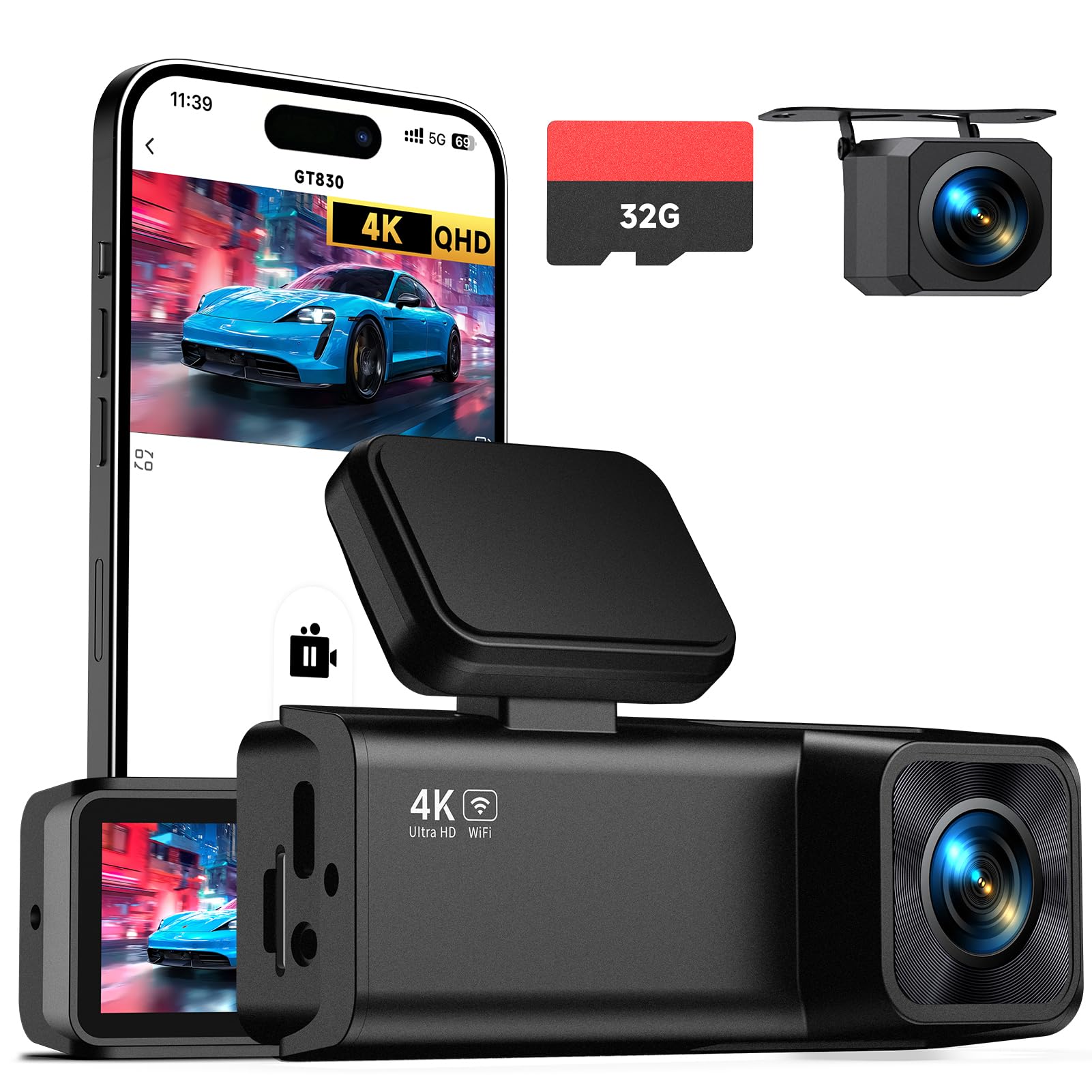
We recommend this if you want very sharp front video and a compact setup that stays out of the way.
Pros
- Very clear 4K front footage that picks up road signs and plates.
- Small, low-profile design hides behind the mirror without blocking view.
- Easy phone app access for quick playback and downloads.
Cons
- Rear camera wiring can be fiddly in some cars.
- Parking mode needs a hardwire kit to work 24/7.
- Screen is small for live viewing on the unit itself.
We mounted the GT830 behind the mirror and it felt unobtrusive the moment we drove off. The front 4K image caught fine details even at highway speed, and night shots stayed balanced thanks to the wide lens and WDR. The unit started recording as soon as we plugged it into the car charger.
Pairing with the app was fast and useful. We viewed clips on our phone, saved incidents without removing the SD card, and shared scenes in seconds. Loop recording and the G-sensor locked important clips automatically when we hit a pothole during a test drive.
Installing the rear camera took more time than the front. We had to tuck the cable along trim pieces to keep it neat, and in tighter cabins that can be a bit awkward. For true 24-hour surveillance, plan to buy a hardwire kit separately; otherwise parking detection works only when the car power is available.
Overall, we found the E-YEEGER GT830 reliable for daily drives and road trips. The video clarity and compact fit impressed us, and the app makes reviewing footage painless — just know that full parking features require extra wiring.
Buy it on Amazon: E-YEEGER Dash Cam Front and Rear, 4K+1080P Dual Channel Dash Camera
Juscar G60 Dual Dash Cam
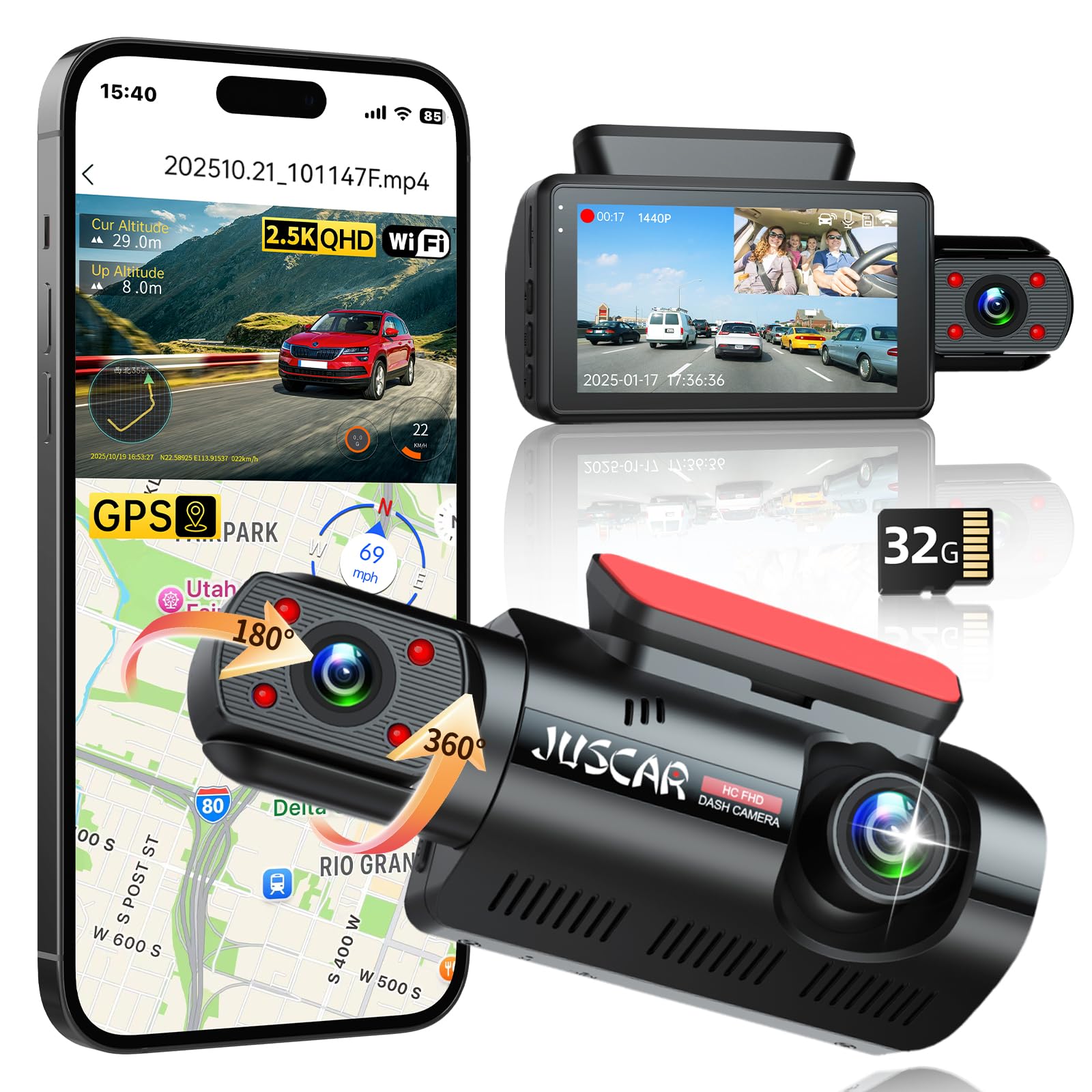
We recommend this if you want a solid front-and-inside setup with good night vision and easy app access.
Pros
- Clear day and night footage from front and cabin cameras.
- Built-in WiFi and GPS make grabbing clips and route data simple.
- Easy to install with a small screen for quick on-device checks.
Cons
- Inside camera streaming can glitch for some users.
- Full 24-hour parking needs a hardwire kit sold separately.
- App and seller support can be hit-or-miss based on reports.
We used this G60 on several drives and liked how the front camera caught road signs and plates clearly. The interior camera rotates and the hidden IR lights kept cabin footage usable at night.
Connecting to the app was fast and we could download clips and see speed and route data right away. GPS tagging felt handy after a minor fender-bender where location mattered.
Setup took under 20 minutes with the included tools. We noticed occasional flicker on the interior live view and would hardwire for true 24-hour monitoring. Overall, it’s a practical dual cam for drivers who want clear footage and app control without a huge price tag.
70mai A810 Lite 4K

We recommend this if you want sharp 4K front video, useful parking features, and easy phone access for remote viewing.
Pros
- Very clear front footage, even at night.
- Easy app access and fast Wi‑Fi transfers.
- Long parking monitoring with supercapacitor for heat resistance.
Cons
- Rear wiring and cable management can be fiddly.
- 4G features need an extra hardwire kit and setup.
- Some users report inconsistent firmware or image expectations.
We liked how the front 4K video captured license plates and signs on short trips. Setting up the app and pairing over 5GHz Wi‑Fi felt quick, and downloading clips to our phone was much faster than older cams we’ve used.
Night driving surprised us in a good way. HDR plus the wide aperture kept headlights from washing out details, so tunnels and dim streets still showed useful image detail.
Parking mode worked reliably when we tested impact recording, but full 24-hour remote access required ordering the hardwire kit and enabling 4G, which added time and cost. Routing the rear camera cable behind trim took patience and a steady hand.
The unit sits low behind the mirror and stays discreet without blocking views. Voice commands and GPS logging proved handy during long drives, and the supercapacitor made us feel better about heat and long-term reliability.
If you want to buy this at Walmart instead of Amazon, check availability online or in-store; this link shows full specs and current pricing: 70mai A810 Lite 4K.
REDTIGER F7N Touch 4K Dash Cam

We recommend this if you want a clear front 4K view, easy phone access, and parking monitor options at a midrange price.
Pros
- Sharp 4K front video and usable night footage.
- Fast 5.8GHz Wi-Fi makes pulling clips to your phone simple.
- Built-in GPS and parking modes add useful evidence features.
Cons
- Touchscreen menus can feel a bit clunky at first.
- Parking mode needs a separate hardwire kit to work properly.
- Suction mount can be bulkier than low-profile options.
We installed the F7N in our car and ran it for a week of city and highway driving. The front camera captures fine detail in daylight and holds up well at dusk. The rear camera did its job but is not as crisp as the front.
Pairing with the REDTIGER app was quick using the 5.8GHz Wi‑Fi, and we transferred a few clips without long waits. Voice commands worked for basic tasks, though the touch controls often felt faster for quick locks or settings.
Parking monitoring impressed us once we hardwired the unit. The G-sensor reliably locked incident clips, and time-lapse parking gave a compact overview of long idle periods. Expect to spend a little time routing cables for a clean install.
Overall, we found the F7N Touch to be a solid all-around dash cam for drivers who want high-res front footage, smartphone convenience, and extra parking features without paying premium prices.
iZEEKER 2.5K Dash Cam
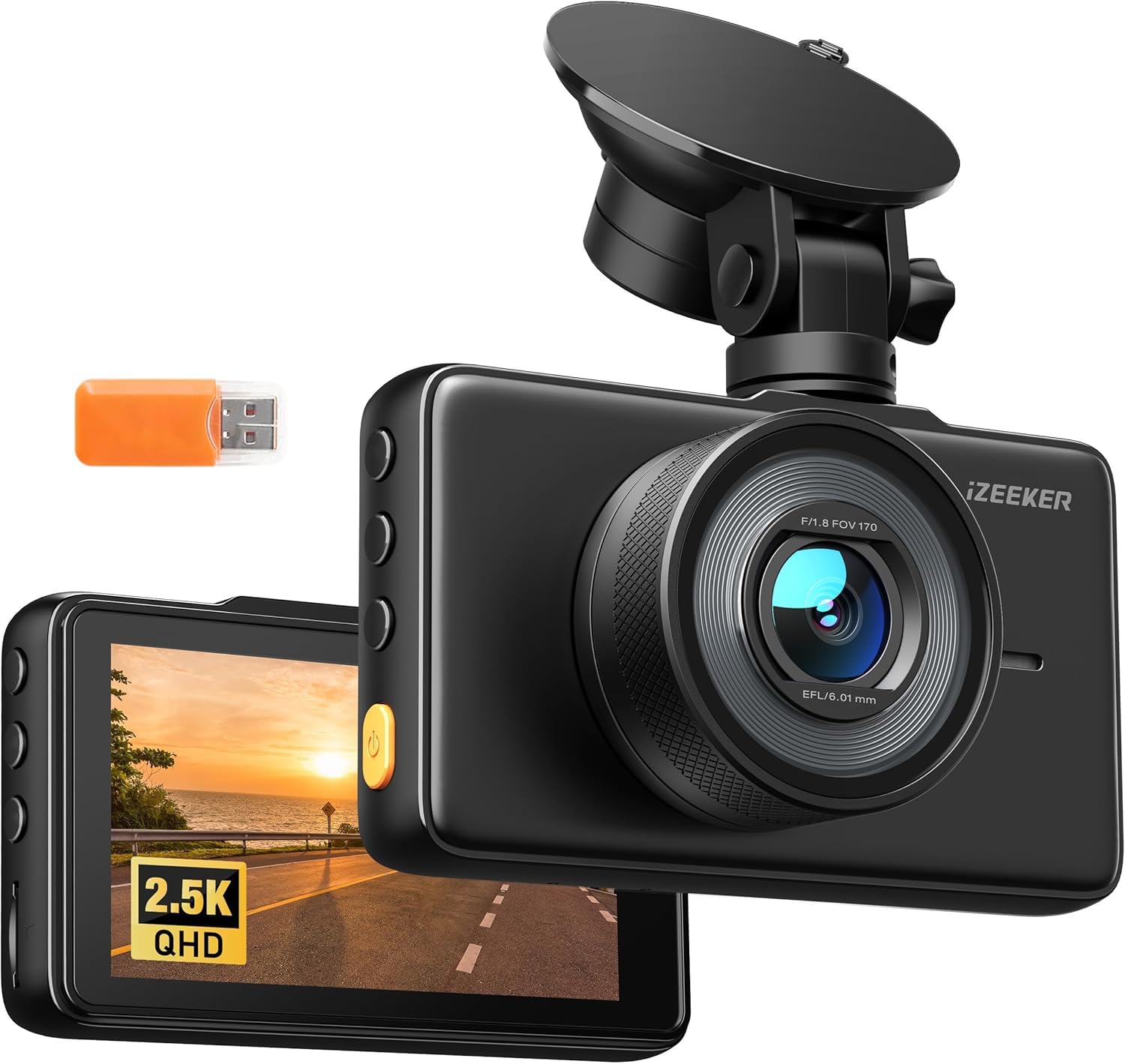
We recommend this if you want a simple, high-resolution front dash cam with a clear screen and 24/7 parking mode.
Pros
- Sharp 2.5K video that picks up road details.
- Big 3″ IPS screen that makes playback easy in the car.
- Easy to move between vehicles with the suction mount.
Cons
- No microSD card included, so you must buy one separately.
- Occasional corrupted files reported by some users.
- Suction mount can be small and feels less secure than adhesive.
We installed this in our car and liked how crisp the footage looked on the 3″ display. The 170° lens caught wide scenes and the images were clear enough to read signs and plates in daylight.
Night driving held up better than basic 1080p cams, though some low-light clips showed noise. The parking mode gave us extra peace of mind, but it needs a reliable power source for true 24/7 use.
Setup was quick: the touch controls are straightforward and the unit powers on with the car. We did swap in a microSD and tested loop recording and G-sensor events; the emergency clips saved fine when triggered.
Overall, this unit feels like a solid budget choice for a front-only dash cam if you want good resolution and a built-in screen, as long as you plan to buy a memory card separately.
Ecomoment GT802 4K Dual Dash Cam
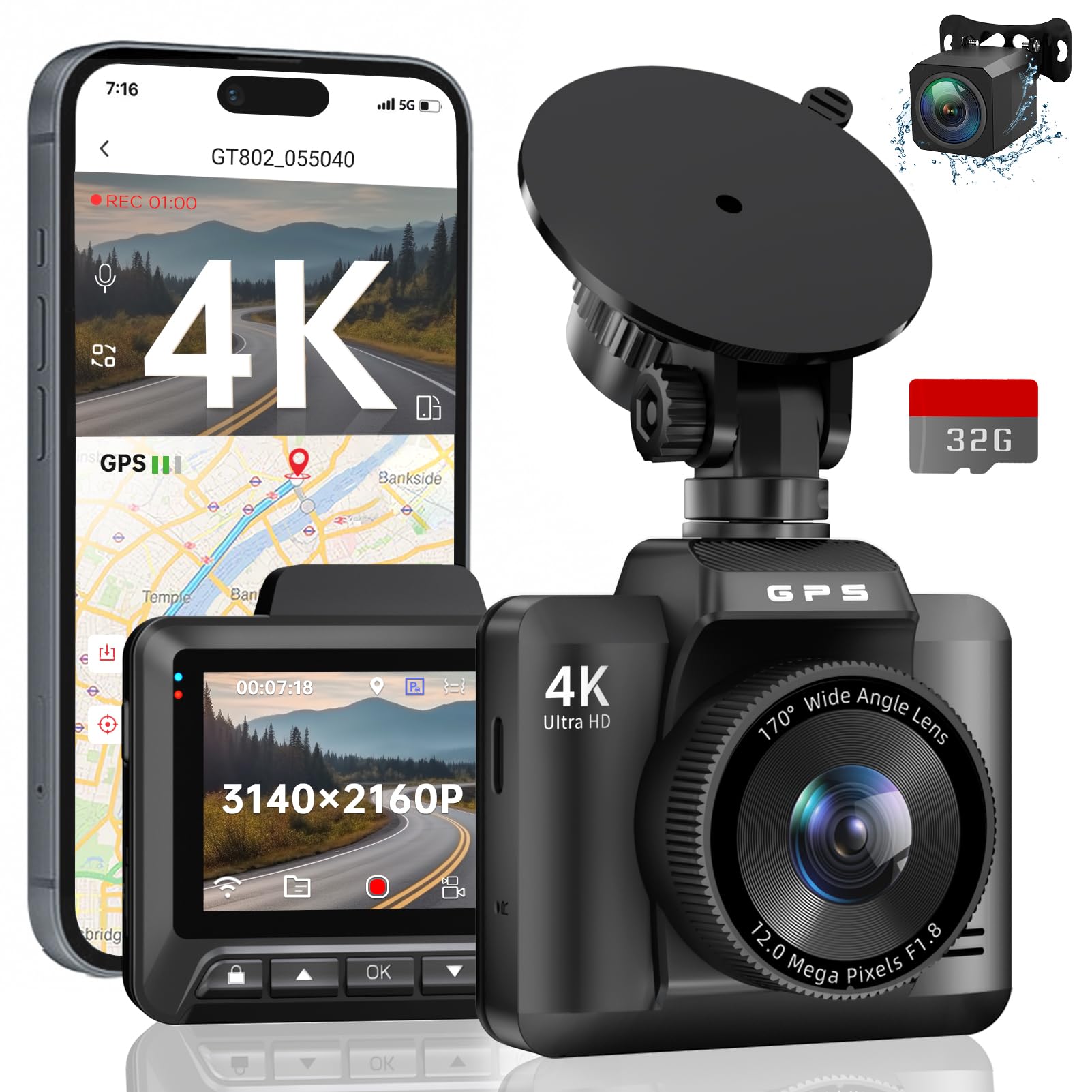
We recommend this if you want sharp daytime 4K footage, reliable night capture, and built-in GPS for clear location data.
Pros
- Very clear front video and useful wide view.
- Night shots stay readable thanks to WDR and large aperture.
- GPS and Wi‑Fi make sharing clips and mapping easy.
Cons
- Small 2.4″ screen limits on‑unit playback detail.
- Rear camera is lower res than the front.
- Parking monitor needs a hardwire kit for full 24/7 use.
We tested this in town and on the highway. The front 4K footage picked up road signs and license plates more often than cheaper cams. Mounting and initial setup took only a few minutes.
We checked night driving and were pleased. The image stayed balanced in dark areas and bright headlights didn’t wash out nearby detail. The wide lens caught cars in adjacent lanes without distortion getting out of hand.
We used the app to grab clips and view routes on Google Maps. Downloads were quick on Wi‑Fi and the GPS trail matched our drive. If you want full parking surveillance, plan to add the hardwire kit.
70mai M310 Plus 4K
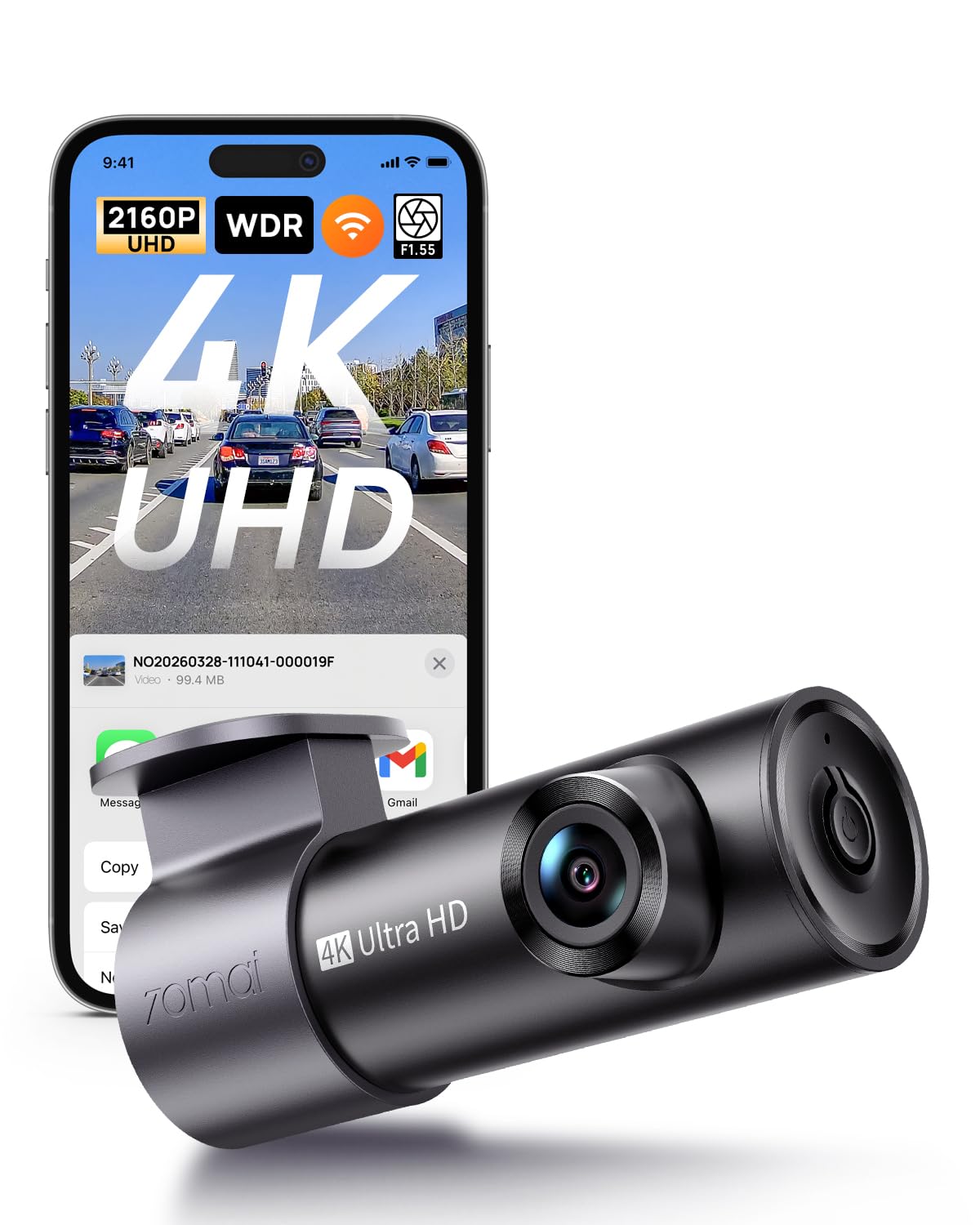
We recommend this dash cam if you want sharp 4K daytime footage and solid night performance at a reasonable price.
Pros
- Very clear 4K video that picks up plate details at close range.
- Easy install and compact size that hides behind the rearview mirror.
- Reliable parking mode and impact-locking when something happens.
Cons
- App connection can be fiddly with some phones.
- Occasional firmware or pairing quirks that need patience to fix.
- Hardwire kit not included if you want full 24/7 powered parking.
We used the M310 Plus on daily commutes and a few longer trips. The image looked noticeably sharper than our older 1080p cameras. License plates and road signs were easier to read in daylight, which mattered when we needed proof for an incident.
Night video improved over basic dash cams. Streetlights and headlights stayed under control, and the camera kept usable detail on dark roads. Still, in very low light some glare and softening showed up, so it isn’t perfect for pitch-black rural roads.
Setup felt quick — the small body and long USB-C cable made routing neat. The app helped pull clips to our phone fast, but pairing took a couple tries on different phones. We also liked the parking mode that locks footage after an impact, though you’ll need the hardwire kit for true always-on monitoring.
Overall, the 70mai M310 Plus 4K balances strong video and simple installation, but expect some app and firmware tinkering to get everything smooth.
Buying Guide
We focus on what matters when picking a dash cam at Walmart. Start by deciding how you will use the camera: daily commuting, long trips, or parking surveillance.
We look for video quality first. Aim for at least 1080p resolution and a clear night mode. Higher frame rates help capture fast events.
We check field of view and lens angle. A wider angle records more of the road and sides. Avoid extreme fisheye distortion.
We compare storage and recording options. Choose a camera that supports loop recording and high-capacity microSD cards. Consider models with automatic overwrite and file protection for incidents.
We examine mounting and power choices. Suction cups vs. adhesive mounts affect stability and repositioning. Hardwiring kits give continuous parking mode but need installation.
We value additional features that matter to us. Look for G-sensors to lock crash files, GPS for location and speed logs, and Wi‑Fi or app support for quick file transfer. Voice control and parking motion detection add convenience.
We weigh warranty and ease of use. Check warranty length and return policy. Prefer models with simple menus and clear setup steps.
We compare price against features using a quick table:
| Feature | Why it matters |
|---|---|
| Resolution & Night Mode | Clear footage day and night |
| Field of View | Captures more of the scene |
| Loop Recording | Continuous recording without full card |
| G‑Sensor & File Lock | Protects incident footage |
| Power Options | Supports parking mode and reliability |
| App/GPS/Wi‑Fi | Easier file access and data logging |
We test settings after installation. Verify date/time, GPS lock, and file saving to avoid surprises.
Editor’s Choice
We picked dash cams at Walmart that balance price, video quality, and ease of use. Our choices suit everyday drivers who want clear footage without a complex setup.
We recommend models with 1080p or 1440p recording and a wide-angle lens. These give good detail for license plates and events while staying affordable.
We favor units with loop recording and G-sensors to save important clips automatically. Built-in Wi‑Fi or app support makes reviewing footage faster. Battery life and heat resistance matter for reliability.
Key picks:
- Best Value: Reliable 1080p cam with simple mounting and loop recording.
- Best Upgrade: 1440p model with night vision and wide dynamic range.
- Best for Ease: Small plug-and-play unit with automatic incident lock.
We tested features like video clarity, mounting stability, and menu navigation. We also considered warranty and Walmart return policy for an easy purchase experience.
Quick buying tips:
- Check for a microSD card slot and recommended card class.
- Prefer models with parking mode if you leave your car in public spaces.
- Verify the mount type matches your windshield and rearview mirror placement.
Conclusion
We found dash cams at Walmart that fit many budgets and needs. Some models give clear video and easy setup, while others add extra features like Wi‑Fi or parking mode.
We recommend checking video resolution, night performance, and storage options before buying. We also look for reliable mounts and simple controls.
We suggest comparing online reviews and in-store displays. That helps us confirm real-world performance and warranty details.
We remind readers that price is not the only factor. A cheaper camera may lack useful features, and a pricier unit may offer better long-term value.
Key points to remember:
- Video quality matters most.
- Storage and power options affect daily use.
- Warranties and return policies reduce risk.
We feel confident that with these steps we can choose a dash cam at Walmart that suits our needs and budget.
FAQS
What dash cams does Walmart sell?
We sell basic single-lens models, dual-channel cameras, and some with GPS and Wi‑Fi. Availability varies by store and online stock.
Do dash cams at Walmart record at night?
Yes. Many models have night vision or low‑light sensors. Performance differs, so check product specs for true low‑light range.
Can we return a dash cam to Walmart?
Walmart accepts returns within their return window if the item is in original condition. Open electronics may have different rules; keep your receipt or order number.
How do we install a dash cam?
Most plug into the 12V outlet or hardwire to the fuse box. Some come with adhesive mounts or suction cups and simple step‑by‑step guides.
Do dash cams need a memory card?
Yes. Most require a microSD card for recording. Check the max supported capacity and class rating on the product page.
Will a dash cam drain our car battery?
It can if left on while the car is off. Some models include parking mode with low‑power options to reduce battery drain.
Do Walmart dash cams come with warranties?
Many include a manufacturer warranty. Warranty length varies; read the product details and register the product when required.
How do we choose the right model?
Consider video quality, field of view, GPS, parking mode, and budget. Weigh features against price and read user reviews before buying.

