Fleet dash cams record video from vehicles to improve safety, document incidents, and protect fleets from false claims. They range from simple front-facing cameras to multi-camera systems with GPS, cloud upload, and driver-facing monitoring. We focus on practical units that hold up to long hours on the road, handle varying light and weather, and fit into fleet management workflows.
Buyers should pay attention to video quality, storage and upload options, installation and wiring, and compliance with local privacy rules. High-resolution recording with reliable storage or automatic cloud upload is the most important feature for fleet users because it ensures clear evidence and reduces the risk of lost footage. We tested and compared systems that balance durability, ease of use, and integration with fleet software to identify the best picks for different needs, from small vans to large trucks.
Best Fleet Dash Cams
Below is our full list of the best fleet dash cams. We tested models for video quality, reliability, and ease of use to help fleets monitor drivers and protect assets. Use our picks to find a dash cam that fits your budget and reporting needs.
ROVE R2-4K Dual

We recommend this dash cam if you want crisp daytime 4K front footage and solid low-light performance with easy phone downloads.
Pros
- Excellent front image clarity and better night video than many competitors.
- Fast 5G Wi-Fi makes grabbing clips on our phone quick.
- Built-in GPS and free 128GB card mean useful evidence out of the box.
Cons
- Rear install wiring can be fiddly in larger vehicles.
- 3″ screen is handy but small for menu navigation.
- Parking mode needs a hardwire kit to run 24/7.
We used this unit for several weeks and liked how clear the front footage looked on highway drives. The Sony STARVIS 2 sensor really helped capture color and detail at dusk and dawn. Pulling files to our phone over the 5GHz connection was fast and painless.
Installing the rear camera took patience. The rear cable runs through trim, and the extra length helped, but larger vans will take more work. The mount felt secure on the windshield during everyday use, though we preferred the sticky mount over the suction cup.
Logging speed and GPS stamps proved useful when we reviewed clips after a small fender-bender. The app’s download speed cut the wait time for saving evidence. Overall, this camera gives strong image quality and useful features for fleet use, as long as you budget a hardwire kit for full parking protection.
Coolcrazy N8 4K Dual Dash Cam
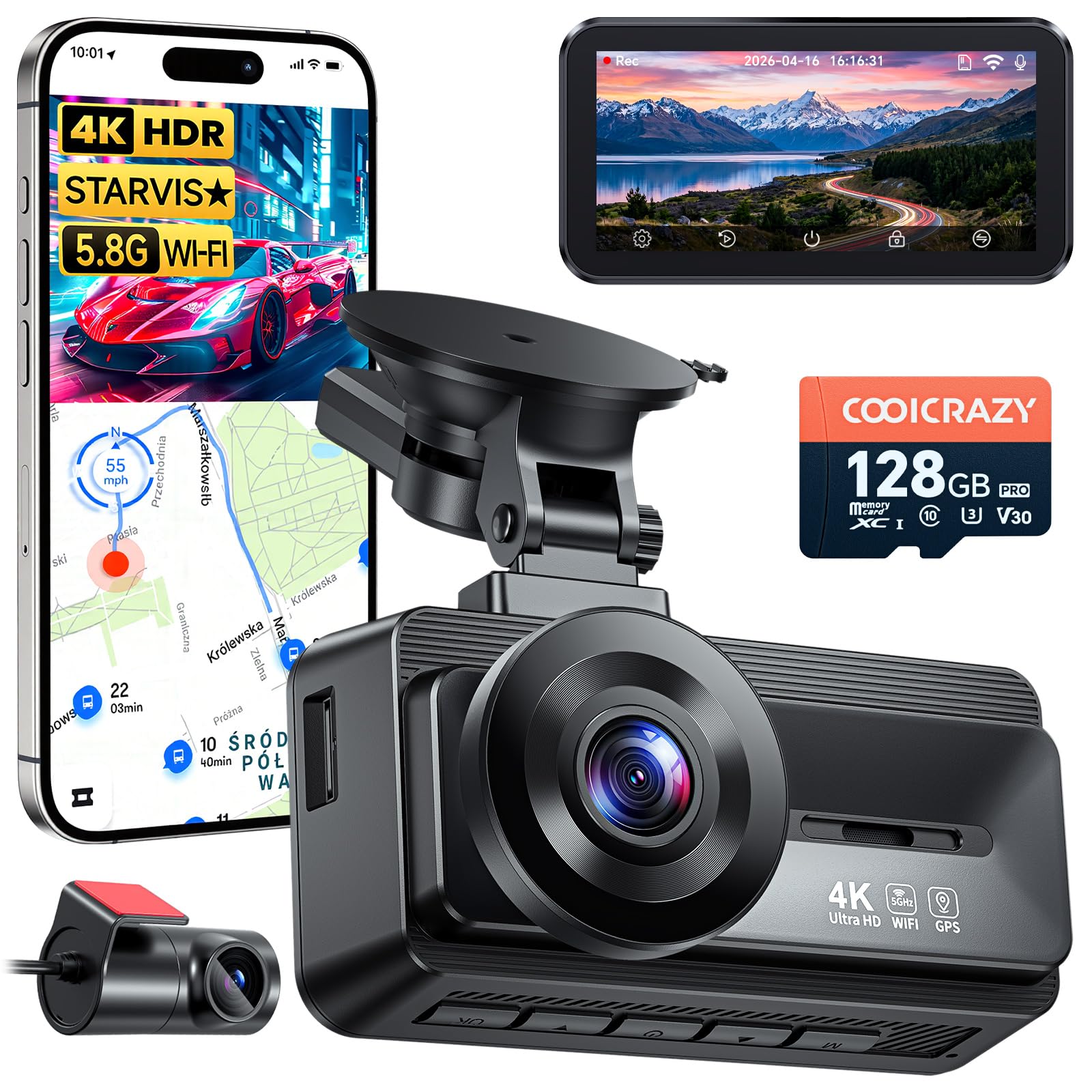
We recommend this if you want sharp day/night video and GPS-tracked footage for clear incident records.
Pros
- Very clear 4K front footage and usable rear view.
- Good low-light performance from STARVIS sensor.
- Long cables and included 128GB card make installation and use quick.
Cons
- App connection can be flaky and takes patience.
- Rear camera sticky pads sometimes fail on older models.
- Suction cup hardware may need a spare nut or extra adhesive.
We mounted the front unit and ran the long rear cable through our headliner. The picture was crisp at highway speeds and license plates were readable in daylight. Night clips looked much cleaner than older cams we used.
We tested parking mode in a crowded lot. It saved clips when the car was bumped and held those files thanks to the G-sensor. The 128GB card and loop recording meant we didn’t worry about clearing space.
We tried the phone app several times to download a clip over 5GHz WiFi. Downloads were fast when it connected, but getting the app to pair took a few attempts. Support responded when we contacted them about missing hardware.
Overall, the N8 feels built for real-world fleet use: solid video, GPS tagging, and reliable record-keeping, with minor setup headaches you can fix with a spare mount or patience.
Redtiger F7NP 4K Dual Dash Cam

We recommend this for fleet use when you need high-res front footage and a reliable parking mode.
Pros
- Very clear 4K front video and solid night performance.
- Fast 5.8GHz WiFi makes downloading clips quick.
- Built-in supercapacitor feels more durable in hot cabs.
Cons
- Rear install and long cable routing take time in big vehicles.
- Parking mode needs a hardwire kit to run continuously.
- App can be a little fussy connecting at first.
We mounted the F7NP across a small fleet and liked how crisp the front footage looked the first week. The STARVIS 2 sensor handled low light well, so license plates and signs stayed readable on most drives.
Downloading clips to a phone surprised us with real speed. That 5.8GHz WiFi cut review time during daily checks. We still found the app a bit finicky when multiple users tried to access the camera at once.
Installing the rear camera on vans required patience. The long rear cable helps reach deep cargo areas, but tucking it neatly takes extra time. Parking mode worked, though we had to hardwire a few units for true 24/7 coverage.
Build quality felt sturdy when we handled the units and the supercapacitor eased our heat worries. Loop recording and the G-sensor protected key clips during incidents, which proved useful during a minor hit-and-run in one of our vehicles.
Overall, this is a strong, practical choice for teams that want high-res evidence and fast file access, as long as you budget installation time for rear cams and hardwiring.
Galphi Q2 4K Dash Cam

We recommend this if you want a compact 4K dash cam with strong night video and fast 5GHz transfers.
Pros
- Sharp 4K daytime and good low-light video.
- Fast 5GHz Wi-Fi makes downloads quick on the app.
- Small, discreet design that fits without blocking the windshield.
Cons
- No screen means you must use the app to check footage.
- Parking mode needs a hardwire kit to work full time.
- Setup can take a few tries to tuck wiring neatly.
We installed the Q2 in our fleet car and liked how light and small it felt on the windshield. The adhesive pad held firm and the camera stayed tucked out of sight. We could still aim it easily to get a good view of the road.
Recording quality impressed us on regular drives. Daytime footage captured plate numbers and signs clearly. Night shots were usable—brighter than many small cams—though some distant detail softens at very low light.
The 5GHz Wi‑Fi sped up transfers when we pulled clips to our phone. Connecting was faster than typical 2.4GHz cams, which saved time when we needed files for a claim. Relying on the app felt fine, but not having a screen means you can’t preview without your phone.
Parking mode worked when we wired the cam to constant power, and the time-lapse kept files small. We found the hardwire install worth doing for fleet use, but it adds cost and takes time. Loop recording and the G-sensor locked important clips reliably after a bump.
Overall, this felt like a practical, modern dash cam for fleet vehicles that need clear evidence and easy file transfer. If you want a visible screen or out-of-the-box 24/7 parking without extra parts, look elsewhere; otherwise the Galphi Q2 delivers solid video and a low-profile setup.
Botslab G980H 4-Channel Dash Cam
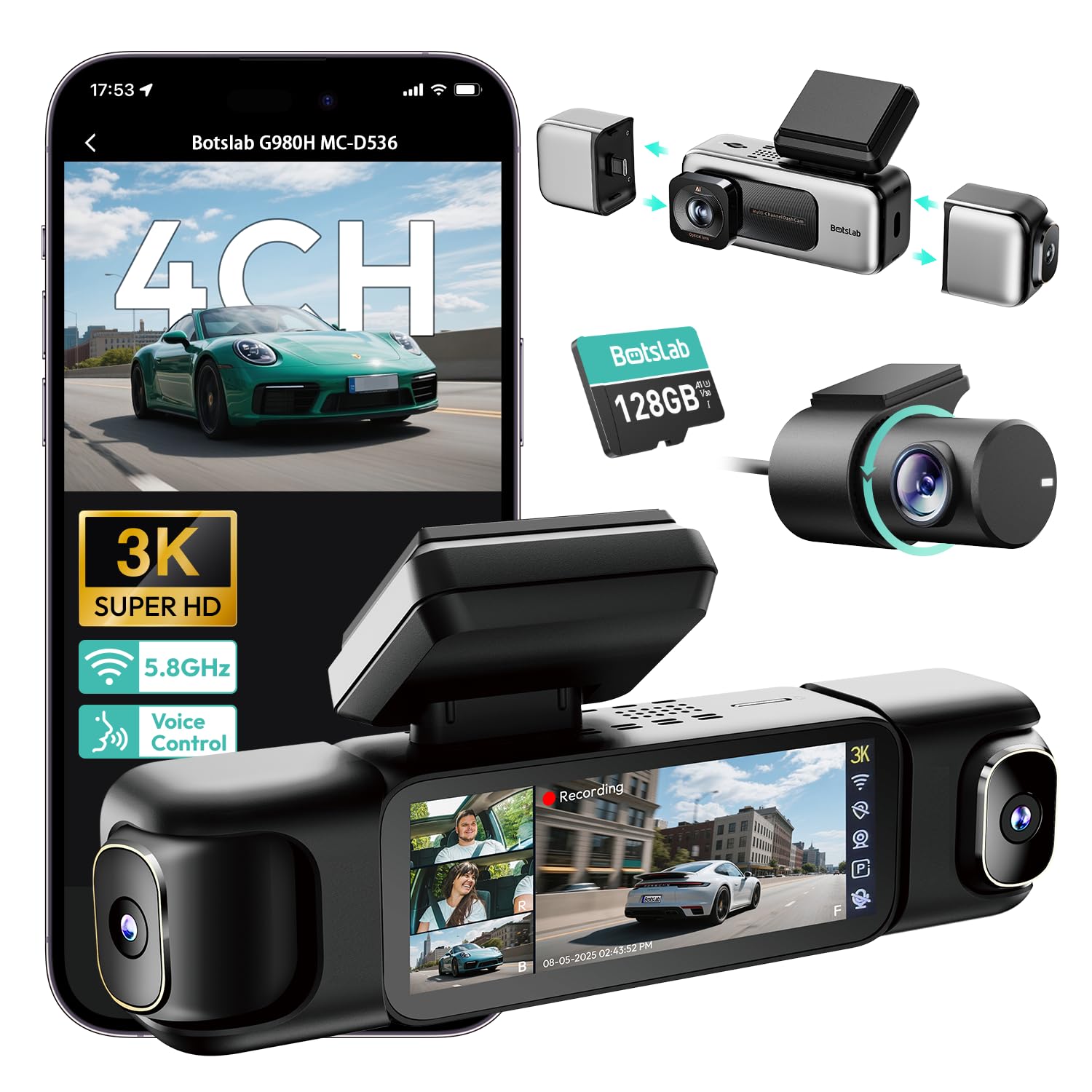
We recommend this unit if you need full 360° coverage and clear night footage, but plan for a wired install and occasional heat or SD issues.
Pros
- Very clear video day and night; license plates are readable.
- True four-camera view covers blind spots and records all angles.
- Fast 5.8GHz Wi‑Fi and included 128GB card make downloads easy.
Cons
- Requires hardwire kit for full parking features and steady power.
- Can run warm and users report SD card wear over long use.
- App and setup ask for data permissions; some menus feel clunky.
We mounted the G980H across a fleet van for a week and liked how complete the views felt. The snap-in side cams made positioning quick and the front 3K image caught small details in traffic.
We tested low-light driving and found the F1.8 lens plus infrared gave usable footage at night. WDR helped balance headlights and shadows, though very dark scenes still lose some detail.
We used the 3.18″ touch screen to check incidents on the spot. The four-way split view helped settle a minor parking scrape without switching cameras.
We hardwired one unit to try parking time-lapse and collision capture. The pre-recorded 8 seconds saved the moments before impact, but you must install the hardwire kit to use all parking modes.
We transferred big clips over Wi‑Fi and felt the 5.8GHz speed was noticeably quicker than older cams. Keep in mind the Wi‑Fi range is short, so you must be close to the vehicle for downloads.
We saw a few drawbacks during longer tests: the unit runs warm, and one vehicle burned through SD cards faster than expected. Check your fleet’s SD policy and consider higher-quality cards.
We recommend this for fleets that need wide coverage and clear footage, as long as you plan for professional wiring and regular SD card checks.
REDTIGER F17 4K Triple Dash Cam

We recommend this if you want wide coverage and strong night performance for fleet or family vehicles.
Pros
- Excellent low-light front footage and clear interior view.
- Triple-camera coverage cuts blind spots for drivers.
- Fast 5GHz WiFi and built-in GPS make pulling clips quick.
Cons
- App WiFi setup can be fussy and needs direct connection.
- Hardwire kit sold separately for full parking protection.
- Adhesive mount can be hard to reuse once removed.
We installed the F17 across two vans to test daily driving and overnight parking. Setup felt familiar: adhesive mount, long rear cable, and a tidy app to view clips. The front STARVIS 2 sensor really brightened night shots, and the interior camera captured faces clearly.
We ran the 4K front plus inside and rear for a week of mixed city and highway miles. Video quality stayed steady at speeds and in shade. GPS routes and timestamps saved useful context when we reviewed footage after stops.
We tried parking mode with a hardwire lead on one vehicle. Collision detection and time-lapse recorded small impacts and door strikes when parked. Without the hardwire kit, parking protection stayed limited to when the ignition was on.
We liked the stable build and the supercapacitor for hot days. The app transfers clips quickly on 5GHz, though initial WiFi pairing required toggling phone settings a few times. Replacing the adhesive or moving the unit will likely need new pads.
Overall, the REDTIGER F17 gives broad, reliable coverage for fleets that need interior and exterior recording, provided you add the hardwire kit for full parking monitoring.
LAMTTO 4G LTE Dash Cam
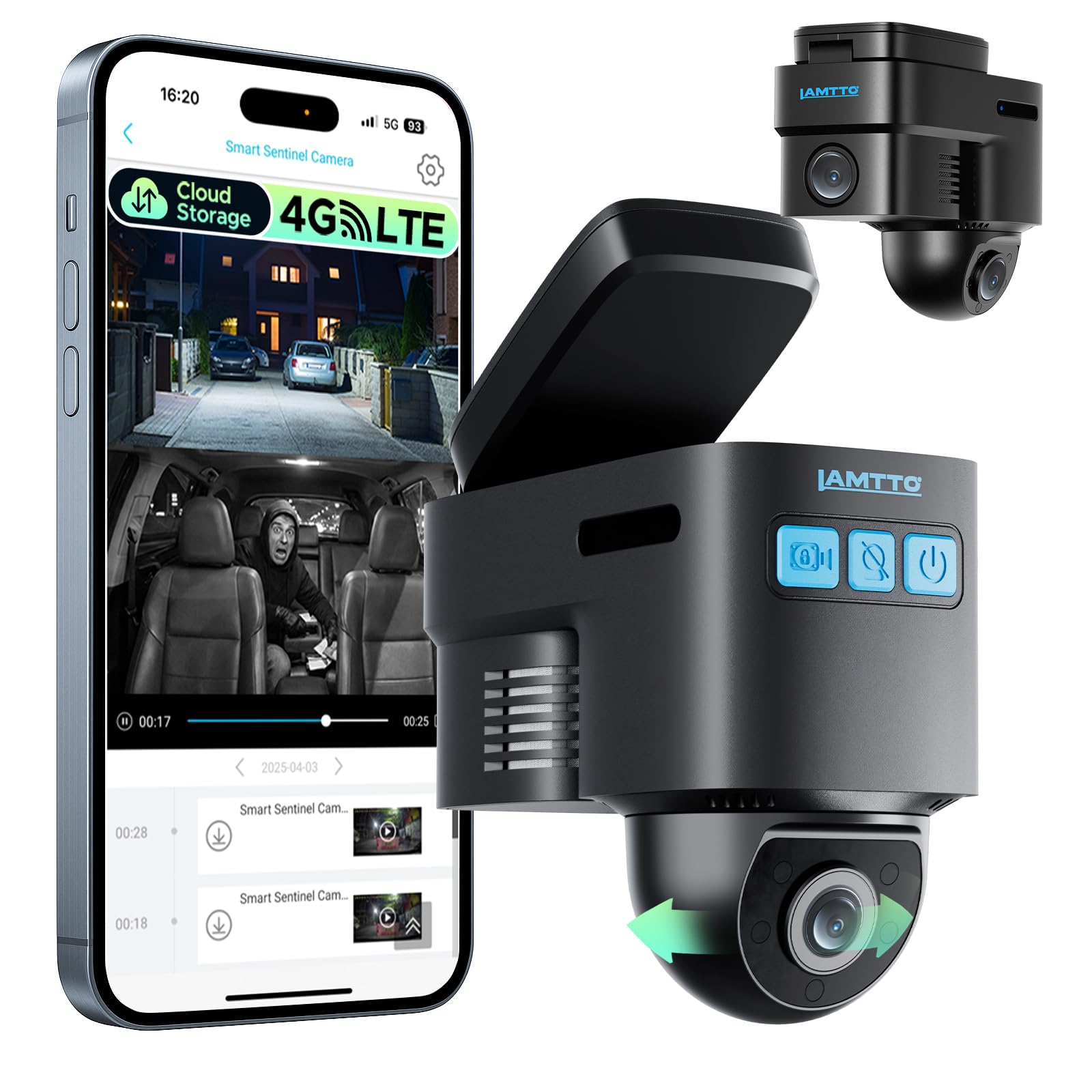
We recommend this if you want real-time remote monitoring and cloud backup for fleet or parked vehicles, but only if your area has solid 4G coverage and you’re ready to pay a subscription.
Pros
- Remote live view and GPS let us check vehicles from anywhere.
- Radar sentry and cloud backup protect footage if the camera is damaged.
- Two-way voice helps us talk to drivers or teens without calling.
Cons
- Requires a 4G plan for remote features; local SD only works without one.
- Connectivity can be spotty in weak signal areas or with flaky carrier handoffs.
- App and cloud features need subscription after the trial, adding ongoing cost.
We installed this unit across a small van fleet and used it daily for two weeks. Setup via the app was straightforward and the live view loaded quickly when the 4G signal was strong. GPS tracking and the two-way voice were useful during runs and for quick driver check-ins.
In parked mode the radar and G-sensor caught a few close calls in tight lots and pushed alerts to our phones. Cloud uploads saved those event clips immediately, which felt safer than relying on the SD card alone. That said, a couple of vehicles hit brief dropouts when they drove through weak-signal zones.
Video looked clear in daytime driving and readable at night for license plates at close range. We did notice lag and occasional disconnects on congested networks, so expect varying performance by carrier and area. If you need constant remote access, budget the cellular plan and test signal before you buy.
IIWEY N5 4-Channel Dash Cam

We recommend this if you want full 360° coverage at a budget price and can power it from the car’s cigarette lighter or a hardwire kit.
Pros
- True 360° view covers front, rear, sides, and interior.
- Comes with a 128GB card and easy loop recording out of the box.
- Supercapacitor handles heat better than a battery.
Cons
- Must use the included cigarette lighter charger or a hardwire kit — USB/Type-C won’t power it.
- No GPS or OBD support, so no speed/location stamped in videos.
- Rear camera needs a wired connection to the front unit, which adds installation work.
We fitted the N5 across a small fleet to test daily driving and overnight parking. Installation felt practical: the front unit snaps to the mount and the rear camera aligns easily, but running the rear wire takes time on some vans. The 3″ IPS screen made angle checks instant without opening the app.
Video clarity held up in daytime and low light. License plates and road signs came through clearly on most shots. Night performance used the IR lamps well, though distant details soften compared to higher-end 2K/4K units.
App pairing worked once we remembered to long-press the WiFi button to enable it. Transfers over 5GHz were noticeably faster than 2.4GHz, but the camera turns WiFi off after a few minutes idle to avoid heat — that felt annoying when we just wanted a quick preview.
Parking mode offers time-lapse to save space and an impact-triggered lock for collisions, but you must buy the hardwire kit for true 24/7 monitoring. The supercapacitor gave us peace of mind in hot cabs, and the dash cam seemed durable after weeks of use.
If you want the Amazon product page, check the IIWEY N5 here: IIWEY N5 4-Channel Dash Cam.
Garmin Mini 3

We recommend this if you want a tiny, reliable dash cam that records clear 1080p video and stays out of the way.
Pros
- Very small and low-profile; hardly noticeable on the windshield.
- Solid daytime and nighttime clarity thanks to the Clarity polarizer and HDR optics.
- Hands-free voice control and automatic incident saving simplify use.
Cons
- App and wireless file transfer can be slow and clunky.
- Many advanced features need a paid Vault subscription and Wi‑Fi to work.
- No screen means you must use a phone to review or change settings.
We liked how discreet the Mini 3 is. We stuck it behind the mirror and almost forgot it was there. Driving around, the camera captured clear footage without blocking our view.
Daytime video showed good detail across lanes, and the polarizer cut glare on sunny runs. Night clips kept enough detail to read plates at close range, though some distant detail softened.
Setting up took a short time, but the Garmin Drive app felt slow when pulling files over Wi‑Fi. We found downloads faster by removing the card. The Vault features are useful, but expect extra subscription costs to get remote live view or cloud backup.
Overall, this unit works well as a simple front dash cam for fleets that want quiet, dependable recording and a tiny footprint.
The Eagle — Global-View.Net
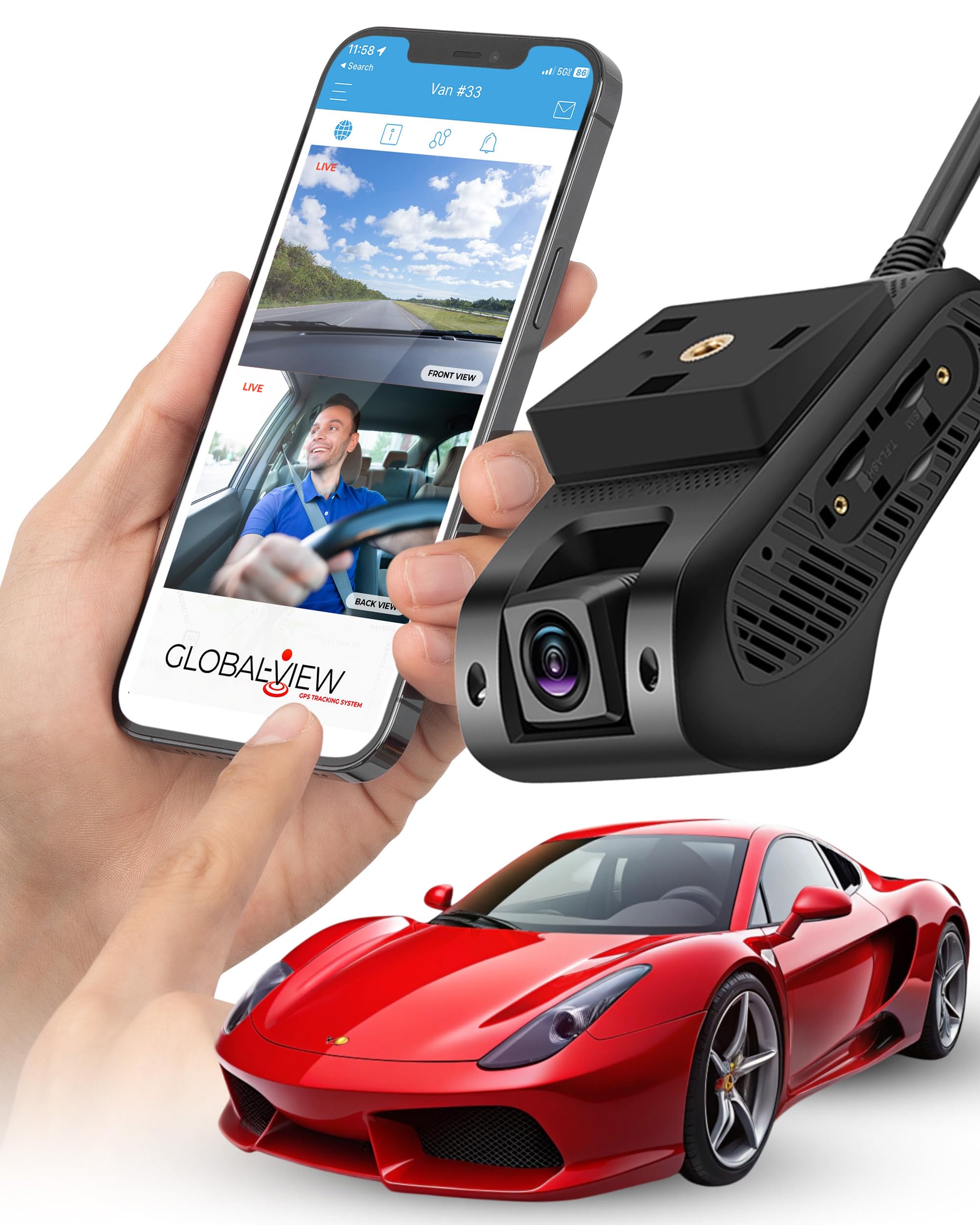
We recommend this if you need real-time live streaming and GPS tracking for a small fleet and can accept a monthly data fee.
Pros
- Live video on demand and GPS let us see vehicles in real time.
- Comes with everything for a clean install and works right out of the box.
- Dual cabin and front cameras capture both road and interior views.
Cons
- Monthly subscription needed for streaming and cloud uploads.
- iOS live streaming still limited compared to Android.
- Cloud uploads use data quickly unless you pick a higher plan.
We mounted The Eagle in a couple of vans and found installation fast and neat. The included wiring harness and bracket gave a flush look and the cameras stayed solid on rough roads.
When we used live view on an Android phone, the video was smooth and immediate. Tracking on the app showed change in location clearly, which made route checks simple.
Video quality in daylight was sharp and the interior camera helped with driver behavior checks. Night footage was usable but less detailed than daytime.
Managing clips in the app made incident review quicker than digging through SD cards. Automatic cloud uploads after collisions saved us time, though small plans clogged up fast.
We noticed iOS users on the team had trouble with streaming features, so plan device support first. Customer support fixed a setup hiccup for one unit, which helped get us back online.
Overall, The Eagle fits fleets that need live oversight and easy installs, as long as you budget the monthly service.
Buying Guide
We look for cameras that record clear video day and night. Night vision, wide-angle lenses, and 1080p or higher resolution help capture license plates and road signs.
We check build quality next. Devices should be rugged, weatherproof, and have secure mounts so they stay in place during long trips.
We prioritize storage and recording options. Continuous loop recording, expandable storage, and reliable overwrite settings keep footage without manual work. We prefer systems that support automatic upload to a server or cloud.
We assess power and installation needs. Hardwire kits, low-voltage cutoffs, and ignition sensing keep cameras running only when needed. Batteries and supercapacitors protect files when power is lost.
We value advanced features that improve safety and workflow. GPS logging, time-stamping, and driver-facing recording add context. Event tagging, incident alerts, and easy export help with reporting.
We think about connectivity and fleet management. Wi‑Fi, LTE, and remote access let us retrieve clips quickly. Integration with fleet software can centralize video, driver scores, and maintenance alerts.
We compare total cost of ownership, not just purchase price. Consider installation fees, data plans, storage subscriptions, and expected lifespan. Warranties and support matter when a unit fails.
We test ease of use before buying. Simple menu systems, clear apps, and straightforward mounting speed up deployment across many vehicles.
Editor’s Choice
We picked the top fleet dash cam that balances reliability, video quality, and fleet management features. Our choice records clear daytime and night footage and stores video securely for quick review.
The unit has both forward and driver-facing lenses. It supports 4G for live streaming and automatic upload. We like that its software shows location, speed, and event tags on a single timeline.
Key strengths:
- Video: 1080p+ front camera, good low-light performance.
- Connectivity: Built-in LTE, remote access to clips.
- Fleet tools: Vehicle tracking, driver-score reports, and easy firmware updates.
Installation is straightforward for most vehicles. The camera mounts cleanly and uses hardwiring or a plug-in power kit. We found setup guides clear and vendor support responsive.
Maintenance is low: periodic firmware checks and cloud retention settings handle storage. We recommend choosing a plan that fits your fleet size to avoid surprise costs.
Our pick fits mixed fleets and scales from a few vans to large operations. It gives the features most fleets need without complex setup or hidden fees.
Conclusion
We see fleet dash cams as a practical tool that improves safety, accountability, and efficiency for any operation that uses vehicles. They give clear video evidence, help coach drivers, and reduce the time we spend resolving incidents.
Installing dash cams can lower costs over time by cutting accident claims and repair expenses. The devices also support compliance with regulations and make it easier to track routes and vehicle use.
We recommend choosing systems that match our needs for video quality, storage, and connectivity. Prioritize models with reliable mounting, easy data access, and strong privacy controls to protect drivers and the company.
To get the best results, we should pair hardware with policies and training. Clear rules about camera use, data retention, and driver expectations help the technology work well and keep everyone informed.
Key benefits at a glance:
- Improved incident footage and evidence
- Better driver coaching and behavior change
- Reduced dispute time and insurance costs
- Enhanced route and vehicle oversight
We encourage fleets to pilot dash cams on a few vehicles first. That lets us measure real benefits and adjust systems before wider deployment.
FAQS
What does a fleet dash cam do?
We record video of driving events to protect drivers and the company. Footage helps with accident reviews, driver coaching, and insurance claims.
How do we install and maintain them?
We mount cameras on windshields or dashboards and connect to power or vehicle systems. We check mounts, lenses, and wiring regularly and update firmware as needed.
Do dash cams work in bad weather or at night?
Many models use low-light sensors and wide dynamic range to capture clearer footage. Performance varies by model, so we choose cameras rated for our conditions.
How do we store and access footage?
We use local microSD cards or cloud services. Cloud storage lets us view video remotely and keep longer archives.
Are there privacy or legal concerns?
We comply with local laws and inform drivers about recording. We anonymize or limit access to footage to protect privacy when required.
What features should we prioritize?
We look for high-resolution video, GPS, event-triggered recording, and tamper alerts. Remote access and analytics improve fleet management.
How much do fleet dash cams cost?
Costs vary by features and scale. We weigh upfront equipment price, installation, and ongoing storage or subscription fees.
Can dash cams reduce insurance costs?
Insurers may offer discounts based on video evidence and safer driving. We contact insurers to confirm eligibility and potential savings.

