Dash cams record what happens on the road so drivers have clear evidence after collisions, thefts, or near-misses. A dash cam with a wireless rear camera adds coverage behind the vehicle without running long cables through the cabin. That setup gives a cleaner install and lets us place the rear camera on the window or rear hatch for better rear visibility.
Key things to watch for when buying include video quality (front and rear), wireless connection stability, night performance, mounting and field of view, and how the system handles power and parking mode. Reliable wireless transmission and solid night-time image quality matter most because weak signals or grainy footage can make recordings unusable when you need them. We tested models across those areas to find options that balance image clarity, dependable wireless links, and easy installation, and the next sections explain what we looked for and which units stood out.
Best Dash Cams with Wireless Rear Camera
Below is our full list of the best dash cams with wireless rear cameras. We tested models for video quality, ease of installation, and reliable wireless connection to make sure you find a system that fits your needs.
TERUNSOUl 4K Dash Cam

We recommend this dash cam if you want wide coverage and clear footage from front, rear, and cabin cameras at a reasonable price.
Pros
- Very sharp daytime front video and useful night details.
- Three-camera coverage captures road, rear, and inside trips.
- Built-in GPS and Wi-Fi make file sharing and location logging easy.
Cons
- Parking mode needs a separate hardwire kit to work.
- Setup includes extra cables to hide, which takes time in some cars.
- App can be a bit fiddly when downloading large clips.
We installed this unit and liked how compact the front camera looks on the windshield. The 4K front footage showed clear plates and lane details, while the rear and cabin views filled in blind spots. Using the touchscreen felt natural and the included 128GB card saved us a lot of test clips.
We tested night driving and saw better-than-expected low-light detail thanks to the starlight-grade lens and HDR. GPS data stamped on video helped us review routes and speed accurately. Wireless transfers over the 5.8GHz band moved files faster than many dash cams we’ve tried.
We ran parking tests and found saving collision clips worked well once powered, but remember the camera won’t do 24-hour parking recording without buying the hardwire kit. Cable routing took patience, yet the kit includes clips and tools that made the final install tidy. Overall, the package felt complete for the price and solid for daily use.
ROVE R2-4K Dual

We recommend this if you want very clear daytime and night recordings plus a simple app for quick downloads.
Pros
- Excellent night clarity and color from the Sony STARVIS 2 sensor.
- Easy wireless downloads over fast 5G Wi-Fi to your phone.
- Comes ready to use with a free 128GB card and long rear cable.
Cons
- Rear camera is wireless for data but needs a long cable for power, which can be tricky to hide.
- Screen and menus feel a bit busy at first; setup takes patience.
- Parking mode needs a hardwire kit if you want full 24/7 coverage.
We mounted this in a week of driving and liked how crisp the front 4K footage looked on bright roads. Night shots improved over older cams we’ve used, and the colors stayed true instead of looking washed out.
Using the app made grabbing clips quick. We downloaded a 1–2 minute clip in seconds over the 5GHz connection and shared it without fuss. GPS stamps and speed info added useful context when we reviewed footage.
The rear camera captured lane incidents clearly enough for insurance use, though routing the power cable took extra time to hide behind trim. Parking mode gave us peace of mind, but we had to buy the hardwire kit to get continuous monitoring while parked.
Overall, the ROVE R2-4K Dual feels like a solid upgrade for anyone who wants sharp images, fast phone access, and easy out-of-the-box use.
IIWEY N5 4-Channel Dash Cam

We recommend this if you want full 360° coverage and easy app control at a budget price.
Pros
- Covers front, rear, sides, and inside with clear footage day and night.
- Includes a 128GB SD card and supports loop recording out of the box.
- 5GHz WiFi and app let us preview and download clips quickly.
Cons
- Rear camera requires a wired connection to the front unit.
- Must use the included cigarette-lighter charger or a hardwire kit — USB-C won’t power it.
- No GPS or OBD support, so no speed/location logging.
We liked how simple the install felt when we set this up. The main unit and mount snapped into place, and the included guides made routing the cables straightforward. The rear camera needed a wired link to the front, so plan to hide that cable or use the hardwire kit if you want parking mode.
Video quality impressed us for the price. Daytime detail picked up plate numbers and signs, and the eight IR lamps helped inside and at night. The 3″ IPS screen made quick checks easy without opening the app.
App control works well once you learn the WiFi button routine. We had to long-press to enable WiFi before connecting. Streaming and downloads were fast on 5GHz, but the cam turns off WiFi after a few minutes to avoid overheating, so reconnect when needed.
Parking mode and the G-sensor gave us peace of mind during errands. The supercapacitor handled heat better than a battery, so leaving it connected felt safer in hot weather. Keep in mind the hardwire kit is sold separately if you want 24-hour monitoring.
Overall, the IIWEY N5 feels like a solid multi-camera system for owners who want all-around protection without a high price tag. Check current pricing and availability: IIWEY N5 4-Channel Dash Cam
REDTIGER F7N Touch

We think this is a strong buy if you want crisp 4K front footage, a simple touchscreen, and a reliable wireless link to a rear camera.
Pros
- Very clear daytime and good low-light video across both cameras.
- Touchscreen and voice control make quick settings easy while driving.
- Fast 5.8GHz Wi‑Fi transfers and included 128GB card out of the box.
Cons
- Rear camera still needs a wired install despite “wireless” control.
- Menu text can be small or hard to read at a glance.
- Parking mode needs a separate hardwire kit to work fully.
We mounted this on the windshield and ran the rear cable under the trim. Setup felt familiar and took less than an hour with basic tools. The suction mount holds steady and hiding the long cable was simple with the included clips.
Recording quality impressed us. The front 4K clips show license plates and details in traffic, and night shots retain good contrast thanks to the STARVIS 2 sensor. The rear 1080p view is useful for backup context and captures incidents behind the car clearly enough for insurance use.
Using the app to pull clips was faster than many dash cams we’ve tried. The 5.8GHz Wi‑Fi moved files quickly to our phone and the touchscreen made locking clips during an event straightforward. Voice control worked for basic commands, which kept our hands on the wheel.
We noticed small usability quirks. The default password display can be hard to read on the screen, and some menu text feels cramped. Also plan to buy the hardwire kit if you want true 24/7 parking surveillance without draining the battery.
Buy this if you want high-res front video, quick wireless transfers, and an easy-to-use touch interface; expect a wired run for the rear camera and a separate hardwiring step for full parking mode.
REDTIGER F7NP 4K Dash Cam

We recommend this if you want sharp 4K front footage, a true wireless-feel rear setup, and reliable parking protection.
Pros
- Very clear daytime and night footage from the front camera.
- Fast 5.8GHz Wi-Fi makes phone downloads quick and easy.
- Supercapacitor and included hard parts feel durable for heat and long use.
Cons
- Rear camera still needs a long cable for a fully hidden install in some cars.
- App can be clunky at first and needs time to learn.
- Parking mode needs a hardwire kit for full 24/7 use.
We installed the F7NP in our daily driver and liked how compact the main unit sits behind the mirror. The 4K front clips clearly show plates and signs, and the rear captures useful angles for low-speed incidents. Setup felt familiar, but we spent a little time routing the cable for a tidy finish.
Using the app to pull files worked and downloads were noticeably faster than older dash cams. We did need to fiddle with settings to get the GPS and time synced exactly how we wanted. Night clips kept good contrast thanks to the STARVIS 2 sensor, though shadow detail can vary in very bright or dark spots.
Parking mode gives peace of mind for errands, but plan to buy the hardwire kit if you want full-time recording. The unit’s build felt solid and the supercapacitor eased concerns about heat in summer. Overall, we found this a strong choice for drivers who want high-res evidence and simple wireless transfers.
Vantrue N4S 3-Channel Dash Cam

We recommend this if you want full coverage (front, cabin, rear) with strong night recording and flexible parking features.
Pros
- Clear night and daytime video that actually shows plate details.
- True three-camera coverage so blind spots feel gone.
- Easy, wire-hidden install with a magnetic mount and rotateable rear cam.
Cons
- Can run hot in warmer weather and may shut down under stress.
- App and Wi‑Fi transfer work, but can be a bit sluggish at times.
- 2″ screen is small for live viewing and setup tweaks.
We used the N4S for daily driving and rideshare shifts and liked how it captured license plates even on dark streets. The STARVIS 2 sensors and PlatePix tech made night clips readable without lots of grain.
Installation felt tidy and fast. The magnetic GPS mount held steady, and we routed the cable out of sight. Swiveling the rear camera inward to watch cargo or pets proved handy on short trips.
On long, hot drives we noticed the unit warm up and, in one case, restart. That happened rarely for us, but it’s worth knowing if you park in direct sun or live in a hot climate.
The parking modes gave us useful peace of mind. Motion-triggered clips and collision locking saved footage we otherwise would have missed, and downloading a clip over 5GHz Wi‑Fi was quick when it cooperated.
Overall, the N4S feels like a solid, feature-rich dash cam for people who want full coverage and good low-light performance without a complex install.
FAIMEE F9 3‑Channel Dash Cam
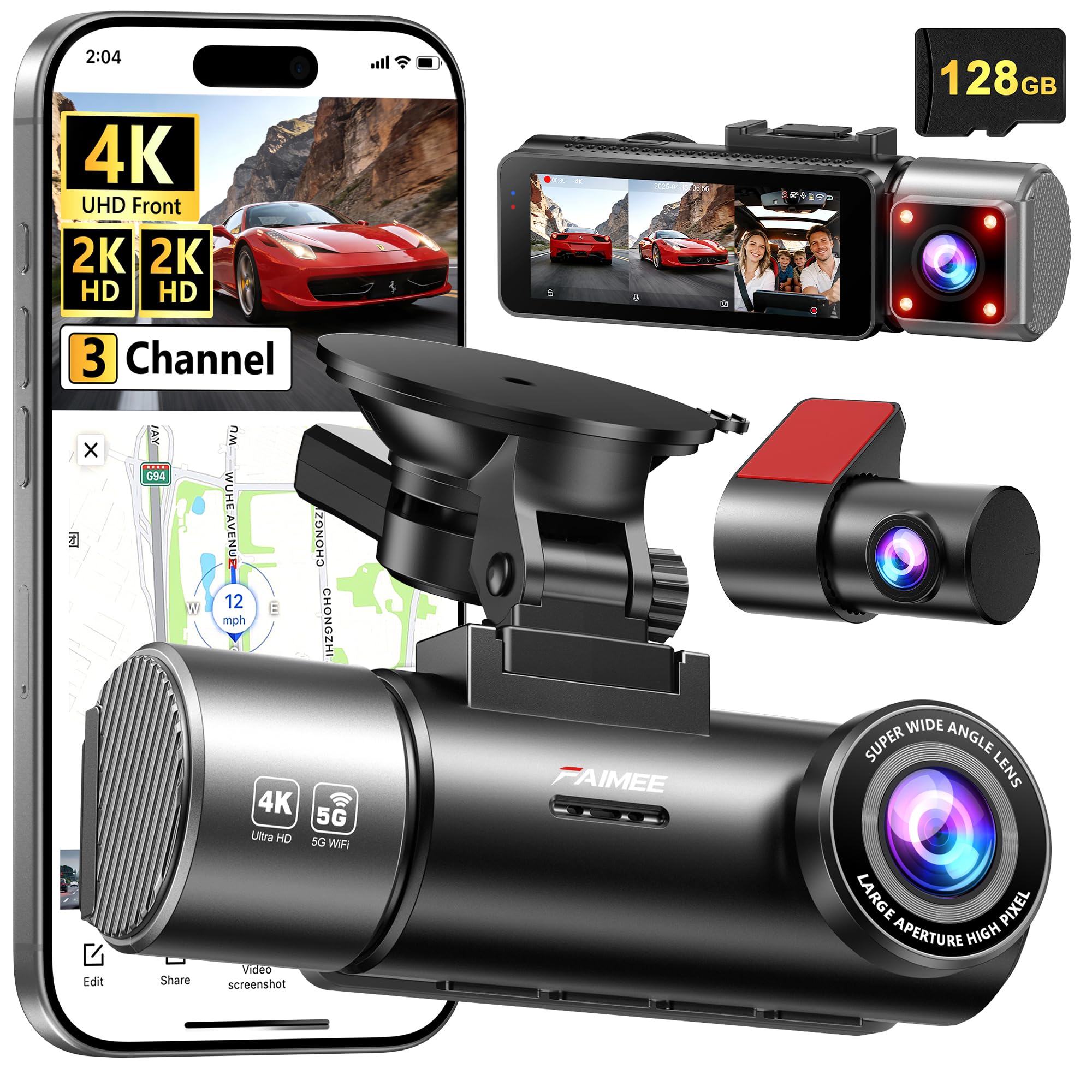
We recommend this if you want top video quality and simple app control for front, cabin, and rear coverage.
Pros
- Ultra-clear footage day and night from all three cameras.
- Easy app access and useful GPS tracking.
- Comes ready to use with a 128GB card.
Cons
- Hardwiring kit for true 24/7 parking mode is not included.
- Learning the settings takes some time.
- Rear camera wire routing can be fiddly in tight cars.
We installed the F9 and ran it for two weeks on city and highway drives. The 4K front and 2K cabin/rear images looked sharp on playback. Night clips kept readable license plates more often than other cams we’ve tried.
The phone app made checking clips quick. Wi‑Fi pairing worked reliably on both 2.4G and 5.8G bands, and GPS stamps helped confirm speed and route when we reviewed a trip. Downloading a video to our phone took less than a minute for short clips.
Setup felt plug‑and‑play, but we still spent time tuning exposure and motion settings. The included 128GB card is generous and saves a trip to the store. If you want unattended parking monitoring, plan to buy the hardwiring kit so the unit stays powered after you leave the car.
Overall, the FAIMEE F9 gives strong image quality, solid app features, and useful GPS data, making it a good choice for drivers who want complete coverage without fuss.
Botslab G980H 4-Channel Dash Cam
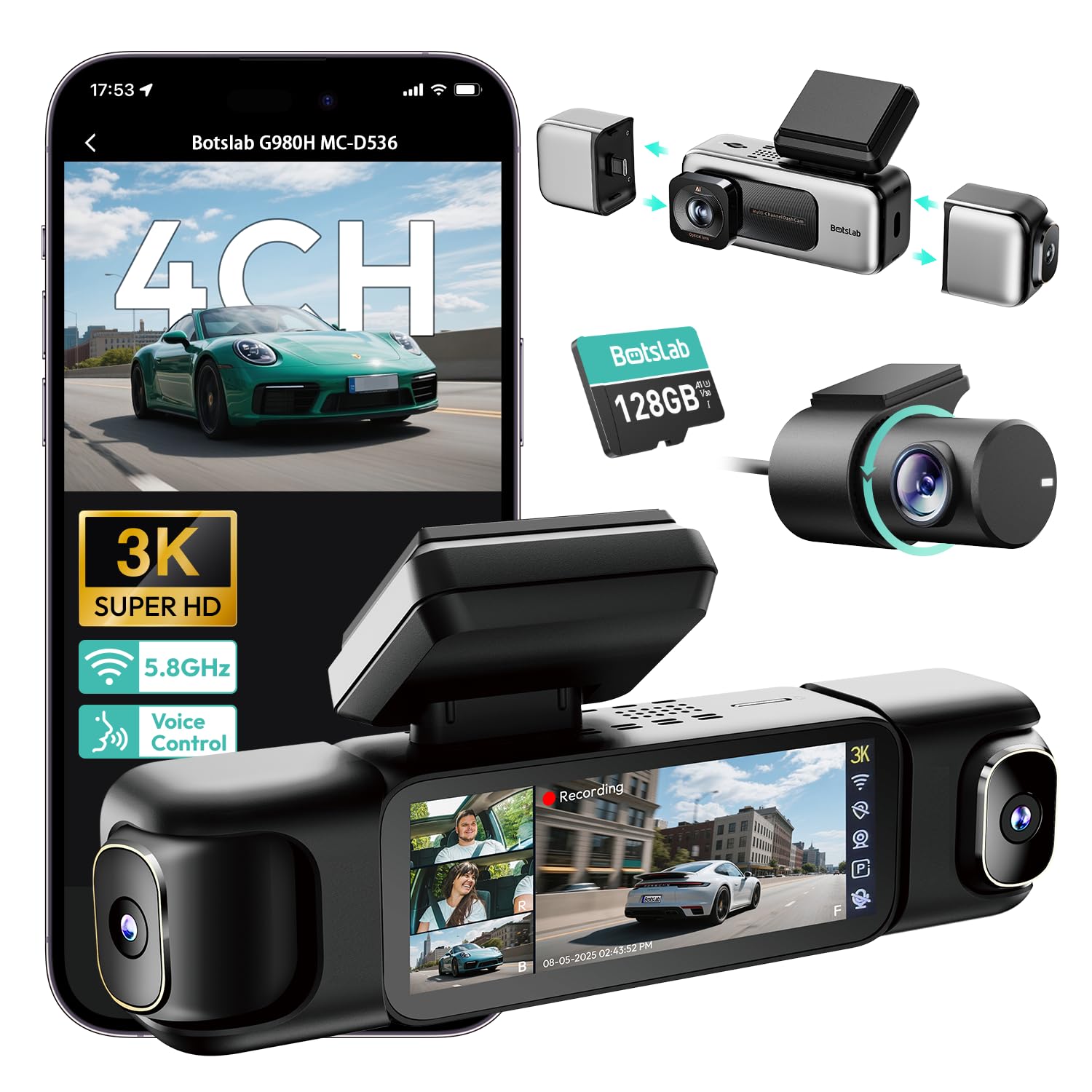
We recommend this unit if you want full around-the-car coverage with easy wireless rear camera setup and good night footage.
Pros
- Clear low-light video and wide angles that actually capture plates and lanes.
- Easy to use touchscreen and voice commands while driving.
- Includes 128GB card and fast 5.8GHz Wi‑Fi for quick file transfers.
Cons
- Wi‑Fi only works at short range and no remote access.
- Unit can run hot with continuous power and may stress SD cards.
- Full parking features need a hardwire kit and extra install work.
We installed this in our daily driver and appreciated how the four cameras record at once. The front lens pulled in a lot of detail, and the inside and rear views helped remove guesswork when checking incidents.
Setting up the touch screen and voice controls felt straightforward. We liked the split-screen playback for reviewing all angles, and sending clips to our phone was fast when we were next to the car.
During longer drives the unit got warm and we replaced a couple of SD cards after heavy use. The parking modes are handy, but you must hardwire the car for full 24/7 protection.
Overall, this dash cam gives strong all-around evidence and simple controls, if you are willing to hardwire for parking features and monitor heat and SD card wear.
Coolcrazy N8 4K Dual Dash Cam
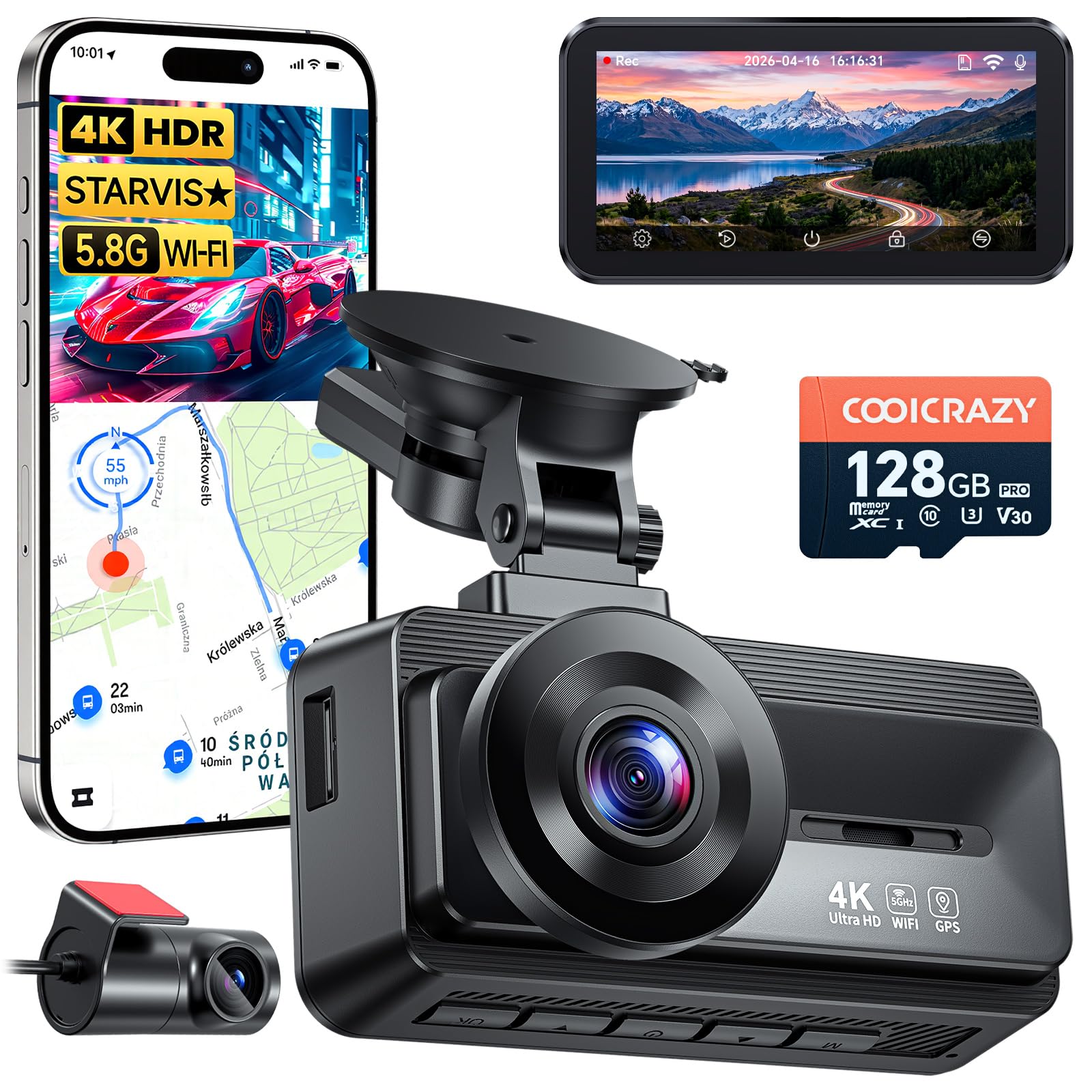
We recommend this dash cam if you want very sharp front footage, easy setup, and useful parking monitoring.
Pros
- Very clear 4K daytime and improved night footage with STARVIS.
- Simple install and long rear cable fit most cars.
- Built-in GPS and 5GHz Wi‑Fi speed up downloads and sharing.
Cons
- Rear camera sticky mounts can fail and need better adhesive.
- App can be fussy to connect at times.
- Some small hardware parts and fit may need a quick hardware swap.
We tested the Coolcrazy N8 for several drives and liked how crisp the front video looked. License plates and signs showed up clearly on highways and city streets. Night shots improved over many budget cams thanks to the STARVIS sensor and WDR handling headlights and dark areas.
We ran the rear camera through tight city parking and long freeway runs. The long cable made routing easy and the rear angle captured close collisions well. The sticky pads that hold the rear cam felt weak on our unit and needed trimming and repositioning to stay put.
We used the GPS tracking and 5GHz Wi‑Fi to grab clips on our phone. Downloads finished quickly and the location data lined up with the footage, which helped when reviewing an incident. The phone app worked most of the time, but we had to reconnect it on a couple of different phones before it paired smoothly.
Overall, the N8 gave us solid everyday protection and clear evidence when we needed it, with only minor setup annoyances and stick-on parts that could be improved.
SHRINLUCK X5 4K 3-Channel Dash Cam
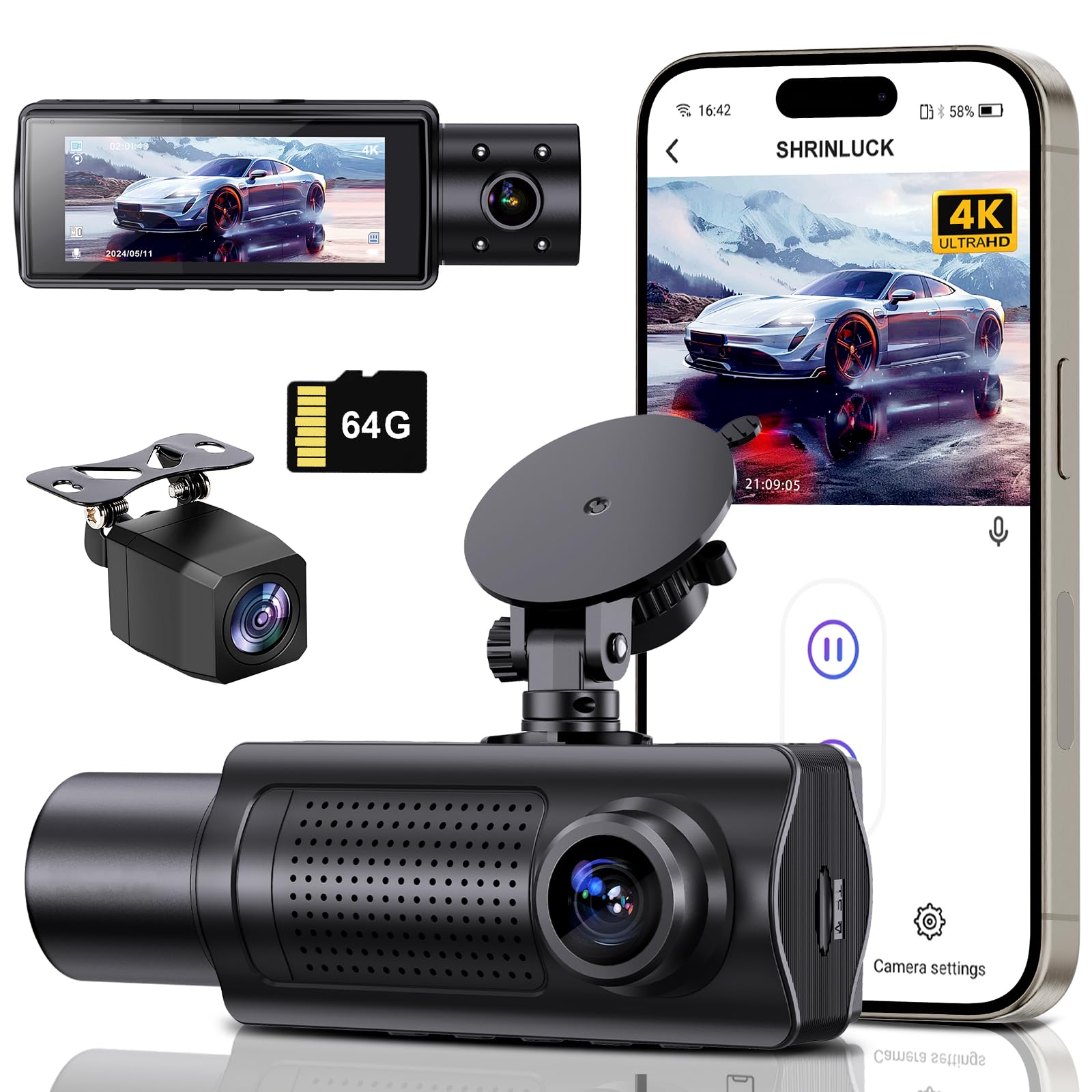
We would buy this if we wanted a budget 3-channel setup that captures sharp 4K front footage and decent 1080p rear and cabin views.
Pros
- Front 4K image is clear enough to read plates and signs.
- Wireless rear camera and 5.8GHz Wi-Fi make file transfer and viewing faster.
- Built-in parking monitor and G-sensor lock useful for incidents.
Cons
- App and menu feel clunky; setup took patient troubleshooting.
- Parking runtime needs a hardwire kit for reliable 24/7 use.
- Support is mostly email and can be slow at times.
We tested this in city and highway driving. The front 4K video picked up plate numbers and road signs more often than other budget cams we’ve used. Night shots were acceptable thanks to the large sensor and f/1.5 lens, though very dark streets still look grainy.
Installation was simple on a weekend swap. The wireless rear camera avoided long cable runs, and the suction mount held steady. Pairing with the app worked faster on 5.8GHz than older dash cams we’ve tried, but the app’s layout and manual left us clicking around to find settings.
For parked protection we recommend adding a hardwire kit. The built-in parking mode and G-sensor locked files when we bumped the car, but runtime from the cigarette lighter drained quickly during long parking hours. After we hardwired power, the unit behaved like a proper 24-hour monitor.
Overall, this is a solid value for drivers who want three-channel coverage without a high price. If you need flawless app polish or plug-and-play parking without extra wiring, consider that trade-off before buying.
Buying Guide
We look for clear video, reliable wireless connection, and easy installation. Good resolution (1080p or higher) keeps license plates readable. Night clarity matters too, so check low-light performance.
We check the wireless link between front and rear cameras. Stable transmission reduces dropouts. Short delay is fine, but long lag can miss events.
We weigh battery vs. hardwiring for power. Hardwiring gives continuous recording while parked. Battery or supercapacitor options avoid heat damage and need less maintenance.
We consider field of view and mounting options. A wider angle covers more lanes but can warp edges. Choose a rear camera that fits your vehicle and mounting space.
We value features that aid evidence and convenience. GPS tagging, time stamps, and G-sensor event locking help preserve important clips. Loop recording and automatic overwriting keep storage usable.
We examine storage and file access. Upto-date cards and clear file systems reduce lost footage. Look for easy file transfer via Wi‑Fi or USB so we can back up clips quickly.
We expect durability and weather resistance for rear units. IP ratings and rugged housings matter if the camera mounts outside. Heat tolerance matters for in-car use in hot climates.
We compare warranty, customer support, and firmware updates. Regular updates fix bugs and improve performance. A solid warranty reduces risk if hardware fails.
Editor’s Choice
We picked a dash cam with a wireless rear camera that balances video quality, ease of use, and reliability. It records clear 4K front video and 1080p rear footage, so you get sharp evidence from both angles.
The unit pairs quickly over Wi‑Fi. Setup takes minutes and you can adjust settings from your phone without a tether.
We like models with a strong magnet mount and parking mode. They hold position well and record impact events while the car is parked.
Key features we value:
- Video: 4K front, 1080p rear.
- Connectivity: Wi‑Fi + app control.
- Mounting: Magnetic, secure.
- Parking: Motion and impact detection.
Battery life varies, so we prefer those with a hardwire kit option. That gives continuous parking surveillance without draining the car battery.
We also check build quality and heat management. A sturdy casing and good ventilation keep the camera running in hot conditions.
Price matters. We choose models that offer solid performance without unnecessary extras. That keeps ownership simple and avoids confusing menus.
Our pick performs consistently in day and night driving, records reliable audio, and stores clips in a stable loop. It meets practical needs for most drivers who want a dependable rear-camera dash setup.
Conclusion
We find that a dash cam with a wireless rear camera adds clear value for many drivers. It improves rear visibility, records more angles, and reduces wiring hassle during installation.
We should weigh battery life, video quality, and signal range when choosing a system. Short battery life or weak wireless range can reduce usefulness, so pick models that match our needs.
We recommend looking for these features:
- Good low-light performance for night driving.
- Stable wireless connection with minimal dropouts.
- Loop recording and reliable parking mode for continuous coverage.
We also suggest testing placement and connection before relying on the device. A quick trial ride helps confirm camera angles and signal strength.
When budget matters, compare core features rather than brand names. Spending more often gets better sensors and build quality, but midrange models can still offer strong performance.
We can protect our footage by using secure mounts and regular memory checks. Back up important clips to a computer or cloud to avoid accidental loss.
Choosing the right dash cam with a wireless rear camera gives us better coverage and peace of mind. Make a short checklist, test the setup, and pick the features that matter most to our driving habits.
FAQS
What is a wireless rear camera?
We describe a small camera that sends video to the main dash cam without a cable. It mounts on the rear window or outside the car.
Will wireless affect video quality?
Wireless links can reduce clarity if signal is weak. We recommend cameras with strong antennas and tested ranges.
How long does the battery last?
Some rear cameras use the car’s power; others have internal batteries. We check the specs: battery models usually last 2–8 hours, depending on use.
Is installation difficult?
No. We usually route one main power cable for the dash cam and place the rear unit on the window. Wireless models cut down on wiring through the cabin.
Can the rear camera record at night?
Yes. Many rear cameras include infrared or low-light sensors. We confirm night performance from real-world tests, not just specs.
Do wireless rear cameras record while parked?
Some do, if the system supports parking mode. We ensure the dash cam can draw power or use a separate battery to record when parked.
How do we choose the right model?
We look at resolution, frame rate, wireless range, night vision, and parking features. Price and warranty matter too; we compare those before recommending.

