
Freeze frame data on an OBD2 scanner captures crucial information about your vehicle’s condition at the moment a fault occurs. In this guide, you will learn how to access and interpret freeze frame data to diagnose issues accurately and make informed repair decisions.
Quick Answers to Common Questions
How do I know if my OBD2 scanner supports freeze frame data?
Check the scanner’s manual or product specifications. Scanners with “advanced” or “professional” features usually support freeze frame data.
Can freeze frame data be viewed on all vehicles?
Most vehicles manufactured after 1996 support freeze frame data, but availability may vary depending on the manufacturer and ECU.
Should I clear freeze frame data after repairs?
Yes, clearing codes after repairs helps confirm if the issue is resolved and prevents confusion with old data.
Is freeze frame data the same as live data?
No, freeze frame is a snapshot at fault occurrence, while live data shows real-time sensor values.
What if freeze frame data shows normal values but a code is present?
Some issues are intermittent. Use live data monitoring and repeated scans to catch fluctuating faults.
How to Use Freeze Frame on OBD2 Scanner for Accurate Diagnostics
If you’ve ever dealt with a check engine light but struggled to figure out what exactly went wrong, freeze frame data can be a game changer. This data records the exact conditions your vehicle was in when a fault occurred. Using an OBD2 scanner to access freeze frame data allows you to diagnose issues with precision and confidence. In this guide, you’ll learn step-by-step how to use freeze frame on your OBD2 scanner, understand what the data means, and apply it to fix your vehicle efficiently.
What is Freeze Frame Data on an OBD2 Scanner?
Freeze frame data is a snapshot of various sensor readings taken the moment a diagnostic trouble code (DTC) is triggered. It includes parameters such as engine speed (RPM), coolant temperature, vehicle speed, fuel system status, and more. This information helps mechanics and DIYers understand the context of the fault, making troubleshooting much easier.
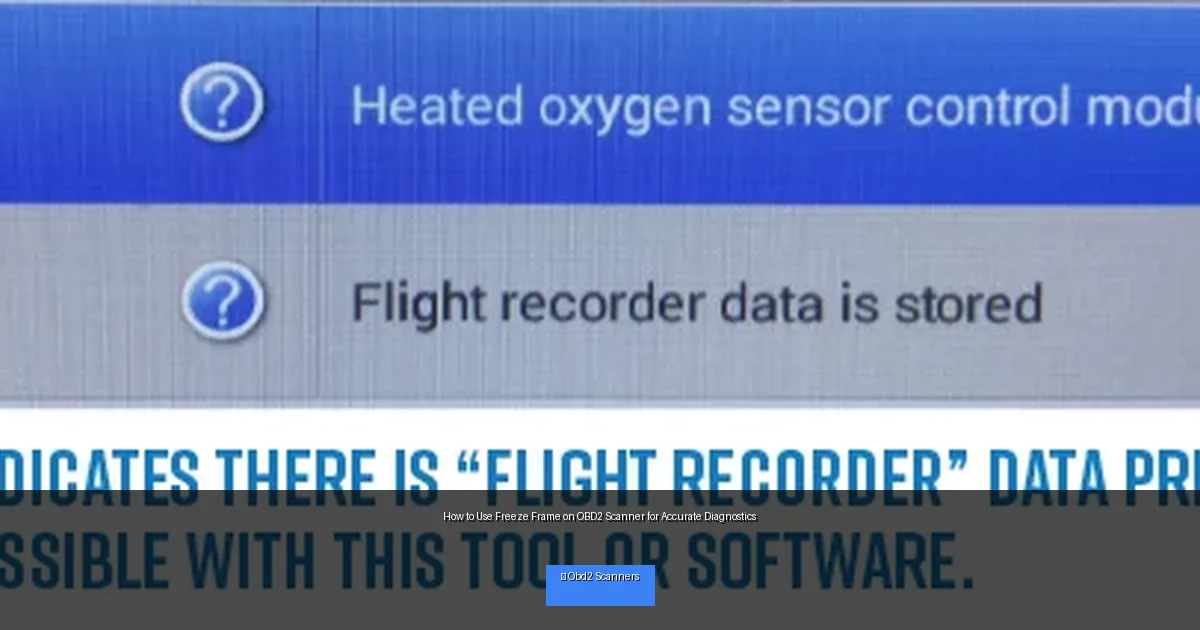
Visual guide about How to Use Freeze Frame on OBD2 Scanner for Accurate Diagnostics
Image source: s19539.pcdn.co
Step 1: Choose an OBD2 Scanner That Supports Freeze Frame
Not all OBD2 scanners provide freeze frame data. Before you begin, ensure your scanner model supports this feature. Popular scanners from brands like Autel, BlueDriver, and Innova often include freeze frame capability. Check your scanner’s manual or product description to confirm.
Tip:
Look for scanners labeled as “enhanced” or “professional” as they tend to offer freeze frame and other advanced diagnostic features.
Step 2: Locate the OBD2 Port and Connect the Scanner
The OBD2 port is typically located under the dashboard on the driver’s side. It looks like a trapezoidal connector. Follow these steps to connect your scanner:
How to Connect
- Turn off your vehicle’s ignition.
- Plug the OBD2 scanner connector into the port firmly.
- Turn the ignition to the “On” position without starting the engine.
- Power on your OBD2 scanner, if it doesn’t automatically power on.
Step 3: Retrieve Diagnostic Trouble Codes (DTCs)
Once connected, navigate your scanner’s menu to read the trouble codes.
Steps
- Select “Read Codes” or a similar option.
- Wait for the scanner to retrieve stored DTCs.
- Note down any codes displayed or save them if your scanner allows.
These codes indicate faults detected by your vehicle’s onboard computer. Freeze frame data is linked to these codes.
Step 4: Access Freeze Frame Data
After retrieving the DTCs, look for an option labeled “Freeze Frame,” “Freeze Frame Data,” or “Data Snapshot” in the scanner menu. This section shows sensor values recorded at the time the fault was triggered.
Viewing Freeze Frame Data
- Select the desired trouble code to view its freeze frame data.
- Review parameters like engine RPM, coolant temperature, fuel trim, vehicle speed, and intake air temperature.
- Take notes or screenshots if your scanner supports it for future reference.
Step 5: Interpret Freeze Frame Data for Diagnosis
Understanding freeze frame data is crucial for accurate diagnosis. Here’s what to look for:
- Engine RPM: High RPM might suggest an issue under load.
- Coolant Temperature: Low temperature could mean the engine was cold; high temperature might indicate overheating.
- Vehicle Speed: Helps determine if the fault occurred while idling, accelerating, or cruising.
- Fuel System Status: Indicates if the system was in open or closed loop, affecting fuel delivery.
- Intake Air Temperature: Can affect engine performance and emissions.
Use this data to correlate symptoms and identify if the issue is sensor-related, mechanical, or electrical.
Practical Example: Diagnosing a P0302 Misfire Code
Imagine your scanner shows a P0302 code, which means cylinder 2 misfire. The freeze frame data reveals:
- Engine RPM: 3500
- Coolant Temp: 90°C
- Vehicle Speed: 60 mph
- Fuel System: Closed Loop
This tells you the misfire occurred while driving at highway speed with a fully warmed engine. You might check the spark plug, ignition coil, or fuel injector for cylinder 2 rather than assuming a cold start issue.
Troubleshooting Common Issues When Using Freeze Frame
Scanner Does Not Show Freeze Frame Data
- Ensure your scanner supports freeze frame data.
- Try updating the scanner’s software or firmware.
- Check if the vehicle’s ECU has stored freeze frame data for the fault.
Freeze Frame Data Seems Incomplete or Confusing
- Refer to your vehicle’s service manual for parameter definitions.
- Cross-check with live data readings to understand sensor behavior.
- Consult professional diagnostics if unsure.
Tips for Using Freeze Frame Data Effectively
- Always clear codes after repairs and check if freeze frame data reappears.
- Use freeze frame data alongside live data for comprehensive diagnostics.
- Keep a log of freeze frame readings for recurring issues.
- Consider professional help if freeze frame data points to complex engine faults.
Conclusion
Freeze frame data is a powerful tool that enhances the accuracy of diagnostics using an OBD2 scanner. By capturing the exact conditions during a fault, it helps you pinpoint issues quickly and avoid unnecessary repairs. With this guide, you now know how to access, interpret, and use freeze frame data effectively. Whether you’re a DIY enthusiast or a professional mechanic, mastering freeze frame analysis will save you time, money, and frustration on your vehicle repair journey.
🎥 Related Video: Maxiscan MS309 no codes stored
📺 dennmark de dios