
Keeping your car stereo screen clean improves visibility and extends its lifespan. This guide shows you the safest, most effective methods using household items and proper techniques to avoid scratches or damage.
Key Takeaways
- Use microfiber cloths only: Avoid paper towels or rough fabrics that can scratch the screen.
- Turn off the stereo first: Prevents accidental button presses and reduces static buildup.
- Choose the right cleaner: Use isopropyl alcohol (70%) or screen-safe sprays—never ammonia or bleach.
- Spray on cloth, not screen: Prevents liquid from seeping into internal components.
- Clean gently in circular motions: Removes fingerprints and smudges without damaging the surface.
- Avoid excessive moisture: A damp—not wet—cloth is all you need for most cleaning jobs.
- Maintain regularly: Wipe down weekly to prevent buildup and keep your screen crystal clear.
How to Clean Car Stereo Screen Safely and Effectively
Your car stereo screen is one of the most frequently touched parts of your vehicle’s interior. Whether you’re adjusting the volume, changing the radio station, or navigating GPS, your fingers leave behind oils, dust, and smudges. Over time, this buildup can reduce visibility, make the screen look dull, and even interfere with touch sensitivity on modern units. The good news? Cleaning your car stereo screen is quick, easy, and doesn’t require expensive tools—if you do it the right way.
In this guide, you’ll learn how to clean your car stereo screen safely and effectively. We’ll cover the best tools and cleaning solutions, step-by-step instructions, and tips to avoid common mistakes. Whether you have a basic radio display or a high-tech touchscreen infotainment system, these methods will keep your screen looking like new—without risking damage.
Why Cleaning Your Car Stereo Screen Matters
A clean stereo screen isn’t just about aesthetics. Dirt, fingerprints, and grime can:
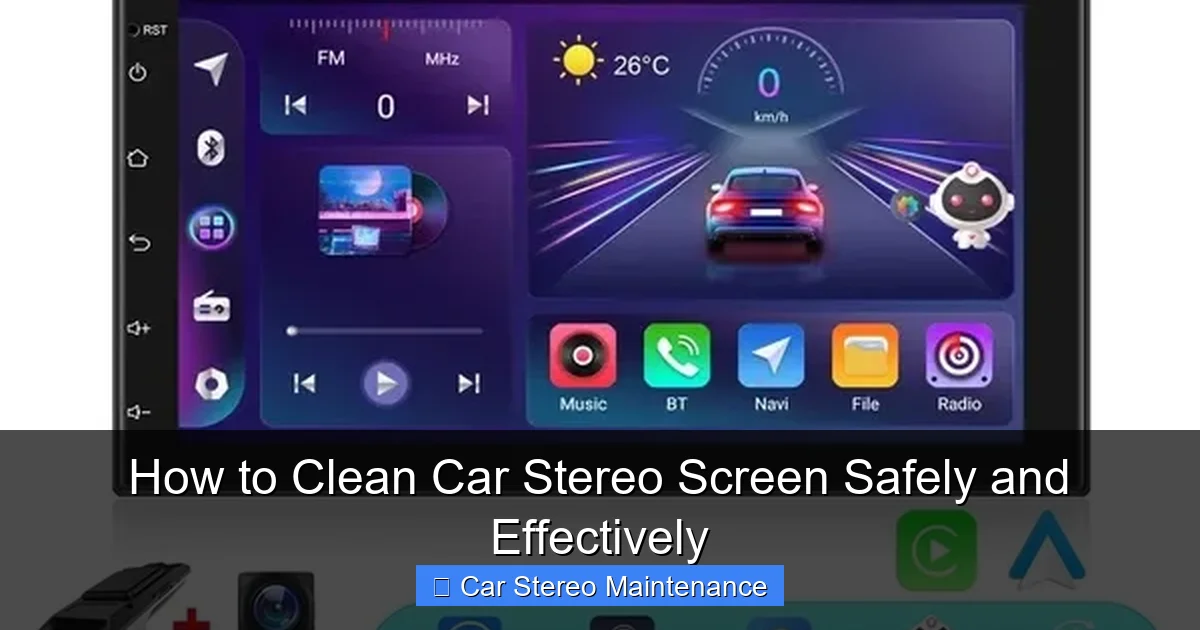
Visual guide about How to Clean Car Stereo Screen Safely and Effectively
Image source: canary.contestimg.wish.com
- Reduce screen clarity and brightness
- Interfere with touch responsiveness
- Attract more dust and bacteria over time
- Cause long-term damage if abrasive cleaners are used
Regular cleaning helps maintain optimal performance and extends the life of your stereo unit. Plus, a spotless screen makes driving safer—especially when using navigation or hands-free calling features.
What You’ll Need
Before you start, gather these essential cleaning supplies:
- Microfiber cloth: Soft, lint-free, and non-abrasive. Ideal for screens.
- Isopropyl alcohol (70%): Safe for electronics and effective at cutting through grease.
- Distilled water: Prevents mineral deposits that tap water can leave behind.
- Screen-safe cleaning spray (optional): Look for products labeled “safe for LCD/LED screens.”
- Compressed air (optional): Great for blowing dust out of vents and crevices.
- Cotton swabs (optional): Useful for cleaning tight spaces around buttons.
Avoid using household cleaners like Windex, vinegar, or bleach-based sprays. These can strip protective coatings and damage the screen over time.
Step-by-Step Guide to Cleaning Your Car Stereo Screen
Step 1: Turn Off the Stereo
Before you begin, turn off your car stereo. This prevents accidental button presses and reduces static electricity, which can attract more dust. If your stereo has a standby mode, switch it off completely. For touchscreens, turning it off also ensures you won’t trigger unwanted commands while cleaning.
Step 2: Dust the Screen and Surrounding Area
Use a dry microfiber cloth or a can of compressed air to gently remove loose dust and debris from the screen and around the stereo unit. Hold the compressed air upright and spray in short bursts to avoid moisture buildup. This step prevents scratching when you apply liquid cleaner later.
Step 3: Prepare Your Cleaning Solution
Mix a solution of 70% isopropyl alcohol and 30% distilled water in a small spray bottle. This ratio is safe for most screens and evaporates quickly without leaving residue. Alternatively, use a commercial screen cleaner designed for electronics. Never use undiluted alcohol or water alone—both can be too harsh or leave streaks.
Step 4: Dampen the Cloth (Don’t Spray the Screen!)
Spray a small amount of your cleaning solution onto the microfiber cloth—not directly onto the screen. This prevents liquid from seeping into the edges of the display or damaging internal components. The cloth should be slightly damp, not soaking wet.
Step 5: Wipe the Screen Gently
Using light pressure, wipe the screen in small, circular motions. Start from the top and work your way down. Focus on areas with heavy smudges or fingerprints. Avoid pressing too hard, especially on touchscreens, as excessive pressure can damage the display layer.
Step 6: Dry with a Clean Section of the Cloth
Once the screen is clean, use a dry section of the microfiber cloth to buff away any remaining moisture or streaks. This ensures a clear, polished finish. If needed, repeat the process for stubborn spots—but never scrub aggressively.
Step 7: Clean Around Buttons and Vents
Use a cotton swab lightly dampened with your cleaning solution to clean around buttons, knobs, and air vents. Be careful not to push liquid into openings. For tight spaces, a dry toothbrush (soft-bristled) can help dislodge dust before wiping.
Step 8: Let It Air Dry Completely
Allow the stereo to air dry for a few minutes before turning it back on. This ensures no moisture remains that could affect performance. Once dry, power up your stereo and enjoy your crystal-clear screen.
Tips for Different Types of Car Stereo Screens
Touchscreen Displays
Modern infotainment systems with touchscreens are more delicate. Always use a soft microfiber cloth and avoid abrasive materials. If your screen has an anti-glare or oleophobic coating, harsh cleaners can wear it down over time. Stick to alcohol-based solutions and gentle wiping.
Non-Touch LCD/LED Screens
Older stereos with basic LCD displays are more durable but still require care. You can use the same cleaning method, but you may need to be extra cautious around text or graphics that could smudge if too much moisture is used.
Glossy vs. Matte Finishes
Glossy screens show fingerprints more easily but are generally easier to clean. Matte screens hide smudges better but can be trickier to wipe without leaving streaks. Use the same technique for both—just adjust your expectations for visibility.
Common Mistakes to Avoid
- Using paper towels or tissues: These can scratch the screen and leave lint behind.
- Spraying cleaner directly on the screen: Liquid can seep into the housing and damage electronics.
- Using household glass cleaners: Products like Windex contain ammonia, which can degrade screen coatings.
- Cleaning while the stereo is on: Increases the risk of accidental input and static damage.
- Over-wetting the cloth: Excess moisture can cause streaks or internal damage.
Troubleshooting Common Issues
Streaks or Haze After Cleaning?
This usually happens when too much cleaner is used or the cloth isn’t dried properly. Try wiping the screen again with a dry microfiber cloth. If the haze persists, it may be due to a worn protective coating—consider using a screen protector to restore clarity.
Screen Still Looks Dirty?
Stubborn grime may require a second pass. Reapply the cleaning solution and let it sit for 10–15 seconds before wiping. Avoid scrubbing—patience and gentle pressure work best.
Touchscreen Not Responding After Cleaning?
Turn off the stereo and let it dry completely. If the issue persists, check for moisture in the edges or consult your owner’s manual. In rare cases, liquid damage may require professional repair.
How Often Should You Clean Your Car Stereo Screen?
For most drivers, cleaning the stereo screen once a week is sufficient. If you frequently use your touchscreen or drive in dusty environments, consider cleaning it every 3–4 days. Regular maintenance prevents buildup and keeps your system looking and working its best.
Conclusion
Cleaning your car stereo screen doesn’t have to be complicated or risky. With the right tools and techniques, you can keep your display clear, responsive, and free of damage. Remember to use a microfiber cloth, a mild cleaning solution, and gentle wiping motions. Avoid harsh chemicals and always turn off the stereo before cleaning.
By following this guide, you’ll not only improve the look of your car’s interior but also protect your investment in your audio system. A clean screen means better visibility, safer driving, and a more enjoyable ride—every time you hit the road.