Upgrading your car stereo doesn’t have to be confusing. This guide walks you through every step—from measuring your dashboard to matching wiring and features—so you can find a stereo that fits your car perfectly and sounds amazing.
Key Takeaways
- Know your car’s stereo size (DIN or double-DIN): Most cars use single or double-DIN slots, and measuring ensures compatibility.
- Check your vehicle’s year, make, and model: Stereo fit varies by manufacturer and design, so always verify compatibility.
- Use a fit guide or online tool: Brands like Crutchfield and Best Buy offer vehicle-specific recommendations.
- Consider wiring harness adapters: These simplify installation and protect your car’s original wiring.
- Don’t forget about mounting depth and accessories: Some stereos need extra brackets or dash kits for a secure fit.
- Match features to your needs: Bluetooth, Apple CarPlay, and steering wheel controls enhance usability.
- Test before finalizing installation: Power up the stereo to confirm all functions work before reassembling the dash.
How to Find Car Stereo That Fits My Car Perfectly
Upgrading your car stereo can transform your driving experience—better sound, hands-free calling, smartphone integration, and modern features like navigation and voice control. But before you buy that shiny new head unit, you need to make sure it actually fits your car. A stereo that doesn’t fit properly can look awkward, function poorly, or even damage your dashboard.
In this guide, we’ll walk you through every step to find a car stereo that fits your vehicle perfectly. Whether you’re a DIY enthusiast or planning to have it professionally installed, these tips will save you time, money, and frustration. You’ll learn how to measure your dash, understand stereo sizes, use compatibility tools, and choose the right accessories for a seamless upgrade.
Step 1: Identify Your Car’s Stereo Size
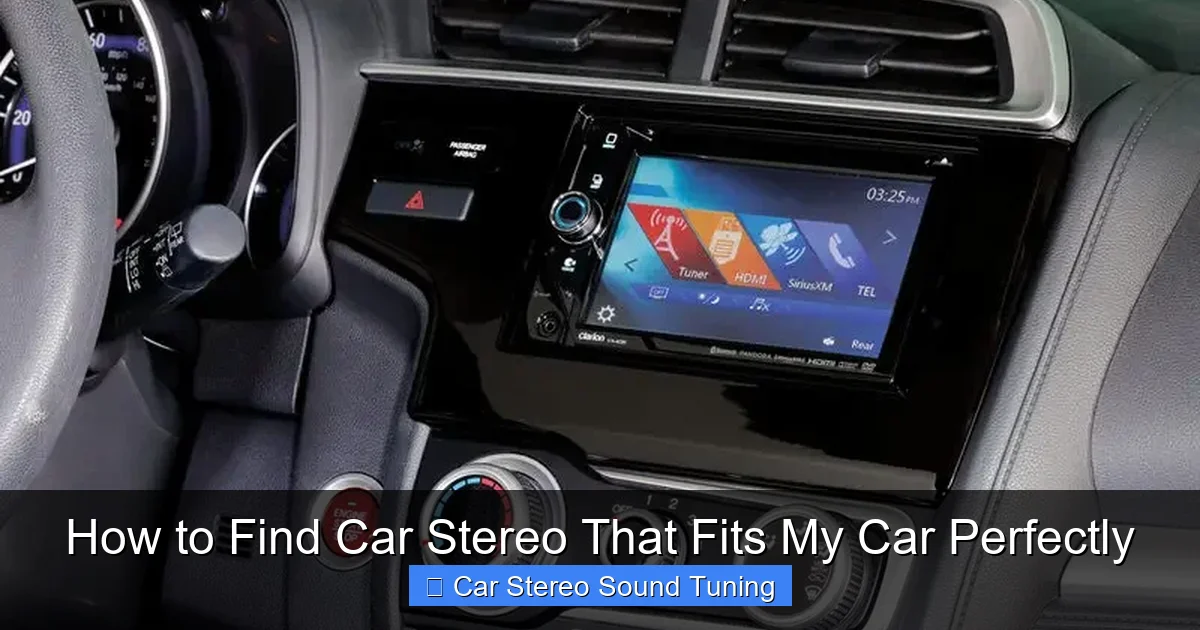
Visual guide about How to Find Car Stereo That Fits My Car Perfectly
Image source: autostereoguide.com
The first and most important step is determining the size of your current stereo opening. Most car stereos come in two standard sizes: single-DIN and double-DIN.
What Is DIN Size?
DIN stands for “Deutsches Institut für Normung,” a German standards organization. In car audio, it refers to the standardized dimensions for head units. A single-DIN stereo measures approximately 7 inches wide by 2 inches tall (180mm x 50mm). A double-DIN is twice as tall—about 7 inches wide by 4 inches tall (180mm x 100mm).
How to Measure Your Dash
Grab a tape measure and check the opening where your current stereo sits. Measure the width and height of the faceplate. If it’s around 7″ x 2″, you have a single-DIN slot. If it’s closer to 7″ x 4″, it’s double-DIN. Some older or custom vehicles may have non-standard sizes, so double-check your measurements.
Pro Tip: Don’t just measure the stereo itself—measure the actual opening in the dashboard. The stereo may sit flush or be recessed, which affects fit.
Step 2: Check Your Vehicle’s Year, Make, and Model
Not all cars of the same make and model have identical dash designs—even within the same year. Trim levels, regional variations, and factory upgrades can change the stereo setup.
Why This Matters
A 2018 Honda Civic LX might have a different stereo opening than a 2018 Honda Civic EX. One could have a double-DIN slot with climate controls integrated, while the other uses a single-DIN with a separate display.
How to Find Accurate Info
Use your vehicle’s VIN (Vehicle Identification Number) or simply note the year, make, model, and trim. You can find this info on your registration, insurance card, or the driver’s side door jamb.
Then, visit websites like Crutchfield.com, Sonic Electronix, or Amazon and use their vehicle fit tools. Just enter your car details, and they’ll show you stereos guaranteed to fit.
Step 3: Use Online Fit Guides and Compatibility Tools
Online retailers have made it easier than ever to find the right stereo. These tools cross-reference your car’s specs with thousands of head units to recommend compatible models.
How Fit Guides Work
After entering your vehicle info, the tool shows:
– Compatible stereo sizes (single or double-DIN)
– Required dash kits or brackets
– Wiring harness adapters
– Antenna adapters (if needed)
For example, if you drive a 2015 Ford F-150, the tool might recommend a double-DIN stereo with a specific dash kit to fill gaps and secure the unit.
Recommended Tools
– Crutchfield Vehicle Fit Guide: Offers detailed compatibility reports and even includes installation instructions.
– Best Buy Car Audio Finder: Simple interface with filter options for features and price.
– CarID.com Fitment Checker: Great for aftermarket parts and accessories.
These tools often include customer reviews and expert recommendations, helping you avoid common pitfalls.
Step 4: Consider Mounting Depth and Dash Space
Even if a stereo fits the opening, it might not fit behind the dash. Some head units are deeper than others, especially those with large screens or built-in amplifiers.
Check the Depth
Measure the space behind your current stereo. Use a ruler or tape measure from the back of the dash to any obstacles (like the steering column or HVAC controls). Compare this to the depth listed in the stereo’s specs.
Most single-DIN stereos are around 6–7 inches deep, while double-DIN units can be 7–8 inches or more.
Watch for Hidden Obstacles
Some cars have tight spaces behind the stereo. For example, older Toyotas may have a fuse box or wiring bundle that limits depth. If the new stereo is too deep, it might not close properly or could damage components.
Solution: Look for low-profile models or use a spacer bracket. Some dash kits include extensions to create more room.
Step 5: Choose the Right Wiring Harness and Accessories
Installing a new stereo isn’t just about size—it’s also about wiring. Modern stereos use different connectors than factory units, so you’ll likely need adapters.
Wiring Harness Adapters
A wiring harness adapter lets you connect the new stereo to your car’s factory wiring without cutting any wires. It plugs into the existing harness and matches the stereo’s input.
For example, a Metra AX-1785 harness works with many GM vehicles and preserves steering wheel controls and factory amplifiers.
Dash Kits and Mounting Brackets
These fill gaps around the stereo and secure it in place. A dash kit might include a bezel, brackets, or a full faceplate. Some cars require specific kits—like a Scosche GM2045B for certain Chevrolet models.
Antenna Adapters
If your car has a unique antenna connector (like a Motorola or Mini-Din), you may need an adapter to connect it to the new stereo.
Step 6: Match Features to Your Needs
Once you’ve confirmed fit, focus on features. A stereo that fits perfectly but lacks the functions you want is still a poor choice.
Essential Features to Consider
– Bluetooth: For hands-free calls and wireless music streaming.
– Apple CarPlay and Android Auto: Mirror your phone’s interface for navigation, music, and messaging.
– USB and Auxiliary Inputs: For charging and connecting devices.
– Steering Wheel Control Compatibility: Use your existing buttons to control the stereo (requires an adapter like the Axxess ASWC-1).
– HD Radio or Satellite Radio: For better sound quality and more stations.
– Backup Camera Input: If you plan to add a camera later.
Tip: Don’t overpay for features you won’t use. A basic double-DIN with Bluetooth and CarPlay may be all you need.
Step 7: Test Before Final Installation
Before snapping everything back into place, power up the stereo to make sure it works.
Quick Test Steps
1. Connect the wiring harness and antenna.
2. Turn on the ignition (don’t start the engine).
3. Power on the stereo and test:
– Volume and sound quality
– Bluetooth pairing
– USB and AUX inputs
– Steering wheel controls (if applicable)
4. Check for error messages or overheating.
If something doesn’t work, double-check connections or consult the manual. It’s much easier to fix issues now than after the dash is reassembled.
Troubleshooting Common Fit Issues
Even with careful planning, problems can arise. Here’s how to handle the most common ones.
Stereo Doesn’t Fit the Opening
– Cause: Wrong size or non-standard dash.
– Solution: Use a dash kit or universal mounting bracket. Some stereos come with adjustable faceplates.
Wiring Doesn’t Match
– Cause: Factory harness uses a different connector.
– Solution: Buy the correct wiring harness adapter for your car and stereo model.
Steering Wheel Controls Don’t Work
– Cause: Missing interface module.
– Solution: Install a control interface like the Axxess ASWC-1, which learns your buttons and translates them to the new stereo.
Stereo Sticks Out or Sits Too Deep
– Cause: Incorrect mounting or lack of spacer.
– Solution: Use a mounting sleeve or extension bracket to align the stereo flush with the dash.
Final Tips for a Perfect Fit
– Take photos before removing the old stereo. This helps with reassembly and wiring reference.
– Watch installation videos for your specific car model. YouTube has thousands of step-by-step guides.
– Buy from retailers with good return policies. If the stereo doesn’t fit, you’ll want an easy exchange.
– Consider professional installation. If you’re unsure, a certified technician can ensure a clean, safe setup.
Conclusion
Finding a car stereo that fits your car perfectly doesn’t have to be overwhelming. By measuring your dash, using online fit tools, and choosing the right accessories, you can upgrade your audio system with confidence. Remember: fit isn’t just about size—it’s about wiring, depth, and features too.
Take your time, do your research, and don’t skip the test run. With the right stereo, your car will sound better, look sharper, and feel more modern. Whether you’re cruising down the highway or stuck in traffic, great music makes every drive more enjoyable.
So go ahead—find that perfect stereo and turn your car into a rolling concert hall.
🎥 Related Video: WATCH THIS BEFORE Building a Car Stereo System! 6 Things to know! Car Audio Info tricks and tips.
📺 Breakers Stereo & Performance
6 things to remember when building a car audio system, keep these things in mind when setting up your car audio system to make …

