Rechargeable dash cams let drivers record their trips without hardwiring to a car battery. They run on an internal battery or replaceable cells, so you can install them quickly, move them between vehicles, and use them while the engine is off for short periods. We focus on the kinds of rechargeable models that balance reliable video, simple setup, and enough battery life for parking mode.
The key things to watch are battery capacity, video quality, and how the camera handles parking events. Battery size determines how long the camera can record when the car is off, video resolution affects how well you can read plates and see details, and features like motion detection or low-power standby change real-world runtime. We tested and compared models to find rechargeable dash cams that record clear video, last long enough for typical parking needs, and are easy to install and move between cars.
Best Rechargeable Dash Cams
Below is our full list of the best rechargeable dash cams. We tested options for battery life, video quality, and ease of use to help you pick the right model for your car. Our picks balance reliable recording with simple setup and clear footage.
XYGCACO 4-Channel 360° Dash Cam
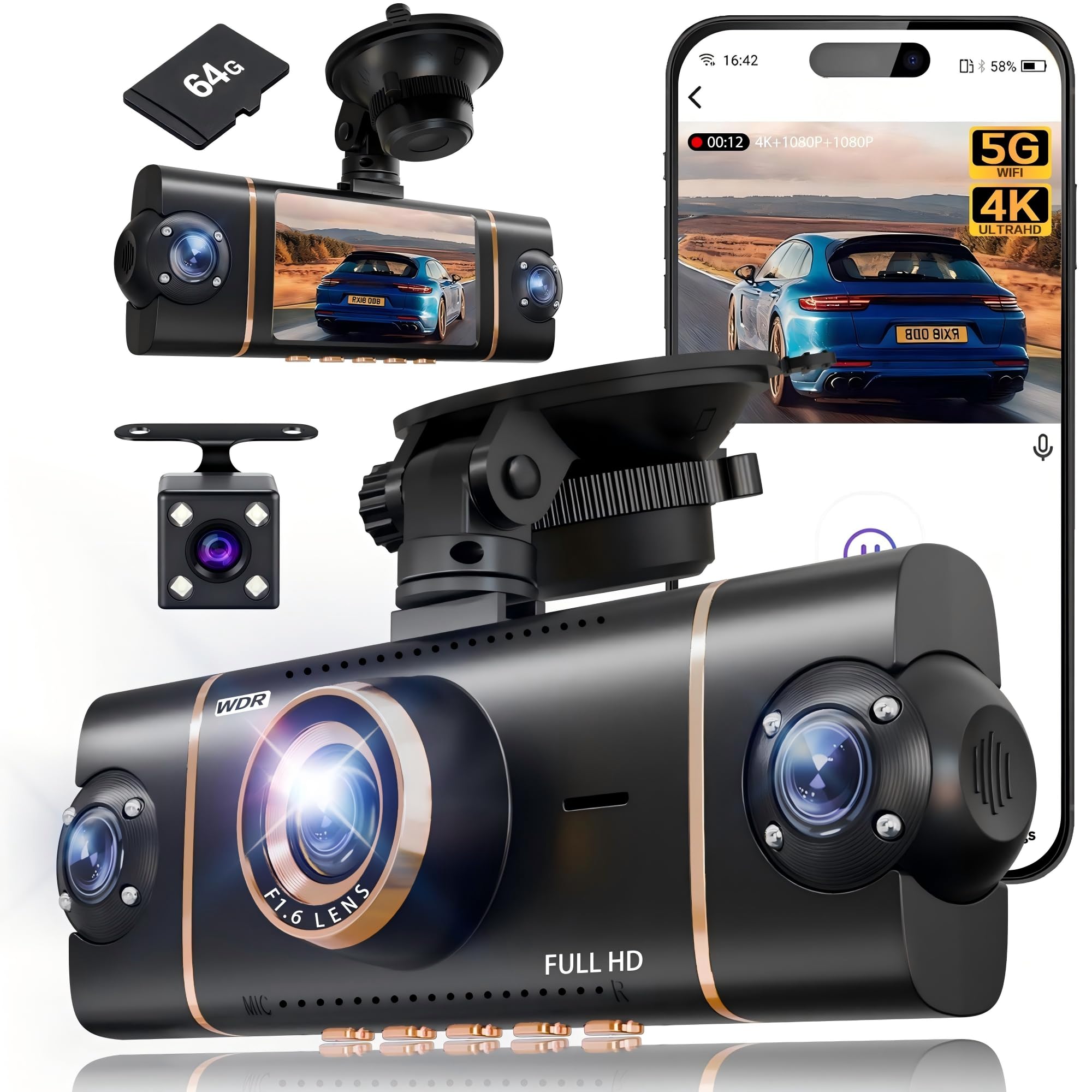
We recommend this if you want full four-way coverage and easy app control for everyday driving and parking.
Pros
- Covers front, rear, left and right so you lose no blind spots.
- Clear daytime and usable night video with WDR and IR lights.
- Fast Wi‑Fi and GPS make downloading clips and tracking routes simple.
Cons
- Parking mode needs a hardwire kit to run 24/7.
- Four lenses add more wiring and takes time to tuck away neatly.
- App can be a bit clunky when transferring multiple large files.
We mounted the unit with the suction cup and hid the wires using the included pry tool. Setup felt familiar and we had it recording all four views in under 20 minutes. The 3″ screen shows each angle at once, which helps when checking a clip on the spot.
Driving with this, the 4K front footage grabbed fine detail like license plates and signs during the day. Low-light performance held up better than many low-cost cams we’ve used, thanks to the F1.6 aperture and the IR LEDs, though very dark scenes still lose some clarity.
Using the app, we paired quickly over 5GHz Wi‑Fi and pulled videos without long waits. GPS stamps were handy for proving exact locations. Expect to buy a hardwire kit if you want true 24-hour parking surveillance without battery limits.
Overall, we found it robust for families, rideshare drivers, or anyone wanting full coverage without buying separate cameras. The unit feels well made and the included 64GB card gets you started right away.
ROVE R2-4K Dual

We recommend this if you want clear daytime and night recordings with easy phone access to video files.
Pros
- Excellent night and daytime clarity from the Sony STARVIS 2 sensor.
- Smooth, fast Wi‑Fi downloads to our phone for quick sharing.
- Front + rear coverage and a useful 24‑hour parking mode when hardwired.
Cons
- Parking mode needs a hardwire kit to work properly.
- App can be a little fussy connecting on the first try.
- 3″ screen and menus feel a bit small for deep settings work.
We put the ROVE in our car for a week and drove day and night. The 4K front footage captured detail that helped us read license plates at a distance during daylight. Low‑light shots looked bright and natural thanks to the f/1.5 lens and STARVIS 2 sensor.
Setting up took under 30 minutes using the supplied mounts and cables. The rear camera fit neatly and we liked that a 128GB card came in the box so we could start recording right away. The Wi‑Fi paired with our phones fast; downloads were quick once the app connected.
Using the parking mode showed promise, but we had to order a hardwire kit separately to get full 24/7 protection. The app sometimes lost connection on first try, but worked after a retry. Overall, the unit felt solid and seems built to last with the supercapacitor handling heat better than battery‑based units.
TERUNSOUl 3-Channel 4K Dash Cam
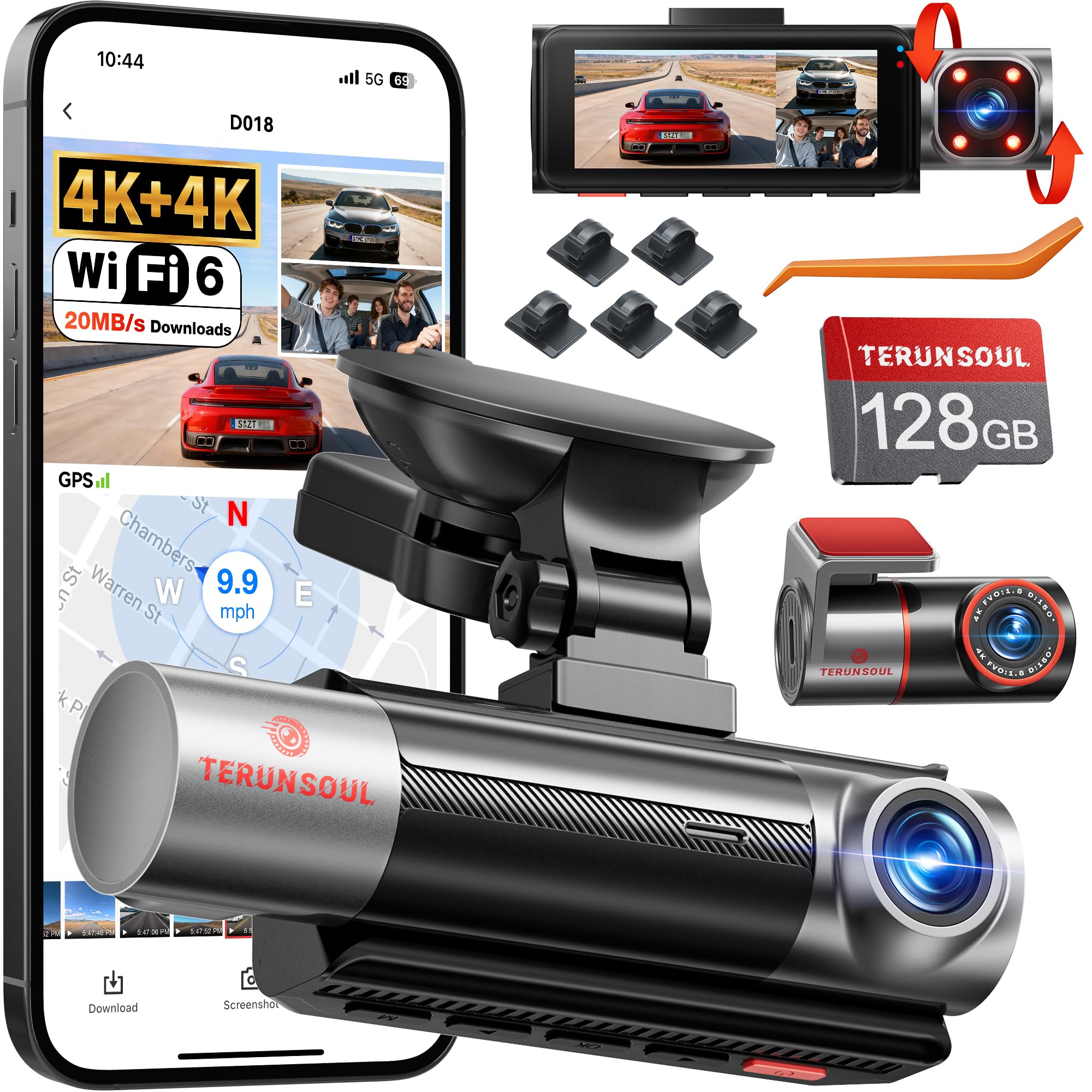
We recommend this dash cam if you want very sharp day and night recording across front, rear, and cabin views.
Pros
- Very clear 4K front and rear footage that shows plate details.
- Easy app access and GPS for route and speed data.
- Comes with a 128GB card and supports large storage for long trips.
Cons
- Cabin camera is only 1080p, not 4K like the others.
- Full parking monitoring needs a separate hardwire kit.
- Menus and app can take a few uses to learn.
We mounted this unit and drove around town for several days. Video from the front and rear looked crisp in daylight and retained usable detail at night. The cabin camera captured faces well enough for rideshare checks, though it wasn’t as sharp as the outside cams.
Using the app, we connected over Wi‑Fi and pulled clips quickly to our phone. GPS tags and speed showed up on saved files, which made it easier to check where an event happened. Loop recording and the G‑sensor locked important clips automatically when we tested sudden stops.
Parking mode worked in time-lapse and impact detect tests, but we had to hardwire the dash cam to enable full 24‑hour monitoring. Installation felt like a typical multi‑camera setup: a bit of cable routing but nothing unusual. Overall, we found it reliable and well suited for anyone who wants multi-angle, high-resolution coverage on a budget.
Terunsoul 4K Dual Dash Cam
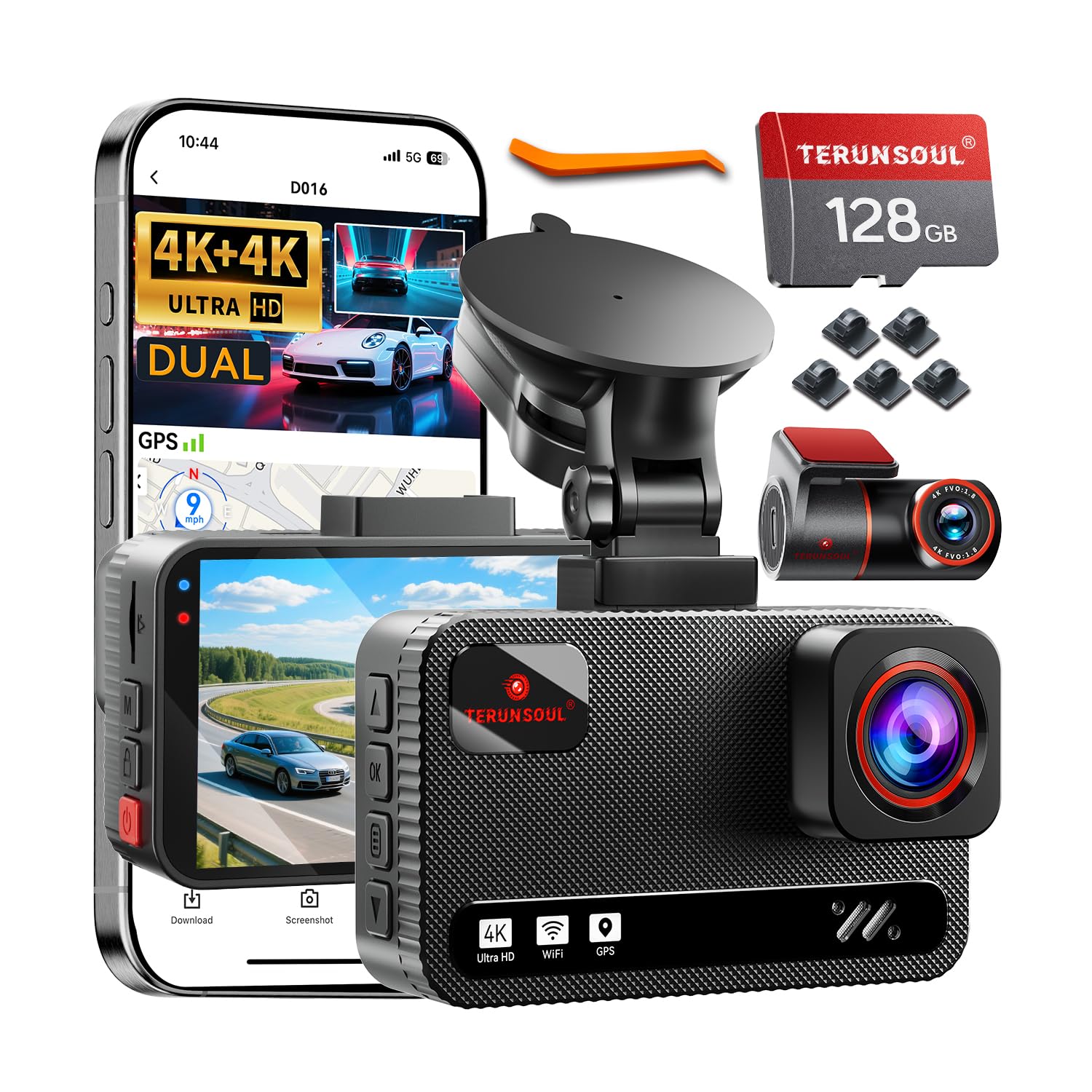
We recommend this dash cam if you want clear front and rear 4K video and easy app control for everyday driving and parking.
Pros
- Sharp 4K front and rear footage that shows plate details.
- Starlight night vision improves low-light clips.
- Built-in WiFi and GPS make reviewing and tagging trips simple.
Cons
- Parking mode needs a hardwire kit (sold separately) for full 24-hour use.
- Device and cables take time to tuck neatly on some dashboards.
- App transfer speeds depend on your phone and signal.
We installed this unit in two family cars and used it on city and highway trips for a few weeks. The picture quality impressed us right away; license plates and signs were readable at normal speeds. The rear camera added real confidence when we merged lanes or parked in tight spots.
Using the app felt familiar and fast enough to grab clips without removing the card. GPS stamps and speed data were accurate during our tests and helped confirm locations when we checked files on a laptop. The included 128GB card lasted through multiple long drives before we needed to offload anything.
Night footage looked better than many older cameras we’ve tried, especially in low streetlight areas. The small screen on the unit is helpful for quick checks, though we mainly used our phones to browse recordings. Cable routing took a bit of patience to hide, and we recommend the hardwire kit if you want true 24-hour parking monitoring.
TERUNSOUl 4K Triple‑Channel Dash Cam

We recommend this if you want wide coverage and clear footage for day and night driving.
Pros
- Very sharp 4K front video and useful cabin + rear coverage.
- Built-in GPS and fast WiFi make sharing clips easy.
- Comes with a 128GB card and many mounting accessories.
Cons
- Parking mode needs a separate hardwire kit to run properly.
- App can be a little finicky to pair at first.
- Unit sits on the windshield and may block a small view depending on placement.
We installed this on a work van and tested it on city and highway trips. The front camera captured clear details and the cabin and rear views filled blind spots we usually miss. Daytime footage was impressively crisp for the price.
Night recordings held up better than expected. Starlight-grade lens and HDR kept license plates readable under streetlights. Low-light scenes in very dark areas lost some fine detail, but overall it still recorded useful evidence.
Pairing over 5.8GHz WiFi let us download clips quickly to a phone and the GPS tags made route review simple. Setup took a little time hiding the long rear cable, but the included clips and tools made it manageable.
If you need 24-hour parking monitoring, plan to buy the hardwire kit; otherwise loop recording and collision lock worked reliably during drives. We liked the solid build and the extra 128GB card—those extras made the unit ready to use right away.
Galphi Q2 4K Dash Cam
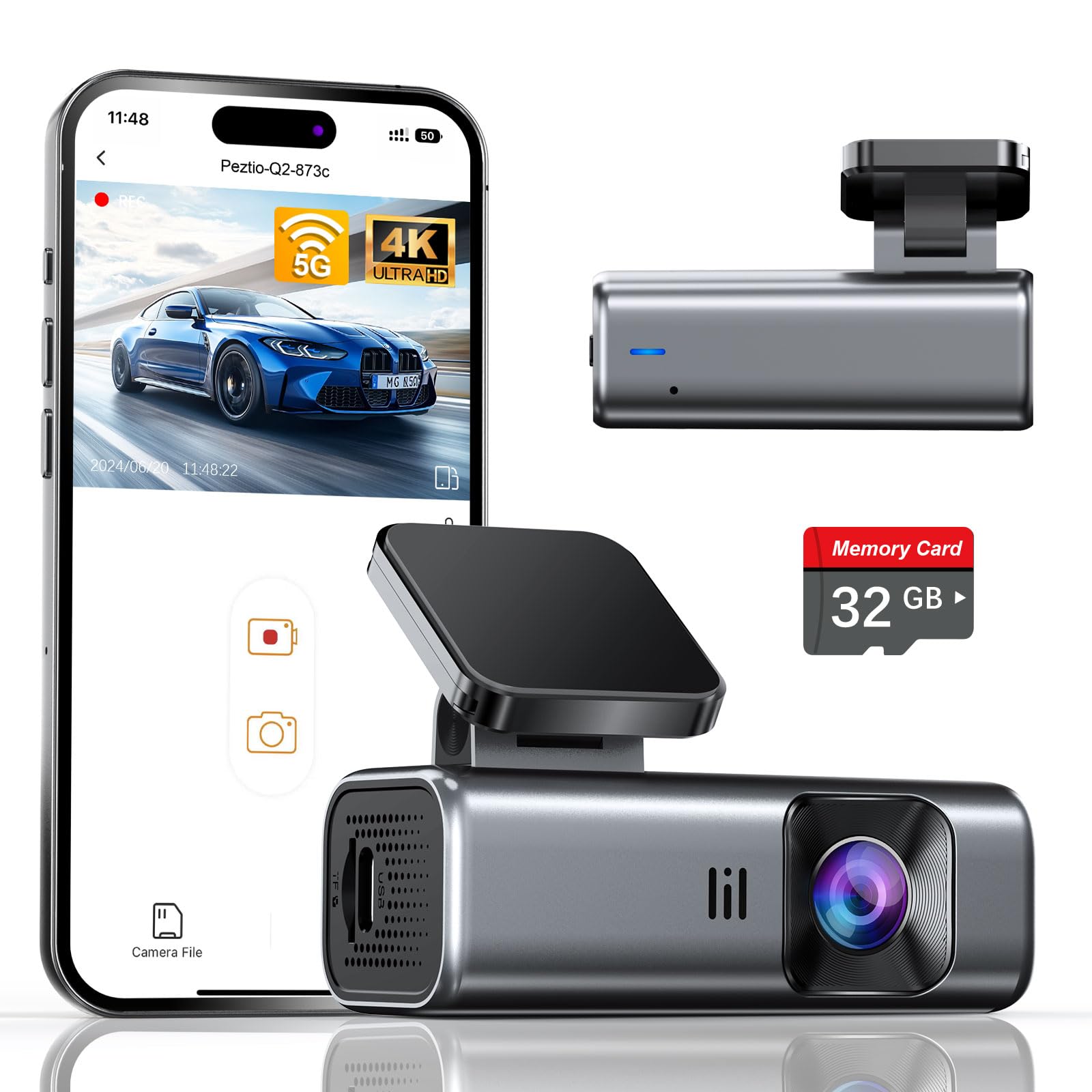
We recommend this camera if you want sharp 4K daytime and good low-light footage with easy setup and built-in 5GHz Wi‑Fi.
Pros
- Very clear 4K video and useful night performance.
- Compact, low-profile design that is simple to install.
- Includes a 32GB card so it works right out of the box.
Cons
- No screen means you must use the app to preview and change settings.
- Parking mode needs a hardwire kit sold separately.
- Slight drop in included card size compared to older bundles.
We put this dash cam in our car and liked how little it stuck out behind the rearview mirror. The adhesive mount felt sturdy and the unit blended into the windshield without blocking sightlines.
Recording quality impressed us on bright days. Video captured lane details and signs clearly, and night clips were usable thanks to the wide aperture and WDR. We noticed license plates were readable in many situations.
Connecting over 5GHz Wi‑Fi made downloads fast on our phone. Pulling clips to share or save took far less time than older 2.4GHz models, though you must use the app to manage files since there’s no onboard screen.
Parking mode worked well while parked, but we had to buy a hardwire kit to get true 24-hour monitoring. Loop recording and the G‑sensor protected incident clips automatically, which gave us extra peace of mind.
Overall, this feels like a well-thought-out compact dash cam for everyday drivers who want sharp footage and quick phone transfers without a bulky device.
IIWEY N5 4-Channel Dash Cam

We recommend this dash cam if you want full 360° coverage, easy app control, and a reliable supercapacitor for hot climates.
Pros
- True 360° coverage that caught everything around our car.
- Built-in 5GHz WiFi and app made downloading clips fast.
- Supercapacitor feels more durable in heat than small batteries.
Cons
- Must use the included cigarette-lighter charger or hardwire kit; USB won’t power it.
- No GPS or OBD support, so no speed/location logging.
- Rear camera needs wiring to the front unit, which adds install work.
We put the N5 through daily drives and a weekend trip. The four cameras delivered clear footage day and night. License plates and faces were readable at normal speeds, and the side views helped with tight lanes.
Setting up took a bit of time because the rear camera wires run to the front unit. The included 128GB card was handy. We used the app to preview and grab clips; toggling WiFi requires a long press and it times out if idle, which felt a little fussy.
Parking mode worked once hardwired, and the impact detection locked files like it said. Running from the car charger in hot weather felt safer thanks to the supercapacitor. If you want GPS tracking or plug-in USB power, this isn’t the right pick, but for full coverage and robust heat performance, it’s solid.
ZMOPO 360 View 4-Channel Dash Cam

We recommend this if you want full vehicle coverage and easy wireless video sharing for everyday driving and parking security.
Pros
- Records front, rear, left, right, and inside at once for full coverage.
- Easy Wi‑Fi app transfers and included 128GB card make getting clips fast.
- Night vision and WDR give usable footage in low light.
Cons
- Mounting tape and suction can fail in hot weather.
- GPS and hardwire for parking mode cost extra.
- Four cameras add wiring complexity during install.
We tested this unit on city and highway trips and liked how it captured every angle without moving the camera. Setting up the app and pulling clips to our phone was quick, which saved time after an incident.
Low‑light scenes held up better than many single‑lens cams thanks to WDR and infrared lights. Interiors and side views showed useful detail, though very dark streets still lost some clarity.
Installation took longer than a single‑lens model because we routed four cameras, but the included tools and clear manual helped. We swapped the adhesive once after a hot week when the original tape loosened.
Parking mode worked reliably once we added a hardwire kit, but that adds cost. Loop recording and event lock kept important clips safe when an impact occurred during our trials.
REDTIGER F7N Touch

We recommend this dash cam if you want sharp 4K front footage, easy app access, and reliable parking monitoring when hardwired.
Pros
- Very clear daytime and night video from the front camera.
- Easy touchscreen and voice controls reduce fiddling while driving.
- Built-in GPS and fast 5.8GHz Wi-Fi make downloads simple.
Cons
- Wi‑Fi pairing can be flaky on some phones.
- Parking mode needs a separate hardwire kit to work fully.
- Suction mount and cable routing take time to hide neatly.
We installed the unit and drove with it for a week. The 4K front footage captured fine details like license plates in daylight and held up well in low light. Setting up the app let us pull clips quickly, though the phone connection took a retry once.
Operating the touch screen felt natural and voice commands worked for basic actions. The rear camera did its job on highway and city drives, but the rear view is not as sharp as the front. The included 128GB card removed the need to buy storage right away.
We tested impact events and the G-sensor locked clips immediately, which gave us confidence the camera would save critical footage. Parking surveillance recorded short motion events after we fitted a hardwire kit, but without hardwiring the feature is limited. Overall, this felt like a solid, well-rounded dash cam for daily drivers.
REDTIGER F7NP 4K Dash Cam

We recommend this if you want a reliable dual dash cam with sharp 4K front footage and solid night performance.
Pros
- Very clear 4K front video and useful rear coverage.
- Stable supercapacitor design for heat and parking use.
- Fast 5.8GHz WiFi makes clips easy to download.
Cons
- Parking mode needs a hardwire kit to work properly.
- App can be a bit fiddly when connecting at first.
- Bulk of the rear cable and routing takes time to hide neatly.
We installed the F7NP in our daily driver and noticed the front footage picked up fine detail on license plates and signs. Night shots stayed usable thanks to the STARVIS 2 sensor, and daytime clips looked sharp without much glare.
Pairing with the Redtiger app felt fast once the 5.8GHz link locked in. We streamed and downloaded clips quickly, which was handy after a close call. GPS logging worked and showed speed and route on playback.
Parking mode gave us peace of mind, but we had to hardwire the unit to use true 24/7 monitoring. The included supercapacitor helped the unit handle heat better than battery models during long summer days.
Cable management and mounting took a little patience. The rear camera cable is long and needs careful routing to look neat, but the finished install was unobtrusive and secure.
Overall, we found the F7NP to be a solid value for people who want 4K front recording, dependable night performance, and fast WiFi transfers.
Buying Guide
We look for battery life first. A long-lasting rechargeable cell lets the dash cam record after the engine stops. Check the run time at different temperatures and whether the battery supports parking mode.
We examine video quality next. Aim for clear daytime and decent night footage. Look for resolution, frame rate, and low-light performance notes in the specs.
We check mounting and power options. A compact, stable mount reduces vibration. Make sure the cam can use both the rechargeable battery and external power so it stays charged during long drives.
We compare storage and file handling. Larger storage or support for high-capacity microSD cards means fewer overwrites. Look for loop recording, file protection for incidents, and easy transfer methods.
We review features that improve usability. Useful extras include GPS logging, motion detection, time-lapse for parking, and automatic incident save. Prefer models with a simple menu and reliable app or PC access for playback.
We inspect build quality and warranty. A solid case and good heat tolerance are important. Check warranty length and service terms so repairs or replacements are straightforward.
We consider price versus value. Balance core features and durability with cost. Prioritize battery life, video clarity, and reliable power options when choosing the best rechargeable dash cam for our needs.
Editor’s Choice
We picked a rechargeable dash cam that balances video quality, battery life, and ease of use. It records clear 1080p or 1440p footage, so you can read plates and see details in different light. The camera uses a built-in rechargeable battery that lasts long enough for short stops and parking events without hardwiring.
We value simple setup and reliable performance. The unit has a magnetic mount for quick removal and a small screen for instant playback. It supports loop recording and auto-save on impact, and it accepts microSD cards up to at least 128 GB.
Key features at a glance:
- Resolution: 1080p or 1440p
- Battery: Built-in rechargeable (enough for parking events)
- Mount: Magnetic or quick-release
- Storage: microSD support (≥128 GB)
- Safety: G-sensor for automatic incident lock
We tested how the camera handles daytime driving, low light, and sudden stops. It performed consistently, with stable video and reliable incident saving. Firmware updates and a clear app help manage settings and download clips quickly.
We recommend looking for a dash cam with a proven warranty and accessible customer support. That gives us confidence the unit will stay useful and serviceable over time.
Conclusion
We find rechargeable dash cams offer clear benefits for many drivers. They give flexible placement and easier setup, and they reduce reliance on hardwiring.
We assess battery life and recording modes first. Longer runtimes and energy-efficient settings matter most for real use.
We recommend models with good build quality, clear daytime and nighttime video, and straightforward app or Wi‑Fi access. These features make it easier to review footage and manage settings.
We suggest checking for loop recording, parking mode options, and impact or motion detection. These functions help capture incidents while minimizing storage use.
We budget for extra memory cards and a reliable mount. A spare card keeps continuous recording, and a solid mount prevents shaky video.
We prefer options with user-replaceable batteries or an internal battery combined with optional hardwiring. That gives redundancy and better long-term use.
We weigh cost against features and support. A midrange unit with consistent recording quality and good customer service often gives the best value.
We encourage testing a dash cam right after installation. We verify angles, night clarity, and how files transfer to our phone or computer.
We look for clear labels and simple menus. Ease of use matters as much as specs when choosing a device.
FAQS
What is a rechargeable dash cam?
We mean a dash cam with an internal battery that charges from a USB or car power. It lets the camera keep recording short segments when the engine is off.
How long does the battery last?
Battery life varies by model and settings. Typical run time is 15–60 minutes after the car is turned off, but low-power parking modes can extend that.
Can it record while driving?
Yes. We plug most dash cams into the car’s 12V outlet or hardwire them so they record continuously while the engine runs.
Is hardwiring better than using the internal battery?
Hardwiring gives continuous power and avoids draining the battery. The internal battery helps with short-term parking events and saving the last file if power is lost.
Do we need special microSD cards?
Use high-endurance microSD cards rated for continuous video (A1/A2 or “high endurance”). This reduces file errors and card failure.
How do we manage recorded files?
Most units overwrite old files automatically. We recommend periodically copying important clips to a computer or cloud storage.
Are rechargeable dash cams legal?
Laws differ by place. We should avoid blocking the windshield and check local rules for recording audio or video.
How do we maintain the dash cam?
Keep the lens clean and update firmware when available. Replace the microSD card every year or when errors appear.

