
In this guide, you will learn how to test oxygen sensor with OBD2 scanner for accurate results. We cover everything from connecting the scanner, reading live data, interpreting sensor signals, to troubleshooting common issues. This practical approach helps you diagnose oxygen sensor problems effectively and maintain optimal engine performance.
Quick Answers to Common Questions
How do I know if my oxygen sensor needs testing?
If your check engine light is on or your car shows symptoms like poor fuel economy or rough idling, it’s a good time to test the oxygen sensor.
Can any OBD2 scanner test oxygen sensors?
Not all scanners provide live oxygen sensor data; choose one that supports live data streaming and sensor-specific diagnostics.
Do I need to start the engine when testing the oxygen sensor?
Yes, the engine should be warmed up and running during testing to get accurate sensor readings.
What if my scanner shows no codes but I suspect a bad oxygen sensor?
Check live sensor data for abnormal voltages or slow response, as some sensor issues won’t trigger codes immediately.
How often should oxygen sensors be tested?
It’s a good idea to check oxygen sensors every 30,000 to 50,000 miles or when you notice performance issues.
How to Test Oxygen Sensor with OBD2 Scanner for Accurate Results
Oxygen sensors play a vital role in your vehicle’s performance and emissions control. If you suspect your oxygen sensor is faulty, using an OBD2 scanner is one of the easiest and most accurate ways to test it. In this guide, you will learn exactly how to test oxygen sensor with OBD2 scanner, step by step, to diagnose sensor issues confidently and keep your engine running smoothly.
What is an Oxygen Sensor and Why Test It?
The oxygen sensor, also called the O2 sensor, measures the oxygen level in your car’s exhaust gases. It sends this data to the engine control unit (ECU), which adjusts the air-fuel mixture for optimal combustion. A faulty oxygen sensor can lead to poor fuel economy, increased emissions, rough idling, or engine performance problems.
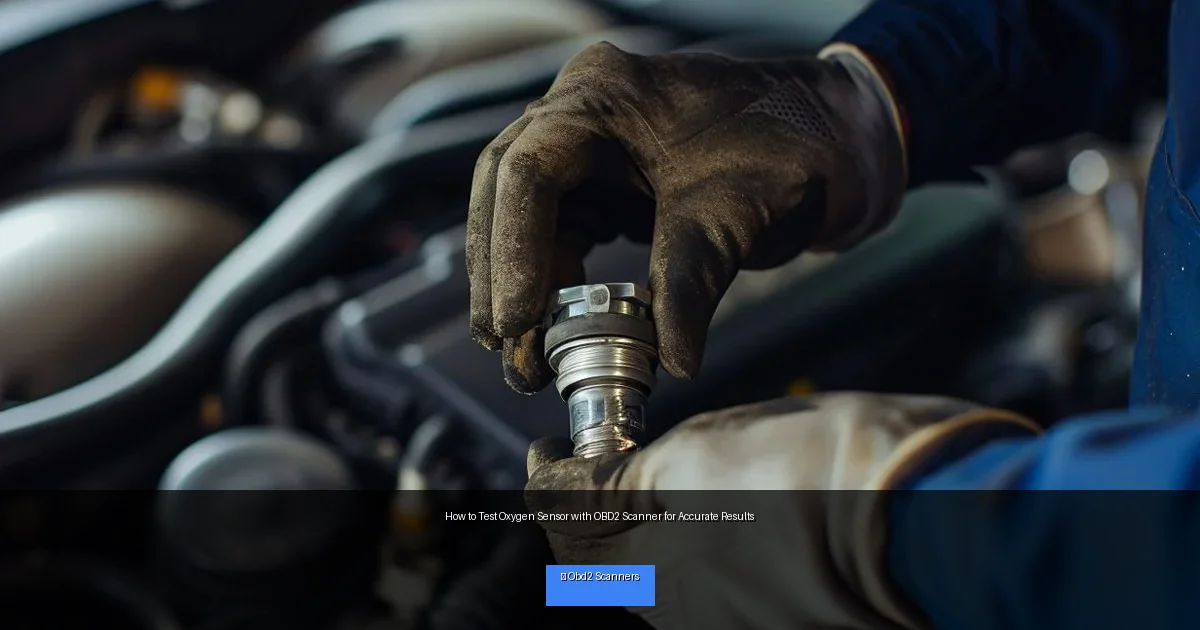
Visual guide about How to Test Oxygen Sensor with OBD2 Scanner for Accurate Results
Image source: carproblemsolved.com
Testing the oxygen sensor regularly helps identify issues early, saving you from costly repairs and ensuring your vehicle runs efficiently.
What You’ll Need Before Starting
- An OBD2 scanner with live data capability
- Your vehicle’s owner manual (optional but helpful)
- A smartphone or tablet (if using a Bluetooth OBD2 scanner app)
- Basic safety gear (gloves, safety glasses)
- A vehicle that is warmed up (engine at operating temperature)
Step 1: Locate the OBD2 Port and Connect the Scanner
Find the OBD2 Port
The OBD2 port is usually found below the dashboard near the steering column. It’s a 16-pin connector compatible with all OBD2 scanners.
Connect the Scanner
Plug the OBD2 scanner into the port securely. Turn on your vehicle’s ignition, but you don’t need to start the engine yet.
Power On and Initialize the Scanner
Turn on your scanner or open the app if using a Bluetooth model. Allow it to communicate with your vehicle’s ECU. This process usually takes a few seconds.
Step 2: Access Oxygen Sensor Data and Codes
Scan for Trouble Codes
First, check if there are any stored Diagnostic Trouble Codes (DTCs) related to the oxygen sensor. Common codes include P0130, P0135, P0141, which indicate sensor circuit or heater issues.
Navigate to Live Data
Access the live data stream on your scanner. Look for parameters such as “O2 Sensor Voltage,” “O2 Sensor Current,” or similar terms depending on your scanner.
Select the Correct Sensor
Vehicles may have multiple oxygen sensors (upstream and downstream). Identify and select the sensor you want to test, usually the upstream sensor before the catalytic converter.
Step 3: Interpret Oxygen Sensor Readings
Voltage Range and Fluctuations
A healthy oxygen sensor voltage typically fluctuates between 0.1V and 0.9V as it cycles between lean and rich air-fuel mixtures. The voltage should switch frequently, about once every second or two.
Steady or Unchanging Voltage
If the voltage remains steady or does not fluctuate, this could mean the sensor is not responding properly. For example, a constant low voltage indicates a lean condition or sensor failure.
Lagging Response
Slow voltage changes or delayed switching suggest the sensor is aging or contaminated.
Step 4: Perform Specific Sensor Tests
Test Sensor Response to Engine Conditions
- Snap Throttle Test: Quickly rev the engine and observe sensor voltage. It should spike to around 0.8-0.9V, indicating a rich mixture.
- Vacuum Leak Test: Introduce a vacuum leak or simulate lean conditions. The sensor voltage should drop near 0.1V.
Check Heater Circuit (If Applicable)
Many oxygen sensors have heaters to reach operating temperature quickly. Use your scanner to check heater circuit status or resistance with a multimeter if your scanner supports it.
Step 5: Diagnose and Decide on Repair or Replacement
If the oxygen sensor shows erratic, no, or slow response in voltage, or if your scanner reports related trouble codes, it’s time to consider repair.
- Clean the sensor: Sometimes carbon buildup causes issues; gentle cleaning may help.
- Replace the sensor: If tests show failure, replacing the sensor is the best option.
Troubleshooting Common Issues
- Scanner Not Connecting: Ensure ignition is on and check port for damage.
- No Live Data Available: Confirm your scanner supports live data for your vehicle model.
- Confusing Sensor Codes: Refer to your vehicle service manual or online resources for code definitions.
- Voltage Doesn’t Change: Check wiring and sensor connectors for damage or corrosion.
Practical Tips for Accurate Oxygen Sensor Testing
- Always test when the engine is at normal operating temperature for reliable data.
- Use a scanner with live data and graph display for easier voltage pattern recognition.
- Compare sensor readings with manufacturer’s specifications for your vehicle.
- Repeat tests several times to confirm consistency.
- Consult professional help if uncertain about results or repairs.
Conclusion
Testing your oxygen sensor with an OBD2 scanner is a simple and effective way to keep your vehicle running efficiently. By understanding how to connect your scanner, read live sensor data, and interpret voltage signals, you can diagnose problems early and avoid costly repairs. Follow the steps outlined in this guide, use practical tips, and troubleshoot as needed for accurate results. Regular oxygen sensor testing ensures better fuel economy, lower emissions, and a healthier engine.
🎥 Related Video: how to diagnose o2 sensors or catalytic converter
📺 Hills_Auto_Service
how to quickly and properly diagnose a faulty O2 sensor or catalytic converter these tests must be performed after the vehicle is …