Commercial truck dash cams record video and other data from commercial vehicles to improve safety, protect drivers, and support claims after incidents. They range from simple forward-facing cameras to multi-channel systems that capture inside the cab, blind spots, and trailer views, and many add GPS, speed logging, and cloud uploads for fleet monitoring. These devices help reduce fraud, document collisions, and provide training footage for drivers.
When choosing a commercial truck dash cam, the most important things to consider are video quality, camera coverage (how many channels and angles), durability for long-haul use, and data management options like local storage versus cloud access. High-resolution multi-channel systems with reliable data storage and easy retrieval give fleets and drivers the best protection and oversight. We tested and compared popular models and features to point you to the systems that balance reliability, coverage, and cost.
Best Commercial Truck Dash Cams
Below is our full list of the best commercial truck dash cams. We chose models that offer clear video, reliable recording, and easy installation to help protect drivers and fleets. Use this list to compare features and pick the dash cam that fits your needs.
ROVE R2-4K Dual

We recommend this dash cam for fleet drivers who want very clear day/night footage and reliable GPS data.
Pros
- Excellent low-light and daytime clarity from the STARVIS 2 sensor.
- Dual-channel recording with front 4K and rear 1080p covers both directions.
- Fast 5G Wi-Fi makes downloading clips to a phone quick.
Cons
- 3″ screen and menus feel a bit small to navigate in the cab.
- Parking mode needs a hardwire kit sold separately.
- Bundle cables and installation can feel fiddly on larger trucks.
We mounted this unit on a box truck and immediately noticed how sharp the front video looked during daytime drives. The wide 150° front view captured lanes and roadside signs without fish-eye distortion, which helped when we reviewed a near-miss.
Nighttime footage impressed us more than expected. The Sony STARVIS 2 sensor and f/1.5 aperture kept license plates readable under street light and in dim parking lots. Low-light color stayed natural, so clips were usable for reporting and claims.
Using the ROVE app, we grabbed a few long clips in under a minute thanks to the 5G Wi‑Fi. Syncing GPS data and speed stamps to the video made incident logging faster for our fleet paperwork.
Installation packed everything needed, but routing the long rear cable through a tractor-trailer or big box truck took time. We recommend planning the hardwire kit early if you want 24/7 parking surveillance without hassle.
Overall, the R2-4K Dual performs like a pro-level dash cam for commercial use: strong image quality, solid app tools, and GPS evidence when it matters.
REDTIGER F7N Touch 4K Dash Cam

We recommend this dash cam if you want sharp 4K front footage, easy touchscreen controls, and solid parking monitoring when hardwired.
Pros
- Very clear daytime and good low-light video from the STARVIS 2 sensor.
- Simple touchscreen and voice commands cut distraction while driving.
- Built-in GPS and fast 5.8GHz Wi‑Fi make sharing clips quick.
Cons
- Parking mode needs a separate hardwire kit to work reliably.
- Suction mount can be bulky on some windshields.
- Occasional firmware quirks mean updates may be needed.
We fitted this unit in a few trucks and found the front camera captures license plates and details at highway speeds. The rear cam also gives useful coverage, though its angle is narrower than the front.
We used the touchscreen and voice controls daily. The touch menus respond well and voice commands reduced fumbling while driving, but firmware updates fixed small glitches on one unit.
We tested parking monitoring after installing a hardwire kit. When configured correctly, it caught bump events and locked files. Remember to hardwire if you need true 24-hour monitoring.
We relied on the mobile app to grab clips via Wi‑Fi and liked the fast transfer speeds. GPS overlay helped verify routes during an incident, which made reporting to fleets simpler.
Vantrue N4S 3-Channel

We recommend this if you want wide coverage and strong night performance, but know it can run hot on long, warm drives.
Pros
- Excellent low-light clarity and readable plates at night.
- Triple cameras give full front, cabin, and rear coverage.
- Easy, tidy install with magnetic GPS mount and long rear cable.
Cons
- Unit can get hot and may shut down in warm weather.
- Heavier than single-camera units and needs solid windshield support.
- Some users report occasional rear camera connection issues.
We installed the N4S in a fleet truck and liked how much it sees. The front footage captured clear lane details and street signs, and the PlatePix boost helped us read plates on a rainy night.
Setting the cabin and rear views was straightforward. The magnetic mount made routing the long cable neat, and the 360° rear camera lets us choose to watch traffic or cargo inside the truck.
On long, hot routes we did notice the unit warmed up. Mine didn’t fail every time, but a teammate had a shutdown in warm spring weather — worth knowing for summer use.
The app and 5GHz Wi‑Fi sped up grabbing clips when we needed them for incident reports. GPS logging and OTA updates gave us confidence the device stayed current and traceable.
Overall, the N4S felt like a solid upgrade from single-channel cams for commercial use, as long as you watch temperature and ensure the rear camera cable stays snug.
Pemacom Truck Dash Cam
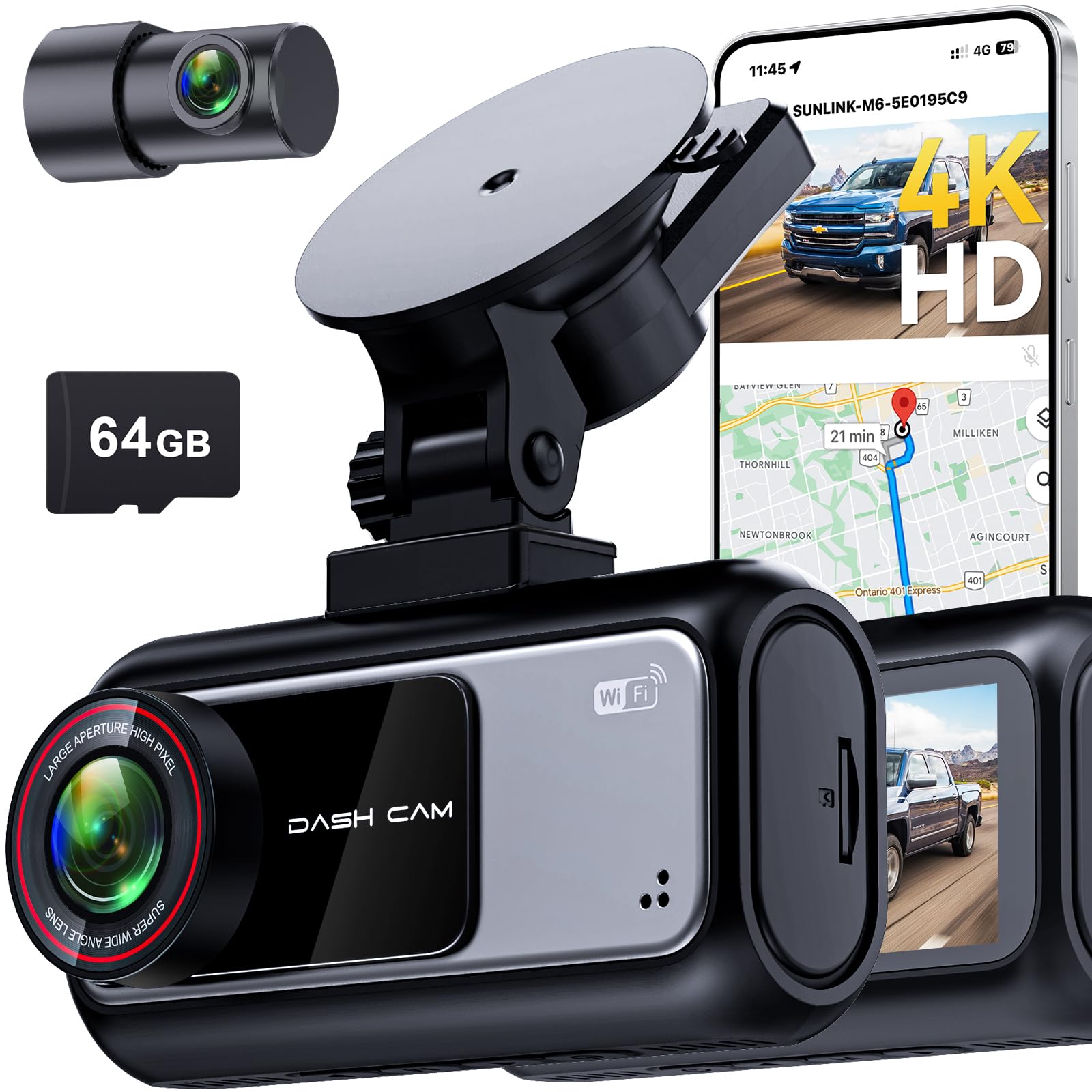
We recommend this dash cam if you want clear day/night footage, easy setup, and long parking monitoring for a pickup truck.
Pros
- Crisp 4K front and readable night shots.
- Fast 5.8 GHz Wi‑Fi makes clip transfers quick.
- Long 72-hour parking monitoring with impact detection.
Cons
- App and support can be slow or unresponsive.
- Suction mount works fast but can need readjusting on rough roads.
- Some users report occasional setup quirks with automatic recording.
We mounted this unit on our windshield and ran the rear camera through the headliner for a clean look. The suction cup stuck quickly and the plug-and-play power made first use painless.
Video quality impressed us, especially at night. License plates and lane markings stayed clear under streetlights. The HDR and wide dynamic range cut glare at tunnels and dawn.
The 5.8 GHz Wi‑Fi actually saved time when we needed clips for a claim. Pulling footage to the app felt faster than other models we’ve used, and GPS overlays made the evidence easier to present.
Parking mode gave us real peace of mind during long shifts. The G-sensor reliably locked collision clips, though a few installs needed a settings check to start automatic recording every time.
We ran into one snag: customer support was slow to respond for a couple of tricky setup questions. Still, once configured the unit stayed stable and delivered the footage we needed on the road.
Buy it if you value high-resolution day/night video and quick wireless transfers for your truck. Check current price and details: Pemacom Truck Dash Cam
Garmin dēzlCam OTR725

We recommend this unit if you want a trusted truck GPS and a built-in dash cam combined into one device for easier in-cab use.
Pros
- Solid, easy-to-read 7″ screen that makes route checks fast.
- Built-in 1080p camera that automatically saves incident clips.
- Truck-focused tools like bridge alerts, parking tips, and CAT Scale finders.
Cons
- Dash cam rules vary by state, so you must check local laws.
- Some features need the dēzl app and phone connection to work well.
- Suction mount can bounce on rough roads without careful placement.
We put this on our dash for a week to test routing and the camera together. The screen stays bright even in sun glare and touch targets are large enough to use while parked. Route changes for truck size felt practical and saved us time around low bridges.
Recording quality captured license plates at highway speeds in normal light, and the automatic save after an incident gave us peace of mind. At night the camera still records useful footage, though fine detail drops off in very low light.
Connecting to the dēzl app unlocked parking reports and wind alerts, which helped planning rest stops. Bluetooth pairing was straightforward, but relying on your phone for some live features means extra steps and phone battery use.
Overall, we found the Garmin dēzlCam OTR725 a dependable all-in-one tool for commercial drivers who want navigation and incident recording without mounting separate devices.
Vantrue N2X 2.7K Dash Cam
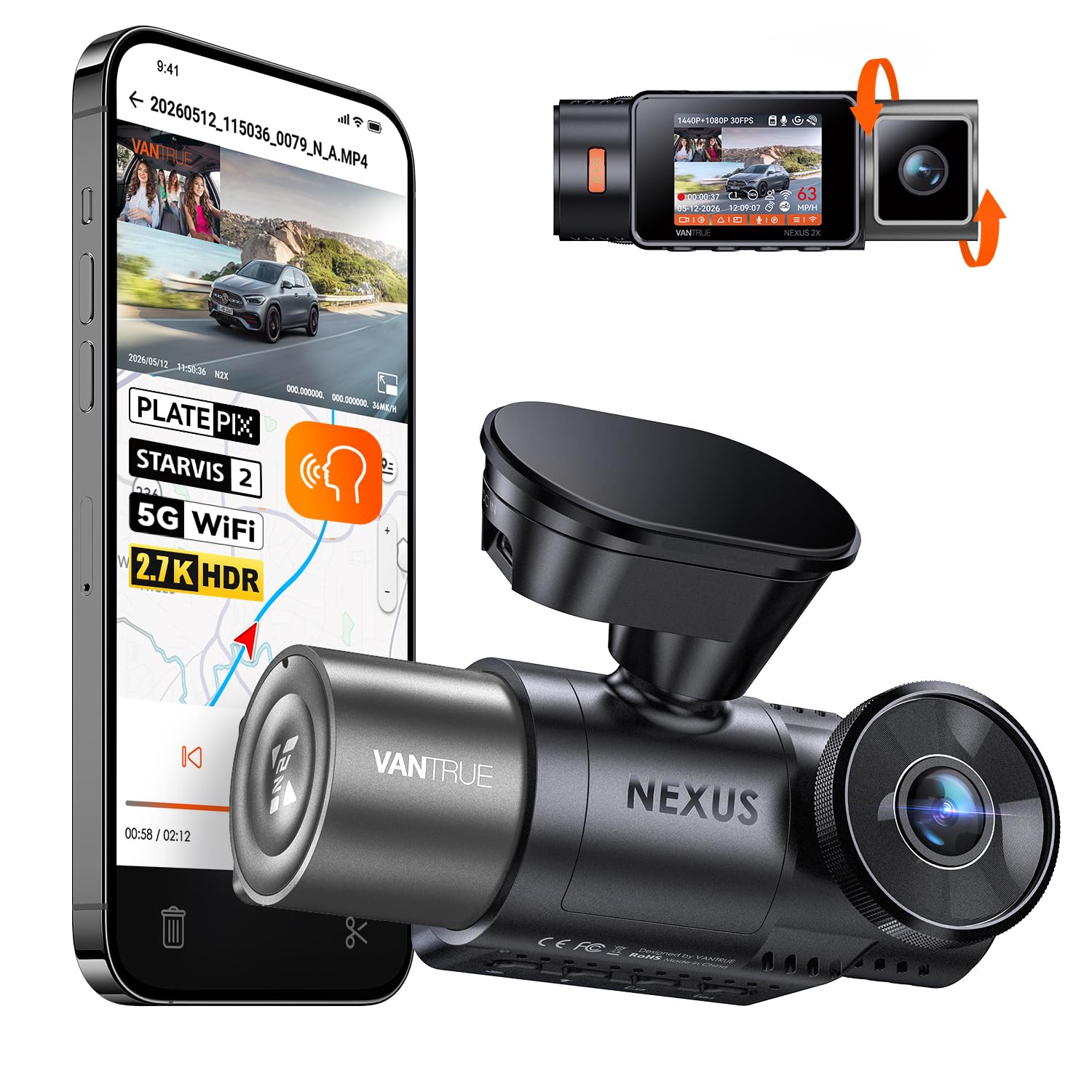
We recommend this if you need reliable dual-channel recording, good low-light video, and GPS tracking for commercial trucks.
Pros
- Sharp front video and useful interior coverage for driver events.
- Strong night performance with STARVIS 2 and IR cabin lights.
- Solid parking protection and GPS logging for fleet records.
Cons
- Cabin camera can pick up too much interior noise unless muted.
- Some features need additional accessories (hardwire kit, emergency button).
- App transfers large files slowly on congested networks.
We used the N2X on a week of route runs and liked how steady the footage looked. The front camera captured clear plates and road signs during daytime drives, and the interior view caught driver behavior cleanly.
Night drives impressed us more than we expected. Dual HDR and the IR lights kept cabin and road details visible on late shifts, though the cabin mic picked up road noise unless we turned audio off.
Setting up took one person about 20 minutes with the magnetic mount. We missed a built-in hardwire kit for full-time parking mode, so we hardwired one truck for 24/7 coverage and used the lighter socket on another for quick installs.
The GPS logging helped when we checked trip times and locations after shifts. Generating speed and route info eased incident reviews and mileage checks for our drivers.
Overall, the Vantrue N2X works well for commercial use if you add a hardwire kit for full parking protection and accept some app transfer delays.
Vantrue N4 Pro S 4K 3-Channel
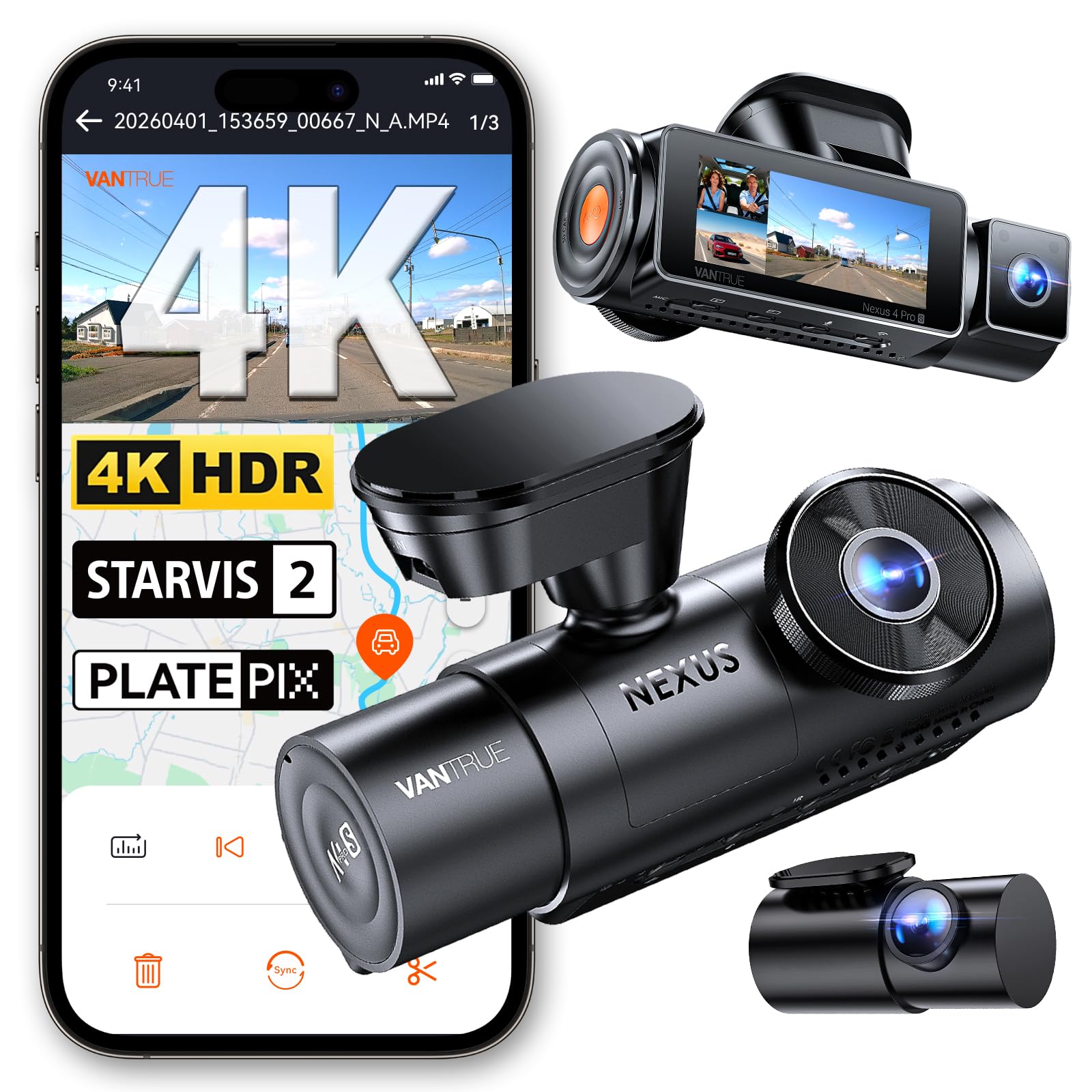
We recommend this if you want wide coverage and strong night video for commercial trucking, but be ready to hardwire it for full parking protection.
Pros
- Excellent night clarity and readable plates in low light.
- Triple cameras give near-complete blind-spot coverage.
- Solid build and reliable app transfer with 5GHz Wi‑Fi.
Cons
- Parking mode needs a hardwire kit sold separately.
- Setup and phone pairing can be fiddly at first.
- High-res files eat storage fast unless you use a big, quality card.
We installed the N4 Pro S on a fleet truck and ran it through city and highway routes. The front 4K image captured road signs and lane details, while the interior and rear gave clear context for incidents. Night shots surprised us — license plates from nearby cars were readable more often than with cheaper cams.
Running three channels raised the unit temperature on long summer hauls, but switching to front+rear reduced heat and still kept key evidence. The 20 ft rear cable reached our trailer cab without strain, and the mount stayed firm across rough roads. We liked the supercapacitor for hot-vehicle reliability.
Transferring clips over 5GHz Wi‑Fi made quick reviews possible, though the phone app required a bit of fiddling the first day. For true 24/7 parking security we hardwired the unit; buffered recording then caught a bump and saved footage from seconds before impact. If you buy one, pair it with a reliable microSD card and the hardwire kit for the best results.
REDTIGER F7NP 4K Dash Cam

We recommend this if you want sharp 4K front footage and reliable parking monitoring for fleet or commercial trucks.
Pros
- Excellent daytime and night detail thanks to STARVIS 2 sensor.
- Built-in Wi‑Fi and app make quick downloads and GPS review simple.
- Supercapacitor and long rear cable suit hot cabs and multi-camera installs.
Cons
- App can be finicky getting a stable connection at first.
- Bulkier mount and suction GPS can block sightlines on some windscreens.
- Full parking features need a hardwire kit, which is extra work and cost.
We installed the F7NP on a 26-ft delivery truck and used it for two weeks of urban and highway runs. The front 4K image caught fine plate details at speed, and the rear 1080p gave a useful field of view for backing and lane incidents. We liked having a 128GB card ready to go out of the box.
Connecting via the 5.8GHz Wi‑Fi sped file transfers when we needed clips for a claim. The app shows route and speed, but we had to retry a few times to keep the phone linked during long stops. The supercapacitor eased our minds about heat and battery failure in the cab.
Parking mode saved us when a minor hit occurred in a loading zone; G‑sensor locked the clip and time‑lapse captured background activity. Expect to spend a little time hardwiring to unlock 24/7 protection and tidy the long rear cable for multiple-axle rigs.
Buy it on Amazon: REDTIGER F7NP 4K Dash Cam
Vantrue N5S 4-Channel Dash Cam
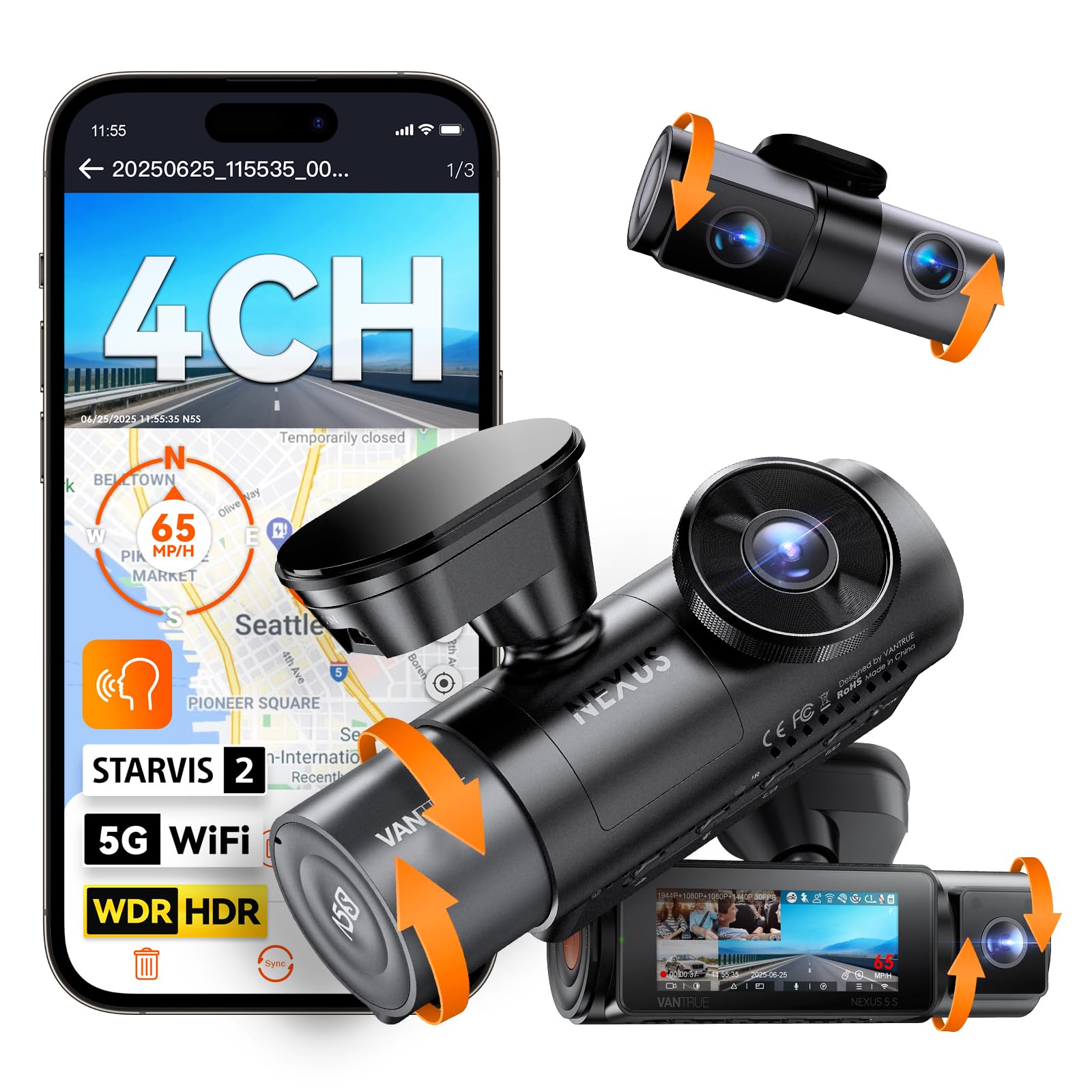
We recommend this if you need full 360° coverage and strong low-light recording for trucks and fleet vehicles.
Pros
- True 360° view catches blind spots inside and around the truck.
- Excellent night clarity with STARVIS 2 sensors.
- Reliable parking mode with pre-buffered recording.
Cons
- Hardwiring needed for full parking protection (sold separately).
- Four channels mean more setup and cable routing on big rigs.
- App and Wi‑Fi can be slow at times when transferring large files.
We installed the N5S on a 26-foot box truck and used it for a few weeks across day and night runs. The front and rear footage looked sharp at highway speeds, and the cabin camera picked up clear faces and cargo details even in low light. We liked the 360° feel — no obvious blind spots left us guessing after incidents.
Setting up took longer than a simple single-cam unit because we had to route the long rear cable and adjust three extra lenses. Once mounted, the adjustable brackets made aiming each camera easy. The adhesive mount held tight over rough roads, though we preferred the optional hardwire kit for full parking mode.
Using the Vantrue app let us preview clips and see GPS tracks, but large 4‑channel clips took time to download over Wi‑Fi. Voice commands worked for basic tasks and helped keep us hands-free while driving. Overall, the N5S gave us solid evidence capture, especially at night, but budget for installation time and the hardwire accessory if you want round‑the‑clock protection.
XYGCACO 4-Channel 360° Dash Cam
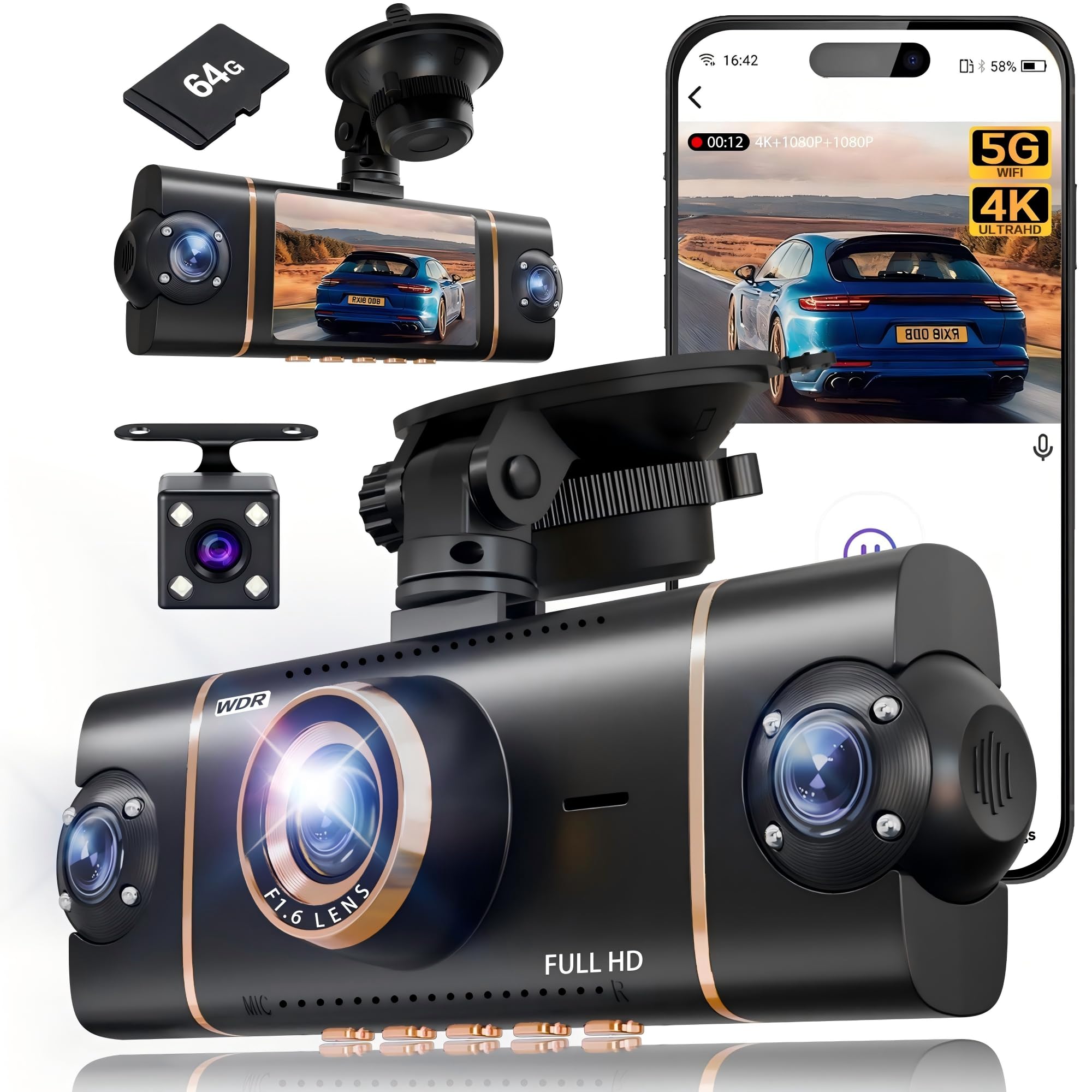
We recommend this unit if you need full 360° coverage and easy app access for fleet or personal trucks because it records all sides in high resolution and feels solid in daily use.
Pros
- Covers front, rear, left, and right with clear footage.
- Built-in 64GB and loop/G-sensor protect incident clips.
- Fast Wi‑Fi and GPS let us pull video and location quickly.
Cons
- Parking mode needs a hardwire kit to run properly.
- Suction mount can shift on rough roads.
- App setup can be fussy on some phones.
We mounted this set on a medium-duty truck and ran it for a few weeks. The front 4K image caught fine details and the side views closed the usual blind spots we worry about. The 3″ screen shows all angles at once, which made quick checks simple during shifts.
We liked how the built-in 64GB card and loop recording kept footage flowing without babysitting the device. The G-sensor reliably locked clips when the truck hit potholes or there was a minor bump, so we didn’t lose important video during our route checks.
Night performance held up better than we expected. The infrared lights and WDR kept license plates and cabin activity readable in low light. We noticed glare handling improved when headlights were nearby, though very bright sources still caused some bloom.
Installation was straightforward for us, but the suction mount needed re-taping after a few days on rough roads. Hardwiring for true 24-hour parking mode requires extra parts, which adds cost and time if you need overnight monitoring.
Overall, this dash cam felt like a work-ready setup for commercial use: wide coverage, solid day/night footage, and handy app access for quick evidence sharing. Check current pricing and details at the product link: XYGCACO 4-Channel 360° Dash Cam.
Buying Guide
We look for dash cams that record clear video day and night. Night vision, wide dynamic range, and a high sensor sensitivity matter. Check resolution and frame rate so footage is usable in incidents.
We check mounting and power options next. Hardwiring gives constant power; cigarette-socket models are easier to install. Make sure the mount holds steady on rough roads.
We want features that protect our fleet and drivers. Look for GPS, timestamp, and impact/event detection. Parking mode and loop recording help capture incidents while minimizing storage use.
We compare storage and data handling. Higher capacity and support for larger microSD cards reduce file overwrites. Consider cloud upload or easy file export for evidence handling.
We assess durability and warranty. Units should handle vibration, heat, and cold. A solid warranty and clear support options reduce downtime.
We balance cost with total value. Cheaper units might save money up front but lack key features or reliability. Choose a model with the features we need for safety and compliance.
We use the table below to weigh essentials against nice-to-have features.
| Essential Features | Nice-to-Have Features |
|---|---|
| Clear day/night video | Driver-facing camera |
| Stable mount and power options | Cloud backup |
| Impact/event detection | Live view via app |
| GPS and timestamp | Advanced driver assistance alerts |
| Adequate local storage | Remote firmware updates |
Editor’s Choice
We picked the top dash cam that balances reliability, video quality, and fleet features. Our choice records crisp 1080p or higher video day and night and keeps footage safe after incidents.
The unit has dual lenses for front and cabin views. It offers loop recording, automatic incident protection, and a durable build for long hours on the road.
We value simple setup and easy playback. The device supports Wi‑Fi or cellular upload so managers can access clips quickly.
Key features at a glance:
- Resolution: 1080p or 4K front, 720p cabin
- Storage: MicroSD support with overwrite protection
- Connectivity: Wi‑Fi and optional LTE for remote access
- Safety: G‑sensor, parking mode, timestamping
We tested for heat, vibration, and day/night clarity. The chosen model showed steady performance under long drives and varied lighting.
Pricing fits fleet budgets without cutting essential features. We recommend this model for fleets that need reliable evidence capture and easy fleet management.
Conclusion
We see commercial truck dash cams as a practical tool for improving safety, accountability, and efficiency on the road. They record incidents, help resolve disputes, and support driver coaching without replacing good training or maintenance.
We recommend choosing systems that match fleet needs: durable hardware, reliable storage, clear video, and easy data access. Wireless uploads and GPS add value for compliance and route review.
We weigh costs against benefits. Upfront and ongoing costs exist, but many fleets recover expenses through lower claims, fewer legal costs, and better fuel or route performance.
We advise clear policies for use and privacy. We set rules for footage access, retention periods, and driver notification to protect drivers and the company.
We will monitor outcomes and adjust. Regular review of footage and metrics keeps the program useful and fair.
FAQS
What does a commercial truck dash cam record?
We record road view, driver view (if set), timestamps, and GPS data. Some units also log speed, acceleration, and event clips for collisions.
Do dash cams help with liability and insurance?
Yes. We use recorded footage to support claims and disputes. Many insurers offer discounts when fleets use verified camera systems.
How do recordings store and overwrite?
Most cameras use SD cards or cloud storage. We set loop recording so old files overwrite automatically unless marked as incidents.
Are dash cams legal for commercial trucks?
Laws vary by state and country. We recommend checking local regulations for privacy and audio recording rules before installing cameras.
How do we protect driver privacy?
We limit interior recording to required views and use policies that define access, retention, and review. We also follow applicable workplace and data-protection laws.
What about installation and power?
We hardwire most systems to vehicle power or use a fuse tap. Some units offer backup batteries or low-voltage cutoffs to protect the truck battery.
Can dash cams stream live or send alerts?
Yes. Many systems offer live view, geofencing, and real-time alerts for incidents. We choose features based on fleet needs and connectivity options.
How long do files stay in the cloud?
Retention depends on the plan. We select cloud tiers that match our evidence, compliance, and storage needs.

