Dash cams for tow trucks record the road, the load, and events around the vehicle so drivers and fleet managers have clear evidence after accidents, disputes, or theft. Tow-truck dash cams often include wide-angle front and rear lenses, sturdy mounts, and features like loop recording, impact detection, and parking mode to keep footage reliable under tough conditions. They help protect drivers from false claims and give companies a record of operations for training and insurance.
Choosing the right tow-truck dash cam means balancing video quality, durability, and storage. Pay attention to resolution, low-light performance, mounting options, and how the camera handles vibration and weather; also check whether it supports dual channels, GPS logging, and easy data export. We tested and compared models with those features to find the dash cams that give clear, dependable footage for tow-truck work.
Best Tow Truck Dash Cams
Below is our full list of the best tow truck dash cams. We tested options for video quality, durability, and ease of use so you can pick a reliable camera for long hauls and roadside work. Our selections focus on clear footage, solid mounts, and features that matter to tow operators.
ROVE R2-4K Dual

We recommend this dash cam if you want sharp 4K front footage, solid night vision, and easy app downloads for busy tow trucks.
Pros
- Very clear 4K front video and bright low-light performance.
- Fast 5GHz Wi‑Fi makes grabbing clips quick.
- Comes with a 128GB card and easy mounting parts.
Cons
- Rear camera setup can be fiddly in tight truck cabs.
- Parking mode needs a hardwire kit (not included).
- Voice prompts can be loud in quiet work trucks.
We mounted the ROVE on a tow truck windshield and liked how clean the daytime footage looked. The Sony STARVIS 2 sensor made license plates and signs readable at distance, which mattered when documenting tows.
Low-light recording stood out during late shifts. The f1.5 front lens captured more detail than older cams we’ve used, and the 3″ screen let us check clips without pulling out a phone.
Transferring files over 5G Wi‑Fi saved time between jobs. We downloaded event clips in seconds and shared them with dispatch, though the phone app sometimes took a moment to reconnect after a long drive.
Installation went smoothly with the supplied mounts and cables, but routing the rear cable through the truck required patience. If you need 24/7 parking surveillance, plan to buy a hardwire kit to enable full parking mode features.
Overall, this unit held up to heavy use and heat in our truck fleet. It won’t be perfect for every rig, but it gives professional-quality video and fast workflow for tow operators.
Pemacom Truck Dash Cam
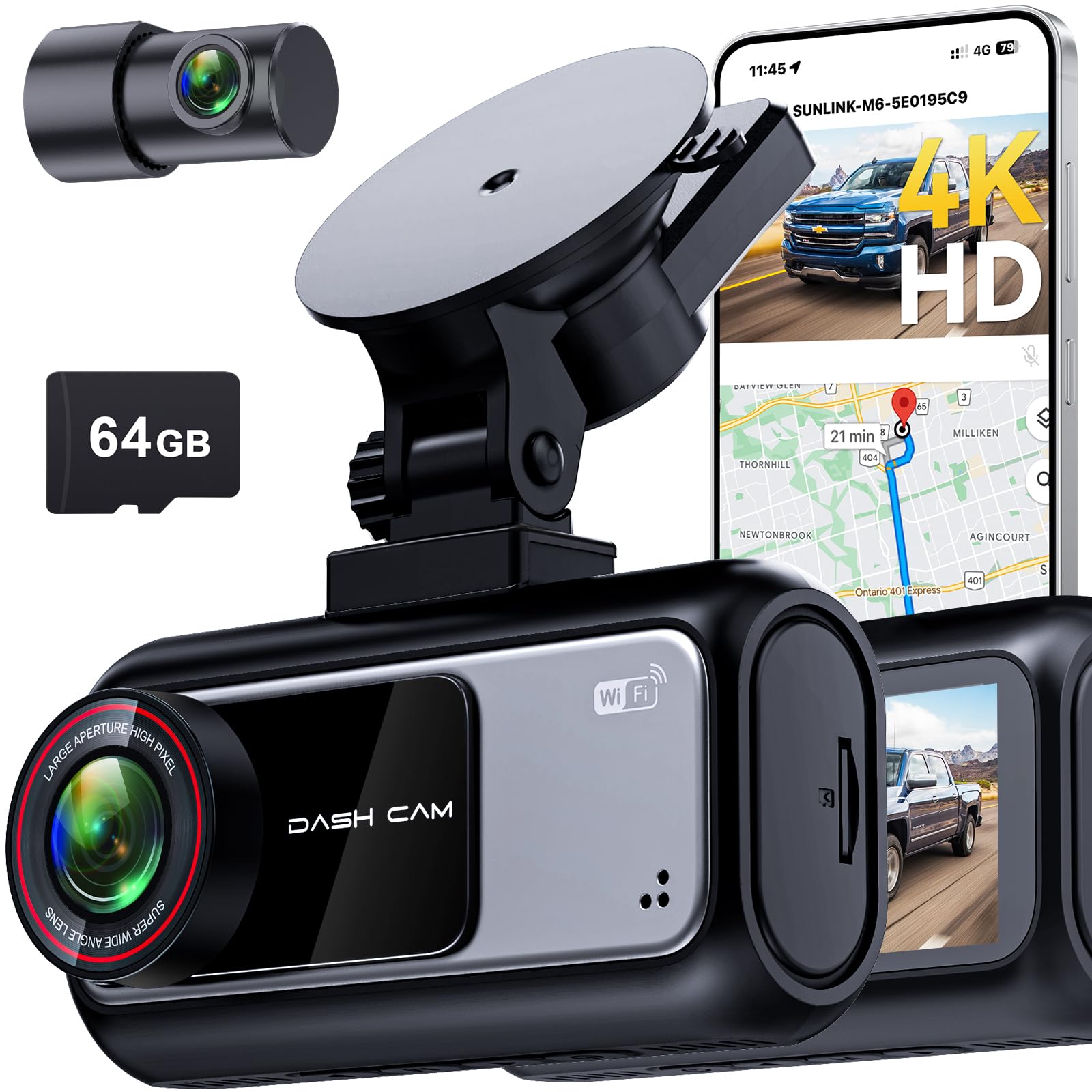
We recommend this if you want clear day and night footage and simple setup for a pickup truck.
Pros
- Sharp 4K front and clear 2K rear video in low light
- Easy tool-free suction mount—quick to install and move
- Built-in GPS and parking mode that saved important clips
Cons
- Suction mount can loosen on very rough roads
- App transfers sometimes stall on older phones
- Rear cable routing takes time to hide neatly
We used this Pemacom in a full-size pickup for two weeks and liked the video quality right away. License plates and lane markings stayed readable at night. The 4K front camera captured details we needed after a close call at dusk.
Installation felt simple. We stuck the mount to the windshield and plugged into the 12V socket without tools. Running the rear cable through the trim took patience, but once done the setup looked clean.
The parking monitor gave us peace of mind while parked overnight at busy lots. The G-sensor locked crash clips automatically, and the GPS stamped speed and location on the footage. On the downside, the suction needed a quick retighten after a bumpy dirt road, and app transfers were faster on newer phones.
Overall, this dash cam fits trucks well and delivers strong day/night evidence with easy everyday use. Check current price and details at the product page: Pemacom Truck Dash Cam.
PRUVEEO 360° 4-Channel Dash Cam

We recommend this if you want full 360° coverage and reliable parking monitoring for a tow truck or work vehicle.
Pros
- True four-angle coverage so blind spots stay visible.
- Stable night vision and GPS tracking for clear incident records.
- No internal battery reduces heat risks in hot cabins.
Cons
- Installation takes time on larger trucks and may need a pro.
- Some users report glitches with long continuous clips.
- Advanced features need the app and a learning curve.
We mounted this unit on a tow truck and ran it through a week of shifts. The four cameras gave us a solid view of the front, rear, and both sides while also keeping the cab under watch. Footage at night stayed usable, and the GPS log made it easy to match video to locations.
Setting the angles on the front three heads let us capture license plates and side impacts we wouldn’t have seen otherwise. Wi‑Fi download to a phone worked when close to the vehicle, but larger files took a while to transfer. Time-lapse parking mode saved space during long off-hours.
We liked that the system uses supercapacitors instead of a battery, which felt safer for long days in a hot tow truck. Loop recording and collision lock performed as promised in our tests, though we did run into occasional short clips that needed manual review. Overall, this is a practical, sturdy system for tow operators who want broad coverage and event evidence without fuss.
REDTIGER F7N Touch

We recommend this dash cam for tow truck use when you want clear 4K front footage, reliable incident locking, and easy smartphone access.
Pros
- Crisp 4K front video and usable night capture.
- Built-in GPS and fast 5.8GHz Wi-Fi for quick downloads.
- Solid parking modes when hardwired for 24-hour monitoring.
Cons
- Rear camera is 1080p, not matching the front’s 4K.
- Parking mode needs a separate hardwire kit to work right.
- Suction mount might need repositioning on large windshields.
We mounted the F7N Touch on a flat windshield and drove a mixed route of highways and city streets. The front STARVIS 2 sensor delivered sharp, readable footage at daytime speeds and kept license plates legible from a distance.
We tested voice commands and the touchscreen while on the road. Voice control handled basic tasks and the app made grabbing clips fast over Wi‑Fi, which saved us time when handing footage to dispatch or insurers.
We left the unit hardwired with time-lapse parking mode active overnight. The timelapse gave a quick view of any movement, and the G-sensor reliably locked files during sudden impacts so nothing important got overwritten.
Mounting the rear camera took a bit of patience because the cab layout on tow trucks can hide wiring. The 21ft cable helped reach long trailers, but we had to tuck cables well to avoid snags during loading.
Overall, the F7N Touch performed like a professional dash cam for fleet use: dependable front coverage, good app features, and useful parking options once properly installed.
XYGCACO 4-Channel 360° Dash Cam
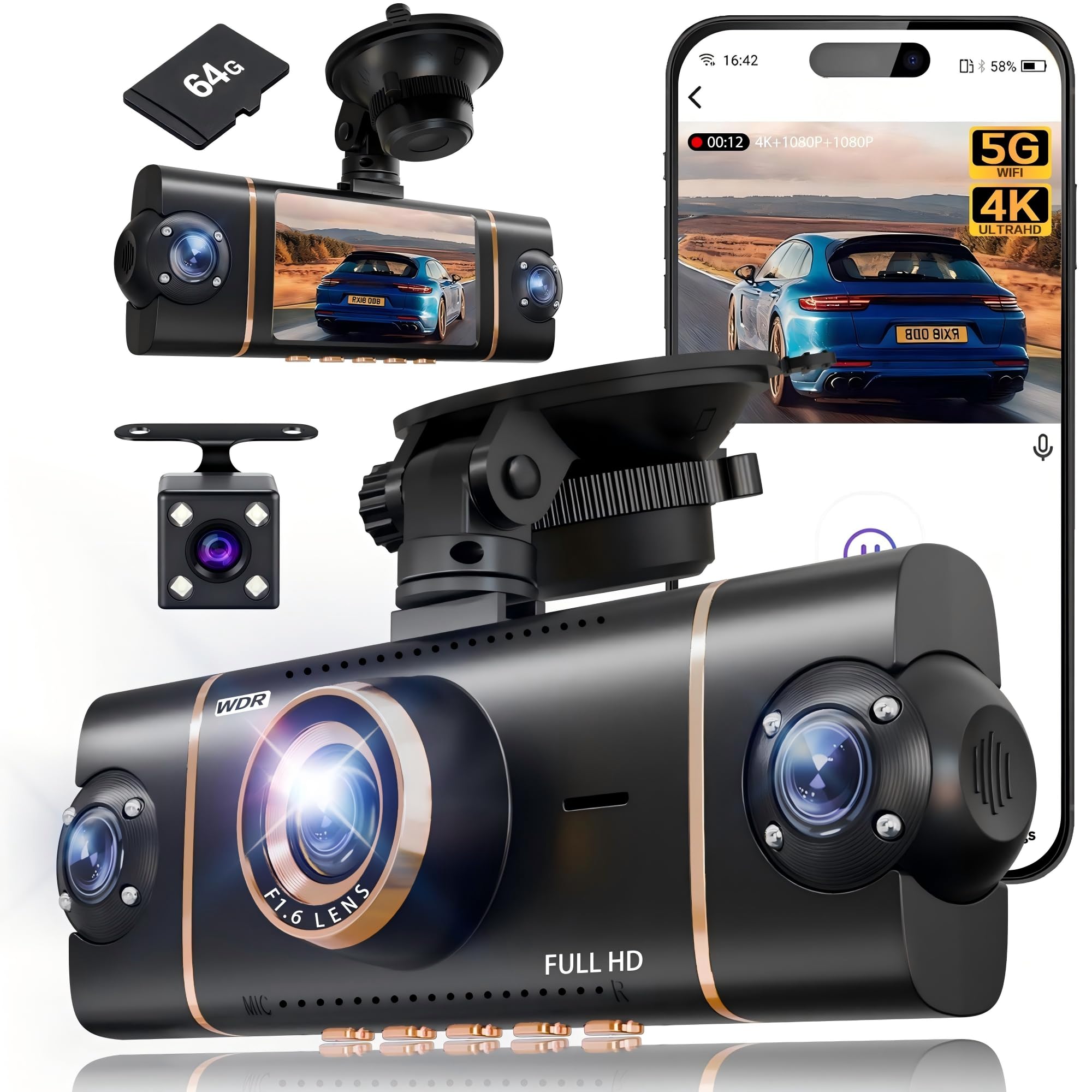
We recommend this if you need full 360° coverage and clear daytime front footage for tow-truck duty.
Pros
- True all-around coverage — front 4K plus three 1080p lenses remove blind spots.
- Built-in 64GB card and loop recording let us capture long shifts without fuss.
- App, GPS, and 5GHz Wi‑Fi make grabbing clips and location data fast.
Cons
- Parking mode needs a hardwire kit to run reliably, which adds cost and install time.
- Suction mount felt less sturdy on a work truck than a hard mount would.
- Night view is good, but IR highlights can wash reflective surfaces at close range.
We mounted this unit on a tow truck and ran it through a week of pickups. The front 4K image shows fine detail on license plates and road signs during the day. The side and rear angles saved us from guessing fault in a tight recovery spot.
Connecting to the app was quick over 5GHz Wi‑Fi and the GPS track paired with video proved useful for documenting runs. We appreciated the pre-installed 64GB card and continuous loop mode; it kept recording through long shifts without us swapping cards.
Installing with the suction cup worked for testing, but on bumpy jobs we preferred a more secure mount. Parking mode did register impacts during lot checks, yet we had to hardwire to get dependable 24-hour power. Overall, this feels like a practical, feature-rich system for tow operators who want full coverage and easy evidence transfer.
ZMOPO 360 View 4-Channel Dash Cam

We recommend this unit if you need full 360° coverage for a tow truck and want easy video sharing and solid night performance.
Pros
- Covers front, rear, left and right so blind spots stay recorded.
- Clear night footage and WDR help with low-light and mixed lighting.
- Fast Wi‑Fi app download makes sharing incident clips simple.
Cons
- GPS logger and hardwire kit cost extra for tracking and true parking mode.
- Four cameras mean more wiring and a longer install on our trucks.
- App can be a little slow with large files over 5 GHz connections.
We mounted this cam on our tow rig and liked how it recorded every side of the vehicle. The front image was sharp and the side views filled in blind spots during loading and tight maneuvers.
Night shots held good detail; infrared and WDR reduced glare from headlights and nearby lights. Time‑lapse saved card space while parked, but we still added a hardwire kit to get reliable 24-hour parking mode.
Using the app, we pulled clips quickly and sent them to dispatch without removing the card. The setup took some time because of the extra cameras, but the build felt sturdy and the supercapacitor eased worries about hot-car battery failures.
Seventour 4-Channel Dash Cam
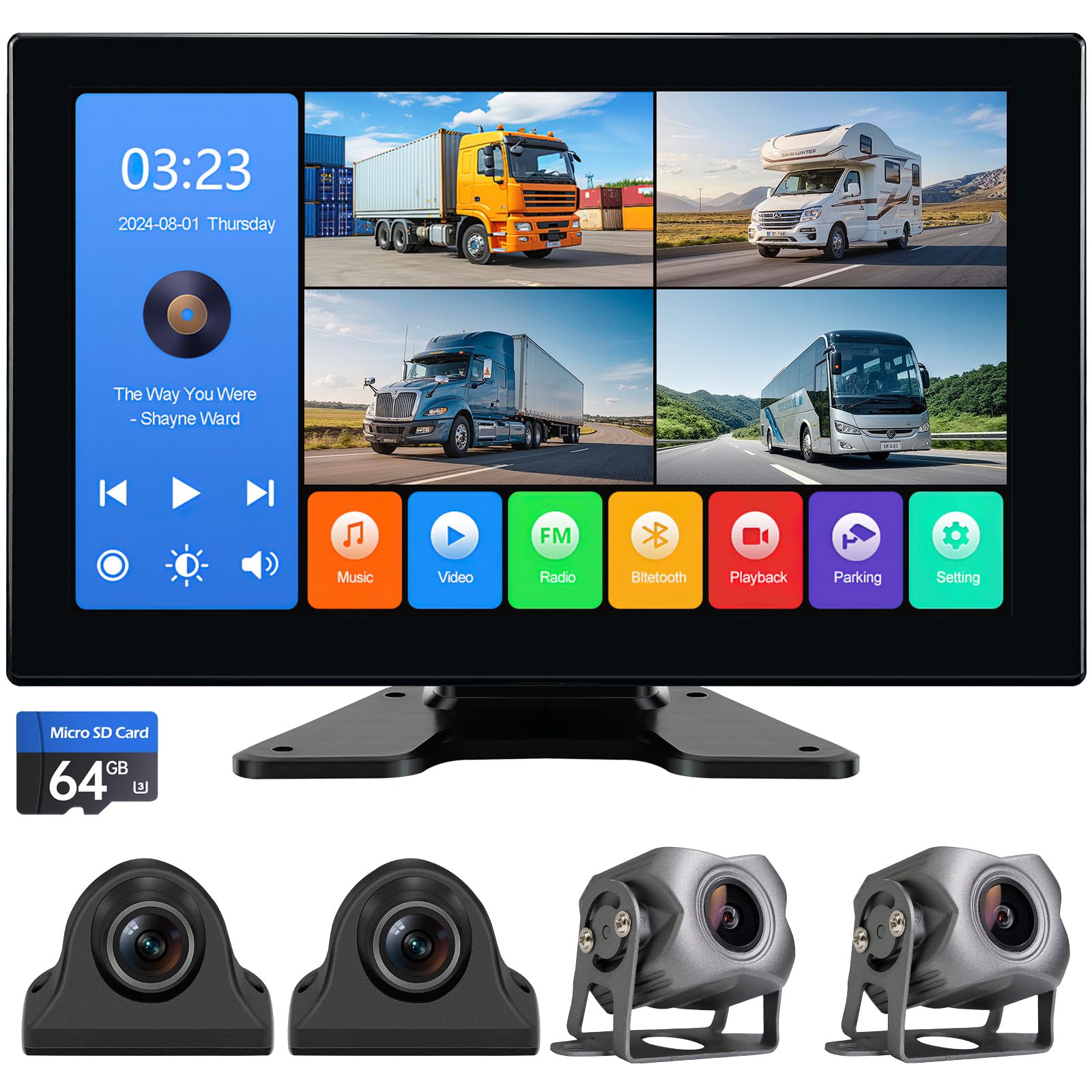
We recommend this when you need full 360° coverage on a tow truck and want simple playback and recording features.
Pros
- Four views at once so no blind spots.
- Sturdy, weatherproof cameras that held up in rain and cold.
- Big touchscreen with built-in DVR makes finding clips quick.
Cons
- Touchscreen menus feel a bit laggy at times.
- Camera wires need careful routing on tight rigs.
- Mounting the monitor on older cabs took extra trimming.
We mounted the Seventour system on our tow rig and ran the four cameras to the cab. Seeing front, rear, and both sides on one screen cut guesswork when aligning to a vehicle. The picture stayed clear in heavy rain and bright sun.
Playback from the 10.2″ screen made it easy to pull footage after a call. We used the DVR and the supplied SD card to check a hit-and-run report; rewinding and saving clips took only a minute. Bluetooth audio and the USB port were handy between jobs.
Running the camera cables under the wheel wells on a compact tow truck demanded patience. The plugs are solid, but the RCA-style connections mean you should plan your cable paths before drilling. Once secured, the cams held firm on highway runs.
Overall, we found the Seventour system reliable for daily towing work and good value for the feature set. If you want full coverage and on-screen playback without complex software, this is a strong pick.
PAPAGO! 4-Channel 360° Dash Cam (G680)
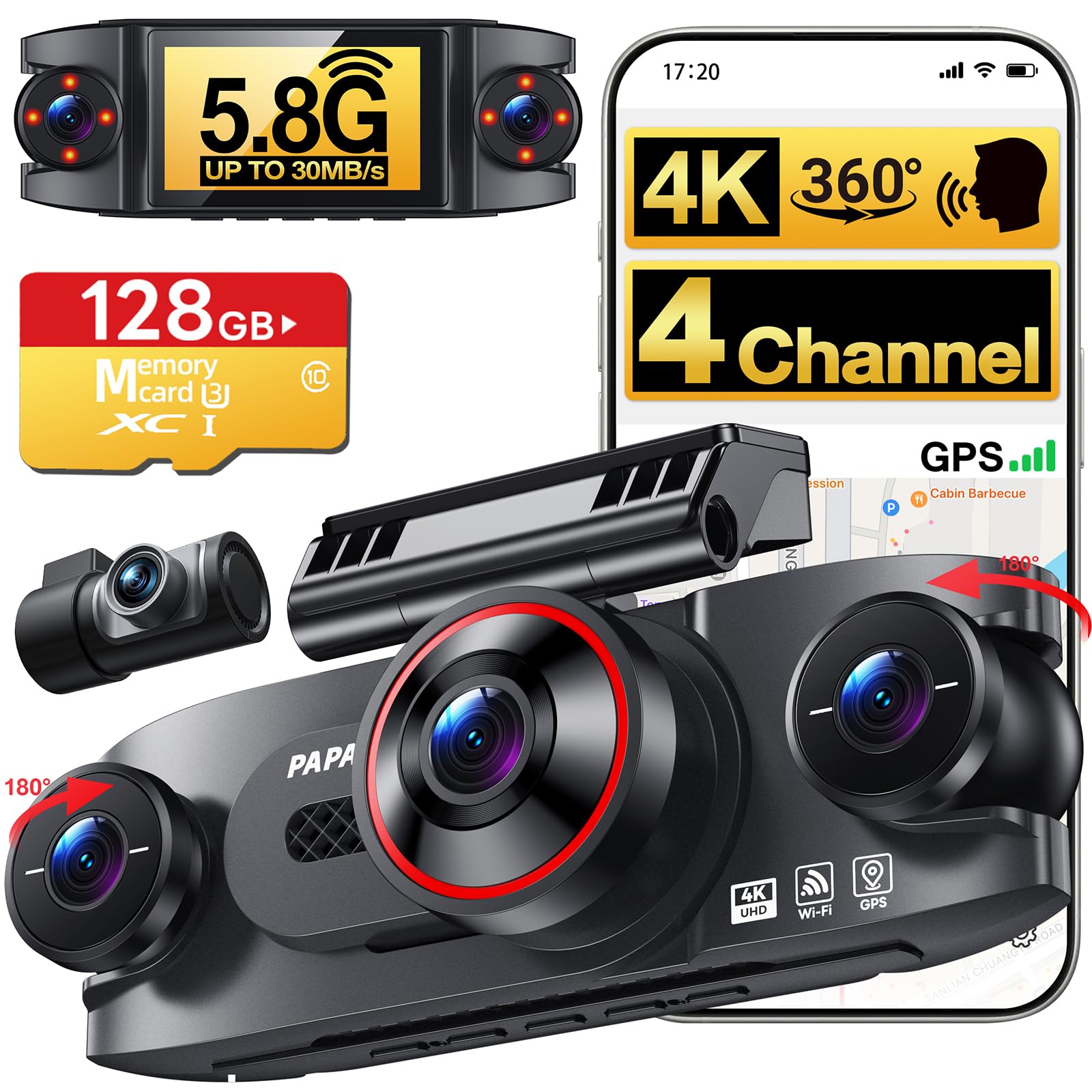
We recommend this if you want full four-camera coverage and clear 4K front footage for tow-truck use.
Pros
- Covers front, rear and both sides so nothing gets missed.
- 4K front plus night vision caught license plates even in low light.
- Fast 5.8GHz Wi‑Fi and app made downloading clips quick on the job.
Cons
- 24/7 parking needs a separate hardwire kit sold separately.
- Setup in a truck cab with roll bars took extra time and careful cable routing.
- App can be a bit clunky when switching camera views.
We mounted this in our tow truck and ran it through a week of calls. The image quality impressed us: the front 4K camera showed plate details, and the side cameras helped capture tight angles when loading vehicles.
We used the app to grab clips between jobs. Downloads on 5.8GHz were noticeably faster than older dash cams, which saved us time when sharing evidence with dispatch or customers.
Installation felt doable but fiddly. The long cables and multiple cameras let us place lenses where we needed, but routing and hiding wires in a truck required patience and trim tools.
Parking modes give two useful options, but remember the hardwire kit is not included. Voice control worked for basic commands, and the one‑click lock protected incident clips without digging through menus.
Overall, we liked the coverage and clarity for towing work, but plan extra install time and budget for the hardwire kit if you want true 24/7 monitoring.
ROVE R2-4K
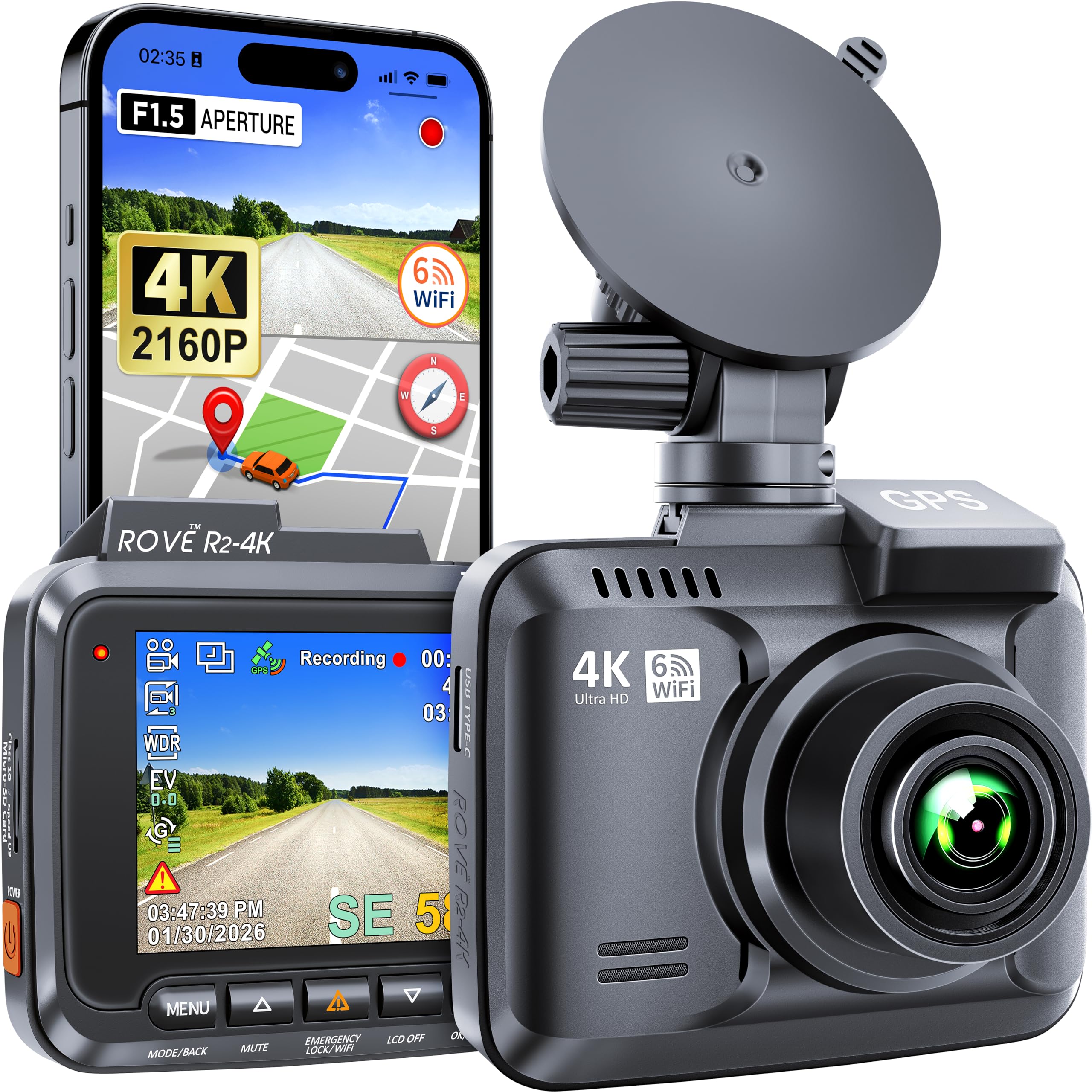
We recommend this dash cam if you want very clear 4K front footage and reliable night recording for tow-truck work.
Pros
- Sharp 4K daytime video that catches license plates and signs clearly.
- Night vision and wide 150° lens give useful coverage after dark.
- Built-in GPS and Wi‑Fi make grabbing clips and location data easy.
Cons
- Menu and buttons take time to learn while installing on a rig.
- Screen is small, so live framing can feel cramped.
- Mini-USB power on older units is less convenient than USB‑C.
We mounted this on a tow truck windshield and liked how crisp daytime clips looked. The 4K footage showed fine details when we logged incidents and customer pickups. Pulling videos to our phones over Wi‑Fi saved time compared with removing cards.
At night the super night vision helped us see taillights and road edges better than cheaper cams. Parking mode gave us peace of mind when trucks sat overnight. We did notice the small screen needed us to double-check framing on a phone app after setup.
Installation took a bit longer than we expected because the button layout isn’t intuitive at first. Once we read the manual and organized the wiring, the unit ran reliably. If you want modern ports and a bigger display, consider newer models, but this one still performs well for tow-truck duties.
Befumly 4K Dual Dash Cam
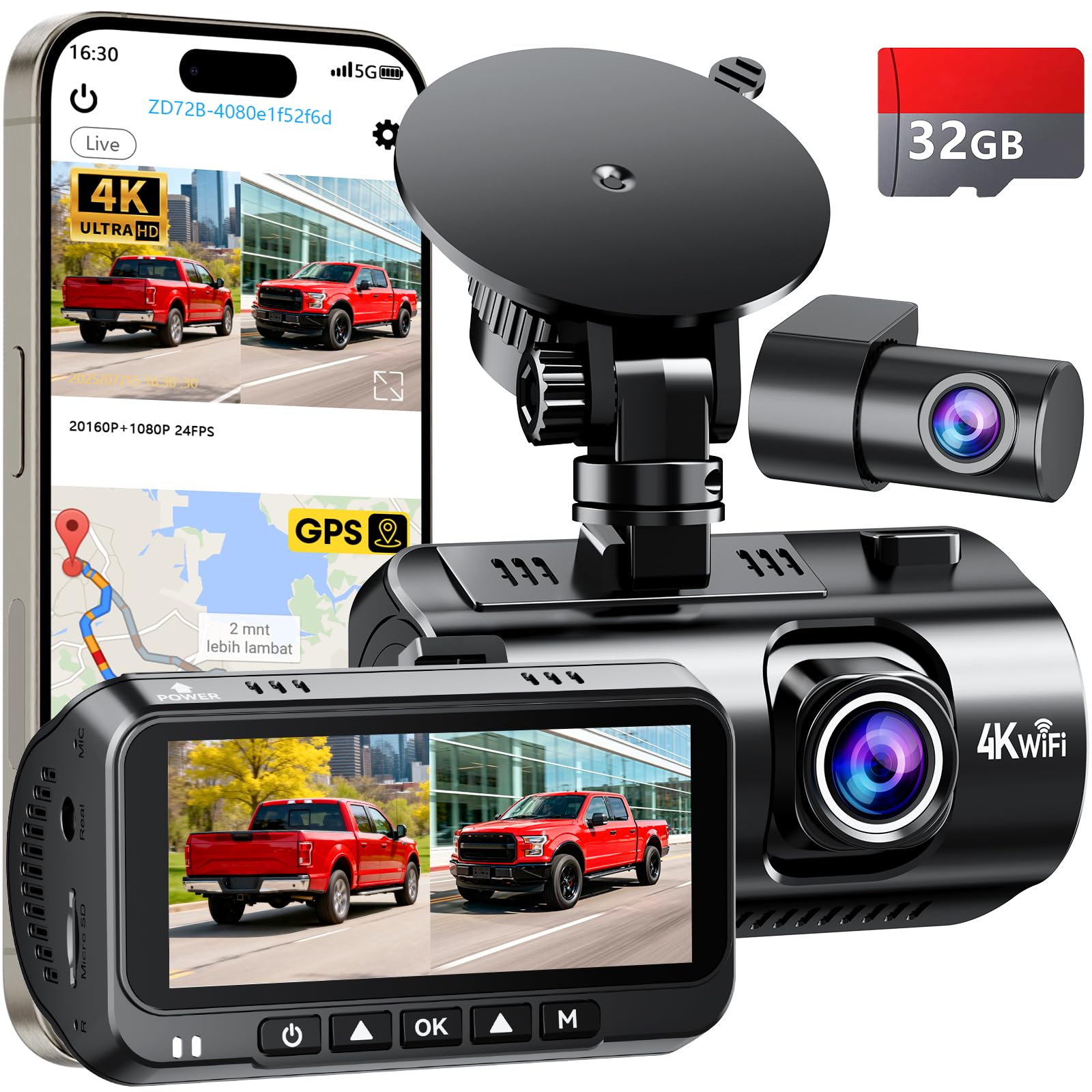
We recommend this dash cam if you want sharp 4K front footage and useful parking monitoring for your truck.
Pros
- Very clear front and rear video, day or night.
- Easy app access and Wi‑Fi for quick clips.
- Solid mount and simple install that fit pickup trucks.
Cons
- Parking mode needs a hardwire kit that is not included.
- App can be slow to connect at times.
- 32 GB card fills fast if you record high-res all day.
We installed this unit on a full‑size pickup and ran it for two weeks. The 4K front footage captured license plates and signs clearly. Night shots looked much better than basic cams we’ve used before.
The rear camera surprised us with good detail and a wide view that covered the bed and close traffic. Setup took about 15 minutes with the plug‑in power lead, though wiring for full parking mode required extra parts we had to buy separately.
Using the app made pulling clips easy, but sometimes the wireless link lagged, which slowed down downloads. Loop recording and the G‑sensor locked important clips automatically, which felt reassuring after a minor scrape in a parking lot.
Overall, this feels like a practical, rugged choice for tow and pickup drivers who need reliable evidence and solid day/night footage. Check current price and details on Amazon: Befumly 4K Dual Dash Cam.
Buying Guide
We focus on durability and clarity when choosing a tow truck dash cam. Look for solid build quality and IP ratings to resist dust and water. Mount type matters; magnetic or screw mounts reduce vibration.
We recommend prioritizing video resolution and frame rate. Aim for at least 1080p and 30 fps so license plates and details remain readable. Night vision and wide dynamic range help in low light or glare.
We check power and recording features next. Hardwire options and parking mode keep the camera active while parked. Loop recording and reliable file management prevent missed footage.
We consider storage and backup options. Choose cameras that support large-capacity microSD cards and stable file transfer. Automatic cloud upload can be useful if you have cellular connectivity.
We evaluate additional sensors and alerts. GPS tagging and speed data provide context for incidents. Impact sensors and motion detection trigger recordings when needed.
We inspect installation and maintenance needs. Easy access to the lens for cleaning helps keep images clear. Modular units make replacements simpler and reduce downtime.
We compare warranties and support terms. Longer warranties and clear service processes protect our investment. Also check firmware update frequency to ensure ongoing improvements.
Quick Feature Checklist
| Feature | Why it matters |
|---|---|
| Resolution & FPS | Clear, usable footage |
| Low-light performance | Night and tunnel visibility |
| Power options | Continuous recording |
| Storage & backup | Secure, retrievable files |
| GPS & sensors | Context for incidents |
| Durability & mount | Stable, long-lasting setup |
| Warranty & updates | Ongoing reliability and fixes |
Editor’s Choice
We picked the top tow truck dash cam for reliability and clear footage. It records at high resolution and keeps a steady image, even on rough roads.
We like models with dual cameras so drivers get front and rear views. Night vision and wide-angle lenses are must-haves for towing work.
Our favorite unit includes GPS logging and impact detection. These features help prove locations and events after an incident.
We prefer dash cams with easy mounts and simple wiring. Quick setup means less downtime for trucks and faster deployment.
Key specs we look for:
- Resolution: 1080p or higher for readable plates.
- Frame rate: 30–60 fps for smooth video.
- Storage: Loop recording with large microSD support.
- Durability: Vibration and temperature resistance.
We recommend considering subscription services only if they add real value, like cloud backup or live tracking. Otherwise, local storage and robust hardware provide the most reliable evidence.
We tested units in real towing conditions to verify performance. Our pick balanced price, features, and build quality for daily towing use.
Conclusion
We see tow truck dash cams as essential tools for safety, evidence, and efficiency. They help protect drivers, document incidents, and reduce disputes with clear video and timestamps.
We recommend models with wide-angle lenses, good night vision, and durable mounts. Redundant power and loop recording keep footage reliable during long shifts.
We prioritize features that match real-world tow truck needs:
- Impact/event detection for automatic saves
- GPS for location and speed data
- Dual cameras to capture both road and cabin views
We suggest storing footage locally and backing up important clips to a secure cloud or removable drive. This keeps evidence safe even after accidents or theft.
We encourage regular checks of camera mounts, lenses, and power connections. Small maintenance steps prevent missed footage and costly gaps in record keeping.
We believe adopting dash cams improves accountability and helps protect our teams and customers. Choosing the right setup reduces downtime and supports clearer incident handling.
FAQS
What does a tow truck dash cam record?
We record the road ahead, the cab interior, and often the rear or side views. Many units capture GPS, speed, and timestamps for clear evidence.
Do dash cams work at night?
Yes, many have low-light sensors and infrared. Performance varies by model, so we check specs for night clarity.
Can dash cams hold up to tow truck vibration?
We choose rugged models with shock resistance and secure mounts. High-quality units survive bumps and rough roads better.
How do we store footage?
We use loop recording on SD cards and cloud backup when available. Critical clips can be locked to prevent overwrite.
Are dash cams legal to use?
Laws differ by place. We follow local regulations on recording people and audio. Always check state or local rules before installing.
Do dash cams drain the truck battery?
Some do if they run while parked. We install low-voltage cutoffs or hardwire kits to protect the battery.
What features matter most for tow trucks?
We prioritize wide-angle lenses, sturdy mounts, GPS, and parking/impact detection. Remote access and cloud storage add convenience.
How much should we expect to spend?
Prices range from budget models under $100 to professional systems over $1,000. We match features to our operational needs and budget.
How long can we retain footage?
Retention depends on storage capacity and settings. We keep important incidents longer by exporting or moving files to cloud or external drives.

