
Our readers keep the lights on and my garage snacks stocked. As an Amazon Associate, I earn from qualifying purchases.
Specs are compiled from manufacturer listings and verified buyer reviews and can change over time — please confirm the key details on the product page before buying.
If you’re a car enthusiast or just someone who wants to keep your vehicle in top shape, having a reliable OBD2 scanner for phone is a standout. These handy devices connect to your smartphone to provide real-time diagnostics, clearing error codes, and giving you insights about your car’s health. With so many options available, choosing the best one can be overwhelming.
I’m Min Islam — the founder and writer behind Trending Car. This guide is built by comparing the manufacturers’ published specifications and the patterns across verified customer reviews, so you get each pick’s real strengths and trade-offs instead of marketing spin.
Our top picks cover a range of budgets and features, ensuring you get the best tool for your needs. Find the right best obd2 scanner for phone for quicker code checks, clearer live data, and easier home troubleshooting.
Quick Picks
- OBDLink MX+ OBD2 Bluetooth Scanner for iPhone — Best Overall
- TOPDON TopScan Pro OBD2 Scanner Bluetooth — Top Performer
- XTOOL A30M V2.0 OBD2 Scanner Diagnostic Tool — Most Versatile
- KINGBOLEN Ediag Elite OBD2 Scanner Bluetooth — Premium Pick
- BLCKTEC 430 Bluetooth OBD2 Scanner for iPhone & Android — Best Value
- Veepeak OBDCheck BLE+ Bluetooth OBD II Scanner — App Flex Pick
- FIXD Bluetooth OBD2 Scanner for iPhone & Android — Easy Readouts
- Veepeak OBDCheck BLE Bluetooth OBD II Scanner — Budget Champion
- Bluetooth OBD2 Scanner Reader Wireless Auto Diagnostic Scan — Compact Pick
How To Choose The Best OBD2 Scanner for Phone
When choosing the best OBD2 scanner for phone, consider compatibility with your vehicle’s make and model, as not all scanners support manufacturer-specific protocols. Bluetooth connectivity quality is critical for reliable real-time data without lag. Also, check if the scanner supports iOS, Android, or both. Features like bidirectional testing, advanced service resets, and app support can add great value depending on your needs. Finally, consider device durability and customer support reputation.
Essential Factors We Consider
OBD2 scanners range from simple code readers to advanced, professional-grade tools. Basic scanners handle generic OBD-II codes and are suitable for casual users. More expensive models offer OEM-level diagnostics, active tests, and extensive reset functions. Decide your budget based on how deep you want to diagnose issues and if you need advanced maintenance features. Remember to factor in possible app subscription fees if applicable.
Budget Planning
Investing in a quality OBD2 scanner for your phone can save you time and money by diagnosing issues before they become costly repairs. Choose a device that matches your technical comfort level and vehicle compatibility. Reliable Bluetooth connection, good app integration, and useful features ensure you get accurate diagnostics on the go. Whether you’re a beginner or a professional, there’s a perfect scanner on the market for you.
Quick Comparison
| Model | Best For | Operating System | Dimensions | Power Source | Amazon |
|---|---|---|---|---|---|
| OBDLink MX+ | OEM-level diagnostics and wide app support | iOS, Android, Windows | 2.01″L x 0.91″W x 1.81″H | Vehicle | Amazon |
| TOPDON TopScan Pro | Bidirectional tests and service resets | iOS and Android | 3.31″L x 1.98″W x 1.07″H | Corded Electric | Amazon |
| XTOOL A30M V2.0 | Many resets with lifetime free updates | IOS, Android | — | OBD II Port | Amazon |
| KINGBOLEN Ediag Elite | All-system scans with lifetime updates | Android 8.1 | — | Battery Powered | Amazon |
| BLCKTEC 430 | No-subscription full-system reports | iOS and Android | 1.95″L x 1.45″W x 1.02″H | Vehicle | Amazon |
| Veepeak OBDCheck BLE+ | Third-party app flexibility | Android (head units not supported), iOS | 1.97″L x 1.61″W x 0.87″H | OBD II Port | Amazon |
| FIXD Bluetooth OBD2 Scanner | Simple issue explanations and car buying | Android, iOS | 1.5″L x 0.5″W x 1.75″H | Vehicle | Amazon |
| Veepeak OBDCheck BLE | Basic check-engine diagnostics | For iOS & Android (excluding head units) | 1.61″L x 1.97″W x 0.87″H | OBD II Port | Amazon |
| Bluetooth OBD2 Scanner Reader | Budget app-based code reading | Android/iOS/Windows | 3.8″L x 2.5″W x 3.8″H | Wireless Power | Amazon |
In‑Depth Reviews
1. OBDLink MX+ OBD2 Bluetooth Scanner for iPhone, Android, and Windows

The fast, app-friendly pick for deeper diagnostics across more brands and more systems.
The OBDLink MX+ Bluetooth OBD2 scanner compatible with iPhone, Android & Windows offers exceptional quality and performance. It transforms your smartphone or PC into a professional-grade diagnostic tool, supporting popular apps like FORScan, Torque, and Carista. Its enhanced OEM support covers major brands such as Ford, GM, Mazda, and Toyota, making it perfect for everyday use with durable reliability.
This scanner offers among the most stable and fast connections we’ve tested, with excellent support for a wide range of apps and car brands. It’s especially great if you want detailed OEM data and trouble codes, plus it’s built to last. The OBDLink app itself provides rich features and BMW-specific codes, a big plus for brand owners.
Unlike the Veepeak OBDCheck BLE below, which is primarily designed for standard OBD-II diagnostics, this one can clear check Engine Light and get more live parameters like ABS, SRS, and TPMS than other scanners. Buyers report that it connects quickly, stays connected reliably, and works well with both the official OBDLink app and third-party apps. At 2.01″L x 0.91″W x 1.81″H and 28 Grams, it is also tiny enough to move between cars without much fuss.
Why It Lands First: Lightning-fast Bluetooth connection with real-time data updates, strong app compatibility, and enhanced OEM support make it the most complete phone-first tool here.
Real Limitation: Premium price compared to basic scanners, and some advanced features require specific apps.
Go With This If: You want a reliable, fast, and versatile scanner that works with many apps and brands, including advanced users needing OEM-level diagnostics.
Look Elsewhere If: You only need simple generic code reading and do not want to pay for a higher-end adapter.
2. TOPDON TopScan Pro OBD2 Scanner Bluetooth
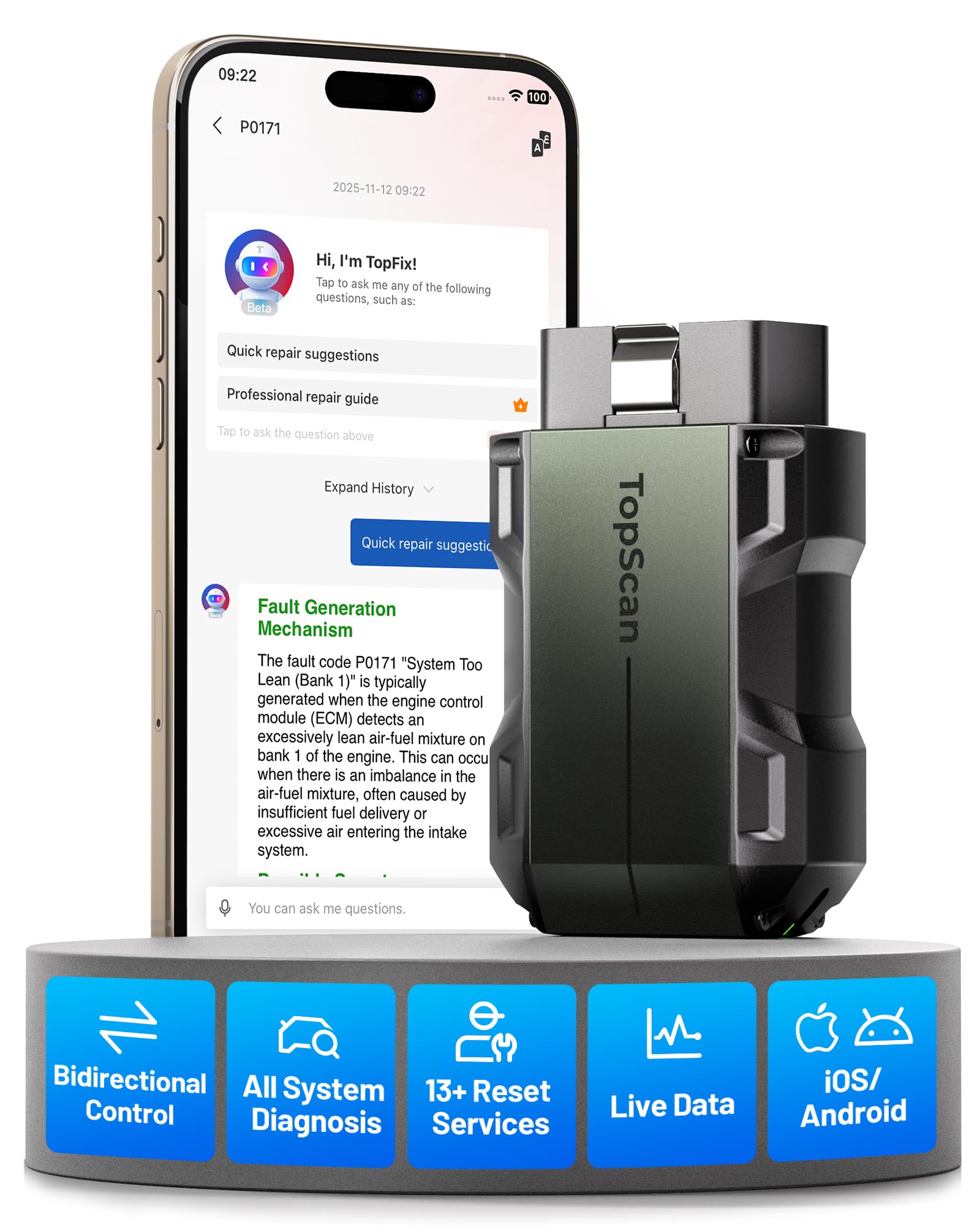
The pocket scan tool for active tests, full-system checks, and quick reset work.
The TOPDON TopScan Pro Bluetooth OBD2 bi-directional scanner is a professional-grade diagnostic tool with dealer-level capabilities. It supports active tests, full system diagnostics, and 13+ service resets such as oil, EPB, and battery management. The AI assistant helps interpret codes and guide repairs, making it a powerful tool for DIYers and mechanics.
This scanner offers dealer-level features at a fraction of the cost of professional tools. Its bi-directional testing and AI assistant make diagnosing and repairing vehicles easier and more accurate. The extensive reset functions add great value for regular maintenance tasks.
Compared with the OBDLink MX+, which focuses heavily on app compatibility and enhanced OEM data, the TopScan Pro leans harder into active tests on parts like fuel injectors, cooling fans, windows, doors, headlights, wipers, and A/C clutches. Owners mention that connection to the vehicle was fast and smooth, and one owner used it to reset a steering angle sensor after performing an alignment. At 3.31″L x 1.98″W x 1.07″H, it stays compact even with all-system coverage for 10,000+ vehicles and 45 languages.
Shop-Style Strengths
- Bi-directional control for active testing and accurate fault location
- Full system diagnostics covering all major modules
- 13+ service resets including oil, battery, and brake functions
What To Expect
- Higher price point than basic scanners
- May require some learning for beginners
Best Match: Car enthusiasts and DIY mechanics looking for an advanced diagnostic tool with professional features and easy smartphone integration.
Main Catch: Some advanced features are included for 1 year of free access, while core diagnostics remain free for life.
3. XTOOL A30M V2.0 OBD2 Scanner Diagnostic Tool

The reset-heavy wireless tool for DIYers who want more than engine-code basics.
The XTOOL Anyscan A30M V2.0 wireless OBD2 diagnostic tool is a powerful scanner with 26 reset functions and bi-directional scan capabilities. It offers lifetime free updates, making it a cost-effective choice for users who want dealer-level features. The tool supports scheduled maintenance and provides stable wireless connectivity for Android and iPhone.
This scanner combines professional features with long-term value thanks to its free lifetime updates. Its bi-directional capabilities and wide reset options make it a versatile tool for serious DIYers. While some users experienced temporary issues with iPad connectivity, customer support has been responsive and updates have resolved most problems.
Where the TopScan Pro offers 13+ hot service functions, the A30M pushes further with 26 special functions and up to 8 live data streams graphing. Customers note that it worked with a 2006 Saab, 2013 Jeep, and 2017 Infiniti, and one owner said support replied within 24 hours and delivered an update in a few days for a needed calibration function. The trade-off is that some initial Bluetooth issues with iPads were reported, even though it later worked again for that reviewer.
Long-Term Value: Lifetime free software updates with no subscription fees are the big reason this one stands out for home garages that keep cars for years.
Fine Print: Service functions may vary by vehicle model, and FCA AutoAuth access for Chrysler, Jeep, Dodge, and Fiat vehicles requires separate registration through the official FCA AutoAuth website.
Reach For This If: You want a feature-rich, future-proof diagnostic tool with extensive reset options and full bidirectional control.
Be Aware: If you plan to use it mainly with an iPad, customer reviews show you may want to double-check current app stability first.
4. KINGBOLEN Ediag Elite OBD2 Scanner Bluetooth
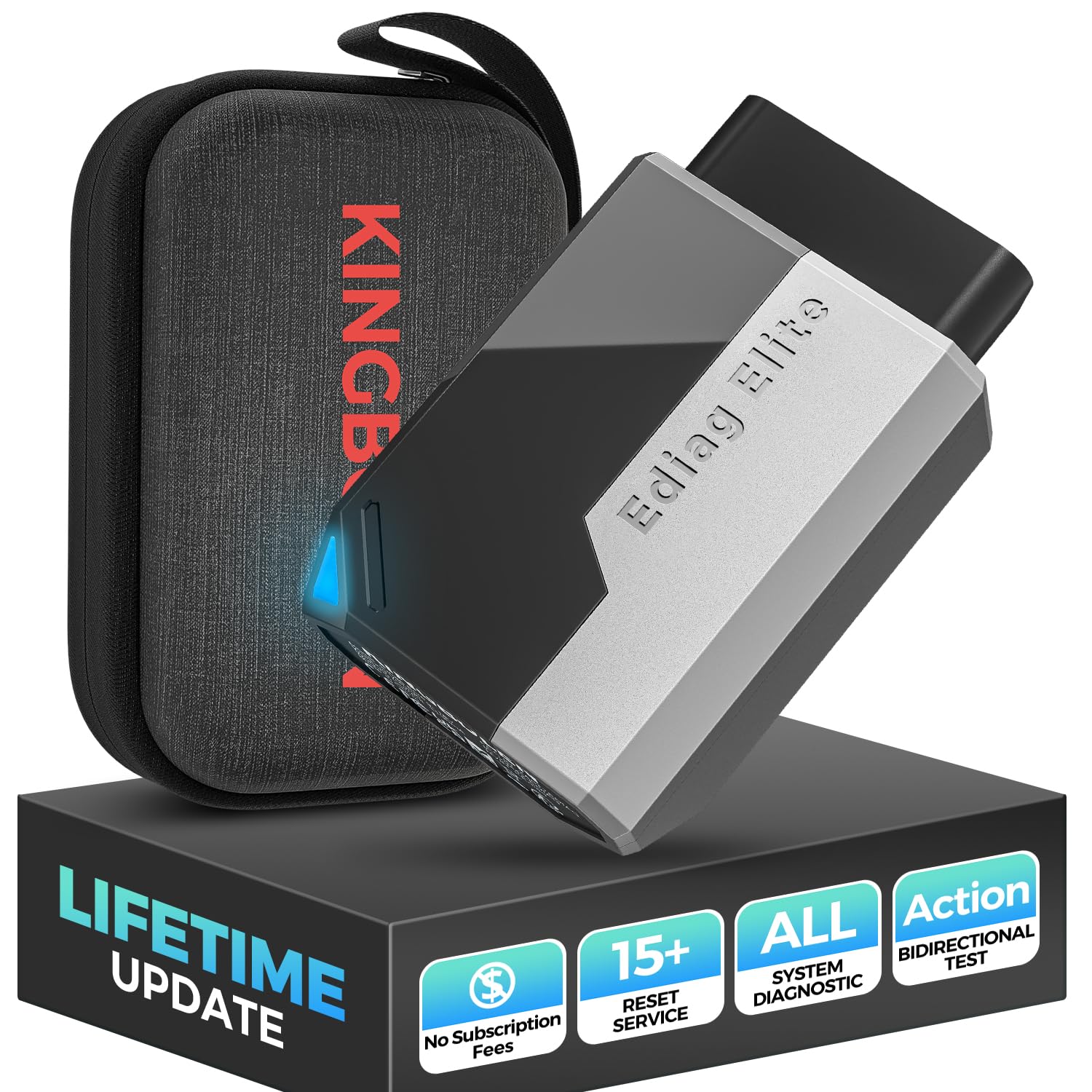
The all-system phone scanner that leans hard into charts, reports, and lifetime updates.
The KINGBOLEN Ediag Elite Bluetooth OBD2 scanner offers a comprehensive diagnostic experience with lifetime updates and 15+ hot reset functions. It supports bidirectional tests, CANFD protocol, and FCA AutoAuth, making it a top choice for serious DIYers and professionals wanting dealership-level features on their phone.
This scanner is a powerhouse with features rivaling professional tools. Its extensive reset options and lifetime updates ensure long-term value, while bidirectional testing enhances fault diagnostics. The device’s modern design and sturdy software make it a standout for serious vehicle diagnostics.
Unlike the FIXD and Veepeak options later in this list, the Ediag Elite scans the entire vehicle equipped systems instead of only focusing on basic engine checks. Reviewers point out that it can save findings as a report or PDF file, and one owner said the device easily turned off a TPMS light. The catch is right in the reviews too: the exterior lacks rubberized protection, so that hard case matters more here than it would on a more rugged tool.
Standout Capabilities
- Lifetime updates with unlimited access to 15 reset service, bidirectional testing and full system diagnostics
- Bluetooth 5.2 wireless connection up to 33ft
- Real-time data shown as graphs, numeric, meter displays and 4-in-1 data charts
Ownership Notes
- May be overwhelming for beginners
- Coverage and special functions vary by model and year
Who It Fits: Advanced users and mechanics who want a professional-level OBD2 scanner with extensive reset and testing capabilities on their smartphone.
Who Should Pass: Anyone who only needs a simple check-engine-light reader and does not want the complexity of all-system diagnostics.
5. BLCKTEC 430 Bluetooth OBD2 Scanner for iPhone & Android

The no-subscription scanner for whole-system reports and plain-English repair guidance.
The BLCKTEC 430 Bluetooth OBD2 scanner supports comprehensive diagnostics including ABS, SRS, and airbag systems for vehicles from 1996 onwards. It works without subscription fees and includes a free companion app with detailed system scans and OEM maintenance info, perfect for both professionals and DIYers.
This scanner is ideal for those wanting a no-subscription device with broad diagnostic abilities. It provides detailed reports understandable even for non-experts, saving money on professional scans and repairs. The offline functionality is a unique plus for emergencies.
Compared with FIXD below, which offers a premium bundle and optional paid extras, the BLCKTEC pitch is simpler: full access, no hidden costs. Shoppers say that the whole system scan helps you understand the complete health conditions of your vehicle, including engine, ABS, SRS, and transmission, and one reviewer noted that it worked offline when a vehicle would not start. The main thing to watch is region support, because the BLCKTEC 430 and the RepairSolutions2 app can only be used in the USA and Canada.
What Makes It Click: No subscription fees; free companion app included, plus reports that explain code definitions in plain language instead of leaving you with raw fault numbers.
Where It Narrows: Available functions may vary by make and model, and other countries and regions are not supported.
Smart Buy For: Both professional mechanics and DIY car owners who want a comprehensive, subscription-free scanner with advanced system diagnostics.
Not Ideal For: Buyers outside the USA and Canada, or anyone who wants a more open app ecosystem than the proprietary RepairSolutions2 route.
6. Veepeak OBDCheck BLE+ Bluetooth OBD II Scanner

The small adapter that plays nicely with JScan, BimmerLink, Dr. Prius, and more.
The Veepeak OBDCheck BLE+ Bluetooth OBD II scanner offers wireless diagnostics for iOS and Android devices. It supports generic OBD-II functions for most 1996+ cars and light trucks in the US, including reading and clearing trouble codes and live sensor data. The device supports Bluetooth LE and Classic connections for broad compatibility.
This scanner is a solid choice for drivers who want a versatile Bluetooth device that works well with popular apps and covers essential OBD-II functions. Its ability to reset and register batteries or customize certain vehicle settings adds practical value.
It is more flexible than the standard Veepeak OBDCheck BLE below because it supports Bluetooth LE for iOS and Android and also supports classic Bluetooth for certain Android apps. Buyers report that it worked for a 2025 Jeep Gladiator with JScan on iPhone and a 2020 BMW M2 with BimmerLink, and another owner said it did not seem to drain the battery when left in all the time. The trade-off is that special functions such as injector coding, EPB reset, ABS bleeding and oil or service resets are not supported by the adapter itself.
Good Match Points
- Supports Bluetooth LE and classic Bluetooth for certain Android apps
- Compatible with Car Scanner ELM OBD2, Torque, OBD Fusion, BimmerCode, BimmerLink, OBD JScan, and Dr. Prius
- Compact 1.97″L x 1.61″W x 0.87″H body and 60 Grams weight
Know Before Buying
- Requires third-party app for full functionality
- Advanced diagnostics depend on vehicle make, model, year, and app choice
Best For: Owners of 1996+ vehicles who want a dependable Bluetooth scanner for basic diagnostics and maintenance on iOS or Android devices.
Caveat: If you need built-in service resets instead of app-dependent features, move up to a bidirectional tool like the TopScan Pro or A30M.
7. FIXD Bluetooth OBD2 Scanner for iPhone & Android
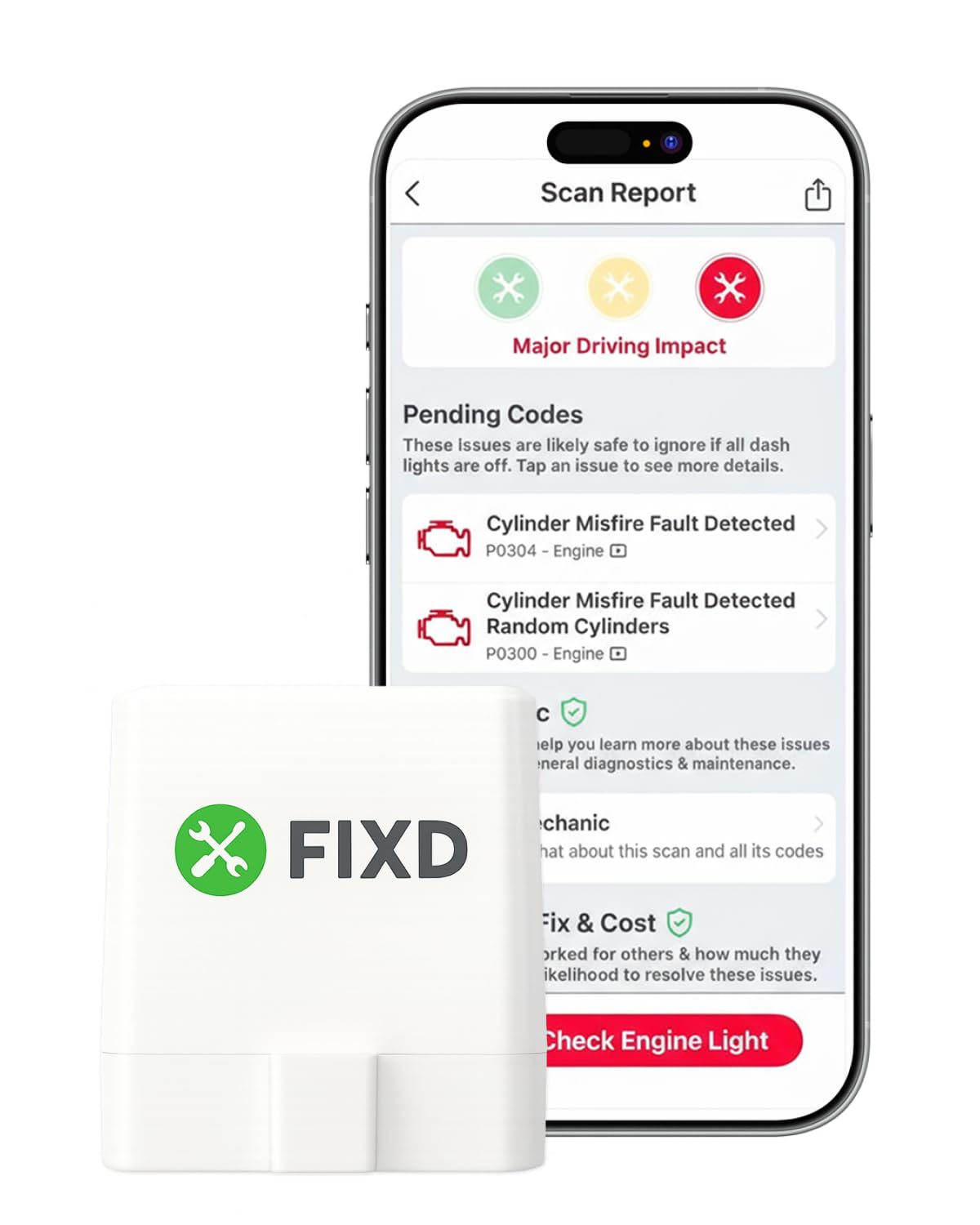
The beginner-friendly scanner that explains faults in plain words instead of code-only screens.
The FIXD Bluetooth OBD2 scanner pairs with iPhone and Android devices to provide enhanced code reading and repair guidance. It supports over 39,000 issues with simple explanations and includes a free 14-day premium trial. The app tracks multiple vehicles and offers helpful repair cost estimates, making it great for car buyers and DIY mechanics.
FIXD is perfect for users who want simple, understandable diagnostic info without jargon. The repair cost estimates and AI mechanic features add value for those unfamiliar with car repairs. However, full functionality requires a subscription after the trial.
Unlike the BLCKTEC 430 above, which stresses no subscription fees, FIXD leans on easy explanations, mileage-based reminders, and one app that can manage all your cars. Owners mention that it can point to a misfiring cylinder and offer several possible reasons, and another owner liked the color-coded issue display. The obvious catch is also in the reviews: without the premium plan, you do not get as many options, and one buyer mentioned the clear dash light function did not work for them.
Why New Owners Like It: Easy to use with clear issue explanations, unlimited scans, and simple organization by vehicle inside the app.
The Catch: Full features require paid subscription after the free premium trial, so it is strongest if you value guided help more than raw hardware value.
Good Fit: Casual drivers, car buyers, and DIYers seeking an easy-to-understand diagnostic tool with helpful repair guidance.
skip it if: You want maximum functionality from the adapter itself without relying on a premium app layer.
8. Veepeak OBDCheck BLE Bluetooth OBD II Scanner for iOS & Android

The simple BLE adapter for quick code checks and reliable trip or sensor logging.
The Veepeak OBDCheck BLE Wireless Bluetooth OBD II scanner is a dependable and straightforward tool for iOS and Android users. It supports generic OBD-II functions for most 1996+ vehicles, including reading and clearing codes, freeze frame data, and live sensor monitoring. Bluetooth LE support means quick connection without pairing on iOS devices.
This device stands out for its ease of use and solid performance at a reasonable price. Its Bluetooth LE feature lets iPhone users connect without fuss. While it focuses on generic codes, it provides everything most drivers need for basic diagnostics and clearing check engine lights.
Compared with the BLE+ version above, this model is more strictly a standard OBD-II tool and the product page clearly says special functions such as injector coding, EPB reset, ABS bleeding, oil light and service resets, and relearns are not supported. Customers note that setup was simple, both units paired quickly over Bluetooth Low Energy, and the connection was fast enough for an app to begin collecting engine and trip data almost immediately after starting the car. One reviewer also noted a weak battery was noticeably harder to start after the adapter was left in for 3 days.
Why It Works
- Easy plug-and-play Bluetooth LE connection, no pairing on iOS
- Supports generic OBD-II diagnostics on 1996+ vehicles
- Compatible with multiple popular third-party apps
Built-In Limits
- Requires third-party app to operate
- Primarily designed for standard OBD-II diagnostics, excluding ABS, SRS, oil light, or service reset functions
Best For: Users looking for a reliable Bluetooth OBD2 scanner for basic diagnostics on newer cars, especially iPhone and Android owners.
Watch Out For: If you need deeper manufacturer data or service functions, this one falls short of the OBDLink MX+, TopScan Pro, and A30M.
9. Bluetooth OBD2 Scanner Reader Wireless Auto Diagnostic Scan Tool for iOS & Android
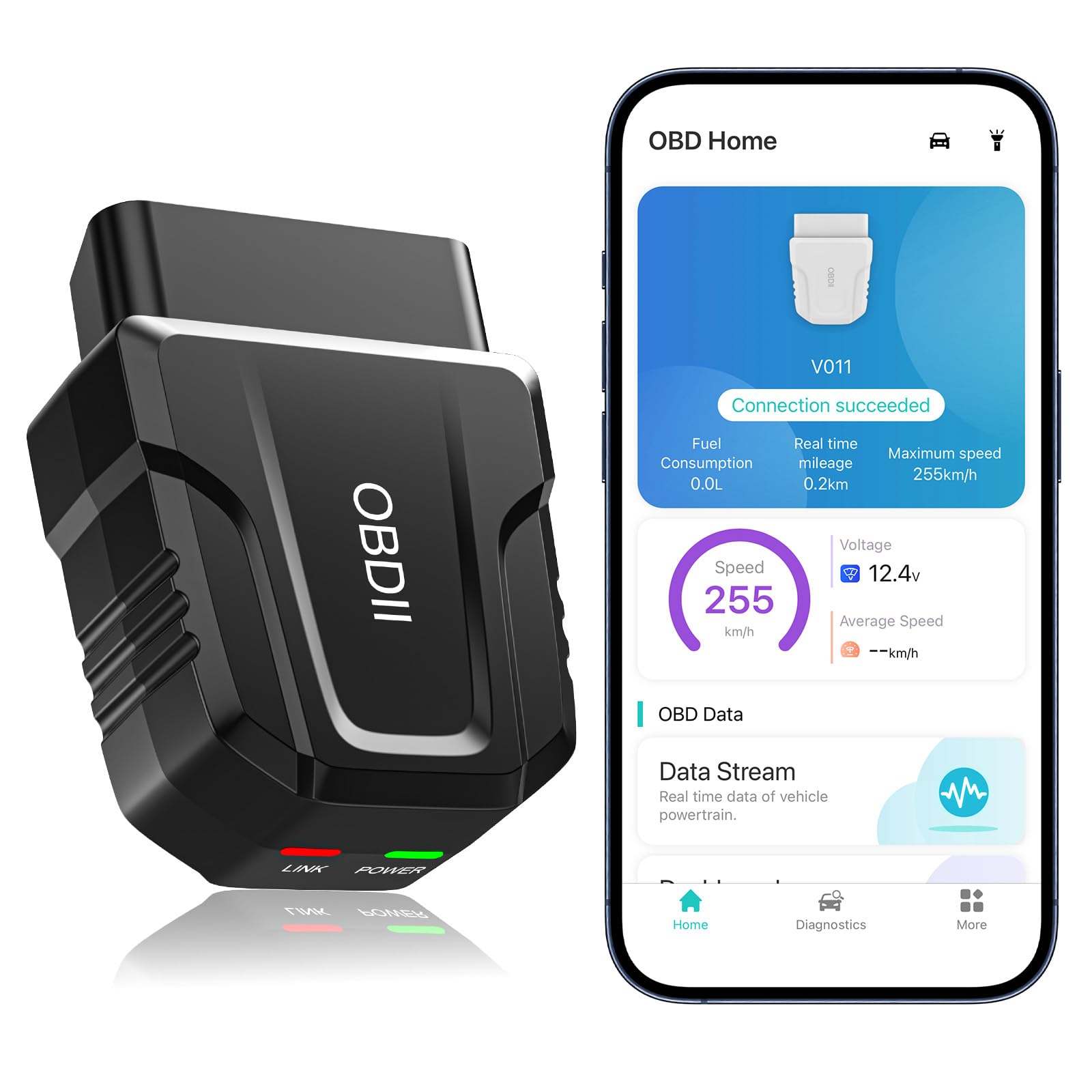
The entry-level scanner with its own app and a very low-friction setup path.
This budget-friendly Bluetooth OBD2 scanner for iOS & Android offers a comprehensive diagnostic solution. It supports performance testing, live data monitoring, and error code resets with an exclusive app designed for ease of use. It’s a great option for both beginners and experienced users who want reliable, real-time insights into their vehicle’s condition.
For those on a budget, this scanner delivers solid performance without sacrificing important features. Its live data and code-reading capabilities are excellent for DIYers wanting to keep close tabs on their vehicle without spending a fortune.
Where the Veepeak models depend on compatible third-party apps, this one comes with a dedicated app for both Android and Apple systems and uses Bluetooth 5.4 for faster and more reliable connections. Reviewers point out that it was simple to use, there were not very many steps to setup, and it has been easy to clear an engine code. The trade-off is that the app needs a little work according to one reviewer, and the product page recommends unplugging it after use to avoid consuming the car battery.
Budget Appeal: Fast and stable Bluetooth 5.4 connection, real-time live data display with intuitive visualization, and an easy-to-use exclusive app with clear diagnostics.
Keep In Mind: Limited advanced OEM features, and some functions depend on the app while saved data handling appears more basic than on pricier tools.
Works Best For: Beginners and budget-conscious car owners who want a reliable, easy-to-use Bluetooth OBD2 scanner for everyday diagnostics.
Less Suited To: Advanced users who want broad third-party app freedom, stronger OEM support, or more polished long-term software.
Understanding the Specs
Bluetooth and App Support
Bluetooth connectivity quality is critical for reliable real-time data without lag. Also, check if the scanner supports iOS, Android, or both. Many Bluetooth OBD2 scanners require third-party apps to read and interpret data. Some scanners come with their own apps, while others support popular apps like Torque, Carista, or FORScan. Verify which apps are compatible before buying.
Generic Codes vs Advanced Diagnostics
Basic scanners handle generic OBD-II codes and are suitable for casual users. More expensive models offer OEM-level diagnostics, active tests, and extensive reset functions. Features like bidirectional testing, advanced service resets, and app support can add great value depending on your needs. Always check compatibility with your vehicle before purchase.
FAQ
Will an OBD2 scanner work on all cars?
Can I use the same OBD2 scanner for multiple vehicles?
Do I need a special app for my OBD2 scanner?
Can an OBD2 scanner clear check engine lights?
Are subscription fees common for OBD2 scanner apps?
What is the difference between generic OBD-II functions and all-system diagnostics?
Do iPhone users need to pair these scanners in Bluetooth settings first?
Can a phone-based scanner read ABS and airbag codes?
Is Bluetooth range important on an OBD2 scanner for phone?
Can I leave a Bluetooth OBD2 scanner plugged in all the time?
Final Thoughts: The Verdict
Choosing the right best obd2 scanner for phone can greatly simplify vehicle maintenance and troubleshooting. Across the board, the winner is the OBDLink MX+ because it offers exceptional quality and performance, excellent app support, and enhanced OEM data across iPhone, Android, and Windows. If you want bi-directional testing and service resets, grab the TOPDON TopScan Pro. And for budget-conscious everyday diagnostics, the Veepeak OBDCheck BLE is a dependable place to start.
How We Picked
We do not accept paid placement. Every pick is matched to a real buyer and a real use-case; we do not hands-on test units.
Sources & Methodology
Specifications: manufacturer listings and product documentation. Review insights: verified customer reviews, as of July 2026. Pricing: not shown on this page (it changes often); check the current price via the retailer link.
As an Amazon Associate, Trending Car earns from qualifying purchases. This does not affect which products we feature.