
Our readers keep the lights on and my garage snacks stocked. As an Amazon Associate, I earn from qualifying purchases.
Specs are compiled from manufacturer listings and verified buyer reviews and can change over time — please confirm the key details on the product page before buying.
If you are shopping for an older driver, the biggest hurdle is usually a screen that is too small and menus that are too fussy. The right unit pairs a large, bright display with clear turn-by-turn directions and works without a cell signal. That last point matters more than most people realize, because a dedicated GPS keeps working even in dead zones where a phone shows nothing.
I’m Min Islam — the founder and writer behind Trending Car. This guide is built by comparing the manufacturers’ published specifications and the patterns across verified customer reviews, so you get each pick’s real strengths and trade-offs instead of marketing spin.
If a clear readout and simple menus are what you need, this ranking of the car gps for seniors separates the easy-to-use models from the ones that cause frustration behind the wheel.
Our Picks at a Glance

How To Choose The Best Car GPS for Seniors
A senior-friendly navigator should reduce stress, not create it. An easy-to-read screen and forgiving buttons keep driving calm and confident. Here are the three things that matter most for this specific group of drivers.
Screen size is the first filter
Larger screens reduce squinting. A 7-inch display gives a much wider view of the road ahead than a 5-inch model, and a 9-inch unit takes that even further. If you are choosing for someone with less-than-perfect vision, lean toward the biggest screen that still fits comfortably on the dash.
Voice guidance keeps eyes on the road
Clear spoken directions let drivers keep their eyes on the road instead of the map. Look for units that announce turns and lane changes in plain language. Some models also broadcast instructions through the car’s own speakers using an FM transmitter, which helps in noisier vehicles.
Free maps and simple menus reduce long-term frustration
A GPS with lifetime map updates means no surprise fees when roads change. Simple on-screen menus matter equally, as cluttered interfaces overwhelm. The best picks for seniors offer large buttons, straightforward search, and driver alerts for school zones and speed changes without asking them to dig through settings.
Quick Comparison
| Model | Best For | Screen Size | Maps | Standout Feature | Amazon |
|---|---|---|---|---|---|
| Garmin DriveSmart 86★ Best Overall | Best Overall, biggest screen | 8 inches | North America, updates | Voice assist, hands-free calling | Amazon |
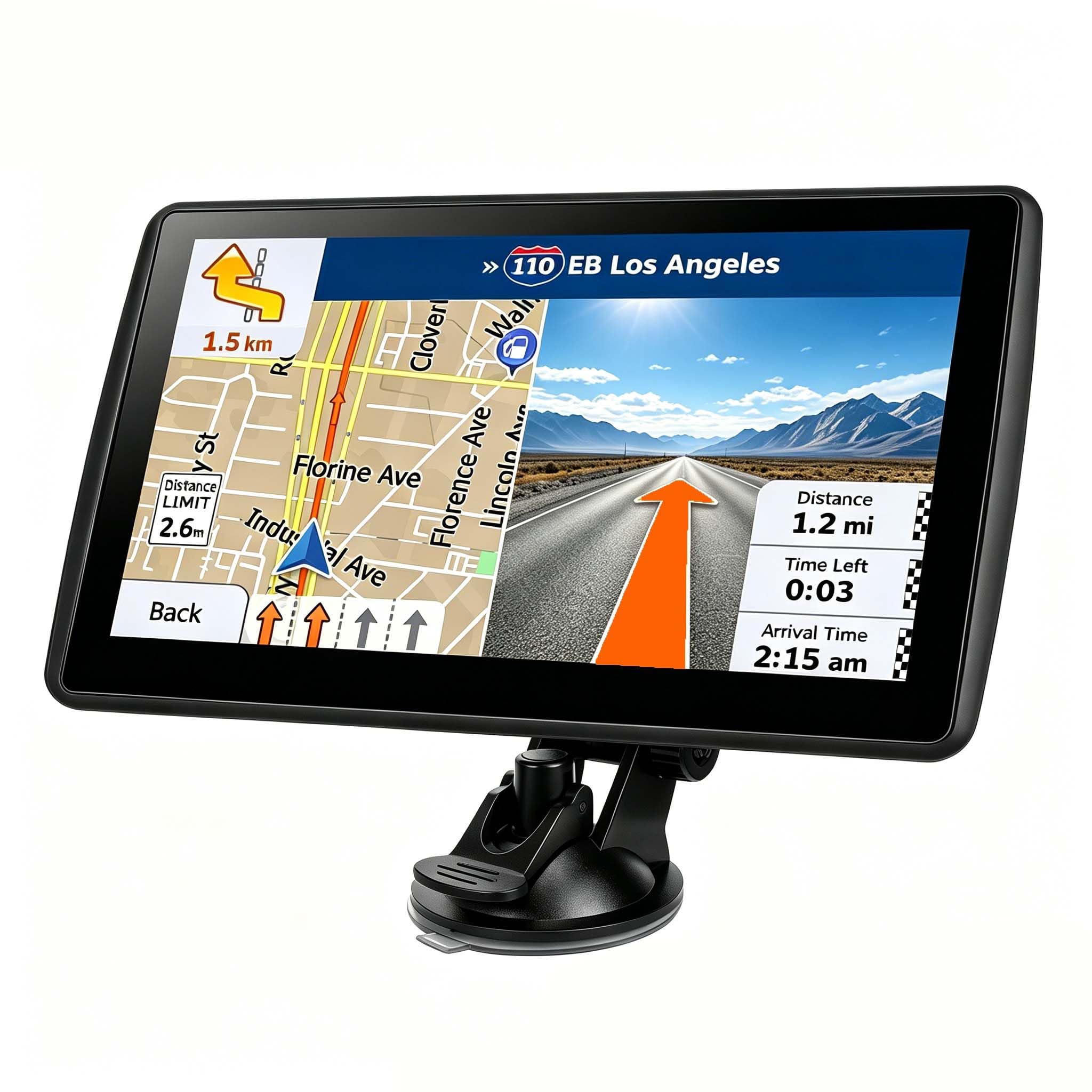
| 7” GPS Navigator (LMCOWRE)Top Performer | Highest rating, truck routing | 7 inches | 2026 North America, lifetime | 6 modes (car, truck, RV, etc.) | Amazon |
| 9-Inch HD GPS (HINYFVOZ) | Largest screen in the list | 9 inches | 2026 North America, lifetime | HD touchscreen, sunshade | Amazon |
| Garmin Drive 53 | Trusted brand, simple menus | 5 inches | North America, detailed | Garmin Real Directions landmarks | Amazon |
| Garmin nuvi 2597LMT | Compact, proven model | 5 inches | North America, lifetime | Bluetooth hands-free calling | Amazon |
| 7-Inch GPS Navigation (HUTNVEA) | Budget-friendly option | 7 inches | 2025 North America, lifetime | Vehicle-specific route customization | Amazon |
In‑Depth Reviews
1. Garmin DriveSmart 86 8-Inch Navigator (Renewed)
Our pick — over 4★ from 250+ verified ratings; the strongest balance of quality and price.
The bright 8-inch screen that works even where a phone shows nothing
When you want the most screen you can get, this Garmin delivers with an 8-inch high-resolution display that stays easy to see even mounted right beside the rearview mirror. Buyers report it handles turns gracefully: “Big, bright screen. Easy to see and listen to turns ahead of time. Unlike a cell phone this works if there is no reception.” That independence from cell service is often the single biggest relief for older drivers venturing into rural areas.
Beyond the size, the voice assist lets the driver simply ask for directions to a destination instead of typing through menus. Pair it with a compatible smartphone over Bluetooth and you open up hands-free calling, live traffic, fuel prices, and weather through the Garmin Drive app. The built-in driver alerts for school zones, sharp curves, and speed changes add a layer of safety that feels tailor-made for a senior behind the wheel.
Renewed units arrive in like-new condition, and one owner described theirs as “like new, excellent unit” that works perfectly. The same reviewer noted it needs a 17-22mm ball mount adapter if you want to use your own mount instead of the included suction cup. The screen at 8 inches is the largest of the Garmins here and a clear step up in legibility from the 5-inch models.
What wins people over
- Large 8-inch screen that is easy to read while driving
- Works without any cell reception, unlike a phone
- Voice assist and hands-free calling when paired via Bluetooth
- Road trip tools like national parks directory and Tripadvisor ratings
Worth knowing before buying
- Occasionally suggests routes that are not the most direct
- May need a ball mount adapter for third-party mounts
Reach for this if: you want the clearest, biggest display for a driver with weaker vision and the comfort of voice control.
Look elsewhere if: the budget is tight, because this premium-tier Garmin costs more than the 7-inch value picks below.
2. 7” GPS Navigator for Car — 2026 Maps, Multi-Mode Routing (LMCOWRE)
The rare unit with a perfect rating, thanks to a bright screen and bargain price
Standing out with a flawless 5.0-star score across a small but enthusiastic owner base, this 7-inch navigator wins praise for doing exactly what it promises. It is described as “highly accurate” with turn-by-turn navigation that avoids the road errors a phone can make when the service drops. No Wi-Fi or SIM is needed — it simply works from the start, which is a relief for anyone who has watched a phone lose signal mid-route.
The smart voice alerts cover speed limits and school zones, and the custom routing supports six modes: Car, Truck, Bus, RV, Bicycle, and Pedestrian. For a senior who occasionally drives a different vehicle, that flexibility is a rare bonus. Owners also note the free lifetime map updates are simple to run directly on the device, and the package includes extras like a bag, USB-C cable, and two mounts.
Against the 7-inch value pick above, this one offers more routing modes and a marginally leaner interface, while owners call it “excellent value” compared with a Garmin at a fraction of the price. The main caution is that the suction mount may loosen on a curved dash, so a flat surface placement is wise.
The highlights
- Perfect 5.0 rating from verified owners
- Works without Wi-Fi or a SIM card
- Six routing modes from car to pedestrian
- Simple on-device lifetime map updates
What to watch
- Suction mount can loosen on curved dashboards
- Fast-charging blocks may not charge the unit correctly
Pick this for: a driver who wants a proven, accurate navigator with the flexibility of multiple vehicle modes.
skip it if: you need a bigger display, because the 9-inch model below stretches further across the dash.
3. GPS Navigator for Car Truck RV, 9-Inch HD Touchscreen (HINYFVOZ)
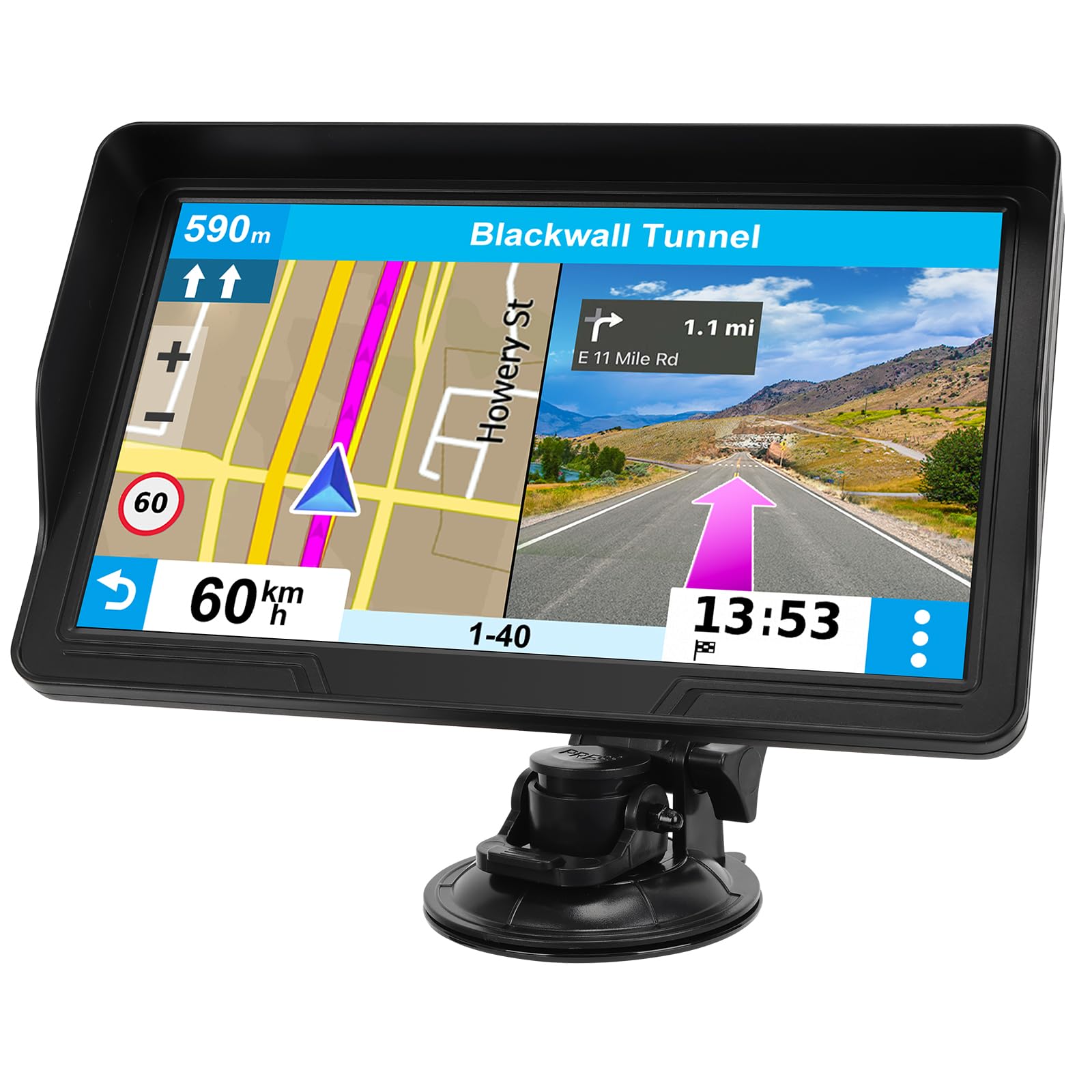
The enormous 9-inch screen that makes highway signs look like they are right in front of you
For eyes that struggle with small text, this 9-inch HD touchscreen is the answer. It delivers a broader field of view with sharper graphics, and owners confirm the display stays readable in bright daylight, especially with the included sunshade. One buyer summarized it neatly: the screen is “large and clear,” the directions are “easy to follow,” and the voice guidance is helpful without being distracting.
The 2026 North America maps come pre-loaded with free lifetime updates, so road changes are handled without any future cost. Clear turn-by-turn voice prompts are joined by speed limit reminders, red-light camera warnings, and school zone alerts. For seniors driving larger vehicles, the custom routing can avoid low bridges and weight-restricted roads by entering the vehicle’s dimensions.
Compared with the 8-inch Garmin at the top, this one is actually larger at 9 inches and sits at a much more accessible mid-range price. Owners mention the package is generous — mount, adhesive pad, charger, and cables all come in the box — making setup genuinely straightforward. The trade-off is that it carries a less-established brand name than Garmin.
What stands out
- Largest 9-inch HD screen in this lineup
- Readable in daylight with the included sunshade
- Free lifetime updates on 2026 North America maps
- Full kit: mount, adhesive pad, charger, cables
Consider this
- Newer brand compared with Garmin’s reputation
- Limited live traffic info unless connected
The best fit: a senior driver with significant vision challenges who needs the absolute largest display possible.
Think twice if: you prefer the security of a household name brand in your navigator.
4. Garmin Drive 53 GPS Navigator, 5-Inch (Renewed)

Simple Garmin menus inside a brighter 5-inch screen that one 76-year-old called “not bad”
Not every senior needs the biggest screen — some just want a trusted name with menus that make sense. This renewed Garmin Drive 53 pairs a bright 5-inch glass capacitive touchscreen with simple on-screen menus and easy-to-see maps. A 76-year-old owner with “less than perfect vision” mounted it about 8 inches from their eyes on top of the dash and confirmed it was clear enough to read comfortably.
What really sets Garmin apart is the Real Directions feature, which uses landmark guidance like “turn at the gas station” instead of just street names. That is a genuinely helpful touch for seniors who navigate by familiar sights. The driver alerts cover school zones, speed changes, and sharp curves, and it includes a directory of U.S. national parks for road trips. The unit holds 16 GB of storage for detailed North America maps.
It falls short of the bigger screens above on sheer size, but it wins on brand confidence and a straightforward interface. Owners note the device is reliable and easy to use, though a handful mention the verbal directions can occasionally be vague. The renewed unit carries a Garmin-backed reputation that the budget brands cannot match.
Why it earns trust
- Garmin reliability and simple on-screen menus
- Real Directions landmark guidance aids navigation by sight
- 16 GB storage for detailed North America maps
- Driver alerts for school zones and sharp curves
The honest catch
- 5-inch screen is the smallest in this lineup
- Some owners mention vague verbal direction wording
Choose this for: a driver who values a well-known brand and finds large text more important than maximum screen size.
Reconsider if: the priority is a giant display, since the 8-inch and 9-inch models are far easier on older eyes.
5. Garmin nuvi 2597LMT 5-Inch Bluetooth GPS (Renewed)

A proven 5-inch Garmin whose voice commands always recognize the owner’s voice
This renewed Garmin nuvi is the model many owners come back to as a replacement for an older unit that finally gave out. The 5-inch screen is described as adequate — large enough to read clearly — and the Bluetooth phone pairing works well, with a loud speaker and voice commands that handle calls reliably. Owners are vocal about the voice command feature recognizing their voice every time, which removes a common frustration point for seniors.
It ships with lifetime maps and traffic built in, and updating via Garmin Express takes about an hour. The lane guidance at junctions is clear, and the speed limit display adds a red over-speed border when the driver goes too fast. That visual cue is a subtle but effective safety net. One owner uses it for a tour bus and reports it is “reliable like older Garmins,” which speaks to the brand’s consistency.
The catch is that this is an older model, renewed, and a few owners received units that were non-functional. One review called the model discontinued and no longer repairable by Garmin, so check the seller’s return policy before buying. For the price, though, it remains a compact, dependable choice that beats most factory car GPS systems.
What holds up
- Voice commands reliably recognize the owner’s voice
- Bluetooth hands-free calling with a loud speaker
- Lifetime maps and traffic included
- Clear lane guidance at junctions
What to check
- Occasional non-functional renewed units arrive
- Model is older, so Garmin support may be limited
Best for: a driver upgrading from an older Garmin who wants familiar menus and reliable voice command at a budget-friendly price.
Not ideal if: you want the newest hardware or a larger display, since the 7-inch and 9-inch units are more modern.
6. GPS Navigation for Car, 7-Inch Touch Screen (HUTNVEA)
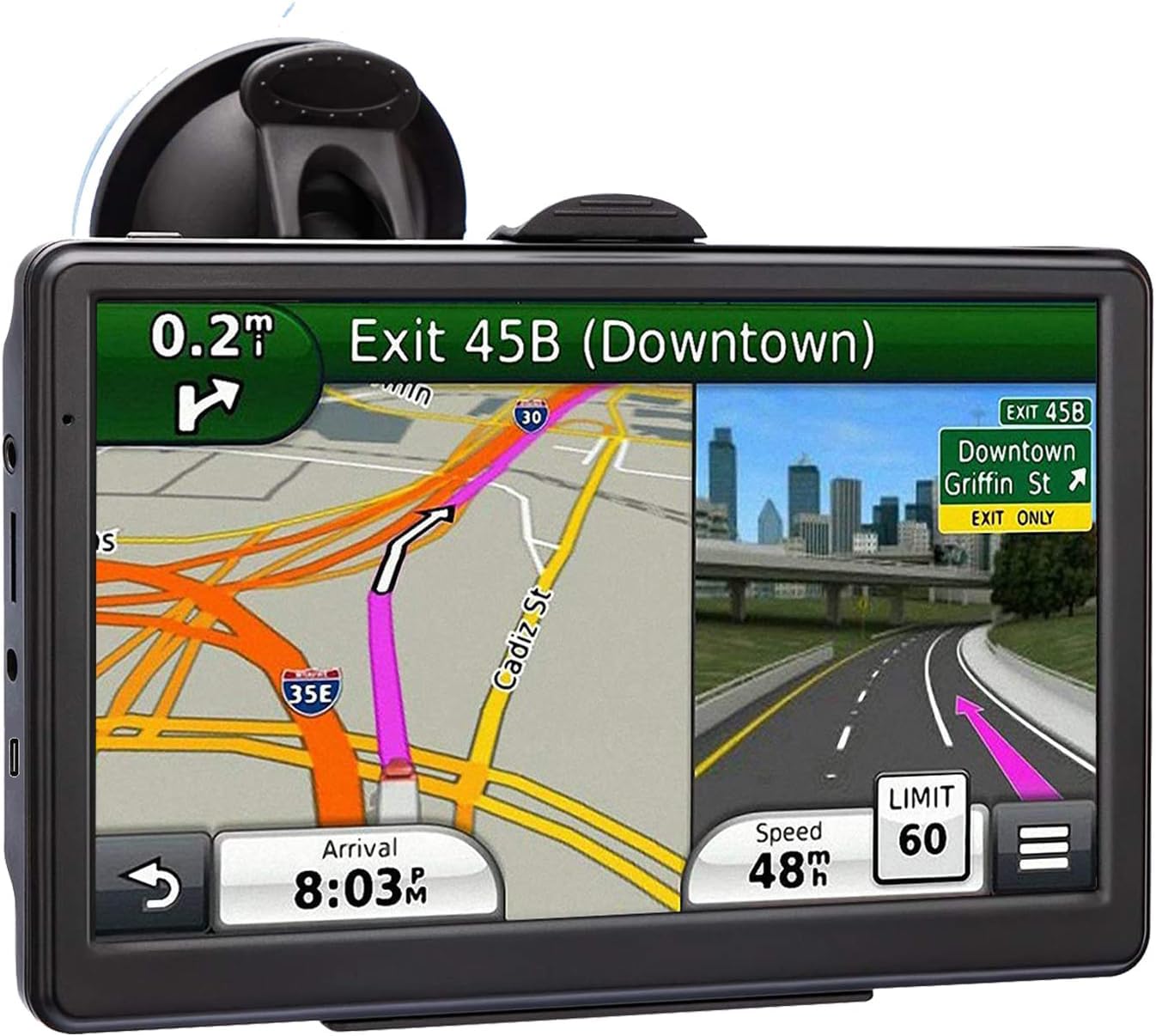
A 7-inch screen at the entry-level price, though it demands patience to learn
Sitting at the budget end of this list, this 7-inch navigator offers a large HD touchscreen with 2025 North America maps and lifetime updates, plus voice turn-direction guidance. The screen is described as clear and sensitive, and the vehicle-specific route planning can account for a truck or RV’s weight, length, and height to avoid restricted roads. The 7-inch display gives you the same reading comfort as pricier models.
But the honest truth is that this unit asks more of its user than the others here. Owners’ consensus is that it is difficult to operate, with usability the most-mentioned negative. One person with an 85-year-old father explained: “My 85 yr old father is still having trouble using it, so I have to program it for him.” The mount is also described as tricky to attach, and the battery only lasts about 2 hours before needing the car charger.
Balanced against that, some owners find it exactly what they wanted, praising the ideal screen size, detailed street names, and speed alerts. This is the pick for a caregiver who is comfortable programming the device themselves and wants to spend the least. For a senior who will be operating the GPS solo, the extra cost of the LMCOWRE 7-inch above is worth it for the far simpler experience.
The upsides
- 7-inch screen clear enough for poor eyesight
- 2025 North America maps with lifetime updates
- Route customization for car, truck, and RV dimensions
- Most budget-friendly price in this lineup
Where it struggles
- Harder to learn, especially for older users
- Tricky mount and a battery limited to about 2 hours
Best if: you will set the routes up for the senior driver yourself and want the lowest possible cost for a 7-inch screen.
Pass on this if: the driver needs to operate it independently, because the learning curve may cause frustration.
Understanding the Specs
Screen Size and Legibility
Screen size is the most critical spec for senior drivers. A 7-inch display offers the best balance of readable text and dash fit, while an 8-inch or 9-inch unit pushes legibility even further. A 5-inch screen can still work if the maps are high-resolution and the unit sits close to the driver, but it demands better vision.
Lifetime Map Updates
Out-of-date maps can send a driver down a closed street, so lifetime updates are essential. Units with free lifetime updates let you refresh the North America maps without paying a fee. The newer the pre-loaded map year, the longer the device stays useful before its first update.
Voice Guidance and Alerts
Spoken turn-by-turn directions keep eyes on the road, and lane-change announcements prevent last-second swerves. Driver alerts for school zones, speed changes, and sharp curves add a layer of safety. An FM transmitter can route the voice through the car’s own speakers for extra clarity in noisy vehicles.
No Cell Signal Needed
A dedicated GPS receives satellite signals directly, so it works in remote areas where a phone loses service. This is a major advantage over phone apps for seniors who drive through rural or mountainous regions. The trade-off is that live traffic and weather require a smartphone connection on most models.
FAQ
Does a car GPS work without a cell signal?
What screen size is best for an older driver?
Are lifetime map updates actually free?
Will a truck GPS work in a regular car?
How is a car GPS better than a phone for seniors?
What does the FM transmitter do on a car GPS?
Can a GPS navigate to a national park entrance?
Do senior-friendly GPS units have hands-free calling?
How long does the battery last on a portable GPS?
Is a renewed or refurbished GPS a good deal?
Final Thoughts: The Verdict
The crowd favorite for a reason, the Garmin DriveSmart 86 earns the Best Overall spot with its huge 8-inch screen, voice assist, and the freedom of working without any cell reception. If the budget is tighter but you still want a large readable display and simple operation, the 7-inch LMCOWRE navigator is the value pick that owners genuinely enjoy using. And for the driver who needs the absolute largest screen to see comfortably, the 9-inch HD model stretches further across the dash than anything else here. The best first step is to ask the senior driver which screen size feels readable to them — then let that answer guide your choice.
How We Picked
We do not accept paid placement. Every pick is matched to a real buyer and a real use-case; we do not hands-on test units.
Sources & Methodology
Specifications: manufacturer listings and product documentation. Review insights: verified customer reviews, as of August 2026. Pricing: not shown on this page (it changes often); check the current price via the retailer link.
As an Amazon Associate, Trending Car earns from qualifying purchases. This does not affect which products we feature.