How to Learn OBD2 Scanner Quickly and Master Vehicle Diagnostics

Learning to use an OBD2 scanner can save you time and money on vehicle repairs. This guide will show you how to read codes, understand diagnostics, and troubleshoot car problems with confidence, even if you’re a beginner.
Quick Answers to Common Questions
Tip: Always Turn Off the Engine Before Connecting the Scanner
This prevents electrical issues and ensures a secure connection to the OBD2 port.
Question: Can I Use the Scanner on Any Vehicle?
OBD2 scanners work on most cars made after 1996, but check compatibility with your vehicle before buying.
Tip: Keep a List of Common Trouble Codes Handy
Having a quick reference helps you interpret codes faster while scanning.
Question: What If the Check Engine Light Turns Off but the Problem Persists?
Clearing codes doesn’t fix the issue. Use live data and further diagnostics to find the root cause.
Tip: Use a Bluetooth Scanner with a Smartphone App for Easy Use
Apps often provide detailed explanations and repair tips for trouble codes.
How to Learn OBD2 Scanner Quickly and Master Vehicle Diagnostics
If you want to save money on car repairs and understand what’s going on under the hood, learning to use an OBD2 scanner is a smart move. This guide will take you step-by-step through everything you need to know, from connecting the scanner to interpreting codes and troubleshooting issues. Whether you’re a complete beginner or just need a refresher, you’ll soon feel confident diagnosing your vehicle like a pro.
Step 1: Understand What an OBD2 Scanner Is
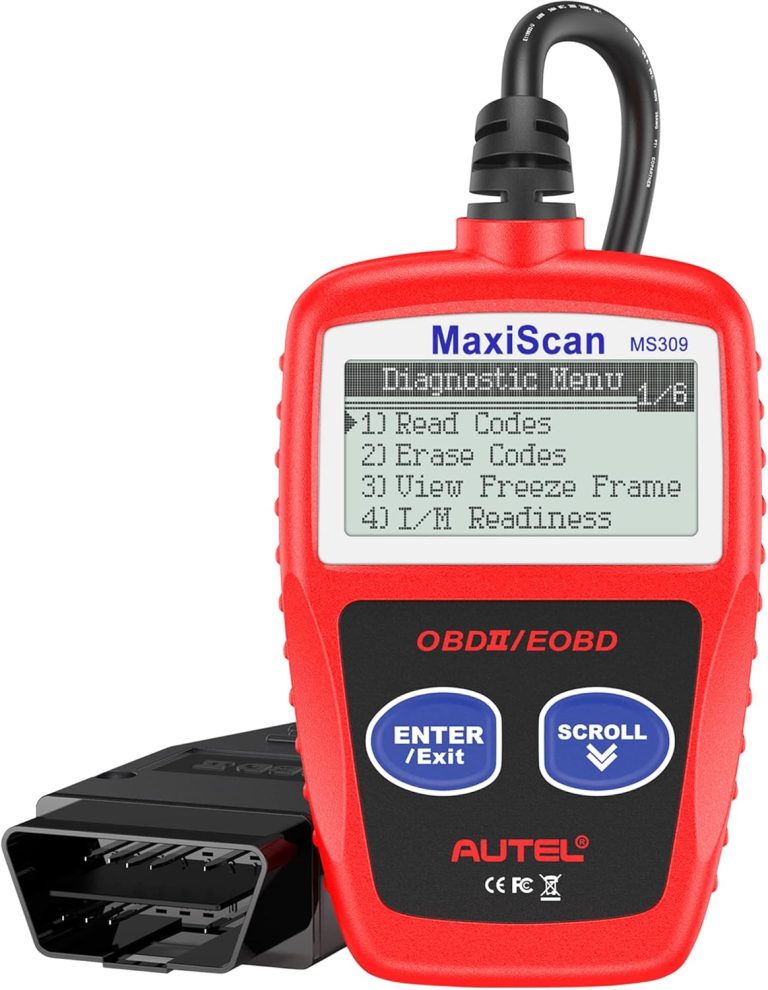
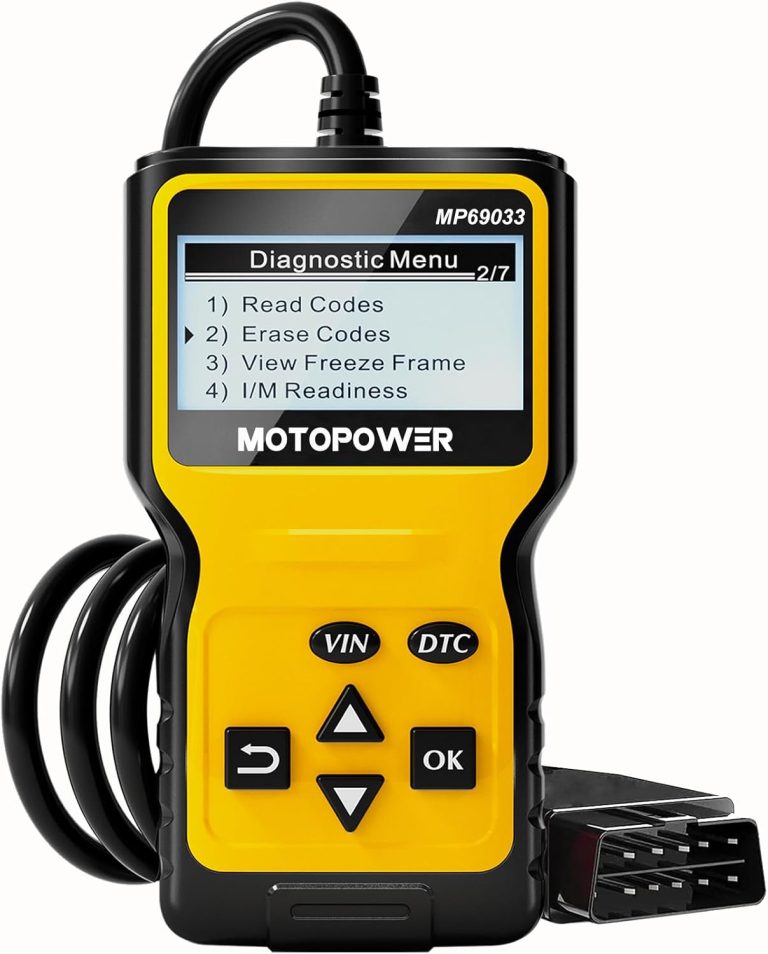
OBD2 stands for On-Board Diagnostics, version 2. It’s a standardized system used in most cars built since 1996. An OBD2 scanner is a device that connects to your car’s computer system to read diagnostic trouble codes (DTCs) and live data. These codes help you identify problems with your vehicle quickly.

Visual guide about How to Learn OBD2 Scanner Quickly and Master Vehicle Diagnostics
Image source: totalcardiagnostics.com
Why Learn to Use an OBD2 Scanner?
- Save money by diagnosing problems before going to a mechanic.
- Understand your vehicle’s health and maintenance needs.
- Clear minor issues yourself without costly repairs.
Step 2: Locate the OBD2 Port in Your Vehicle
Before you can start scanning, you need to find the OBD2 port. It’s usually located under the dashboard on the driver’s side, near the steering column. Look for a 16-pin connector that fits the scanner plug.
Common OBD2 Port Locations
- Underneath the dashboard near the gas pedal
- Near the center console
- Behind a removable panel or cover
Step 3: Connect the OBD2 Scanner Properly
Turn off your vehicle before connecting. Plug the scanner into the OBD2 port firmly. Once connected, turn the ignition to the “on” position without starting the engine. This powers the vehicle’s computer and the scanner.
Types of OBD2 Scanners
- Basic code readers: Read and clear trouble codes
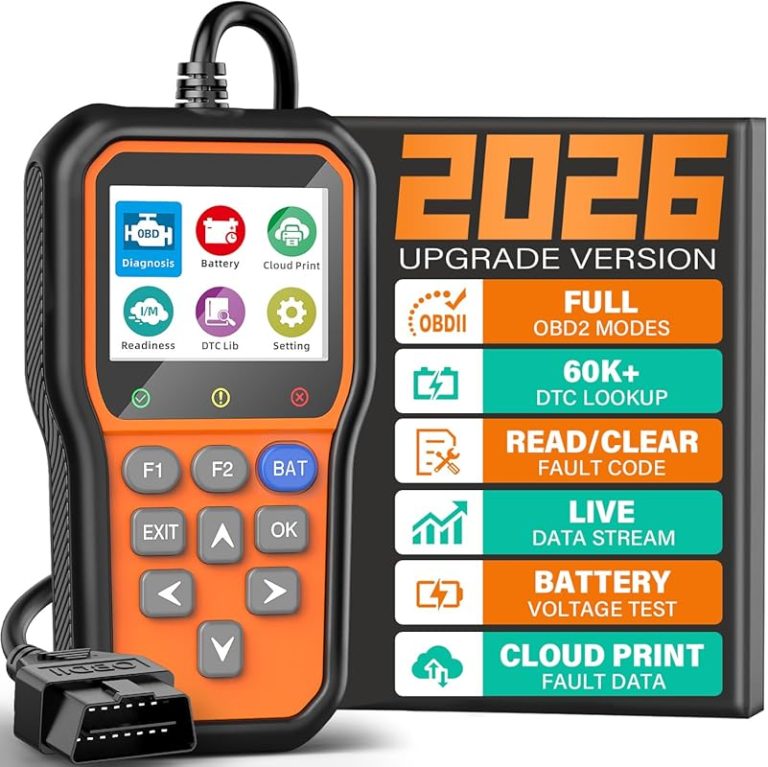
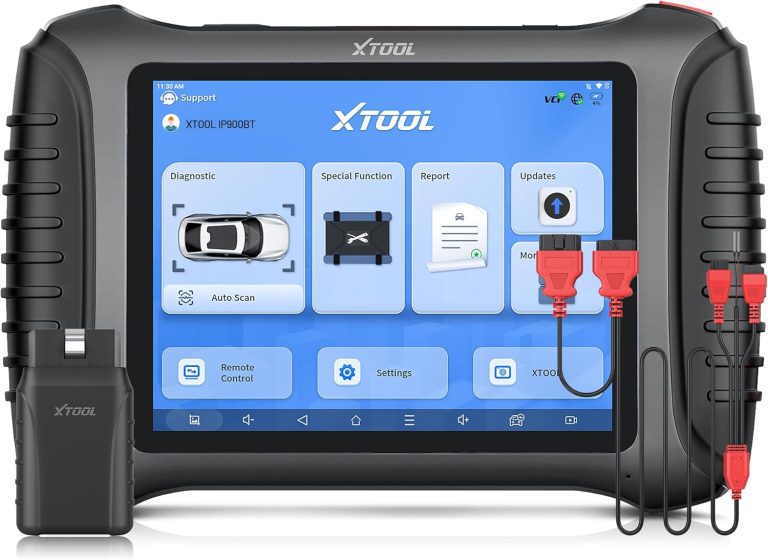
- Advanced scanners: Show live sensor data and detailed reports
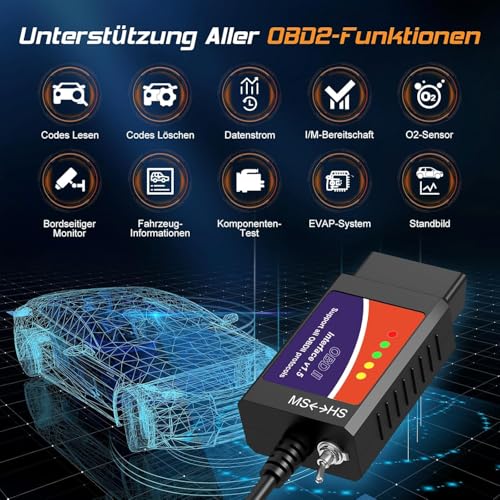
- Bluetooth/wireless scanners: Connect to a smartphone app for easier use
Step 4: Read Diagnostic Trouble Codes (DTCs)
Follow your scanner’s instructions to scan your vehicle. The scanner will retrieve trouble codes if any are stored. These codes identify specific problems, like a faulty oxygen sensor or Engine Misfire: Expert Tips & Advice”>engine misfire.
How to Interpret Codes
Codes usually start with a letter: P for powertrain, B for body, C for chassis, and U for network. The numbers that follow indicate the exact issue. Use your scanner’s manual or an online database to decode the meaning.
Step 5: Use Live Data for Deeper Diagnostics
Many OBD2 scanners provide live data streams from sensors like RPM, engine temperature, and oxygen sensor voltage. Watching this data in real time helps you diagnose intermittent or complex issues.
Example: Diagnosing a Rough Idle Explained Simply”>Rough Idle: Everything You Need to Know”>Rough Idle
- Check live RPM data to see if the engine speed fluctuates.
- Look at fuel trim and oxygen sensor readings for clues about fuel mixture problems.
- This information points to potential causes like vacuum leaks or sensor faults.
Step 6: Clear Codes and Test Your Fix
Once you’ve repaired the issue, you can clear the trouble codes using your scanner. This resets the check engine light. Drive your vehicle normally to see if the problem returns. If codes come back, further diagnosis is needed.
Important: When Not to Clear Codes
Do not clear codes before fixing the problem. Clearing codes without repair can hide issues and cause your vehicle to fail emissions tests.
Step 7: Practice and Expand Your Knowledge
The best way to master your OBD2 scanner is practice. Try scanning different vehicles and interpreting various codes. Use online forums, videos, and manuals to learn more about specific codes and repairs.
Troubleshooting Common Scanner Issues
- Scanner won’t power on: Check the vehicle ignition is on and the port connection is secure.
- No communication with vehicle: Ensure your scanner supports your car’s make and model.
- Codes won’t clear: Some faults require repairs before codes can be reset.
- Incorrect or confusing codes: Verify code meanings with trusted resources and cross-check with symptoms.
Conclusion
Learning to use an OBD2 scanner is easier than it seems. With this guide, you can quickly connect your scanner, read and understand trouble codes, use live data, and troubleshoot your vehicle’s problems effectively. Remember, practice and patience are key. Start with simple scans and build your confidence. Soon, you’ll be diagnosing car issues like a pro and saving money on repairs!
🎥 Related Video: How to Use an OBD2 Scan Tool
📺 EasyAutoFix
OBD2 Scanner: https://amzn.to/4jdzrUc ▶︎ Check Out ALLDATA Manuals: …