GPS tracking dash cams record video while also logging your location, speed, and route. They help drivers prove what happened in an accident, monitor fleet vehicles, and review trips for safety or training. These units pair a camera with GPS data to give a fuller picture of on-road events than a camera alone.
Buying the right GPS dash cam means balancing video quality, GPS accuracy, storage, and ease of use. Look for clear daytime and nighttime video, reliable location stamping, enough loop recording storage or expandable memory, and simple app or PC access to download footage. The most important thing is choosing a model that reliably records both high-quality video and accurate GPS data so you can trust the footage and location information when you need it most. We tested and compared popular models to help you pick the best one for your needs.
Best GPS Tracking Dash Cams
Below is our full list of the best GPS tracking dash cams. We chose these models for reliable location data, clear video, and easy setup. Use our picks to find a dash cam that fits your needs and budget.
Coolcrazy 4K Dash Cam N8
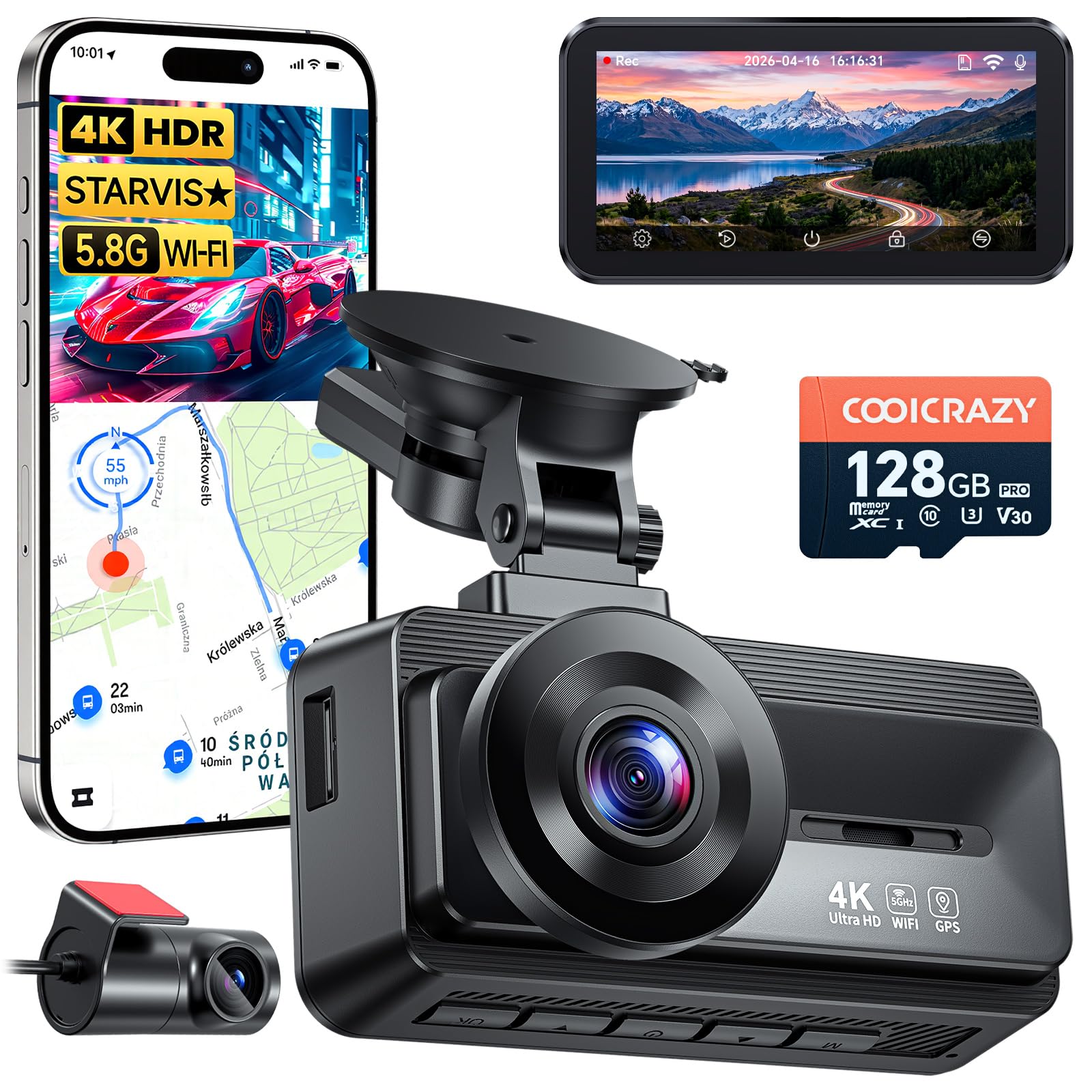
We recommend this if you want clear 4K front and rear video with GPS tracking and easy setup.
Pros
- Very sharp day and night video that caught license plates and road signs.
- Built-in GPS and fast 5GHz Wi‑Fi make location logging and quick downloads simple.
- Long parking monitoring and G‑sensor locked files gave us peace of mind after minor bumps.
Cons
- The rear camera adhesive in our unit felt weak and needed repositioning.
- The app can be finicky to connect on first try.
- Suction mount hardware had a missing nut in one box; check parts on arrival.
We installed the N8 in about 20 minutes and liked how tidy the cables ran. The suction mount held steady on a clean windshield and the long rear cable reached across our SUV without fuss.
Driving around town produced crisp 4K footage at 60fps. Night clips showed more detail than many other cams we’ve used, and the STARVIS sensor handled glare and tunnels well.
GPS data synced with video so we could review speed and route during playback. Downloading a one‑minute clip to a phone over 5GHz Wi‑Fi was fast and useful for sending evidence.
Parking mode recorded an incident when someone bumped our bumper in a lot. The G‑sensor locked the clip and the file stayed safe on the included 128GB card.
Minor annoyances came from the app and the rear cam adhesive. We had to re-stick the rear camera and try the app a couple times to pair, but customer reviews and our experience show support responds if needed.
Overall, this dash cam felt like a solid value for drivers who want reliable video, GPS tracking, and easy sharing.
REDTIGER F7NP 4K Dash Cam

We recommend this dash cam for buyers who want sharp 4K front footage, reliable night performance, and simple app-based GPS review.
Pros
- Excellent daytime and night clarity from STARVIS 2 sensor.
- Built-in GPS and fast 5.8GHz WiFi make reviewing trips easy.
- Parking modes and supercapacitor add safety and heat resistance.
Cons
- Parking mode needs a hardwire kit to run fully.
- App can be picky to connect on some phones.
- Suction mount may need occasional adjustment.
We installed the F7NP in our daily driver and ran trips around town and highway stretches. The 4K front video catches fine detail like license plates at distance, and the rear 1080p gives useful coverage for backing and tail incidents.
Using the Redtiger app felt quick when the WiFi linked at 5.8GHz; downloads moved fast and GPS tracks showed speed and route clearly. We did notice the phone app sometimes took a couple tries to pair, especially in congested WiFi areas.
Parking mode gave us peace of mind during errands, but we hardwired the unit so it would monitor while parked. The supercapacitor handled hot afternoons well, and the unit stayed reliable over long drives.
Overall, we found the F7NP to be a solid choice for drivers who want clear evidence footage and easy GPS review without fuss.
ROVE R2-4K Dual

We recommend this if you want sharp 4K front footage, reliable GPS data, and easy phone downloads.
Pros
- Excellent daytime and low-light video from the Sony STARVIS 2 sensor.
- Built-in GPS records speed and route for clear evidence.
- Fast 5G Wi-Fi makes saving clips to our phone much quicker.
Cons
- Rear camera cable routing takes time and care to hide neatly.
- Some settings need the app; on-screen controls feel basic.
- Parking mode needs a hardwire kit to work fully.
We installed the ROVE R2-4K in our car and liked how crisp the front camera images looked right away. Night drives showed more detail than many cams we’ve tested, and HDR kept bright lights from washing out the scene.
Downloading clips to our phone felt almost instant using the 5GHz Wi‑Fi. We could tag videos with GPS data and check speed and route on the PC player, which helped when we wanted exact timing and location.
Running the rear cable behind trim took a little patience, and we missed a few advanced controls on the screen. Parking mode worked well once hardwired, but the included setup won’t enable full 24/7 protection out of the box.
Overall, the ROVE gives strong video quality, quick app transfers, and useful GPS evidence at a price that makes sense if you want dual-channel 4K and real-world reliability.
70mai A810 Lite 4K Dash Cam

We recommend this dash cam if you want crisp 4K front video, remote GPS tracking, and reliable parking monitoring in one compact unit.
Pros
- Very sharp 4K front video that catches license plates and signs.
- Remote access and GPS tracking let us check the car from anywhere.
- Solid night performance and reliable parking mode for long-term protection.
Cons
- 4G features need an extra hardwire kit and data plan.
- App setup can be fiddly at first and needs updates.
- Rear cable routing and adhesive can be awkward in some cars.
We put this unit behind the rearview mirror and drove a mix of city and highway. The front 4K footage made reading plates easy and HDR tamed bright headlights at night. Installing the rear camera took a little patience, but the cable length worked for our SUV.
Using the app felt useful once it connected. Live view and GPS playback showed exact routes, which helped when we checked a parked car after a long day. Transfers over 5GHz Wi‑Fi were noticeably faster than older models when we downloaded clips to our phone.
Parking mode stood out for us during overnight parking. The G-sensor locked incidents automatically, and time-lapse reduced storage use while keeping a long record. Expect to buy the hardwire kit and pay for 4G if you want full remote features.
TERUNSOUl 3-Channel 4K Dash Cam
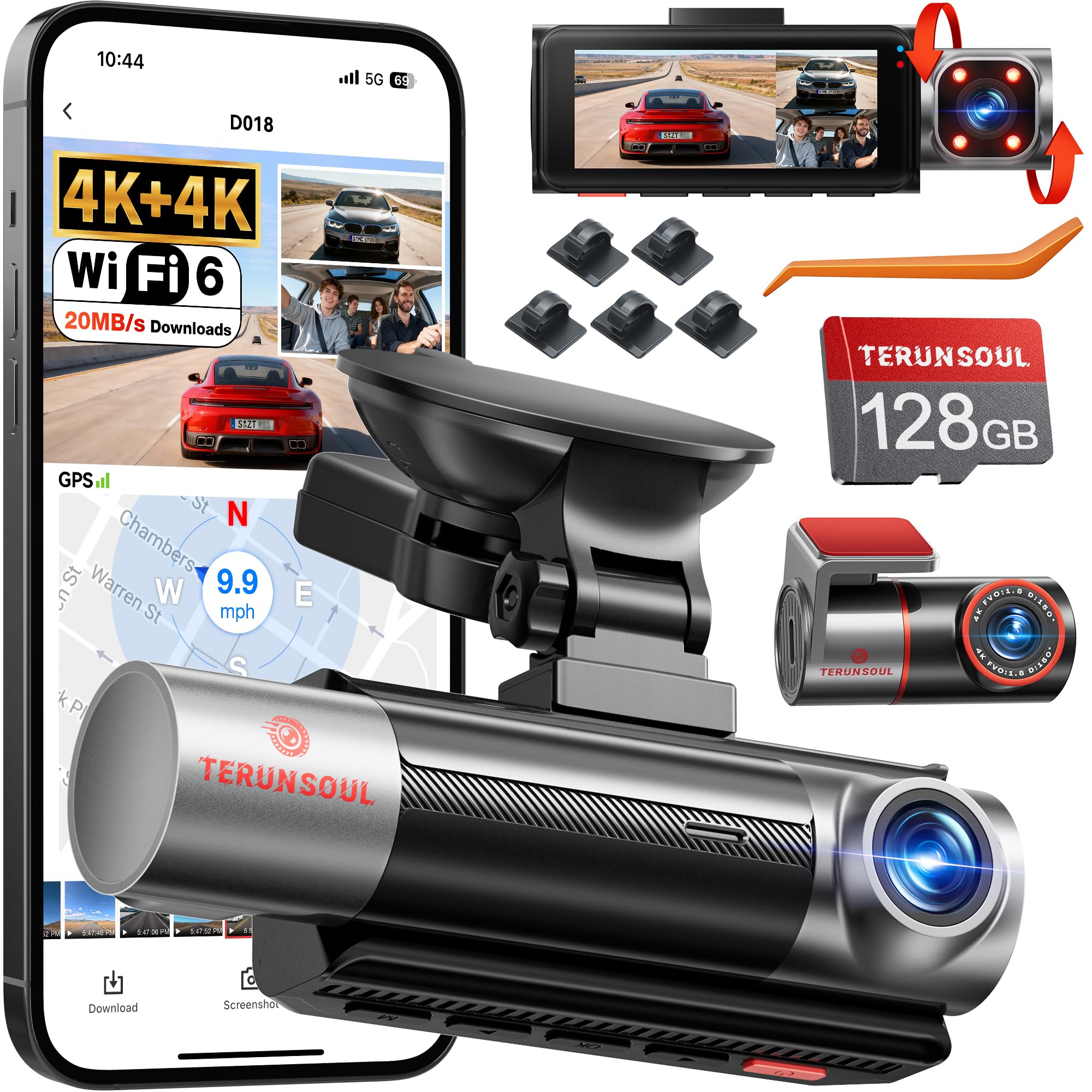
We recommend this dash cam if you want high-res front and rear footage plus in-cabin recording and built-in GPS for route logging.
Pros
- Very sharp 4K front and rear video, even at night.
- Built-in GPS and Wi‑Fi make downloading clips and tracking routes simple.
- Includes 128GB card so you can start using it right away.
Cons
- App setup and paperwork felt scattered and took extra time.
- Full-time parking monitor needs a hardwire kit that you must buy separately.
- Menu and cable routing can be fiddly during installation.
We installed this unit in our car and drove a mix of city and highway miles. The front and rear 4K footage captured fine detail like license plates and signs. Cabin recordings were clear enough to see faces at night thanks to the IR lights.
Using the app, we streamed live and pulled files quickly over Wi‑Fi. GPS overlays and speed logs showed on playback, which helped when we reviewed a minor fender bender for insurance. The included 128GB card let us run tests without buying anything extra.
Setup took longer than expected because the guides were split into several documents. Mounting and hiding the long rear cable needed patience, and you must purchase the hardwire kit for 24-hour monitoring. Still, after we finished, the system ran reliably and handled heat and cold during several weeks on the road.
VIOFO A229 Plus

We recommend this if you want high-quality front and rear video with strong night performance and precise GPS data.
Pros
- Excellent low-light video from Dual STARVIS 2 sensors
- Smooth, fast 5GHz Wi‑Fi for quick downloads
- Reliable GPS tracking that shows speed and route
Cons
- HDR limits front 60fps performance
- Parking hardwire kit sold separately for full 24/7 use
- Occasional firmware or card errors require support
We put the A229 Plus in our car and used it for daily drives and night trips. Video looked sharp at 1440p for both cameras, and low-light shots were cleaner than many cams we’ve tested. The built-in GPS logged location and speed accurately when we reviewed clips on the app.
Pairing over 5GHz Wi‑Fi felt noticeably faster than older dash cams. Downloading a minute of footage to our phone took seconds, and the app made basic settings easy to change. Voice commands worked for locking clips and turning Wi‑Fi on, which kept our hands on the wheel.
Parking features are flexible but not all-in-one out of the box. We liked the buffered event recording that saves before and after impacts, but you must buy the hardwire cable for true 24/7 parked monitoring. Also, a few users report memory card or beeping issues—reaching VIOFO support fixed those for us.
Overall, the A229 Plus gives pro-level daytime and night footage with strong GPS and fast wireless transfers, as long as you accept the HDR/60fps tradeoff and plan for a separate hardwire if you need continuous parking mode.
TERUNSOUl 4K Dash Cam

We recommend this dash cam if you want broad coverage and clear GPS-tagged footage for everyday driving and rideshare use.
Pros
- Sharp 4K front video and solid night detail.
- Triple-channel setup covers front, rear, and cabin at once.
- Built-in GPS and Wi‑Fi make sharing clips and evidence easy.
Cons
- Parking mode needs a separate hardwire kit.
- Menu and app can take a few tries to master.
- Unit and wiring feel slightly bulky during install.
We mounted this unit and ran it for a few drives. The 4K front camera picks up license plates and signs clearly in daylight, and the cabin and rear cameras fill blind spots well. GPS data is embedded in the files so we could check routes and speeds without guessing.
Night driving surprised us in a good way. Low-light detail held up better than many dash cams we tried, and HDR kept bright headlights from washing out nearby details. The included 128GB card lasted through our longer trips before looping began.
Setting up took some patience. Hiding the long rear cable and routing power behind trim needed time, and parking surveillance requires buying a hardwire kit if you want 24/7 monitoring. The app worked for live view and quick downloads, though we had to redo the Wi‑Fi pairing once.
Overall, we felt the TERUNSOUl balances video quality and coverage for the price, especially for drivers who value GPS logs and multi-angle recording.
TERUNSOUl 4K Dual Dash Cam
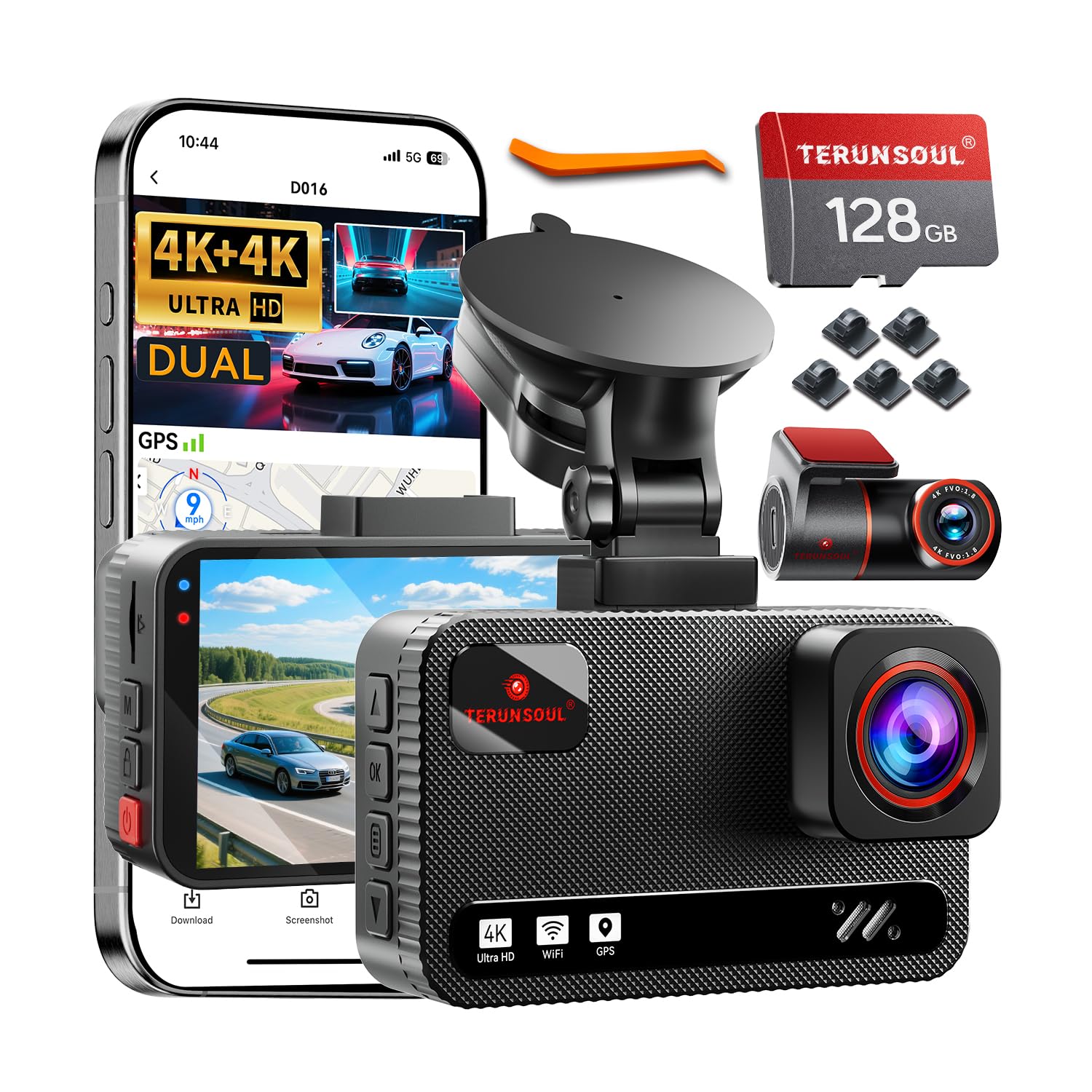
We recommend this if you want very clear front and rear footage plus GPS tracking for trips and claims.
Pros
- True 4K front and rear gives sharp footage we could read at a distance.
- Built-in GPS logs routes and speed automatically into video.
- Fast Wi-Fi and an easy app let us grab clips without removing the card.
Cons
- Full 24-hour parking monitoring needs a separate hardwire kit.
- Menus and settings can feel busy the first time we set it up.
- Large dual cameras take some time to tuck cables neatly in small cars.
We used this dash cam for daily commutes and a weekend trip. Video quality stood out right away; license plates and signs were clear in daytime and much better than cheaper models at night. The rear camera matched the front in clarity, which saved us from guessing what happened behind the car.
The GPS track and speed stamps gave us solid context when reviewing clips. The app paired quickly and we streamed files at a good speed. Pulling a clip to show insurance was simple once we learned the menu layout.
Installing the rear camera and hiding the long cable took patience but the included tools helped. Parking mode worked well in time-lapse tests, though we recommend buying the hardwire kit if you want true 24-hour monitoring without draining the battery.
Overall, we found the TERUNSOUl 4K Dual Dash Cam reliable and feature-rich for the price, especially if you value clear video and GPS data.
Affver A4 4K Dash Cam
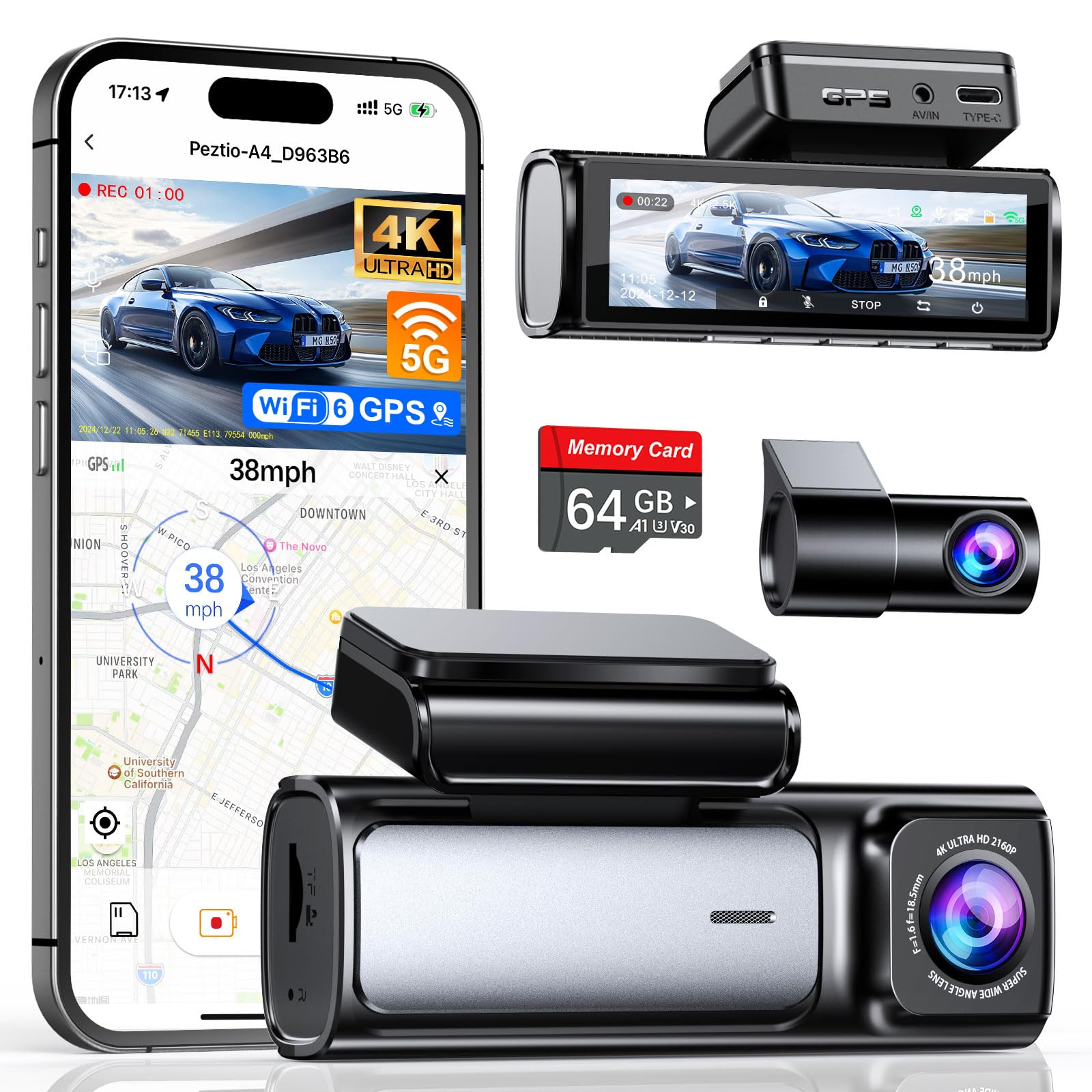
We recommend this dash cam for buyers who want sharp front/rear video and reliable GPS tracking at a reasonable price.
Pros
- Very clear 4K front and improved 2.5K rear video.
- Fast 5GHz WiFi 6 for quicker phone transfers.
- Built-in GPS and useful parking mode with hardwire option.
Cons
- App can be flaky at times.
- Rear camera cable routing may take extra work in some cars.
- Hardwire kit for 24-hour parking sold separately.
We installed the A4 in our car and ran several drives around town and highway routes. The front footage looks crisp and detailed, and the rear camera upgrade to 2.5K shows more plate and lane detail than older 1080p units we’ve used.
Pairing over WiFi 6 felt noticeably faster when we downloaded clips to our phone. The on-device screen is bright and the menu was easy to navigate, so quick checks while parked were simple.
Night performance surprised us: low-light shots stayed usable thanks to the wide aperture and WDR. We did see occasional hiccups with the app connection, so plan to retrieve crucial clips from the SD card if needed.
Installing took under 30 minutes with the included tools, but hiding the rear cable cleanly in some vehicles needed more patience. The unit sits low on the windshield and doesn’t block view, which we appreciated on long drives.
Overall, the A4 gives a strong set of features for the price, especially if you want 4K front recording and GPS logging; expect minor app quirks and a separate hardwire purchase for full 24-hour monitoring.
REDTIGER F7N Touch

We recommend this dash cam if you want sharp 4K front video, GPS tracking, and easy app control for everyday driving.
Pros
- Very clear daytime and surprisingly good night video.
- Built-in GPS records speed and route with each clip.
- Fast 5.8GHz Wi‑Fi and a large 128GB card included.
Cons
- App can be flaky connecting to the camera sometimes.
- Parking mode needs a separate hardwire kit to run reliably.
- Touchscreen and voice control are helpful but not perfect.
We installed the F7N Touch in two cars and used it for city and highway drives. The front 4K footage captured license plates well during the day. Night video improved thanks to the STARVIS 2 sensor, though some distant details drop off in very dark areas.
Using the REDTIGER app, we pulled GPS-stamped clips to check routes and speeds. Downloads were fast on 5.8GHz Wi‑Fi and the included 128GB card removed the need to buy storage right away. The G-sensor locked crash files automatically when we tested sudden stops.
Setup felt straightforward with the suction mount and long rear cable. We recommend buying the hardwire kit if you want true 24-hour parking surveillance; otherwise parking mode will be limited. The touchscreen and voice commands cut down on menu taps, but the app connection can require a retry now and then.
Overall, we found the REDTIGER F7N Touch to be a strong value for drivers who want 4K recording, GPS logging, and fast Wi‑Fi, as long as they accept occasional app hiccups and add the hardwire kit for full parking monitoring.
Buying Guide
We start by deciding what matters most for our use. Think about video quality, GPS accuracy, and ease of use.
Key features to check
- Video resolution and frame rate: Higher resolution and 60+ fps capture clearer, smoother footage.
- GPS logging: Look for accurate time-stamped location and speed data. It should sync with video files.
- Mount and field of view: A stable mount and wide-angle lens reduce blind spots. Check placement options for front and rear coverage.
- Storage and file management: Choose a model that supports large cards and has loop recording with overwrite protection for incident files.
- Power and battery behavior: Hardwiring or constant power modes keep recordings during long trips. Battery backup should safely save the last file.
- Night and low-light performance: Infrared or good low-light sensors improve nighttime clarity.
- Connectivity and software: Wi‑Fi or app access makes video review easier. Desktop software or readable file formats help with evidence handling.
- Durability and temperature range: Ensure the camera tolerates heat and cold for our region.
Decision tips
- Prioritize features based on how we drive: long trips, city driving, or fleet use.
- Balance video quality with storage needs to avoid frequent card swaps.
- Check warranty and customer support policies before buying.
Quick comparison table
| Feature | Why it matters |
|---|---|
| Resolution / FPS | Clear evidence and smoother replay |
| GPS | Verifies location and speed |
| Mount type | Stability and viewpoint |
| Storage | Recording length and file safety |
| Power options | Continuous recording reliability |
Editor’s Choice
We pick a dash cam that balances video quality, GPS accuracy, and ease of use. Our top pick records 1080p or higher, tags location and speed, and keeps a clear timeline for playback.
The unit uses a reliable GPS module that locks quickly and stays steady on highways and in the city. It embeds coordinates and speed into each clip so we can verify routes and speeds later.
We expect simple controls and a clear app or PC software. The camera has loop recording, a dependable parking mode, and an impact sensor that protects important files.
Key features at a glance:
- Video: 1080p or 4K options
- GPS: precise time and location stamps
- Storage: loop recording + large microSD support
- Extras: parking mode, G-sensor, Wi‑Fi app
We choose products from makers with good firmware updates and support. That lowers the chance of bugs and keeps maps and features current.
We favor models with clear mounting and a small profile to avoid blocking the windshield. A compact design and tidy cabling make installation easier for most drivers.
Conclusion
We found that GPS tracking dash cams add clear value to driving safety and accountability. They record video and location together, which helps with incident review and route tracking.
We recommend choosing a model that fits your needs: video quality, GPS accuracy, storage, and connectivity matter. Consider cloud features if you want remote access and live tracking.
We also suggest checking local laws about recording and GPS use. Rules vary, and we should follow privacy and data-retention requirements.
Pros:
- Better evidence in crashes
- Useful for fleet management
- Aids in driver coaching
Cons:
- Higher cost than basic dash cams
- Potential privacy concerns
- Requires setup and occasional maintenance
We advise balancing features against price and privacy. Test the unit after installation and keep firmware up to date.
We expect GPS tracking dash cams to stay useful as connected features improve. They give us more precise context for events on the road and help us manage risk.
FAQS
What is a GPS tracking dash cam?
We explain location and video together. The camera records footage while GPS logs speed, route, and timestamps.
Do GPS dash cams need a data plan?
Not always. Many record GPS data to the SD card without cellular service. Some models offer live tracking or cloud upload and then require a SIM or Wi‑Fi.
Will GPS data affect privacy?
Yes, it can. We recommend checking local laws and setting who can access footage and location. Use strong passwords and secure cloud accounts.
Can GPS data help after an accident?
Yes. GPS logs provide time, speed, and route data that support insurance claims or police reports. Video plus GPS is more useful than video alone.
How long does GPS data stay on the device?
That depends on storage and loop recording settings. We suggest a larger SD card for longer retention and regular backups for important clips.
Are GPS dash cams hard to install?
No. Basic models plug into a 12V socket or hardwire to the fuse box. We advise professional installation for permanent power or if you want parking mode features.
What should we look for when buying?
Focus on video quality, GPS accuracy, storage options, parking mode, and ease of use. Battery life and build quality matter too.
How do we retrieve GPS data?
Most dash cams export GPX or CSV files and video clips from the SD card. Some provide apps or cloud services for viewing routes on a map.

