How to Choose the Best OBD2 Scanner for Your Vehicle Needs

Choosing the best OBD2 scanner can help you save money and diagnose vehicle issues quickly. This guide covers everything you need to know, from compatibility to features, to pick the perfect scanner for your needs. Get clear steps and practical tips so you can confidently select the right tool for your vehicle.
Quick Answers to Common Questions
How do I know if my car supports OBD2?
Most cars built after 1996 support OBD2. Check your owner’s manual or look for a 16-pin port under the dashboard.
Should I choose a wired or wireless OBD2 scanner?
Wireless scanners offer convenience and smartphone integration, while wired models can be more reliable and simpler to use.
Is it worth paying more for advanced features?
If you plan to do your own repairs or want detailed diagnostics, yes. Otherwise, a basic scanner usually suffices.
How often should I update my scanner’s software?
Check for updates every few months or when you notice compatibility issues with newer vehicle models.
Can an OBD2 scanner fix my car’s problems?
No, scanners diagnose issues by reading codes, but they don’t fix problems. Use the information to guide repairs.
How to Choose the Best OBD2 Scanner for Your Vehicle Needs
If you own a car, an OBD2 scanner is a handy tool that can save you time and money by diagnosing problems before they get worse. This guide will walk you through everything you need to know to choose the best OBD2 scanner that fits your vehicle and your goals. From understanding what OBD2 scanners do to picking features that suit your skill level, by the end, you’ll be ready to make a smart purchase.
Step 1: Understand What an OBD2 Scanner Does
Before buying, it helps to know exactly what an OBD2 scanner can do. OBD2 stands for On-Board Diagnostics, version 2. Your vehicle’s computer system uses this to monitor engine and emissions systems. An OBD2 scanner plugs into the port under your dashboard and reads trouble codes when something goes wrong. This lets you know why your “Check Engine” light is on.
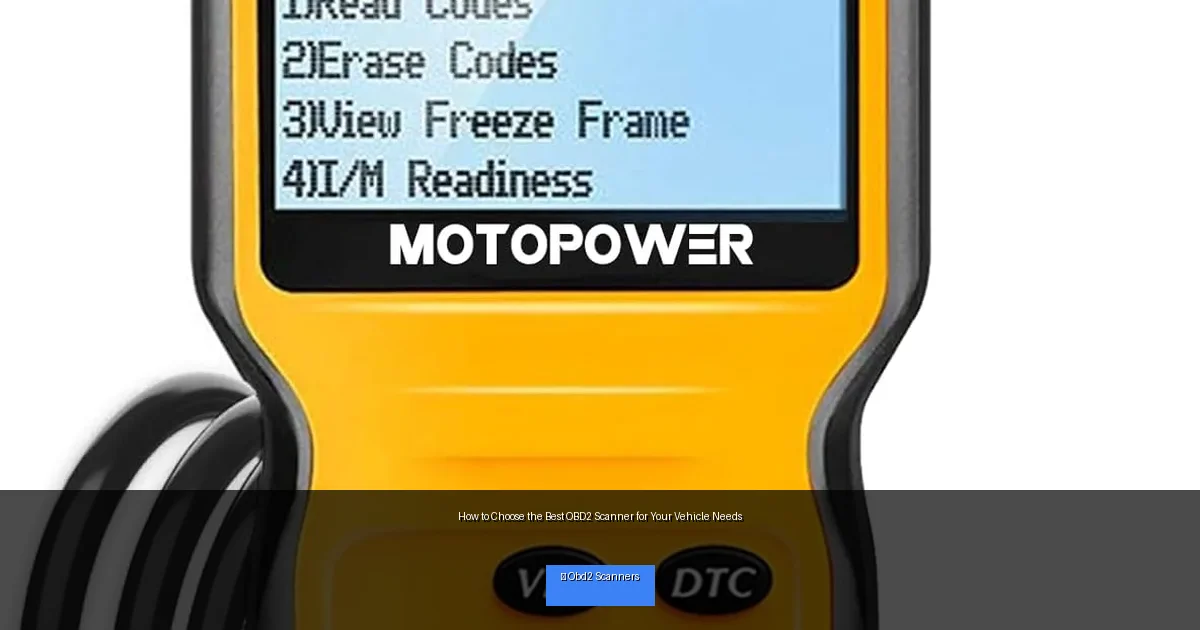
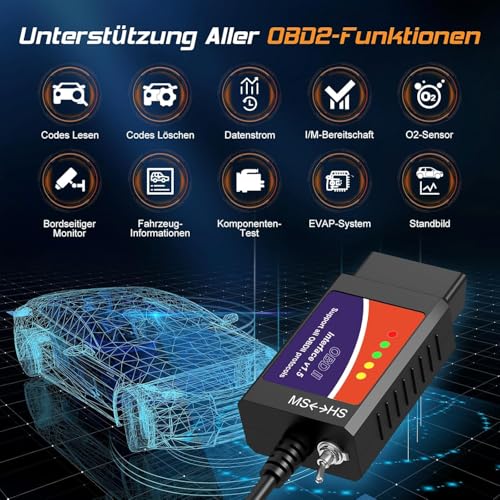
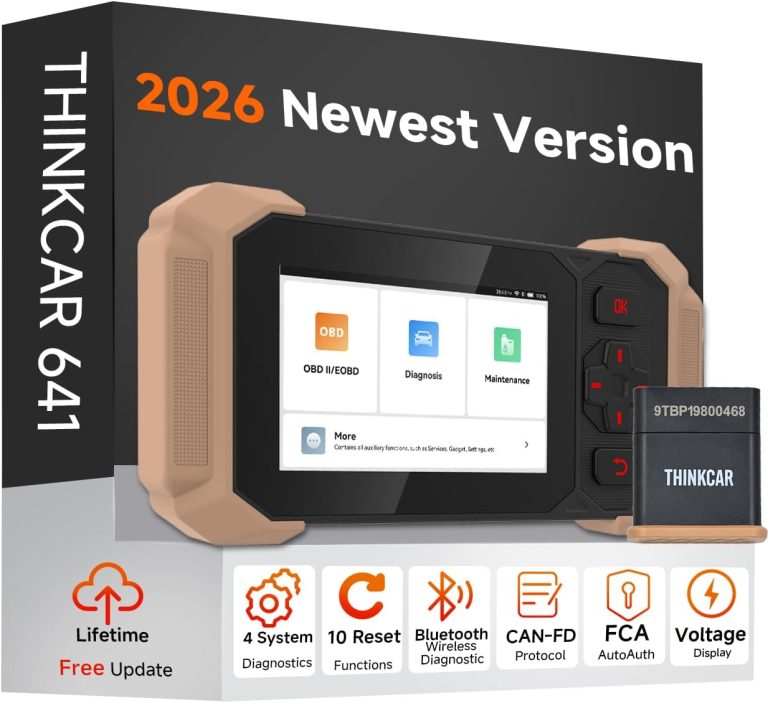
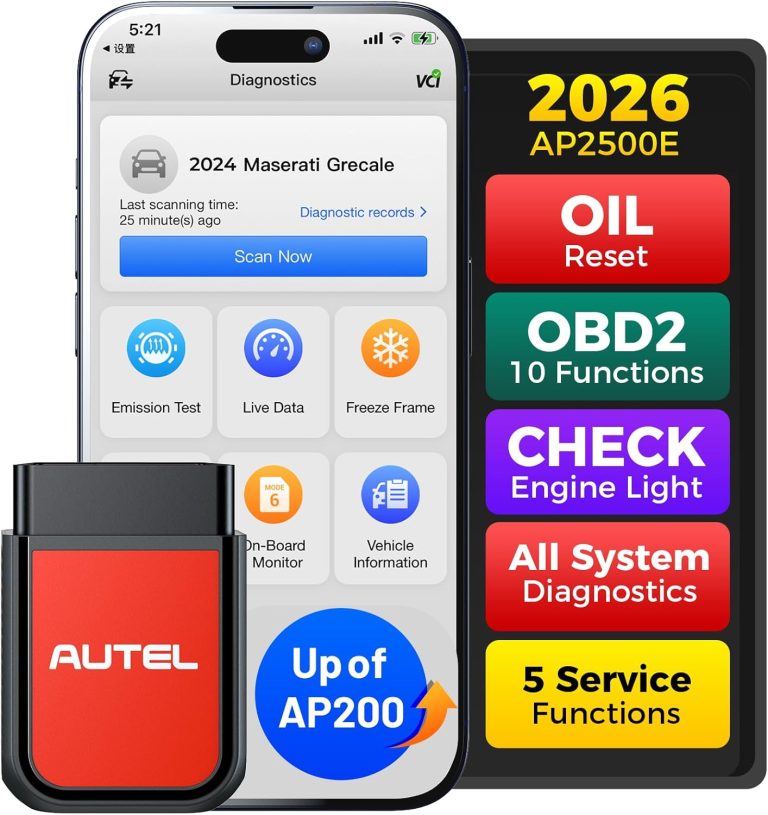
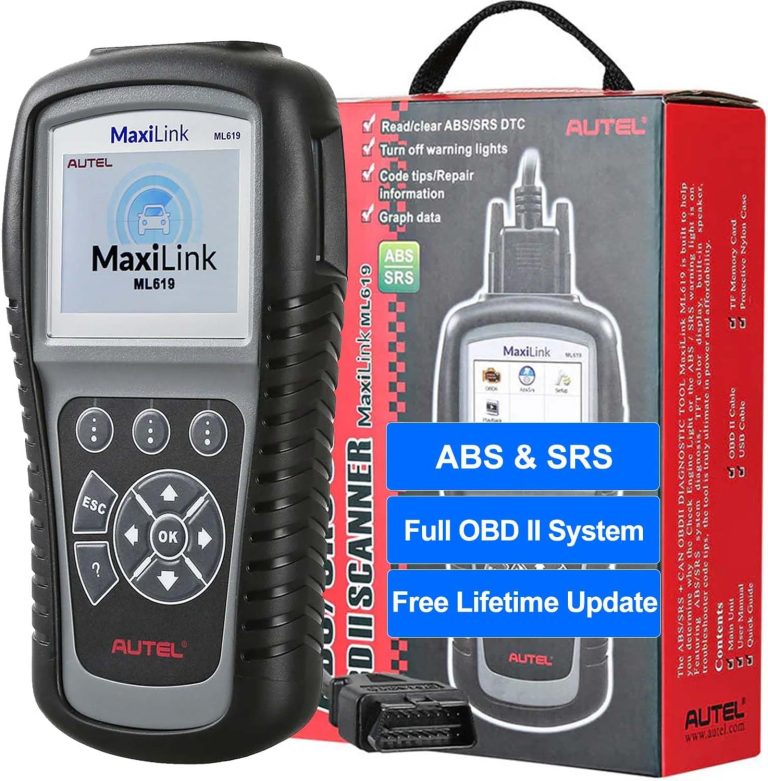
Visual guide about How to Choose the Best OBD2 Scanner for Your Vehicle Needs
Image source: m.media-amazon.com
- Basic scanners read and clear error codes.
- Advanced scanners provide live data, emissions info, and even reset specific systems.
Step 2: Check Compatibility with Your Vehicle
Know Your Car’s OBD2 Protocol
Most cars and light trucks made after 1996 support OBD2, but there are different protocols like CAN, ISO, and others. Ensure the scanner supports the protocol used by your vehicle.
Verify Make, Model, and Year Support
Some scanners work better with certain brands or newer models. Check the product details or manufacturer website to confirm compatibility.
Step 3: Decide on the Type of Scanner You Need
Basic Code Readers
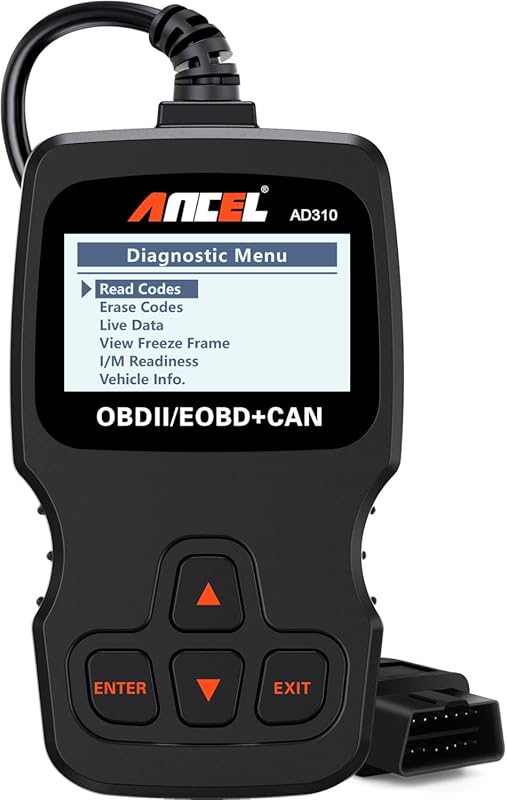
These scanners read and clear codes. They are affordable and perfect for beginners who want to check engine light causes.
Mid-Level Scanners
These offer more data like freeze frame info, live sensor readings, and limited diagnostics. Ideal for DIY mechanics.
Professional-Grade Scanners
Advanced tools provide full system diagnostics, bi-directional controls, and customization options. These are best for serious enthusiasts or workshops.
Step 4: Consider Features That Matter
Display and Interface
A clear screen with easy navigation is essential. Some scanners have color screens, while others are simple monochrome. Touchscreens can be convenient but might add cost.
Connectivity Options
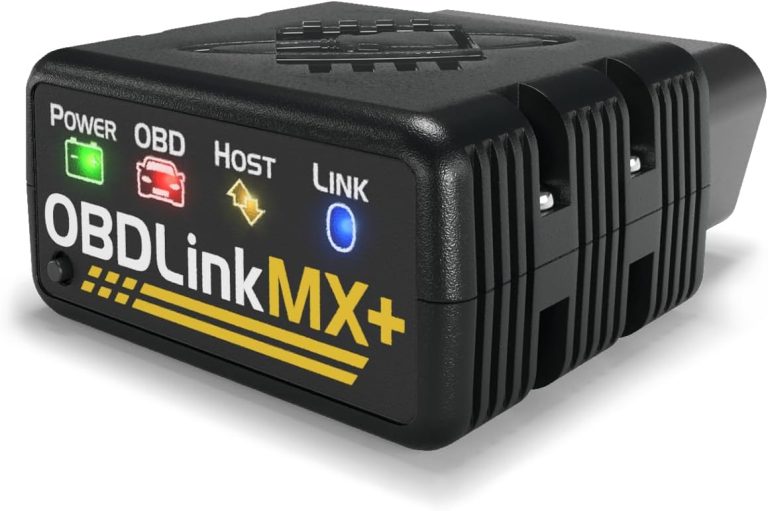
Wired scanners connect directly to the OBD2 port. Wireless options use Bluetooth or Wi-Fi to work with smartphone apps. Wireless scanners offer flexibility and more data visualization.
Software and Updates
Regular software updates ensure your scanner stays compatible with new vehicles and codes. Check if the scanner manufacturer offers free or paid updates.
Additional Features
- Live data streaming
- Freeze frame data
- Emissions readiness checks
- Oil reset and battery tests
Step 5: Set Your Budget
OBD2 scanners range from under $20 to several hundred dollars. Basic models suit simple needs, while advanced tools cost more but offer comprehensive diagnostics. Set a budget that fits your needs and avoid overspending on features you won’t use.
Step 6: Read Reviews and Check Warranty
User reviews reveal real-world experiences with scanners. Look for consistent praise or complaints about build quality, ease of use, and accuracy. Also, check the warranty period to protect your investment.
Troubleshooting Common Issues
Scanner Not Connecting to Vehicle
Make sure the scanner is plugged in fully and the ignition is on. Check vehicle compatibility and reset the scanner if possible.
Codes Not Reading Correctly
Update the scanner’s software. Some codes require specific protocols or manufacturer support.
App Connectivity Problems (For Wireless Scanners)
Ensure your phone’s Bluetooth or Wi-Fi is on. Restart the app and scanner. Check for app updates.
Conclusion
Choosing the best OBD2 scanner doesn’t have to be overwhelming. By understanding your vehicle’s needs, the scanner types available, and the features that matter most, you can make a confident choice. Whether you want a simple code reader or a professional diagnostic tool, following these steps ensures you get a scanner that saves you time and money on vehicle repairs.
🎥 Related Video: TOP 5 Best OBD2 Scanners 2025
📺 Product Guide
Best OBD2 Scanner 2025 | Links To Products ⤵️ 1. Innova 5610 ✓ ✓ Check Prices – https://geni.us/AHLI4Y 2. BlueDriver …