Discover how to check your vehicle’s Fuel Pressure Issues: Symptoms, Causes, Fixes”>fuel pressure using an OBD2 scanner for precise diagnostics. This guide walks you through the process in simple steps, helping you understand fuel pressure data and troubleshoot fuel system issues efficiently.
Quick Answers to Common Questions
Can every OBD2 scanner read fuel pressure?
No, only advanced or professional-grade scanners typically display fuel pressure data. Check the scanner’s specs before buying.
What if my scanner shows no fuel pressure data?
Your vehicle might not support reporting fuel pressure via OBD2, or your scanner may not access manufacturer-specific PIDs.
Is fuel pressure constant at all engine speeds?
No, fuel pressure can vary with engine RPM and load, so check readings at idle and during acceleration for a complete picture.
Can I use a smartphone app to read fuel pressure?
Yes, paired with a compatible Bluetooth OBD2 adapter, many apps can display fuel pressure if supported by your vehicle.
Should I worry if fuel pressure fluctuates slightly?
Minor fluctuations are normal due to engine operation. Large or erratic changes usually indicate a problem.
How to See Fuel Pressure on OBD2 Scanner for Accurate Diagnostics
Are you looking to check your vehicle’s fuel pressure quickly and accurately? Monitoring fuel pressure is vital for diagnosing engine performance problems. Fortunately, many OBD2 scanners allow you to view real-time fuel pressure data. In this guide, you’ll learn how to see fuel pressure on your OBD2 scanner step by step. We’ll cover everything from choosing the right scanner to interpreting the data and troubleshooting common issues.
Understanding Fuel Pressure and Its Importance
Fuel pressure is the force that pushes fuel from your fuel tank to the engine. Proper fuel pressure ensures the engine receives the right amount of fuel for combustion. If fuel pressure is too low or too high, it can cause poor engine performance, stalling, or difficulty starting. Monitoring fuel pressure helps you diagnose Fuel Pump Trouble: Signs You Shouldn’t Ignore”>fuel pump or fuel injector problems early, saving you time and money.
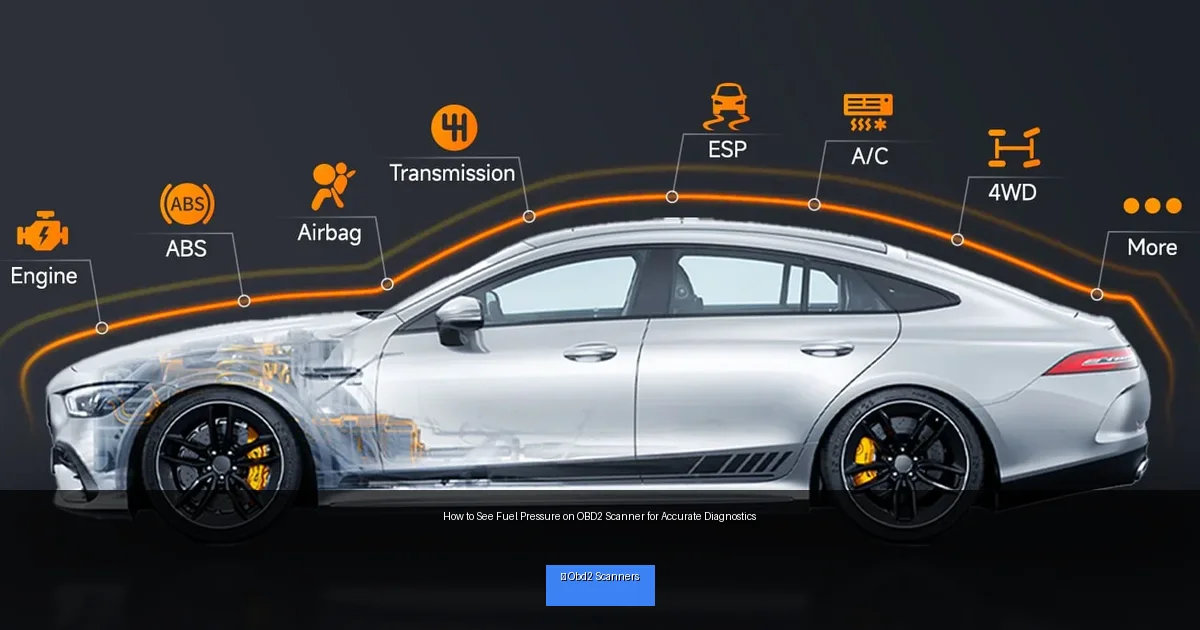
Visual guide about How to See Fuel Pressure on OBD2 Scanner for Accurate Diagnostics
Image source: cdn.shopify.com
Step 1: Choose the Right OBD2 Scanner
Check Scanner Compatibility
Not all OBD2 scanners can read fuel pressure data. To see fuel pressure on your OBD2 scanner, select one that supports live data streams and manufacturer-specific parameters. Look for scanners with advanced features like real-time data graphs and customizable PID (Parameter IDs) lists.
Recommended Scanner Types
- Professional-grade Scanners: Often used by mechanics; these usually have comprehensive data coverage.
- Bluetooth OBD2 Adapters: Paired with smartphone apps, some of these apps display fuel pressure if supported.
- Mid-range Scanners: Many mid-tier handheld scanners provide fuel pressure readings on popular car models.
Step 2: Locate Your Vehicle’s OBD2 Port
The OBD2 port is your gateway to vehicle data. It is usually found within 2 feet of the steering wheel under the dashboard. Common locations include:
- Below the steering column
- Near the driver’s side kick panel
- Behind a removable cover or panel
Refer to your vehicle’s manual if you have trouble locating the port.
Step 3: Connect Your OBD2 Scanner
Power Off Your Vehicle
Before connecting, turn off your car’s ignition to avoid electrical issues.
Plug in the Scanner
Insert the OBD2 scanner connector firmly into the port. For Bluetooth adapters, plug in and pair with your smartphone app following the manufacturer’s instructions.
Power On the Vehicle
Turn your ignition to the “On” position without starting the engine. This powers the vehicle’s systems and enables the scanner to communicate with the ECU (Engine Control Unit).
Step 4: Access Live Data on the Scanner
Navigate to Live Data or Data Stream
Using your scanner’s menu, select the option labeled “Live Data,” “Data Stream,” or similar. This section shows real-time sensor information from your vehicle.
Find Fuel Pressure Parameter
Scroll through the list of available data parameters to locate “Fuel Pressure.” The exact name may vary (e.g., “Fuel Rail Pressure,” “Fuel System Pressure,” or a PID code). If you cannot find it, consult the scanner’s manual or app documentation.
Note the Units and Values
Fuel pressure is typically measured in PSI (pounds per square inch) or kPa (kilopascals). Make sure to note the units so you can accurately interpret the readings.
Step 5: Interpret Fuel Pressure Readings
Understanding what the numbers mean is key to accurate diagnostics.
- Normal Fuel Pressure Range: Depending on your vehicle, typical fuel pressure ranges from 40 to 60 PSI (275 to 415 kPa) for gasoline engines. Diesel engines may have higher values.
- Low Fuel Pressure: Indicates a weak fuel pump, clogged filter, or fuel leak.
- High Fuel Pressure: Could be caused by a faulty fuel pressure regulator or blockage in the return line.
Always check your vehicle’s service manual or online resources for the exact fuel pressure specifications.
Step 6: Use Fuel Pressure Data for Diagnostics
Fuel pressure readings can help diagnose problems such as:
- Hard starting or stalling
- Poor acceleration or hesitation
- Engine misfires
- Check Engine Light related to fuel delivery
If fuel pressure is outside the normal range, further inspection of the fuel pump, filter, regulator, or injectors may be necessary.
Troubleshooting Common Issues
No Fuel Pressure Data Displayed
- Ensure your scanner supports fuel pressure data for your vehicle make and model.
- Verify the scanner is properly connected and powered.
- Try another OBD2 app or scanner if using a Bluetooth adapter.
Unusual or Fluctuating Readings
- Check for loose connections in the fuel system.
- Inspect fuel pump and regulator for faults.
- Consider the engine’s operating conditions; fuel pressure changes with RPM and load.
Scanner Freezes or Disconnects
- Restart the vehicle and scanner.
- Update scanner firmware or app software.
- Try a different OBD2 port if available.
Safety Tips When Checking Fuel Pressure
- Always work in a well-ventilated area away from sparks or flames.
- Wear gloves and eye protection when handling fuel system components.
- Do not start the engine if you suspect a fuel leak.
- Follow your vehicle manufacturer’s safety instructions.
Conclusion
Seeing fuel pressure on your OBD2 scanner is an excellent way to gain insight into your vehicle’s fuel system health. By following this guide, you can easily connect your scanner, access live fuel pressure data, and interpret the readings to diagnose potential issues. Proper fuel pressure ensures your engine runs smoothly and efficiently. With the right tools and knowledge, you can save money on repairs and keep your vehicle in top shape.
🎥 Related Video: The basics on live data obd2 scanner
📺 Good2Boost
Just a general explanation on how to read live data on a cars obd2 scanner click the link at the start of the video for a better …

