
Turning on an OBD2 scanner is the first step to diagnosing your vehicle’s health quickly. This guide walks you through the process step by step, from locating the port to powering up the device and interpreting basic readings, making car diagnostics easier than ever.
Quick Answers to Common Questions
Where exactly is the OBD2 port located?
It’s most commonly found under the dashboard near the steering wheel, but check your vehicle’s manual to be sure.
Can I turn on the OBD2 scanner without turning the ignition on?
No, the scanner needs the vehicle’s power, so the ignition must be in the “ON” position for the device to work.
What if my scanner doesn’t power on automatically?
Try pressing the power button on the scanner or check the connection. Some models require manual activation.
Is it safe to clear engine codes with the scanner?
Yes, but only after you have fixed the underlying problem. Clearing codes without repair can hide issues.
Can I use one scanner for multiple vehicles?
Yes, most OBD2 scanners are compatible with all vehicles made after 1996, but verify compatibility for older or specialty cars.
How to Turn on OBD2 Scanner Step by Step for Easy Diagnostics
If you own a vehicle, knowing how to use an OBD2 scanner is a game-changer. These handy devices let you read your car’s health status and spot problems before they become costly repairs. In this guide, you’ll learn how to turn on your OBD2 scanner properly, so you can start diagnosing your vehicle quickly and confidently.
Step 1: Locate the OBD2 Port in Your Vehicle
The OBD2 port is the gateway between your car’s computer and the scanner. It’s usually found inside the vehicle, near the driver’s seat.
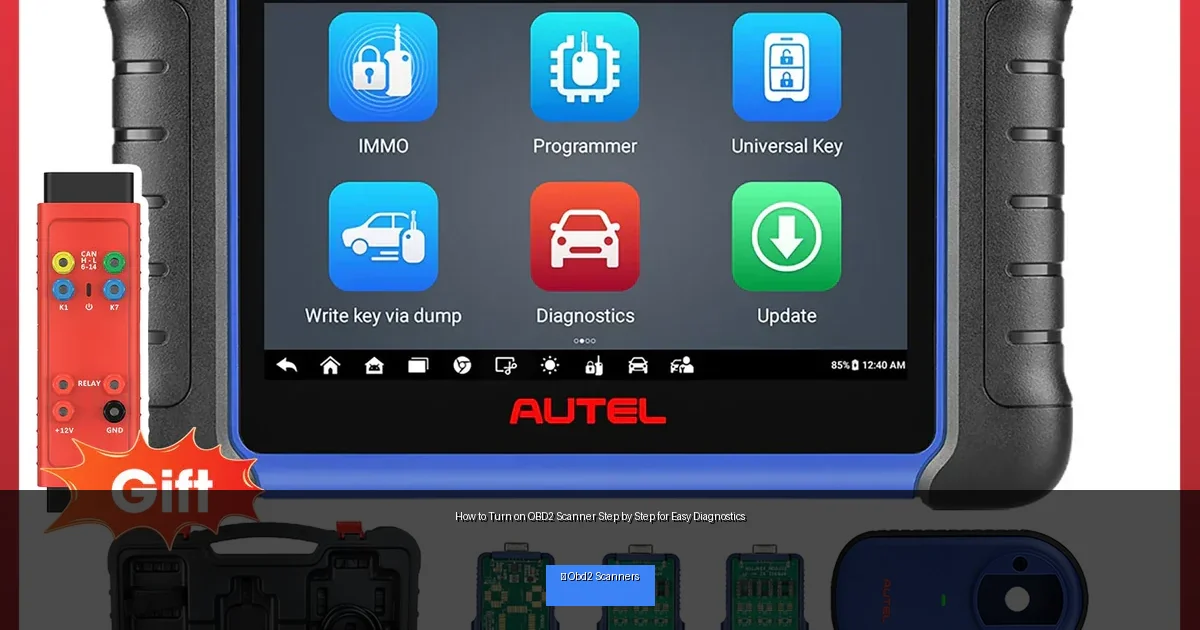
Visual guide about How to Turn on OBD2 Scanner Step by Step for Easy Diagnostics
Image source: obdprice.com
Where to Look
- Underneath the dashboard on the driver’s side
- Near the steering column
- Behind a small cover or flap
If you can’t find it, consult your owner’s manual or search online for your vehicle’s OBD2 port location.
Step 2: Connect the OBD2 Scanner to the Port
Once you find the port, take your OBD2 scanner and plug it in firmly. The connector is trapezoid-shaped, so it only fits one way.
Tips for a Secure Connection
- Ensure the port and connector are clean and free of debris
- Push gently but firmly to avoid damage
- Check that the cable is not twisted or pinched
Step 3: Power on Your Vehicle’s Ignition
After connecting the scanner, turn your car’s ignition key to the “ON” position. This powers the vehicle’s computer but does not start the engine.
Why This Step Matters
The OBD2 scanner receives power from the vehicle’s system, which is activated when the ignition is on. Without this step, the scanner may not turn on or communicate with the car’s computer.
Step 4: Turn On the OBD2 Scanner
Some OBD2 scanners power on automatically once connected and the ignition is on. Others require you to press a power button.
Activating Your Scanner
- Check your scanner’s manual for specific instructions
- Press the power button if available
- Wait a few seconds for the device to boot up
Step 5: Navigate the Scanner Menu
With your scanner powered on, use the buttons or touchscreen to access the main menu.
Common Functions
- Read diagnostic trouble codes (DTCs)
- Clear error codes
- View real-time sensor data
- Run system tests
Follow prompts to select the function you want. Most scanners are user-friendly and guide you through each step.
Step 6: Read and Interpret the Codes
When you select “Read Codes,” your scanner will communicate with the vehicle’s computer and display any error codes.
Understanding Codes
Each code starts with a letter followed by numbers (e.g., P0301), representing specific issues. You can look up code meanings in the scanner’s manual or online.
Step 7: Clear Codes After Repairs (Optional)
If you’ve fixed the problem, you can clear the codes using your scanner. This resets the check engine light and stores a clean status.
How to Clear Codes
- Navigate to the “Clear Codes” or “Erase Codes” option
- Confirm the action when prompted
- Turn off the ignition and unplug the scanner
Troubleshooting: Scanner Won’t Turn On
If your OBD2 scanner doesn’t power on, try these fixes:
Check Connection
Make sure the scanner is plugged in firmly and the port is clean.
Verify Vehicle Power
Ensure the ignition is in the “ON” position, not “ACC” or “OFF.”
Try a Different Vehicle
Test the scanner on another car to rule out device malfunction.
Inspect Scanner Battery
Some scanners have internal batteries; replace if needed.
Consult Support
If problems persist, contact the manufacturer or check online forums.
Practical Tips for Using Your OBD2 Scanner
- Always read your vehicle’s manual for specific instructions
- Keep your scanner’s software updated for compatibility
- Use a smartphone app-compatible scanner for added convenience
- Take notes of codes and repairs for future reference
- Regularly scan your vehicle to catch issues early
Conclusion
Turning on your OBD2 scanner is simple once you know the steps. By locating the port, connecting securely, powering your vehicle correctly, and navigating the scanner menu, you can easily access important diagnostic information. With these skills, you’ll save time and money by identifying vehicle problems early. Remember to troubleshoot if the scanner doesn’t power on and always interpret codes carefully. Now you’re ready to use your OBD2 scanner confidently for easy diagnostics!
🎥 Related Video: How to Use an OBD2 Scan Tool
📺 EasyAutoFix
OBD2 Scanner: https://amzn.to/4jdzrUc ▶︎ Check Out ALLDATA Manuals: …