Dash cams with GPS tracking record video of trips and add location, speed, and route data to the footage. They help document accidents, deter fraud, and provide clear evidence for insurance claims and police reports. For drivers who travel for work, commute in busy cities, or want extra security, a dash cam with GPS gives a fuller picture than video alone.
Choosing the right model means balancing video quality, GPS accuracy, storage, and ease of use. Look for reliable recording at night, accurate GPS logging, and simple retrieval of footage, since those features matter most when you need evidence quickly. We tested and compared models across those points to find dash cams that are straightforward to install, easy to use, and dependable when it counts.
Best Dash Cams with GPS Tracking
Below is our full list of the best dash cams with GPS tracking. We tested models for video quality, GPS accuracy, ease of use, and reliability to help you find the right one for your needs.
ROVE R2-4K Dual

We recommend this if you want sharp 4K front footage, solid night video, and built-in GPS for clear location and speed data.
Pros
- Very clear daytime and low-light video from the Sony STARVIS 2 sensor.
- Built-in GPS logs speed and route right on the video.
- Fast 5GHz Wi‑Fi makes downloading clips to our phone quick.
Cons
- The rear camera wiring takes time to hide neatly.
- Some settings felt easier to change in the app than on the small screen.
- Parking mode needs a hardwire kit to run 24/7.
We installed this in one afternoon and liked how crisp the front 4K video looked on both sunny roads and at dusk. The rear 1080p gave useful context, though it isn’t as detailed as the front. Footage showed clear license plates at moderate distances during day drives.
Using GPS data felt reassuring after a few trips. The speed and route stamps are easy to see when we review clips on a computer with ROVE’s GPS player. Connecting over 5G Wi‑Fi and pulling files to our phone took less time than many older dash cams we’ve tested.
Setup comes with almost everything you need and a free 128GB card, which made first use simple. We did spend extra time tucking the long rear cable behind trim pieces for a clean look. Overall, it performs like a more expensive unit for everyday driving and security.
REDTIGER F7N Touch

We recommend this dash cam when you want sharp 4K front video, GPS tracking, and easy smartphone access for shared clips.
Pros
- Clear 4K front footage and usable night video.
- Built-in GPS gives reliable route and speed data.
- Fast 5.8GHz Wi‑Fi makes pulls to phone quick.
Cons
- Rear camera is only 1080p, not 4K.
- Parking mode needs a separate hardwire kit.
- Touchscreen can be fussy in direct sun.
We installed the F7N Touch and used it daily for a few weeks. The front camera captures crisp details like license plates in daylight. Night shots improved over older models we tried, thanks to the STARVIS 2 sensor and HDR processing.
Pairing to our phone felt modern and smooth. The 5.8GHz Wi‑Fi moved files fast, and the REDTIGER app showed GPS tracks alongside video. We liked being able to lock clips with voice commands when an incident happened; it reduced fumbling while driving.
The rear camera records well for traffic and backup views, but it’s clearly lower detail than the 4K front. We also set up a hardwire kit to get 24-hour parking monitoring; installation was straightforward if you follow a video guide, but not everyone will want that extra step.
Overall, this unit balanced image quality, location data, and app convenience in real driving conditions. The included 128GB card and the easy mounting made setup quick, and the GPS tracking gave us useful, verifiable route info when we reviewed clips.
REDTIGER F7NP 4K Dash Cam

We recommend this if you want high-res front footage, GPS tracking, and easy app downloads for trip logs.
Pros
- Crisp 4K front video that shows plate details.
- Built-in GPS and app let us check route and speed quickly.
- Supercapacitor and 24/7 parking options add reliability.
Cons
- Rear camera cable is long and tricky to tuck away neatly.
- 5.8GHz Wi-Fi can be fussy in some phones or weak signals.
- Setup needs care; poor cables cause power issues.
We mounted the F7NP and ran a few drives across town. The 4K front shots captured road signs and plates clearly, even in late afternoon shadow. Night clips looked balanced thanks to the STARVIS 2 sensor and WDR; headlights didn’t wash out the scene.
Using the Redtiger app felt fast when the phone connected. Downloads moved quickly over 5.8GHz Wi‑Fi and the app shows GPS tracks, so we could replay exact routes and speeds. That made it simple to pull evidence or share a clip.
Parking mode provides peace of mind, but it required a hardwire kit for full 24/7 use. We liked the supercapacitor — the unit handled heat and short power interruptions without acting up. Cable routing for the rear camera took patience; plan for a tidy install or professional help.
Overall, the F7NP gives strong video and useful GPS features for a fair price if you don’t mind a bit of setup.
REDTIGER F17 4K Triple Dash Cam

We recommend this if you want three-way coverage and built-in GPS for clear route and location evidence.
Pros
- Very sharp front footage day and night thanks to the STARVIS 2 sensor.
- Triple cameras cover front, cabin, and rear for full protection.
- Fast 5GHz Wi‑Fi and app make grabbing clips and GPS tracks quick.
Cons
- Inside and rear cameras are only 1080p, not 4K.
- App needs direct Wi‑Fi to transfer files — can be fiddly on the road.
- Hardwire kit needed to use full parking features, sold separately.
We installed the F17 and drove it for a few weeks. The front 4K video caught fine license plate detail even at dusk, and the low-light performance felt noticeably better than older models we’ve used.
Recording all three angles made us feel safer on longer trips and with passengers. The cabin view is handy for rideshare or monitoring kids, though that camera isn’t as sharp as the front.
Pairing over 5GHz Wi‑Fi let us pull a long clip to our phone fast, and the GPS overlay showed speed and route cleanly. Expect to spend a little time with the app and mounting to get the best angle.
Parking mode worked once we added the hardwire, and the supercapacitor gave us confidence in hot or cold weather. We recommend this if you want wide coverage and solid daytime and night video, but know that interior/rear resolution and app quirks are the trade-offs.
70mai A800SE 4K Dash Cam
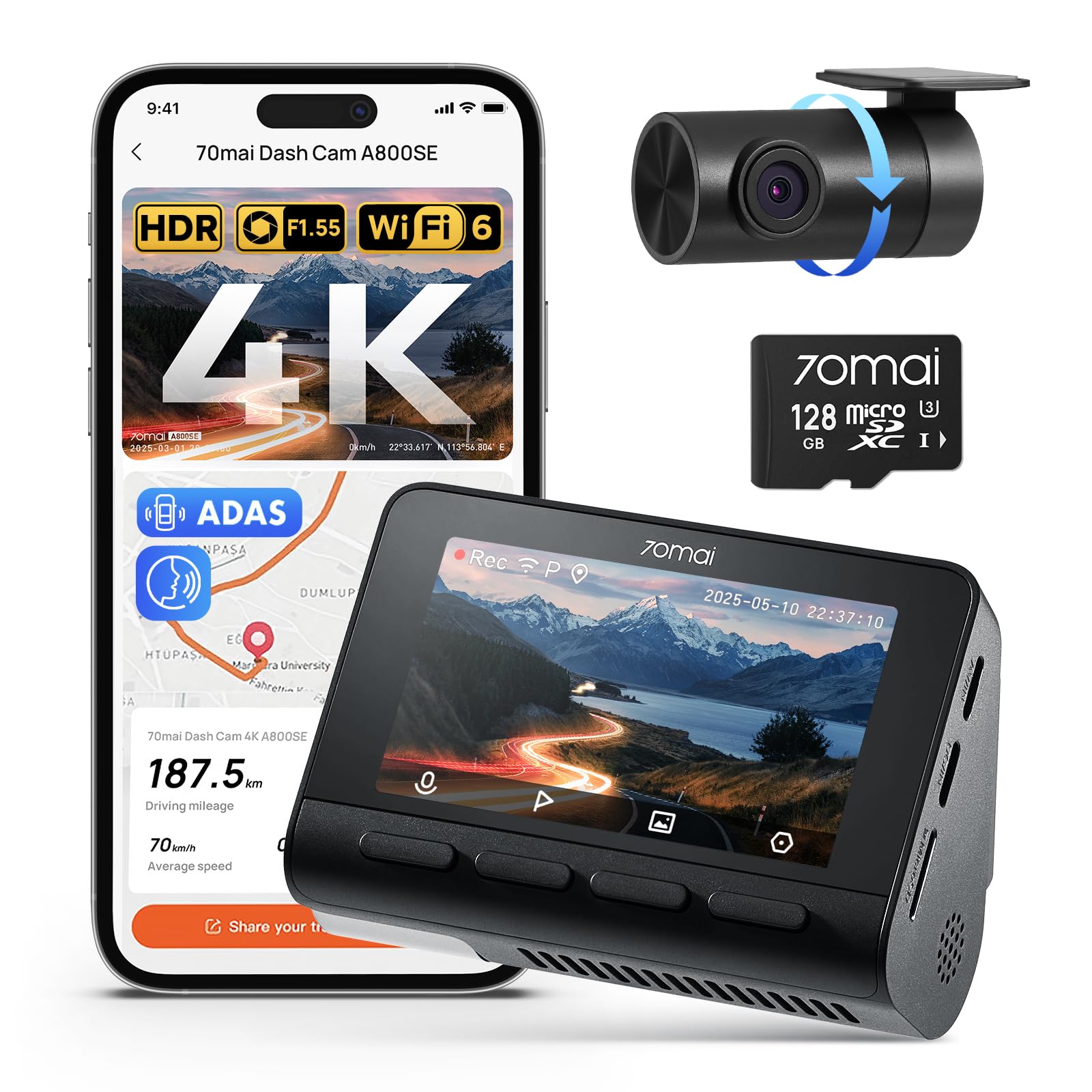
We recommend this if you want crisp front video, reliable night shots, and built-in GPS for clear location tracking.
Pros
- Excellent daytime and night clarity that captures plates and signs well.
- Built-in GPS and Wi‑Fi 6 make location tagging and file transfer quick.
- Includes a 128GB card and easy install with a flexible rear camera.
Cons
- App pairing can be fussy sometimes and needs patience.
- Some users report rare failures or support challenges.
- Rear cable routing adds a bit of installation work in larger vehicles.
We fitted this in our car and drove several days in mixed light. The 4K front footage picked up license plates and road signs clearly. Night scenes stayed bright and usable thanks to the wide aperture and HDR.
We used the rear camera both facing back and directed inside the cabin. The adjustable rear lens is handy when you need a different view, though running the cable neatly takes time in bigger vehicles.
Using the app, we could preview clips and grab GPS-tagged videos fast. Wi‑Fi 6 noticeably sped up transfers, but initial pairing needed a couple of retries before it stuck.
Parking mode gave us peace of mind during overnight stays. The sensor locked crash clips automatically, and the included 128GB card held plenty of footage without us swapping cards.
Overall, we found the A800SE to be a strong choice for drivers who want sharp video, GPS tracking, and easy daily use, while accepting occasional setup hiccups and the small extra effort for tidy rear-cam wiring.
ROVE R2-4K
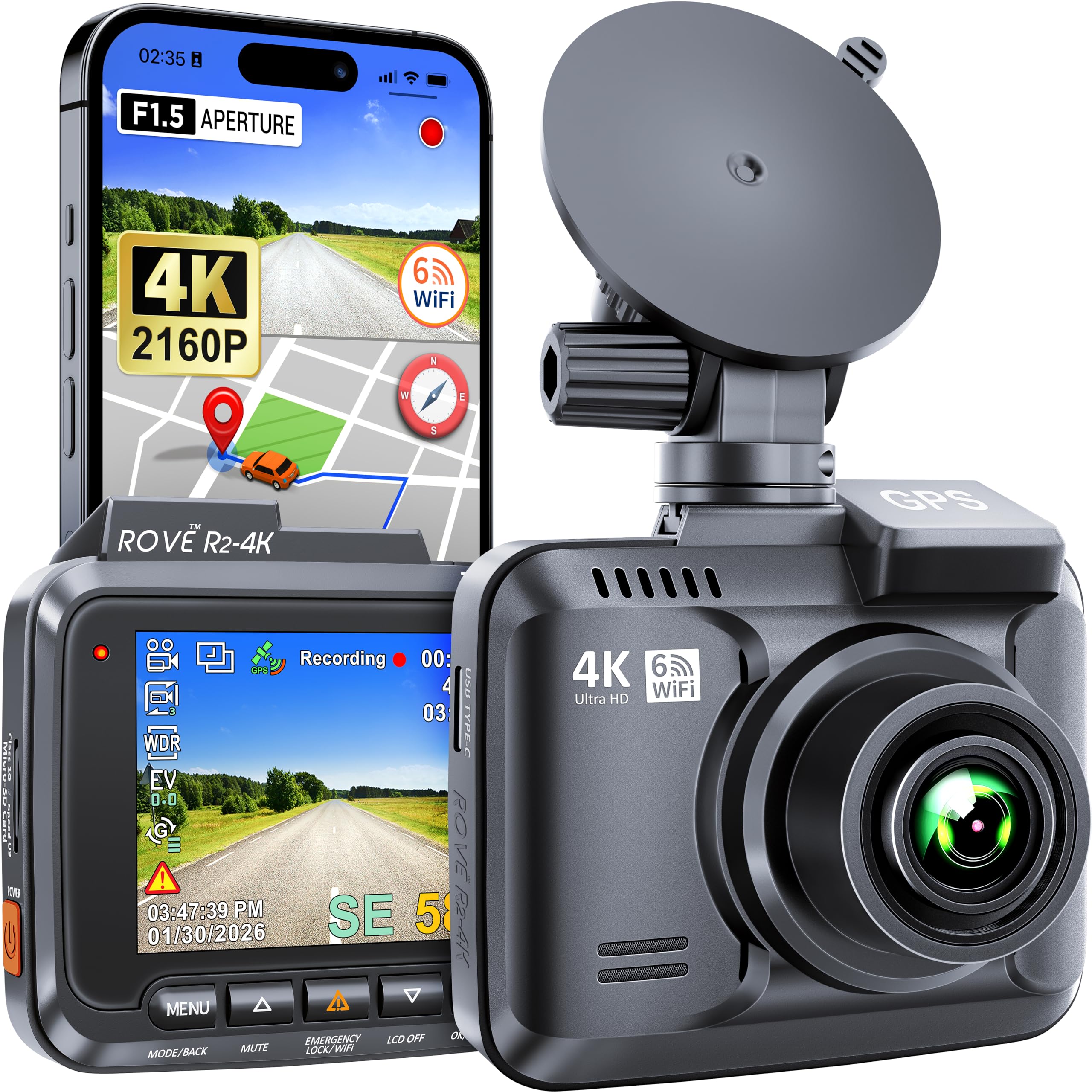
We recommend this camera if you want sharp 4K daytime footage, reliable GPS logging, and easy phone access to clips.
Pros
- Clear 4K video that shows lots of detail.
- Built-in GPS tracks routes and speeds automatically.
- Fast Wi‑Fi makes grabbing clips simple on our phone.
Cons
- Screen is small and menu navigation can feel cramped.
- Setup took us a bit of reading and fiddling at first.
- Night footage improves, but very dark scenes still lose detail.
We mounted the ROVE and tested it on short trips and highway drives. Daytime video impressed us with strong detail—license plates and signs came through clearly. The wide 150° view caught both lanes and the curb without fish-eye distortion.
Using the app to pull a clip worked smoothly. Transfers were fast and the GPS overlay on the player let us follow the exact route and speed. Pairing via Wi‑Fi took one attempt after we updated firmware.
Parking mode and the G‑sensor gave us confidence for overnight parking near busy streets. We did notice the tiny screen makes menu changes slow, so we used the app most of the time. Overall, it felt like a solid, feature-rich unit for the price.
Garmin DriveCam 76

We recommend this if you want a large GPS that also records incidents and uploads clips automatically.
Pros
- Clear 7″ screen with easy map viewing
- Built-in dash cam that saves incident clips to the cloud
- Voice assist and live info when paired with the app
Cons
- Bluetooth pairing can be slow or flaky
- Camera legality varies by location — check local rules
- Wi‑Fi updates and setup felt clunky at times
We tested this on a mix of city and highway drives and liked the big screen right away. Maps are easy to read, and the voice prompts cut down on looking away from the road.
Recording felt reliable. When the unit detected sudden events it saved clips and uploaded them to the Garmin Vault. Accessing the videos on the Garmin Drive app worked for us, though initial pairing took a few tries.
Some daily annoyances stood out. Bluetooth connections sometimes lagged when reconnecting after we left the car. The suction mount holds well, but setup for Wi‑Fi updates required more fiddling than we expected.
Overall, it blends a full GPS feature set with an always-on dash camera, which is useful if you want both in one device. The DriveCam 76 is worth considering if you value a big display and automatic incident backup.
70mai A810 Lite 4K Dash Cam

We recommend this dash cam if you want crisp 4K front footage, GPS tracking, and remote access in one compact unit.
Pros
- Very clear 4K front video and usable 1080p rear feed.
- GPS tracking and 4G remote access let us check location and live view from afar.
- Solid night performance and reliable parking modes for parked cars.
Cons
- App setup and some wiring for parking mode took more time than we expected.
- Rear cable management can look untidy without careful routing.
- True 4G remote features require buying the hardwire kit separately.
We installed this on our daily driver and liked how small it sits behind the mirror. The front 4K image captured license plates and road signs clearly on bright days. Night footage stayed balanced thanks to HDR and the large aperture.
Using the app, we could pull GPS speed and route info during playback. Live view over 4G worked when the optional hardwire kit was active, which felt handy for long parking sessions. Wi‑Fi 6 transfers made grabbing clips quick when parked nearby.
Parking mode saved a few short clips after minor impacts during our test week. The supercapacitor eased worries about heat and battery drain. Installation felt straightforward, but expect to spend extra time hiding the rear cable for a neat finish.
Buy link: 70mai A810 Lite 4K Dash Cam
Affver A4 4K Dash Cam
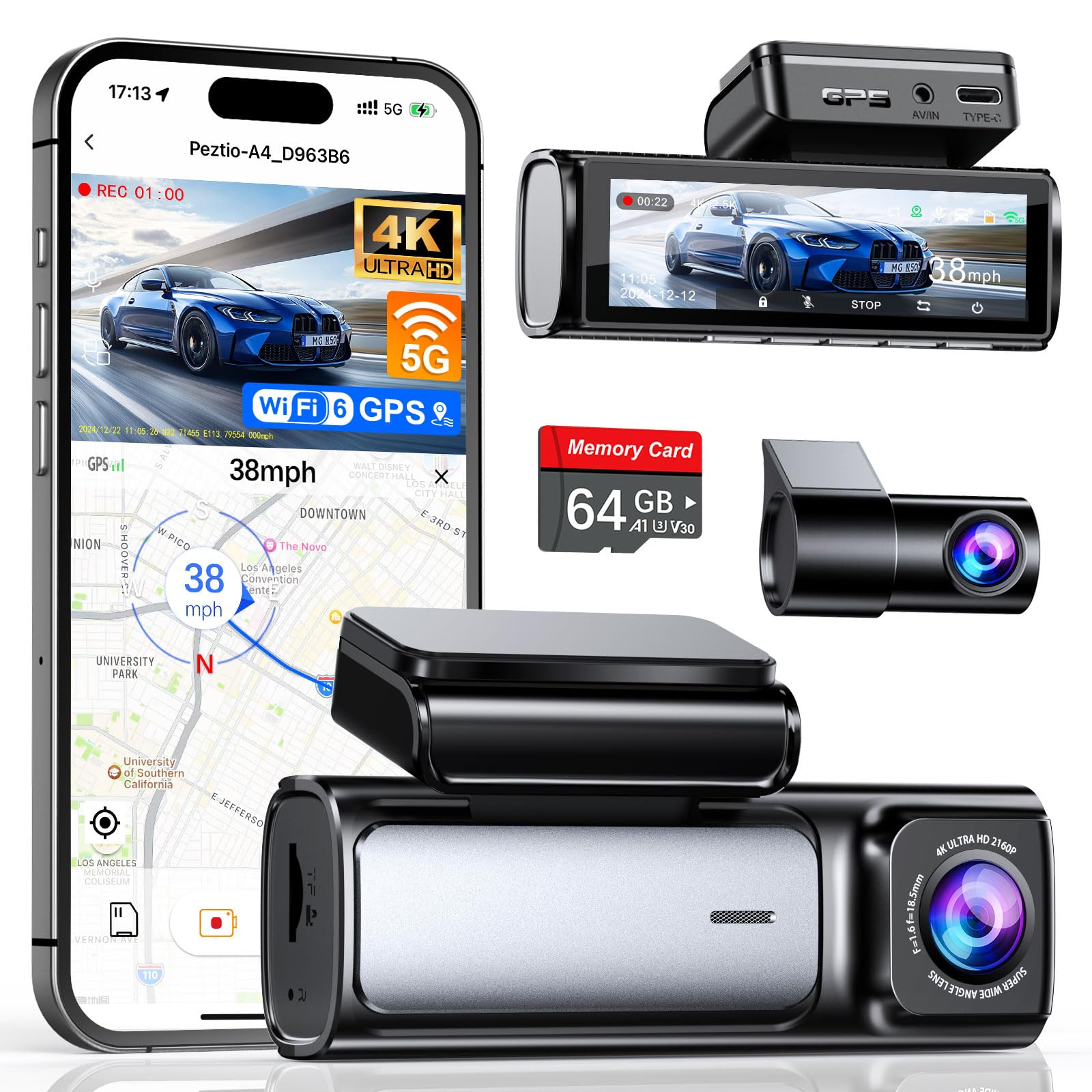
We recommend this dash cam if you want very sharp front and rear video plus fast WiFi and built-in GPS for clear route and speed logs.
Pros
- Very sharp 4K front and improved 2.5K rear video.
- Fast 5GHz WiFi 6 for quick phone transfers and easy playback.
- Built-in GPS with reliable route and speed tracking.
Cons
- Rear camera cable routing can be fiddly during install.
- Parking mode needs a separate hardwire kit to work well.
- Screen and menu controls feel a bit small to use while parked.
We installed the A4 and used it for two weeks in city and highway driving. The front footage looks crisp and the rear camera upgrade made license plates easier to read at moderate distances. Night clips came out surprisingly clear thanks to the large aperture and WDR.
Pairing over the new WiFi 6 felt noticeably faster when downloading clips to our phone. The app and the desktop GPS player show clean route playback with speed data, which is handy for insurance or ride-share logs. We did have to wait a few seconds for longer files to transfer fully.
Running the camera in our car took about 20 minutes to mount neatly, but routing the rear cable behind trim required patience. We recommend buying the hardwire kit if you want true 24-hour parking capture. Overall, this model gives strong video and GPS tracking for the price and feels solid for everyday use.
70mai A510 Dual Dash Cam
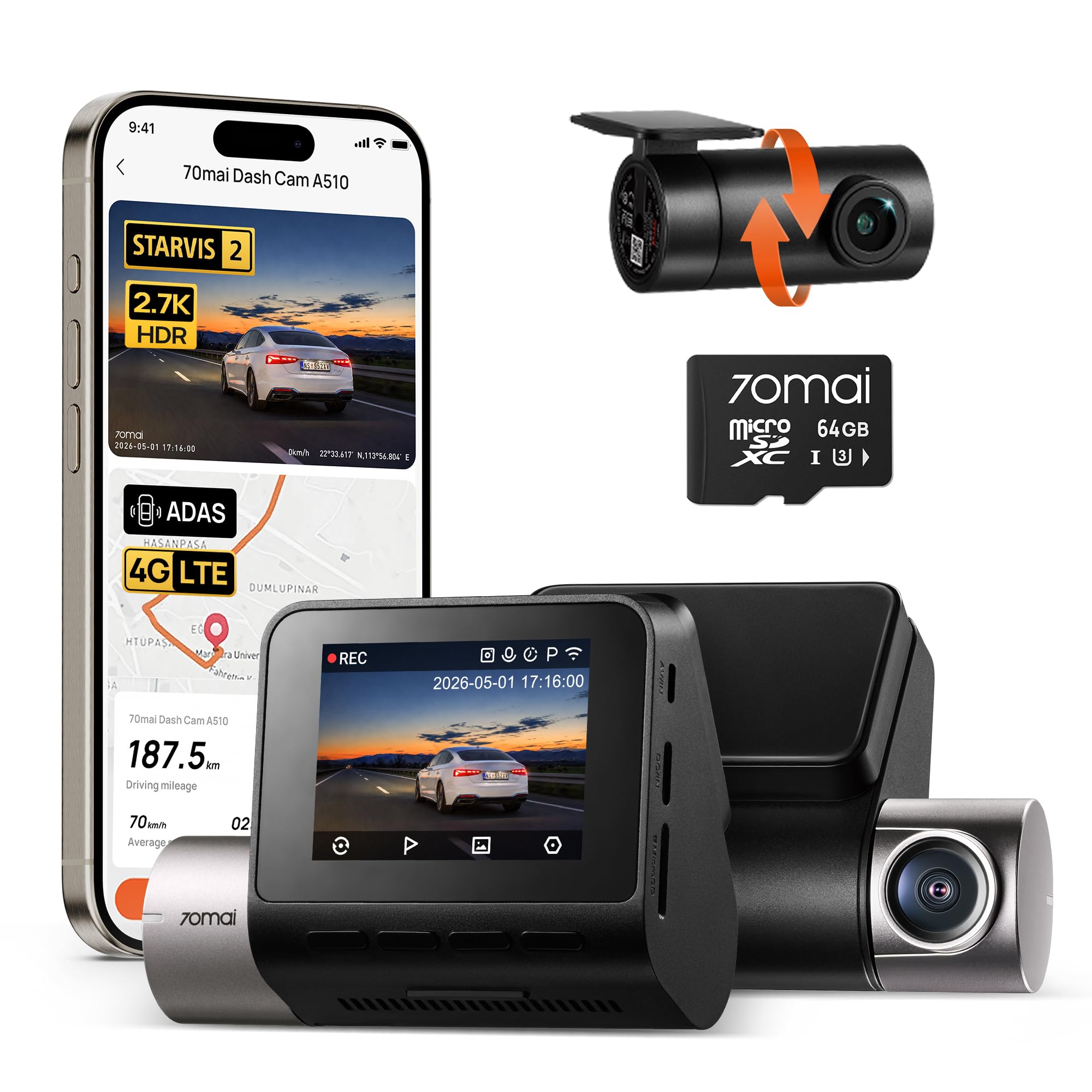
We recommend this if you want sharp day/night footage and built-in GPS for clear location and speed logging.
Pros
- Very clear video in low light thanks to the STARVIS 2 sensor.
- Built-in GPS and app make route and speed tracking easy.
- Front and rear coverage gives fuller protection for typical drives.
Cons
- 24/7 parking needs a separate hardwire kit to run properly.
- App setup and Wi‑Fi can be a bit fiddly the first time.
- Rear camera cable routing may take extra time to hide neatly.
We installed the A510 and ran it for a week on city and highway trips. The front camera captures small details like license plates better than many units we’ve tried, and night footage stayed readable on dim streets. The rear view is compact and did its job without adding glare.
We used the app to check GPS tracks and download clips. That feature worked well once the Wi‑Fi paired, but initial pairing took a couple tries. Live remote viewing is promising if you add the optional 4G/hardwire parts.
We tested parking mode after hardwiring on a second vehicle. Impact-triggered clips saved to the event folder as expected, but you’ll need the hardwire kit for true 24/7 monitoring. Overall, this feels like a solid, feature-rich dash cam for drivers who want good video and built-in GPS.
Buying Guide
We look for clear video first. Resolution, frame rate, and low-light performance matter. Better resolution captures more detail for license plates and signs.
We check GPS tracking next. GPS should record speed, time, and route reliably. Make sure the device logs location alongside video so data syncs during playback.
We consider power and installation. Hardwiring or a reliable parking mode battery helps record when parked. Look for vehicles’ power options and easy wiring instructions.
We value storage and file management. Large or expandable storage (microSD) and loop recording prevent gaps. Check how the camera handles long trips and how easy it is to offload files.
We inspect user interface and connectivity. A clear screen, simple menus, and mobile app access speed up playback and sharing. Wi‑Fi or Bluetooth helps transfer footage without removing the card.
We weigh build quality and mounting. A stable mount and weather resistance keep the view steady and the unit lasting. Small, discreet designs reduce distraction.
We compare extra features that matter to us. Look for time/date stamping, G‑sensor collision locks, and easy access to GPS logs. Prioritize features based on how we drive and what evidence we need.
We set a budget and balance features. Decide which functions are essential and which are optional. This helps us pick a dash cam that fits our needs and wallet.
Editor’s Choice
We picked the Garmin Dash Cam 67W as our Editor’s Choice for dash cams with GPS tracking. It balances video quality, reliable GPS logging, and easy-to-use features in a compact design.
The camera records sharp 1440p video with a wide field of view so we catch license plates and lane details. Built-in GPS tags each clip with speed, location, and heading, which helps with accurate incident records.
We liked the automatic incident detection and reliable parking mode. The companion app and desktop software make it simple to review footage and export GPS-stamped video.
Key specs at a glance:
- Video: 1440p (wide)
- GPS: Built-in, real-time logging
- Extras: Voice control, parking mode, Wi‑Fi transfer
Installation is straightforward and the mount is low-profile, so the camera stays out of sight. Firmware updates and support are regular, which keeps GPS and performance accurate over time.
We recommend this model to drivers who want clear evidence and trustworthy location data without fuss.
Conclusion
We picked dash cams that pair reliable video with accurate GPS tracking to help protect drivers and document trips. Each option balances video quality, GPS accuracy, and ease of use differently, so pick what fits your driving style and budget.
We prefer models with clear daytime and nighttime recording, strong GPS logging, and simple app or PC access. These features make it easier to review routes, prove location, and see speed data when needed.
We recommend checking compatibility with parking modes and storage options. Those features matter for long-term use and for capturing incidents while parked.
We also suggest prioritizing firmware support and customer service. A well-supported dash cam stays useful and secure as apps and phones change.
If you want a quick checklist, use this:
- Video quality: 1080p or better.
- GPS accuracy: precise timestamp and location recording.
- Ease of use: simple setup and playback.
- Power modes: parking mode or hardwire option.
- Support: active firmware updates and good customer service.
We encourage you to match features to your needs rather than chase the most expensive model. That approach gives the best value and peace of mind on the road.
FAQS
What does GPS tracking add to a dash cam?
We get precise location and speed data with GPS. This helps prove where and when events happened during an incident.
Do all dash cams with GPS record continuously?
Most record while the car is on and in parking mode if wired correctly. Some models need extra batteries or a hardwire kit for full parking coverage.
How accurate is the GPS data?
GPS is usually accurate to within a few meters. Urban canyons or tunnels can reduce accuracy temporarily.
Can we view GPS logs on a computer or phone?
Yes. Many dash cams let us export GPX or view tracks in an app. Check for compatible software before buying.
Does GPS tracking affect privacy?
GPS logs location history, so we should treat this data carefully. Disable or delete logs if you do not want location records.
Will GPS help in insurance claims?
GPS can strengthen claims by matching time, location, and speed to video. Insurers differ, so we should confirm they accept dash cam GPS data.
How much does GPS add to the cost?
GPS usually adds a small premium. We can find mid-range models with reliable GPS without a big price jump.
Is installation difficult?
Basic plug-and-play models are easy to install. Hardwiring for parking mode may need a pro if we want a clean setup.